10 Best AI Agent for LinkedIn Outreach to Avoid Bans and Stay Safe
ai linkedin outreach agent linkedin outreach ai agent
LinkedIn outreach can grow your pipeline fast.
But unsafe automation often leads to warnings or bans.
An ai agent for LinkedIn outreach should protect your account, not risk it.
This guide explains how bans happen, what safe tools do differently, and which agents focus on steady, long-term growth.
What Is an AI Agent for LinkedIn Outreach and Why Safety Matters
An AI agent for LinkedIn outreach automates profile visits, connection requests, and follow-up messages.
It helps you reach more prospects without doing everything manually.
LinkedIn has strict activity limits.
Safe outreach means staying within those limits and acting naturally.
If automation is rushed or careless, it can harm your account health and reduce long-term results.
How AI Agents Operate on LinkedIn
AI agents manage actions like profile views, connection requests, and follow-ups.
They control how many actions happen each day and spread them out over time.
Safer tools increase activity gradually instead of sending high volume immediately.
They adjust based on replies and engagement.
This makes the behavior look more human and less automated.
Why LinkedIn Restricts Accounts Using Automation
LinkedIn restricts accounts when activity does not look natural.
Sending too many requests quickly can trigger limits.
Repeating the same message to everyone can raise flags.
Continuing outreach despite low replies also signals risk.
Smart automation focuses on steady, controlled activity instead of pushing maximum volume.
How We Evaluated Each AI Agent for Safety
To choose the right LinkedIn outreach agent, we focused on real usage behavior not marketing claims.
Our evaluation was based on practical safety factors that protect account health.
We looked for tools that support steady outreach instead of risky volume spikes.
Behavior Control and Activity Limits
We evaluated whether the tool:
- Sets clear daily limits on connections and messages
- Prevents sudden spikes in activity
- Increases sending gradually for new accounts
- Automatically slows down near LinkedIn limits
- Allows instant campaign pause when needed
Strong behavior control reduces unnecessary risk.
Message Variability and Natural Timing
We reviewed whether the tool:
- Changes message structure naturally
- Avoids sending identical messages repeatedly
- Spaces messages at different times of the day
- Varies follow-up timing instead of fixed gaps
- Adjusts outreach flow based on replies
Natural patterns lower automation signals.
Lead Quality and Targeting Control
We checked whether the tool:
- Provides accurate and clean lead data
- Offers advanced filters for industry and job role
- Allows precise targeting control
- Avoids broad, unfocused outreach
- Helps maintain healthy reply rates
Better targeting supports safer outreach.
Long-Term Account Protection
We analyzed whether the tool:
- Reduces activity when engagement drops
- Stops sequences after negative responses
- Prioritizes reply rate over send volume
- Focuses on steady growth instead of fast scaling
- Encourages consistent, controlled outreach behavior
Long-term safety always beats short-term volume.
10 Best AI Agent for LinkedIn Outreach to Avoid Bans and Stay Safe
Choosing the right ai linkedin outreach agent can protect your account while helping you grow.
The tools below focus on steady activity, smart limits, and natural messaging.
Instead of pushing high volume, they aim for consistent outreach that keeps your LinkedIn account safe and active.
Oppora – Workflow-Driven LinkedIn Outreach Agent
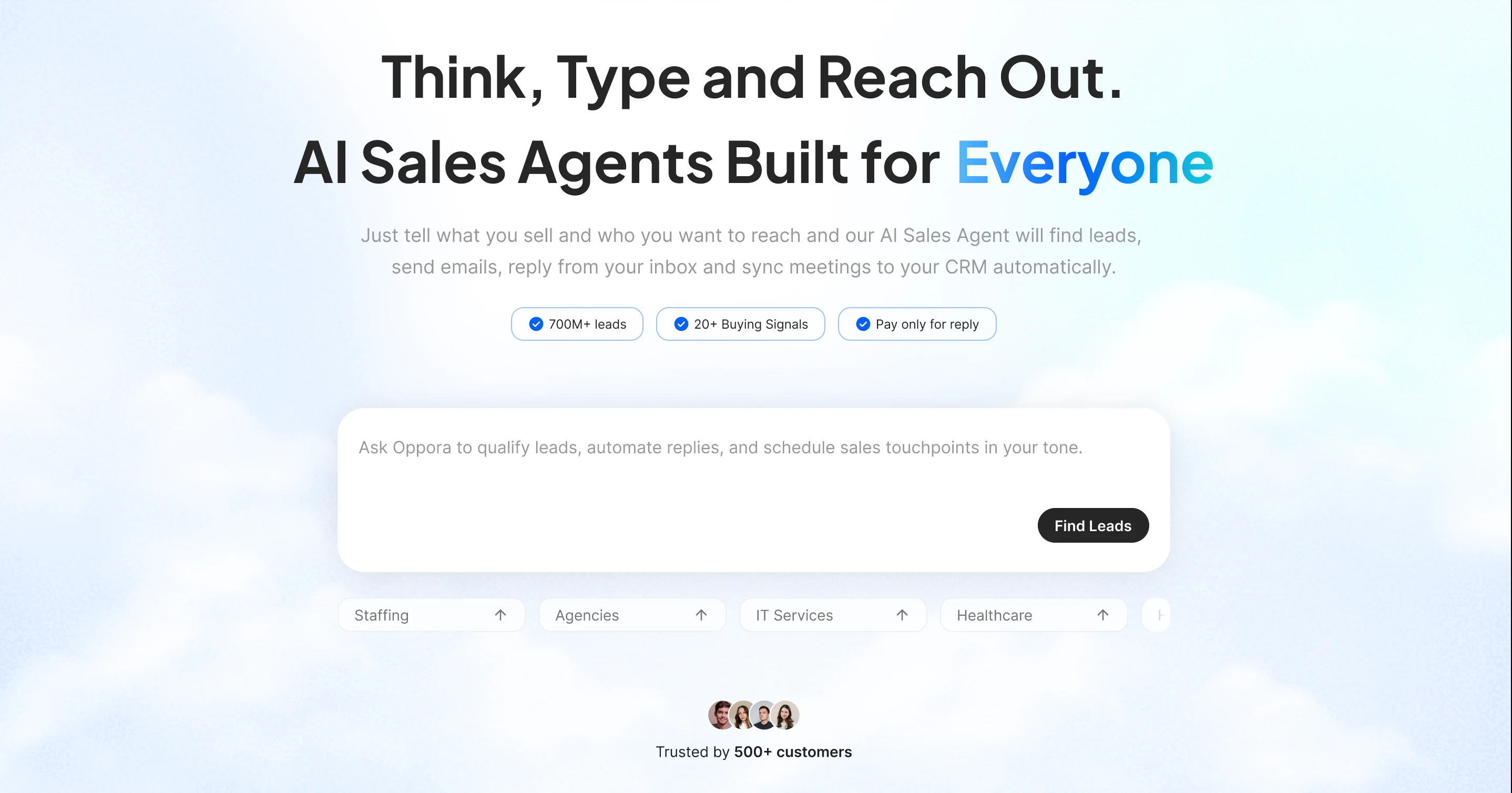
Oppora is an agentic sales platform built to automate full outbound workflows, but it also offers a focused layer of LinkedIn automation.
You connect your own LinkedIn account, and Oppora operates the actual browser session instead of routing activity through random server locations. That reduces unusual behavior patterns.
For LinkedIn specifically, Oppora only sends connection invites, not direct messages.
Invites are triggered inside structured workflows, so LinkedIn activity stays controlled, consistent, and aligned with your broader outreach system.
Key Features:
- Import Leads from LinkedIn & Sales Navigator
Pull profiles, companies, and job-based prospects directly into campaigns. - Send Connection Requests with Notes
Add personalized invite messages powered by AI. - Set Daily Invite Limits
Control how many connection requests go out per day. - Auto Withdraw Pending Invites
Remove unanswered requests after a defined number of days. - Blend LinkedIn + Email (Optional)
Move accepted connections into email follow-up workflows.
Safety Features:
- Connection Volume & Scheduling Control
Daily connection limits and gradual send scheduling prevent over-sending and avoid bulk request patterns. - Pending Invite Management
Automatic withdrawal of unanswered requests after a defined number of days helps maintain a stable acceptance ratio. - Targeting & Pre-Launch Review Controls
Role-, industry-, and company-based filtering ensures relevant outreach, with an optional manual review step before campaign launch.
Best For:
- Teams or individuals building targeted professional networksConnecting with decision-makers and relevant contacts before initiating further outreach.
- Outbound workflows that combine social and email touchpointsUsing LinkedIn as the first interaction and transitioning accepted connections into structured follow-up sequences.
Expandi – Guardrail-Based LinkedIn Automation
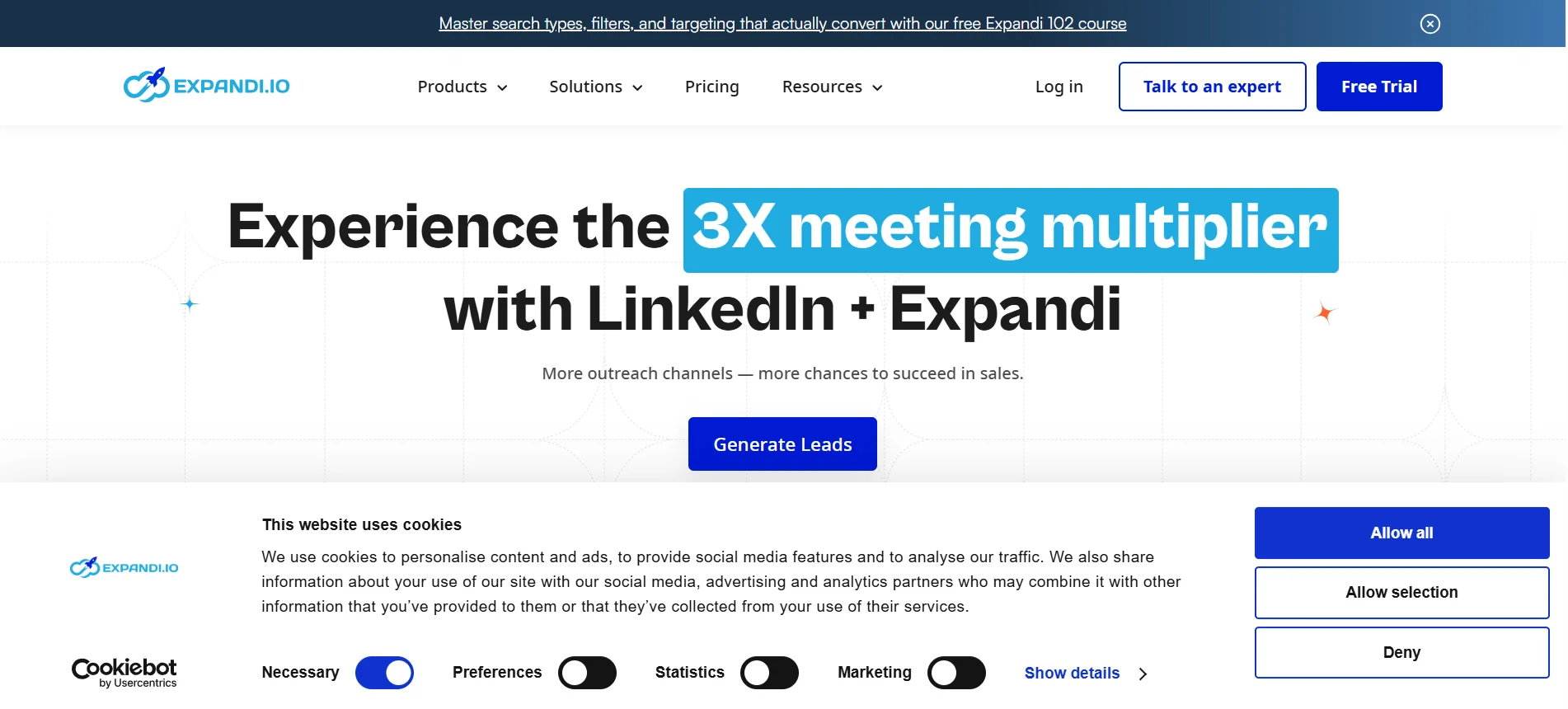
Expandi helps you run LinkedIn outreach in a steady and controlled way.
It focuses on clear limits and simple campaign steps.
The goal is to keep your account active without pushing too fast.
Key Feature:
- Easy campaign builder for connections and messages
- Cloud-based system that runs smoothly
- Clear dashboard to track outreach
Safety Features:
- Daily limits on connection requests
- Time gaps between each action
- Gradual increase in activity for new accounts
Best For:
- Solo founders doing their own outreach
- Small teams wanting safe and steady growth
Phantombuster – Flexible Automation with Higher Risk
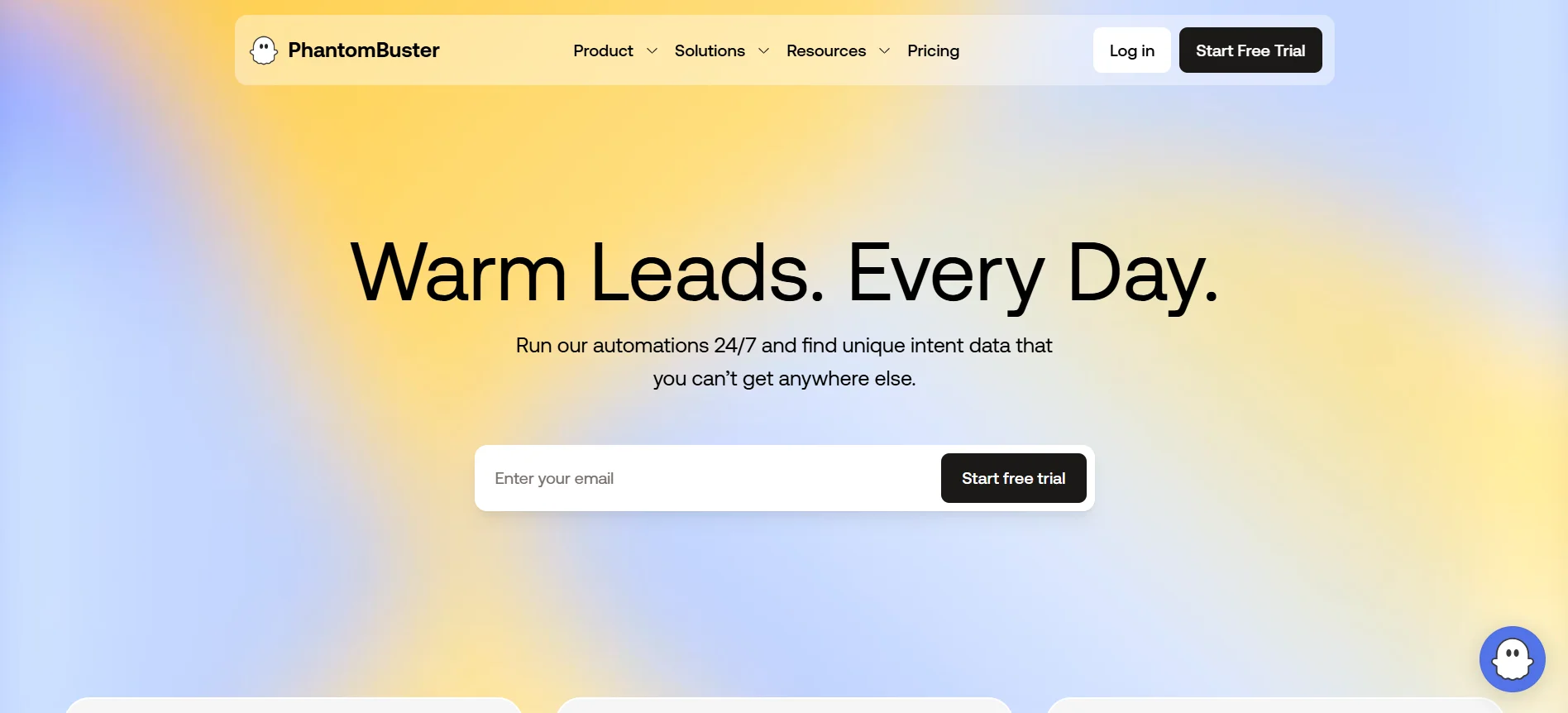
Phantombuster gives strong automation options for LinkedIn and other platforms.
It allows many custom actions and workflows.
But safety depends fully on how you set it up.
If limits are not controlled carefully, account risk can increase quickly.
Key Feature:
- Wide range of LinkedIn action tools
- Custom workflow setup
- Works with multiple platforms
Safety Features:
- Manual control over daily limits
- Ability to set time gaps between actions
- Option to stop campaigns anytime
Best For:
- Experienced users who understand LinkedIn limits
- Marketers who want full control over setup
Waalaxy – Beginner-Friendly LinkedIn Outreach
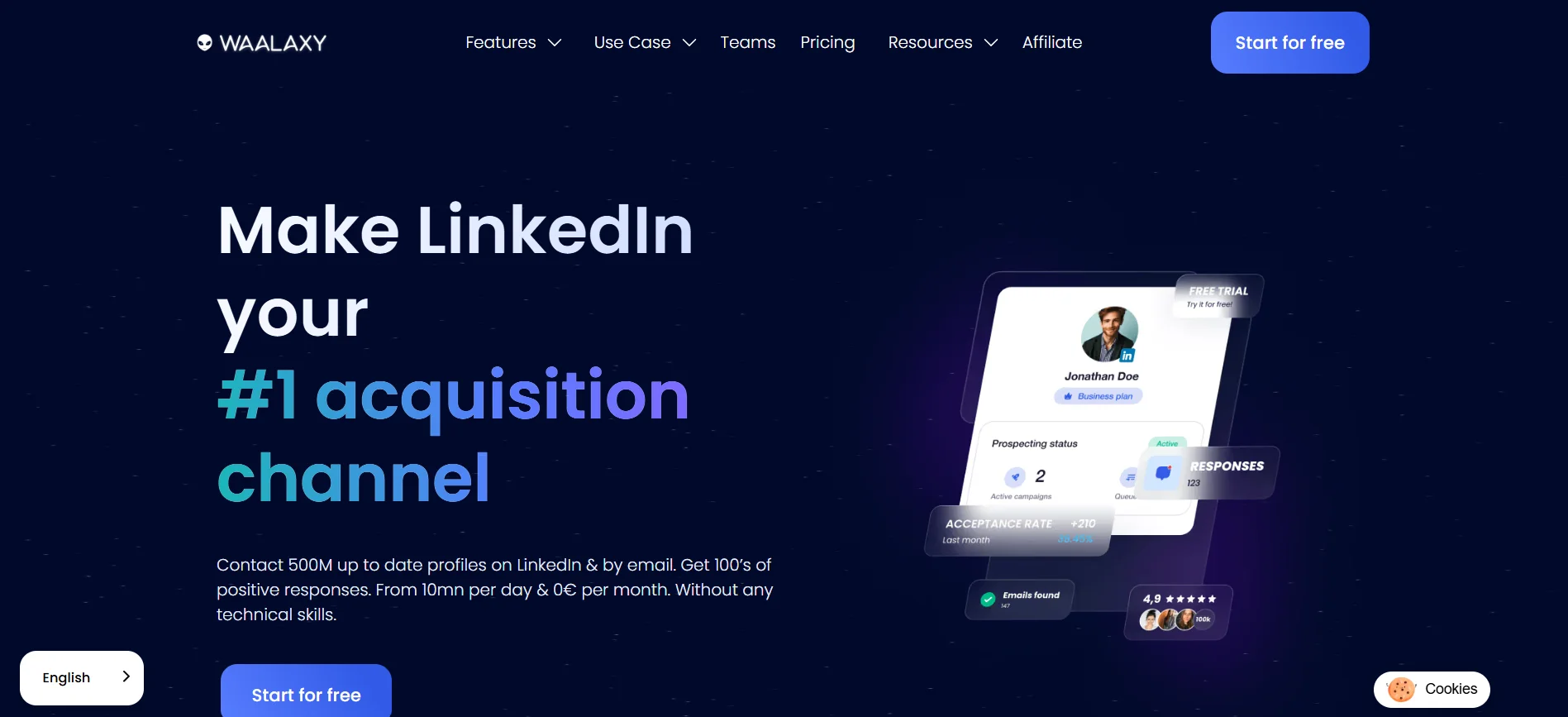
Waalaxy makes LinkedIn outreach simple for beginners.
It offers ready-made sequences and clear limits to guide new users.
Setup is easy and fast.
However, it offers less flexibility compared to tools built around full workflow control.
Key Feature:
- Ready-made outreach sequences
- Simple campaign setup
- Clean and easy dashboard
Safety Features:
- Built-in daily action limits
- Automatic spacing between messages
- Basic safety caps for new accounts
Best For:
- Beginners starting LinkedIn outreach
- Users who prefer simple setup over customization
Meet Alfred – Multi-Channel Outreach Tool
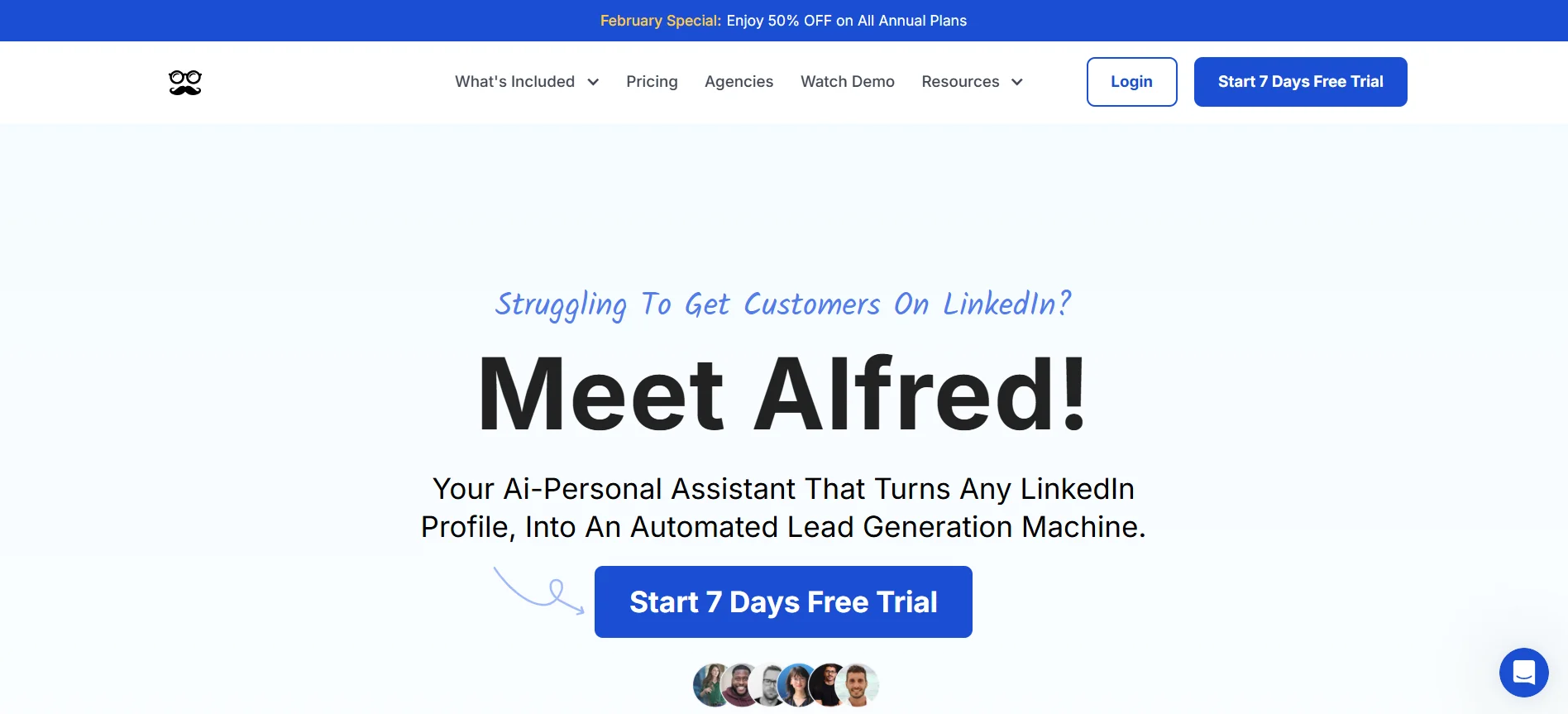
Meet Alfred allows you to run LinkedIn and email outreach together.
It helps manage connection requests, messages, and follow-ups in one place.
The tool uses simple pacing rules, but it depends more on fixed templates than smart behavior changes.
Key Feature:
- Combine LinkedIn and email outreach
- Easy sequence builder
- Central dashboard for campaigns
Safety Features
- Daily limits on LinkedIn actions
- Time gaps between steps
- Option to pause campaigns quickly
Best For:
- Small teams running multi-channel outreach
- Users who prefer simple templates
Zopto – Team-Based LinkedIn Outreach Platform
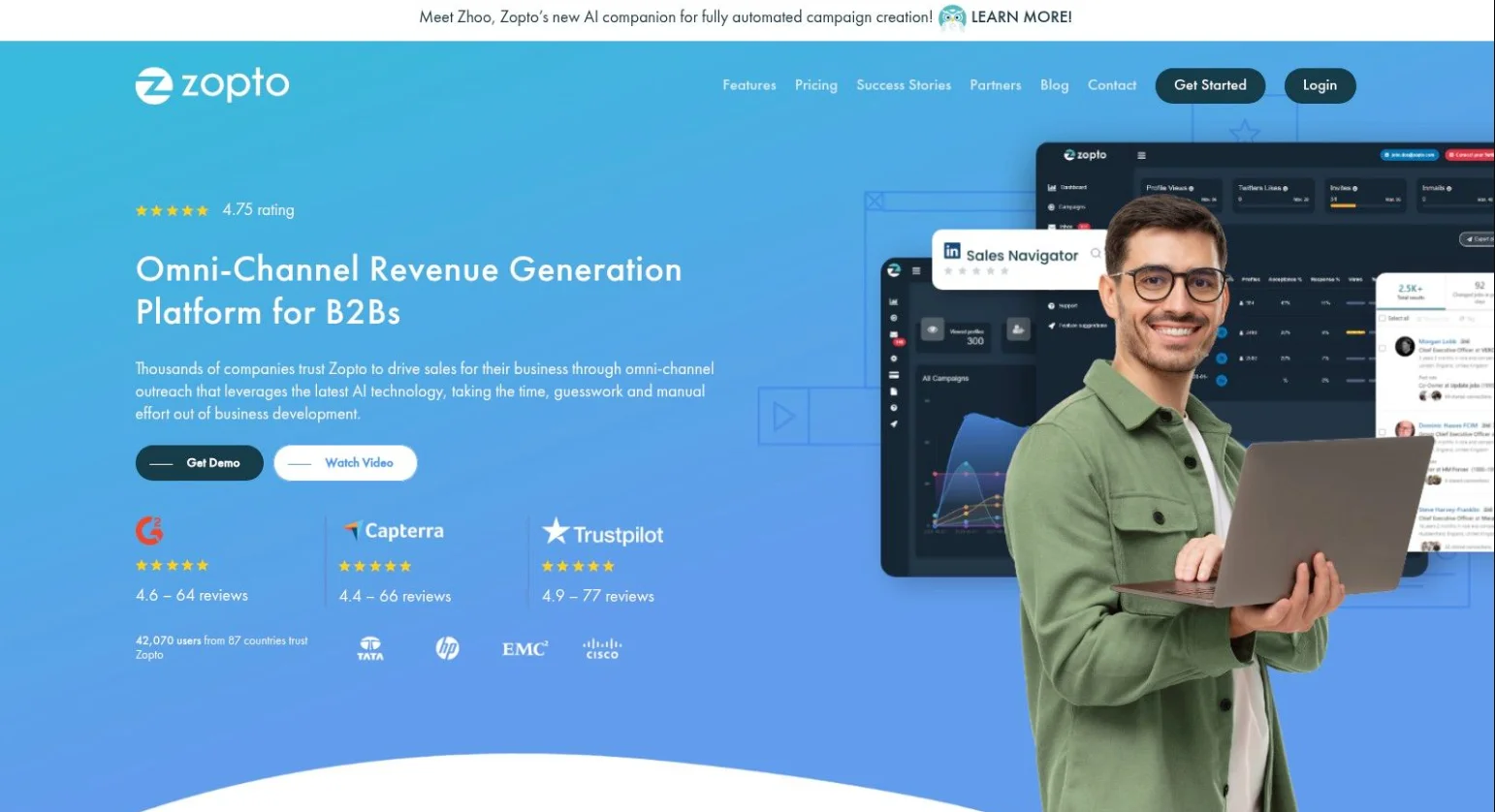
Zopto is built for teams running LinkedIn outreach in a structured way.
It helps manage connection requests, follow-ups, and reporting across multiple accounts.
Safety depends more on strong targeting and careful daily limits than on smart behavior changes inside the system.
Key Feature:
- Team dashboard for managing LinkedIn campaigns
- Advanced filters for role, industry, and location
- Automated follow-up messages after connection
Safety Features:
- Custom daily limits for connection requests
- Time gaps between profile visits and messages
- Manual control to slow down or pause campaigns
Best For
- Sales teams running LinkedIn outreach together
- Agencies managing LinkedIn accounts for clients
Dripify – Cloud-Based LinkedIn Automation
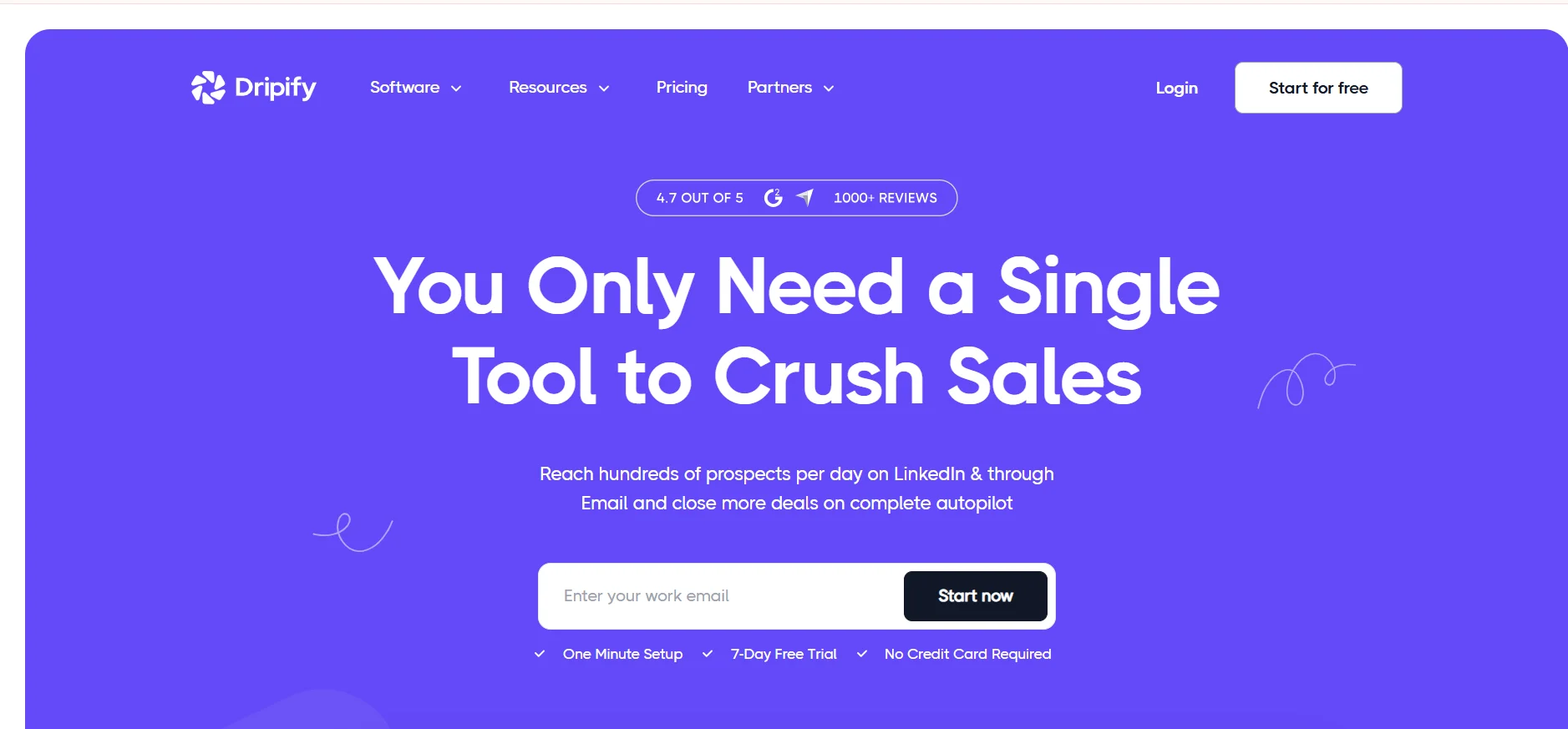
Dripify helps users run LinkedIn outreach from the cloud.
It allows you to create connection and message sequences with simple personalization.
Campaigns can run consistently, but setup must be careful to avoid repetitive patterns.
Key Feature:
- Cloud-based LinkedIn outreach sequences
- Visual campaign builder
- Basic message personalization
Safety Features
- Daily limits on connection requests
- Time delays between actions
- Option to stop campaigns anytime
Best For
- Individuals running steady LinkedIn outreach
- Small teams wanting simple cloud control
TexAu – Advanced Automation for Power Users
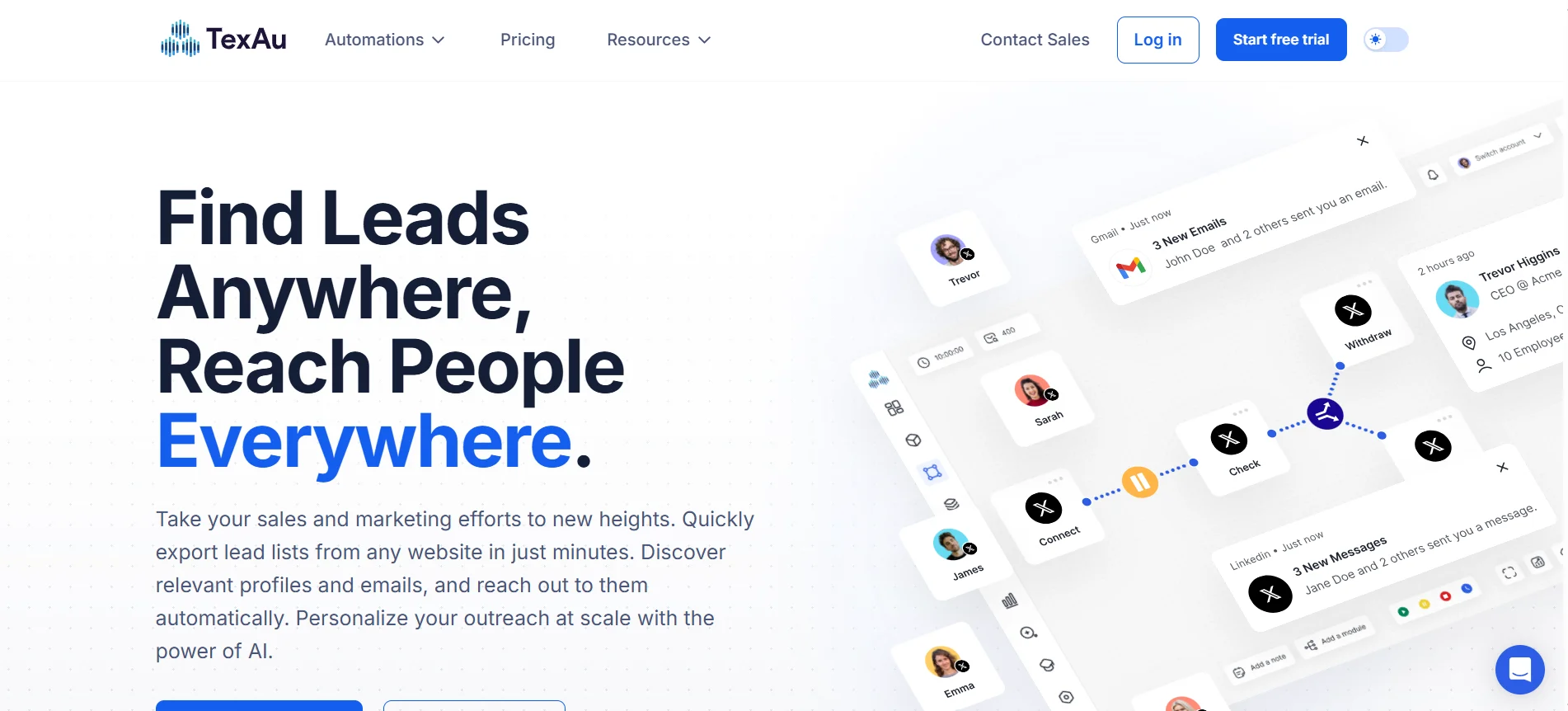
TexAu allows users to build detailed LinkedIn outreach workflows.
It supports profile visits, connection requests, and message steps with strong control.
However, if actions are not limited carefully, the risk of account issues can increase.
Key Feature:
- Custom LinkedIn workflow builder
- Profile data extraction tools
- Multi-step connection and message flows
Safety Features:
- Manual daily action limits
- Time gaps between LinkedIn actions
- Ability to stop or adjust campaigns quickly
Best For:
- Experienced users who understand LinkedIn limits
- Teams needing advanced control over outreach
Cleverly – Done-For-You LinkedIn Outreach
Cleverly runs LinkedIn outreach for you.
Their team handles connection requests, messages, and follow-ups.
You don’t manage the tool directly. Safety depends on how their internal team controls activity and keeps outreach steady.
Key Feature:
- Managed LinkedIn connection campaigns
- Done-for-you message writing
- Campaign tracking and reporting
Safety Features:
- Controlled daily connection limits
- Gradual activity pacing
- Ongoing monitoring of account health
Best For:
- Founders who don’t want to manage outreach
- Businesses that prefer a managed service
Linked Helper – Desktop-Based LinkedIn Automation
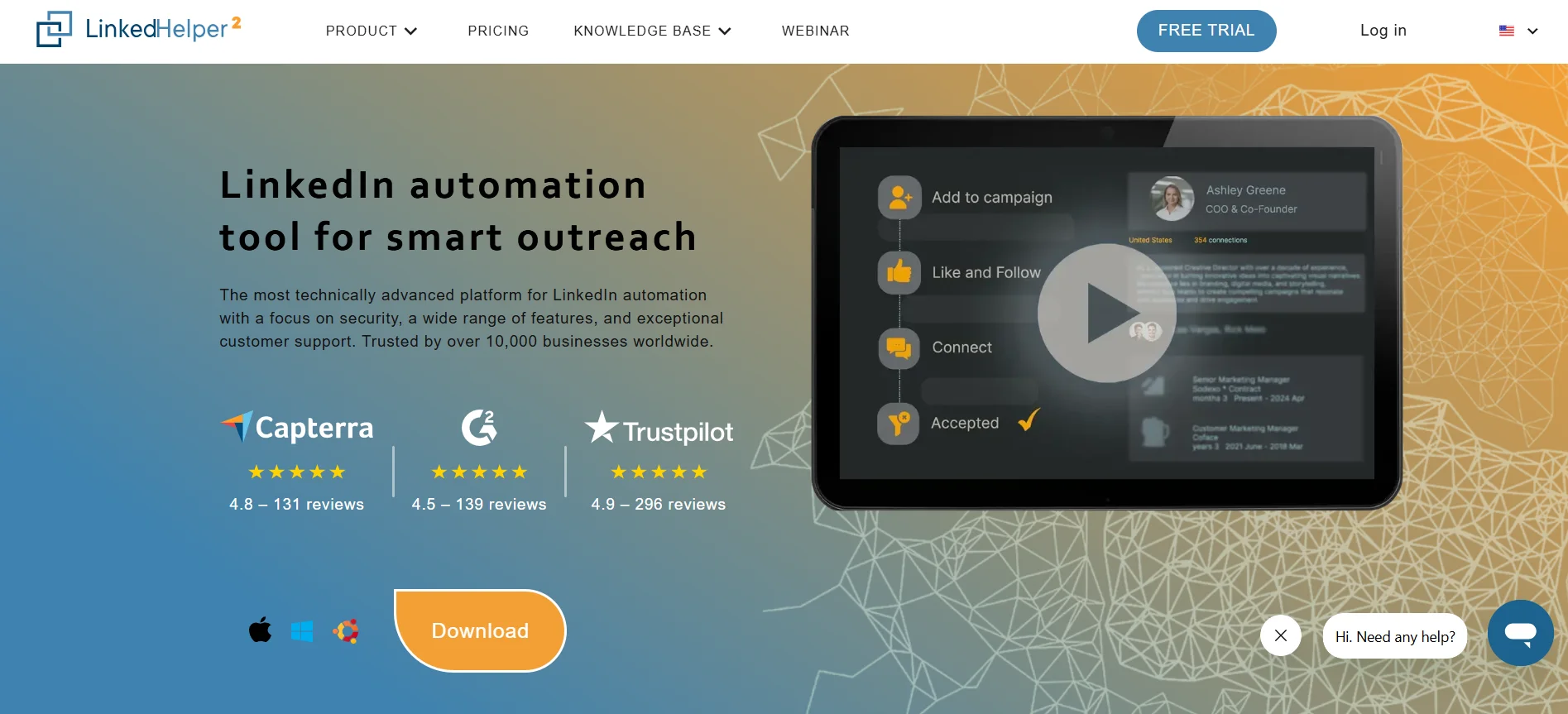
Linked Helper runs on your computer and gives full control over LinkedIn outreach.
You can automate profile visits, connection requests, and follow-ups.
It is powerful, but safety depends on careful setup and disciplined daily limits.
Key Feature:
- Local desktop-based LinkedIn automation
- Multi-step connection and message campaigns
- Advanced targeting and filtering options
Safety Features:
- Custom daily limits for LinkedIn actions
- Adjustable time gaps between steps
- Manual control to pause or slow activity
Best For:
- Users who want full control over outreach
- Experienced marketers managing their own limits
How Oppora Fits a Safety-First LinkedIn Outreach Strategy
LinkedIn outreach usually breaks when volume increases faster than control.Most account issues stem from over-automation, repetitive actions, and inconsistent pacing.
A safety-first strategy treats LinkedIn as a measured channel, not a high-speed acquisition engine.
Oppora supports this approach by treating LinkedIn as one step inside a controlled workflow rather than an isolated automation layer.
Actions are designed to resemble normal user behavior:
- Gradual increases in connection volume
- Time-based spacing between actions
- Clear separation between invites, messages, and follow-ups
Safety is handled at the system level, not left to manual judgment.
- LinkedIn actions are embedded inside broader outbound workflows
- Steps are sequenced rather than stacked
- Outreach adjusts based on responses and lead status
The focus stays on signals, not volume.
- LinkedIn supports intent instead of replacing targeting
- Messages reflect role, company context, and activity
- Follow-ups depend on engagement, not fixed schedules
This approach matters because LinkedIn restrictions are typically triggered by speed and repetition, not relevance.
Oppora reduces exposure to these risks by:
- Limiting repetitive action patterns
- Avoiding simultaneous multi-action bursts
- Maintaining a natural outreach cadence
In practice, this fits teams that want LinkedIn outreach to be:
- Predictable
- Measured
- Sustainable over long periods
Rather than pushing limits, LinkedIn is used deliberately as one stable component of a larger outbound system.
Best Practices to Stay Safe Regardless of the Tool
Choosing the right linkedin outreach ai agent helps, but how you use it matters more.
Safe outreach depends on steady pacing, relevant targeting, and watching warning signs early.
These simple practices protect your account and support long-term LinkedIn growth without unnecessary risk.
Start Slower Than You Think
New or inactive LinkedIn accounts should begin with very low daily activity.
Send fewer connection requests and messages at first.
Increase slowly week by week.
This gradual growth helps build normal behavior and reduces the risk of early warnings or restrictions.
Prioritize Replies Over Volume
Sending more messages does not always mean better results.
If replies stay low, LinkedIn may see your outreach as irrelevant.
Focus on smaller, well-targeted lists.
Strong reply rates show healthy engagement and help protect your account long term.
Watch Negative Signals Closely
Pay attention to early warning signs.
Connection declines, ignored messages, or sudden limits can signal risk.
Do not ignore these signals.
Slow down or pause campaigns immediately to protect your account from restrictions or bans.
Conclusion
LinkedIn bans usually happen because of unsafe behavior, not because automation exists.
The right ai agent for linkedin outreach should focus on steady pacing, relevant messaging, and strong reply handling.
When outreach feels natural and controlled, you can grow your network safely without risking long-term account health.
Frequently Asked Questions (FAQs)
Can LinkedIn detect automation tools easily?
LinkedIn tracks behavior, not tool names. Sudden spikes, repeated actions, and low replies trigger reviews. Safe behavior matters more than the software.
Is automation safe for a new LinkedIn account?
New accounts are sensitive. Start very slow and increase activity gradually. Fast growth often leads to early restrictions.
What is a safe number of connection requests per day?
There is no fixed number. Keep it low at first and grow slowly. Focus on quality, not volume.
Can I use LinkedIn and email outreach together?
Yes, but avoid high volume on both at the same time. Keep LinkedIn activity steady and controlled.
What should I do if I get a warning?
Stop outreach immediately. Wait a few days and restart slowly. Do not continue sending requests during a warning period.