9 Best B2B Email Finder Tools for Cold Outreach & Prospecting
b2b email finder b2b email finder and lead extractor b2b company email finder b2b email address finder b2b email finder tool best b2b email finder
If you are doing B2B cold outreach, everything starts with one thing finding the right email address.
Not just any contact, but the right decision-maker with a verified, deliverable email.
The problem is, most teams either rely on outdated databases or waste hours manually hunting for contacts. That slows you down and hurts reply rates.
That’s where B2B email finder tools come in.
The right tool doesn’t just give you emails. It helps you target smarter, verify contacts, and build a repeatable prospecting system.
In this guide, you’ll discover the 9 best B2B email finder tools for cold outreach and scalable prospecting.
What Makes a Great B2B Email Finder Tool?
Choosing a B2B email finder is not just about who has the biggest database.
It is about how reliably you can turn data into conversations.
The right tool should help you move from identifying companies to reaching decision-makers without breaking your workflow or damaging deliverability. Let’s break down what actually matters when you are evaluating options.
Database Depth and Contact Coverage
At the core of every email finder tool is its database.
If the coverage is weak, everything else falls apart.
You want access to a large, regularly updated contact database that covers industries, geographies, and company sizes relevant to your market. It should include not just generic company emails, but direct contacts of decision-makers like founders, marketing heads, sales leaders, and procurement managers.
Depth also means context.
A good tool does not just give you a name and email. It provides job titles, company details, LinkedIn profiles, and sometimes even technology stack data.
This helps you personalize your outreach instead of sending generic emails that get ignored.
Verification and Deliverability Protection
Finding emails is only half the job.
Making sure they are valid is what protects your sender reputation.
If your tool does not verify contacts in real time or offer bulk verification, you risk high bounce rates. That leads to domain damage, spam folder placement, and reduced open rates over time.
A strong B2B email finder should include built-in email verification, flag risky addresses, and help you filter out catch-all or invalid domains.
Deliverability safeguards are especially important if you are sending at scale. Because once your domain reputation drops, recovery takes time and money.
Filtering and Lead Extraction Capabilities
The best tools let you filter precisely.
Industry, location, company size, revenue, job title, keywords, technologies used these filters help you narrow down your ideal customer profile.
Without strong filtering, you end up exporting thousands of irrelevant contacts and manually cleaning lists later.
Good lead extraction also means flexibility.
You should be able to search by company name, domain, or even upload a list and enrich it with verified contacts.
This turns your tool from a simple email finder into a true prospecting engine.
Workflow and CRM Compatibility
Finally, your email finder should not live in isolation.
If you constantly export CSV files and manually upload them into your CRM, you create friction in your process.
The best tools integrate directly with platforms like HubSpot, Salesforce, or Pipedrive, so your leads flow automatically into your pipeline.
Even better, some tools connect with outreach platforms so you can move from finding a contact to launching a campaign without switching tabs.
When your email finder fits naturally into your workflow, prospecting becomes consistent, scalable, and far less chaotic.
9 Best B2B Email Finder Tools for Cold Outreach & Prospecting
Now that you know what actually matters, let’s look at the tools that stand out.
Some focus purely on contact databases. Others combine email finding with outreach automation.
The right choice depends on whether you just need data or a structured prospecting system that runs end to end.
1. Oppora – Email Finder With Structured Prospecting Workflow
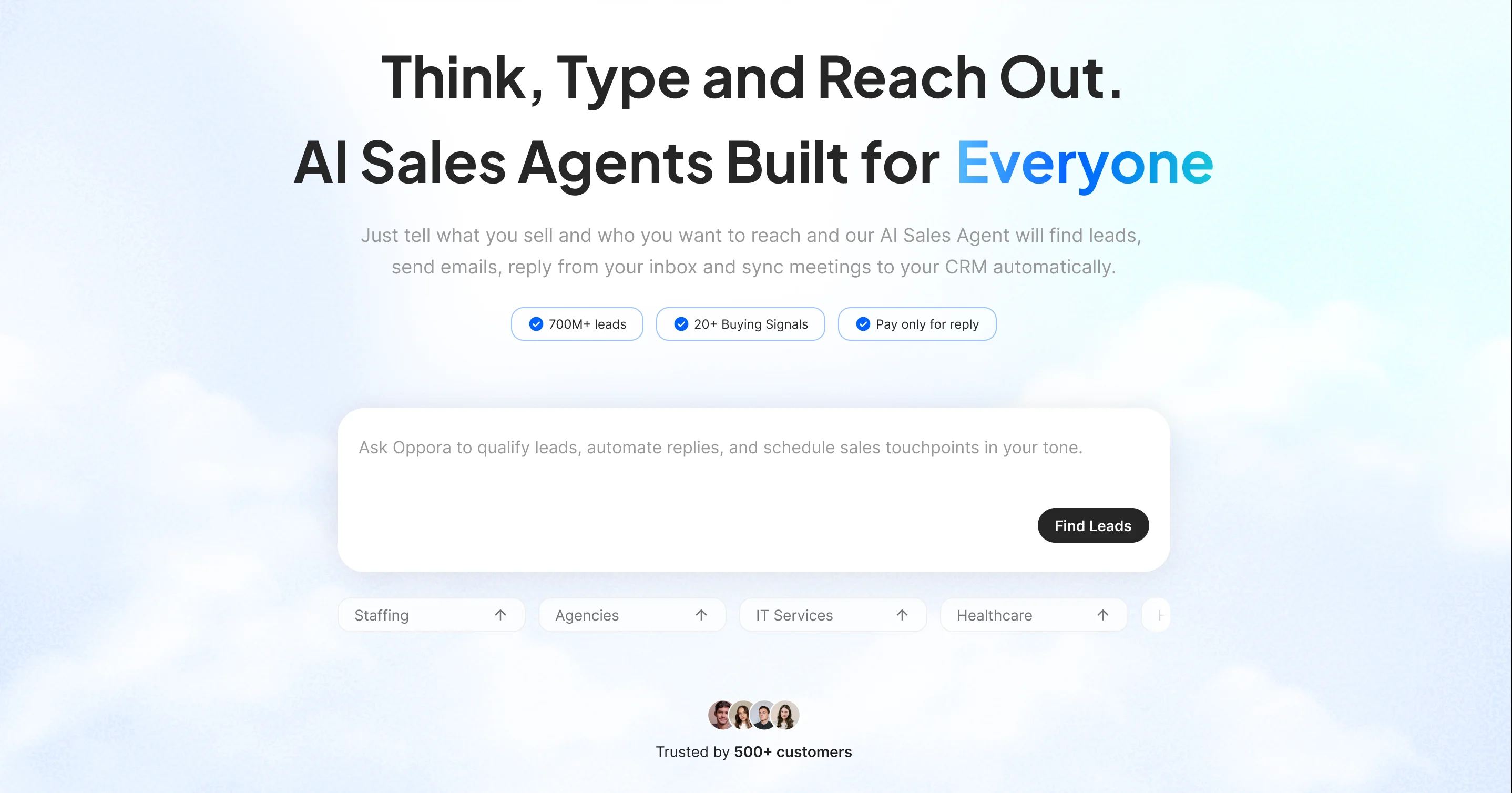
Unlike traditional email finder tools that stop at contact extraction, Oppora is built around a complete outbound workflow.
It does not just help you find emails. It connects lead discovery, verification, outreach, replies, and CRM syncing into one continuous system.
Instead of manually moving from tool to tool, you define what you sell and who you want to target and the workflow runs automatically.
Key Strengths
- Access to 700M+ verified contacts with waterfall sourcing
- Built-in real-time email verification
- AI agents that find companies and decision-makers automatically
- Personalized email generation without spintext patterns
- Auto-replies, meeting booking, and CRM sync
- Domain warm-up and inbox rotation for deliverability protection
This makes it more than a database tool. It functions as a structured prospecting engine.
Limitations
- Separate Credit System: Uses different credits for different tasks. While this increases flexibility and overall usage, it’s not a typical bundled model, so it may feel confusing at first.
- Workflow Learning Curve: Although it includes a traditional filter-based lead searcher, its core USP the workflow feature can require an initial learning period to use effectively.
It is designed for teams who want systemized outbound, not one-off email pulls.
Best For
- Founders running outbound without an SDR team
- Agencies and consultants selling B2B services
- Growing outbound teams that want automation
- Businesses scaling cold email safely
If you want your outreach to run as a system rather than a series of manual steps, this fits well.
Pricing
- One Unified Pricing Model: Unlike most tools that charge separately for lead finding, sending, and automation, Oppora covers all sales tasks under one plan.
- Separate Task-Based Credits + Rollover: Different credits for different tasks increase usage flexibility, and unused credits roll over to the next month.
- Flexible Add-Ons: Add-ons allow scaling without forcing upgrades to higher-tier plans.
- Cost Advantage: What typically costs $200+ to find and send 5,000 emails monthly can be done starting around $34 with Oppora.
2. Apollo.io
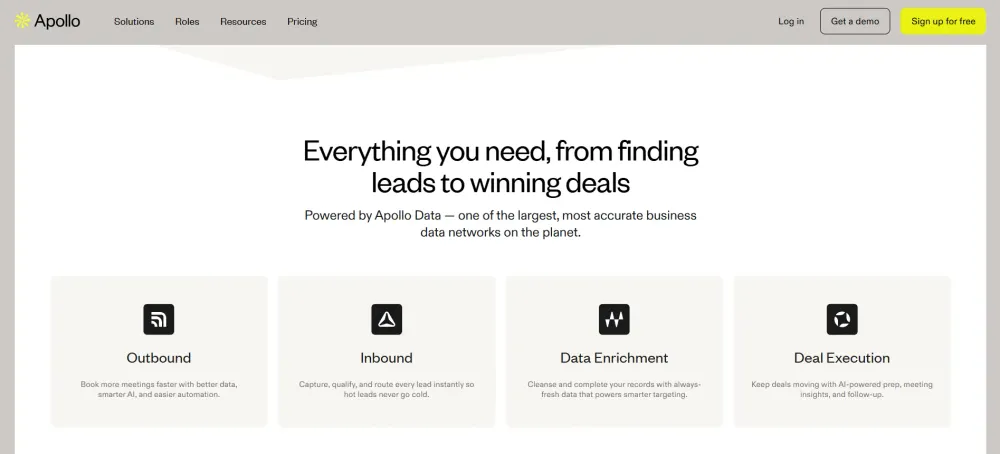
If you want a large B2B contact database combined with built-in outreach tools, Apollo.io is one of the most popular options.
It blends prospecting, enrichment, and sales engagement into a single platform.
Key Strengths
- Database of 275M+ contacts and company profiles
- Advanced filtering by job title, revenue, industry, and technologies
- Built-in email sequencing and calling features
- Chrome extension for LinkedIn prospecting
- Basic email verification included
Apollo works well if you want both contact data and outbound campaigns in one tool.
Limitations
- Data accuracy can vary depending on industry and region
- Deliverability protection is limited compared to specialized cold email tools
- Can become very costly as you scale.
It offers power, but sometimes at the cost of simplicity.
Best For
- Growing outbound teams
- SDRs doing high-volume prospecting
- Companies needing both data and sequencing features
Pricing
Apollo offers a free plan with limited credits.
Paid plans start at a monthly per-user fee, scaling based on contact credits and advanced features.
3. Hunter.io
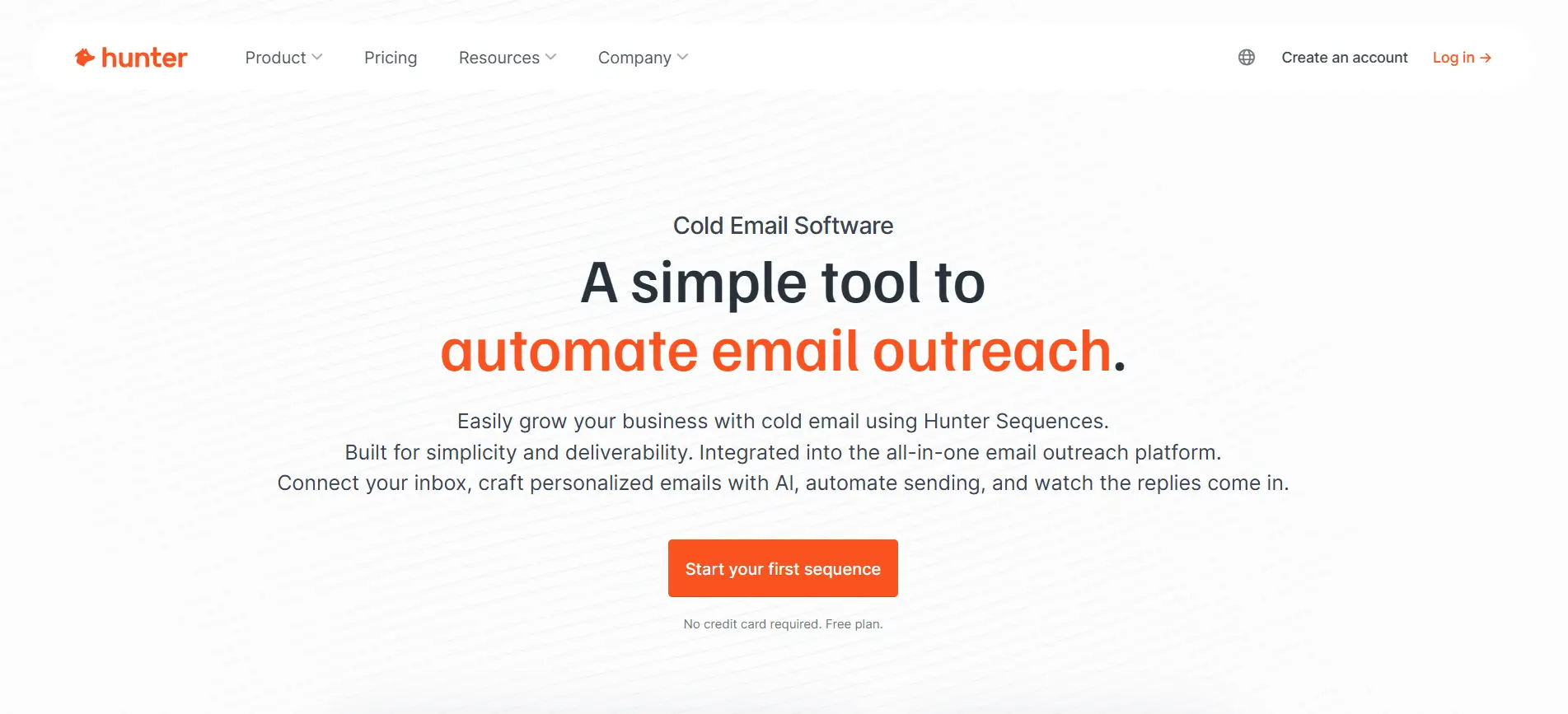
If you are looking for a simple and focused email finder, Hunter.io is one of the most straightforward tools available.
It is designed primarily for finding and verifying professional email addresses linked to specific domains.
Key Strengths
- Domain search to find emails associated with a company
- Email pattern detection to guess formats
- Built-in email verification
- Chrome extension for quick website lookups
- Clean, beginner-friendly interface
Hunter works especially well when you already know the company you want to target and need verified contact emails quickly.
It does one thing well: finding emails from domains.
Limitations
- Limited filtering compared to larger databases
- Smaller contact database than enterprise tools
- Outreach automation features are basic
If you need deep segmentation or large-scale prospecting lists, you may outgrow it quickly.
Best For
- Freelancers and founders doing light outreach
- Small teams targeting specific companies
- Quick domain-based email lookups
Pricing
Hunter offers a free plan with limited monthly searches.
Paid plans scale based on the number of searches and verifications per month, making it affordable for smaller teams.
4. Snov.io
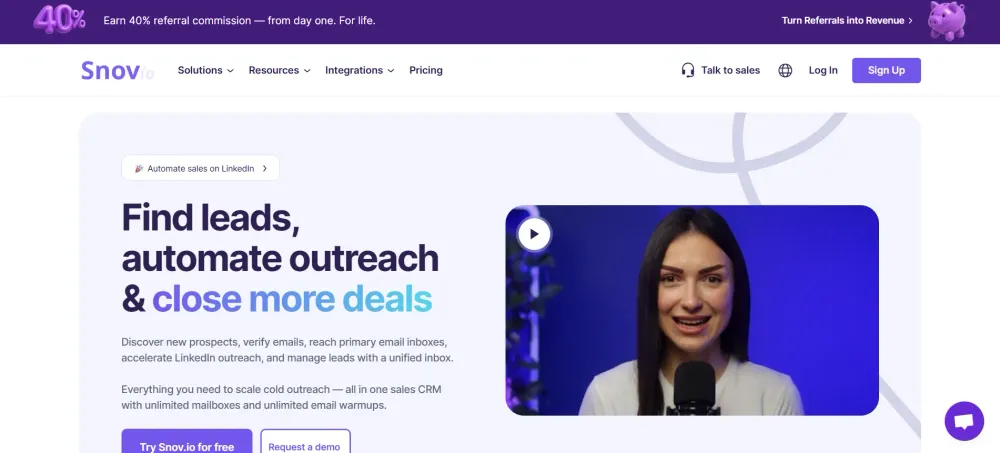
Snov.io combines email finding, verification, and cold outreach automation in one platform.
It sits somewhere between a pure email finder and a full outbound tool.
Key Strengths
- Domain and database search functionality
- Chrome extensions for LinkedIn and website prospecting
- Built-in email verifier
- Drip campaign automation
- Technology checker and lead enrichment tools
Snov.io is useful if you want to find emails and immediately plug them into a cold email sequence without switching platforms.
It balances prospecting and outreach reasonably well.
Limitations
- Database size is smaller compared to enterprise providers
- Interface can feel slightly dated
- Deliverability controls are not as advanced as specialized sending platforms
It works best when used as a mid-level outbound solution.
Best For
- Startups building their first outbound engine
- Marketers running cold email campaigns
- Teams that want finder + sender in one tool
Pricing
Snov.io offers a free trial with limited credits.
Paid plans are credit-based and scale depending on searches, verifications, and email campaign usage.
5. ZoomInfo
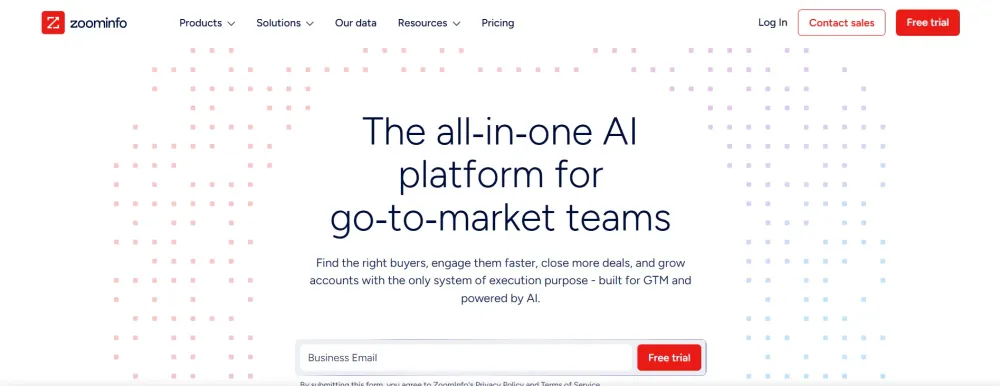
If you are operating at enterprise scale, ZoomInfo is one of the most established players in B2B data.
It is more than an email finder. It is a full go-to-market intelligence platform built for large sales and marketing teams.
Key Strengths
- Massive B2B contact and company database
- Advanced firmographic and technographic filtering
- Intent data to identify in-market buyers
- Direct dials and org charts
- Strong CRM integrations
ZoomInfo shines when you need deep segmentation and highly structured account targeting.
You can build account lists, identify buying committees, and layer in intent signals to prioritize outreach.
Limitations
- High pricing compared to most alternatives
- Annual contracts are common
- Data accuracy can still vary depending on niche markets
It is powerful, but not always cost-effective for small teams.
Best For
- Enterprise sales organizations
- Account-based marketing (ABM) teams
- Companies targeting large accounts with multi-threaded outreach
Pricing
ZoomInfo does not publish public pricing.
Plans are typically custom-quoted and can run into thousands per year depending on seat count and feature access.
6. Lusha
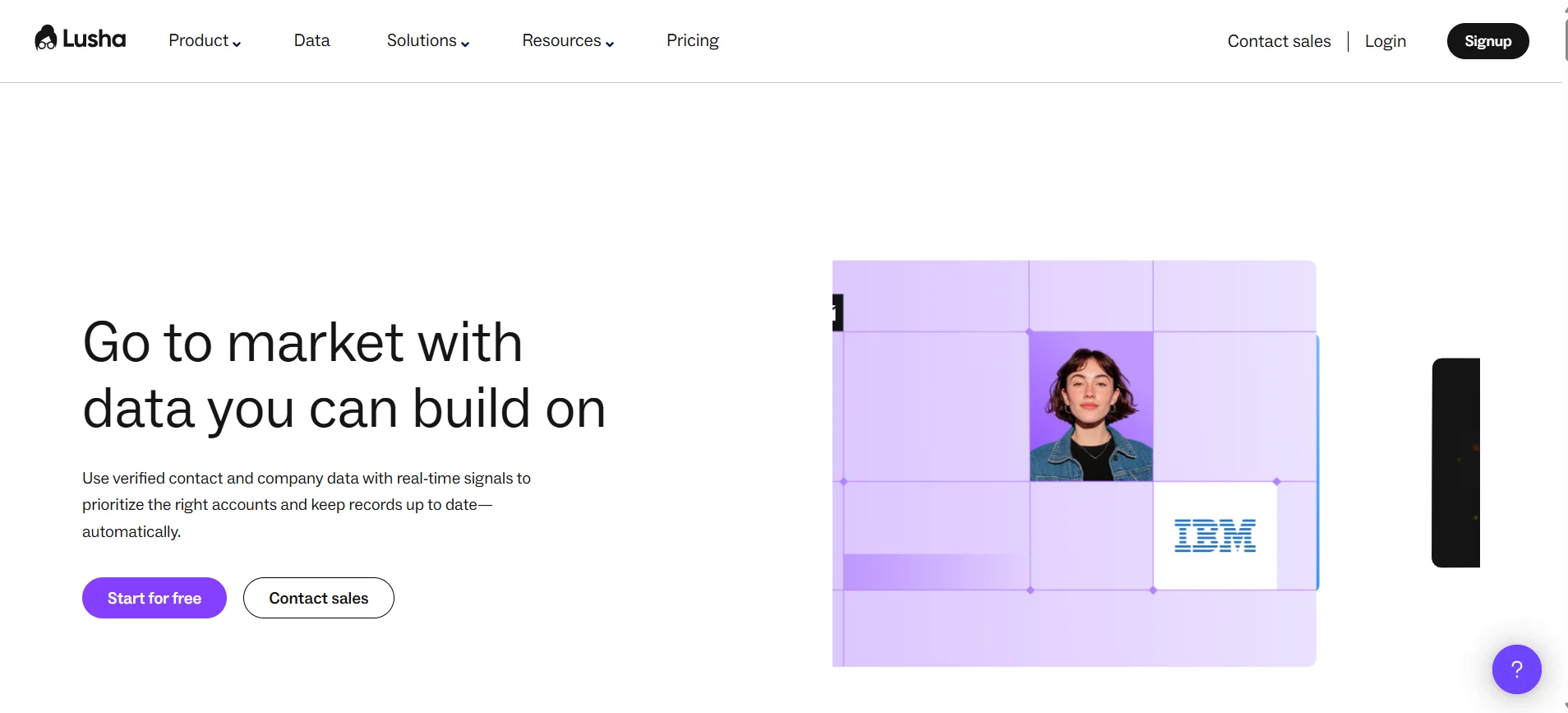
Lusha is known for its simplicity and ease of use.
It focuses on providing direct contact details through a browser extension and lightweight platform.
Key Strengths
- Chrome extension for LinkedIn prospecting
- Direct phone numbers and emails
- Simple interface with minimal learning curve
- Basic enrichment capabilities
- CRM integrations
Lusha is fast.
You can visit a LinkedIn profile, click once, and pull verified contact information instantly.
Limitations
- Smaller database compared to enterprise platforms
- Limited advanced filtering options
- Credits can run out quickly for high-volume teams
It works best for targeted, manual prospecting rather than building massive lists.
Best For
- SDRs sourcing leads from LinkedIn
- Small sales teams
- Recruiters and staffing agencies
Pricing
Lusha offers a limited free plan with monthly credits.
Paid plans are credit-based and scale depending on the number of contacts you want to unlock each month.
7. Clearbit
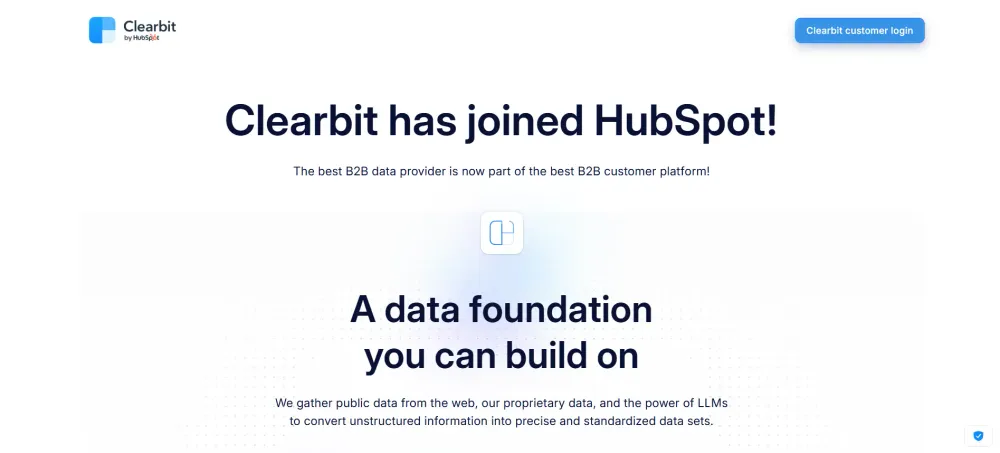
If your focus is more on data enrichment than bulk email scraping, Clearbit is a strong contender.
It is widely used by marketing and growth teams to enrich inbound leads and power account-based strategies.
Key Strengths
- Real-time company and contact enrichment
- Strong API integrations
- Firmographic and technographic data
- Website visitor identification
- Seamless CRM and marketing automation sync
Clearbit works exceptionally well when you already have partial data — like an email or domain — and want to enrich it with deeper company insights.
Instead of just giving you contacts, it helps you understand who they are and how to prioritize them.
Limitations
- Not built primarily as a bulk email finder
- Expensive compared to basic prospecting tools
- Best value comes with strong CRM integration
If your main goal is extracting large prospect lists from scratch, other tools may feel more direct.
Best For
- Marketing teams running ABM campaigns
- SaaS companies enriching inbound signups
- Businesses needing deep company-level insights
Pricing
Clearbit does not publish transparent pricing.
Plans are typically custom and based on data usage, enrichment volume, and integrations required.
8. Seamless.ai
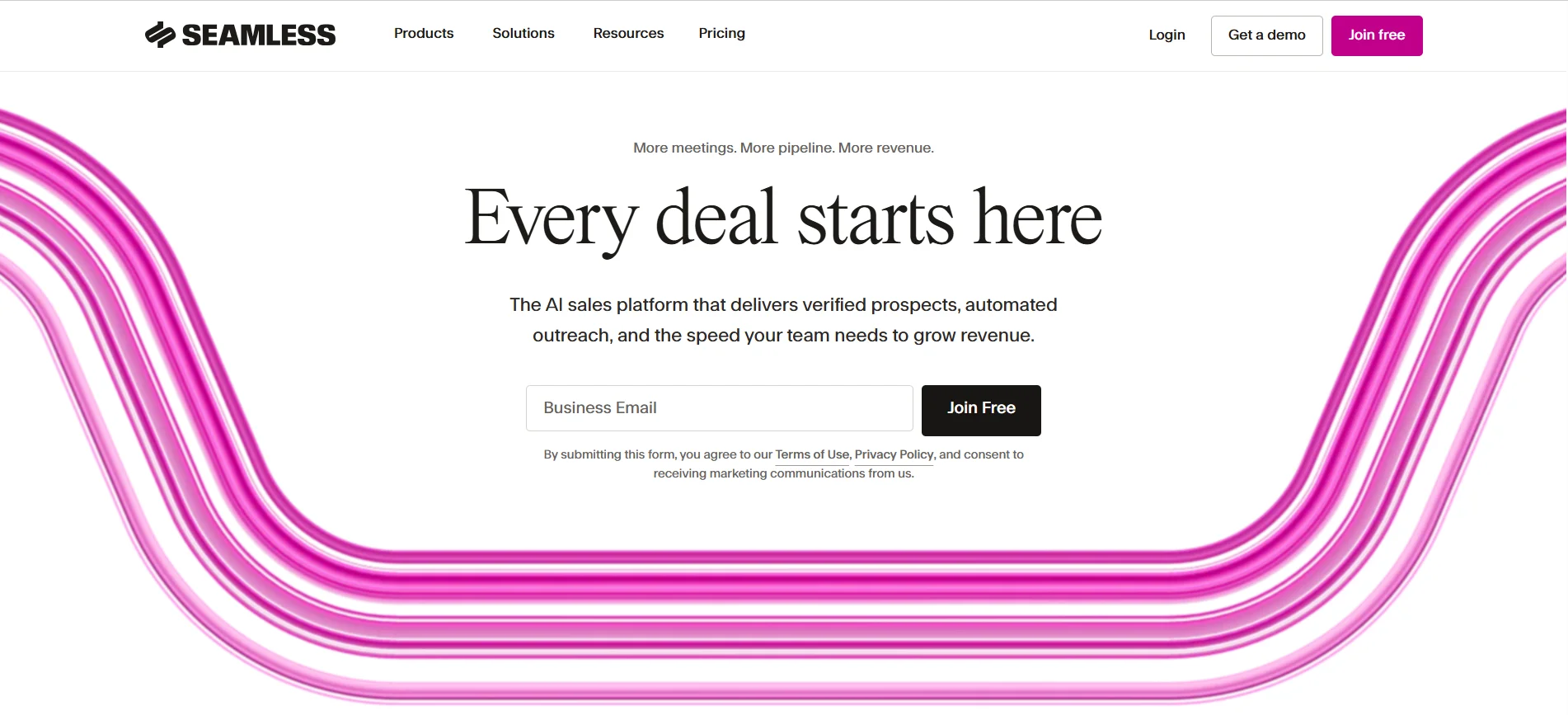
Seamless.ai positions itself as an AI-powered real-time search engine for B2B contacts.
It focuses heavily on helping sales reps find emails and phone numbers quickly.
Key Strengths
- Large B2B contact database
- Real-time search capabilities
- Chrome extension for LinkedIn prospecting
- Direct dials included
- Basic email verification
Seamless.ai is built for speed.
Sales reps can search by company, job title, or industry and export contacts quickly for outreach.
Limitations
- Credit-based system can become costly at scale
- Data accuracy can vary depending on niche
- Outreach automation features are limited compared to full sales engagement tools
It is powerful for prospecting, but you may still need separate tools for advanced automation and deliverability control.
Best For
- SDRs focused on high-volume prospecting
- Sales teams sourcing leads daily
- Organizations needing direct phone numbers alongside emails
Pricing
Seamless.ai offers a limited free plan with daily credits.
Paid plans are typically quoted based on user seats and monthly credit volume.
9. Voila Norbert
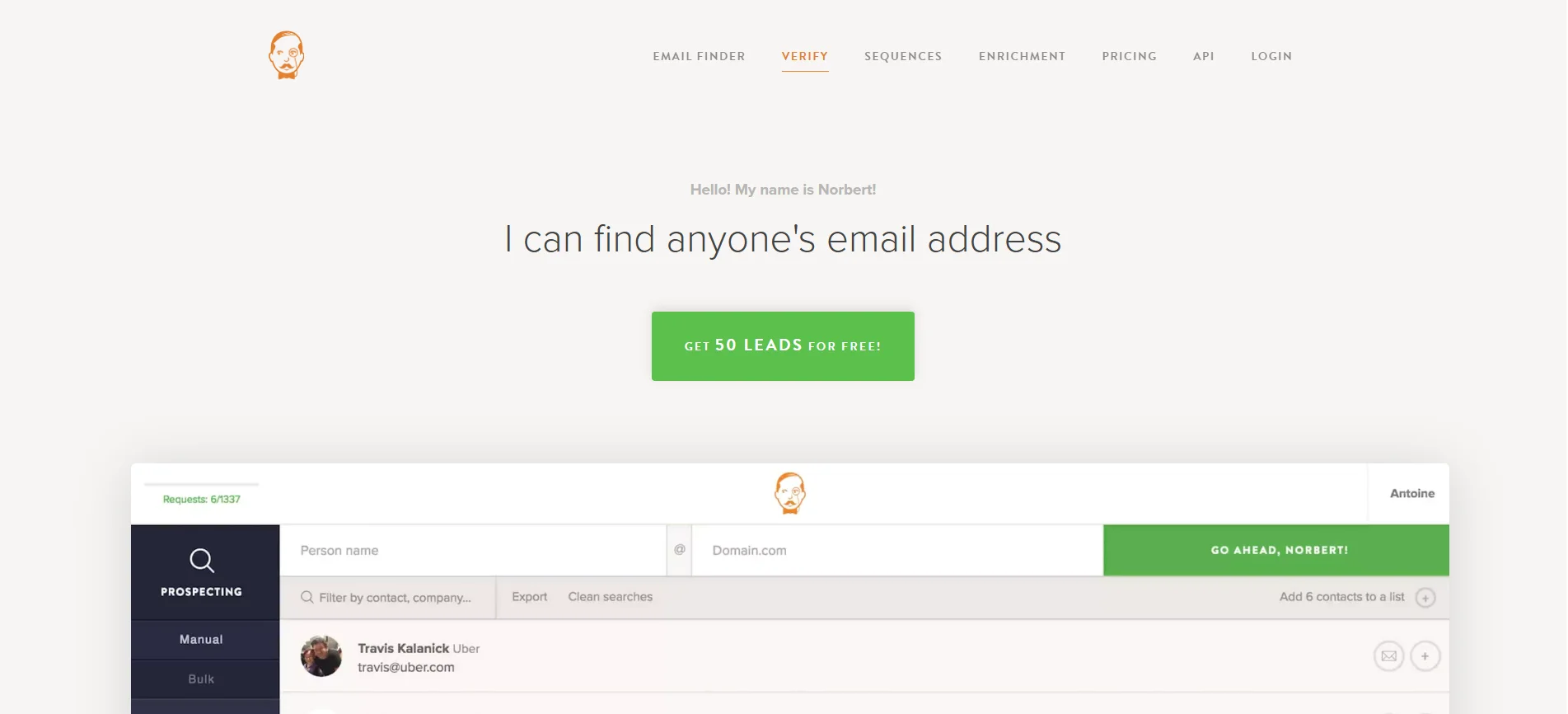
If you want a lightweight and focused email finder, Voila Norbert is a simple option to consider.
It is built primarily for finding and verifying professional email addresses without overwhelming you with extra features.
Key Strengths
- Email finder using name + domain search
- Built-in email verification
- Bulk list upload and enrichment
- Simple, clean interface
- API access for integrations
Voila Norbert works well when you already know who you want to contact and just need a reliable way to locate their professional email.
It keeps the process straightforward and easy to manage.
Limitations
- Smaller database compared to enterprise platforms
- Limited advanced filtering capabilities
- No advanced outreach automation features
If you are building a large-scale outbound system, you may need additional tools alongside it.
Best For
- Freelancers and consultants
- Small sales teams
- Targeted prospecting with known companies
Pricing
Voila Norbert offers a free trial with limited searches.
Paid plans are credit-based and scale depending on the number of email searches and verifications you need each month.
How to Choose the Best B2B Email Finder for Your Team
Now that you have seen the top tools, the real question is this.
Which one actually fits your team structure, budget, and outbound goals?
The best choice depends less on features and more on how you run prospecting internally.
For Small Teams and Founders
If you are a founder or small team, simplicity matters more than complexity.
You likely do not have a dedicated SDR managing multiple tools every day.
In this case, choose a tool that combines email finding, verification, and basic outreach in one place. Look for clean interfaces, reasonable pricing, and built-in deliverability protection.
You want something that helps you move fast without spending hours exporting CSV files or fixing bounce issues.
Efficiency and ease of use should be your priority.
For Growing Outbound Teams
As your team scales, structure becomes more important than speed alone.
You need advanced filtering, bulk list building, and CRM integrations.
At this stage, look for tools that allow deep segmentation, team collaboration, and workflow automation. Deliverability controls like inbox rotation and domain warm-up also become critical when sending volume increases.
Your focus shifts from “finding emails” to building a repeatable outbound engine.
For Enterprise Sales Teams
Enterprise teams operate differently.
They care about data depth, buying committees, intent signals, and account-based targeting.
In this case, prioritize platforms with large databases, advanced enrichment, and strong CRM synchronization. Reporting and compliance also matter more at this level.
The right tool should support strategic, multi-threaded outreach not just provide a list of emails.
Common Mistakes When Using a B2B Email Finder
Even the best email finder will fail you if your process is flawed.
Most teams do not struggle because of the tool. They struggle because of how they use it.
Let’s look at the common mistakes that quietly kill outreach performance.
Using Unverified Contacts
Pulling emails without verifying them is risky.
High bounce rates damage your domain reputation and push future campaigns into spam.
Always use built-in verification or a separate validation step before sending. Clean data protects deliverability and keeps your outreach sustainable.
Poor Target Segmentation
If your targeting is broad, your messaging becomes generic.
And generic emails rarely get replies.
Instead of exporting thousands of random contacts, define your ideal customer profile clearly. Filter by industry, role, company size, and relevance. Better segmentation leads to stronger personalization and higher response rates.
Sending Without Defined Process
Many teams find emails and immediately start sending.
No warm-up. No sequence strategy. No follow-up structure.
That approach leads to inconsistent results. You need a defined workflow — from list building to verification, sending, follow-ups, and response tracking. Structure turns outreach into a system, not a guessing game.
Prioritizing Volume Over Relevance
More emails do not automatically mean more meetings.
If your list is irrelevant, scaling only multiplies poor results.
Focus on quality first. When your targeting and messaging align with the right decision-makers, even smaller campaigns can outperform mass sends.
Building a Structured Prospecting System With Oppora
Finding emails is step one.
Building a repeatable outbound system is what actually drives consistent meetings.
With Oppora, the goal is not just extracting contacts, but turning prospecting into an automated, structured workflow.
Define Ideal Customer Profile Clearly
Everything starts with clarity.
You define what you sell, who benefits most, and which industries or company sizes fit best.
When your ICP is clear, the system knows exactly what kind of companies to target.
Filter and Segment Companies
Once your ICP is defined, you filter companies by industry, revenue, size, and location.
This ensures you are not wasting effort on irrelevant accounts.
Segmentation at this stage improves both personalization and reply rates later.
Extract Relevant Decision-Makers
After identifying companies, the next step is targeting the right people.
Oppora identifies decision-makers based on roles and responsibilities that match your offer.
You move from generic company emails to real buyers.
Verify Before Sending
Verification protects your domain.
Oppora validates emails in real time so you avoid bounces and spam risks.
Clean data keeps deliverability strong as you scale.
Control Sending Volume and Timing
Instead of blasting thousands of emails at once, you control sending volume and mailbox rotation.
This maintains a healthy sender reputation and improves inbox placement.
Track and Categorize Responses
Finally, every reply is tracked and categorized automatically.
Warm leads are identified, objections are handled, and meetings are booked — creating a structured, scalable prospecting engine.
Conclusion
The right B2B email finder is not just about database size.
It is about how well the tool fits your targeting, verification, and outreach workflow.
If you want scalable prospecting, focus on data accuracy, deliverability protection, and system integration.
When your email finder supports a structured process instead of random sending, your outreach becomes predictable, measurable, and far easier to scale.
Frequently Asked Questions (FAQs)
Are B2B email finder tools legal to use for cold outreach?
Yes, but you must comply with data protection laws like GDPR or CAN-SPAM. Use tools that source publicly available data and include verification features. Always provide clear opt-out options and send relevant, legitimate business communication to reduce compliance risk.
How accurate are B2B email finder tools?
Accuracy varies by provider, industry, and region. Enterprise databases may offer higher coverage, but no tool guarantees 100% accuracy. Using built-in email verification before sending significantly reduces bounce rates and protects your domain reputation.
Can I use multiple email finder tools together?
Yes. Many teams combine tools for better coverage and enrichment. For example, one tool may provide bulk company data, while another verifies emails. Just ensure your workflow stays organized and data remains deduplicated to avoid messy pipelines.
Do email finder tools also provide phone numbers?
Some platforms include direct dials or mobile numbers, especially enterprise tools. However, not all providers focus on phone data. If multichannel outreach is important, choose a platform that supports both verified emails and reliable phone contact details.
How many emails should I send per day for cold outreach?
It depends on your domain age, warm-up status, and inbox health. New domains should start slowly, often under 30 emails per day per inbox. As reputation builds, you can gradually increase volume while monitoring deliverability and reply rates closely.