Best AI Tools to Avoid Spam Filters in Cold Email Outreach
Cold email outreach remains one of the most effective channels for B2B lead generation, but there’s a catch: over 45% of legitimate cold emails never reach the inbox due to advanced spam filters. Modern filters evaluate not only the content of your emails but also sender reputation, engagement signals, and sending patterns.
AI tools are no longer optional — they are essential for teams that want to scale outreach without triggering spam filters. These tools help optimize content, automate warm-up sequences, manage sending cadence, and track deliverability metrics.
In this guide, we’ll explore 11 AI tools that help you avoid spam filters, with deep analysis for each, plus a unique comparison table and actionable best practices for combining these tools effectively.
Understanding Spam Filters in 2026
Before diving into tools, it’s important to understand how modern spam filters work, so you can see why certain features matter.
A. How Modern Filters Analyze Content & Sender Reputation
Spam filters evaluate:
- Content: Overly promotional language, excessive links, all-caps subject lines, or spam-trigger words.
- Sender reputation: Domains or IPs with previous spam complaints or high bounce rates are flagged.
Example: Sending a generic “Get your free trial NOW!!!” to 1,000 recipients from a new Gmail account will likely land in spam, even if the rest of the content is clean.
B. Engagement Signals vs Technical Signals
Filters now track how recipients interact with emails:
- Positive engagement: Opens, clicks, and replies signal quality, boosting inbox placement.
- Negative engagement: Quick deletes or marking as spam flags future emails.
Example: A personalized email that gets a reply improves future deliverability, whereas mass sending the same email reduces inbox placement.
C. Why Automation Helps — and Where It Can Hurt
Automation can improve deliverability if done correctly:
- Helps: Scheduling emails at natural intervals, rotating inboxes, and warming up accounts reduce spam flags.
- Hurts: Sending hundreds or thousands of emails too quickly, or using unverified lists, can trigger spam filters.
Example: Tools like Oppora manage sending patterns and warm-up sequences to maintain inbox safety, whereas blasting 5,000 emails at once from one account risks immediate spam flags.
Top 11 AI Tools to Avoid Spam Filters
1. Oppora.ai
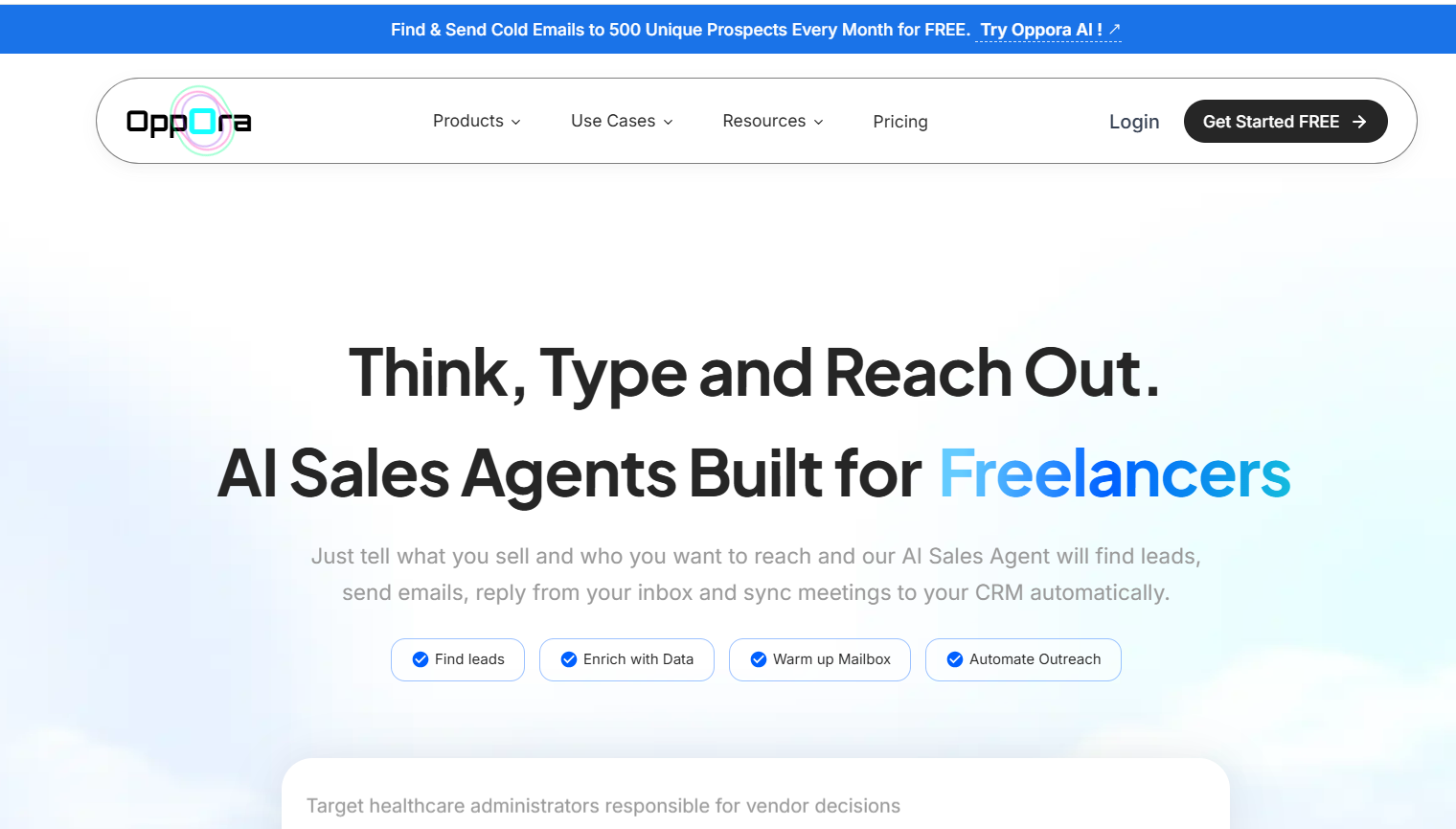
Oppora.ai is an all‑in‑one AI sales automation platform that helps teams build personalized outreach campaigns and scale them without hitting spam filters. It uses AI templates and dynamic lead data (e.g., names, roles, company info) to generate tailored email sequences that feel human.
With multi‑email sending, smart follow‑ups, and built‑in analytics, Oppora helps maintain healthy sending patterns and monitor deliverability signals to keep campaigns inbox‑friendly. It also enriches, verifies, and scores leads to ensure outreach targets real, relevant contacts — reducing the risk of spam flagging.
Features:
- AI-generated personalized campaigns
- Multi-inbox support & sending cadence management
- Email warm-up to improve sender reputation
- Analytics: opens, replies, bounces
- Integrates email + LinkedIn outreach
- Free trial available
Pros:
- Consolidates automation, personalization, and deliverability
- AI helps avoid spam-triggering mistakes
- Multi-channel support
Cons:
- Slight learning curve for new users
2. Instantly
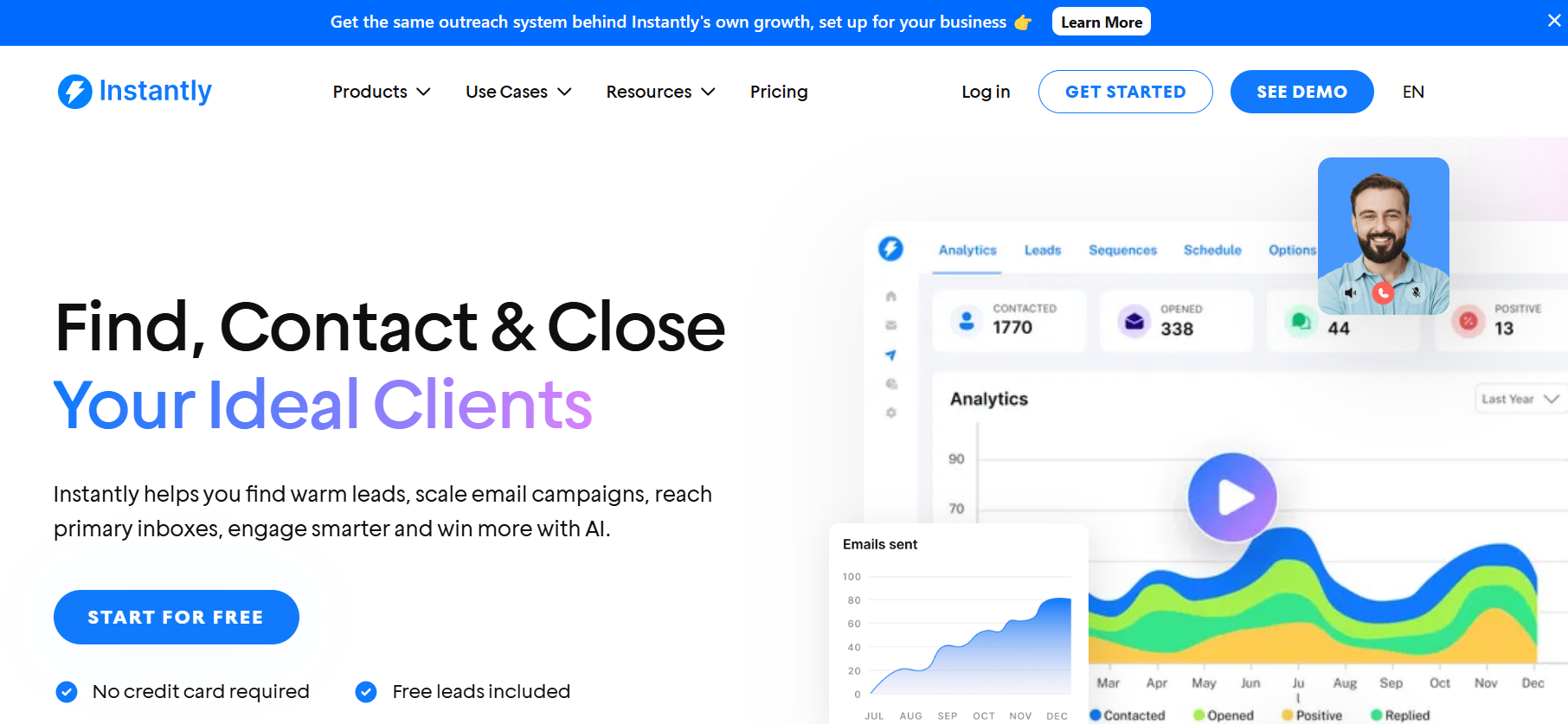
Instantly is designed to improve inbox placement for high-volume email campaigns. It warms up accounts, rotates IPs, and checks spam-trigger keywords, helping large campaigns avoid spam filters and maintain healthy sender reputation.
Features:
- Automated inbox warm-up across multiple accounts
- IP rotation to distribute sending load
- Spam keyword analysis before sending
- Inbox placement testing and monitoring
- Engagement tracking and reporting
Pros:
- Ideal for high-volume campaigns, ensuring deliverability
- Reduces the risk of emails being flagged as spam
- Provides actionable insights for optimizing campaigns
Cons:
- Paid plans can get expensive as volume increases
- Can be technical for beginners to set up and manage
3. Lemlist
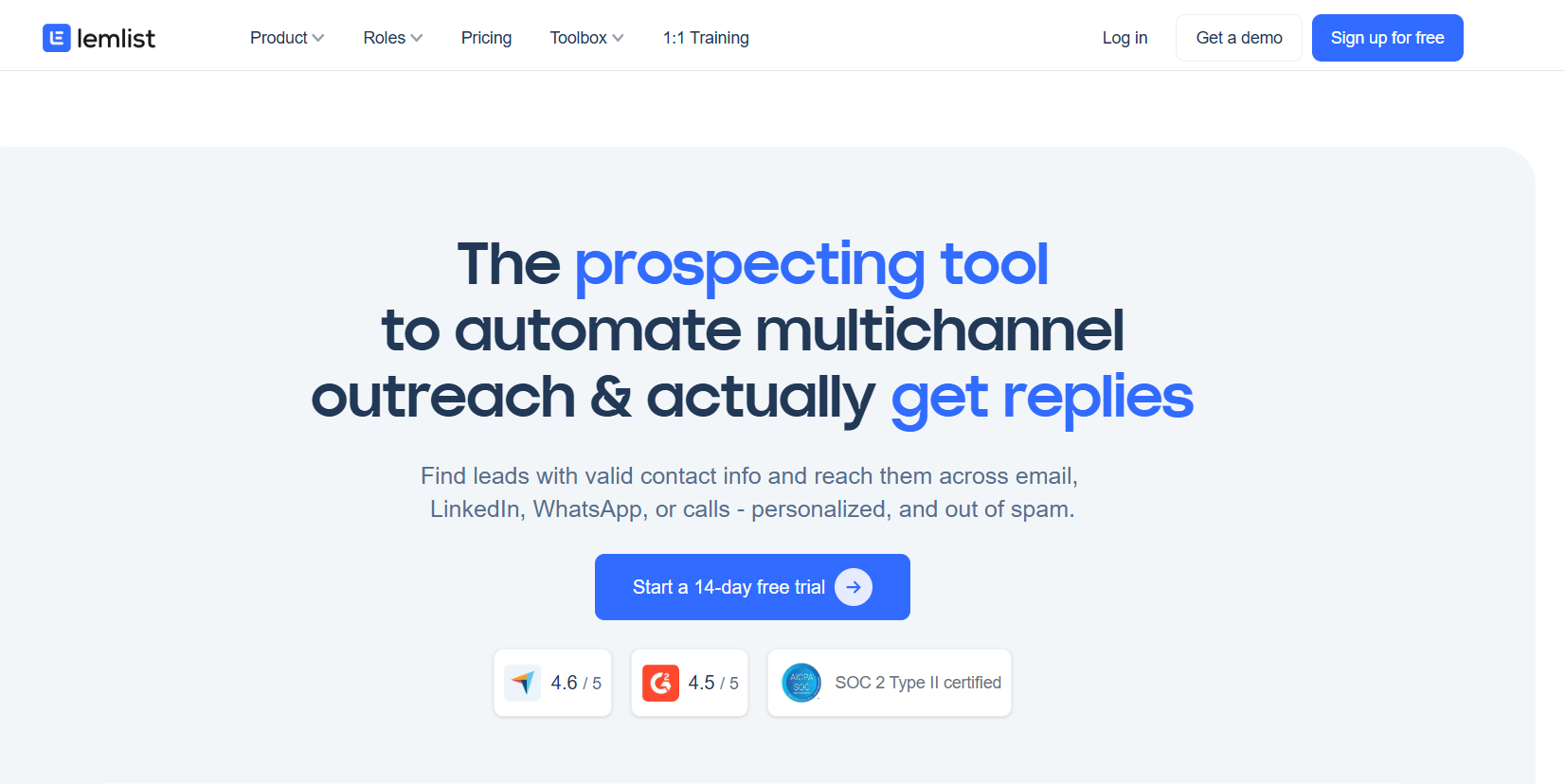
Lemlist focuses on warming up inboxes and pacing sends so emails appear natural. By simulating human-like sending behavior, it helps prevent spam filters from flagging new or large campaigns.
Features:
- Automated warm-up sequences
- Sending pacing for natural email behavior
- Blacklist and spam check monitoring
- Personalized email warm-up sequences
- Analytics on warm-up effectiveness
Pros:
- Easy to use for beginners
- Improves domain and sender reputation
- Reduces spam complaints during new campaigns
Cons:
- Limited automation beyond warm-up
- Focuses mostly on deliverability, not full outreach workflow
4. Smartlead.ai
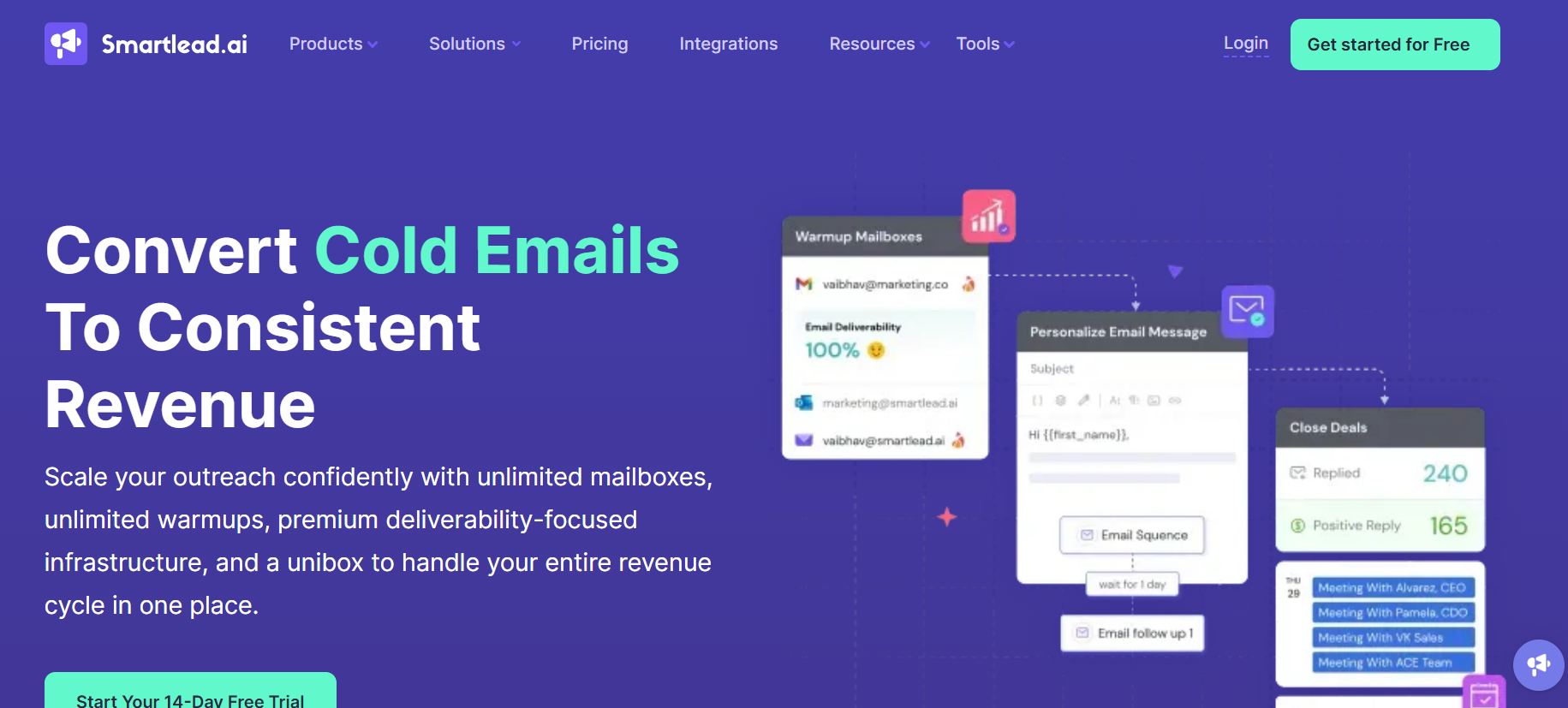
Smartlead.ai monitors campaigns for spam triggers, rotates inboxes, cleans lists, and tracks engagement. It is built to maintain high deliverability for medium and large-scale email outreach.
Features:
- Spam filter monitoring and alerts
- Multi-inbox rotation for large campaigns
- List cleaning to reduce bounces
- Engagement tracking for opens and replies
- Campaign reporting and analytics
Pros:
- Strong insights into deliverability issues
- Scalable for growing teams
- Helps maintain a positive sender reputation
Cons:
- Interface may be complex for beginners
- Limited personalization tools compared to other platforms
5. MailReach
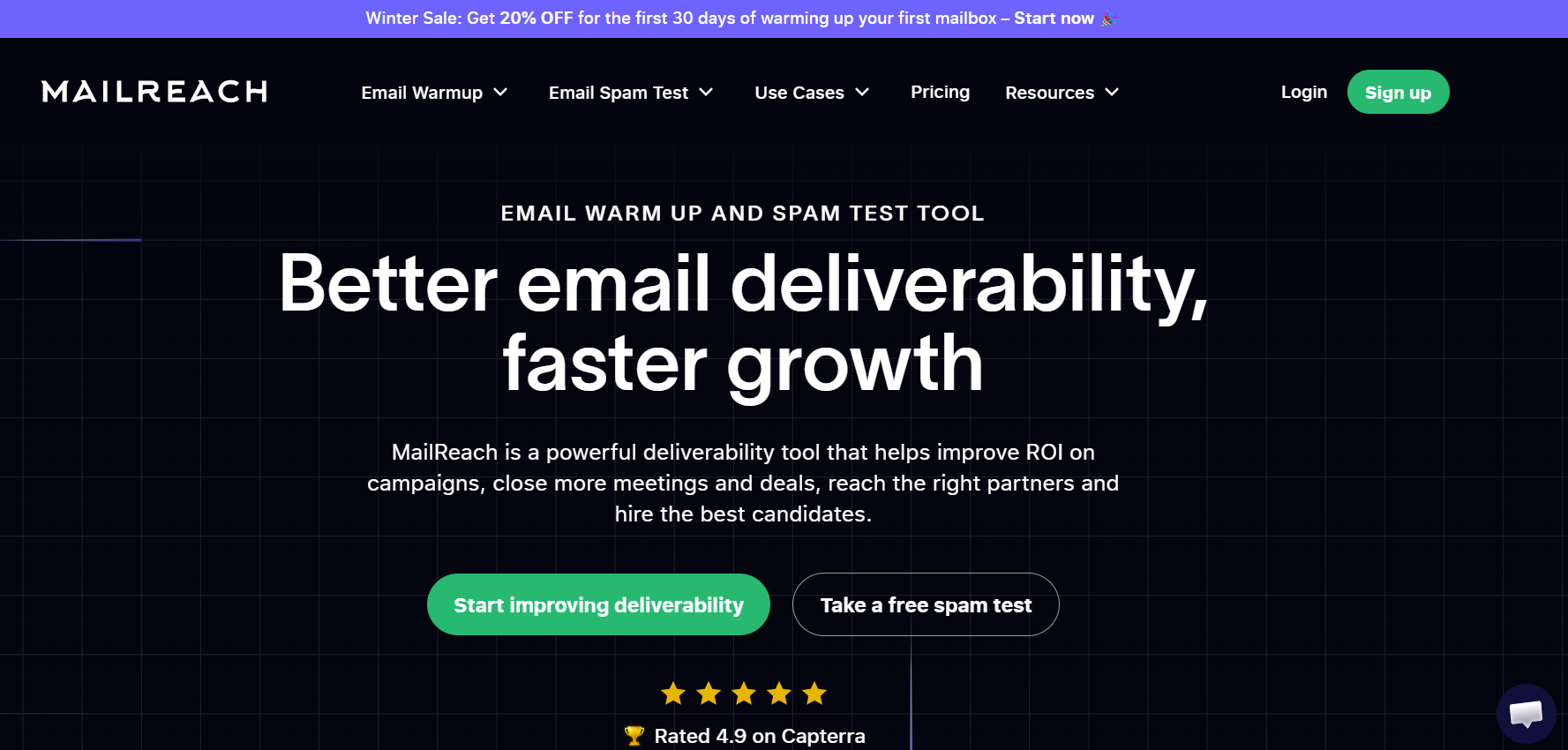
MailReach allows you to simulate inbox placement to see exactly where emails land. It helps teams optimize content and sending patterns to avoid spam filters.
Features:
- Real-time inbox placement simulations
- Spam scoring for subject lines and body content
- Analytics for opens, clicks, and replies
- Suggestions for improving email deliverability
- Integration with Gmail and Outlook
Pros:
- Accurate simulation of inbox placement
- Actionable recommendations to improve deliverability
- Helps teams optimize content for inbox safety
Cons:
- Does not automate email campaigns
- Focused on testing rather than sending or follow-ups
6. Warmy.io
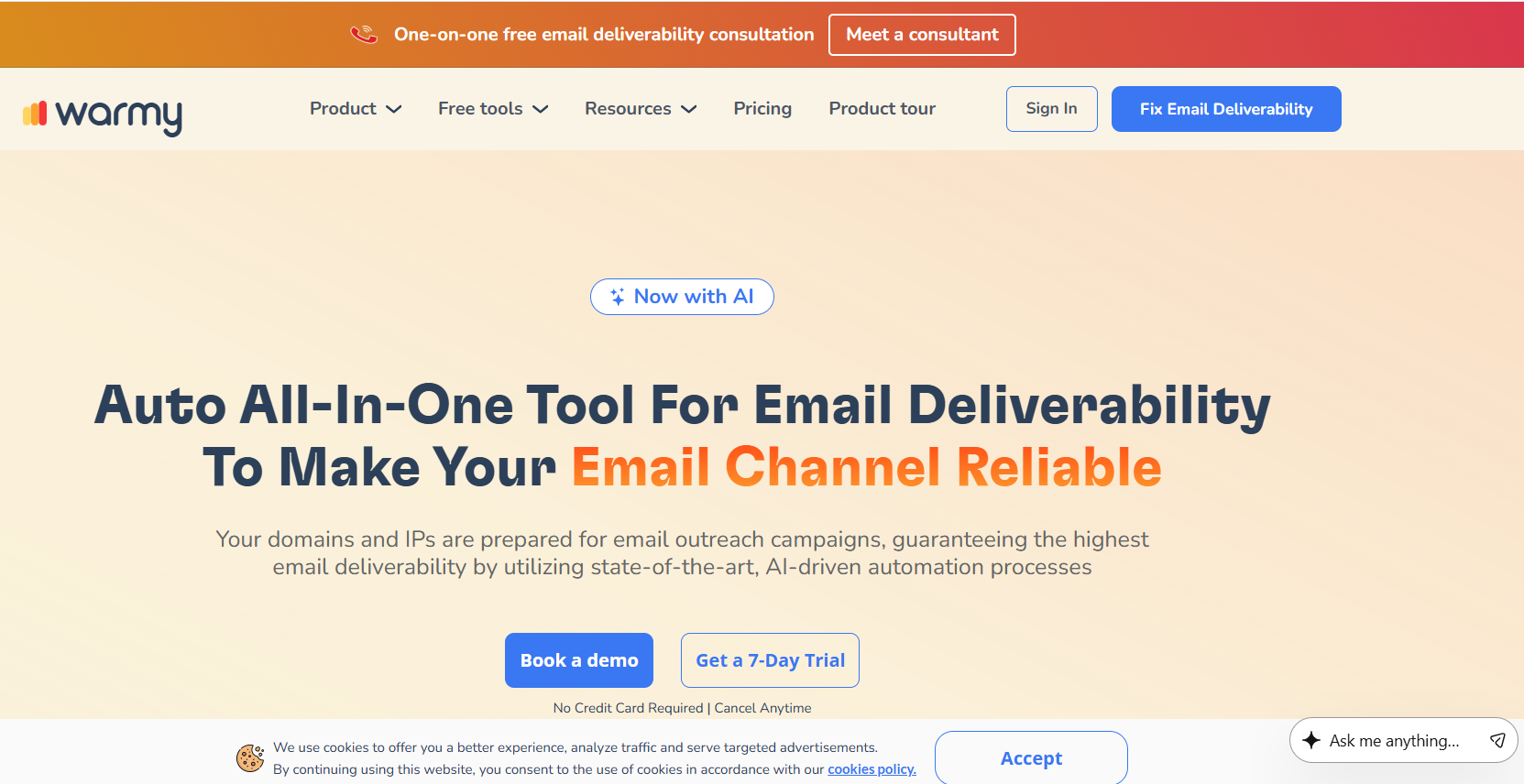
Warmy.io focuses on warming up new email domains and maintaining sender health. Gradual warm-up ensures your domain establishes credibility with spam filters before sending large campaigns.
Features:
- Domain warm-up automation
- Reputation scoring and monitoring
- Health monitoring of inboxes
- Gradual sending to mimic natural email behavior
- Reporting on deliverability improvements
Pros:
- Excellent for new domains or email accounts
- Reduces risk of spam flagging during early campaigns
- Provides detailed insights into sender reputation
Cons:
- Does not handle full outreach automation
- Limited personalization and copywriting features
7. Salesforge
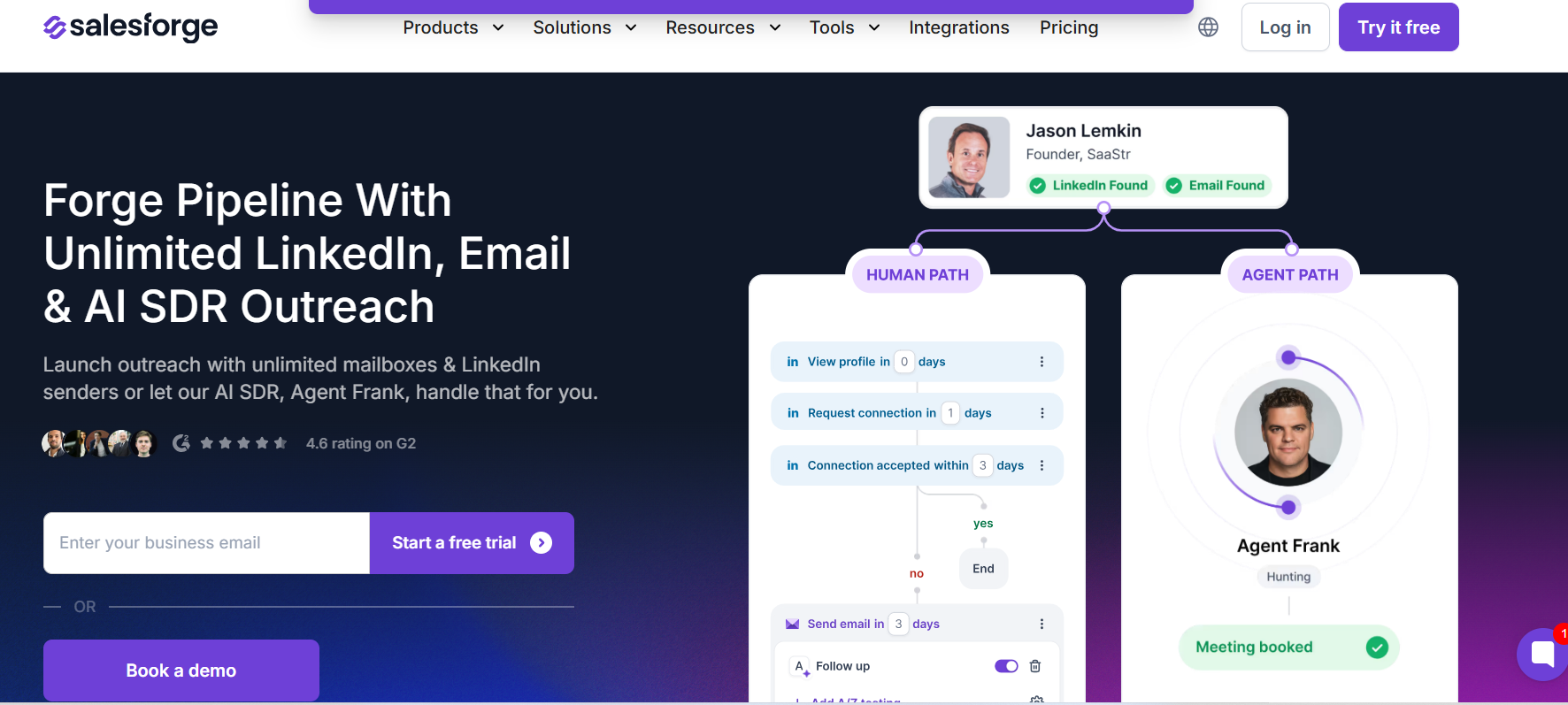
Salesforge combines AI personalization with inbox warm-up to ensure emails are both engaging and deliverable. It helps scale campaigns across multiple accounts without triggering spam filters.
Features:
- AI-driven personalized email templates
- Multi-mailbox support for safe sending
- Built-in warm-up sequences
- Engagement tracking for opens and replies
- Reporting and analytics
Pros:
- Balances personalization and deliverability
- Ideal for multi-channel campaigns
- Reduces the risk of spam flags while scaling outreach
Cons:
- Paid plans may be costly for small teams
- Slightly steeper learning curve
8. Reply.io
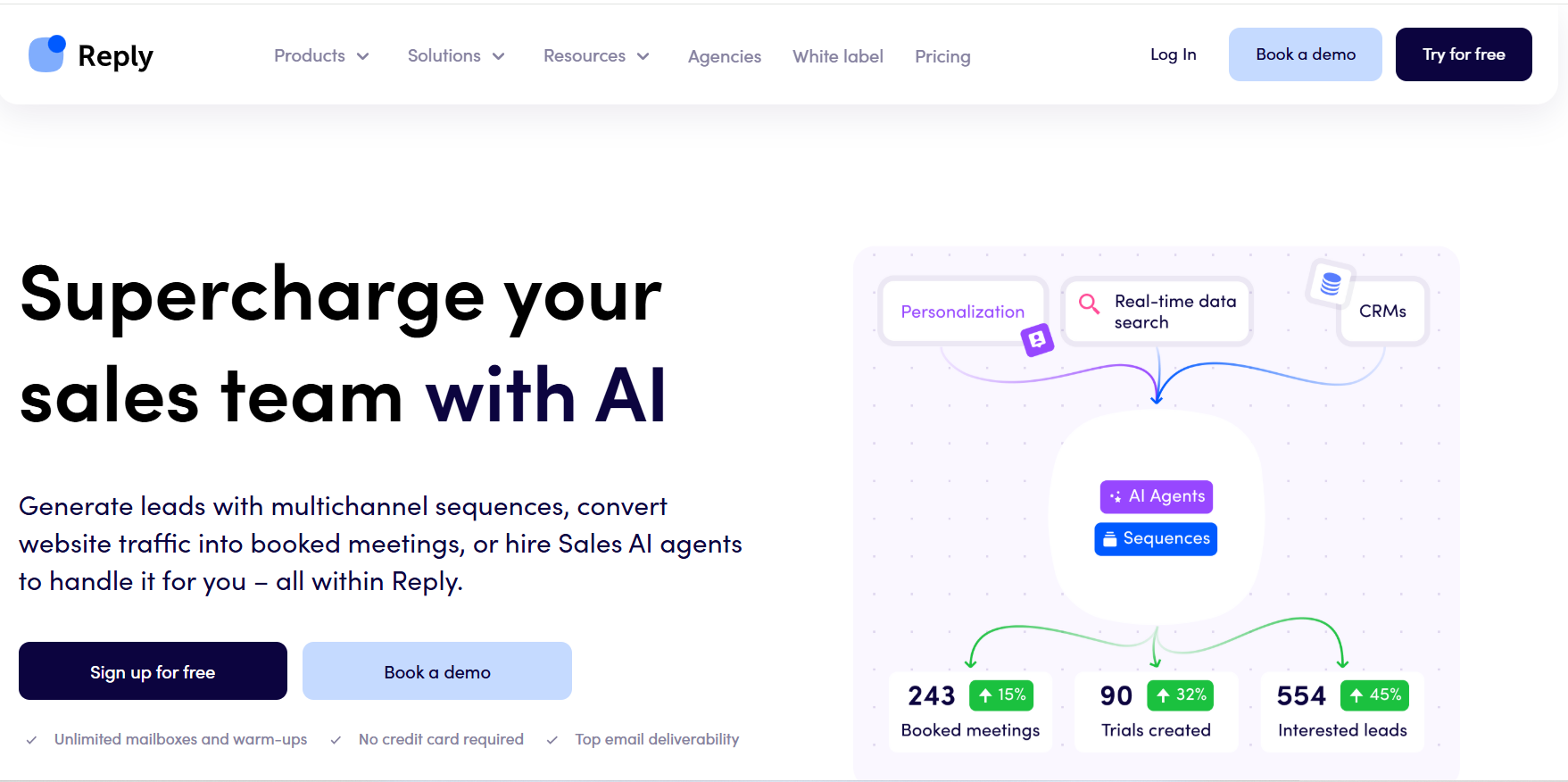
Reply.io uses AI to add variables and personalization to emails while avoiding spam-triggering patterns. It increases engagement without risking deliverability.
Features:
- AI personalization with dynamic variables
- Spam-aware copywriting
- A/B testing for subject lines and email body
- CRM integrations for streamlined workflow
- Analytics on engagement and replies
Pros:
- Deep personalization improves engagement
- Reduces likelihood of being flagged as spam
- Integrates with popular CRMs
Cons:
- Less focus on technical deliverability
- Limited warm-up automation compared to other tools
9. Lavender AI
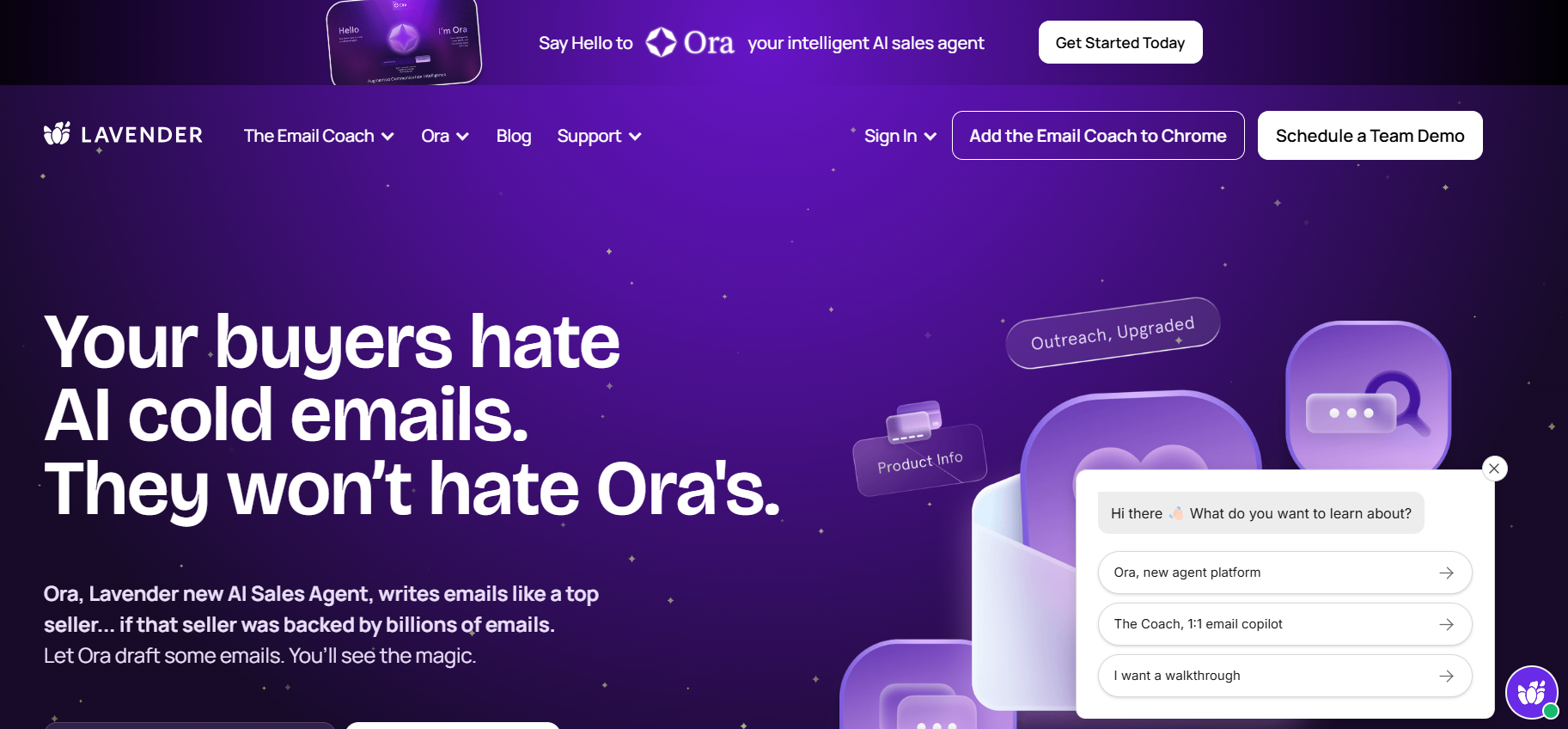
Lavender AI optimizes email copy for spam safety and engagement. It checks subject lines, body content, and tone to improve inbox placement.
Features:
- Spam score checking
- Subject line suggestions
- Body content optimization
- Engagement analytics
- Integration with Gmail/Outlook
Pros:
- Helps avoid spam-triggering content
- Improves email readability and engagement
- Easy to use for teams focused on copy quality
Cons:
- Limited automation beyond content optimization
- Does not manage large-scale sending patterns
10. Phrasee
Phrasee generates email subject lines and body copy using AI to sound natural and human-like, reducing spam triggers while improving engagement.
Features:
- AI-generated subject lines
- Email body copy optimization
- Engagement-focused language suggestions
- Analytics for opens and clicks
- Integration with Salesforce and CRMs
Pros:
- Reduces spam-trigger words in subject lines and content
- Improves engagement and readability
- Ideal for marketing-heavy campaigns
Cons:
- Enterprise-focused and expensive
- Limited automation beyond content generation
11. OutreachBin AI
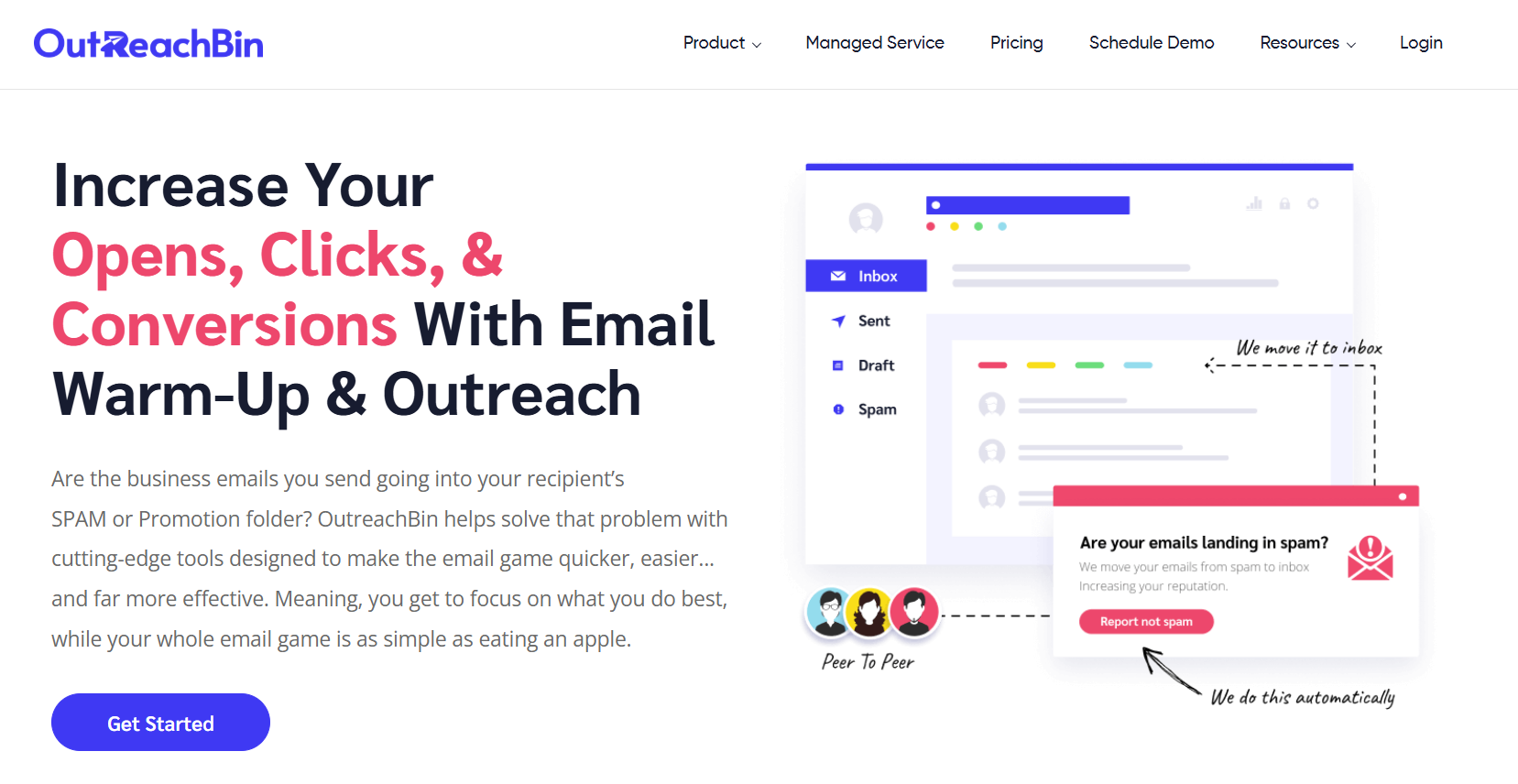
OutreachBin AI helps teams send personalized campaigns across multiple inboxes safely. Warm-up sequences and analytics maintain high deliverability for medium-scale campaigns.
Features:
- Multi-inbox warm-up automation
- AI personalization for email content
- Engagement tracking (opens, clicks, replies)
- Campaign analytics and reporting
- Spam score monitoring
Pros:
- Balances personalization with inbox safety
- Helps scale campaigns across multiple inboxes
- Provides actionable analytics for deliverability
Cons:
- Smaller user base and fewer integrations
- Limited advanced automation beyond warm-up and personalization
Comparison Table
Best Practices to Combine AI Tools for Maximum Inbox Placement
Maximizing inbox placement is not just about using AI tools — it’s about creating a workflow that mimics natural, human-like behavior, avoids spam triggers, and continuously optimizes campaigns based on engagement data. Below is a detailed guide:
1. Validate Your Email Lists
Before sending any campaign, ensure your email list is clean and high-quality. Sending to invalid or outdated addresses increases bounces, which negatively affects your sender reputation and can trigger spam filters.
Key Steps:
- Remove inactive emails and duplicates.
- Verify addresses to prevent hard bounces.
- Segment your list based on engagement history and relevance.
Why it matters: Spam filters track bounce rates and mark domains with high bounce history as risky. Starting with a clean, validated list ensures your emails are trusted from the first send.
2. Warm-Up Accounts Gradually
New email accounts or domains are more likely to be flagged by spam filters. Gradually ramping up sending volume helps build sender reputation naturally.
Best Practices:
- Start with small batches of emails per day and slowly increase volume.
- Rotate sending across multiple inboxes if running large campaigns.
- Include automated replies or engagement simulations to mimic real interactions.
Why it matters: Filters look for unusual spikes in sending patterns. A gradual warm-up signals that your email is coming from a legitimate sender, increasing deliverability.
3. Personalize and Optimize Content
Content is a major factor for spam filters. Emails that appear generic or contain spammy keywords are more likely to be flagged. AI tools can assist in personalization and optimization, but the approach must remain natural.
Tips for Optimization:
- Include the recipient’s name, company, or role where relevant.
- Avoid overly promotional language like “Buy now,” “Urgent,” or excessive punctuation.
- Use AI to suggest variations in subject lines and body content to test engagement.
- Break content into short paragraphs for readability and avoid excessive links.
Why it matters: Spam filters are now engagement-sensitive, tracking whether recipients interact with your content. Personalization makes emails feel relevant, increasing open and reply rates, which in turn signals filters that your email is legitimate.
4. Monitor Engagement and Adjust
Continuous monitoring is critical. Even a perfectly warm-up campaign can fail if recipients don’t engage. Track key metrics and adjust your campaigns accordingly.
Metrics to Track:
- Opens, clicks, replies, and bounce rates
- Spam complaints or unsubscribe rates
- Time-of-day performance
Actionable Strategy:
- Test different subject lines and email copy to see which generates more engagement.
- Pause or adjust campaigns for segments that consistently underperform.
- Iterate your warm-up schedule or sending frequency if engagement is low.
Why it matters: Filters now use behavioral signals — if your emails are ignored or marked as spam, future messages are more likely to be blocked. Tracking engagement allows you to react proactively.
5. Combine Tools Strategically
No single tool covers all aspects of deliverability, personalization, and scaling. A combined workflow ensures each stage of your outreach is optimized.
Recommended Workflow:
- Validation: Clean and verify lists.
- Warm-Up: Gradually ramp up sending volumes, rotate inboxes if needed.
- Personalized Outreach: Use AI to optimize content while keeping it human.
- Analytics & Iteration: Monitor engagement, adjust subject lines, sending times, and content.
Example Approach:
- Start by warming up new inboxes with a warm-up tool like Lemlist or Instantly.
- Use Oppora or Reply.io for AI-generated personalized emails.
- Track inbox placement with MailReach to see where emails land.
- Adjust follow-ups, sending patterns, or content based on the data.
Why it matters: A structured, strategic workflow ensures your campaigns are not only delivered but also read, while avoiding spam filters and maintaining a positive sender reputation.
Conclusion
Avoiding spam filters is not about one tool — it’s about strategy, AI-driven personalization, warm-up, and consistent monitoring. Using tools like Oppora, Instantly, and Lemlist, combined with careful planning and human oversight, ensures your campaigns reach inboxes and achieve meaningful engagement.
The best results come from a balanced approach: AI to optimize and scale, human oversight to ensure relevance and authenticity.
Frequently Asked Questions
Why do cold emails end up in spam even if the content is relevant?
Modern spam filters evaluate not just content but also sender reputation, engagement history, and sending patterns. Emails sent in bulk from new or inactive domains, or with spammy keywords, are more likely to be flagged.
Can I use multiple AI tools together for better deliverability?
Yes. Combining tools for validation, warm-up, personalization, and analytics ensures maximum inbox placement.
How often should I monitor campaign engagement to avoid spam flags?
Ideally, monitor daily during active campaigns and weekly for ongoing performance. Metrics like open rates, click rates, replies, bounces, and spam complaints indicate whether adjustments are needed.
Do I need technical knowledge to use AI email deliverability tools?
Most tools offer user-friendly interfaces, but high-volume campaigns or complex workflows may require some setup. Gradual learning and following best practices ensures effective results without technical hurdles.