16 Best MCP Tools to Automate Workflows in Minutes
best mcp tools

AI tools are becoming more capable every day.
But their real value comes from how well they connect with the apps, data, and workflows your business already uses.
That is exactly why the Model Context Protocol (MCP) is gaining momentum.
MCP is quickly emerging as the standard way to connect AI assistants with external tools and systems, making automation more reliable and scalable.
In this guide, we'll cut through the noise and show you:
- What MCP tools actually do and why they matter now
- How to evaluate them for your specific needs
- 15 of the best tools you can start using today
- Real workflows you can automate immediately
- Common pitfalls to avoid
Let's get started.
What Are MCP Tools and Why Are They Becoming Essential?
MCP (Model Context Protocol) tools are the bridge between your AI assistants and apps you use daily.
Think of them as universal connectors that let Claude, ChatGPT, and other AI models talk directly to your software without manually copying data.
Why now? AI evolves faster than app integrations can keep pace. MCP tools fill that gap, letting you automate entire workflows instantly.
They transform AI from a chat interface into an action-taker—connecting your CRM, email, spreadsheets, and databases seamlessly.
The result: you stop being a middleman. Your workflows run faster, data stays accurate, and you reclaim hours every week.
How We Selected the Best MCP Tools
Finding the right MCP tool means looking beyond flashy features. We evaluated each tool across four core criteria to ensure they actually solve real problems—not just promise them.
Ease of Integration
True integration means the tool connects effortlessly with your AI platform of choice. We prioritized tools that work natively with Claude, ChatGPT, and other popular chatbots.
If setup requires weeks of configuration or custom code just to get started, it didn't make the cut.
The best tools let you authenticate once, then immediately start building workflows. No deployment complexity. No hidden technical barriers.
Automation Capabilities
Automation depth matters. We looked for tools that go beyond simple "if this, then that" logic. Can they handle multi-step workflows?
Do they support conditional branches, error handling, and data transformation?
We tested whether each tool could automate real work—not just toy examples. The winners delivered tangible time savings across diverse workflow types.
Supported Apps and Systems
Your automation is only as powerful as the apps it connects to. We evaluated the breadth and depth of integrations:
- CRM platforms (Salesforce, HubSpot, Pipedrive)
- Communication tools (Slack, Gmail, Microsoft Teams)
- Data storage (Google Drive, Notion, Airtable)
- Spreadsheets (Google Sheets, Excel)
- Project management (Asana, Monday.com, Linear)
- Developer tools (GitHub, GitLab, API endpoints)
Tools with limited app ecosystems create friction. The best MCP tools connect the apps you actually use.
Developer and Non-Technical User Experience
This is where most tools fail. We looked for solutions that serve both audiences without compromise.
Can a non-technical marketer build a workflow without writing code? Can a developer extend functionality through APIs when needed?
The tools we selected balance accessibility with power, no gatekeeping, no oversimplification.
This balance matters because automation shouldn't require you to hire developers or ban non-technical team members from building workflows.
15 Best MCP Tools to Automate Workflows in Minutes
Here are the 15 MCP tools we tested and refined—each excelling in different scenarios and real use cases.
Whether you're automating sales outreach, managing customer support, or building internal workflows, you'll find a proven solution below.
We've included tools for every skill level, from no-code platforms to developer-first options. Each profile shows what it does best, which apps it connects to, and when to use it. Let's dive in.
1. OpporaAI MCP
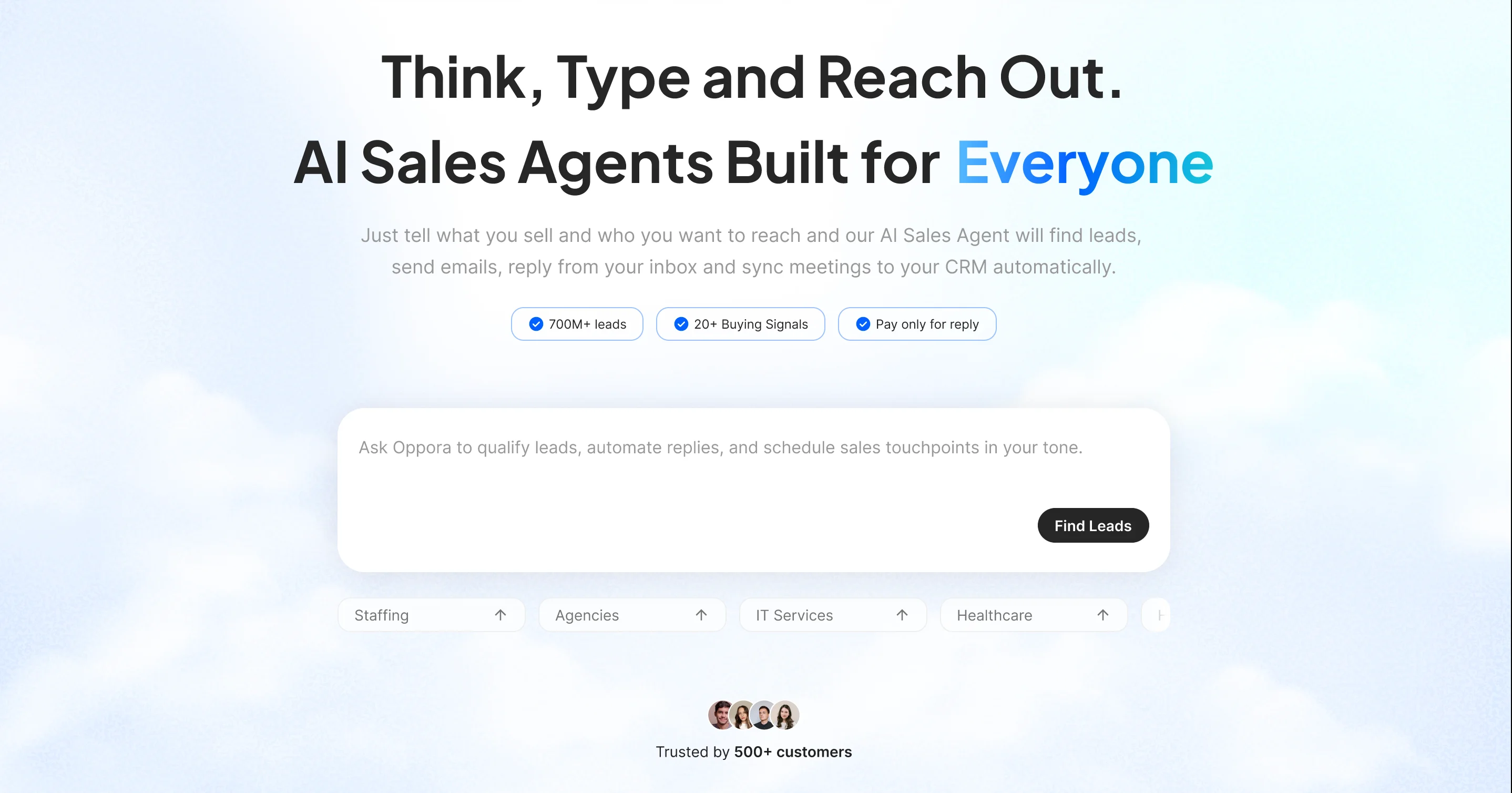
OpporaAI is built for sales teams drowning in prospect research and outreach.
It replaces the back-and-forth of manual outbound with AI agents that discover leads, write personalized emails, and handle replies—all automatically.
The MCP integrates seamlessly with Claude and ChatGPT, letting you trigger workflows directly from your chat.
You can ask your AI assistant to find prospects, enrich lead data, or launch multi-channel campaigns without leaving the conversation.
What makes it different:
OpporaAI combines eight specialized agents working together lead generation from 700M+ verified contacts, personalized email writing, email and LinkedIn outreach, automatic replies, and CRM syncing.
You get a complete pipeline builder, not fragmented tools.
Best for: B2B sales teams who want to build predictable pipeline without hiring SDRs. Whether you're a founder running sales solo or managing a team, OpporaAI automates what used to take hours daily.
Key capabilities:
- Discover high-quality leads and verified emails instantly from a 1B+ Leads Database
- Create End to End Outreach Workflows
- Generate human-like personalized emails
- Run 24/7 email and LinkedIn outreach
- Automatically qualify and book meetings
- Sync everything to your CRM
Integrations: Works with N8N, Clay, HubSpot, Pipedrive, and other CRM. The MCP layer means Claude can orchestrate entire campaigns.
You go from zero to live campaigns in minutes, not weeks. Perfect if you're tired of manual prospecting.
2. Zapier MCP
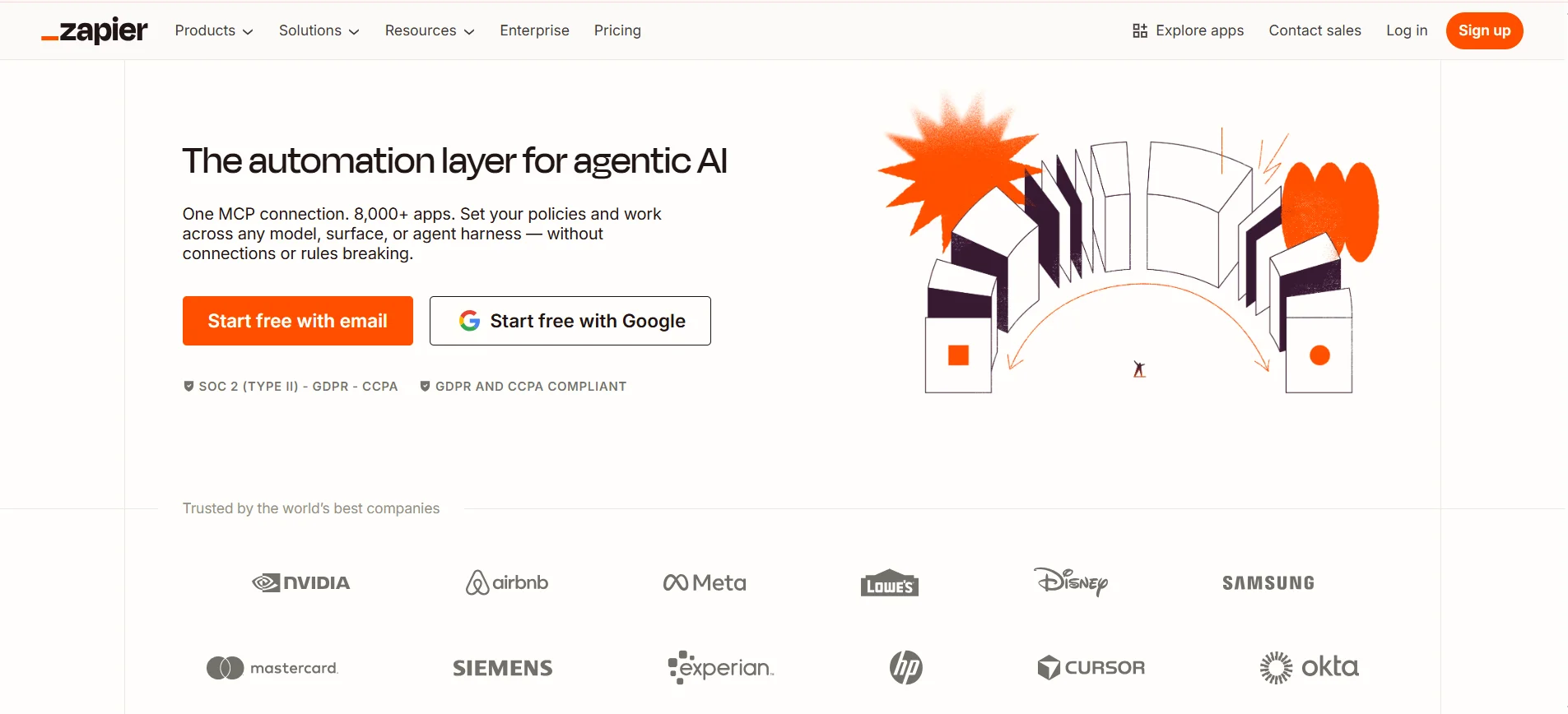
Zapier is the automation backbone of thousands of companies. It connects 7,000+ apps through simple "trigger-action" workflows—when this happens, do that.
With the Zapier MCP, you can build these automations directly through Claude or ChatGPT.
Ask your AI assistant to "create a Zap that saves Gmail attachments to Google Drive" or "send Slack notifications when new leads hit Salesforce." No dashboard hopping. No setup complexity.
What makes it powerful:
Zapier's strength is breadth. Whatever app you use—from accounting software to CRM to project management Zapier likely connects it. The MCP lets you leverage that ecosystem from your chat.
Best for: Non-technical teams automating everyday workflows. Marketing teams syncing leads across platforms. Customer support routing tickets automatically.
Key capabilities:
- Connect 7,000+ applications
- Build multi-step workflows
- Conditional logic and data transformation
- Schedule automations or trigger them on events
Integrations: Works with virtually every business app—HubSpot, Slack, Stripe, Airtable, Monday.com, and more.
Use Zapier MCP when you need quick, no-code automation across your entire tech stack.
3. Make (Formerly Integromat) MCP
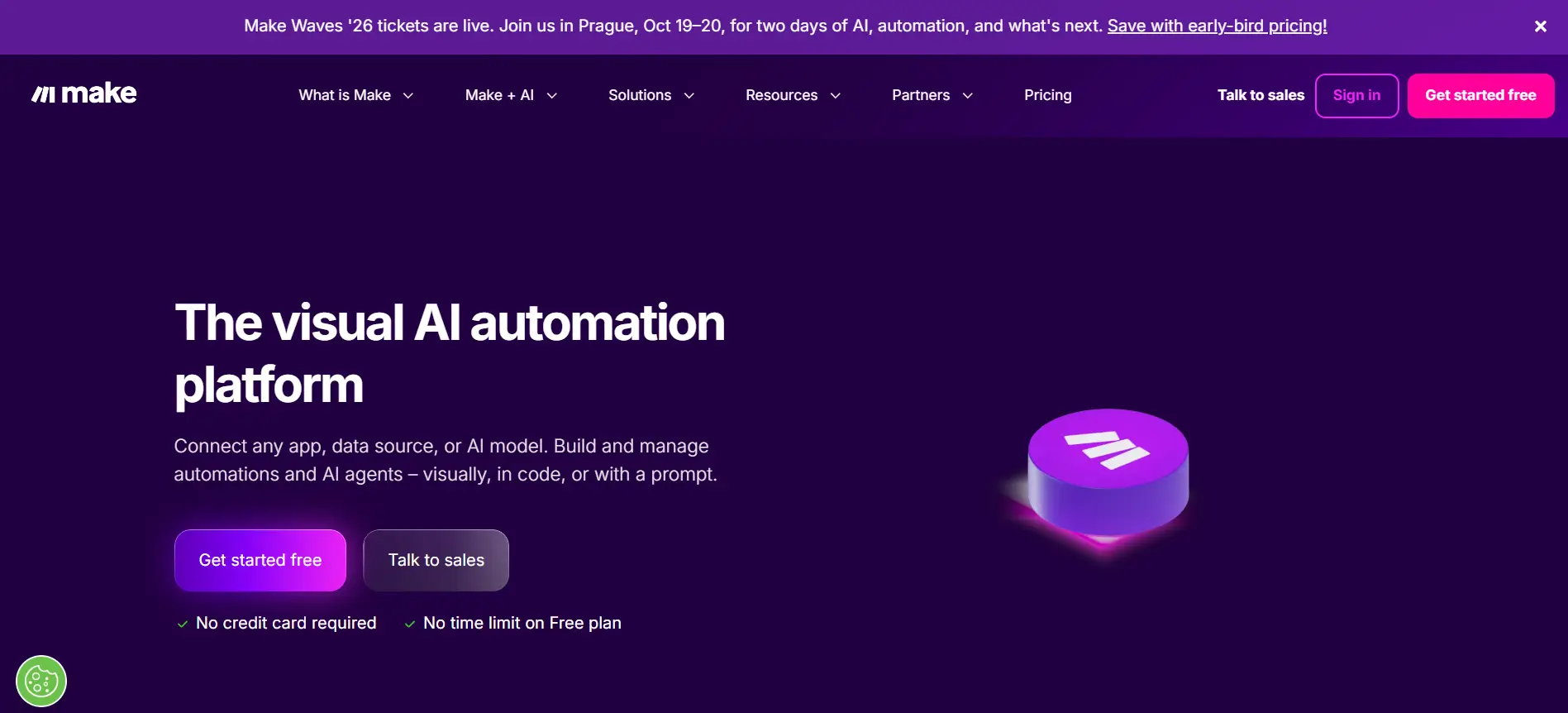
Make handles automation that Zapier can't touch. It's built for workflows with complex logic—conditional branches, data transformation, and error handling.
With the Make MCP, you're building sophisticated automations through your AI, not clicking through interface dialogs.
Ask Claude to "create a workflow that routes support tickets by priority, assigns them to teams, and logs everything in Airtable." Make processes it natively.
What makes it different:
Make excels at intricate workflows. You get granular control over data flow, loop handling, and custom logic. It feels less like automation-lite and more like actual workflow engineering.
Best for: Technical teams, ops managers, and developers who need power without writing code. Ideal for data-heavy processes and multi-step operations.
Key capabilities:
- Complex conditional routing
- Advanced data mapping and transformation
- Error handling and retry logic
- 1,200+ app integrations
- Scenario-based workflow builder
Integrations: Salesforce, HubSpot, Stripe, Slack, Google Workspace, and most enterprise tools.
Make MCP works best when your automation needs sophistication beyond simple triggers.
4. n8n MCP
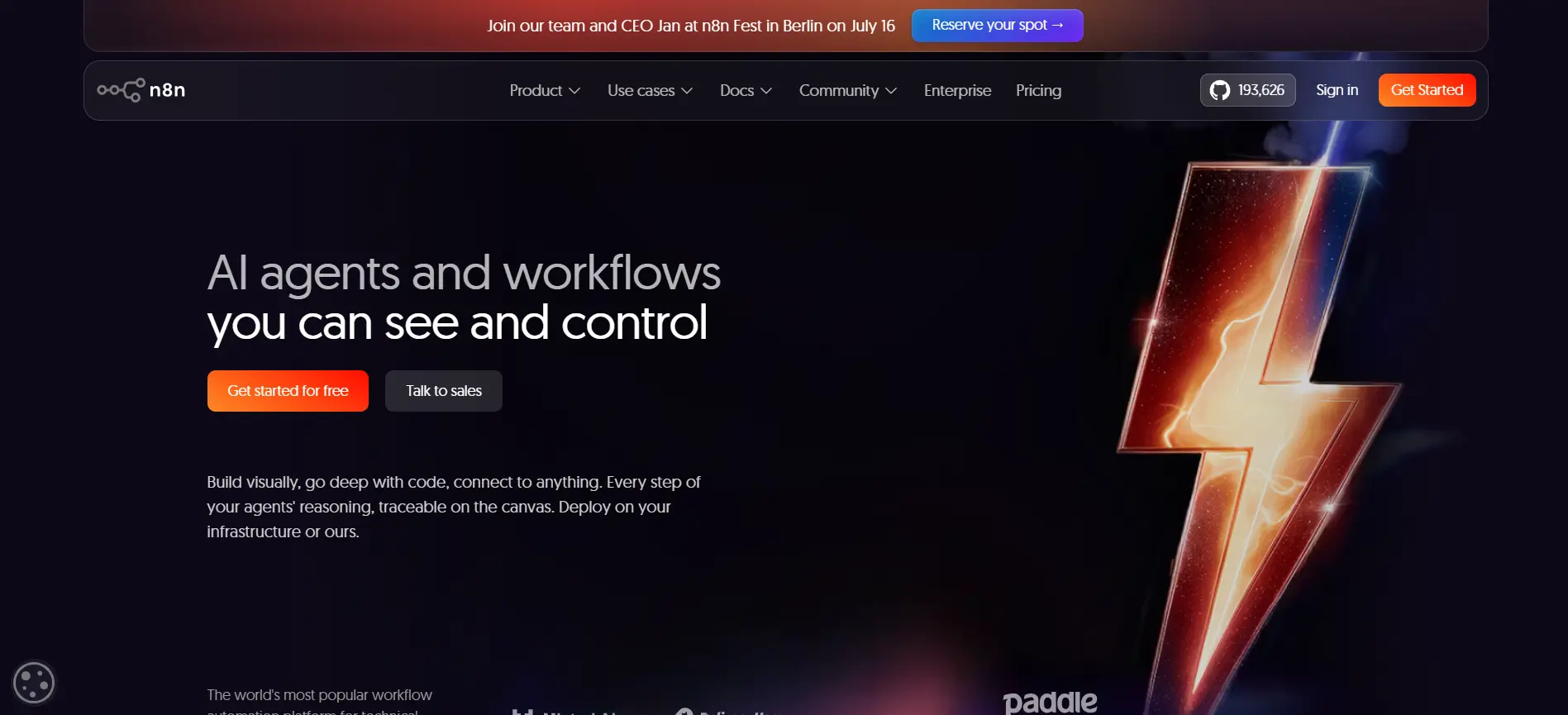
n8n is automation for teams who want control. It's open-source and self-hosted—you run it on your own servers, not someone else's cloud.
With the n8n MCP, you build powerful workflows through Claude while keeping your data on your infrastructure.
Tell your AI to "create a workflow that processes customer data, validates it, and syncs to our internal database." n8n handles it securely, entirely within your environment.
What makes it different:
You own the platform. No vendor lock-in. No worrying about rate limits or data residency. n8n gives technical teams the flexibility to customize, extend, and deploy however they want.
Best for: Enterprise teams with security requirements. DevOps-minded companies. Organizations that need to run automations on-premises or in specific regions.
Key capabilities:
- Open-source and self-hostable
- 400+ native integrations
- Custom code support (JavaScript/Python)
- Webhook triggers and complex logic
- Full audit and control
Integrations: Salesforce, Slack, PostgreSQL, Stripe, GitHub, and any API you can reach.
Choose n8n MCP when data sovereignty and customization matter more than simplicity.
5. Composio MCP
Composio is built specifically for AI agents. It's the bridge between large language models and real-world apps, letting Claude, ChatGPT, and other AI take actual actions in your software.
Think of it differently than Zapier or Make. Instead of "if this, then that," you're empowering AI to intelligently navigate apps.
Ask Claude to "update our Salesforce CRM with the deal details from that email" and Composio handles the API calls, data parsing, and verification.
What makes it unique:
Purpose-built for AI. Composio abstracts away API complexity, letting your AI assistant understand and use apps naturally without prompt engineering workarounds.
Best for: Teams automating with AI agents. Companies building ChatGPT or Claude-powered workflows. Developers integrating AI into their products.
Key capabilities:
- 150+ pre-built AI agent actions
- Natural language integration with LLMs
- Authentication and permission handling
- Real-time app connectivity
- Error handling and fallbacks
Integrations: Slack, GitHub, Salesforce, HubSpot, Linear, Jira, Gmail, and growing.
Use Composio MCP when you're building AI-powered automation, not traditional workflows.
6. LangChain MCP
LangChain is the framework developers use to build AI applications. It chains together multiple LLM calls, retrieval systems, and tool integrations into coherent workflows.
With the LangChain MCP, you architect these systems directly through Claude.
Tell your AI to "build a workflow that retrieves customer data, summarizes it, and generates a personalized response." LangChain orchestrates the steps seamlessly.
What makes it powerful:
LangChain handles the plumbing between language models and tools.
Memory management, retrieval-augmented generation, agent loops—it abstracts the complexity so you focus on logic.
Best for: Developers building custom AI applications. Teams creating proprietary LLM workflows. Companies needing more control than off-the-shelf tools provide.
Key capabilities:
- Chain multiple LLM calls together
- Retrieval-augmented generation (RAG)
- Agent frameworks with tool use
- Memory and context management
- Support for 50+ language models
Integrations: Works with Claude, GPT-4, open-source models, and any API-based LLM.
Use LangChain MCP when you're building custom AI systems, not simple integrations.
7. Pipedream MCP
Pipedream is event-driven automation.
Instead of scheduled workflows or simple triggers, you're building systems that react to real-time events—webhooks, HTTP requests, cron jobs.
With the Pipedream MCP, Claude orchestrates these flows naturally.
Ask your AI to "create a webhook listener that processes incoming Stripe payments, validates them, and logs results to our database." Pipedream handles the infrastructure.
What makes it different:
Pipedream bridges developers and non-developers. You can build workflows visually, or drop into Node.js or Python code when you need power.
It's designed for rapid iteration and real-time data flows.
Best for: Startups and teams building event-driven systems. Companies processing real-time data. Developers who want speed without infrastructure overhead.
Key capabilities:
- Webhook and HTTP triggers
- Event-driven architecture
- In-workflow code execution (JavaScript/Python)
- 2,000+ app integrations
- Built-in data storage
Integrations: Slack, Stripe, GitHub, Twilio, Shopify, and most APIs.
Use Pipedream MCP when you need real-time event processing without managing servers.
8. Figma MCP Server
Figma MCP brings design collaboration to AI. Instead of manually describing designs or exporting assets, Claude can read your Figma files directly extracting components, analyzing layouts, and understanding design intent.
Ask your AI to "pull all color variables from our design system" or "generate design specifications for this component." Figma MCP lets Claude navigate your design files like a team member.
What makes it unique:
This is the first design-focused tool in the list.
Most automation focuses on business processes—Figma MCP bridges the gap between design and automation, letting non-designers access design information easily.
Best for: Product teams automating design handoffs. Design systems teams documenting components. Developers needing design specifications without back-and-forth.
Key capabilities:
- Read Figma file structure and components
- Extract design tokens and variables
- Access design specifications
- Generate asset documentation
- Understand design hierarchy
Integrations: Works with Figma's API; pairs with Slack, GitHub, and development tools.
Use Figma MCP when you need AI to understand and work with design files directly.
9. Smithery
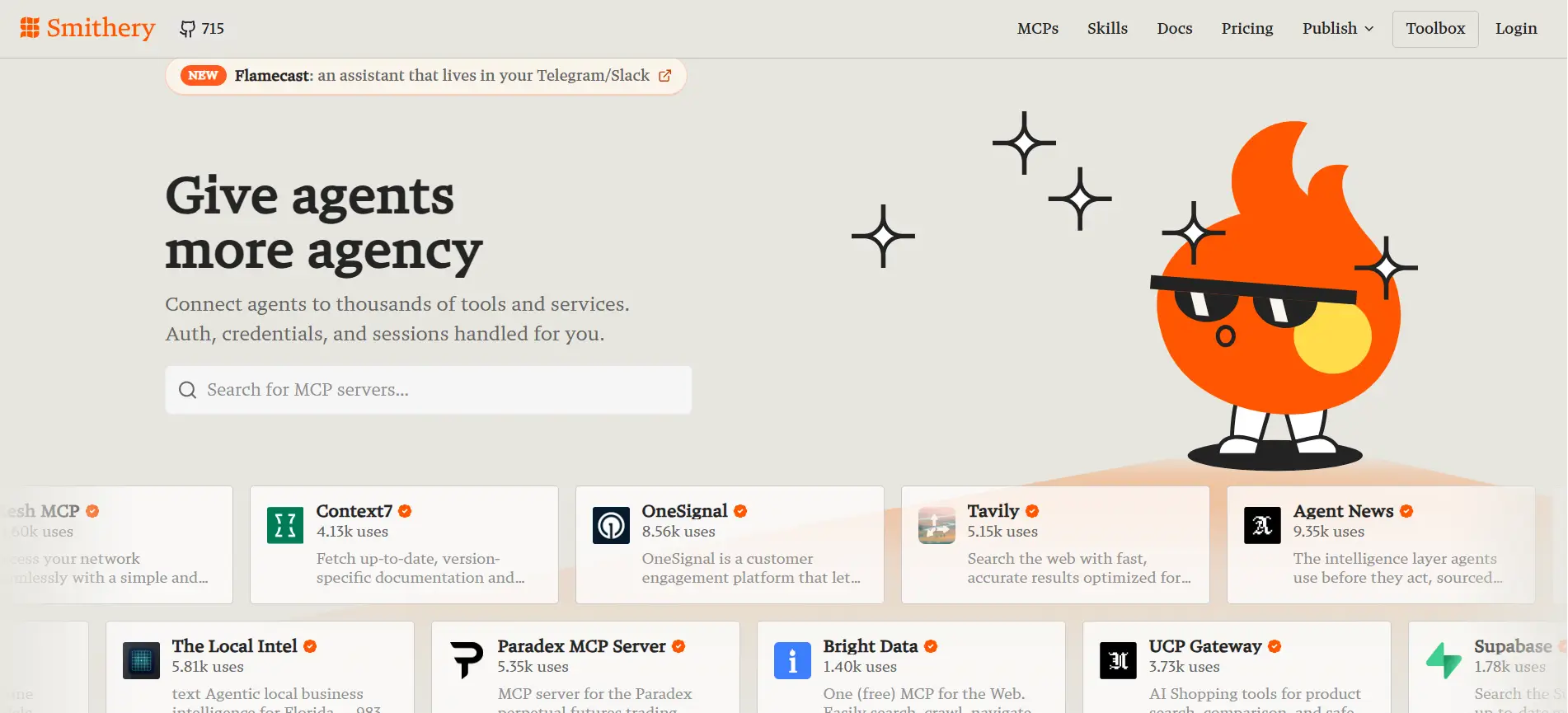
Smithery is the marketplace for MCP servers.
While other tools in this list automate specific workflows, Smithery helps you discover, install, and manage MCP integrations across your entire stack.
Think of it as a package manager for AI tools.
Instead of hunting down MCP server documentation across GitHub, you browse Smithery to find what's available, check community ratings, and install with one click.
What makes it different:
This isn't a workflow automation tool—it's infrastructure for the MCP ecosystem itself. Smithery solves the discoverability problem.
With hundreds of MCPs emerging, finding the right server for your use case becomes difficult fast.
Best for: Teams new to MCP. Organizations managing multiple MCP servers. Anyone wanting to explore available integrations before building custom ones.
Key capabilities:
- Browse and search MCP servers
- Community reviews and ratings
- One-click installation
- Version management
- Configuration guidance
Works with: Claude, ChatGPT, and any MCP-compatible AI platform.
Use Smithery when you need to explore the broader MCP ecosystem or simplify server management across your team.
10. MCP.so
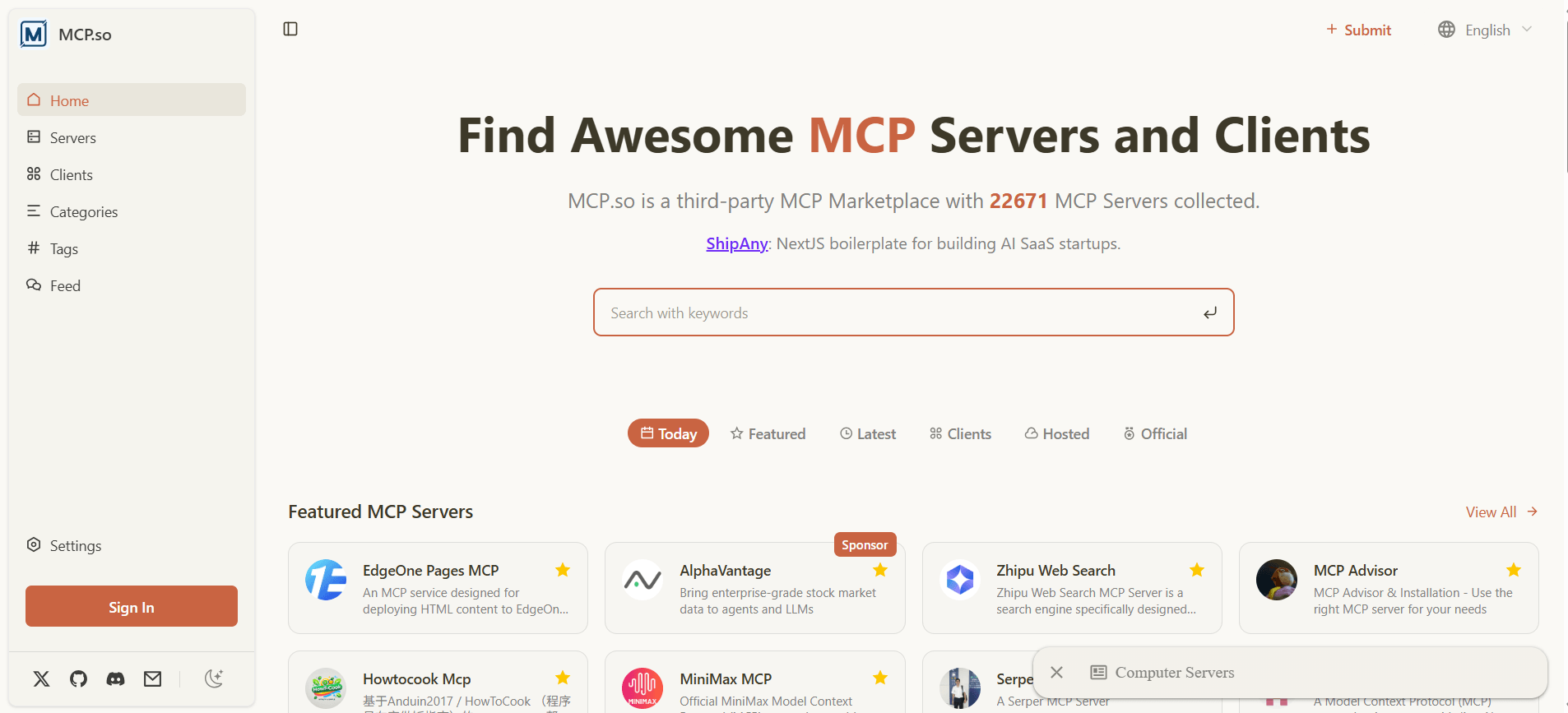
MCP.so is a community-driven registry for MCP servers.
While Smithery is curated and polished, MCP.so functions as an open directory where developers share, discover, and discuss available MCPs.
It's less about installation infrastructure and more about exploration and learning.
Browse what others have built, see how they're using MCPs, and understand what's possible before diving deep.
What makes it different:
MCP.so emphasizes community and transparency. You see discussions, use cases, and real feedback from developers actively using each MCP.
It's GitHub meets app store—transparent and developer-first.
Best for: Developers exploring the MCP landscape. Teams researching solutions before committing.
Anyone wanting peer recommendations rather than algorithm-driven suggestions.
Key capabilities:
- Open MCP server directory
- Community discussion and reviews
- Real-world use case examples
- Integration guides and documentation
- Developer feedback and ratings
Works with: Claude, ChatGPT, and MCP-compatible platforms.
Use MCP.so when you want grassroots recommendations and direct developer insights into which MCPs actually work for your use case.
11. Apify MCP
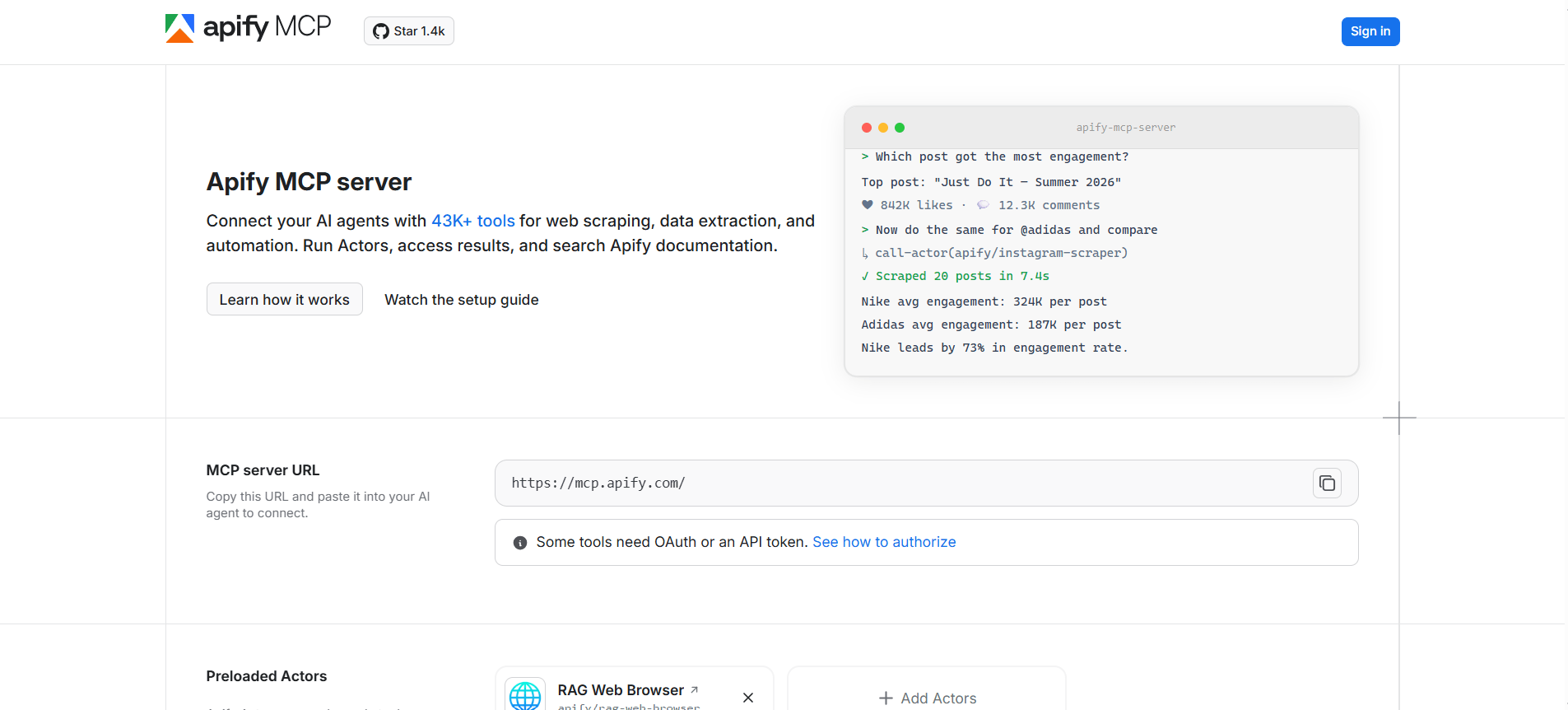
Apify extracts data from the web at scale.
Instead of manually copying information from websites or building custom scrapers, Apify handles it—crawling sites, parsing content, and delivering structured data.
With the Apify MCP, Claude triggers these scraping jobs directly.
Tell your AI to "scrape competitor pricing from their website" or "extract product details from an e-commerce site." Apify does the heavy lifting while you work.
What makes it powerful:
Apify includes pre-built actors (bots) for common tasks—scraping Google Search, extracting LinkedIn profiles, monitoring website changes. You don't code; you orchestrate.
Best for: Market research teams. Competitive intelligence gathering. Companies monitoring prices or tracking market trends. Sales teams researching prospects at scale.
Key capabilities:
- Web scraping at scale
- Pre-built actors for common tasks
- JavaScript rendering for dynamic sites
- Structured data extraction
- Scheduled monitoring and alerts
Integrations: Works with Slack, Google Sheets, Zapier, and data platforms.
Use Apify MCP when you need to collect web data without writing scrapers or manually gathering information.
12. Slack MCP
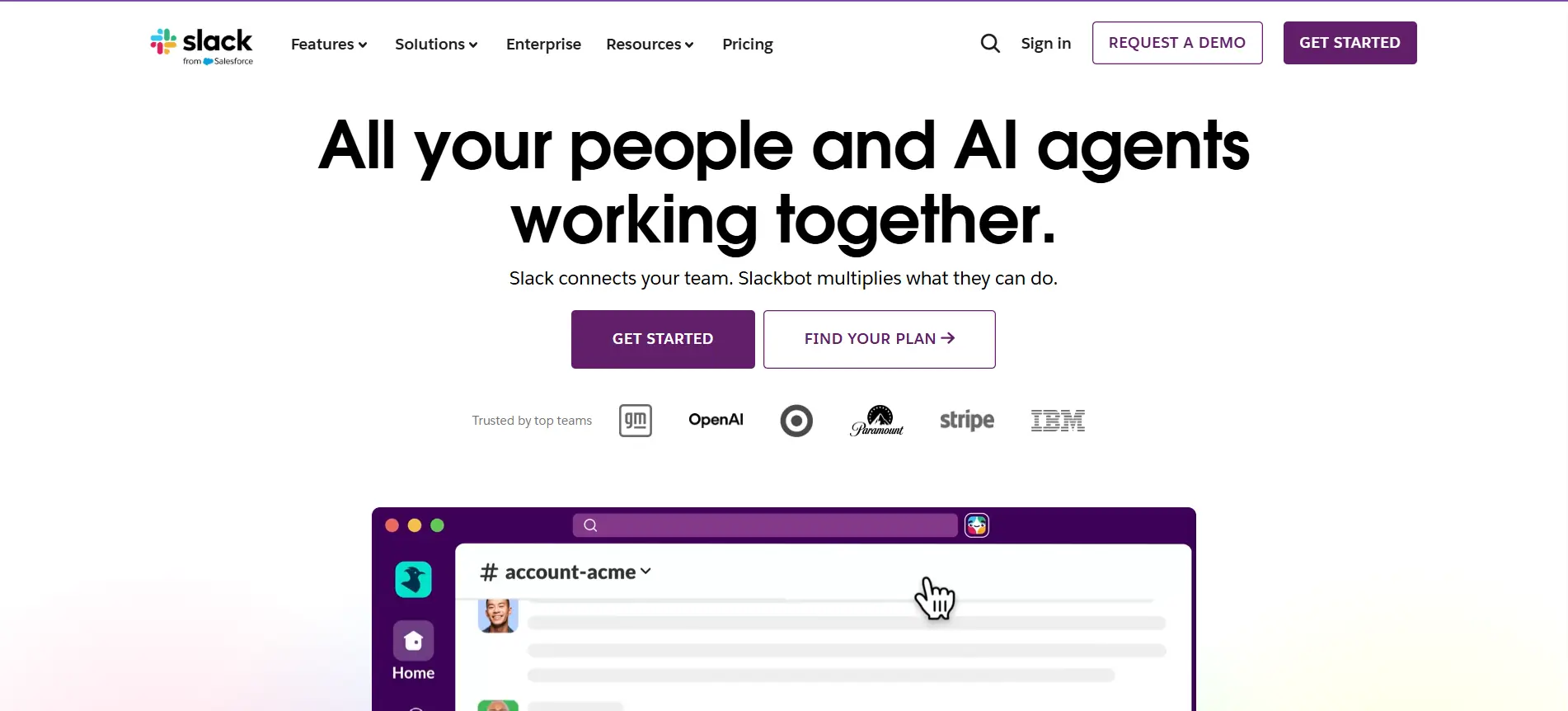
Slack is where your team lives.
The Slack MCP brings your AI there too—letting Claude read channels, understand conversations, post updates, and trigger actions directly from Slack without switching tools.
Ask a question in a Slack thread and Claude answers using your company knowledge.
Tell your AI to "summarize this channel and flag urgent items." It happens instantly, in the flow of work.
What makes it powerful:
You're not moving context around. AI works where conversations happen. Your team stays in Slack while automation executes in the background.
Best for: Teams wanting AI assistance without breaking workflow. Companies automating notifications and updates. Remote teams needing async AI support integrated into chat.
Key capabilities:
- Read and search channel history
- Post messages and threads
- Manage channel membership
- Trigger workflows from slash commands
- Extract context from conversations
Integrations: Works with any MCP-compatible AI; pairs with Zapier, Make, and workflow tools.
Use Slack MCP when you want your AI assistant embedded in your team's daily communication, not as a separate tool.
13. GitHub MCP
GitHub MCP connects Claude to your repositories.
Instead of switching between IDE and chat, your AI reads code directly—understanding context, suggesting changes, and creating pull requests. It's like pair programming with an AI.
Tell Claude to "review this pull request for security issues" or "help me fix the bug in this file." GitHub MCP gives AI full visibility into your codebase.
What makes it powerful:
Code becomes conversational. You're not copying snippets or explaining logic manually. Claude sees your actual code, understands the architecture, and suggests improvements in context.
Best for: Development teams. Solo developers wanting AI code review. Companies automating code quality checks and documentation.
Key capabilities:
- Read repository structure and code files
- Review pull requests
- Create branches and commits
- Comment on issues and PRs
- Search code and history
- Manage workflows and actions
Integrations: Works with GitHub; pairs with Slack, Discord, and development tools.
Use GitHub MCP when you need AI to understand your codebase deeply and contribute meaningfully to your development process.
14. Notion MCP
Notion is your company's knowledge hub.
The Notion MCP lets Claude search your databases, extract information, and update pages—turning Notion into a living, searchable brain that AI can access.
Ask Claude to "find all open projects in our product database and summarize their status" or "add this meeting note to our team wiki."
AI understands your Notion structure natively.
What makes it powerful:
Information stays organized in Notion, but becomes instantly accessible to AI. No copy-paste.
No hunting through docs. Claude queries your database like a teammate with full context.
Best for: Teams using Notion for project management, knowledge bases, and documentation. Companies wanting AI to access organizational memory. Remote teams centralizing information.
Key capabilities:
- Search and query databases
- Read pages and block content
- Update database entries
- Create new pages and records
- Extract structured information
- Understand relationships and properties
Integrations: Works with any MCP-compatible AI; pairs with Slack, email, and workflow tools.
Use Notion MCP when you need AI to tap into your company's documented knowledge without leaving your workspace.
15. Google Workspace MCP
Google Workspace is where most work happens—Gmail, Docs, Sheets, Drive, Calendar all in one ecosystem.
The Google Workspace MCP lets Claude access and update all of it, turning scattered documents and emails into actionable intelligence.
Ask Claude to "find last month's performance reports in Drive, summarize them, and create a presentation.
" Or "draft an email based on these customer conversations." AI works across your entire productivity suite.
What makes it powerful:
Google Workspace is foundational—almost every team uses it. This MCP connects the dots between communication, documentation, and data without context switching.
Best for: Any team using Google Workspace. Companies automating document workflows.
Teams needing AI assistance with email, sheets, and project coordination.
Key capabilities:
- Search and read Gmail and Drive
- Extract data from Sheets
- Create and edit Docs
- Query Calendar and events
- Manage file organization
- Process attachments and content
Integrations: Works with any MCP-compatible AI; pairs seamlessly with Slack, forms, and Workspace add-ons.
Use Google Workspace MCP when you want AI integrated into your team's daily productivity tools and workflows.
16. HubSpot MCP
HubSpot is the CRM that drives sales and marketing alignment.
The HubSpot MCP lets Claude access contacts, deals, and campaigns—turning your CRM into conversational intelligence.
Query pipeline data, update lead information, and trigger actions without logging into HubSpot.
Tell Claude to "show me deals closing this month that need follow-up" or "update this contact with new information and move them to the next stage."
Your AI becomes your CRM assistant.
What makes it powerful:
HubSpot holds everything—contacts, deals, emails, tasks. The MCP surfaces that data contextually.
Instead of digging through the interface, Claude answers questions and takes actions instantly.
Best for: Sales teams. Marketing operations. Revenue leaders tracking pipeline. Companies automating lead qualification and nurturing workflows.
Key capabilities:
- Search and query contacts and deals
- Update CRM records in real-time
- Create tasks and activities
- Trigger automated workflows
- Access email and interaction history
- Manage pipeline and forecasting
Integrations: Works with any MCP-compatible AI; connects with Slack, email, and communication tools.
Use HubSpot MCP when you need AI to manage your CRM workflows and provide pipeline intelligence without manual data entry.
Comparing the Best MCP Tools at a Glance
Picking the right MCP tool depends on your use case, technical skill, and workflow complexity. Here's how to match each tool to your specific needs.
Best for No-Code Automation
You need simple, visual workflow building without touching code. Zapier dominates this space—it's the most accessible entry point with the broadest app ecosystem.
Make offers similar simplicity with more advanced logic. Google Workspace MCP and Slack MCP work here too if your workflows live entirely in those platforms.
Top picks: Zapier, Make, Google Workspace MCP
Best for AI Agent Workflows
You're building systems where AI makes intelligent decisions, not just triggering actions. This is where Composio shines—it's purpose-built for AI agents.
LangChain powers deeper, more sophisticated AI systems. OpporaAI specializes in sales agent workflows specifically.
These tools think like AI does, abstracting away API complexity so your LLM can reason naturally.
Top picks: Composio, LangChain, OpporaAI
Best for Sales and Outreach Automation
You need end-to-end sales workflows lead generation, personalization, follow-ups, meeting booking.
OpporaAI is the only tool in this list designed entirely for outbound sales.
It combines all eight agents needed for a complete sales system.
HubSpot MCP works well as a supporting tool if you're already in HubSpot's ecosystem.
Top picks: OpporaAI, HubSpot MCP
Suggested Reading:
10 Best Sales Prospecting Tools for Lead GenerationBest for Developers
You want control, customization, and the ability to write code when needed. n8n gives self-hosted flexibility. LangChain lets you build custom AI applications.
Pipedream offers rapid iteration with code execution built-in. GitHub MCP integrates AI directly into your development workflow.
These tools respect developer preferences—whether you want no-code simplicity or full code control.
Top picks: n8n, LangChain, Pipedream, GitHub MCP
Best for Enterprise Automation
You need security, scalability, and governance. n8n's self-hosted model addresses data residency concerns.
Make and Zapier handle enterprise-scale workflows, though Zapier has broader adoption.
Notion MCP, Google Workspace MCP, and Slack MCP integrate with tools your entire organization already uses. For specialized needs like data extraction at scale, Apify handles it reliably.
Top picks: n8n, Make, Zapier, Google Workspace MCP
How to Choose the Right MCP Tool for Your Workflow
Selecting the right MCP means aligning it with how your team works, what you're trying to automate, and what resources you have. Use this framework to narrow down your options.
Consider Your Technical Expertise
Be honest about your team's technical skill. If you have no developers, tools like Zapier, Make, and Composio keep things simple.
If you have engineers, n8n and LangChain unlock deeper customization. OpporaAI works for both marketers can use it as-is, while technical teams can extend it.
The best tool isn't the most powerful one. It's the one your team will actually use without constant frustration.
Check Integration Requirements
Your automation is only useful if it connects to your actual tools. Before choosing, identify the apps you need to link.
Look for tools that natively support your stack:
- If you're heavily Google Workspace–based, Google Workspace MCP and Zapier are obvious fits
- For CRM-driven workflows, HubSpot MCP and OpporaAI connect directly
- GitHub teams should prioritize GitHub MCP
- Notion-centric organizations benefit from Notion MCP
Check whether the tool supports APIs for anything not in their built-in library. That flexibility saves you when you need to connect niche software.
Evaluate Scalability and Security
Ask yourself these questions before committing:
- Does the tool handle your current volume and future growth?
- Can it process your data without hitting rate limits?
- Does it store data where you need it (on-premises, specific regions)?
- What compliance standards does it meet (SOC 2, HIPAA, GDPR)?
- How transparent is the tool about data handling?
n8n wins on control and data residency. Zapier and Make scale reliably but less transparently.
Composio and LangChain are newer—verify their security posture before enterprise use.
Compare Pricing and Usage Limits
Tools vary wildly in pricing models:
- Per-workflow (Zapier, Make)
- Self-hosted, flat cost (n8n)
- Per-action or per-run (Pipedream, Composio)
- Usage-based credits (OpporaAI)
Calculate your actual usage. A tool charging per workflow might cost more than one charging per run if you're building many light workflows. Some offer free tiers—test before buying.
Common MCP Workflow Automation Use Cases
Real workflows automate faster with MCP tools. Here's how teams are using them to save hours and eliminate manual work.
Lead Generation and Prospecting
Apify scrapes prospects from the web at scale.
OpporaAI discovers leads from its 700M+ verified contact database, enriches them with multiple data sources, and automatically flags high-quality matches.
You move from manual list-building to AI finding prospects while you sleep.
The workflow: Identify ideal customer profiles → AI discovers matching prospects → Enrich data automatically → Export to CRM → Sales team focuses on conversations, not hunting.
Tools: OpporaAI, Apify, Zapier
Suggested Reading:
15 Best B2B Lead Generation Tools in 2026Sales Outreach Automation
OpporaAI handles this end-to-end. It generates personalized emails, runs multi-channel campaigns across email and LinkedIn, automatically qualifies replies, and books meetings without human intervention.
Your AI sales agents work 24/7 while your team focuses on closing deals.
Make and n8n can orchestrate outreach workflows if you're building custom sequences.
Tools: OpporaAI, Make, n8n
Suggested Reading:
Top 9 AI Outreach Tools to Supercharge Your Sales and MarketingCustomer Support Workflows
Slack MCP monitors support channels, routes urgent issues to the right team, and surfaces relevant context. Notion MCP pulls customer history.
Google Workspace MCP extracts information from email threads.
Your AI becomes a triage assistant—categorizing tickets, suggesting responses, and escalating what matters.
Tools: Slack MCP, Notion MCP, Google Workspace MCP
Internal Operations and Reporting
Teams use these automations regularly:
- Syncing data between Sheets and CRM without manual entry
- Generating weekly performance reports automatically
- Updating project management tools from email or Slack
- Archiving completed work across multiple platforms
- Creating audit trails in centralized databases
Zapier and Make handle simple syncing. n8n manages complex multi-step operations. Google Workspace MCP works across all your productivity tools.
Tools: Zapier, Make, n8n, Google Workspace MCP
Content Creation and Marketing Automation
LangChain and Composio help marketing teams draft copy, research topics, and generate asset briefs.
Figma MCP extracts design specifications. GitHub MCP syncs documentation. Notion MCP centralizes campaign assets.
You're automating research and drafting, not replacing creativity—your team focuses on strategy while AI handles repetitive writing tasks.
Tools: LangChain, Composio, Figma MCP, Notion MCP
Suggested Reading:
17 Best AI Tools for Marketing Agency to Scale ROI FastConclusion
MCP tools are no longer optional—they're how modern teams scale without hiring.
Whether you're automating lead generation, managing customer support, or streamlining internal operations, there's an MCP tool built for your workflow.
The key is matching the right tool to your specific need. Start small, test with one workflow, then expand. Most tools offer free trials, so experimentation costs nothing.
If you're specifically focused on sales automation, Oppora AI handles what most teams can't—end-to-end prospecting, outreach, and meeting booking without juggling multiple tools.
It's worth testing if you're drowning in manual outbound work.
Whatever path you choose, the message is clear: your team shouldn't be doing repetitive work manually anymore.
Frequently Asked Questions (FAQs)
Can you use multiple MCP tools together in one workflow?
Yes. Many teams combine tools—using Zapier for initial data collection, then Composio to pass it to Claude for intelligent processing. Most MCPs communicate through APIs and webhooks, allowing seamless chaining. Start simple, then layer tools as your workflow grows in complexity.
What's the ROI timeline for implementing MCP tools?
Most teams see immediate time savings—automating a single 2-hour weekly task returns ROI in weeks. Sales teams using OpporaAI typically see productivity gains within 30 days. Larger process automation takes longer, often 2-3 months to measure full pipeline impact and cost reduction.
What happens if an MCP integration breaks or stops working?
Most tools alert you via email or Slack. Check the MCP's status page first—integrations sometimes pause due to third-party API changes. Most have fallback options or manual recovery steps. Reliable platforms like Zapier and Make have enterprise support teams to resolve breaks quickly.
Are MCP tools suitable for small teams with limited budgets?
Absolutely. Many tools offer free tiers—Zapier, Make, n8n, and Composio all provide free starter plans. Oppora offers a free trial. Start small, automate one high-impact workflow, then scale as you grow. Free plans often handle hundreds of automations monthly.
How do MCP tools handle data security and privacy?
Most enterprise tools (Zapier, Make, n8n) maintain SOC 2 compliance. Self-hosted options like n8n give you complete control. Always verify the tool's privacy policy and encryption standards match your industry requirements before processing sensitive customer or financial data.