12 Best Bulk Email Sender Platforms Compared by Price
bulk email sender free bulk email sender best bulk email sender email bulk sender
Choosing the right bulk email sender sounds simple until you start comparing pricing pages.
One tool charges per subscriber. Another charges per email volume. Some bill per mailbox. Others use credit systems that look affordable at first but scale fast.
Email still delivers one of the highest ROI channels in digital marketing.
But not all platforms are built for the same purpose.
Some focus on newsletters. Some specialize in outbound outreach. Others are built for automation-heavy sales teams.
This guide breaks down 12 platforms by cost, scalability, features, and ideal use case so you can confidently choose what fits your growth model.
What to Look for Before Choosing an Email Sending Platform
Before you compare features or pricing tables, take a step back.
The real question is not “Which tool is cheapest?”
It’s “Which pricing and infrastructure model supports how you plan to send email?”
Your growth speed, team structure, and campaign type will determine what actually becomes cost-effective long term.
Pricing Model Structure
Email platforms don’t charge the same way.
And that difference alone can double your costs as you scale.
Here are the most common models you’ll see:
- Subscriber-based pricing — You pay based on list size, whether you email them or not.
- Volume-based pricing — You pay per number of emails sent each month.
- Mailbox-based pricing — You pay per connected inbox. Common in cold outreach tools.
- Credit-based pricing — You buy usage credits for specific actions like sending or data enrichment.
Subscriber-based tools look affordable early.
But as your list grows, you may start paying for inactive contacts.
Mailbox and credit systems often give more control — but only if you understand how usage scales.
Always calculate projected cost six months ahead, not just month one.
Deliverability Infrastructure
Sending emails is easy.
Landing in the inbox consistently is not.
Deliverability determines whether your campaigns perform or quietly fail.
Look for built-in systems like:
- Domain warm-up
- Bounce management
- Spam testing
- IP reputation monitoring
- Sending throttling
Without these safeguards, higher sending volume can damage your sender reputation fast.
Good deliverability infrastructure protects long-term performance.
Automation & Workflow Depth
Some platforms only send broadcasts.
Others allow multi-step sequences, triggers, reply detection, CRM sync, and AI personalization.
If you plan to run outbound or lifecycle campaigns at scale, workflow depth matters.
The more manual steps your team handles, the slower you grow.
Scalability & Hidden Costs
Low entry pricing often hides upgrade triggers.
Feature gating, contact tier jumps, add-ons, and premium support can inflate your total cost quickly.
Always evaluate total operational cost not just the starting plan.
Best Free & Paid Bulk Email Sender Platform
Now that you know what impacts pricing, deliverability, and scalability, it’s time to compare real platforms.
Below, you’ll find 12 free and paid platforms compared by pricing model, core strengths, limitations, and ideal use case so you can quickly identify which solution fits your business model best.
1. Oppora
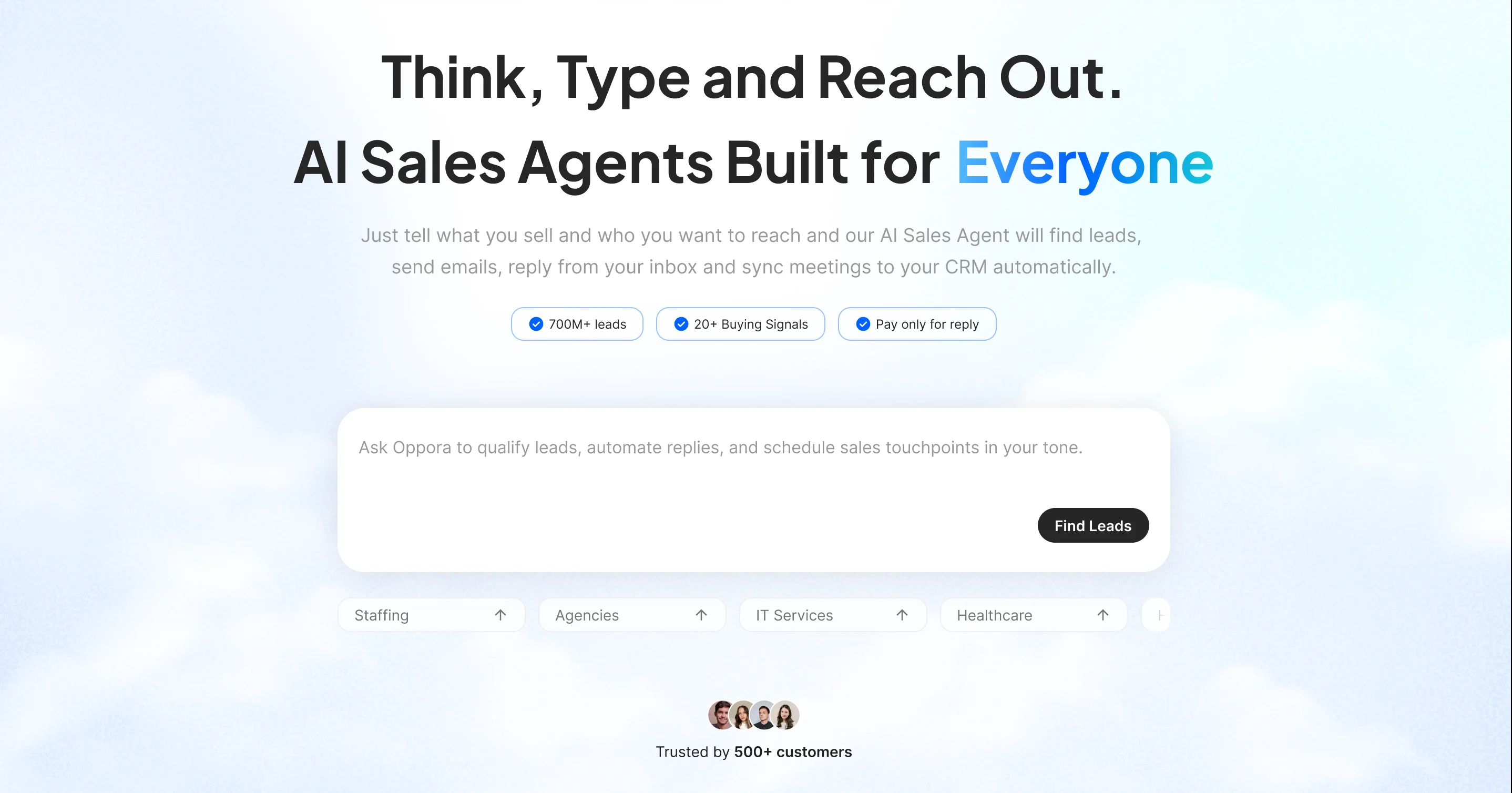
If you’re combining prospecting and outreach inside one workflow, Oppora takes a different approach from traditional bulk email tools.
Instead of separating lead discovery, enrichment, sending, and reply handling across multiple platforms, it connects everything through AI-driven agents that execute your outbound flow automatically.
That structure makes it useful for founders, agencies, and SDR teams who want fewer manual steps.
Best For
- Founders running outbound themselves
- Agencies managing multiple client campaigns
- SDR teams that want automation without daily micromanagement
Key Features
- 700M+ verified contacts with waterfall sourcing
- Built-in enrichment and real-time email verification
- Multi-mailbox scaling (connect up to 50 inboxes)
- Automatic domain warm-up
- Sender identity matching (Gmail-to-Gmail, Outlook-to-Outlook)
- Real AI personalization (no spintext recycling)
- AI reply handling + instant meeting booking
- CRM sync with HubSpot, Salesforce, Pipedrive, or built-in CRM
- Drag-and-drop workflow builder
Pricing
- Free Forever Plan Available start with core features at $0
- All-in-One Pricing Model
- One simple plan covers core sales tasks
- No separate charges for lead finding, outreach, automation, or reply handling
- Task-Based Credit System
- Separate credits for different actions
- Fair and transparent usage structure
- Unused Credits Roll Over
- Credits move to the next month
- No wasted spend
- Flexible Add-Ons
- Scale usage without forced plan upgrades
- Available for both free and paid users
- Cost Advantage
- Many tools cost $200+ to find and email 5,000 prospects
- Oppora can handle it starting at just $34/month
2. Instantly
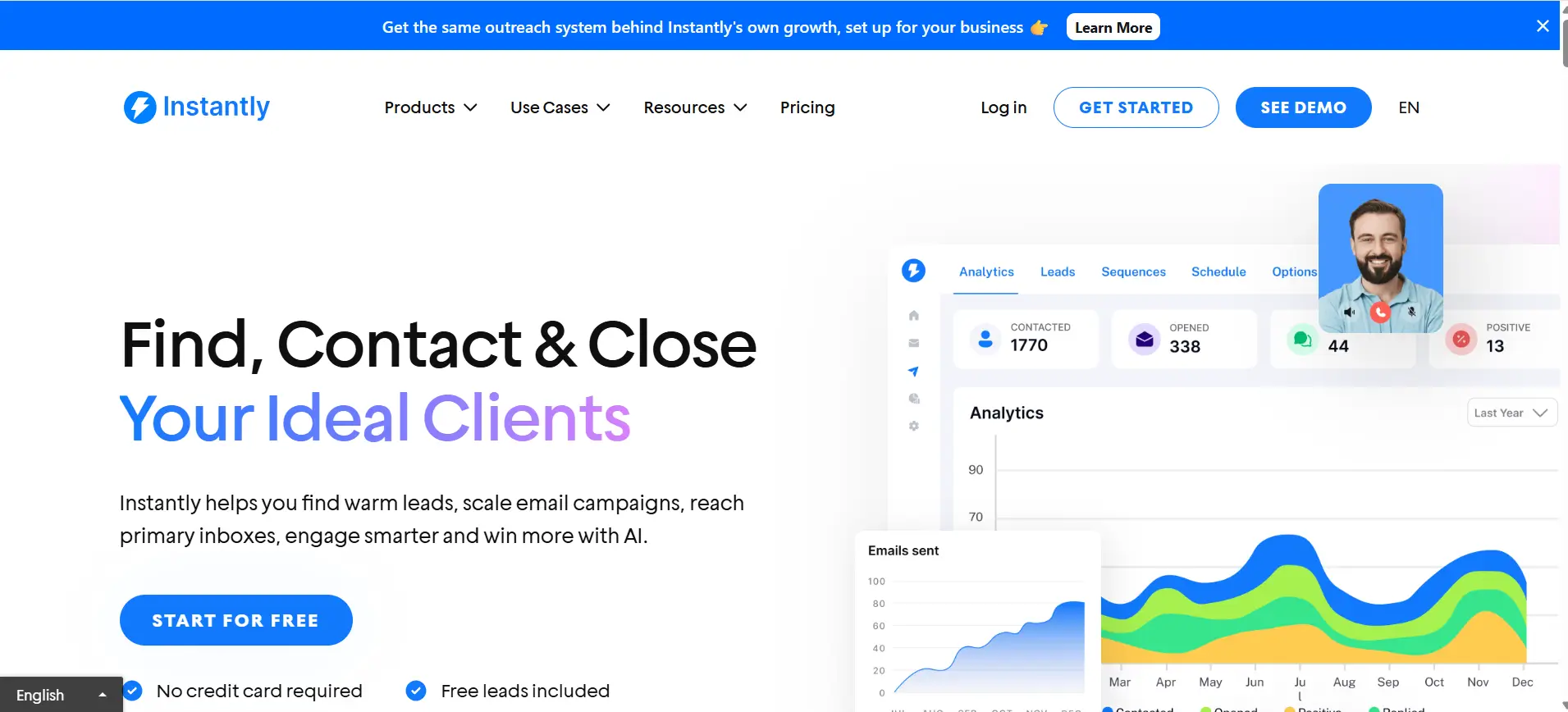
If your focus is cold outbound at scale, Instantly is built specifically for that use case.
Instead of prioritizing design-heavy newsletters, it centers around inbox rotation, warm-up systems, and managing multiple sending accounts safely.
This makes it attractive for agencies and outbound teams sending high daily volumes.
Best For
- Cold outreach teams scaling multiple inboxes simultaneously.
Key Features
- Unlimited email accounts
- Built-in email warm-up
- Campaign analytics dashboard
- Automated inbox rotation
These features help protect deliverability while increasing sending capacity.
Pricing Snapshot
- There is no permanent free plan, though trials are sometimes available.
- Paid plans start around $37 per month.
- Pricing increases based on mailbox count and advanced feature access, meaning costs scale as you expand sending volume.
3. MailerLite
If your focus is newsletters and simple marketing automation, MailerLite is designed with small businesses in mind.
It prioritizes ease of use over complex outbound infrastructure, making it ideal if you care about clean templates, subscriber management, and straightforward automation flows.
You don’t need technical experience to get started.
Best For
- Small businesses running newsletters and basic marketing campaigns.
Key Features
- Drag-and-drop email builder
- Subscriber segmentation
- Landing page builder
- Automation workflows
Its interface is beginner-friendly, which reduces setup time significantly.
Pricing Snapshot
- Offers a free plan with limited features and subscriber caps.
- Paid plans scale based on subscriber count.
- Costs remain affordable at smaller list sizes, but pricing increases steadily as your contact database grows.
4. Brevo (formerly Sendinblue)
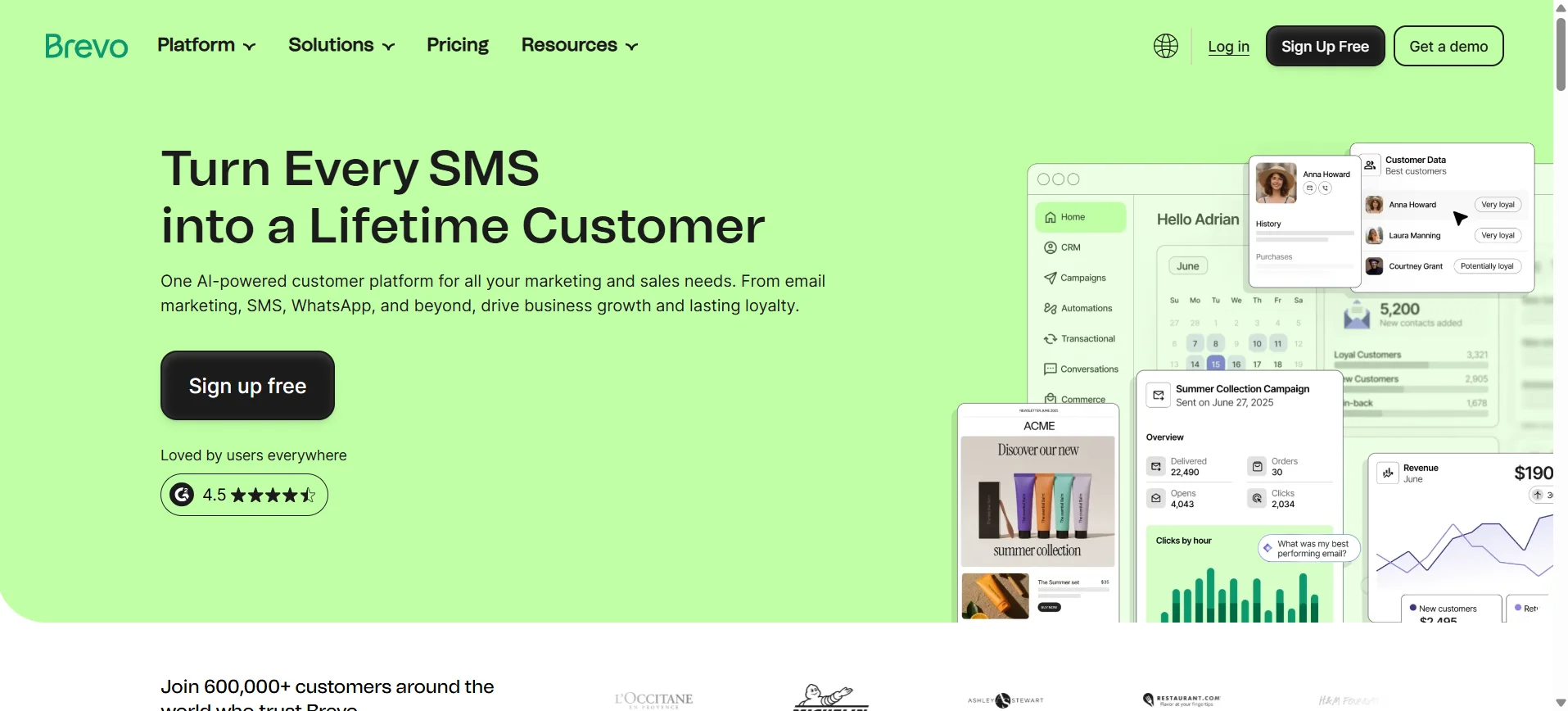
If you want both marketing campaigns and transactional email in one place, Brevo offers a flexible middle ground.
Previously known as Sendinblue, it combines email marketing, SMS campaigns, and basic CRM features under a volume-based pricing model.
That makes it appealing if you send emails regularly but don’t want to pay strictly based on subscriber count.
Best For
- Marketing teams that need both promotional campaigns and transactional email support.
Key Features
- Email and SMS marketing
- Built-in CRM functionality
- Automation workflows
- API access for developers
- Transactional email support
This hybrid structure works well if your business runs newsletters while also sending product updates, confirmations, or alerts.
Pricing Snapshot
- Brevo uses volume-based pricing rather than subscriber-based tiers.
- There is a free plan with daily sending limits.
- As your monthly email volume increases, pricing scales based on total sends rather than total contacts stored.
5. Mailchimp
If you’re building branded campaigns and e-commerce newsletters, Mailchimp is one of the most recognized options in the market.
It focuses heavily on design, audience segmentation, and user-friendly campaign building, which makes it popular among growing online businesses.
You get polished templates and detailed analytics without needing technical setup.
Best For
- E-commerce brands and marketing teams focused on visual campaigns.
Key Features
- Advanced audience segmentation
- Pre-built and customizable templates
- Marketing automation
- Performance analytics dashboard
The platform integrates easily with major e-commerce systems, which simplifies customer targeting.
Pricing Snapshot
- Mailchimp offers a limited free plan for small lists.
- Paid plans are subscriber-based.
- As your contact list grows, pricing increases significantly, especially if you need advanced automation and segmentation features.
6. GetResponse
If you want email marketing combined with funnel-building tools, GetResponse positions itself as more than just a newsletter platform.
It blends email campaigns, landing pages, webinars, and automation into one structured system.
This makes it useful if your strategy goes beyond simple broadcasts and focuses on full conversion journeys.
Best For
- Marketing teams building automated funnels and lead nurturing systems.
Key Features
- Conversion funnel builder
- Webinar hosting
- Email automation workflows
- Landing page creator
- Segmentation tools
The built-in funnel structure helps you map the entire customer journey without stitching multiple tools together.
Pricing Snapshot
- There is no permanent free plan beyond limited trials.
- Pricing is tiered based on feature access and list size.
- As your subscriber count and automation needs grow, costs increase depending on the plan level you choose.
7. ActiveCampaign
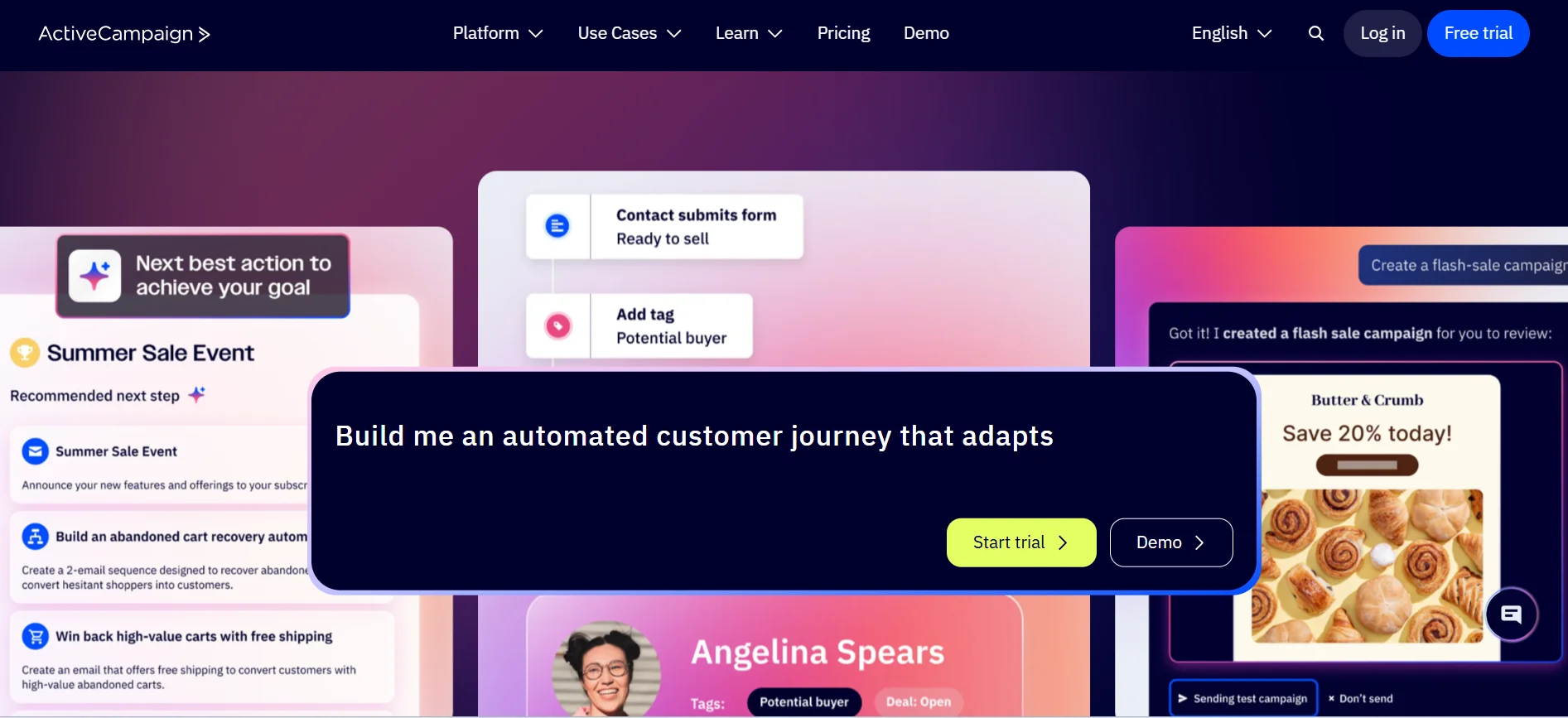
If your strategy depends on deep behavioral automation, ActiveCampaign is built for complexity.
It combines advanced email marketing with CRM functionality, making it powerful for teams that rely on segmentation and event-based triggers.
This is not just a broadcast tool.
It’s designed for marketers who want campaigns to adapt based on user actions.
Best For
- Automation-heavy marketing teams managing segmented customer journeys.
Key Features
- Advanced workflow automation
- Built-in CRM
- Behavior tracking
- Dynamic segmentation
- Sales and marketing alignment tools
The automation builder allows you to create multi-branch logic based on clicks, site visits, or purchase behavior.
Pricing Snapshot
- There is no free plan beyond trials.
- Entry pricing is relatively affordable.
- However, costs increase as your contact list grows and you unlock advanced automation and CRM features.
8. Amazon SES
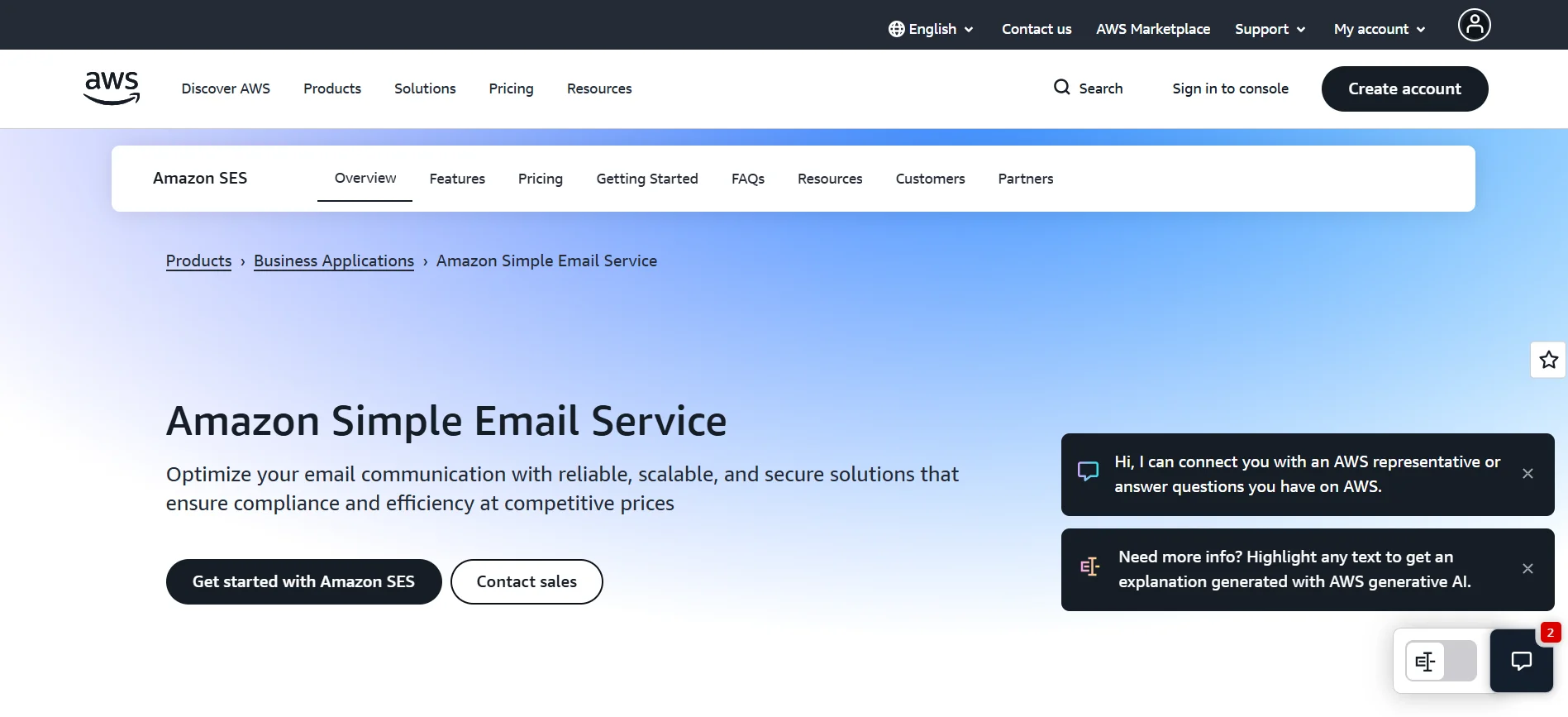
If you’re building a product and need low-cost transactional email at scale, Amazon SES is designed for developers.
It’s part of the broader AWS ecosystem and focuses on API-based sending rather than visual campaign builders.
That means you won’t get drag-and-drop templates.
But you will get powerful infrastructure at a very low per-email cost.
Best For
- Developers, SaaS platforms, and applications sending transactional emails.
Key Features
- Extremely low pay-per-email pricing
- API and SMTP integration
- High scalability
- Dedicated IP options
You control sending logic directly through code, making it flexible for custom workflows.
Pricing Snapshot
- Uses a pay-per-email pricing model.
- There is a conditional free tier for AWS users.
- Costs remain low at scale, but setup and deliverability management require technical expertise.
9. SendGrid
If you need both transactional and marketing email inside one infrastructure, SendGrid is built with an API-first approach.
It’s widely used by SaaS companies that require reliable product emails while also running promotional campaigns.
The platform balances developer flexibility with marketing tools.
Best For
- Businesses that need transactional email plus marketing campaigns in one system.
Key Features
- Powerful email API integration
- SMTP relay support
- Template engine
- Detailed analytics and reporting
- Deliverability monitoring tools
You can manage system notifications, password resets, and newsletters from the same dashboard.
Pricing Snapshot
- SendGrid offers a limited free tier.
- Paid plans are volume-based.
- As monthly sending volume increases, pricing scales accordingly, with higher tiers unlocking advanced analytics and deliverability features.
10. Moosend
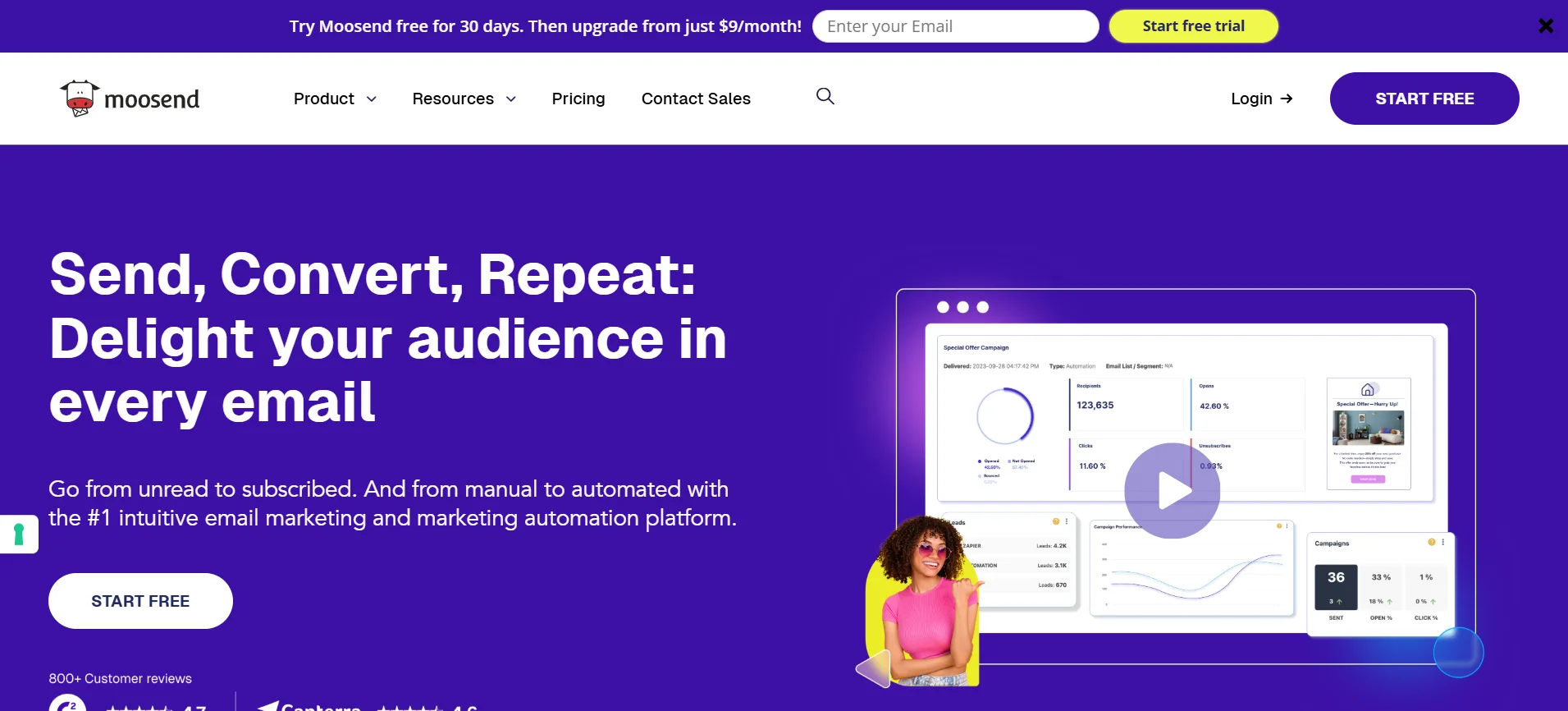
If you’re looking for an affordable newsletter platform with automation features, Moosend offers a budget-friendly option.
It focuses on simplicity while still giving you segmentation and workflow tools that small businesses need.
You don’t get overly complex CRM systems.
But you do get solid campaign-building capabilities at a lower price point.
Best For
- Small businesses wanting cost-effective newsletter marketing.
Key Features
- Automation workflow builder
- Drag-and-drop email templates
- Audience segmentation
- Real-time analytics
The interface is straightforward, which makes campaign setup fast and beginner-friendly.
Pricing Snapshot
- Moosend offers competitively priced plans based on contact count.
- There is no permanent free plan, though trials may be available.
- Costs increase as your subscriber list grows, but pricing remains lower compared to many enterprise-focused tools.
11. Mailgun
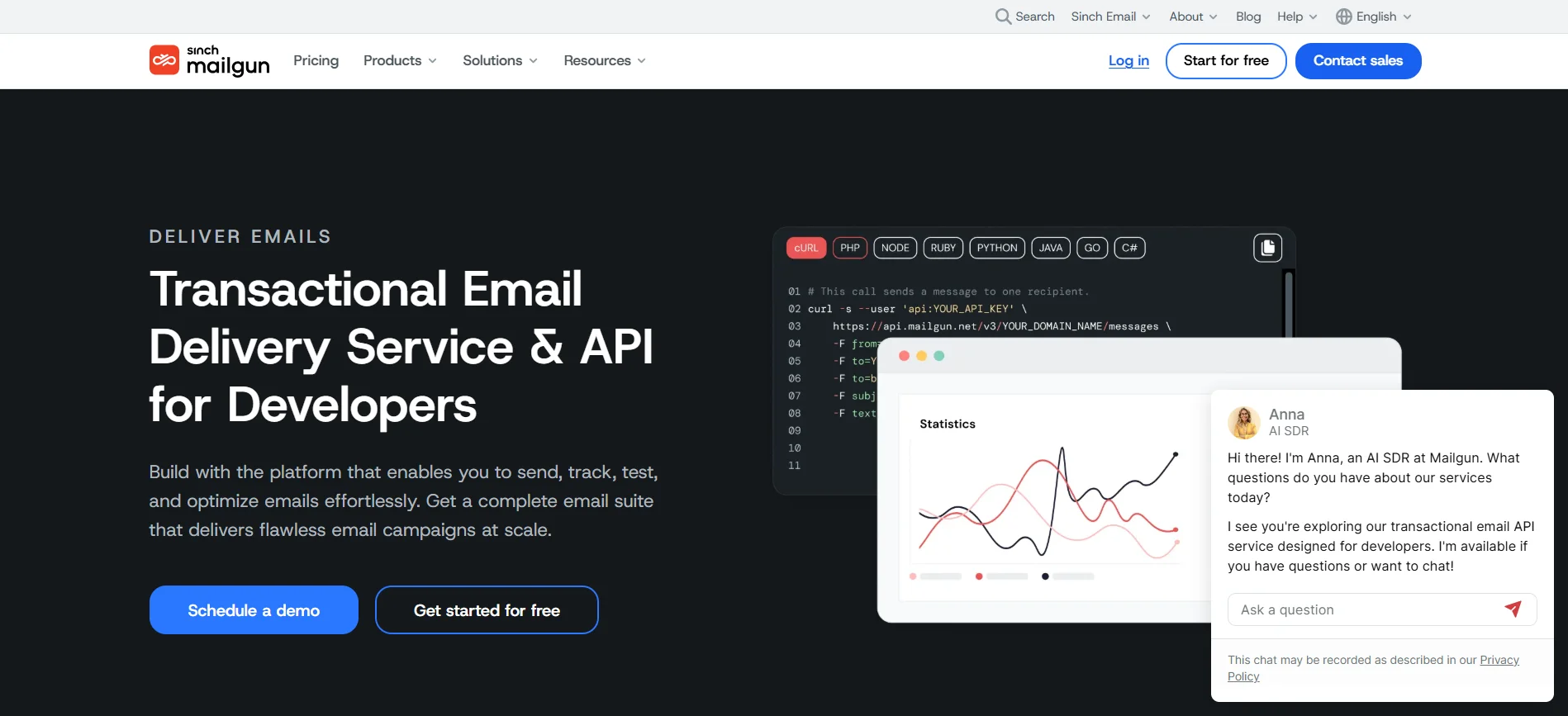
If you’re building an application and need reliable transactional email infrastructure, Mailgun is built specifically for developers.
It focuses on API-driven sending, advanced logging, and deliverability monitoring rather than visual campaign builders.
That makes it ideal for product notifications, password resets, and system-generated emails.
Best For
- Developers and SaaS products requiring transactional email delivery.
Key Features
- Powerful email API
- SMTP relay support
- Detailed logs and tracking
- Deliverability monitoring tools
- Email validation services
You get granular visibility into performance, which helps diagnose sending issues quickly.
Pricing Snapshot
- There is no permanent free plan beyond limited trials.
- Mailgun uses a pay-as-you-go pricing model.
- Costs scale based on sending volume, with higher tiers unlocking advanced deliverability and support features.
12. SMTP2GO
If your priority is reliable SMTP relay with global delivery support, SMTP2GO focuses on consistent sending performance.
It’s designed for businesses that need dependable transactional email without complex marketing automation layers.
You connect your application, website, or platform, and SMTP2GO handles delivery infrastructure behind the scenes.
Best For
- Businesses needing stable SMTP relay for transactional or simple marketing emails.
Key Features
- SMTP relay service
- Detailed delivery analytics
- Global server infrastructure
- Deliverability monitoring tools
Its infrastructure helps maintain strong inbox placement across different regions.
Pricing Snapshot
- SMTP2GO offers a free plan with limited monthly sending volume.
- Paid plans are volume-based.
- As your monthly email count increases, pricing scales according to total emails sent rather than subscriber list size.
Final Verdict — Choosing the Right Bulk Email Sender
The right bulk email sender depends entirely on how you send email.
If you run newsletters, prioritize design and subscriber management. If you scale cold outreach, focus on deliverability and mailbox control. If you build products, API reliability and cost per email matter most.
Entry pricing can be misleading.
What really matters is how the platform scales with your growth.
And if your workflow includes both finding leads and reaching out automatically, choosing a system like Oppora that combines prospecting and outreach in one structured flow can simplify operations as you scale.
Frequently Asked Questions (FAQs)
How much should I budget monthly for a bulk email platform?
Your budget depends on list size, sending volume, and feature needs. Small businesses may spend $20–$50 monthly, while scaling outreach teams can exceed $200–$500. Always calculate projected growth costs, not just starting prices, to avoid surprise upgrades later.
Do bulk email senders require a dedicated domain?
For cold outreach, yes, using a separate sending domain protects your primary domain reputation. Newsletter-focused businesses can often use their main domain, but warming it properly and monitoring deliverability is still essential.
Is it better to choose subscriber-based or volume-based pricing?
If you email your entire list frequently, subscriber-based pricing may work. If you send occasionally to large databases, volume-based pricing is often more cost-efficient. Your sending frequency determines which model saves more money long term.
Can I switch platforms without losing data?
Most platforms allow contact exports and imports, making switching possible. However, automation workflows, templates, and historical analytics usually need to be rebuilt manually. Planning migration carefully prevents performance disruptions.
What affects long-term email deliverability the most?
List quality, domain reputation, sending consistency, and engagement rates impact deliverability most. High bounce rates, spam complaints, and sudden volume spikes damage reputation quickly. Ongoing monitoring and proper warm-up practices are critical for sustainable inbox placement.