How to Find Phone Number Associated With Email in Minutes
find phone number associated with email find phone number associated with email address
Trying to find phone number associated with email can feel confusing when you do not know where to start.
Maybe you are preparing for outreach, verifying a lead, or reconnecting with someone professionally. Either way, random searching wastes time and often leads to outdated information.
The good news is that there are structured, legal, and scalable ways to approach this.
In this guide, you will learn how to research manually, when to use smarter tools, and how to avoid common mistakes. By the end, you will know exactly how to move from email to verified phone data confidently and efficiently.
Manual Ways to Find Phone Number Associated With Email
Before you jump into paid tools or automation, it helps to slow down and approach the process strategically.
Manual research may take a little more effort, but it often reveals highly accurate and context-rich information that automated tools sometimes miss. When done correctly, it also keeps your outreach compliant and professional.
Let’s walk through structured methods that actually work.
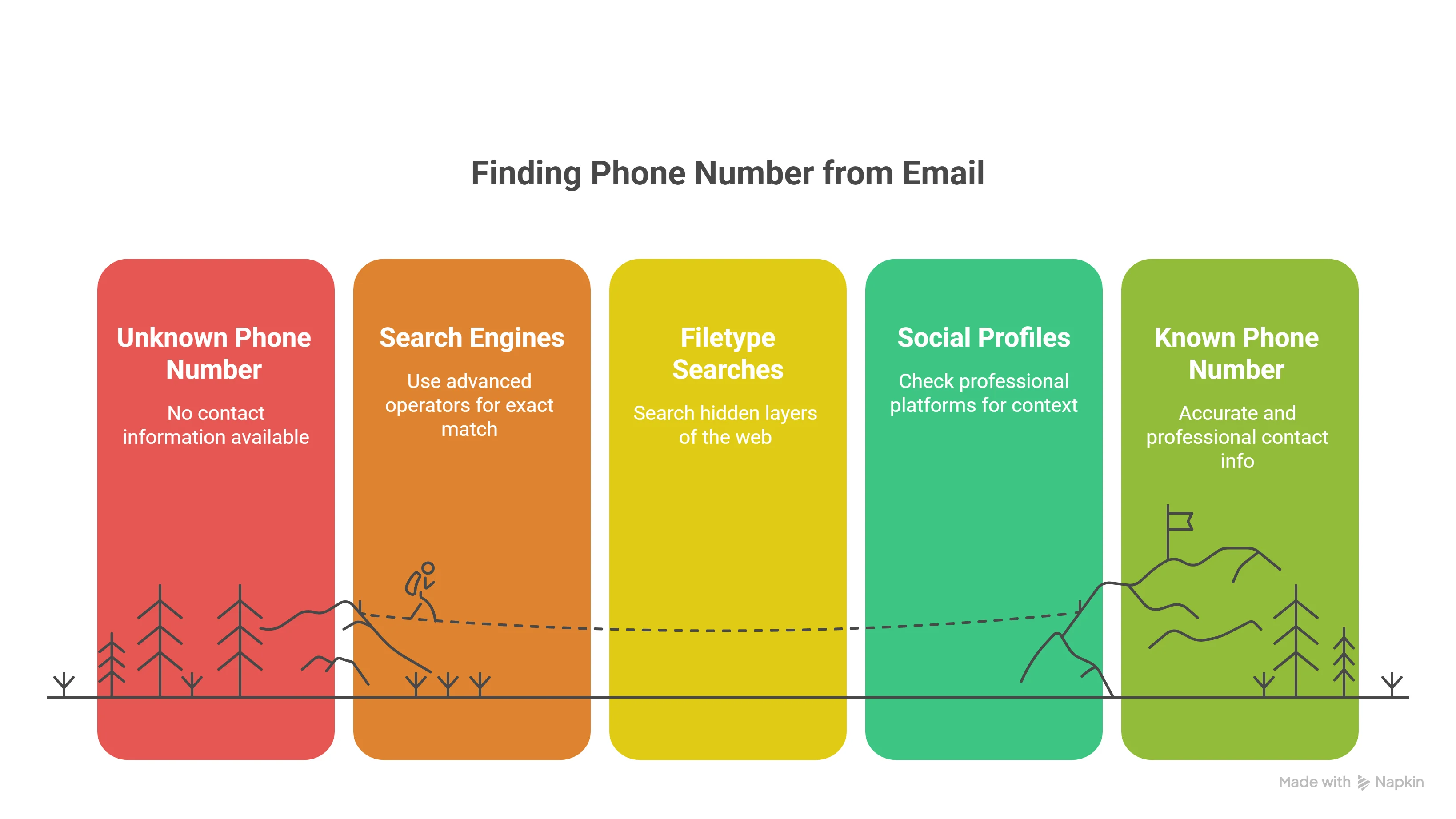
Use Search Engines with Advanced Operators
Start simple, but think strategically.
Place the full email address inside quotation marks on Google. This forces the search engine to look for the exact match instead of related variations.
Then combine it with keywords like:
- “phone”
- “contact”
- Company name
- Job title
You can also use operators like:
- site:companywebsite.com
- intitle:contact
- intext:"phone"
This approach often uncovers directory listings, event speaker pages, public profiles, or archived content where both email and phone number appear together.
Instead of randomly browsing pages, you are narrowing the search with precision.
Filetype Searches (PDF, DOC, XLS)
This is where many people miss opportunities.
Use filetype operators such as:
- "[email protected]" filetype:pdf
- "[email protected]" filetype:xls
- "[email protected]" filetype:doc
Why does this work?
Public documents like conference brochures, investor decks, vendor lists, and press kits are often stored as PDFs or spreadsheets. These documents frequently display full contact details side by side.
You are essentially searching hidden layers of the web that most people ignore.
Check Social and Professional Profiles
Next, move to professional platforms.
Search the email address directly on LinkedIn, Twitter, or industry-specific directories. Even if the phone number is not listed, you may confirm the person’s company, title, or region.
That context becomes useful for the next step.
Sometimes the profile links to a personal website or company page where contact information is easier to locate.
Review Linked Websites and Contact Pages
When a profile links to a website, always check the “Contact,” “About,” or “Team” sections carefully.
Look for:
- Direct phone numbers
- Office lines
- Press contact information
- Downloadable media kits
In smaller companies especially, emails and phone numbers are often listed together on team pages.
Explore Company Directories and Press Pages
If the email belongs to a corporate domain, your chances increase significantly.
Visit the official website and explore:
- Leadership pages
- Department directories
- Press releases
- Media contact sections
Press pages are particularly valuable because companies often publish both email and direct phone numbers for PR or partnership inquiries.
With a structured manual approach like this, you move from guessing to guided discovery — and that saves time while keeping your outreach accurate and professional.
Using Oppora to Find Phone Number Associated With Email Faster
Manual research to find a phone number associated with an email address can take hours and still return outdated or inaccurate results.
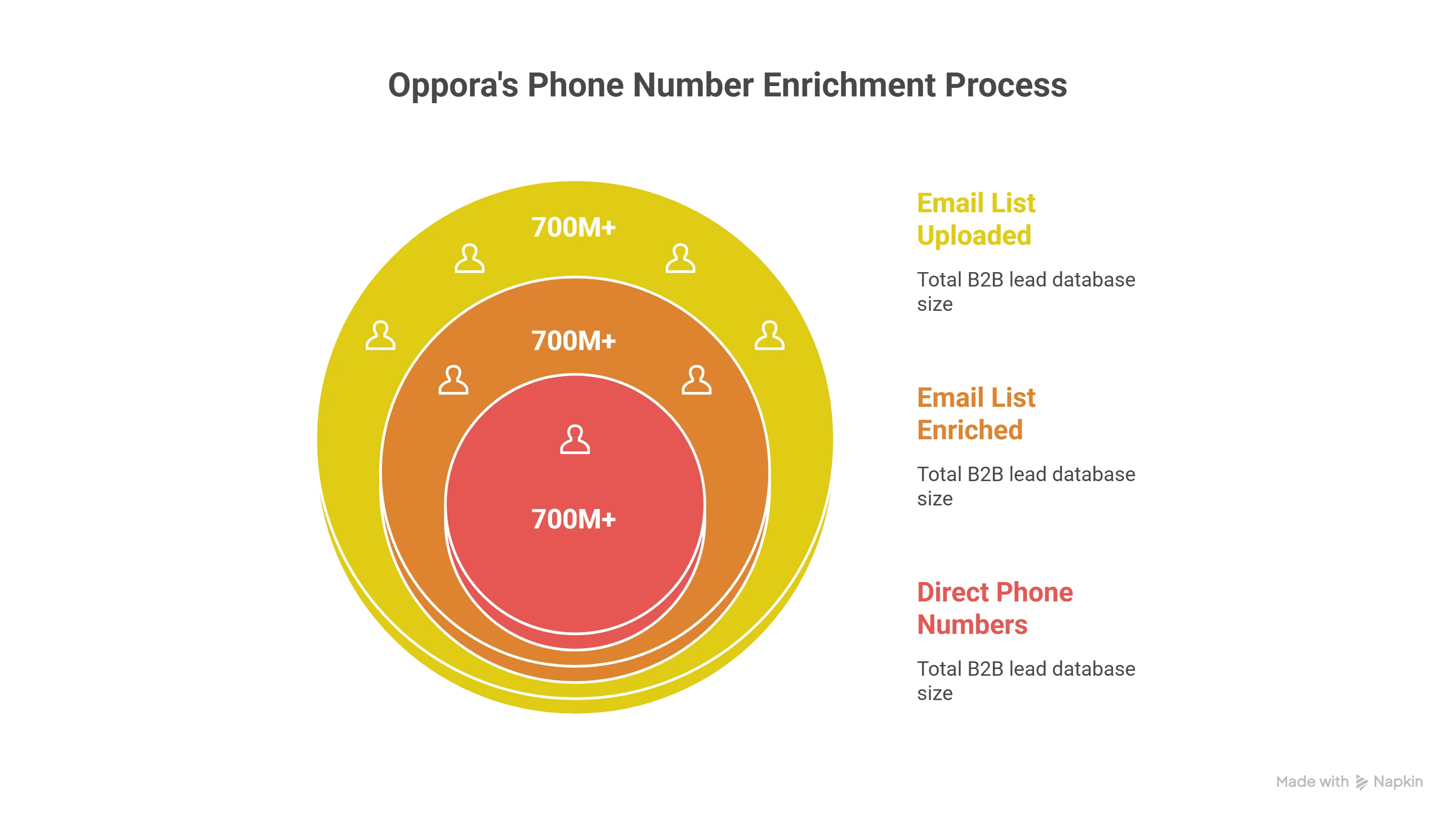
Oppora is an AI email outreach platform powered by a 700M+ B2B lead database. Instead of manually searching for contact details, you can retrieve structured phone numbers directly within your prospecting workflow ready for outreach in minutes.
Find Phone Numbers Directly from Lead Finder
Oppora’s Lead Finder allows you to apply filters such as:
- Job title
- Industry
- Location
- Company size
When building your list, you can access available direct phone numbers linked to contacts inside the 700M+ database eliminating the need for separate lookup tools.
This lets you discover both email and phone data in one workflow.
Upload Your Email List and Enrich with Phone Numbers
If you already have a list of emails, simply upload it into Oppora and run enrichment.
Oppora matches the uploaded email addresses against its database and appends available:
- Direct phone numbers
- Company phone numbers
- Job and company details
This allows you to convert an email-only list into a multi-channel outreach list in minutes.
Common Mistakes When Trying to Find Phone Number Associated With Email
Even if you follow the right methods, small mistakes can ruin your results.
Finding contact data is not just about discovery. It is about accuracy, compliance, and protecting your reputation. When you skip verification or rush the process, you risk calling the wrong person or damaging trust before the conversation even begins.
Let’s look at the most common mistakes and how you can avoid them.
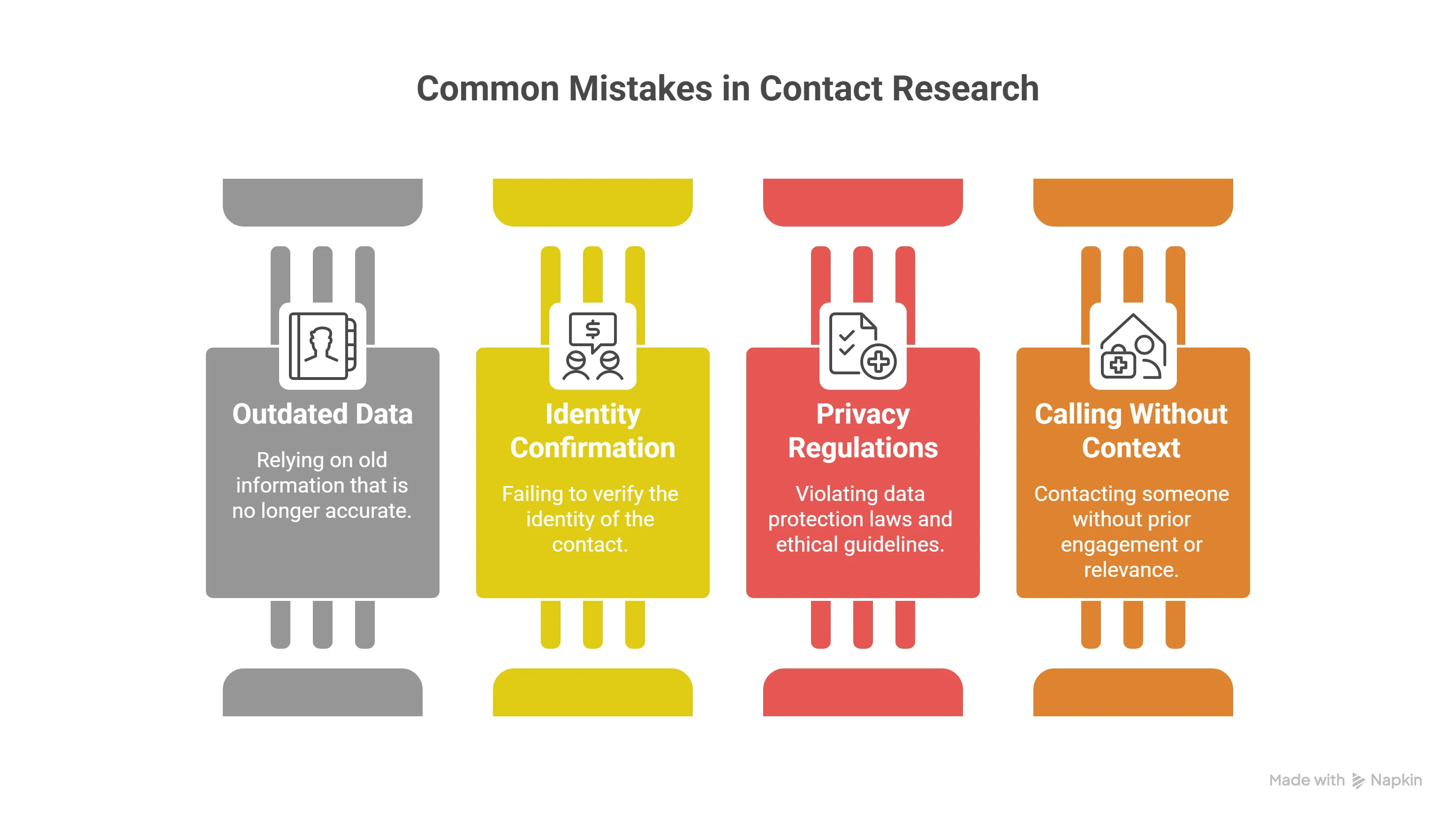
Relying on Outdated Data
One of the biggest problems with contact research is stale information.
Phone numbers change. People switch roles. Companies restructure departments. Yet many public directories remain untouched for years.
If you rely on old PDFs, cached pages, or abandoned profiles, you may end up dialing disconnected numbers or reaching someone who no longer works there.
Always check publication dates when reviewing documents.
Cross-reference the company website with LinkedIn to confirm the person still holds the same position. A two-minute validation step can save you from an awkward introduction later.
Skipping Identity Confirmation
Similar names create confusion more often than you think.
If you find a phone number connected to the same name but do not confirm the email owner’s identity, you risk contacting the wrong individual entirely.
Before making a call, verify at least two matching data points:
- Company name
- Job title
- Location
- Domain consistency
This layered confirmation protects you from embarrassing mix-ups and keeps your outreach precise.
Ignoring Privacy Regulations
Not all publicly available data is fair to use.
Some sources scrape personal numbers without consent or violate regional data protection laws. Using such information can create legal exposure and damage your brand credibility.
If the number appears hidden, gated, or restricted, do not attempt to bypass protections.
Stick to ethically sourced, publicly accessible information and ensure your outreach aligns with local compliance rules such as GDPR or other regional regulations.
Calling Without Context
Even if the number is accurate, context matters.
Calling someone without prior engagement, introduction, or relevance can feel intrusive. That first impression is difficult to fix.
Whenever possible, warm up the interaction first.
Send a short email referencing your intent, connect on LinkedIn, or mention how you found their contact details professionally. This approach turns a cold interruption into a thoughtful follow-up.
Accuracy gets you the number. Context earns you the conversation.
Conclusion
You now understand how to find phone number associated with email address using structured research, validation, and ethical practices.
Start with manual methods when you need precision and context. Scale with automation when your outreach grows and speed becomes essential. Most importantly, always verify before you call and approach every conversation professionally.
If you are turning email lists into multi-channel outreach campaigns, having phone data, verification, and sequencing in one workflow makes the process far smoother.
That is where a system like Oppora can quietly support your scale without adding more manual work to your plate.
Frequently Asked Questions (FAQs)
Is it legal to find a phone number using someone’s email address?
It depends on how you obtain the data. Using publicly available, consent-based, and legally sourced information is generally acceptable for professional outreach. However, scraping private data or bypassing restrictions may violate privacy laws. Always ensure compliance with regulations in your region before initiating contact.
Can I find a mobile number instead of a company phone line?
In most professional cases, you will find company or office numbers rather than personal mobile numbers. Direct mobile numbers are harder to access ethically and legally. For outreach purposes, company numbers are usually more appropriate and professional.
How accurate are free online phone lookup tools?
Free tools often rely on outdated or incomplete databases. While they may occasionally provide accurate results, they commonly return disconnected numbers or incorrect matches. Always verify data through multiple sources before using it for outreach.
What should I do if multiple phone numbers appear for one email?
Cross-check each number with current company information, LinkedIn profiles, or official directories. Look for consistency in job title, department, and location. When in doubt, start with the main company line and ask to be directed appropriately.
Is it better to email first before calling?
In most professional settings, yes. Sending a short introductory email provides context and reduces friction. When you follow up with a call, the recipient is more likely to recognize your name and understand your purpose, making the conversation smoother and more productive.