How to Whitelist an Email to Improve Deliverability (Complete Guide)
If your emails are landing in spam, promotions, or not being seen at all — you’re not alone.
Even well-written emails with strong offers can fail if they never reach the inbox.
That’s where email whitelisting comes in.
In this guide, you’ll learn:
- What whitelisting an email actually means
- Why it directly impacts deliverability
- Step-by-step instructions for Gmail, Outlook, and more
- Real-world examples
Suggested Reading:
How to Write BASHO Emails That Actually Get RepliesWhat Does “Whitelisting an Email” Mean?
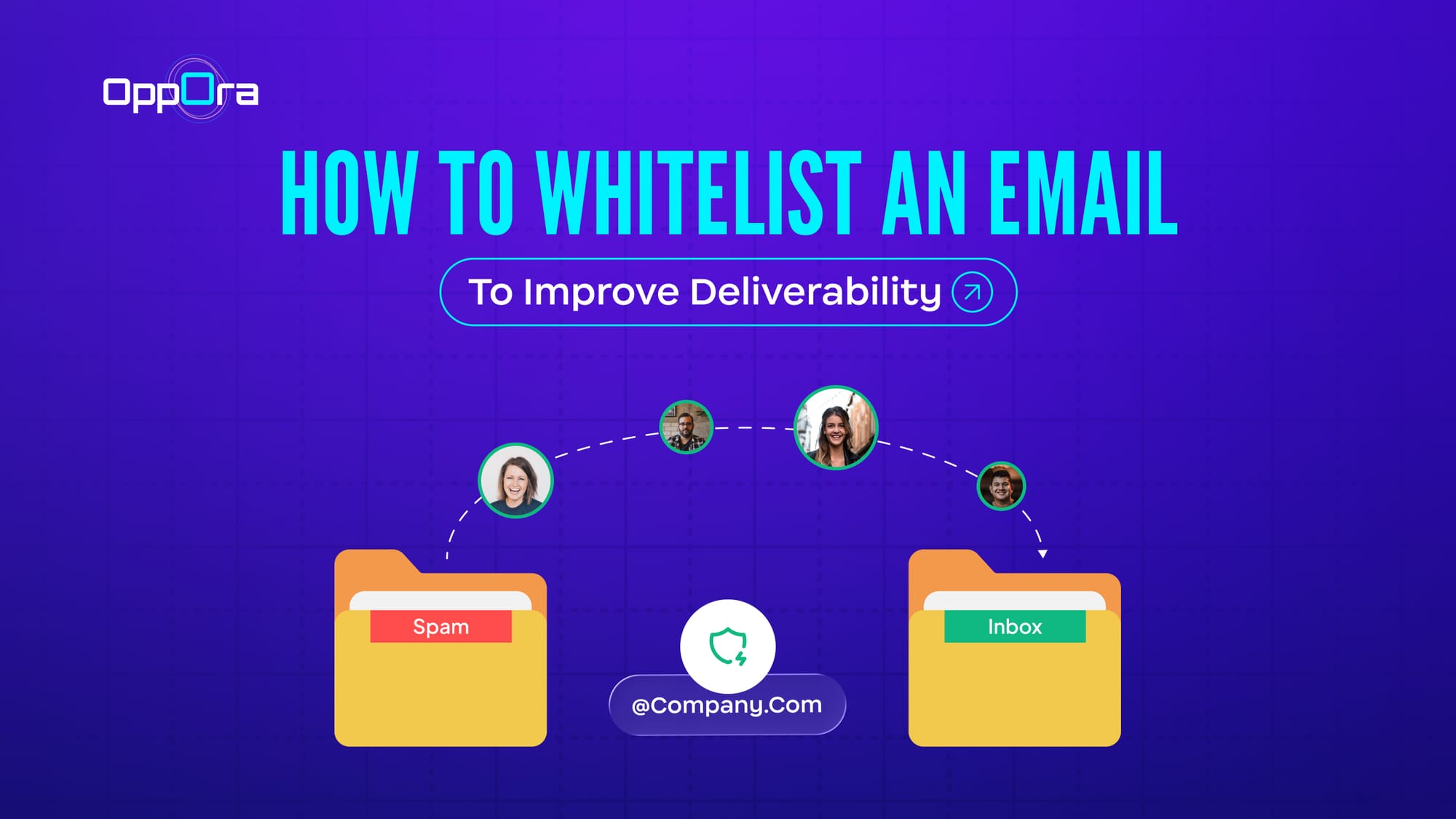
Whitelisting an email simply means marking a sender as trusted, so future emails always land in the inbox instead of spam.
In technical terms:
- You’re telling the email provider: “This sender is safe — don’t filter them.”
- This overrides spam filters and improves inbox placement
A whitelist is essentially a safe list of approved senders or domains.
Why Whitelisting Matters for Deliverability
Let’s connect this to real-world email performance.
Email providers like Gmail and Outlook use algorithms to decide:
- Is this email spam?
- Should it go to promotions?
- Or should it reach the inbox?
When someone whitelists your email:
- Your sender reputation improves (for that user)
- Future emails are less likely to be filtered
- Engagement (opens, clicks) increases — which further boosts deliverability
👉 One key insight: Even a single action like marking “Not Spam” or adding to safe senders can override filtering behavior.
When Should You Ask Users to Whitelist You?
This is where most businesses get it wrong.
Don’t ask randomly — ask at the right moments:
Best timing:
- After signup confirmation
- After downloading a resource
- During onboarding emails
- In cold outreach follow-ups (subtly)
Example:
“If you don’t see our email, check spam and move it to inbox — this ensures you don’t miss important updates.”
How to Whitelist an Email (Step-by-Step)
Let’s break it down by platform — this is what most top-ranking pages focus on.
A. How to Whitelist an Email in Gmail
Method 1: Create a Filter (Best Method)
- Open Gmail
- Go to Settings → See all settings
- Click Filters and Blocked Addresses
- Select Create a new filter
- Enter the sender email or domain
- Click Create filter
- Check “Never send it to Spam”
- Save
This ensures emails from that sender always land in the inbox.
Method 2: Mark as “Not Spam” (Quick Fix)
- Open the email from spam
- Click “Not Spam”
- Move it to inbox
This trains Gmail’s algorithm for future emails.
Pro Tip: You can whitelist an entire domain (e.g., @company.com) instead of a single email.
B. How to Whitelist an Email in Outlook
Outlook calls this “Safe Senders.”
Steps:
- Open Outlook
- Go to Settings → Mail → Junk Email
- Under Safe senders and domains, click Add
- Enter email or domain
- Save
Once added, Outlook will treat these emails as safe.
C. How to Whitelist an Email in Yahoo Mail
Yahoo uses filters:
- Open Settings
- Go to Filters → Add new filter
- Enter sender email
- Choose Inbox as destination
- Save
Now emails bypass spam and go directly to the inbox.
Real Example: Why Whitelisting Changes Everything
Let’s say you’re running cold outreach.
You send 100 emails:
- 40 land in spam
- 30 go to promotions
- Only 30 reach inbox
Now, if even 10 recipients whitelist you:
- Your emails consistently hit their inbox
- Engagement increases
- Future replies become more likely
That’s a compounding effect most people underestimate.
How to Increase Your Chances of Getting Whitelisted (Without Forcing It)
Here’s something most guides won’t tell you:
👉 You can’t force whitelisting — 👉 You can only earn it.
And that comes down to relevance, timing, and engagement.
1. Target the Right People First
If your emails are relevant, users are far more likely to:
- open them
- reply to them
- and eventually whitelist you
This is where most outreach fails — not at deliverability, but at targeting.
2. Personalize Conversations (Not Just Emails)
Users don’t whitelist brands. They whitelist conversations they care about.
Simple personalization like:
- mentioning their company
- referencing their role
- aligning with their needs
…can dramatically increase trust.
3. Focus on Replies, Not Just Sends
Inbox providers track engagement:
- replies
- opens
- clicks
Higher engagement = better inbox placement Better inbox placement = higher chance of whitelisting
4. Use Smarter Outreach Systems
This is exactly where tools like Oppora become relevant — not as a shortcut, but as a system for better deliverability outcomes.
Oppora is an AI sales agent that helps you:
- find highly relevant leads using buying signals
- connect multiple inboxes for better sending health
- automate outreach while keeping conversations personalized
- manage replies and follow-ups in one place
👉 Why this matters for whitelisting:
When your outreach is:
- better targeted
- more relevant
- and conversational
Users are naturally more likely to:
- engage with your emails
- trust your messages
- and whitelist you without being forced
Common Mistakes That Prevent Emails from Being Whitelisted
Even if you ask users to whitelist your email, it doesn’t always happen.
Why?
Because trust isn’t automatic — it’s earned.
Here are the most common mistakes that reduce your chances:
❌ 1. Sending generic or irrelevant emails
If your message feels like mass spam, users won’t:
- open it
- engage with it
- or bother whitelisting it
👉 Whitelisting only happens when the email feels worth keeping.
❌ 2. Asking too early or too aggressively
If your first email says:
“Whitelist this email now”
…it feels transactional, not valuable.
Instead, users whitelist emails when:
- they find value
- they expect future communication
❌ 3. Poor targeting = low trust
If you’re emailing the wrong audience:
- they ignore you
- mark you as spam
- or delete instantly
This directly kills your chances of being whitelisted.
❌ 4. Landing in spam repeatedly
If your emails keep landing in spam:
- users may never even see your request
- your sender reputation suffers
❌ 5. No clear reason to stay connected
People whitelist emails when they think:
“I don’t want to miss this.”
If your emails don’t create that feeling, they won’t take action.
Final Thoughts
Whitelisting an email can improve deliverability — but it’s not something you can force.
It happens when your emails feel relevant, valuable, and worth keeping.
Focus on:
- targeting the right people
- sending personalized messages
- driving real engagement
When you get this right, users naturally trust your emails — and that’s what leads to whitelisting.
Tools like Oppora help make this easier by combining smart targeting, personalization, and outreach automation, so your emails don’t just reach inboxes — they get attention.
Frequently Asked Questions
1. Does whitelisting an email guarantee inbox delivery?
No, whitelisting improves the chances of inbox placement, but it doesn’t guarantee it. Email providers still consider factors like sender reputation, engagement, and email content.
2. How long does it take for whitelisting to take effect?
In most cases, whitelisting works immediately. However, consistent inbox placement may improve over time as engagement signals (opens, replies) increase.
3. Can whitelisting help cold email campaigns?
Yes, but indirectly. If recipients engage with your emails and mark them as safe, it improves inbox placement for future emails from you.
4. Is whitelisting the same as marking “Not Spam”?
Not exactly. Marking “Not Spam” is a one-time action that trains the algorithm, while whitelisting (filters/safe senders) creates a more permanent rule.