10 Best LinkedIn Lead Generation Tools for 5X More Qualified Leads
linkedin lead generation tools, linkedin tools for lead generation, linkedin automation tools for lead generation, lead generation tools for linkedin, best linkedin lead generation tools, linkedin lead generation tool free
Finding leads on LinkedIn is not the hard part anymore.
The hard part is finding the right people, verifying their data, reaching out without sounding robotic, and managing follow-ups without losing track.
That is where a good LinkedIn lead generation tool helps.
But not every tool solves the same problem. Some help you search better. Some automate LinkedIn messages. Some enrich emails. Others manage the full outbound workflow.
In this guide, you’ll see:
- Which linkedin lead generation tools fit each use case
- What each tool is best at
- How to choose the right one for your workflow
Before You Pick a Tool, Know What Type of LinkedIn Lead Generation You Need
Before you compare features, look at your workflow first.
A linkedin lead generation tool only works when it solves the right problem. If you need better targeting, automation alone will not fix it. If you already have prospects but no verified contact data, a search tool will still leave gaps.
Most linkedin lead generation tools fall into a few categories.
Prospecting tools for finding the right people
Prospecting tools help you find the right buyers before outreach begins.
They are useful when you need to filter leads by:
- Job title
- Industry
- Company size
- Location
- Seniority
- Account type
LinkedIn Sales Navigator is the common example here. It helps you build focused lists, track accounts, and find decision-makers.
But prospecting tools usually stop at research. You may still need another tool for enrichment and outreach.
Automation tools for connection requests and follow-ups
Automation tools help you stay consistent with repetitive LinkedIn actions.
They can support:
- Connection requests
- Profile visits
- Follow-up messages
- Campaign sequences
- Reply tracking
These linkedin automation tools for lead generation are useful when you already know who to target.
Still, automation should be used carefully. The goal is not to send more messages. The goal is to keep outreach timely, personal, and safe.
Enrichment tools for verified emails and contact data
LinkedIn helps you identify people, but it does not always give you direct contact details.
Enrichment tools fill that gap.
They can help you find:
- Verified work emails
- Company data
- Job details
- Clean prospect records
These lead generation tools for LinkedIn are helpful when you want to combine LinkedIn research with email outreach.
Content-led tools for inbound LinkedIn leads
Some leads come from visibility, not cold outreach.
Content-led tools help you plan posts, track engagement, study analytics, and spot people interacting with your content.
They work well for founders, consultants, creators, and sales leaders who generate demand through trust.
All-in-one tools for teams that do not want five separate platforms
Some teams do not want separate tools for search, enrichment, outreach, replies, and CRM updates.
All-in-one platforms bring these steps together.
They help you manage:
- Lead finding
- Data enrichment
- Email verification
- LinkedIn and email outreach
- Replies
- CRM sync
For busy teams, the best linkedin lead generation tools are often the ones that reduce tool switching and keep the full workflow connected.
Quick Comparison: Best LinkedIn Lead Generation Tools at a Glance
Once you know your workflow, comparing tools becomes much easier.
The best linkedin lead generation tools are not always the ones with the longest feature list. They are the ones that fit how your team finds, qualifies, and follows up with leads.
Best overall tool: Oppora.ai
Oppora.ai is best if you want one platform for lead finding, enrichment, outreach, AI replies, warm-up, and CRM sync.
Best for Sales Navigator prospecting: LinkedIn Sales Navigator
Sales Navigator is best when your main goal is precise LinkedIn search and account research.
Best for agency LinkedIn automation: HeyReach
HeyReach fits agencies that manage multiple LinkedIn accounts and need safer campaign scaling.
Best for multichannel outreach: Expandi
Expandi is useful when you want LinkedIn outreach and email steps inside one campaign flow.
Best for beginner-friendly automation: Waalaxy
Waalaxy works well for small teams that want simple LinkedIn and email automation.
Best for content-led LinkedIn growth: Taplio
Taplio is stronger when your LinkedIn leads come from content, visibility, and engagement.
The 10 Best LinkedIn Lead Generation Tools for Qualified Leads
Now that you know the main types of linkedin lead generation tools, let’s compare the tools based on how they actually fit into your workflow.
Some are better for finding people. Some help you automate LinkedIn outreach. Others help with email enrichment, content, or full outbound execution.
1. Oppora.ai — Overall LinkedIn Lead Generation Tool
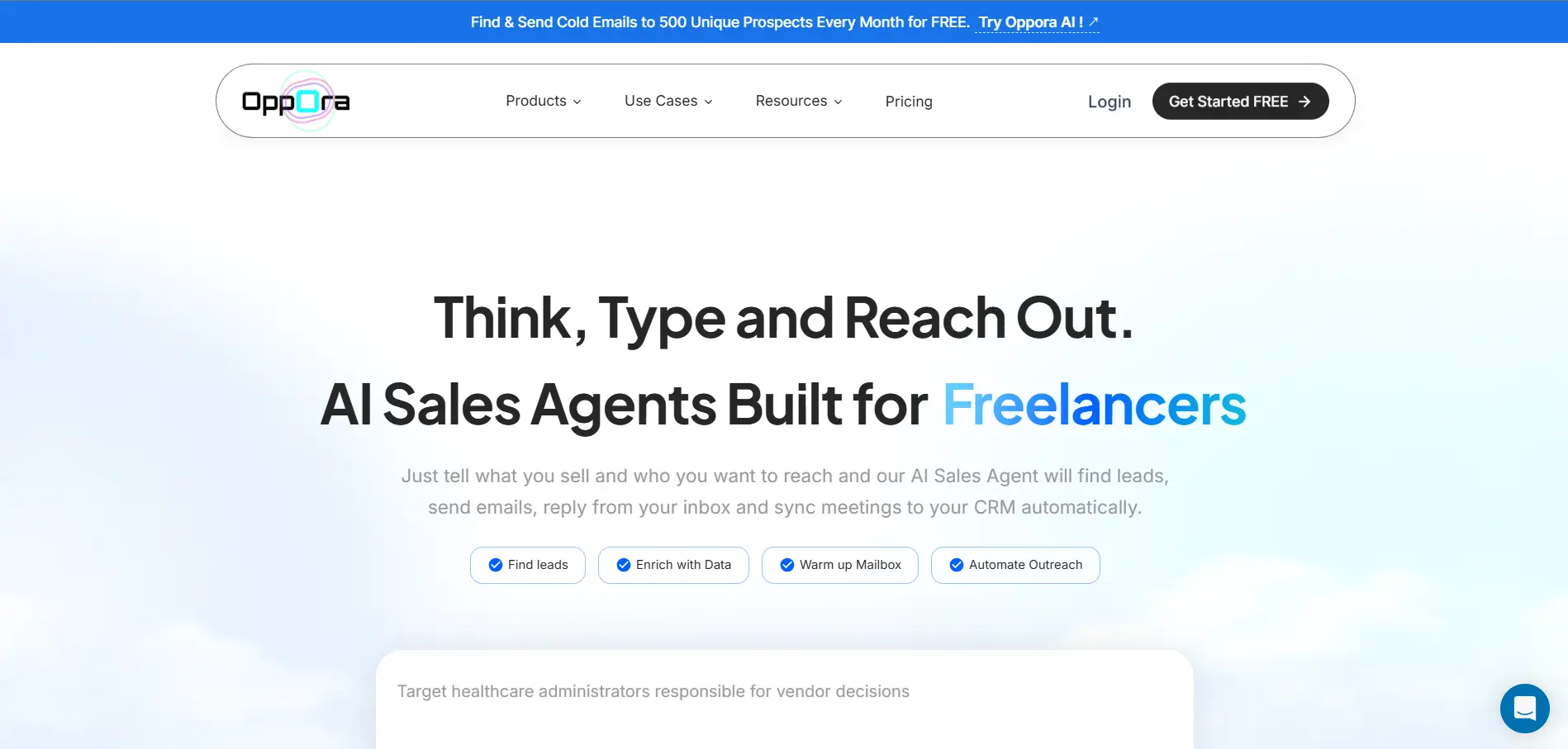
Oppora.ai is an AI-powered outbound sales platform that combines LinkedIn lead discovery, enrichment, personalization, email outreach automation, LinkedIn connection automation, reply management, and CRM tracking into one unified system.
Instead of stitching together separate tools for finding prospects, verifying emails, sending follow-ups, and managing replies, it helps teams build complete LinkedIn lead generation workflows from a single dashboard.
This makes Oppora.ai a strong choice if you want one LinkedIn lead generation tool for the full outbound process, not just basic LinkedIn messaging.
Key features
- 1B+ lead database to find a wider pool of prospects and decision-makers
- AI lead finding to identify relevant companies and contacts
- LinkedIn Chrome extension for profile-level prospecting and lead capture
- Built-in enrichment and email verification to clean and validate lead data
- Email + LinkedIn outreach workflows for multichannel lead generation
- AI-personalized messages instead of basic spintext or recycled templates
- AI reply handling with ai reply agent to answer questions, qualify interest, and manage responses
- Meeting booking support so warm leads can move faster into your calendar
- Domain warm-up and inbox rotation to protect sender reputation
- Sender identity matching for better deliverability and trust
- Shared inbox for managing replies across multiple mailboxes
- CRM sync with HubSpot, Salesforce, Pipedrive, and Oppora CRM
Pros
- Covers lead finding, enrichment, outreach, replies, and CRM sync
- Reduces tool switching across the sales workflow
- Supports both LinkedIn and email outreach
- Includes a LinkedIn Chrome extension for easier prospect capture
- Built-in safeguards help protect deliverability while scaling
- AI can reply, qualify interest, and help move leads toward meetings
- Unlimited campaigns and unlimited email sending are available across plans
Limitations
Oppora.ai keeps LinkedIn outreach lightweight.
If you need deep LinkedIn-only automation for high-volume profile visits, requests, and message sequences, a dedicated LinkedIn automation tool may offer more narrow controls.
Pricing
- Free — $0/month: Test Oppora with limited credits, basic LinkedIn automation, warm-up, Chrome extension, and 1B+ lead database access.
- Pro — $34/month: Scale outbound with more credits, unlimited LinkedIn automation, 10,000 emails finding credits/month, and 25 mailboxes.
- Max — $79/month: Run higher-volume outreach with 25,000 data credits, unlimited recipients, and 50 mailboxes.
- Enterprise — starts at $499/month: Built for teams needing 50,000+ contacts/month, custom credits, and custom mailbox limits.
2. LinkedIn Sales Navigator — Precise B2B Prospecting
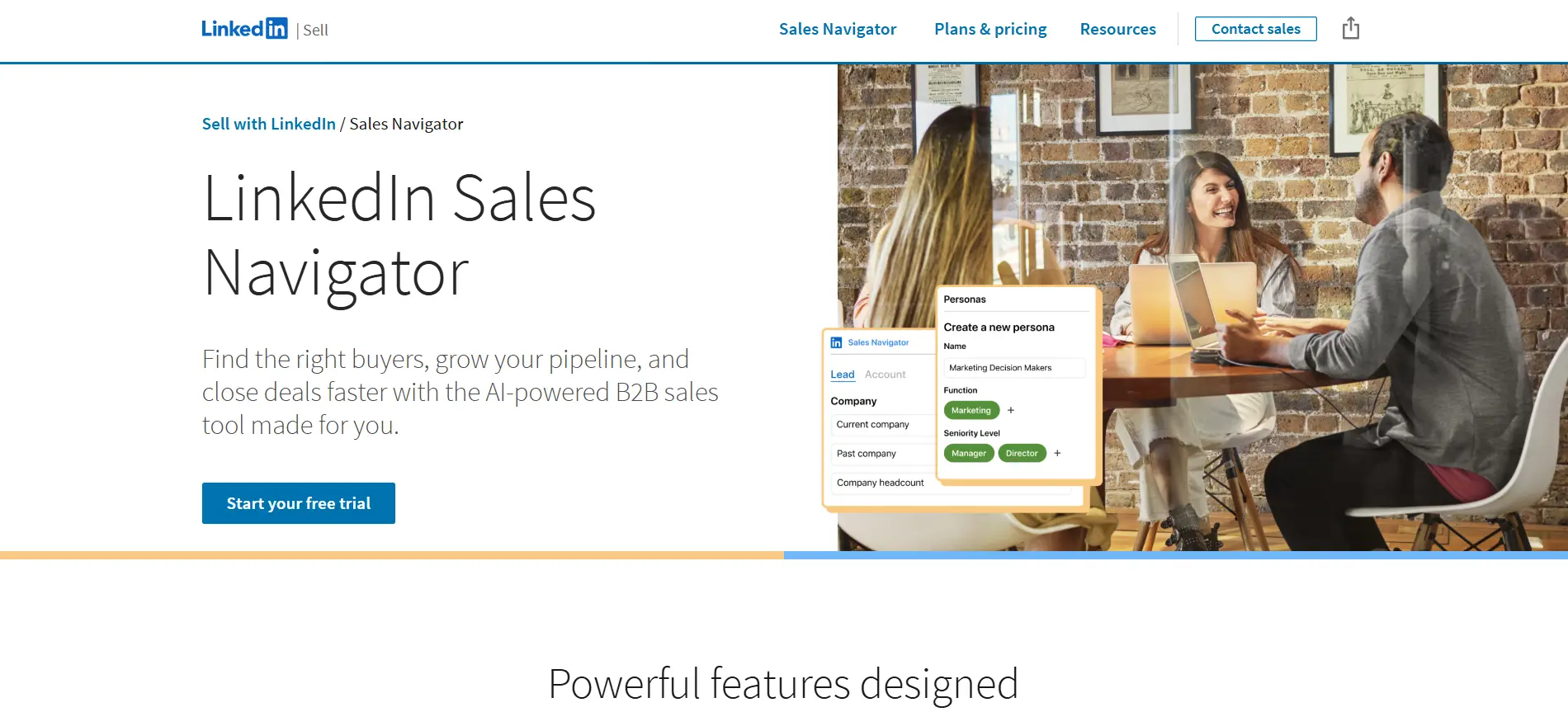
LinkedIn Sales Navigator is one of the strongest LinkedIn-first prospecting tools because it helps you search inside LinkedIn’s own professional network with far more precision than the standard LinkedIn search.
It is useful when your main challenge is not automation, but finding the right people and accounts before outreach begins.
Sales Navigator’s Advanced Lead Search includes 40+ filters, helping you narrow prospects by role, company, geography, seniority, and other criteria. It also supports lead and account alerts, so you can track updates like job changes, account activity, and other buying signals.
Key features
- Advanced LinkedIn lead and account search
- Lead lists and saved searches
- Account tracking and alerts
- InMail for reaching prospects outside your network
- CRM-friendly prospecting workflows
Pros
- Very strong LinkedIn-native search
- Useful for account-based prospecting
- Helps identify decision-makers clearly
Limitations
It does not fully handle enrichment, email verification, multichannel outreach, or reply automation by itself.
Pricing
Sales Navigator is a paid LinkedIn product, with plan pricing depending on the selected tier.
Suggested Reading:
How to Use LinkedIn Sales Navigator Advanced Search (+Full Filter List)3. HeyReach — Agency LinkedIn Automation
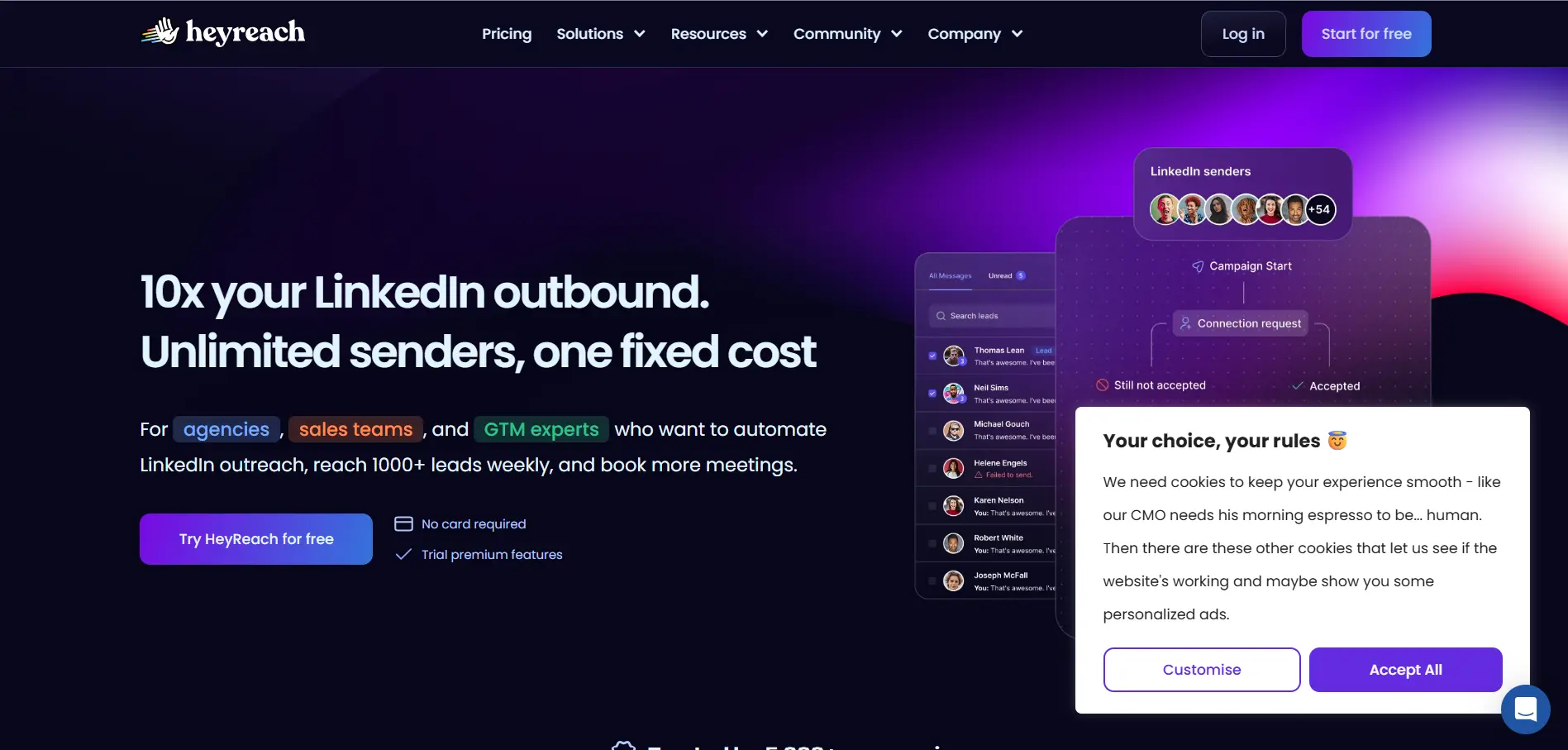
HeyReach is built for teams and agencies that need to run LinkedIn outreach across multiple accounts from one place.
Instead of switching between different LinkedIn profiles, you can manage senders, campaigns, replies, and performance inside one dashboard. Its official site highlights sender rotation, lead imports, connection requests, messages, profile views, and conditional campaign logic.
Key features
- Multi-account LinkedIn outreach
- Automatic sender rotation
- Connection requests and follow-up messages
- Lead imports from Sales Navigator, CSV, Clay, HubSpot, and other tools
- Centralized inbox and team workflow support
Pros
- Strong for multi-account campaign management
- Useful for agency workflows
- Helps scale LinkedIn outreach more safely than manual switching
Limitations
HeyReach focuses mainly on LinkedIn, so you may still need separate tools for email outreach, enrichment, and verification.
Pricing
HeyReach offers a 14-day trial for its Starter plan, and pricing is based around connected LinkedIn senders or agency-level plans.
4. Expandi — LinkedIn + Email Outreach Automation
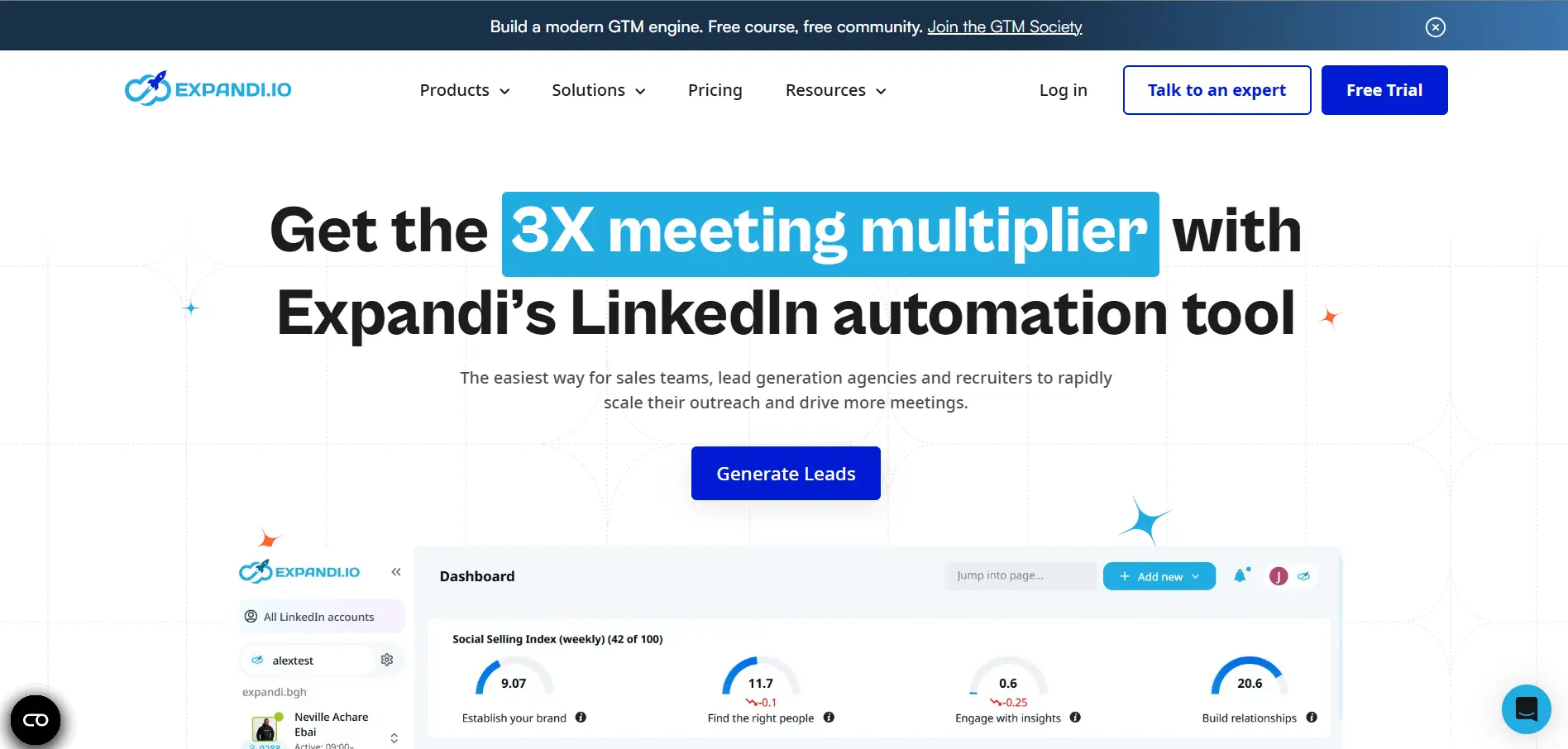
Expandi is a cloud-based outreach platform built for teams that want LinkedIn and email steps inside one campaign flow.
It is useful when your outreach needs more than simple connection requests. You can build multichannel sequences, add follow-ups, personalize messages, and manage LinkedIn outreach without relying only on manual activity.
Expandi’s site highlights LinkedIn and email outreach through smart sequences, while its Builder Campaigns let you stack actions, triggers, and conditions inside a visual workflow.
Key features
- LinkedIn and email outreach sequences
- Visual campaign builder
- Personalization options
- Follow-ups across multiple channels
- Cloud-based campaign management
Pros
- Good for multichannel prospecting
- Visual workflows make campaigns easier to map
- Stronger than basic LinkedIn-only automation
Limitations
You may still need separate tools for deep data enrichment, email verification, and CRM-level pipeline management.
Pricing
Expandi offers a 7-day trial, with paid pricing based on its current plan structure.
5. Waalaxy — Simple LinkedIn Automation
Waalaxy is a beginner-friendly linkedin lead generation tool for teams that want to launch LinkedIn outreach without building complex workflows.
It helps you create automated campaigns with connection requests, follow-up messages, LinkedIn prospecting steps, and email follow-ups. Waalaxy also offers an email finder and team features, so small teams can manage outreach without too much setup.
Key features
- LinkedIn connection request automation
- Automated follow-up sequences
- LinkedIn + email outreach options
- Email finder for prospect enrichment
- Team workspace and shared lead lists
Pros
- Easy to set up and use
- Good for basic LinkedIn prospecting
- Supports LinkedIn and email campaigns
Limitations
It may feel limited for teams that need deeper enrichment, advanced CRM workflows, or full reply automation.
Pricing
Waalaxy has paid plans starting at €19/user/month, with a 14-day free trial available.
6. Dripify — Simple LinkedIn Sequences for Sales Teams
Dripify is a LinkedIn and email automation tool built for teams that want simple outreach sequences without a complex setup.
You can use it to automate connection requests, follow-up messages, InMail steps, profile visits, and email touches. Dripify also includes campaign analytics and inbox management, which helps sales teams track conversations without checking LinkedIn manually every time.
Key features
- LinkedIn and email sequence automation
- Connection requests, messages, profile visits, and InMail
- Campaign analytics and reply tracking
- Inbox management for prospect conversations
- Team campaign management
Pros
- Easy campaign setup
- Useful for simple sales sequences
- Supports LinkedIn and email outreach
Limitations
Dripify is more focused on automation than deep lead enrichment, so you may still need separate tools for verified contact data.
Pricing
Dripify offers a 7-day free trial, with paid plans based on its current tier structure.
7. Dux-Soup — Budget-Friendly LinkedIn Automation
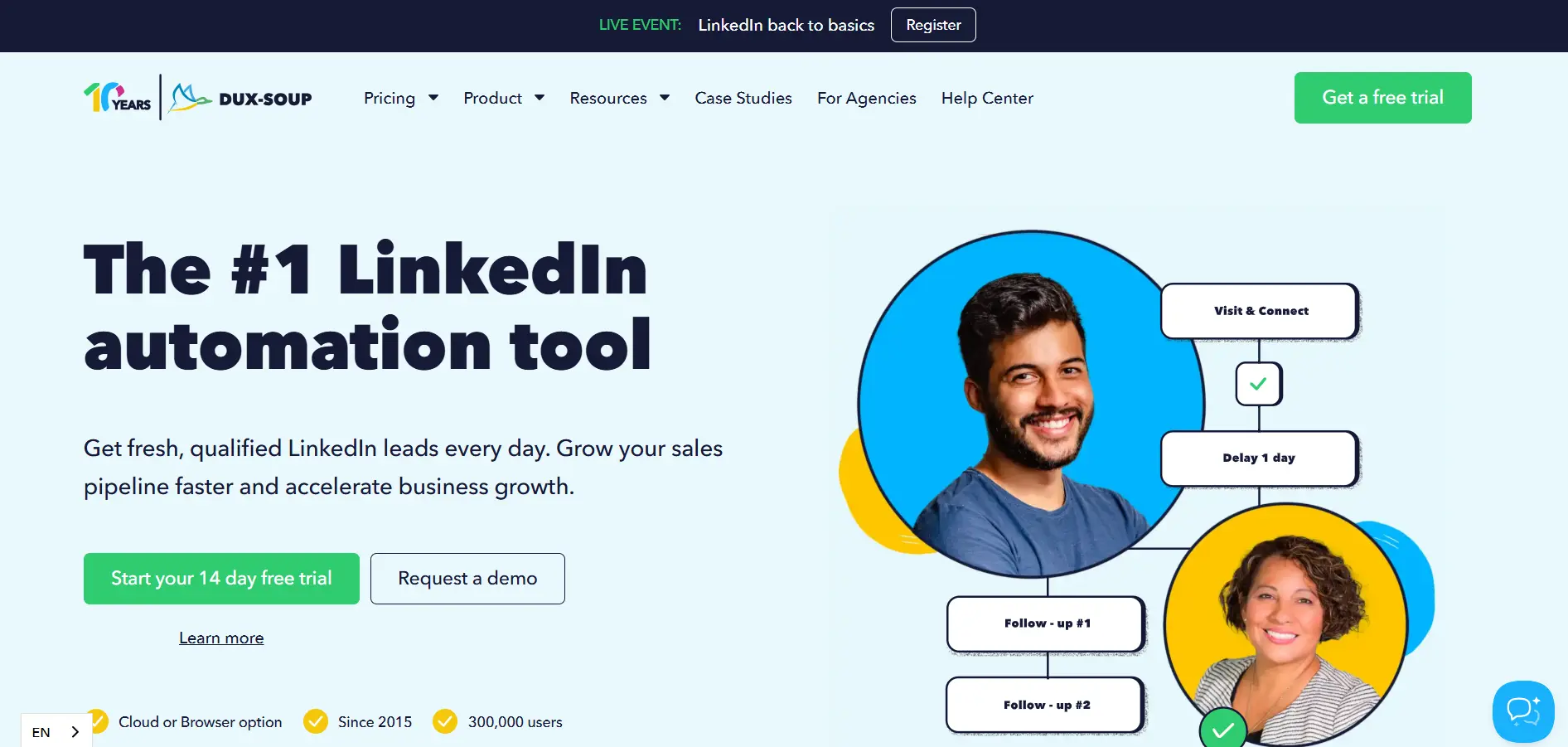
Dux-Soup is a practical option if you want simple LinkedIn automation without a heavy platform setup.
It works with regular LinkedIn, Recruiter, and Sales Navigator accounts, and helps automate prospecting actions like profile visits, connection invitations, follow-up messages, InMails, and endorsements. Dux-Soup also offers browser-based and cloud-based options, depending on how much automation you need.
Key features
- Profile visits and connection automation
- LinkedIn messages and follow-ups
- InMail and endorsement automation
- CRM and workflow integrations
- Browser and cloud automation options
Pros
- Affordable entry point
- Useful for simple LinkedIn outreach
- Works with Sales Navigator
- 14-day free trial available
Limitations
Browser-based automation can feel limiting when you scale.
For larger teams, cloud-based or multi-account platforms may be safer and easier to manage.
Pricing
Paid plans start at $14.99/month, with cloud plans available for always-on automation.
8. PhantomBuster — LinkedIn Data Extraction and Workflow Automation
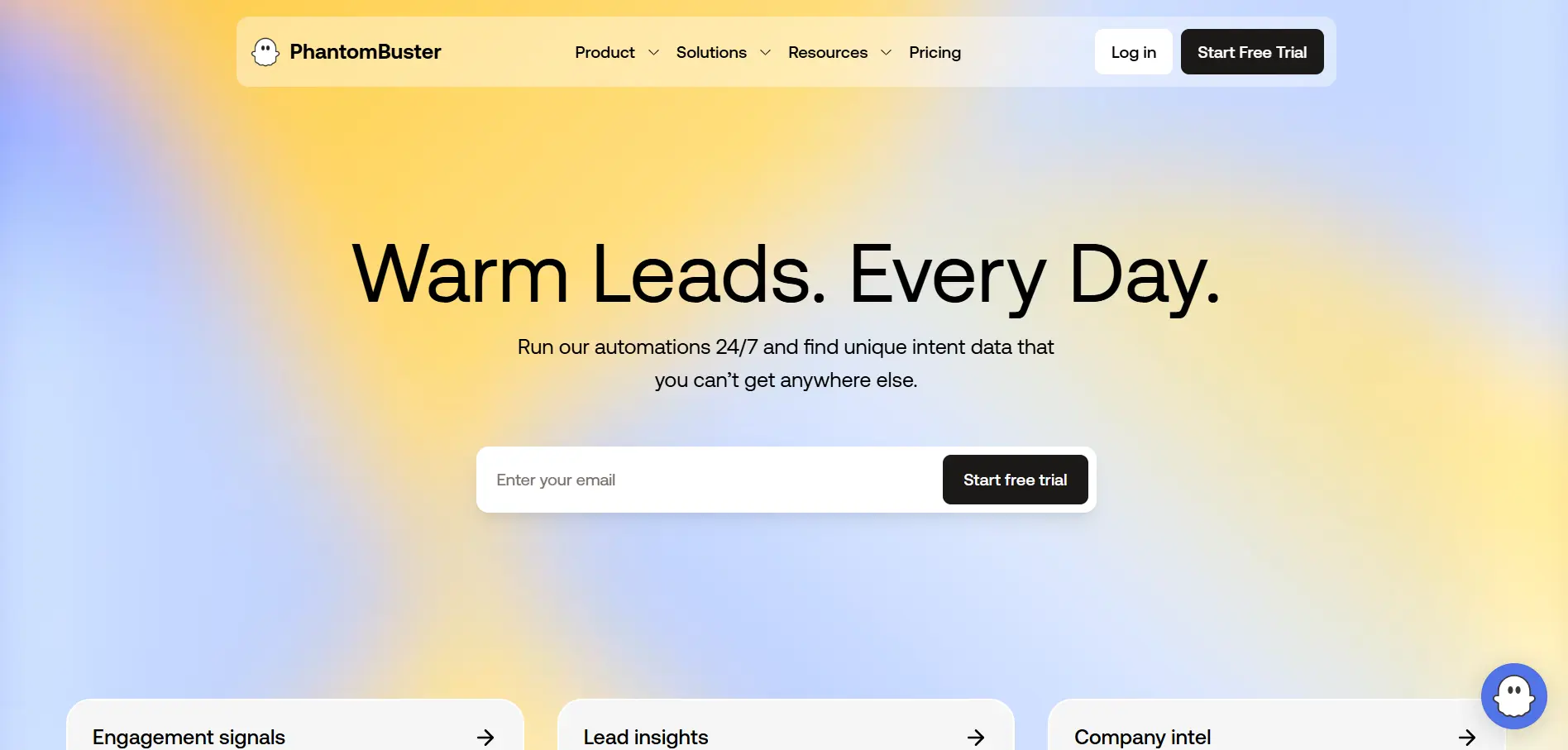
PhantomBuster is useful when your LinkedIn lead generation workflow depends on exporting data, scraping profiles, and connecting different prospecting steps together.
It offers ready-made automations for LinkedIn and Sales Navigator, including search exports, list exports, profile scraping, profile visits, message sending, and email-finding workflows. Its Sales Navigator List Export can extract leads and accounts from saved lists into a structured spreadsheet.
Key features
- LinkedIn and Sales Navigator data exports
- Profile scraping and enrichment workflows
- Ready-made automation templates
- CSV exports for CRM or outreach tools
- Email-finding workflows from LinkedIn searches
Pros
- Very flexible for scraping and workflow automation
- Useful for Sales Navigator exports
- Good for building custom prospecting systems
Limitations
It can feel technical for beginners and needs careful usage limits to reduce account risk.
Pricing
PhantomBuster pricing is usage-based and starts around $56/month.
9. Taplio — Content-Led LinkedIn Lead Generation
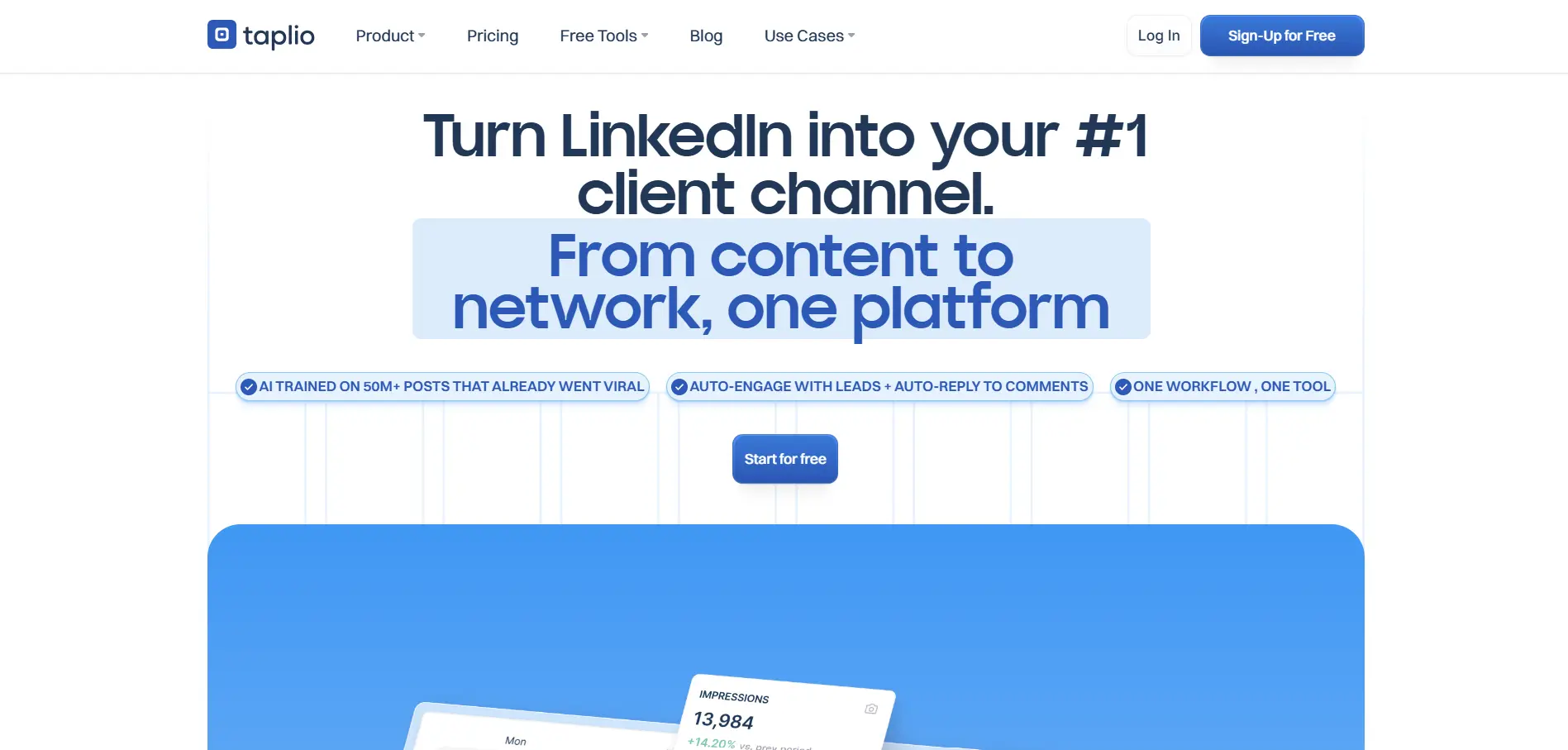
Taplio is different from most linkedin tools for lead generation because it focuses on inbound growth instead of cold outreach first.
It helps you create LinkedIn posts, schedule content, track analytics, and understand which topics drive engagement. This makes it useful when your leads come from visibility, authority, and conversations created through content. Taplio’s pricing page lists AI content, scheduling, analytics, engagement tools, and lead outreach in higher plans.
Key features
- LinkedIn post scheduling
- AI content creation
- Engagement insights
- Advanced analytics
- Lead outreach on higher plans
Pros
- Strong for content-led lead generation
- Helps improve posting consistency
- Useful analytics for LinkedIn growth
Limitations
Taplio is not mainly built for outbound prospecting, enrichment, or full sales workflow automation.
Pricing
Taplio offers a 7-day free trial, with paid plans starting at $39/month.
10. Wiza / Evaboot — Turning LinkedIn Searches Into Verified Email Lists
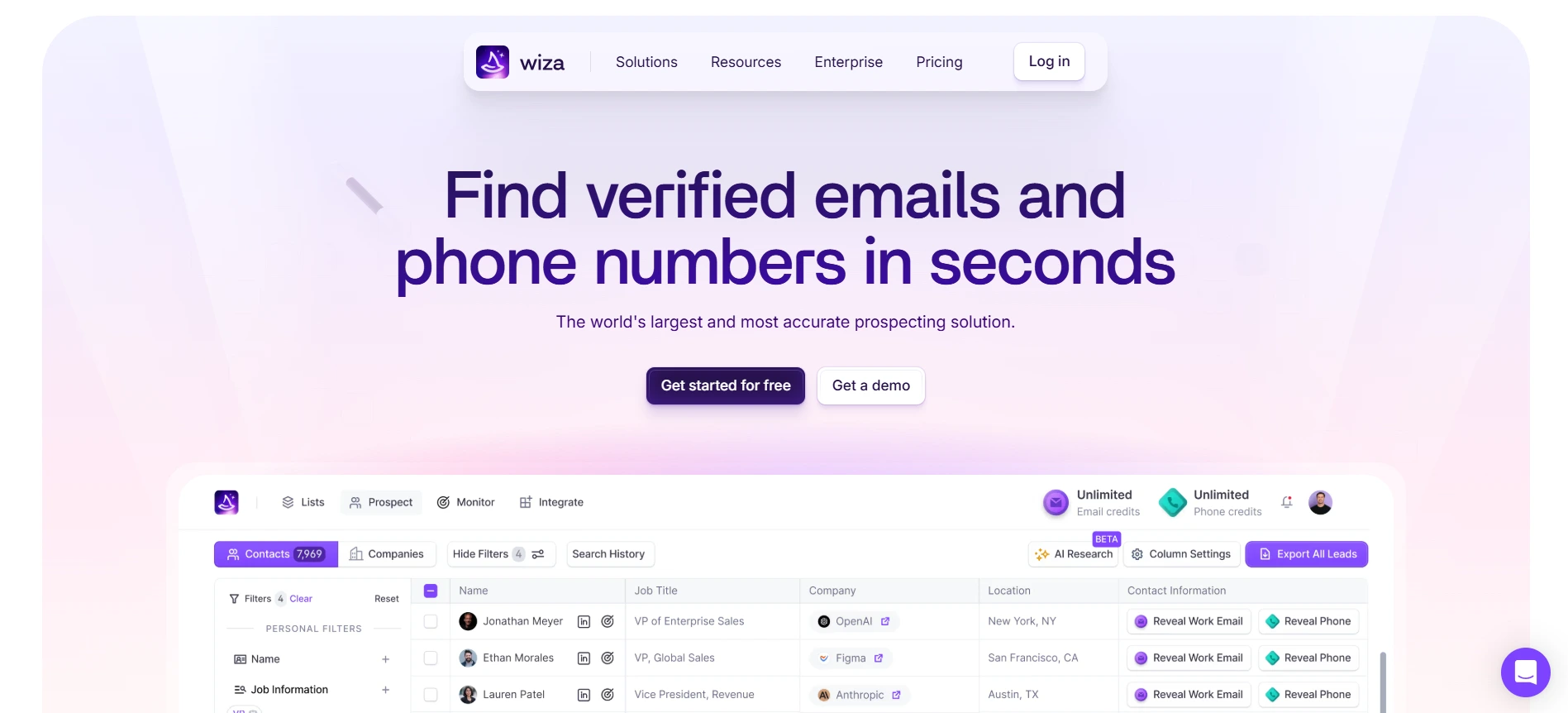
Wiza and Evaboot are useful when you already use Sales Navigator and want to turn LinkedIn searches into exportable lead lists.
Instead of copying profiles manually, these tools help you export prospects, enrich them with verified emails, and clean the list before sending it to your outreach tool. Wiza focuses on finding verified emails and phone numbers, while Evaboot focuses on exporting clean Sales Navigator data and finding emails from those searches.
Key features
- Sales Navigator lead export
- Verified email enrichment
- Prospect list cleaning
- CSV exports for outreach tools
- Chrome extension-based workflows
Pros
- Saves time on manual LinkedIn data collection
- Helps turn LinkedIn searches into usable prospect files
- Useful before cold email outreach
Limitations
These tools are mainly enrichment and export tools, so you still need a separate platform for outreach, replies, automation, and CRM tracking.
Pricing
Wiza offers free access to get started, while Evaboot starts at $9/month with credit-based plans.
Free LinkedIn Lead Generation Tools: Useful or Too Limited?
Free tools can help you start, but they rarely support the full LinkedIn lead generation workflow.
That does not mean they are useless. It simply means you should know where they fit before building your pipeline around them.
What “free” usually means in LinkedIn lead generation tools
When a platform offers a linkedin lead generation tool free, it usually gives you a limited version of the product.
You may get:
- Limited lead credits
- Fewer exports
- Basic LinkedIn automation
- Restricted email finding
- Lower daily usage limits
- Limited team features
So free plans are useful for testing, but they usually cannot replace a complete outbound workflow.
When free tools are enough for testing
Free tools are enough when you are still validating your audience, offer, or message.
You can use them to test:
- Whether your target audience is easy to find
- Whether prospects accept your connection requests
- Whether your message gets replies
- Whether LinkedIn or email performs better
- Whether the tool fits your daily workflow
For founders, freelancers, and small teams, this is a smart way to learn before spending money.
Why serious outbound teams usually need paid credits, automation, or enrichment
Once you start scaling, free limits become restrictive.
You need enough credits and features to support:
- Lead search
- Email enrichment
- Email verification
- LinkedIn follow-ups
- Email outreach
- Reply tracking
- Team collaboration
This is where paid linkedin lead generation tools become more practical.
They give your team enough volume and control to run outreach consistently.
The hidden cost of using too many small free tools
The real cost is not always the subscription.
It is the time you lose switching between tools, cleaning messy exports, fixing duplicate records, and checking replies manually.
You may start with one free tool for search, another for email finding, and another for automation.
But over time, that setup can become harder to manage than one paid system.
A free tool can help you begin. But if your goal is predictable pipeline, you eventually need a workflow that connects prospecting, enrichment, outreach, and follow-up in one cleaner system.
How to Choose the Right LinkedIn Lead Generation Tool for Your Workflow
The right tool depends on where your LinkedIn workflow feels slow or messy.
Some teams struggle to find the right people. Some can find leads but cannot enrich or verify them. Others have the data but lose time sending follow-ups and tracking replies.
So before choosing from the best linkedin lead generation tools, map the tool to your biggest bottleneck.
Choose Oppora.ai if you want one platform for lead finding, enrichment, outreach, and replies
Choose Oppora.ai if you want one connected system instead of multiple disconnected tools.
It helps you manage the complete workflow:
- Find LinkedIn leads and target accounts
- Capture prospects with the LinkedIn Chrome extension
- Enrich and verify contact data
- Run email and LinkedIn outreach
- Personalize messages with AI
- Handle replies and qualify interest
- Sync activity with your CRM
This works well when your team wants more qualified leads without switching between prospecting tools, enrichment platforms, automation tools, and inboxes.
Choose Sales Navigator if your main need is precise LinkedIn search
Choose LinkedIn Sales Navigator if your biggest problem is finding the right people.
It is strong for account research, saved lead lists, advanced filters, and tracking decision-makers inside target companies.
You should consider it when you need to search by:
- Job title
- Seniority
- Company size
- Industry
- Geography
- Account type
But remember, Sales Navigator is mainly a prospecting tool. You may still need other lead generation tools for LinkedIn to handle email finding, outreach, automation, and replies.
Suggested Reading:
How to Use LinkedIn Sales Navigator Advanced Search (+Full Filter List)Choose HeyReach or Expandi if your team runs high-volume LinkedIn outreach
Choose HeyReach or Expandi if your team already has leads and needs to scale outbound activity.
HeyReach is useful when you manage multiple LinkedIn accounts, especially for agency-style workflows.
Expandi is useful when you want LinkedIn and email steps inside one campaign sequence.
These linkedin automation tools for lead generation make sense when your team needs:
- Connection request automation
- Follow-up sequences
- Campaign controls
- Multi-account or multichannel workflows
- Reply tracking
Just make sure your outreach still feels personal, not like a bulk message blast.
Choose Taplio if your strategy depends on content and personal branding
Choose Taplio if LinkedIn is more about inbound demand than cold outreach for you.
It helps with content ideas, scheduling, analytics, and engagement tracking.
This is a better fit when your leads come from posts, comments, visibility, and trust built over time.
Safety Checklist Before Using LinkedIn Automation Tools
LinkedIn automation can save hours, but it can also create problems if you treat it like a volume game.
Before using any linkedin automation tools for lead generation, make sure your workflow looks natural, controlled, and relevant to the person receiving your message.
Avoid aggressive daily connection and message limits
Do not push daily activity too hard just because a tool allows it.
A safer approach is to increase volume gradually and watch how your account responds.
Keep an eye on:
- Connection acceptance rate
- Reply rate
- Profile restrictions
- Failed sends
- Unusual activity warnings
If volume goes up but replies go down, your campaign is scaling in the wrong direction.
Suggested Reading:
LinkedIn Connection Limit: Daily, Weekly & Total Request Limits ExplainedPersonalize messages instead of blasting templates
Generic templates are easy to spot.
Even a small personal detail can make your message feel more human.
You can personalize based on:
- Role
- Company
- Recent post
- Industry
- Shared problem
- Common connection
The best lead generation tools for LinkedIn help you scale personalization without making every message sound copied.
Prefer cloud-based tools over risky browser-only automation when scaling
Browser-only tools can work for light outreach.
But when your team scales campaigns, cloud-based platforms usually offer better control, stability, and scheduling.
This matters when you manage multiple campaigns, inboxes, or LinkedIn accounts.
Keep a manual review step for high-value prospects
Not every lead should enter automation immediately.
For important accounts, review the profile first and adjust your message manually.
This keeps your outreach thoughtful where it matters most.
Track reply quality, not just campaign volume
More sends do not always mean better lead generation.
Track whether replies are relevant, qualified, and worth moving forward.
A good linkedin lead generation tool should help you create better conversations, not just more activity.
Conclusion
The right linkedin lead generation tool depends on how you want to build your pipeline.
If your main problem is research, Sales Navigator gives you strong LinkedIn search. If you need automation, tools like HeyReach, Expandi, Waalaxy, Dripify, and Dux-Soup can help you manage connection requests and follow-ups.
If your strategy depends on content, Taplio is a better fit. And if you only need verified email lists from Sales Navigator, Wiza or Evaboot can support that workflow.
But if you want lead finding, enrichment, LinkedIn outreach, email outreach, replies, deliverability, and CRM sync in one place, Oppora.ai gives you the most complete setup.
The goal is not to use the most tools.
The goal is to build a workflow that helps you find better prospects, start better conversations, and turn LinkedIn activity into qualified leads consistently.
With Oppora.ai, you can start building that workflow from one place and see how AI-led outbound fits your sales process.
FAQs About LinkedIn Lead Generation Tools
1. What is a LinkedIn lead generation tool?
A linkedin lead generation tool helps you find prospects, collect contact data, run outreach, manage follow-ups, and track replies from LinkedIn.
2. What are the best LinkedIn lead generation tools?
The best linkedin lead generation tools include Oppora.ai for end-to-end outbound, Sales Navigator for prospecting, HeyReach and Expandi for automation, Taplio for content-led growth, and Wiza or Evaboot for email enrichment.
3. Are free LinkedIn lead generation tools worth using?
A linkedin lead generation tool free plan is useful for testing your audience, message, or workflow, but most free plans limit credits, exports, automation, or enrichment.
4. Can LinkedIn automation tools get your account restricted?
Yes, risky automation can create account issues if you send too many requests, use generic templates, or ignore safe activity limits.
5. How do I choose the right lead generation tool for LinkedIn?
Choose based on your biggest bottleneck: Sales Navigator for search, automation tools for follow-ups, Taplio for content, enrichment tools for emails, and Oppora.ai for one connected outbound workflow.