9 LinkedIn Phone Number Extensions That Reveal Verified Contacts
linkedin phone number extension

Finding phone numbers from LinkedIn sounds simple until you actually try it.
Most profiles do not show direct numbers, manual research eats up hours, and unverified contact data can leave your sales team calling dead lines or reaching the wrong person.
That is why LinkedIn phone number extensions have become useful for SDRs, recruiters, agencies, and B2B teams that need verified contacts faster.
In this guide, you’ll see:
- Why phone numbers are hard to find on LinkedIn
- How these extensions reveal contact data
- Which tools offer the best accuracy, coverage, and workflow fit
Why Sales Teams Struggle to Find Phone Numbers on LinkedIn
LinkedIn is one of the best places to identify prospects.
But once you find the right person, the next step is where things usually slow down: getting a real phone number you can actually use.
LinkedIn Doesn't Publicly Display Most Phone Numbers
Most LinkedIn users do not show their phone numbers publicly.
Even when someone has added contact details to their profile, they usually limit visibility to first-degree connections or hide it completely.
That means your team can easily find a job title, company name, and profile URL, but still miss the direct contact detail needed to start a real conversation.
Manual Research Doesn't Scale
You can try searching company websites, checking personal pages, looking through old directories, or guessing number formats.
That may work for one or two prospects.
But when your team needs hundreds of verified mobile numbers every month, manual research becomes too slow and inconsistent.
Instead of selling, your reps spend hours digging through scattered sources with no guarantee of success.
Bad Contact Data Leads to Low Connect Rates
Finding a number is not enough.
If the number is outdated, incorrect, or belongs to the wrong person, your outreach suffers immediately.
Reps waste time calling dead lines, managers see poor activity-to-conversation ratios, and your pipeline looks weaker than it should.
Bad data does not just reduce connect rates. It also makes your team trust the process less.
How We Ranked the Best LinkedIn Phone Number Extensions
Not every LinkedIn phone number extension gives you the same value.
Some tools are built for quick phone reveals. Some focus more on email enrichment. Others help you move from LinkedIn prospecting to outreach, CRM sync, and follow-ups in one workflow.
To keep this comparison useful, we ranked each tool based on the criteria that matter most in day-to-day sales work.
Phone Number Accuracy
We looked at how reliably each tool helps you find the right number for the right prospect.
This includes:
- Verified mobile numbers
- Direct dials
- Low invalid number rates
- Freshness of contact data
- Confidence in prospect matching
Contact Coverage
A tool is only useful if it can return data for the prospects you care about.
So we considered:
- Database size
- Regional coverage
- B2B contact availability
- Email and phone enrichment
- Coverage across roles, industries, and company sizes
LinkedIn Workflow Experience
The extension should make LinkedIn prospecting faster, not more complicated.
We looked for:
- Easy LinkedIn profile lookup
- Sales Navigator support
- One-click contact reveal
- Bulk prospecting options
- Smooth lead saving from LinkedIn
CRM Integrations
Sales teams need contact data to move into the right system quickly.
So we checked whether each tool supports:
- CRM syncing
- Lead exports
- Team collaboration
- Contact list management
- Workflow handoff to sales tools
Suggested Reading:
5 Best CRM With LinkedIn Integration + How To UsePricing and Credit Efficiency
Phone number credits can get expensive if you prospect every day.
We compared:
- Free plan availability
- Monthly credit limits
- Cost per revealed contact
- Rollover or unused credit flexibility
- Whether phone, email, and enrichment credits are bundled fairly
Additional Prospecting Features
The best tools do more than reveal a phone number.
We also looked at extra features like:
- Lead search
- Email verification
- Data enrichment
- Outreach automation
- AI-powered prospecting
- Reporting and campaign insights
9 Best LinkedIn Phone Number Extensions for Finding Verified Contacts
Once you understand why phone numbers are hard to find manually, the next step is choosing a tool that fits your sales workflow.
The right LinkedIn phone number extension should not only reveal contacts. It should help you find, verify, save, export, and act on that data without slowing your team down.
1. Oppora.ai — Best Overall LinkedIn Phone Number Extension
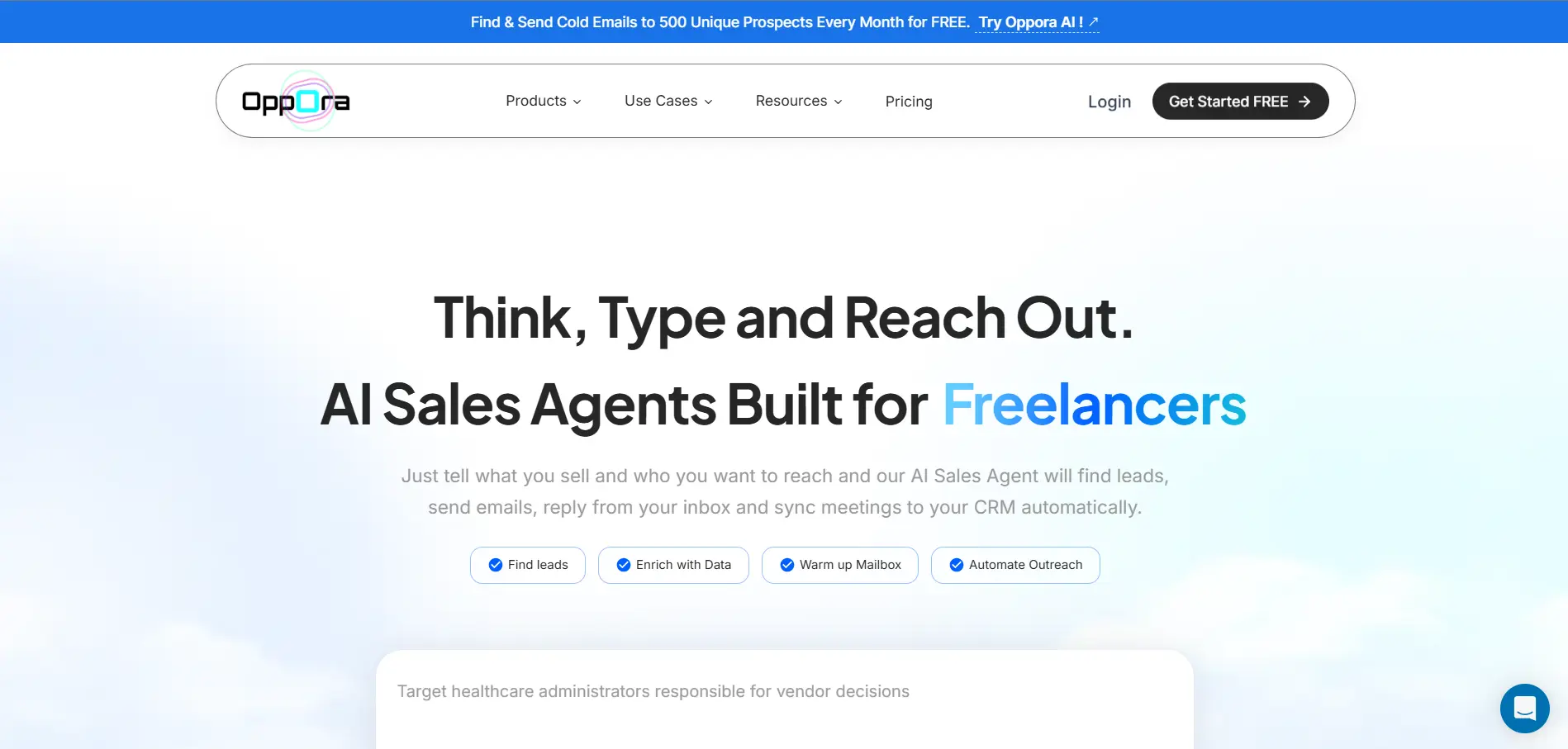
Oppora.ai is a strong option if you want your LinkedIn phone number extension to do more than reveal contact details.
With a 1B+ lead database, Oppora helps sales teams discover prospects, enrich LinkedIn profiles with verified contact data, and move those leads into outreach workflows without jumping between multiple tools.
This is useful when your team is prospecting from LinkedIn but also needs email enrichment, phone number lookup, contact verification, CRM syncing, and follow-up automation in the same system.
Instead of stopping at “here is a phone number,” Oppora.ai helps you build a cleaner outbound process around that contact. Its AI sales agents can find companies, identify decision-makers, enrich and verify leads, run multichannel outreach, reply from your inbox, book meetings, and sync activity to your CRM.
Key Features
- 1B+ lead database for broader B2B prospect discovery
- LinkedIn extension to capture and enrich prospects while browsing
- Email and phone enrichment to complete incomplete LinkedIn profiles
- Lead Finder + extension workflow for finding and saving verified contacts
- AI-powered lead discovery to identify better-fit prospects faster
- Verified contact export for sales lists, CRM, or outreach campaigns
- Multichannel outreach across email, LinkedIn, and automated follow-ups
- CRM sync to push contacts, replies, meetings, and deals into your sales tools
Pros
- Covers the full workflow from LinkedIn prospecting to outreach
- Useful for teams that need both phone and email enrichment
- Helps reduce manual research, copy-paste work, and disconnected tools
- Strong fit for sales teams that want AI-powered outbound automation
Cons
- May be more than you need if you only want a simple phone reveal tool
- Teams may need a little setup time to get the most from its workflows
2. Kaspr
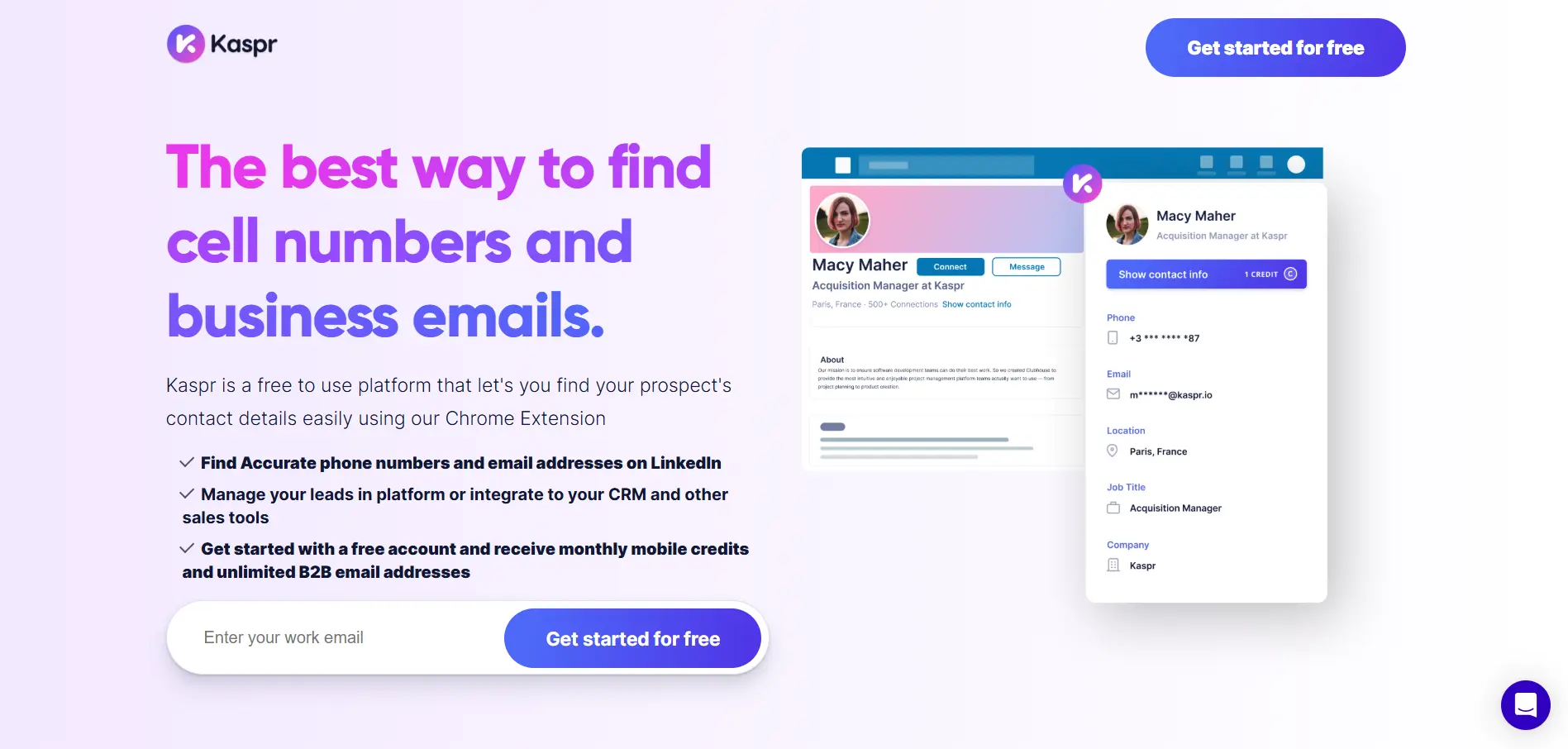
Kaspr is a practical LinkedIn phone number extension for teams that want to reveal phone numbers and emails while staying inside LinkedIn.
It works directly on LinkedIn and Sales Navigator, so reps can open a profile, reveal contact details, save the lead, and continue prospecting without switching between too many tabs.
Kaspr says its Chrome extension gives access to 500M+ phone numbers and email addresses through LinkedIn and Sales Navigator. It also supports prospecting from LinkedIn profiles, groups, and events, which makes it useful when your team finds leads from multiple LinkedIn touchpoints.
Key Features
- LinkedIn Chrome extension for phone and email lookup
- Works with LinkedIn and Sales Navigator
- Reveals phone numbers and email addresses from profiles
- Supports prospecting from LinkedIn groups and events
- Bulk enrichment for larger prospect lists
- CRM integrations with tools like Salesforce and HubSpot
- Lead list management inside Kaspr
Pros
- Easy to use for LinkedIn-first prospecting
- Strong fit for quick direct dial and email reveals
- Good option for reps who want a simple browser-based workflow
- Useful for European prospecting because of its data focus
Cons
- Credit limits can become restrictive for high-volume teams
- Less complete than platforms built for full outbound automation
- Data coverage may vary outside its strongest regions
3. Snov.io
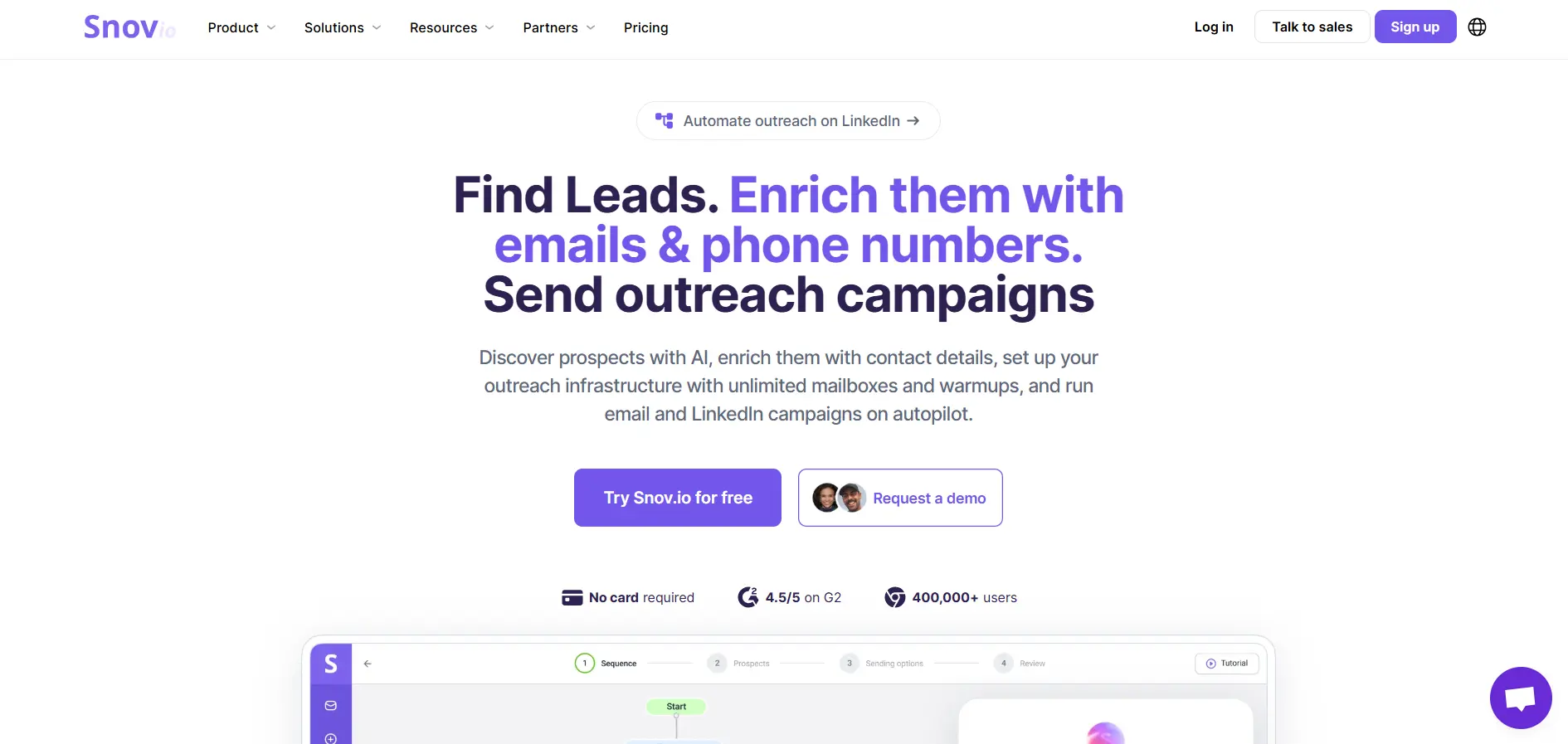
Snov.io is a useful option when your LinkedIn prospecting is mainly built around cold email.
Its LinkedIn Prospect Finder lets you collect prospects and find verified emails from LinkedIn pages, including profiles, search results, company pages, and Sales Navigator. Snov.io also connects those contacts with email verification, prospect lists, CRM-style management, and outreach campaigns, which makes it stronger for email-first sales teams than pure phone-number lookup.
That said, if your main goal is finding verified mobile numbers from LinkedIn, Snov.io may not be as direct as tools built specifically around phone enrichment.
Key Features
- LinkedIn Prospect Finder Chrome extension
- Email discovery from LinkedIn and Sales Navigator
- Email verification to reduce bounce rates
- Prospect list creation and management
- Email Finder for websites and Google search pages
- Cold email campaign tools
- Basic lead enrichment and outreach automation
Pros
- Strong option for cold email workflows
- Useful for finding and verifying LinkedIn emails
- Helps move prospects from LinkedIn into campaigns
- Good fit if you want email finding plus outreach in one platform
Cons
- Not primarily focused on LinkedIn phone number discovery
- Phone data may not be as central as email enrichment
- Less ideal if direct dials are your top priority
Suggested Reading:
12 Snov.io Alternatives Ranked by Features and Pricing4. Apollo.io
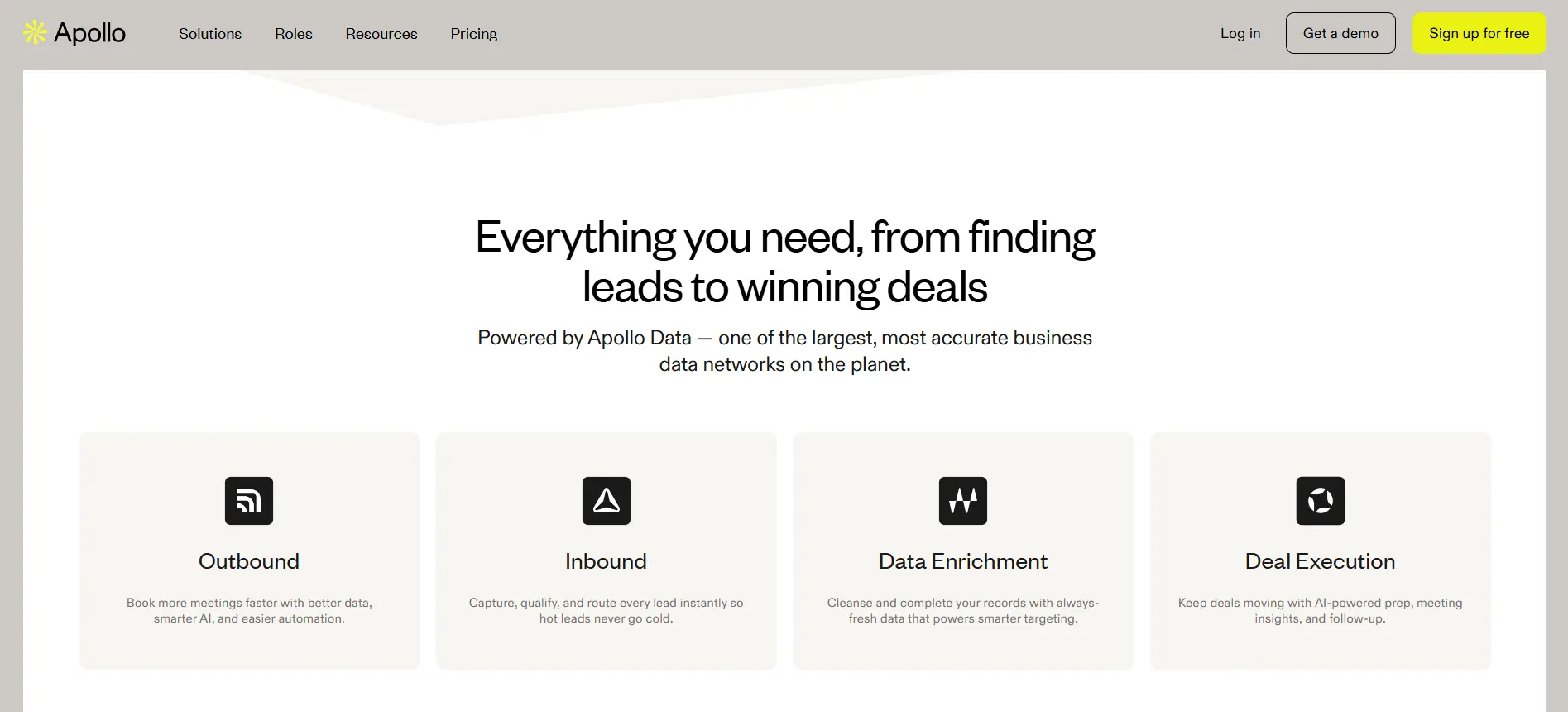
Apollo.io is a good fit when you want LinkedIn contact lookup inside a larger sales intelligence platform.
Its Chrome extension lets you find verified emails and phone numbers while browsing LinkedIn, Gmail, Salesforce, HubSpot, company websites, and other sales tools. You can also save prospects into Apollo lists and add them to multichannel sequences without rebuilding the same workflow manually.
This makes Apollo useful for teams that want a large B2B database, LinkedIn prospecting, email outreach, calling, and CRM activity in one place.
Key Features
- LinkedIn Chrome extension for contact lookup
- Verified email and phone number discovery
- Contact and account data enrichment
- Lead saving from LinkedIn and Sales Navigator
- Multichannel sequence support
- CRM support for Salesforce and HubSpot workflows
- Works across Gmail, Google Calendar, and company websites
Pros
- Strong all-in-one sales platform
- Useful when you need database search plus outreach
- Works across several tools your reps already use
- Helps move LinkedIn leads into sequences quickly
Cons
- Can feel too broad if you only need phone number reveals
- Contact accuracy may vary by market, role, and company size
- Credit usage can become a concern for high-volume prospecting teams
5. Lusha
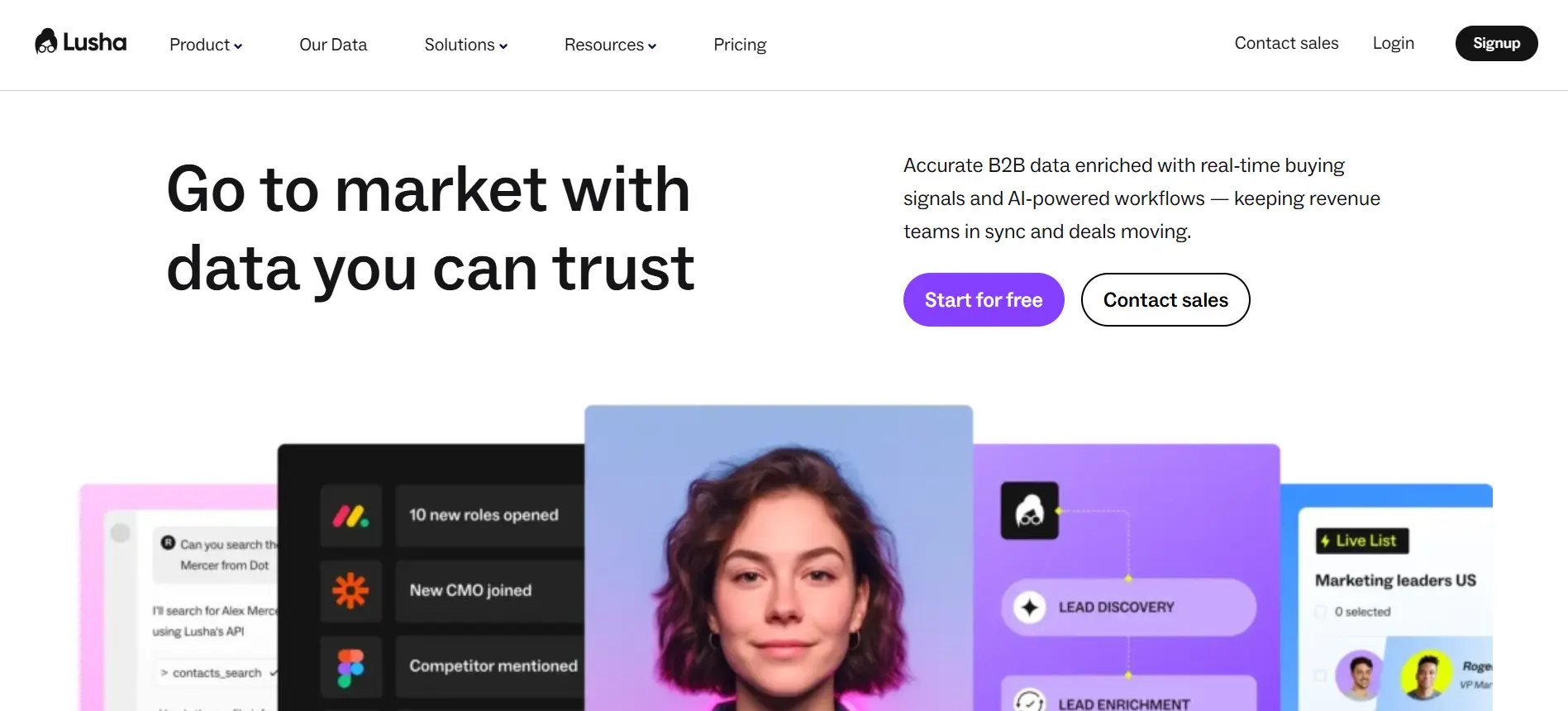
Lusha is a simple LinkedIn phone number extension for reps who want fast contact reveals without building a complex prospecting setup.
You can use it on LinkedIn, Sales Navigator, company websites, and supported CRM pages to reveal contact and company details while you research prospects. Lusha also lets you save contacts to lists, sequences, or your CRM, so the data does not stay trapped inside the browser extension.
For phone outreach, its main value is speed. You open a LinkedIn profile, reveal available contact details, and move the lead into your sales workflow with less manual copying.
Key Features
- LinkedIn and Sales Navigator contact reveal
- Verified emails, direct dials, and mobile numbers
- CRM enrichment from supported systems
- Contact saving to lists and sequences
- Bulk enrichment from Sales Navigator lists
- Company details and prospect insights
Pros
- Easy for individual reps to start using
- Good for quick phone and email lookup
- Works across LinkedIn, CRMs, and company websites
- Useful when you need a lightweight prospecting extension
Cons
- Credit usage can increase quickly with phone reveals
- Less focused on full outbound automation
- Data coverage may vary by region, role, and company size
Suggested Reading:
11 Lusha Alternatives for 2026: Better Data, Pricing & Accuracy6. Cognism
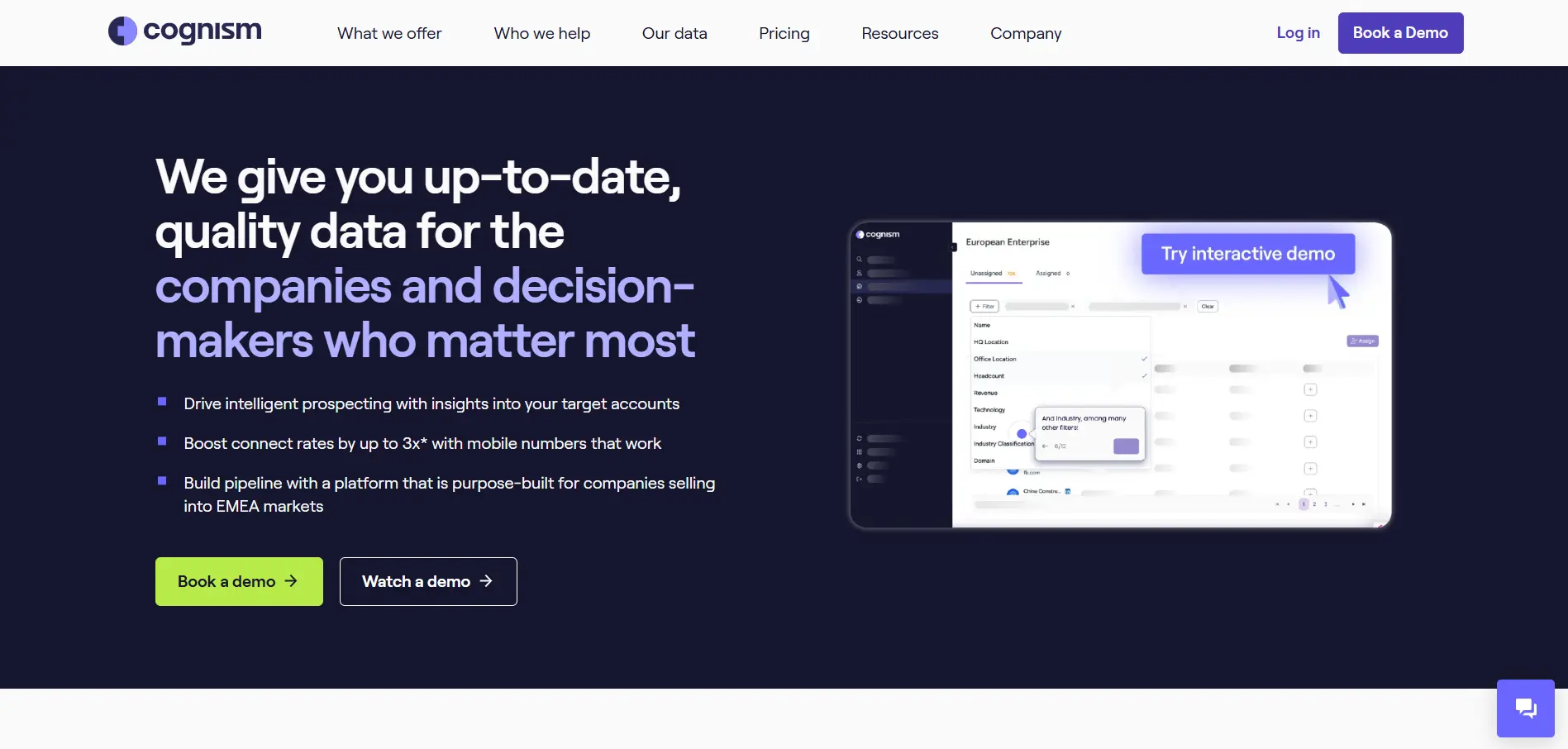
Cognism is a strong LinkedIn phone number extension for teams that need verified mobile numbers, especially in B2B and enterprise prospecting.
When used on LinkedIn, the Cognism browser extension shows available contact and company data beside profiles and company pages. You can request verified data and export records to your CRM without leaving LinkedIn, which helps reps keep research and sales handoff in one flow.
Its biggest strength is phone data quality. Cognism highlights phone-verified data, which combines manual and automated checks to improve accuracy and help teams reach the right decision-maker faster.
Key Features
- LinkedIn and Sales Navigator browser extension
- Business email and mobile number lookup
- Phone-verified contact data
- Company and prospect insights
- CRM export from LinkedIn
- DNC-cleaned mobile numbers
- Strong EMEA and US contact coverage
Pros
- Strong option for verified mobile numbers
- Useful for enterprise sales teams and larger outbound teams
- Helps reduce wasted calls with better data verification
- Works well for LinkedIn and Sales Navigator prospecting
Cons
- Usually better suited for larger teams than small businesses
- Pricing can be high compared to lightweight extensions
- May be more than you need for basic LinkedIn phone lookup
7. RocketReach
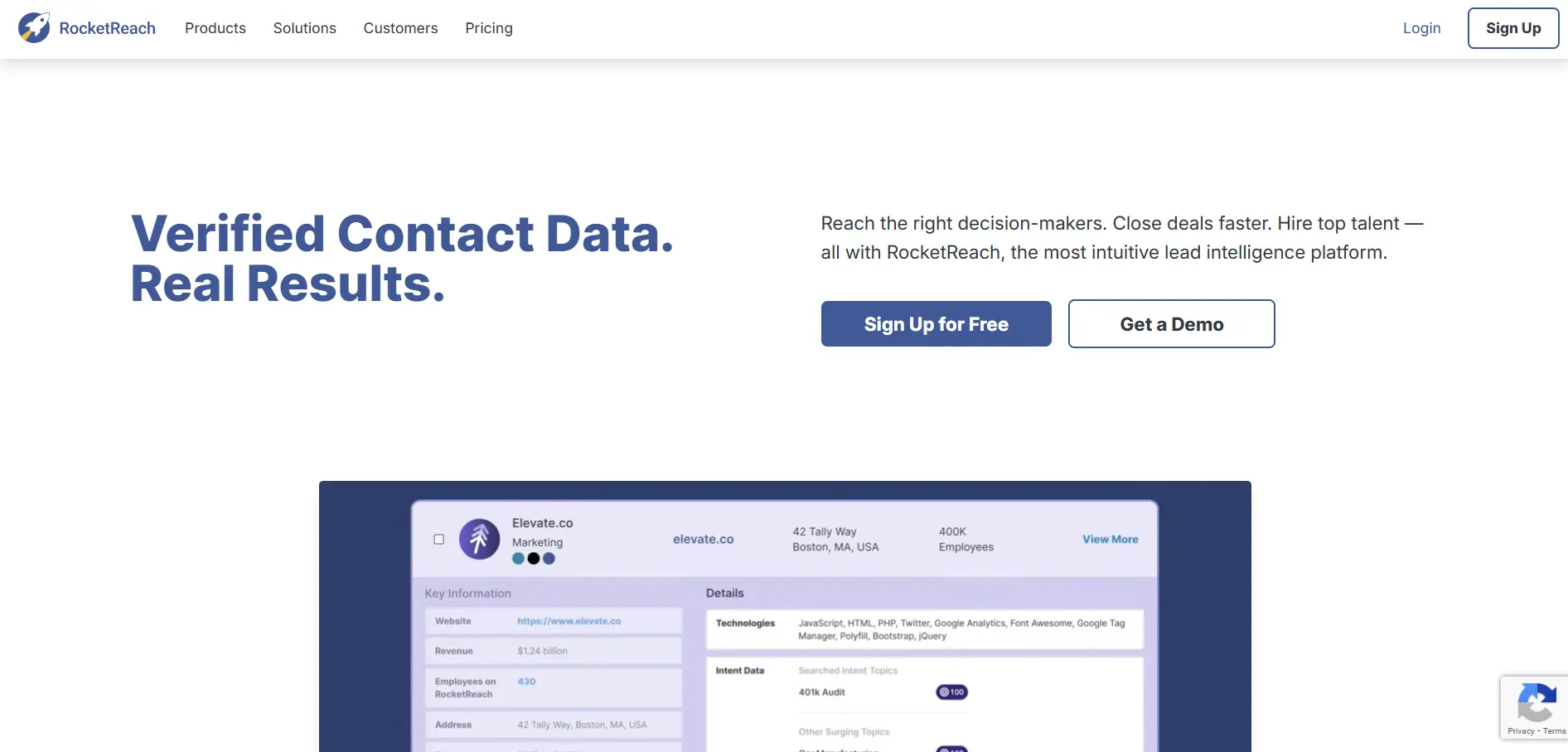
RocketReach is useful when you need contact data from LinkedIn, company websites, and other professional sources in one place.
Its Chrome extension helps you prospect across popular social platforms and company pages, so you are not limited to one LinkedIn profile view at a time. RocketReach says its platform finds verified emails, phone numbers, and social profiles for 700M+ professionals across 60M companies using machine learning across public data points.
This makes it helpful when you are trying to reach executives, senior decision-makers, or prospects who may not have much visible contact information on LinkedIn.
Key Features
- Chrome extension for LinkedIn and other prospecting sites
- Email, phone number, and social profile discovery
- 700M+ professional contact database
- Company-level search and contact discovery
- Prospect list building
- Works across company websites and social platforms
- Useful for finding harder-to-reach decision-makers
Pros
- Strong for broader contact research beyond LinkedIn
- Helpful when searching for executive-level contacts
- Large professional database with phone and email data
- Works well for sales, recruiting, and marketing teams
Cons
- May feel less LinkedIn-native than tools built only around LinkedIn
- Phone data quality can vary depending on the prospect and region
- High-volume users may need to watch credit usage carefully
8. ContactOut
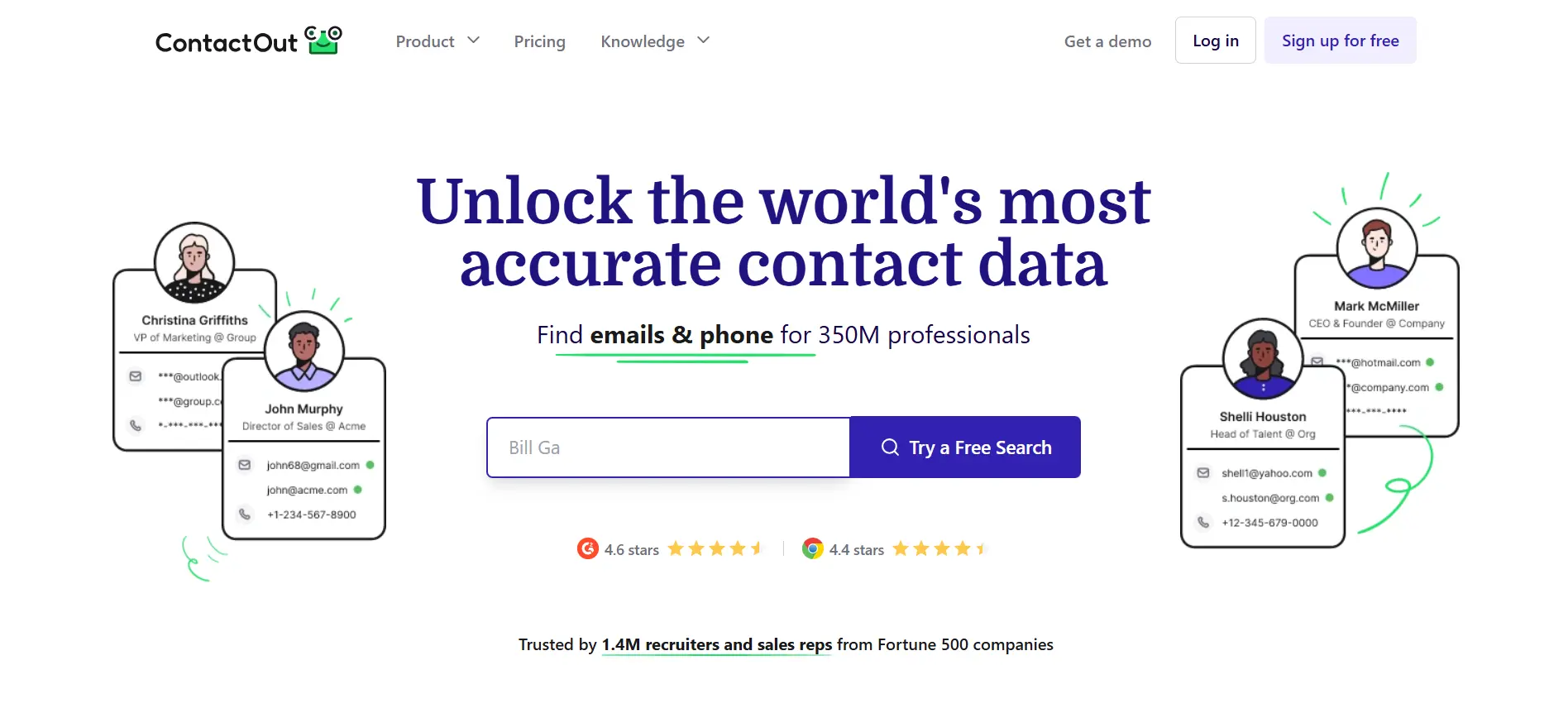
ContactOut is a useful LinkedIn phone number extension for recruiters, talent teams, and sales reps who source heavily from LinkedIn.
It works through a Chrome extension that helps you find emails and phone numbers from LinkedIn profiles and company websites. ContactOut says its extension can provide emails and phone numbers for 75% of people on LinkedIn, and it also lets users add prospects to email campaigns in one click.
This makes it practical when you are building candidate lists, sourcing decision-makers, or trying to reach people who do not respond inside LinkedIn.
Key Features
- LinkedIn Chrome extension for contact lookup
- Email and phone number finder
- Works on LinkedIn and company websites
- Prospect saving and list building
- One-click email campaign add-on
- CRM and ATS workflow support
- Recruiting-focused contact database
Pros
- Strong fit for recruiters and talent sourcing teams
- Useful for finding personal and work contact details
- Simple workflow for LinkedIn-based prospecting
- Helps move prospects into outreach campaigns quickly
Cons
- Sales teams may want deeper outbound automation features
- Phone coverage can vary by region and profile type
- May be less suitable for teams that need advanced sales sequencing, AI workflows, or CRM automation
9. Swordfish AI
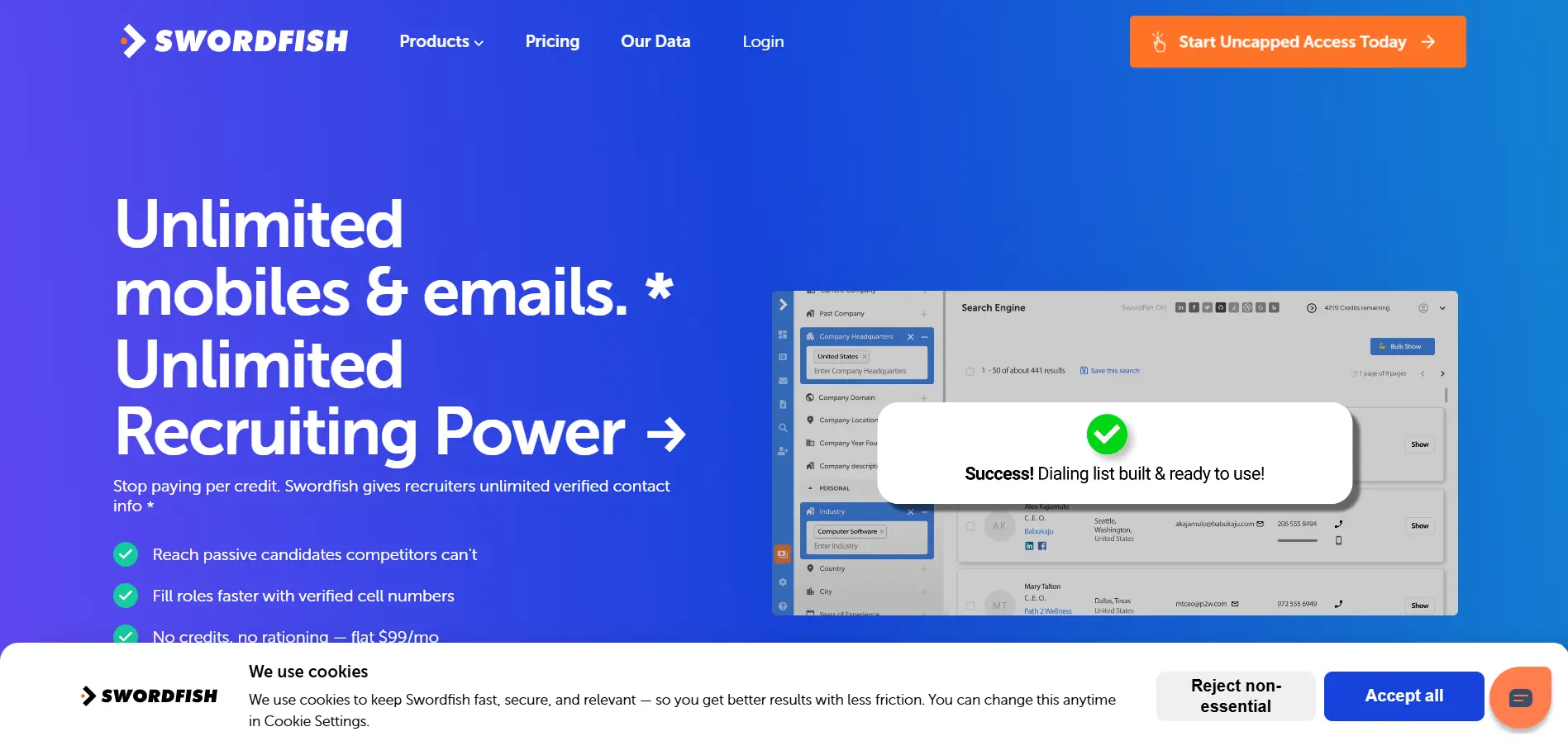
Swordfish AI is a strong option when phone numbers are the main thing you need from LinkedIn prospecting.
Its Chrome extension is built to find cell phone numbers, direct dials, business emails, and personal emails from LinkedIn and other online profiles. This makes it useful when your team is not only checking LinkedIn, but also researching prospects across sites like Facebook, X, GitHub, Stack Overflow, Google, and Bing.
Swordfish AI also highlights real-time verification and multi-source contact matching, which can help reduce disconnected numbers and improve the quality of your outreach list.
Key Features
- Cell phone number finder
- Direct dial lookup
- Business and personal email discovery
- Chrome extension for LinkedIn and other platforms
- Bulk contact enrichment
- Multi-source data matching
- Real-time contact verification
Pros
- Strong focus on mobile numbers and direct dials
- Useful across several platforms, not just LinkedIn
- Good fit for phone-heavy sales or recruiting workflows
- Bulk enrichment helps when you already have prospect lists
Cons
- May not feel as complete for outreach automation
- Pricing is less transparent than some lightweight tools
- You may still need another platform for sequencing, CRM workflows, or campaign reporting
Quick Comparison: 9 LinkedIn Phone Number Extensions at a Glance
Choosing the right LinkedIn phone number extension depends on how your team prospects.
Some tools are better for quick direct dial lookup. Others are stronger when you need bulk enrichment, CRM syncing, or a complete outbound workflow after finding the contact.
Here is a simple comparison to help you see where each tool fits.
If your team only needs quick phone number lookup, tools like Kaspr, Lusha, or RocketReach can be useful.
If you depend heavily on Sales Navigator list building, Wiza may be a better fit because it focuses on bulk exports and enrichment.
For recruiters, ContactOut and SignalHire are often more practical because they are built around profile lookup and candidate contact discovery.
But if you want to go beyond finding phone numbers, Oppora.ai stands out because it connects LinkedIn prospecting with enrichment, verification, outreach, and workflow automation.
That means your team can move from “I found this prospect” to “this lead is verified and ready for outreach” much faster.
5 Mistakes People Make When Using LinkedIn Phone Number Extensions
A LinkedIn phone number extension can save hours, but only if you use it the right way.
Many teams buy a tool, reveal contacts, and expect better outreach results automatically. In reality, the quality of your process matters just as much as the tool you choose.
Choosing Based Only on Database Size
A huge database sounds impressive, but size alone does not guarantee useful contacts.
You should also look at:
- How fresh the data is
- Which regions it covers
- Whether it includes mobile numbers
- How often it returns verified contacts for your target audience
Ignoring Verification Quality
A phone number is only valuable if it connects you to the right person.
If the tool does not verify numbers properly, your reps may waste time calling outdated, incorrect, or irrelevant contacts.
Not Combining Phone and Email Outreach
Phone calls work better when they are part of a broader sequence.
Instead of relying only on calls, combine:
- Phone outreach
- Cold email
- LinkedIn follow-ups
- Personalized messages
This gives prospects more ways to notice and respond to you.
Buying Enterprise Tools Too Early
Enterprise platforms can be powerful, but they are not always the best first step.
If your team is small, start with a tool that matches your current prospecting volume and workflow.
Forgetting CRM Synchronization
Revealed numbers should not sit inside a browser extension.
Push contacts into your CRM so your team can track calls, follow-ups, replies, and deal progress without losing context.
Conclusion
Finding phone numbers from LinkedIn is not just about revealing hidden contact details.
It is about reaching the right person faster, using data you can trust, and giving your sales team more ways to start real conversations.
A good LinkedIn phone number extension should help you find verified contacts, reduce manual research, support your LinkedIn workflow, and connect smoothly with the rest of your sales process.
But the best tool depends on how your team works.
If you only need quick direct dials, a lightweight extension may be enough.
If you want to turn LinkedIn prospecting into a complete outbound system, Oppora.ai is worth exploring. It helps you import LinkedIn leads, enrich contact data, verify prospects, and run outreach workflows from one place.
So instead of stopping at “found a number,” you can move toward a cleaner, faster, and more automated sales process.
Frequently Asked Questions (FAQ)
What is a LinkedIn phone number extension?
A LinkedIn phone number extension is a browser add-on that helps you find phone numbers, emails, and other contact details while viewing LinkedIn profiles by matching profile data with external contact databases and public business sources.
Are LinkedIn phone number extensions legal?
LinkedIn phone number extensions can be legal when they use compliant data sources and you use the contact data responsibly, but you should always follow privacy laws, outreach rules, and the platform’s terms in your target region.
How accurate are LinkedIn phone number finders?
Accuracy depends on the tool’s database quality, update frequency, verification process, and matching logic, so verified numbers are usually more valuable than tools that only show large volumes of unconfirmed contacts.
Can I find mobile numbers from LinkedIn?
Yes, some LinkedIn phone number extensions can help you find mobile numbers, but they usually match LinkedIn profile details with external databases instead of pulling phone numbers directly from LinkedIn.
What is the best LinkedIn phone number extension for small businesses?
For small businesses, the best tool is usually one that combines fair pricing, verified data, simple LinkedIn prospecting, and easy exports, which makes Oppora.ai worth considering if you want contact enrichment and outreach workflows in one platform.