10 Best LinkedIn Phone Number Extractor for Accurate B2B Contacts
free linkedin phone number extractor phone number extractor from linkedin

Most LinkedIn profiles will show you a job title, a company, and a mutual connection, but almost never a phone number.
That gap is the whole problem. Finding the right prospect is easy, actually reaching them is not.
LinkedIn phone number extractors close that gap by matching profiles against external B2B databases and returning verified direct dials or mobile numbers.
This guide compares the 10 best options available in 2026.
Here's what you'll find inside:
- How these tools actually source and verify phone data
- The criteria we used to evaluate each platform
- Detailed reviews covering features, pricing, and limitations
- Guidance on choosing the right tool for your team
If you want automated prospecting to outreach in one system, Oppora AI leads. For quick LinkedIn reveals, Kaspr and Lusha work well.
What Is a LinkedIn Phone Number Extractor?
Now that you know what this guide covers, it helps to understand what these tools actually do behind the scenes.
A LinkedIn phone number extractor is a tool that connects a LinkedIn profile to contact data that the profile itself never displays.
This is where most people get confused. The tool is not pulling a hidden number out of LinkedIn.
LinkedIn simply does not store or expose personal phone numbers on public profiles in the first place.
What the tool actually does is take the identifying details on that profile and match them against external B2B databases.
Name, job title, company, and location act as matching signals. The tool then searches its own database or third-party sources for phone numbers linked to that same person.
Here is how that process usually works:
- Capture the profile information visible on LinkedIn.
- Match the person and company against external data sources.
- Retrieve any available phone numbers tied to that match.
- Verify or score the result for accuracy.
- Export the contact to your CRM or outreach platform.
The number you get back matters too. A direct dial reaches the person, while office and switchboard numbers route you through a receptionist.
Suggested Reading:
9 LinkedIn Phone Number Extensions That Reveal Verified ContactsHow We Evaluated the Tools
Understanding how these tools work is one thing, but knowing which ones actually deliver usable numbers is another.
Every vendor on this list claims high accuracy and deep coverage. Those claims rarely hold up equally across regions or roles.
So we assessed each tool against the factors that genuinely affect whether you can pick up the phone and reach someone.
Here is what we looked at:
- Phone-number availability and the strength of the verification process
- How smoothly the tool fits into LinkedIn and Sales Navigator workflows
- Coverage of mobile numbers versus direct dials
- Bulk enrichment capacity and export flexibility
- CRM and outreach integrations that keep data moving automatically
- Pricing structure and how restrictive credit limits become at scale
- Regional coverage and compliance with data privacy regulations
- Overall ease of use for a working sales team
Note: Contact coverage varies significantly by location, industry, seniority, and how much of a digital footprint the prospect has left behind.
A tool that performs well for North American mid-market SaaS may struggle with European manufacturing contacts.
Vendor accuracy claims should not be treated as directly comparable unless you have tested them independently on your own list.
Suggested Reading:
10 Best B2B Database Tools for High-Volume Lead GenerationBest LinkedIn Phone Number Extractors at a Glance
With those criteria in mind, here is a quick side-by-side view of how the ten tools compare.
Use this table to shortlist two or three options, then read the detailed reviews below.
Pricing reflects entry-level paid tiers and changes frequently, so verify current rates before committing.
10 Best LinkedIn Phone Number Extractors
The table gives you the shape of the market, but the differences between these tools only become clear once you look closer.
Some are built as lightweight browser extensions for individual reps. Others function as full outbound systems or enterprise data platforms.
Below, each tool is broken down by what it does well, how it handles phone data, what it integrates with, and where it falls short.
Start with the ones that matched your shortlist.
1. Oppora AI
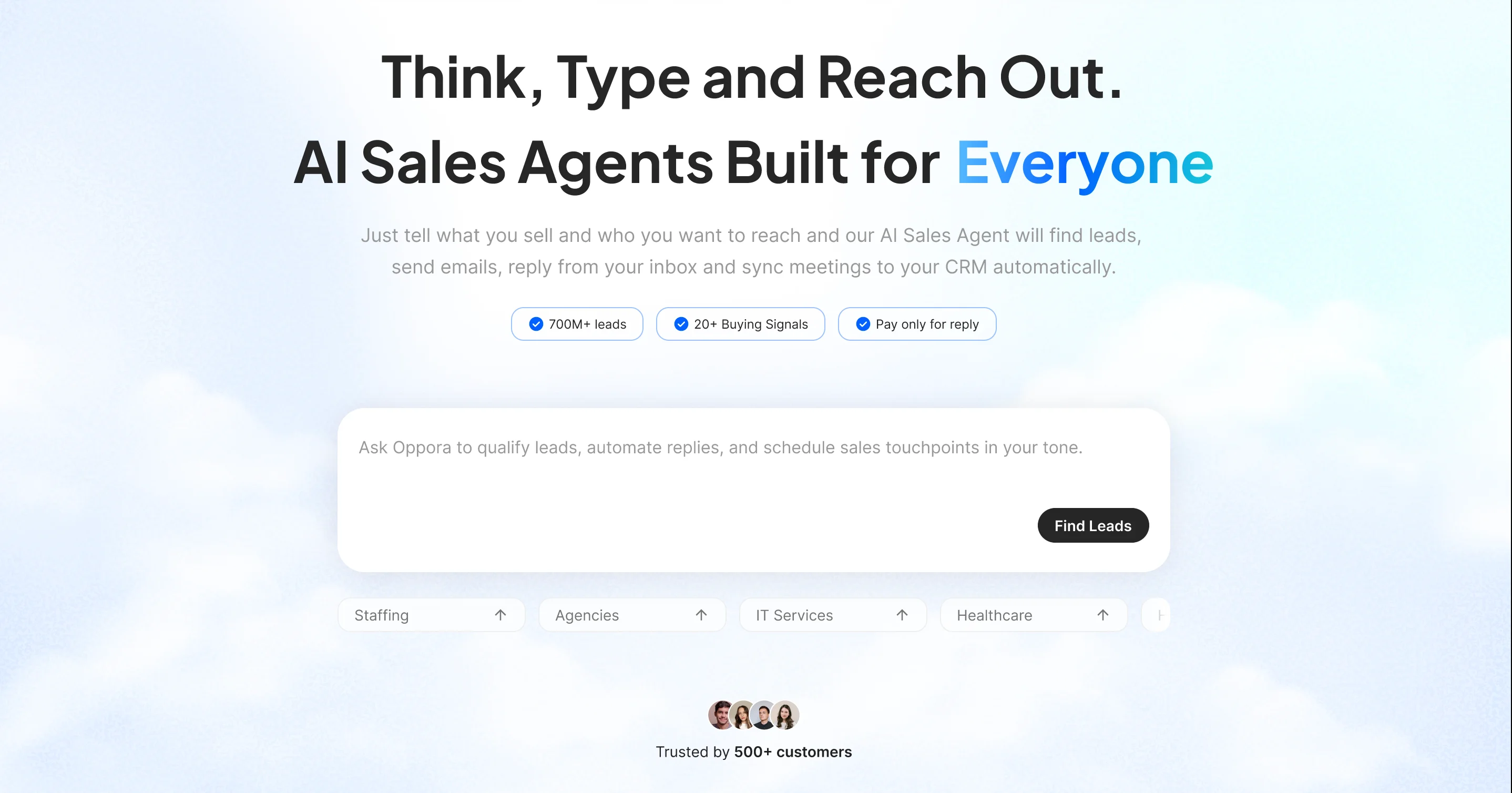
Oppora AI is an AI-powered prospecting and sales automation platform that combines contact discovery, waterfall enrichment, verified phone and email data, and multichannel outreach in one connected system.
Key Features:
- Access to 1B+ verified contacts with waterfall enrichment
- Decision-maker identification across target companies and accounts
- Local Business Finder that pulls data from Google Maps
- AI lead scoring, buying signals, and automatic deduplication
- Multichannel outreach across email and LinkedIn sequences
- AI reply handling with automated meeting booking
- Unified inbox for managing every conversation in one place
LinkedIn and phone-data workflow:
- Look up LinkedIn profiles and enrich them with verified contact data
- Works with both standard LinkedIn and Sales Navigator lists
- Returns mobile numbers, direct dials, and company phone numbers
- Waterfall enrichment checks multiple sources before verifying each contact
- Bulk enrich entire prospect lists instead of revealing profiles individually
Integrations and export: Native CRM sync with HubSpot and Pipedrive, CSV export, and built-in outreach so enriched contacts move straight into live sequences.
Pricing: Free plan available, with Pro at $34/month, Max at $79/month, and Enterprise starting at $499/month for larger teams.
Main limitation:
- Broader platform takes longer to set up
- Less suited to one-off profile lookups
If your workflow ends at exporting a CSV, Oppora is more platform than you need. If it ends at a booked meeting, that breadth is the point.
2. Kaspr
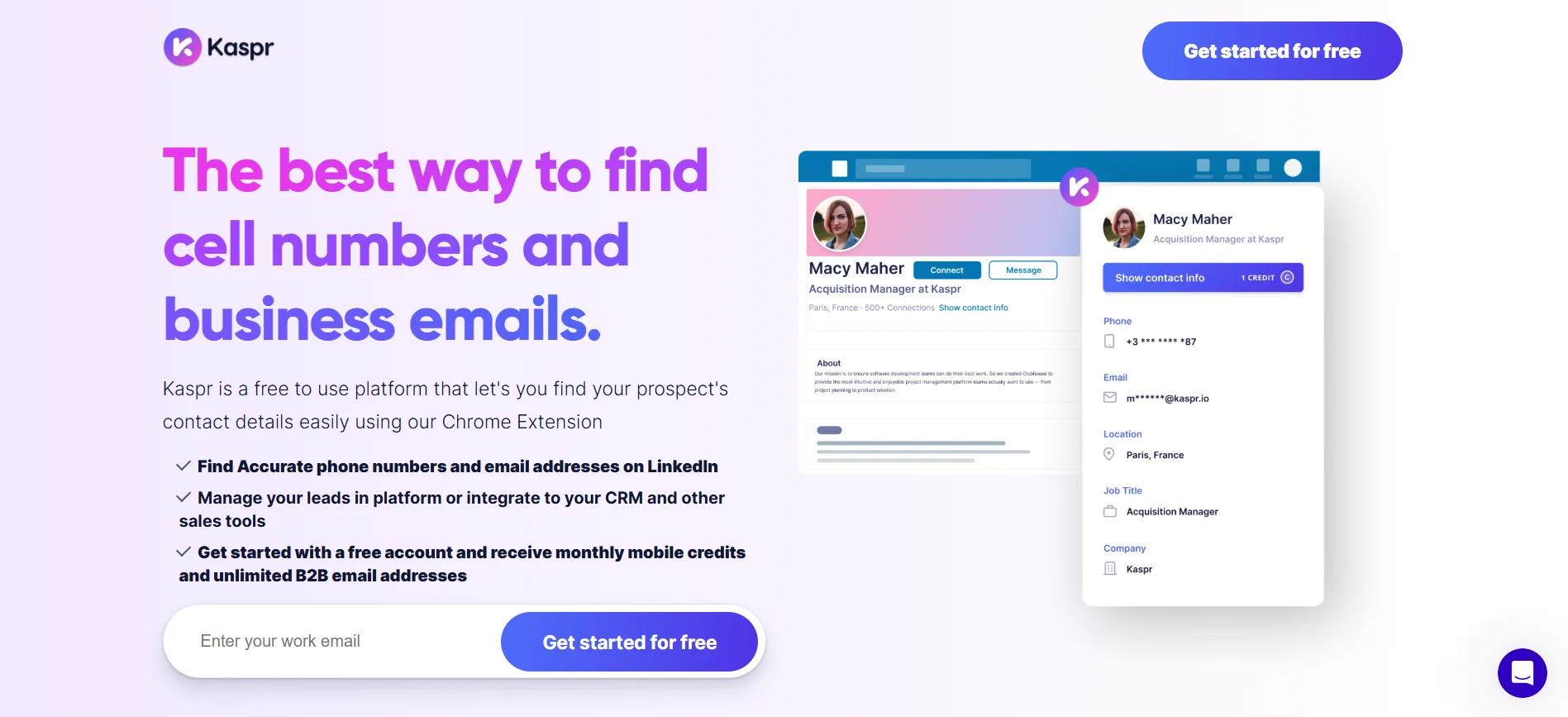
Kaspr is a LinkedIn-focused contact finder built around a Chrome extension that reveals verified phone numbers and emails directly from profiles. It also supports bulk enrichment across Sales Navigator search results and saved lead lists.
Key Features:
- Chrome extension that works inside LinkedIn natively
- Phone numbers and emails revealed on individual profiles
- Bulk enrichment from Sales Navigator search results
- Lead lists and basic organisation inside the dashboard
- GDPR-aligned data handling for European contact records
- Simple automated LinkedIn connection and follow-up sequences
LinkedIn and phone-data workflow:
- Extension surfaces contact data on profiles without leaving LinkedIn
- Supports both standard LinkedIn and Sales Navigator lists
- Returns mobile numbers and direct dials where available
- Data sourced from a community-contributed and third-party database
- Bulk reveal available across saved lists and search results
Integrations and export: Connects with HubSpot, Pipedrive, Salesforce, and Lemlist, with CSV export and API access on higher plans.
Pricing: Free plan includes limited credits, with paid tiers starting around $49/month per user and phone credits capped separately.
Main limitation:
- Phone credits run out quickly on lower plans
- Coverage strongest in Europe, weaker elsewhere
3. Lusha
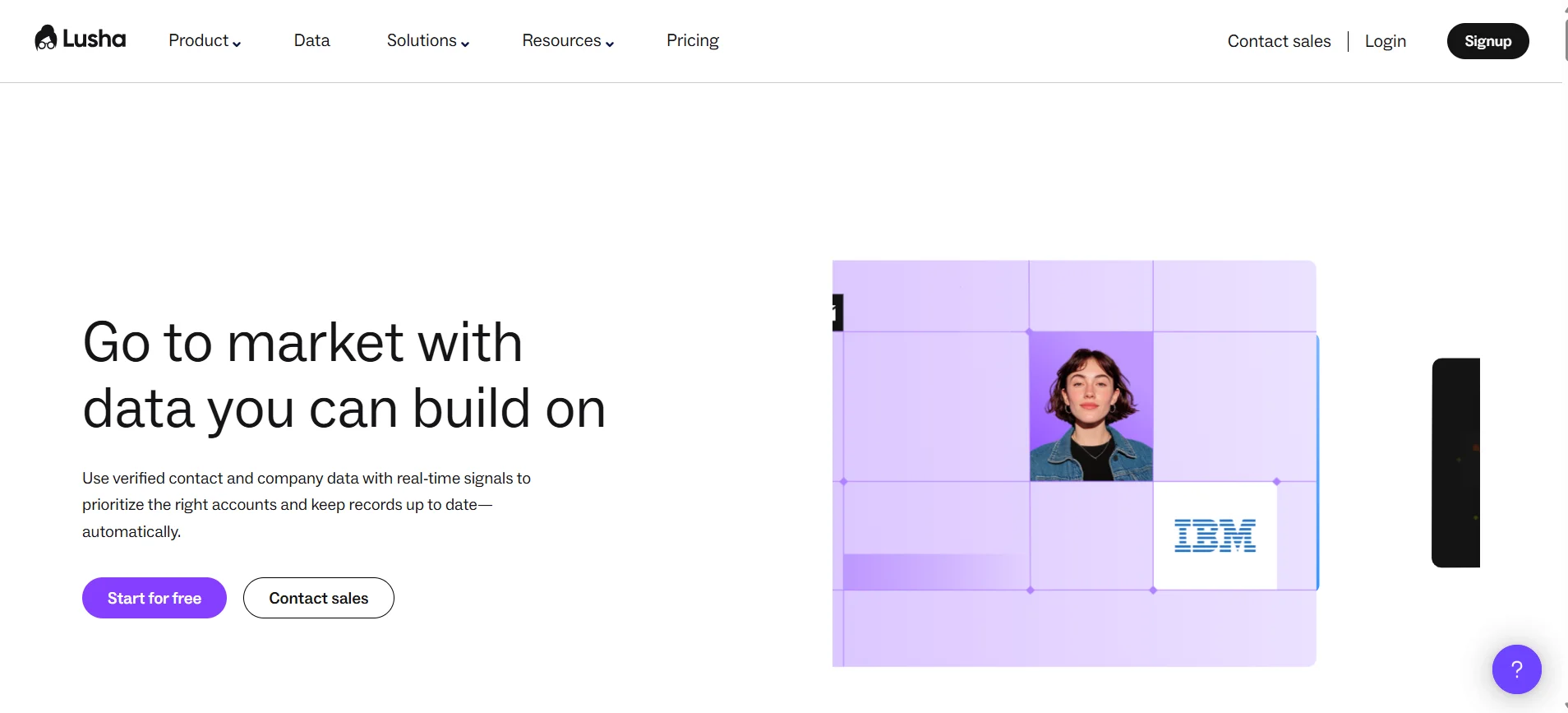
Lusha is a B2B contact data platform known for fast, accurate reveals on individual prospects.
It works through a browser extension, a searchable database, and bulk enrichment for existing lists.
Key Features:
- Browser extension for instant reveals on LinkedIn profiles
- Prospecting database with filters for role and company
- Bulk enrichment for uploaded lists and CRM records
- Buyer intent signals available on higher-tier plans
- Job change alerts for contacts already in your list
- ISO 27701 certified with strong compliance positioning
LinkedIn and phone-data workflow:
- Extension reveals contact data directly on LinkedIn profiles
- Supports Sales Navigator list and search page enrichment
- Returns direct dials, mobile numbers, and office lines
- Data verified against multiple sources before being surfaced
- Bulk reveal available across saved lists and searches
Integrations and export: Native sync with Salesforce, HubSpot, Pipedrive, and Outreach, plus CSV export and API access on paid plans.
Pricing: Free plan with limited monthly credits, paid tiers from roughly $36/month per user, with phone credits allocated separately.
Main limitation:
- Phone credits deplete faster than email credits
- Coverage thinner outside North America and Europe
Suggested Reading:
11 Lusha Alternatives for 2026: Better Data, Pricing & Accuracy4. Apollo.io
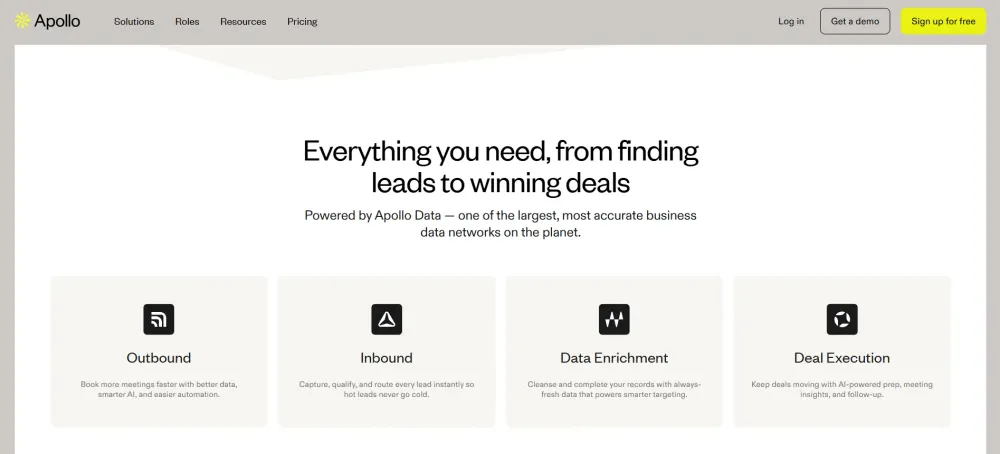
Apollo.io is a combined sales intelligence and engagement platform built around a large B2B contact database. It pairs contact discovery with built-in sequencing, so prospecting and outreach happen in the same tool.
Key Features:
- Database of over 275M contacts with detailed filters
- Chrome extension for reveals on LinkedIn profiles
- Built-in email sequencing and call dialer
- Buying intent signals and website visitor tracking
- Data enrichment for existing CRM records
- Meeting scheduler and conversation intelligence tools
LinkedIn and phone-data workflow:
- Extension surfaces phone and email data on profiles
- Works across LinkedIn and Sales Navigator search pages
- Returns mobile numbers, direct dials, and company lines
- Contact records refreshed and scored against internal data checks
- Bulk enrichment supported for saved lists and searches
Integrations and export: Two-way sync with Salesforce and HubSpot, plus Outreach, Salesloft, Gmail, CSV export, and API access.
Pricing: Free plan with limited credits, paid tiers from around $49/month per user, with mobile credits restricted on lower plans.
Main limitation:
- Phone accuracy varies noticeably by region
- Mobile credits limited outside higher-tier plans
5. ZoomInfo
ZoomInfo is an enterprise sales intelligence platform built for large teams that need deep account and contact coverage.
It combines contact data with intent signals, org charts, and workflow automation across the full go-to-market stack.
Key Features:
- Extensive B2B contact and company database
- Org charts mapping reporting lines inside target accounts
- Intent data based on tracked buyer research behaviour
- Website visitor identification and account alerts
- Automated workflows triggered by data or intent changes
- Technographic and firmographic filters for account targeting
LinkedIn and phone-data workflow:
- ReachOut extension reveals contact data on LinkedIn profiles
- Supports both LinkedIn and Sales Navigator prospecting workflows
- Returns direct dials, mobile numbers, and switchboard lines
- Records maintained through continuous research and verification processes
- Bulk export available for lists built inside the platform
Integrations and export: Deep native integrations with Salesforce, HubSpot, Marketo, Outreach, and Salesloft, plus API access and bulk CSV export.
Pricing: Custom pricing only, typically annual contracts that start well above most mid-market tool budgets.
Main limitation:
- Pricing sits far above smaller teams
- Annual contracts with limited flexibility
6. Cognism
Cognism is a B2B data platform positioned around phone-verified mobile numbers and strong compliance coverage.
It appeals most to teams running cold calling motions across Europe and North America.
Key Features:
- Diamond Data with human-verified mobile phone numbers
- GDPR and CCPA aligned data collection processes
- DNC list screening across major European markets
- Intent data powered by Bombora topic tracking
- Unrestricted individual data access on most plans
- Strong EMEA coverage alongside North American records
LinkedIn and phone-data workflow:
- Chrome extension reveals contact data on LinkedIn profiles
- Works with Sales Navigator lists and search results
- Prioritises mobile numbers over office and switchboard lines
- Diamond Data numbers manually verified before entering the database
- Bulk enrichment supported for lists and CRM records
Integrations and export: Native sync with Salesforce, HubSpot, Outreach, Salesloft, and Pipedrive, plus CSV export and API access.
Pricing: Custom pricing with annual contracts, typically positioned above mid-market tools and quoted per seat.
Main limitation:
- No free plan or self-serve entry
- Verified mobile coverage varies by region
7. ContactOut
ContactOut is a contact discovery tool built primarily for recruiters sourcing candidates from LinkedIn.
Its main differentiator is personal contact data, including private email addresses that most B2B tools do not surface.
Key Features:
- Chrome extension built around LinkedIn candidate sourcing
- Personal and work email addresses on single profiles
- Candidate search portal with role and skill filters
- Saved lists and folders for organising sourced profiles
- Email outreach sequences built into the platform
- Data refreshed and validated against multiple public sources
LinkedIn and phone-data workflow:
- Extension reveals contact details directly on candidate profiles
- Supports LinkedIn, Sales Navigator, and Recruiter workflows
- Returns mobile numbers alongside personal and work emails
- Records validated through triangulation across multiple data sources
- Bulk reveal available across saved lists and searches
Integrations and export: Connects with Greenhouse, Lever, Bullhorn, Salesforce, and HubSpot, with CSV export and API access on higher plans.
Pricing: Free plan with limited monthly credits, paid tiers from around $39/month per user with separate phone allocations.
Main limitation:
- Phone coverage weaker than dedicated dialling tools
- Built for recruiting rather than B2B sales
8. RocketReach
RocketReach is a broad contact lookup tool covering professionals across a wide range of industries and regions.
It works well when you need to reach across varied roles rather than depth inside a specific market.
Key Features:
- Large database covering professionals across many industries
- Browser extension for lookups on LinkedIn profiles
- Advanced search filters for role, company, and location
- Bulk lookups for uploaded lists and CSV files
- Personal and professional email addresses on records
- Company search for mapping teams inside target accounts
LinkedIn and phone-data workflow:
- Extension reveals contact data while browsing LinkedIn profiles
- Works across LinkedIn and Sales Navigator search pages
- Returns mobile numbers, direct dials, and office lines
- Contact records matched and scored across multiple public sources
- Bulk lookup supported for saved lists and imports
Integrations and export: Connects with Salesforce, HubSpot, Outreach, Zapier, and Google Sheets, with CSV export and API access on paid plans.
Pricing: Free plan with limited monthly lookups, paid tiers from around $39/month with phone credits capped separately.
Main limitation:
- Phone numbers less reliable than email data
- Credit consumption unclear on lower plans
9. Swordfish AI
Swordfish AI is a contact discovery tool built specifically around finding cell phone numbers rather than business emails.
It pulls from multiple platforms beyond LinkedIn, which makes it useful for recruiters and sales teams chasing hard-to-reach prospects.
Key Features:
- Cell phone discovery across LinkedIn, GitHub, and Twitter
- Chrome extension covering several professional and social platforms
- Real-time search across partnered data provider networks
- Bulk file upload for enriching existing prospect lists
- Prospector tool for building lists by role
- Reverse search using an email or number
LinkedIn and phone-data workflow:
- Extension reveals contact data directly on LinkedIn profiles
- Supports Sales Navigator and Recruiter alongside standard LinkedIn
- Prioritises personal cell numbers over office and switchboard lines
- Queries multiple live data partners before returning each result
- Bulk enrichment available through CSV uploads and lists
Integrations and export: Connects with Salesforce, HubSpot, Bullhorn, and Zapier, with CSV export and API access on higher plans.
Pricing: No free plan, with paid tiers starting around $99/month and credits allocated per seat.
Main limitation:
- No free plan for testing coverage
- Higher entry price than similar tools
10. SignalHire
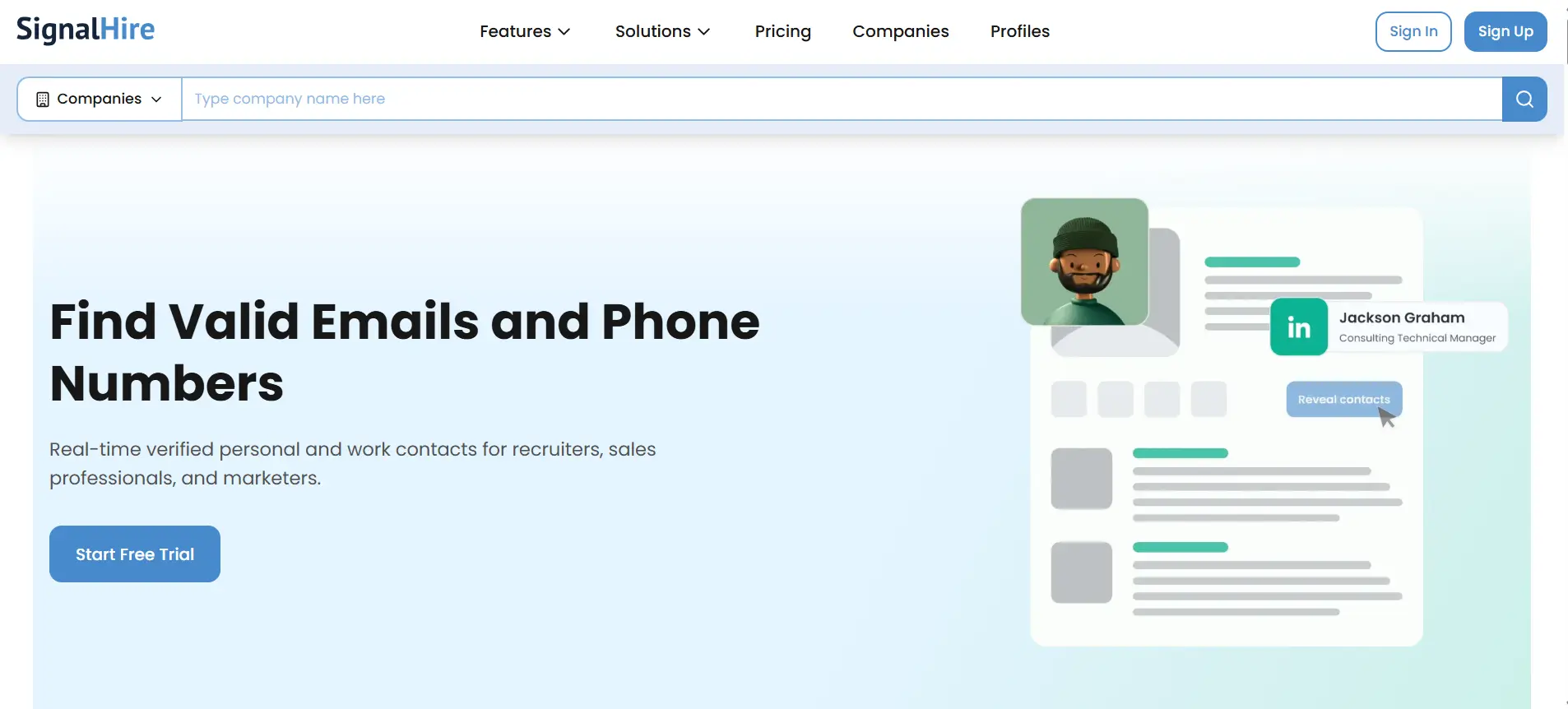
SignalHire is an affordable contact finder that surfaces phone numbers, emails, and social profiles from a single lookup.
It suits smaller teams and individual recruiters who need reasonable coverage without an enterprise commitment.
Key Features:
- Browser extension covering LinkedIn and several other platforms
- Phone numbers, emails, and social links per profile
- Candidate search filters across role, skill, and location
- Basic ATS features for tracking sourced profiles
- Bulk enrichment for uploaded lists and CSV files
- Team accounts with shared credits on paid plans
LinkedIn and phone-data workflow:
- Extension reveals contact data while browsing LinkedIn profiles
- Supports Sales Navigator and Recruiter search result pages
- Returns mobile numbers, direct dials, and office lines
- Records validated against multiple sources before being surfaced
- Bulk reveal supported across saved lists and searches
Integrations and export: Connects with Salesforce, HubSpot, Bullhorn, Zapier, and Recruitee, plus CSV export and API access on paid plans.
Pricing: Free plan with limited credits, paid tiers from around $49/month with phone reveals costing more credits.
Main limitation:
- Phone coverage inconsistent across smaller markets
- Interface feels dated next to newer tools
Final Verdict
There is no single best tool here, only the best fit for how your team works.
If you need occasional reveals while browsing LinkedIn, Kaspr or Lusha will do the job cheaply.
If you have an enterprise budget and cold calling at scale, Cognism and ZoomInfo justify their contracts.
But most teams are not struggling to find phone numbers. They are struggling with what happens next.
Numbers sit in a spreadsheet, sequences run somewhere else, and replies get lost between tools.
Oppora AI closes that gap by connecting enrichment, verification, multichannel outreach, and CRM sync in one place. The free plan is enough to see whether that shape fits your workflow.
Frequently Asked Questions (FAQs)
Can you extract phone numbers directly from LinkedIn?
No. LinkedIn does not store or display personal phone numbers on public profiles. These tools match profile details like name, title, and company against external B2B databases, then return numbers sourced from elsewhere rather than revealing hidden LinkedIn fields.
Are LinkedIn phone number extractors legal?
Legality depends on how data is collected and used. GDPR, CCPA, and TCPA rules apply to storage, consent, and cold calling. Scraping also conflicts with LinkedIn's terms. Choose compliance-focused vendors, screen against DNC lists, and honour deletion requests promptly.
How accurate are LinkedIn phone number finders?
Accuracy varies widely by region, seniority, industry, and how recently the source data was refreshed. North American and Western European records generally perform best. Senior executives are often harder to match. Test any tool on your own list before committing.
Can these tools find mobile numbers and direct dials?
Most return a mix. Mobile numbers reach the person anywhere, direct dials ring their desk line, and switchboard numbers route through reception. Mobile coverage is usually the scarcest and consumes the most credits, so check allocations carefully before buying.
What is the best free LinkedIn phone number extractor?
No free plan offers meaningful volume. Most cap phone-reveal at five to ten credits monthly, far below email allowances. Free tiers work for testing accuracy against known contacts, not for running real outbound campaigns at any usable scale.