10 Best LinkedIn Prospect Finder Tools in 2026 (Tried and Tested)
LinkedIn Prospect Finder, LinkedIn lead generation, B2B prospecting tools, Email verification tool, AI-powered lead generation, CRM integration for prospecting
LinkedIn is a goldmine for B2B sales, but manually searching for leads wastes valuable time. Traditional prospecting methods are often slow and inefficient.
That's where LinkedIn prospect finders come in. These tools eliminate the frustration of manual prospecting.
They automate the search for verified, targeted leads. Instead of endlessly scrolling through LinkedIn, you can instantly access a database of potential customers tailored to your specific criteria.
In this guide, we’ll show you how LinkedIn prospect finders can streamline your lead generation process.
By saving you time and improving your sales outcomes, these tools can be a game-changer. Whether you’re new to prospecting or looking to refine your approach, LinkedIn prospect finders can make a significant difference.
What is a LinkedIn Prospect Finder?
In sales, time is everything. Manual LinkedIn prospecting takes hours.
LinkedIn prospect finders help by automating the search process. They identify and extract contact information quickly, streamlining lead generation.
Instead of scrolling through endless profiles, the tool lets you apply filters like job title, industry, and location. In just a few clicks, you get a list of qualified leads.
Think of it like a LinkedIn-specific search engine. It pulls up the most relevant leads based on your filters.
This saves time and ensures you're targeting high-quality prospects. Whether you're looking for decision-makers or exploring new industries, a LinkedIn prospect finder helps you connect with the right people faster.
Key Features to Look for in a LinkedIn Prospect Finder Tool
When selecting a LinkedIn prospect finder, it’s essential to prioritize features that help you work smarter and faster.
Not all tools are created equal. It’s important to focus on what will best support your sales goals.
Here are the key features you should look for to ensure the tool meets your needs.
Email Accuracy & Verification
Accuracy is everything. A LinkedIn prospect finder must verify emails to ensure you’re not wasting time on invalid data. This feature saves you from sending outreach to incorrect or non-existent addresses, improving your efficiency.
LinkedIn Integration
Seamless LinkedIn integration is crucial. The tool should easily sync with LinkedIn, enabling quick extraction of relevant lead data. Without this, the process becomes tedious, requiring more manual input.
Bulk Search Capabilities
For teams looking to prospect at scale, bulk search capabilities are a must. With this feature, you can search for multiple leads at once, saving you time while targeting a larger pool of prospects.
CRM Integrations
Look for a LinkedIn prospect finder that integrates with popular CRM systems. This ensures a smooth transition of leads directly into your sales pipeline, helping you manage prospects efficiently without extra steps.
User Interface & Support
A simple, user-friendly interface makes it easier to navigate and use the tool. Also, solid customer support is important. Whether you need help with setup or troubleshooting, quick support will save you time and keep your prospecting process smooth.
4. A Quick Glance at Best LinkedIn Prospect Finder Tools
Here’s a quick, at-a-glance comparison of the best LinkedIn prospect finder tools reviewed in this blog. This table highlights the key features, pricing, and who each tool is best suited for:
Detailed Reviews of the Top 10 LinkedIn Prospect Finder Tools
Now that you’ve seen a quick comparison of the best LinkedIn prospect finders, it’s time to dive deeper into each tool. In this section, we’ll provide a detailed review of each option, highlighting its features, benefits, pricing, and best use cases.
Each tool has its strengths and weaknesses, so understanding them will help you choose the best one for your needs.
1.Oppora.ai
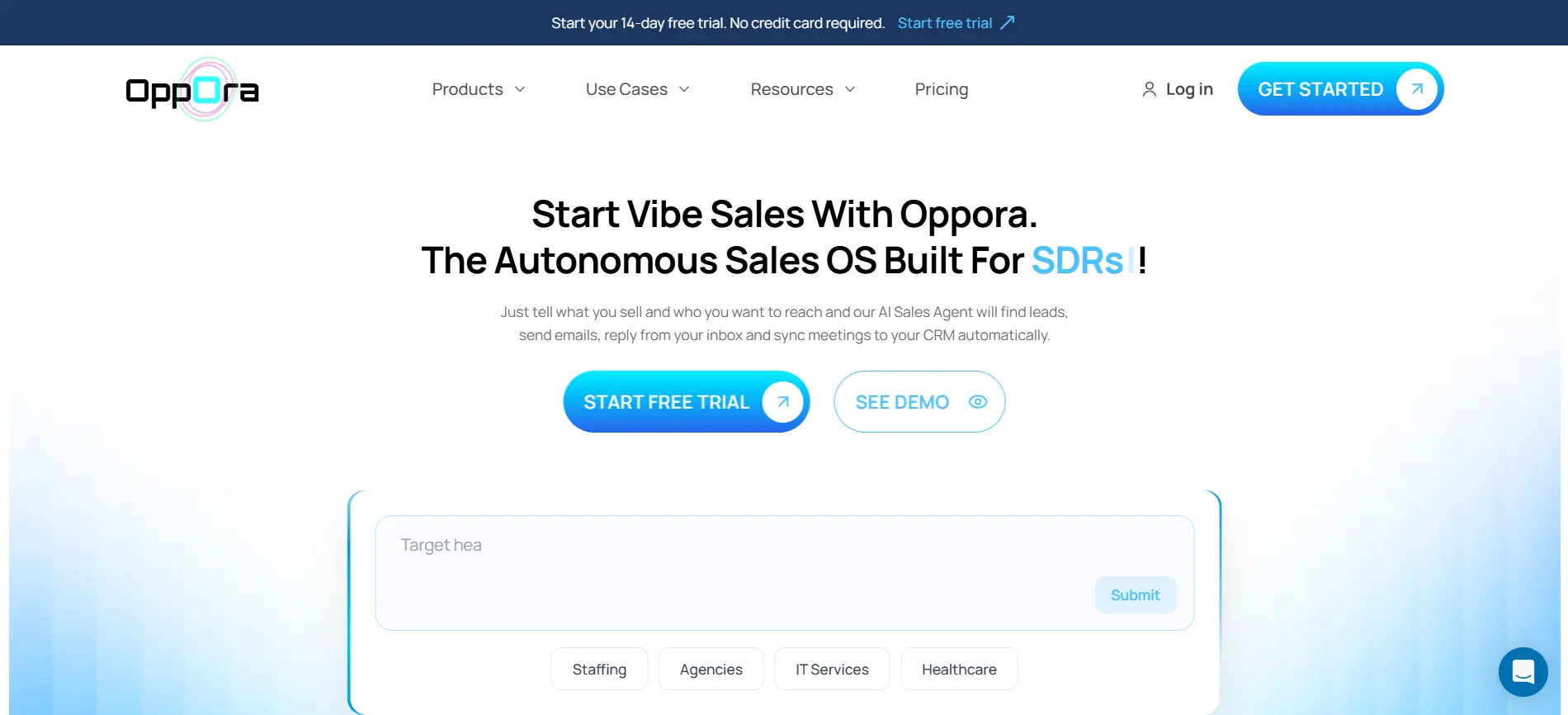
Oppora.ai is an Agentic Sales platform designed to simplify and automate multichannel outreach workflows.
Much like N8N, you can create the entire outreach workflow just by chatting with AI, making the process more intuitive and automated.
When it comes to prospecting, Oppora.ai offers two powerful methods for finding leads: the Prospect Finder and the LinkedIn Extension.
Both methods have their unique benefits, but the Prospect Finder stands out as the more efficient option, especially for large-scale outreach.
The Prospect Finder is designed to simplify the lead generation process. With access to 700 million verified leads, it allows you to quickly apply filters or let the AI search for you.
The AI instantly generates a list of highly relevant leads, saving you time and effort. It automatically sorts through the data and prioritizes the best leads for you.
Once the leads are found, you can easily export this data, analyze it, and add it to your outreach list. This makes the entire process streamlined and efficient, allowing you to focus on closing deals.
In contrast, the LinkedIn Extension is ideal for those who prefer a more manual approach to prospecting.
It’s useful for browsing LinkedIn profiles and collecting data. However, it lacks the speed and scalability of the Prospect Finder.
For businesses looking to scale their outreach efforts quickly, the Prospect Finder is the clear choice. Its powerful AI features make lead generation faster and smarter, helping you focus on the most promising leads.
Key Features of Oppora.ai
- LinkedIn Extension: This feature allows users to browse LinkedIn profiles and manually gather lead data. It’s ideal for hands-on prospecting but lacks the automation capabilities of the Prospect Finder.
- Prospect Finder: The core of Oppora.ai’s offering. With access to 700 million verified leads, the Prospect Finder allows you to search for leads by applying filters such as job title, location, and industry.
- Contact Data for Specific Companies: One of the standout features of the Prospect Finder is its ability to show contact data for people working at specific companies. This makes it an invaluable tool for targeting decision-makers and reaching the right individuals within a company.
- Email Verification: Ensure that the leads you're reaching out to have valid contact information, improving the effectiveness of your cold email campaigns.
- Bulk Search Capabilities: Ideal for teams working at scale, the Prospect Finder allows for bulk lead searches, saving time while targeting a larger pool of prospects.
- AI Lead Scoring: Prioritize leads with AI-powered lead scoring, ensuring that your team focuses on the most promising prospects for higher conversion rates.
- CRM Integration: Sync leads seamlessly with your CRM, helping you manage and track interactions across multiple platforms.
Pros:
- Efficiency at Scale: Perfect for teams looking to streamline and scale their outreach efforts.
- AI-Powered Features: Bulk searching, email verification, and LinkedIn integration help generate high-quality leads with minimal effort.
- Automated Workflows: AI-driven lead scoring and automation make the outreach process faster and more efficient.
- CRM Integration: Seamless lead management by integrating with popular CRMs, making it easier to track and engage leads.
Cons:
- Oppora.ai offers competitive pricing compared to other tools with similar advanced features, but plans are capped by number of recipients you can send emails to
Pricing & Best For:
Starts at $34/month with a free trial. Oppora.ai offers unlimited lead searches through the Prospect Finder with enriched data like job titles, positions, and company names. Credits are only used for revealing emails.
Unlike other platforms, Oppora.ai provides separate credits for different tasks and offers rollover credits every month, ensuring you get maximum value.
Ideal for businesses and teams that are scaling their outreach efforts and need advanced automation and AI-powered lead generation.
2. Saleshandy
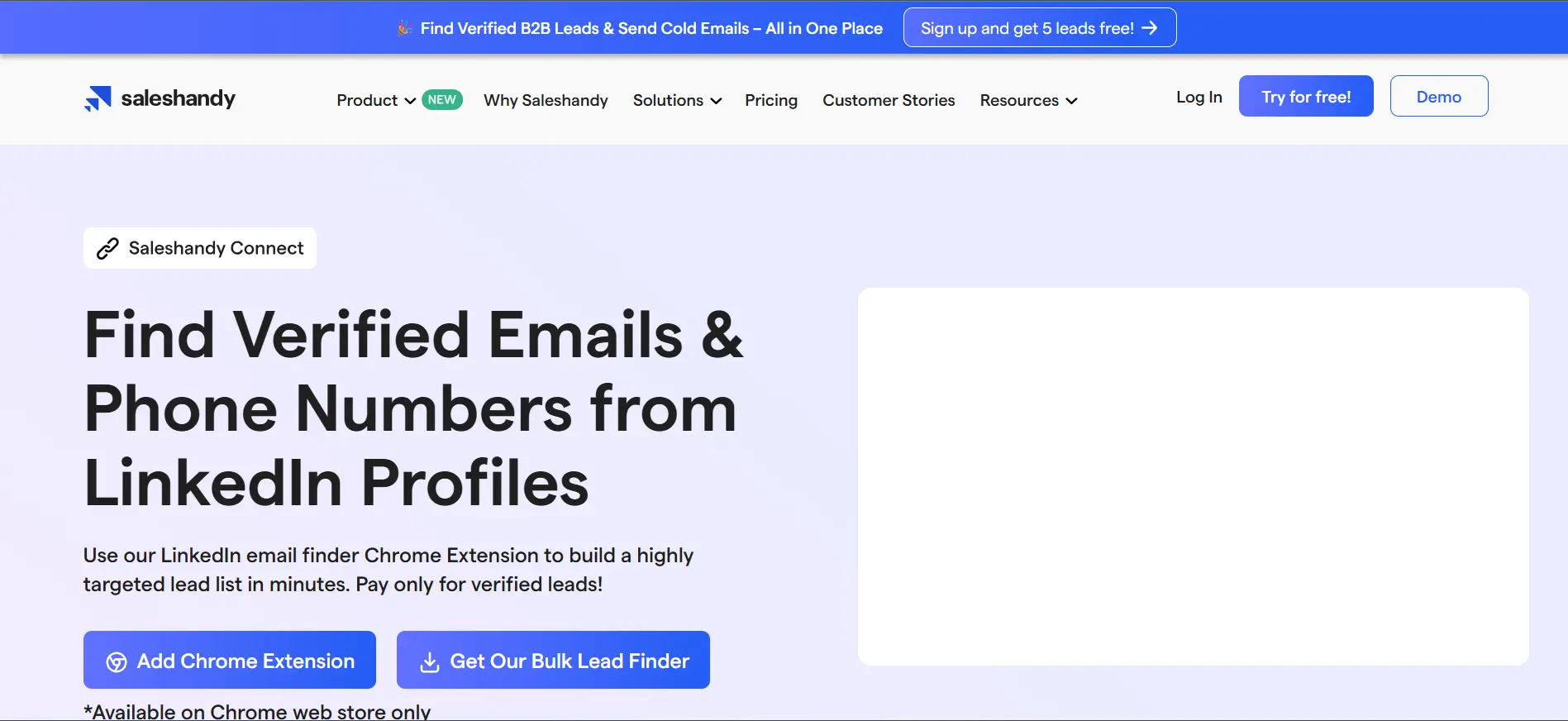
Saleshandy Connect is a versatile tool aimed at improving sales outreach with its LinkedIn integration and email outreach features. It’s ideal for smaller teams looking for cost-effective solutions.
Key Features:
- LinkedIn integration
- Email verification
- CRM integration
- Email tracking
- Email outreach automation
Pros: Affordable, user-friendly, and highly effective for teams that focus on email outreach. Great for tracking email performance.
Cons: Lacks advanced AI lead scoring and bulk search capabilities for larger-scale prospecting. Limited to smaller teams.
Pricing & Best For: Subscription-based, trial available. Best for small businesses or teams focused on email outreach.
3. Apollo.io
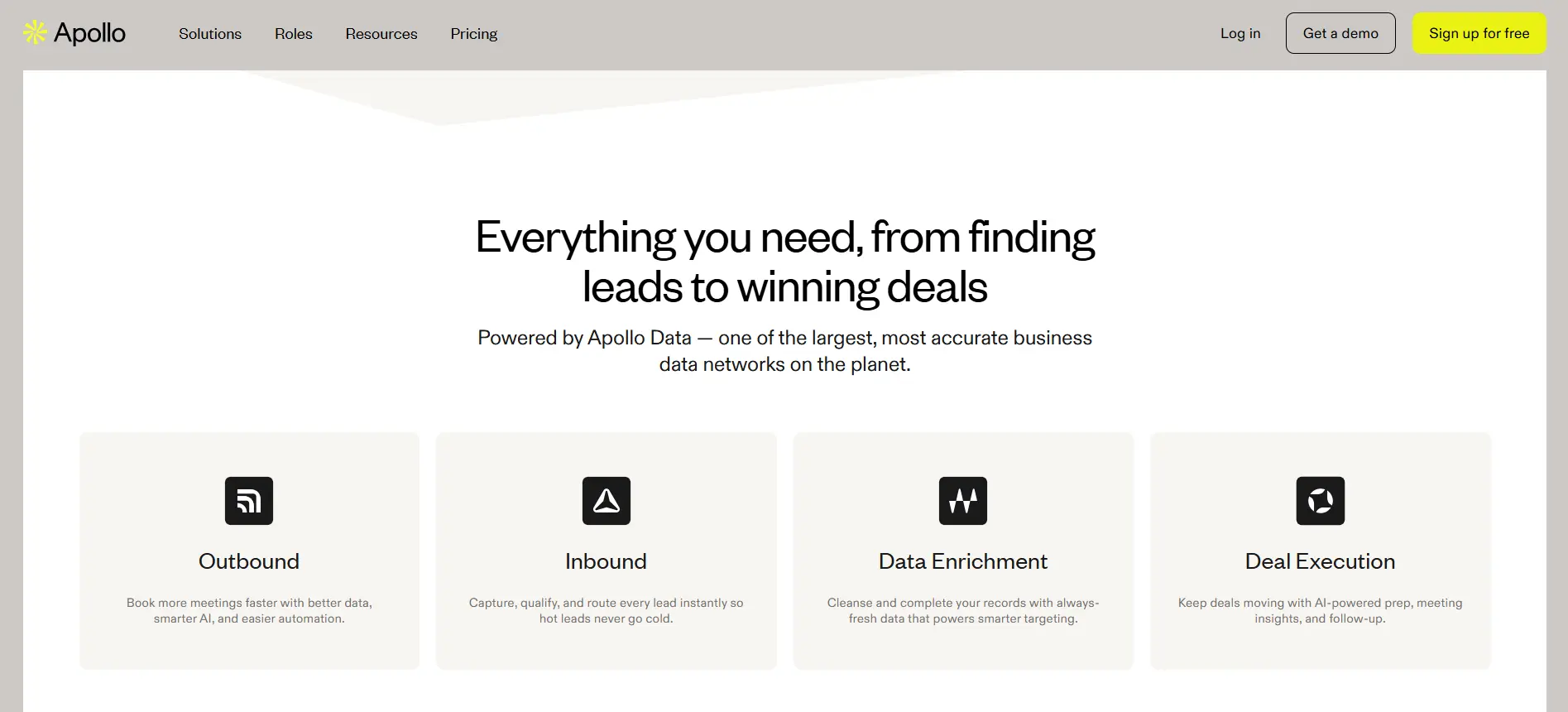
Apollo.io is a comprehensive LinkedIn prospect finder that offers a robust set of features for teams managing large-scale outreach. It’s designed to scale outreach efforts efficiently.
Key Features:
- CRM integration
- Email verification
- Bulk search
- Email outreach automation
- LinkedIn integration
Pros: Highly effective for enterprises due to its scalability and advanced filtering options. Offers comprehensive lead management features.
Cons: Pricing can be expensive for smaller teams, and its interface might require a learning curve.
Pricing & Best For: Starts at $39/month. Best for enterprises and teams looking for high-volume outreach and data management.
4. ContactOut
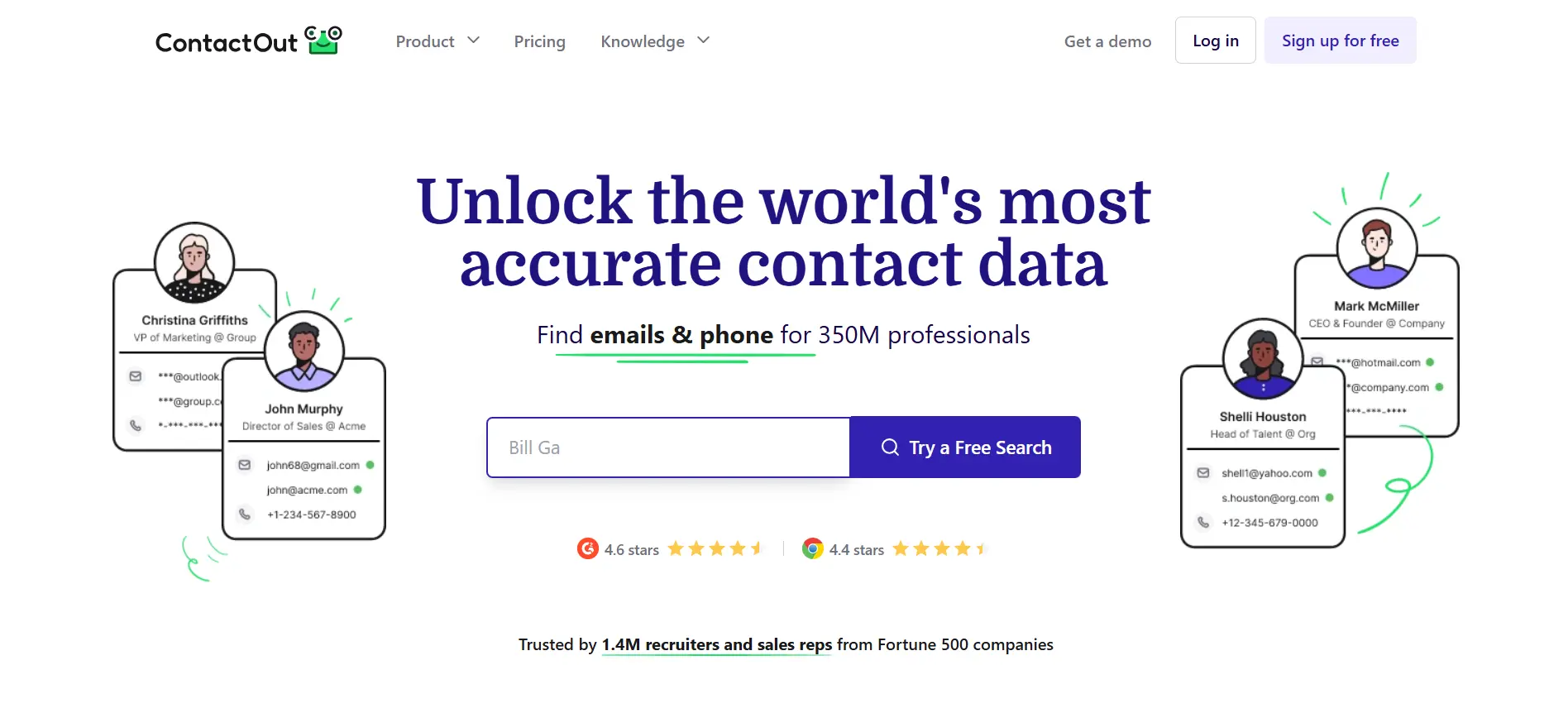
ContactOut is a tool that helps users extract LinkedIn profile data and find verified emails. It is primarily used by professionals for targeted outreach and lead enrichment.
Key Features:
- LinkedIn profile scraping
- Email verification
- Chrome extension
- CRM integration
Pros: Easy to use with a browser extension for quick access to lead data. Accurate contact information.
Cons: Limited to LinkedIn scraping and lacks more advanced features like AI lead scoring or bulk search.
Pricing & Best For: Free basic plan, paid plans starting at $39/month. Best for professionals and small businesses focused on LinkedIn lead extraction.
5.Skrapp.io
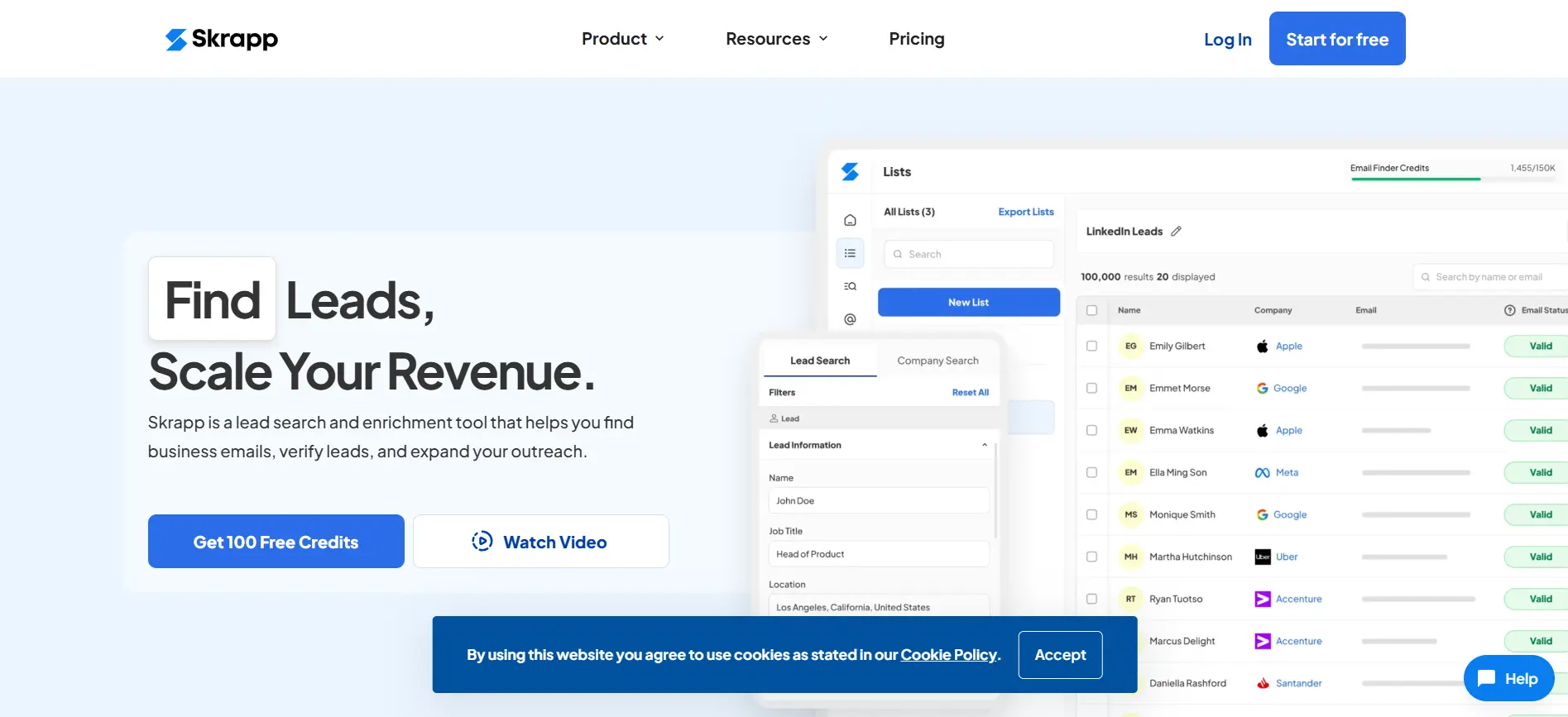
Skrapp.io focuses on email verification and LinkedIn integration. It’s designed for marketers and recruiters to efficiently find and verify email addresses of potential leads.
Key Features:
- Bulk email search
- Email verification
- LinkedIn integration
- CRM integrations
Pros: Effective for bulk email search and verification, with easy integration into sales workflows.
Cons: Limited AI features and LinkedIn profile scraping for deeper lead insights.
Pricing & Best For: Starts at $49/month. Best for marketing teams and recruiters who need accurate email data.
6. Prospeo.io
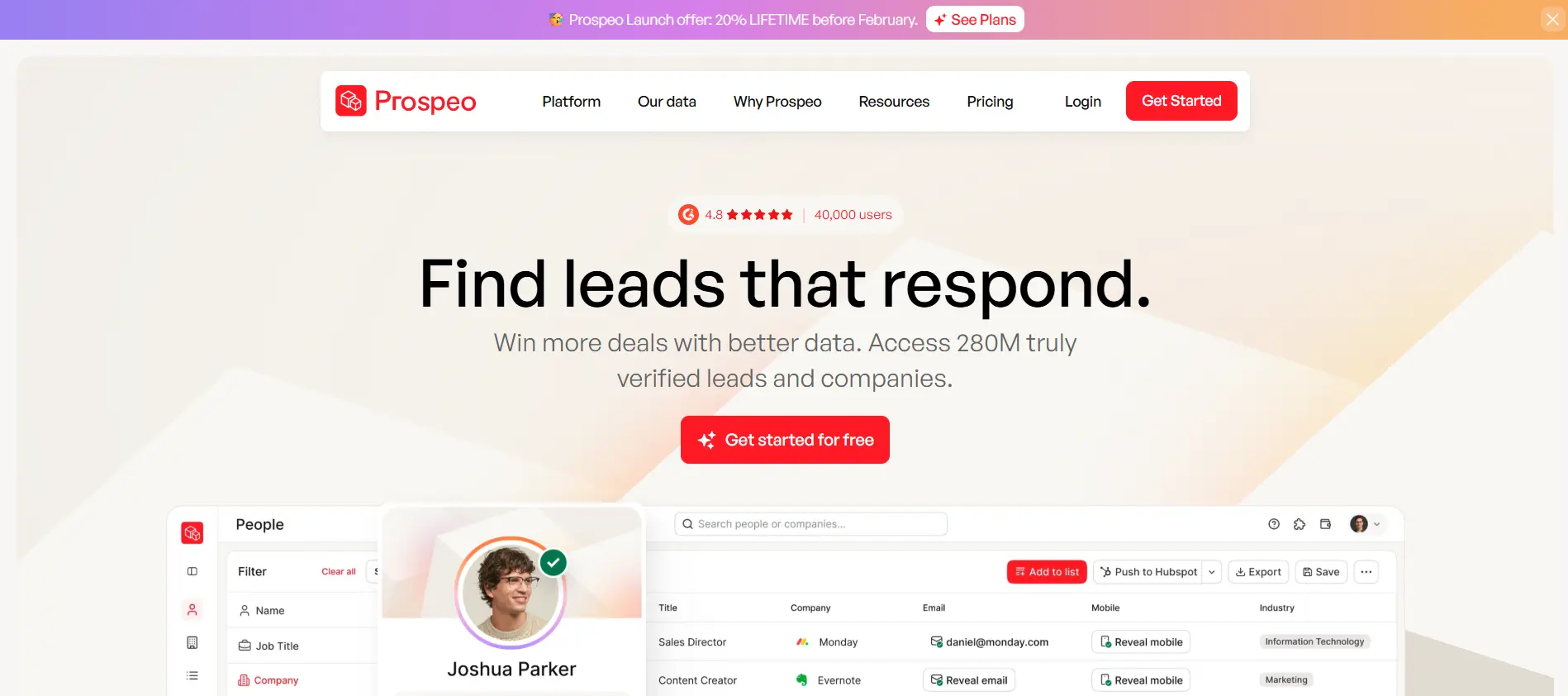
Prospeo.io offers an AI-driven approach to LinkedIn prospecting, helping teams find high-quality leads quickly. It focuses on data enrichment and automated lead scoring.
Key Features:
- LinkedIn integration
- AI lead scoring
- Email outreach
- Lead enrichment
Pros: AI-powered scoring enhances the accuracy of lead targeting. Great for scaling prospecting efforts.
Cons: Pricing is custom, and the tool may be more advanced than needed for smaller teams.
Pricing & Best For: Custom pricing. Best for startups and B2B businesses looking for an automated, data-driven prospecting solution.
7. GetProspect
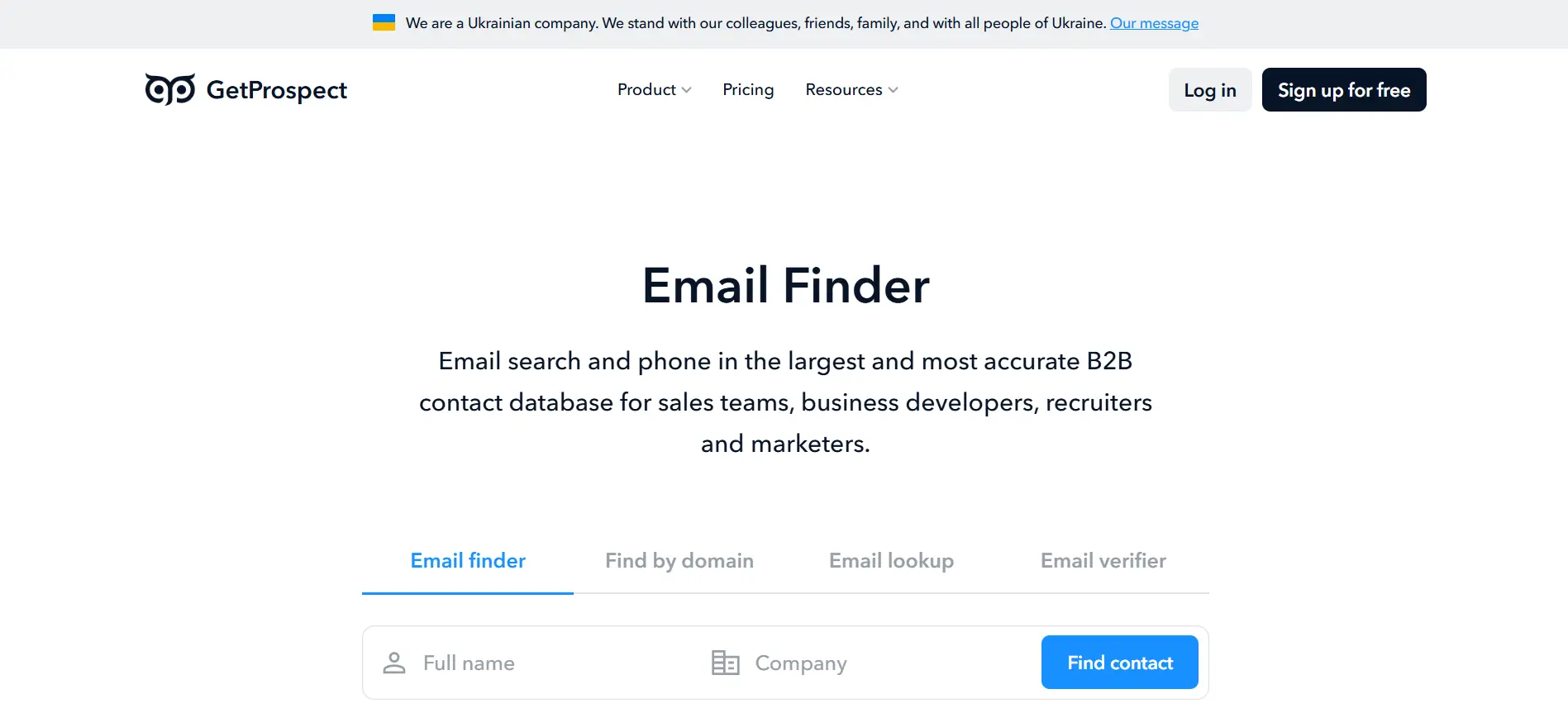
GetProspect is a user-friendly tool that helps teams find LinkedIn profiles and extract emails in bulk for outreach. It’s focused on simplicity and efficiency.
Key Features:
- Bulk search
- LinkedIn integration
- Email verification
- CRM sync
Pros: Highly effective for bulk searches and easy-to-use, making it a great choice for teams with high outreach needs.
Cons: Lacks advanced automation and AI lead scoring for in-depth lead targeting.
Pricing & Best For: Starts at $49/month. Best for sales teams focusing on lead generation and bulk email outreach.
8. Snov.io
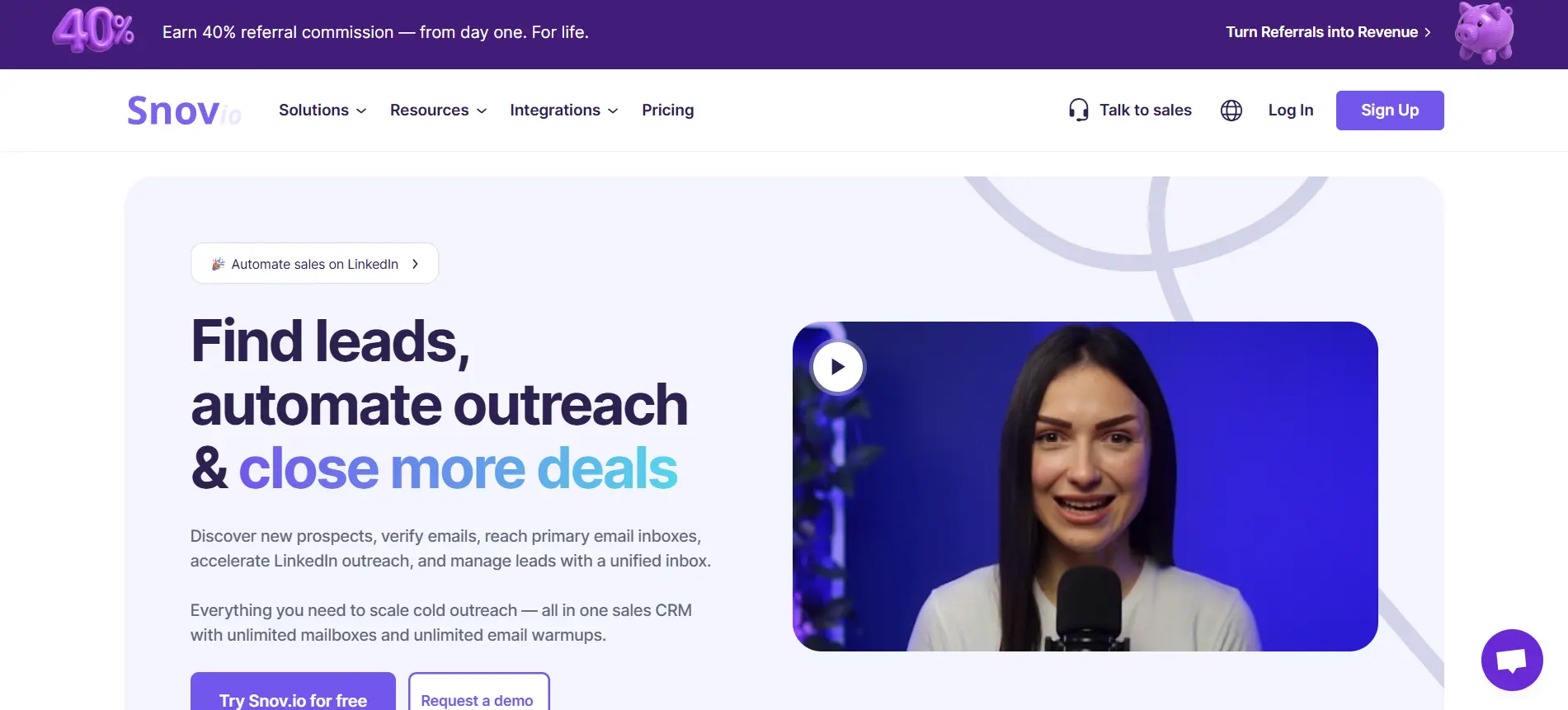
Snov.io is a multi-purpose tool for lead generation, specializing in LinkedIn integration and email outreach. It helps businesses automate and streamline their outreach efforts.
Key Features:
- Email verification
- CRM integrations
- LinkedIn integration
- AI lead scoring
- Email outreach automation
Pros: Versatile with powerful integrations and an easy-to-navigate interface. Excellent for teams needing CRM integrations.
Cons: Pricing is on the higher side, and advanced features may not be necessary for smaller teams.
Pricing & Best For: Starts at $39/month. Best for teams needing CRM integrations and efficient lead generation tools.
9. Lusha
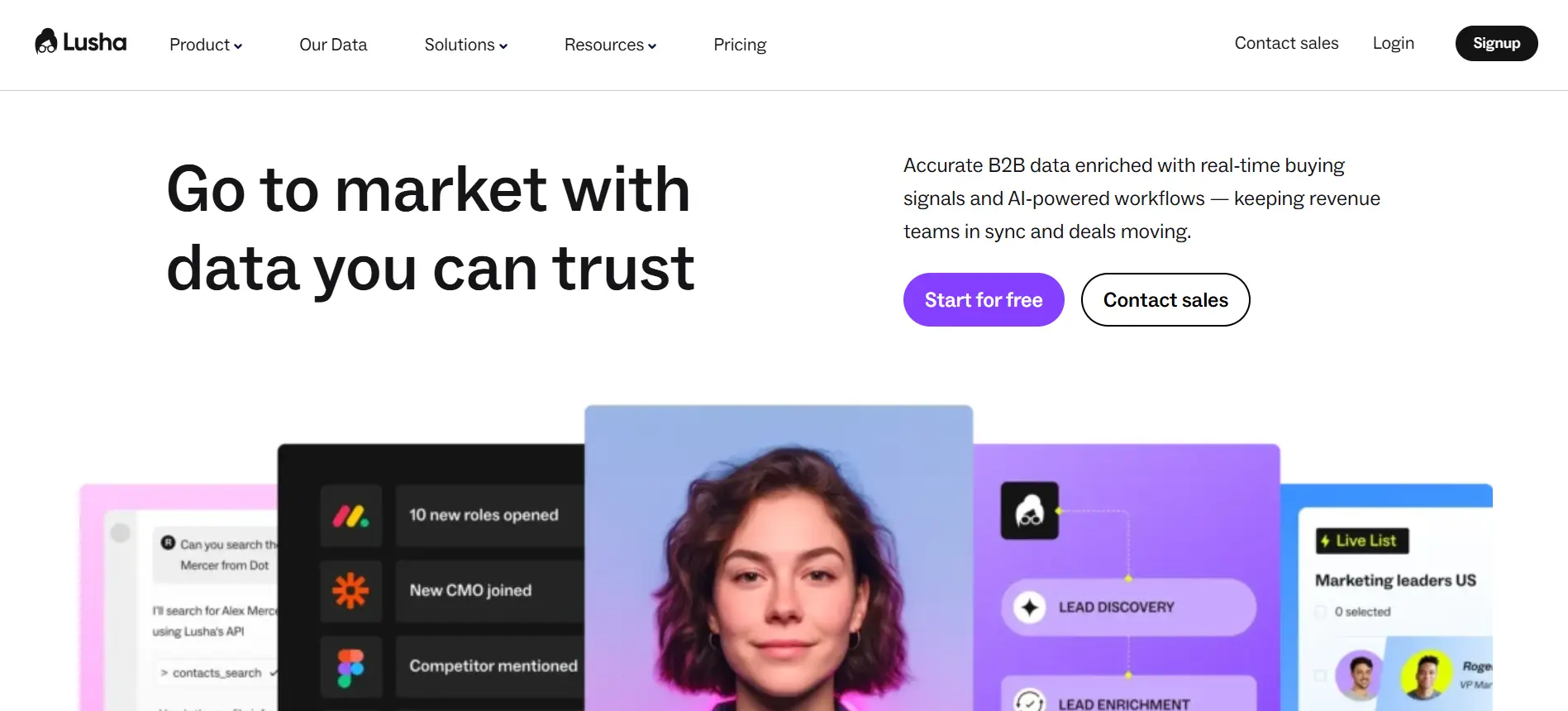
Overview: Lusha offers fast and accurate LinkedIn profile scraping for lead generation. It is often used by sales professionals to enrich their prospect data.
Key Features:
- LinkedIn profile scraping
- Email verification
- CRM integration
Pros: Highly accurate and easy to use for fast data extraction. Works well for prospecting and quick outreach.
Cons: Lacks bulk search capabilities and AI features for more in-depth lead scoring.
Pricing & Best For: Starts at $39/month. Best for small to mid-sized businesses focused on quick and accurate lead generation.
10. Wiza
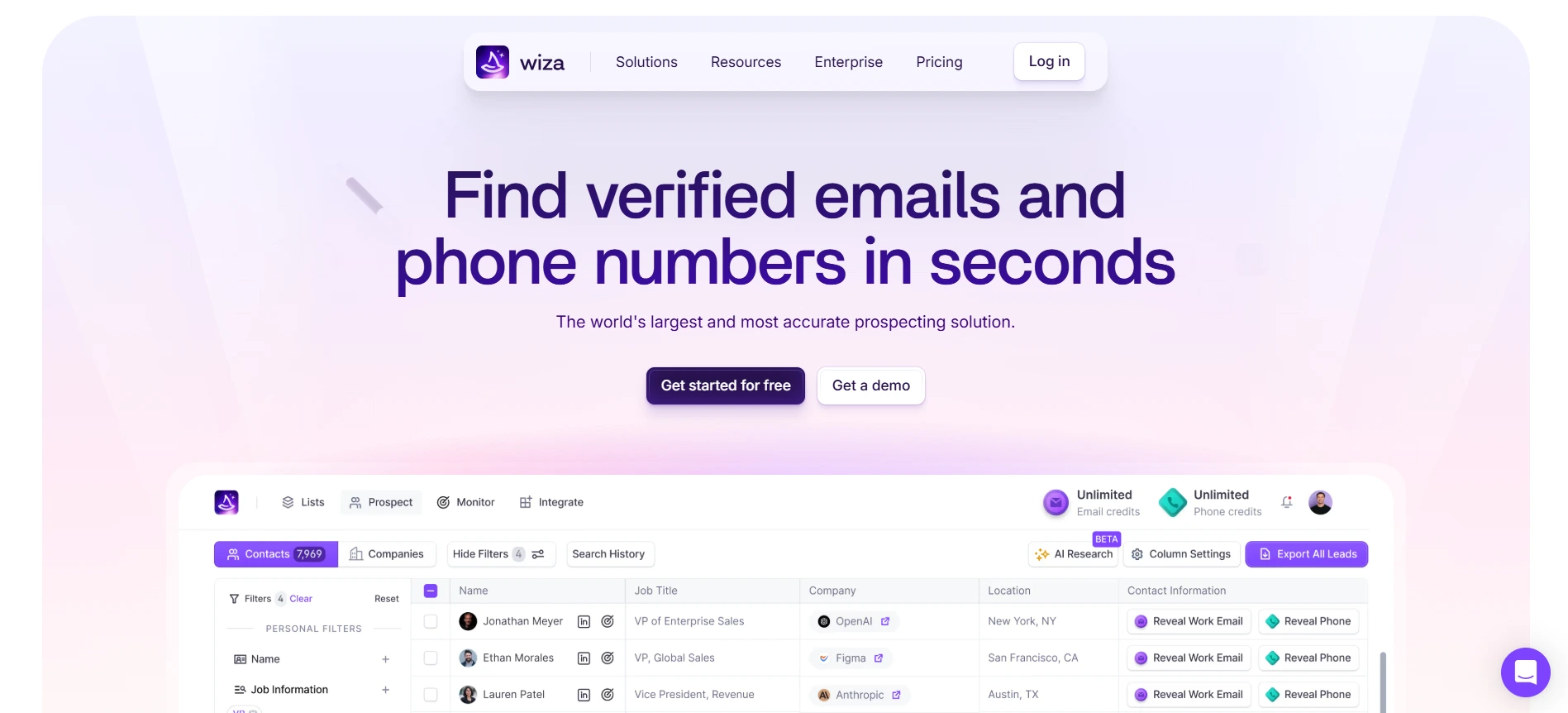
Overview: Wiza is a powerful LinkedIn prospect finder designed to streamline the lead generation process. It specializes in LinkedIn email extraction and bulk searches.
Key Features:
- LinkedIn Extension
- Bulk search
- Email verification
Pros: Great for scaling outreach with bulk email searches. It’s simple and efficient for large teams.
Cons: Lacks advanced AI lead scoring features for deeper insights into lead quality.
Pricing & Best For:
Starts at $34/month, free trial available. Best for sales teams looking to scale outreach efforts efficiently.
How to Choose the Best LinkedIn Prospect Finder Tool for Your Business
When choosing a LinkedIn prospect finder, it's crucial to select a tool that aligns with your business needs. Understanding your goals will help you find the right fit, whether you're a small business or a large enterprise.
Here’s how to select the best tool based on your needs.
Define Your Needs:
- Identify your business goals: Are you a small business or a large enterprise?
- Consider what features you need, such as bulk search, email verification, or LinkedIn profile extraction.
- Make sure the tool suits your lead generation scale.
Consider Key Features:
- Focus on features that drive your sales process, like LinkedIn integration and CRM integration.
- Look for email verification to ensure accuracy and email outreach automation for efficient campaigns.
- If you need smarter targeting, choose a tool with AI-powered lead scoring.
Evaluate Pricing and Support:
- Ensure the tool fits within your budget.
- Look for flexible pricing and plans that scale with your needs.
- Good customer support is essential for seamless integration and troubleshooting.
Real-World Testing:
- Choose a tool tested in real sales scenarios.
- Make sure it’s relevant to the current sales environment and works effectively in 2026.
- Tools with proven success across industries are more likely to meet your needs.
Long-Term Use:
- Consider scalability: Will the tool grow with your business?
- Choose a tool that supports your business as your lead generation and outreach efforts increase.
Conclusion
Choosing LinkedIn prospect finder can make a huge difference in your lead generation efforts. Tools like Oppora.ai, Saleshandy Connect, and Apollo.io each offer features like LinkedIn integration, email verification, and AI-powered lead scoring.
However, Oppora.ai stands out with its scalability, automation, and access to over 700 million leads. It’s perfect for businesses of all sizes looking to streamline outreach and scale effectively.
For a smarter, faster way to find leads, try Oppora.ai’s Prospect Finder or LinkedIn Extension. Its AI-powered features and seamless integration save you time and boost outreach efficiency.
Try Oppora.ai today and experience AI-driven sales automation to find the right leads faster.
Frequently Asked Questions
1. What is a LinkedIn prospect finder?
A LinkedIn prospect finder is a tool designed to help businesses identify, extract, and manage contact information from LinkedIn profiles. It automates the lead generation process, making it easier to find and engage with high-quality leads quickly.
2. How does a LinkedIn prospect finder help with cold emailing?
A LinkedIn prospect finder automates key aspects of cold emailing, including email verification, bulk searching, and email outreach automation. This allows for faster and more efficient campaigns, while ensuring emails are sent to the right contacts.
3. How much do LinkedIn prospect finders cost?
Pricing varies depending on the tool and its features. Subscription-based models typically start around $34/month, with many tools offering free trials. The pricing often depends on the scale of outreach and the specific needs of your business.
4. How does AI lead scoring improve prospecting?
AI lead scoring helps prioritize leads by evaluating their relevance to your outreach. It analyzes data points to assign scores, ensuring that your team focuses on high-value leads, which boosts the chances of conversion.
5. What makes Oppora.ai stand out from other LinkedIn prospect finders?
Oppora.ai offers a combination of powerful features, including access to a database of 700 million verified leads, AI-powered lead scoring, email verification, and seamless LinkedIn integration. It’s designed to help teams scale their outreach with automation and efficient workflows.