15 LinkedIn Prospecting Tools That Cut Outreach Time by 50%
Save time on B2B lead generation with the 15 best LinkedIn prospecting tools and software. Compare features, pros, and cons, and learn how platforms like Oppora streamline research and outreach.
If you’re doing B2B sales today, LinkedIn is where most buying conversations start. It’s where decision-makers hang out, research vendors, engage with content — and reply to the right outreach.
But there’s a problem: Manually searching LinkedIn, checking profiles, saving leads, copying links, and building lists can take HOURS every week. SDRs spend up to 65% of their time just on research and list-building, leaving less than one-third of their time for actual selling.
That’s why smart sales teams don’t prospect manually anymore — they use LinkedIn prospecting tools and LinkedIn prospecting software to automate the boring parts and stay focused on high-value conversations.
In this guide, we break down:
- What to look for in a LinkedIn prospecting tool
- The types of tools available today
- 15 of the best LinkedIn prospecting tools
- And finally — how Oppora’s Prospect Finder saves hours of manual searching
What to Look For in LinkedIn Prospecting Software
Not every tool solves the same problem. When comparing LinkedIn sales prospecting tools, consider whether it supports:
✔ Smart targeting
Can you filter prospects by:
- Job title
- Seniority
- Geography
- Company size
- Industry
- Tech stack or funding stage (if available)
✔ Verified contact data
Does it reveal or enrich:
- Business emails
- Phone numbers
- LinkedIn URLs
- Social data
✔ Speed + automation
Look for:
- Bulk profile capture
- List building automation
- Connection + message sequencing
- Data sync to CRM
✔ Deliverability friendly workflows
Not all automation tools are “LinkedIn-safe.” Ideally, the platform:
- Limits daily actions to stay within safety thresholds
- Supports warmup or account rotation
- Syncs invites + emails together
✔ Export + system integrations
You should own your data — not just use it inside the tool.
Read More: What Are Impressions on LinkedIn
Types of LinkedIn Prospecting Tools
Today’s tools fall into 4 big buckets:
Here’s a mix across all four — so you cover the full funnel.
15 Best LinkedIn Prospecting Tools
Before we jump into the list, here’s one important note — not all LinkedIn prospecting tools are built for the same job. Some help you find prospects, others help you verify them, and a few automate the entire outbound process from start to finish. So as you review each platform below, think about where your team loses the most time today:
- Searching for profiles manually?
- Copy-pasting leads into spreadsheets?
- Verifying emails before outreach?
- Sending cold emails or connection requests?
- Managing responses across multiple tools?
Once you know your biggest bottleneck, the right tool becomes obvious — and can cut prospecting time by 50% or more.
Now let’s break down the best LinkedIn prospecting platforms available today — including where each one shines, where it falls short, and which teams should use it.
1. Oppora AI
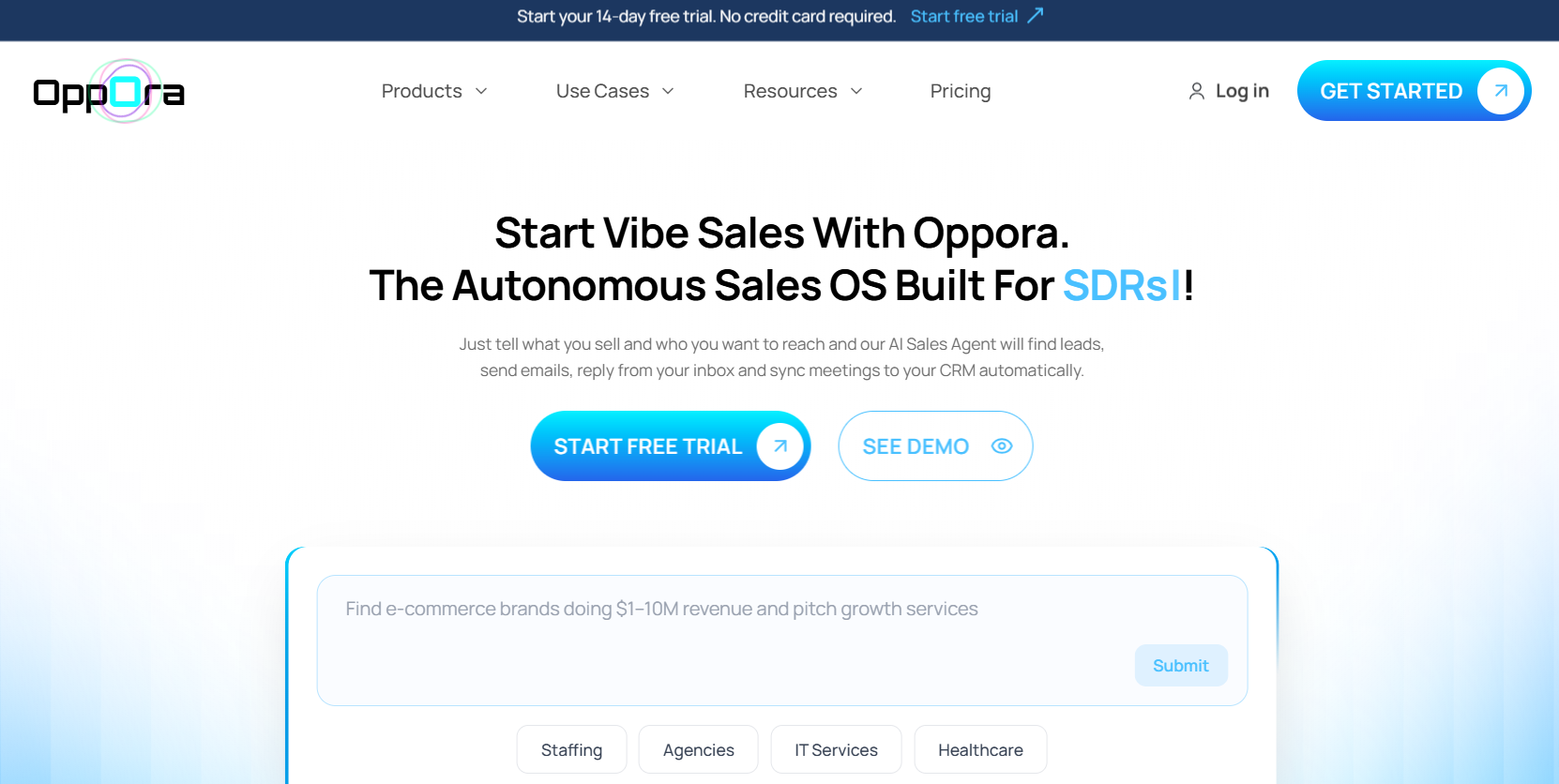
Oppora is an Agentic Sales Platform that helps you build multichannel outbound workflows—like N8N—simply by chatting with AI. Before any campaign begins, teams need the right prospects, and Oppora makes prospecting dramatically faster with a data-rich Prospect Finder designed for LinkedIn-first sellers.
Oppora gives access to 700M+ B2B leads and eliminates the need to manually open profiles or scrape contacts one-by-one. You can build ICP lists in minutes, enrich them, and send LinkedIn or email outreach—all inside the same platform.
What it does
Oppora offers two ways to build LinkedIn prospect lists without hours of searching:
1️⃣ Prospect Finder Database (Primary & Recommended)
- Search across 700M+ contacts
- Filter by job title, seniority, company size, industry, country, and department
- Or simply ask AI to surface ICP prospects
- Browse unlimited profiles with LinkedIn URLs
- Reveal verified emails/phones only when needed (credits apply)
- Add leads to lists or campaigns directly inside Oppora
2️⃣ LinkedIn Browser Extension (Inline Research Option)
- View enriched data while browsing LinkedIn or Sales Navigator
- Capture prospects to Oppora with one click
- Enrich contacts automatically
- Start outreach sequences instantly
Once leads are collected, users can:
- Export lists
- Scrutinize and score prospects
- Run email, call, or LinkedIn workflows inside Oppora—no external tools required
Pros
✔ Saves 5–10 hours a week in manual searching ✔ Finds companies + decision-makers together
✔ Unlimited prospect browsing + LinkedIn URLs on the free plan
✔ Credits used only when revealing contact details
✔ Covers list building and outreach in one platform
Cons
✘ Works best before outreach automation (not a sequencer)
Best for: Founders, SDRs, and agencies building qualified outbound lists fast.
Read More: Is LinkedIn Premium Worth It?
2. LinkedIn Sales Navigator
LinkedIn Sales Navigator is the gold standard for accessing real-time business intelligence right at the source. It gives you a deeper view into buyer movements, job changes, company news, and shared connections so outreach feels warmer and contextual. Many SDRs consider Sales Navigator their #1 daily tool because of how precisely it helps identify ICP-fit targets, even when job titles overlap across industries.
What it does Sales Navigator offers advanced search filters, saved lead lists, smart suggestions, job-change alerts, and shared network intel directly inside LinkedIn.
Pros
✔ Most accurate B2B directory
✔ Filters reach niche decision-makers
✔ Lead recommendations + alerts
Cons
✘ No emails or phone data
✘ Manual prospecting is still required
Best for Anyone serious about prospecting on LinkedIn daily.
3. Apollo.io
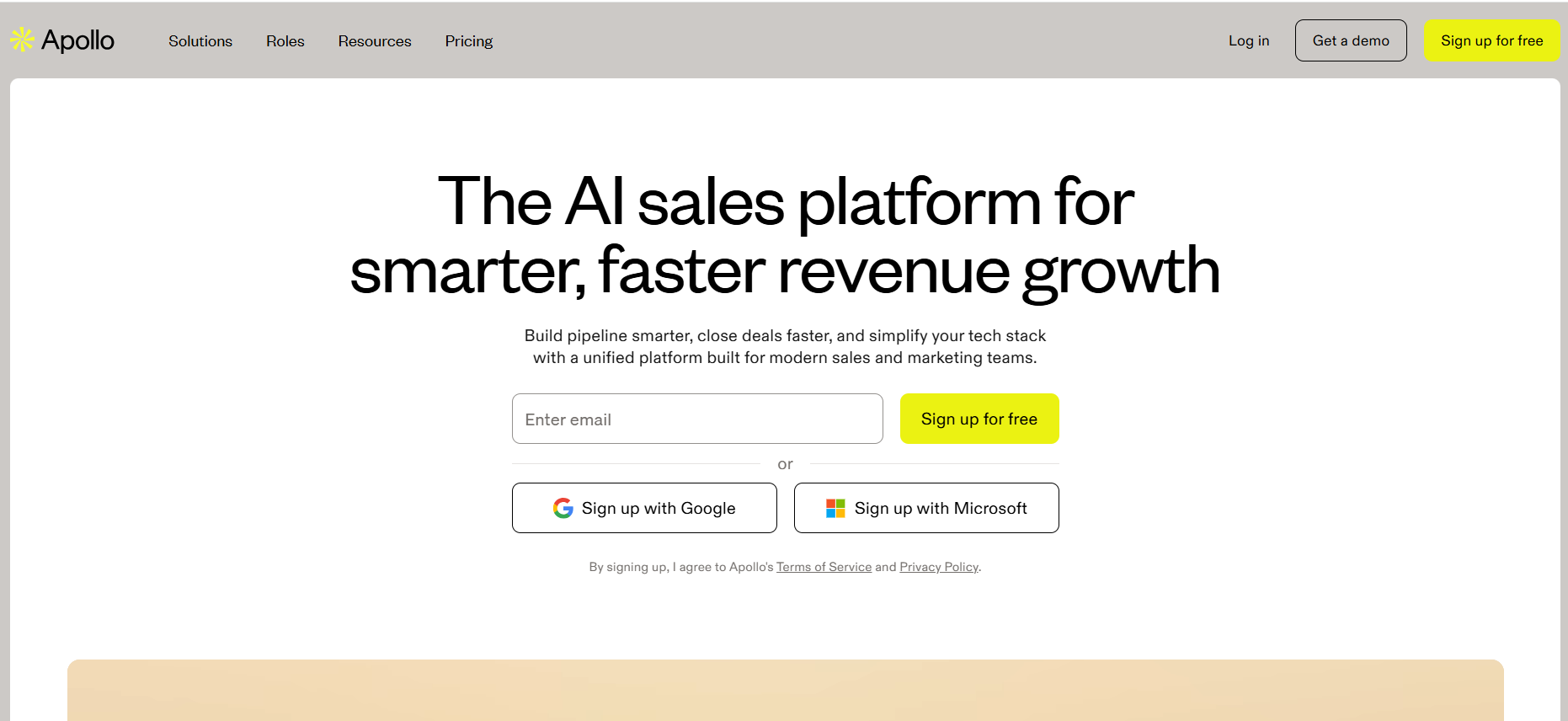
Apollo brings data, enrichment, and outreach into a single ecosystem, making it one of the most complete LinkedIn prospecting platforms available today. With millions of contacts and firmographic filters, it helps you scale from discovery to outreach while keeping engagement metrics centralized. For teams running both email and LinkedIn outbound, Apollo becomes the operating system for prospecting.
What it does
Provides a massive database, automated email and LinkedIn sequences, and lead intelligence synced to CRM.
Pros
✔ Huge verified data library
✔ Email + LinkedIn cadences
✔ Intent + technographic filters
Cons
✘ Learning curve for new SDRs
✘ Some data requires enrichment follow-up
Best for Growing sales teams running multichannel outbound.
4. Kaspr
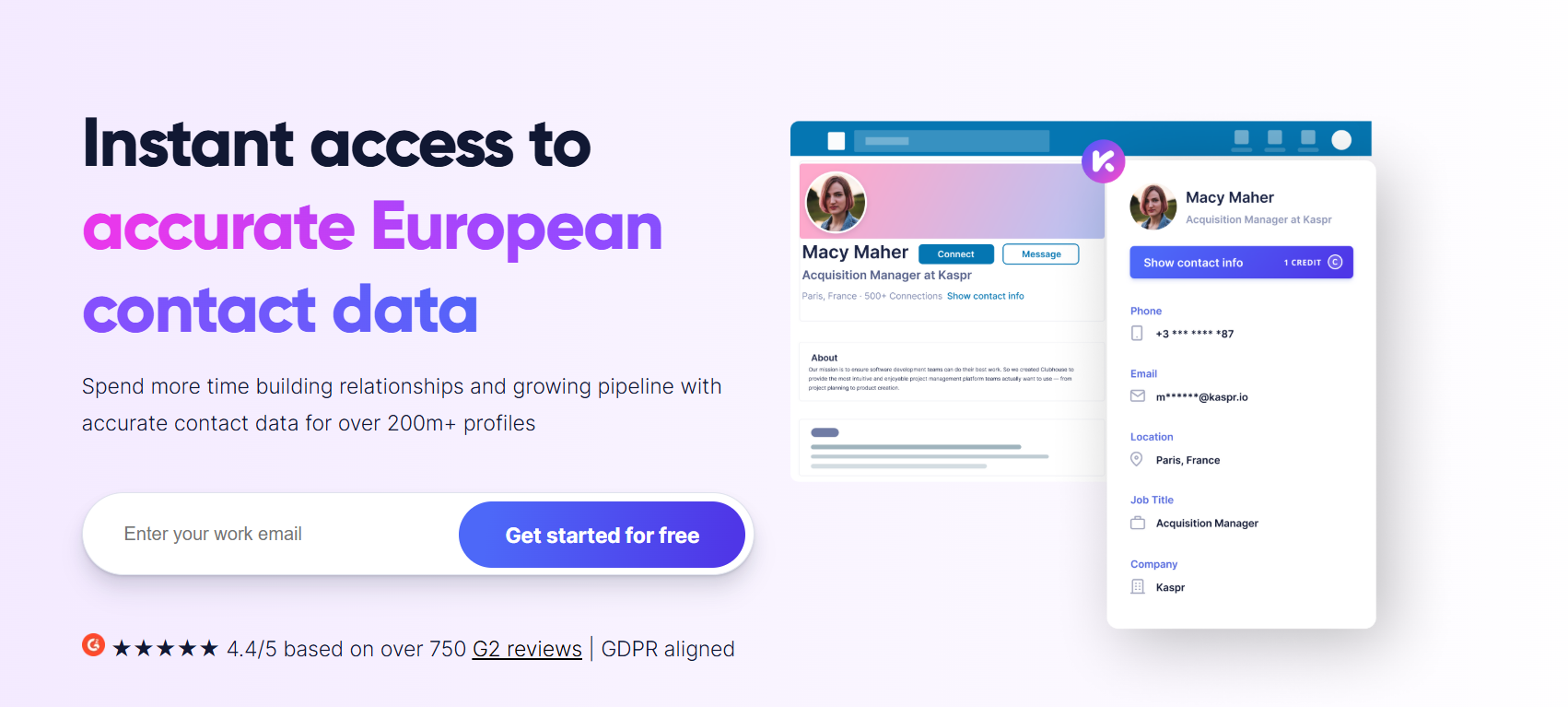
Kaspr is built for SDRs who constantly browse LinkedIn and need verified contact data instantly. Instead of flipping between tabs and spreadsheets, the browser extension uncovers emails and phone numbers directly on profiles or search pages. It also allows saving prospects to lists and syncing into CRMs without breaking browsing flow.
What it does
Unlocks contact info on LinkedIn profiles and exports them into workflows or CRMs.
Pros
✔ Lightning-fast data capture
✔ Clean UI for daily usage
✔ Auto-sync to CRMs
Cons
✘ Better paired with list builders like Oppora
✘ Data varies outside major markets
Best for SDRs prospecting live on LinkedIn daily.
5. Phantombuster
Phantombuster automates repetitive LinkedIn actions at scale using customizable workflows called “Phantoms.” Whether you want to scrape event attendees, run drip invites, or extract startup employee lists, Phantombuster can do it without human input. Growth teams love it because it turns multi-hour tasks into scheduled background jobs.
What it does
Automates LinkedIn actions such as search scraping, invite sending, profile visiting, and messaging.
Pros
✔ Extremely flexible automation
✔ Extracts data from multiple LinkedIn sources
✔ Saves hours on repetitive tasks
Cons
✘ Technical setup required
✘ Unsafe if misconfigured
Best for Tech-savvy teams scaling outbound research.
6. Dux-Soup
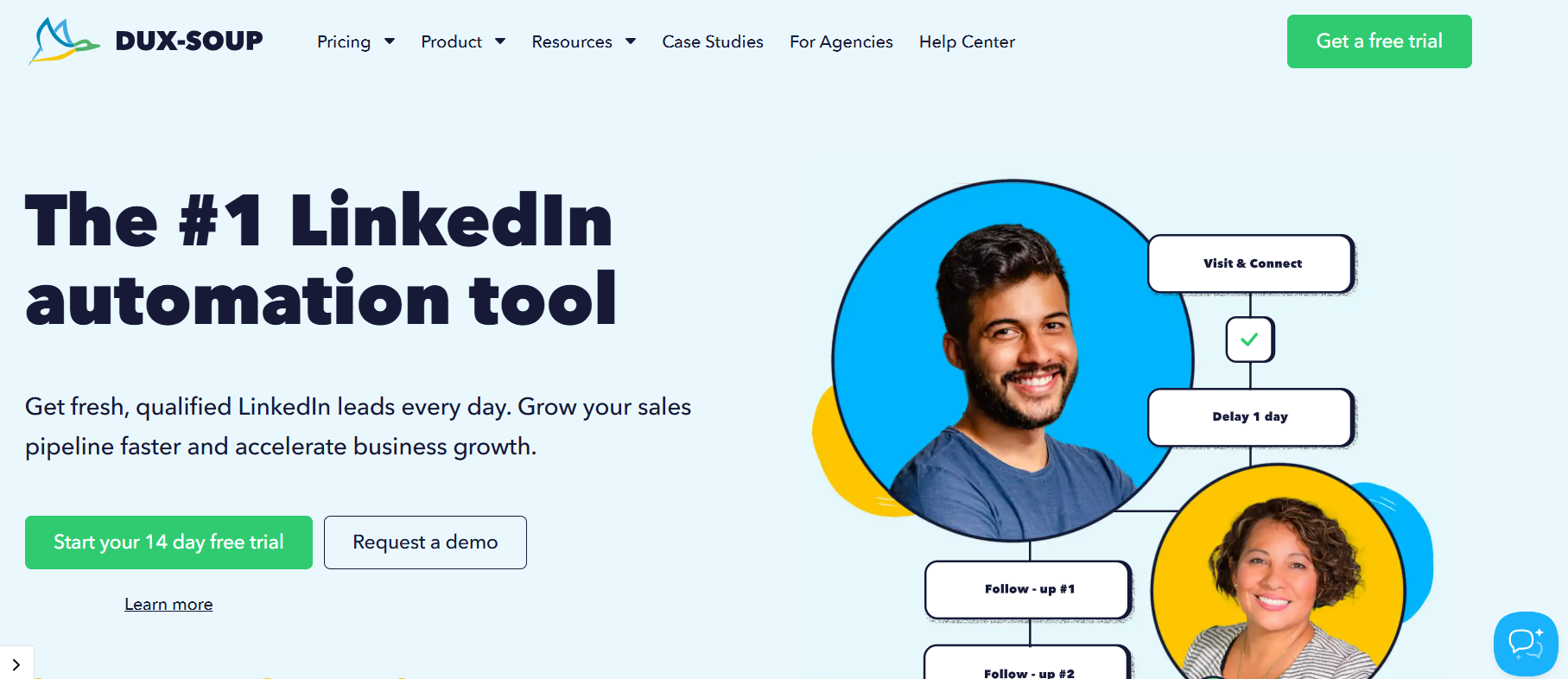
Dux-Soup is one of the earliest players in LinkedIn automation and remains popular for its simple campaign flows. It quietly runs in the background, engaging profiles, sending invites, and delivering pre-written message sequences. It’s ideal for small sales teams who want lightweight automation without huge investment.
What it does
Automates views, invites, endorsements, and messaging from a browser extension.
Pros
✔ Easy for beginners
✔ Works with Recruiter & Sales Navigator
✔ Reliable day-to-day automation
Cons
✘ No email channel
✘ Basic analytics
Best for Freelancers and early-stage outbound teams.
7. Dripify
Dripify focuses on natural-looking LinkedIn touchpoints — exactly what you need to build a controlled pipeline. The platform lets you chain LinkedIn actions into smart sequences while handling follow-ups, message timing, and inbox monitoring. It’s as close to “hands-off LinkedIn” as most SDRs will ever need.
What it does
Automates LinkedIn invites, messaging, and follow-up sequences with in-app responses and dashboards.
Pros
✔ Looks human, not robotic
✔ Strong team analytics
✔ Handles replies inside the app
Cons
✘ No native email
✘ Needs a good lead list first
Best for Teams using LinkedIn messaging as the first touch.
8. Expandi
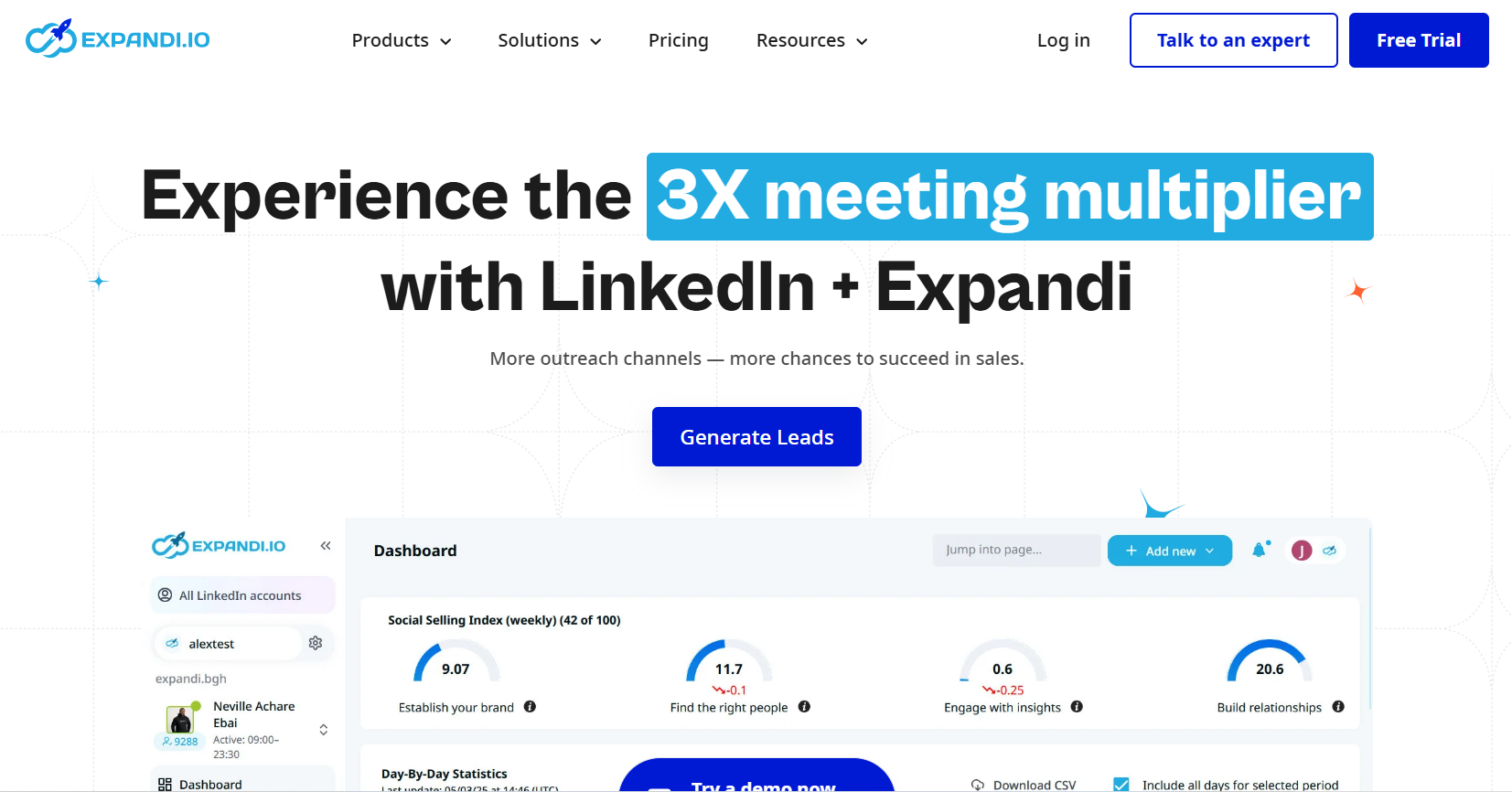
Expandi positions itself as the “safest” large-scale LinkedIn automation platform on the market. It uses dynamic throttling, rotating device footprints, and warm outreach patterns to mimic human behavior. Combined with email outreach and personalization features, it becomes a powerhouse for scaled outbound.
What it does
Runs automated LinkedIn sequences with AI personalization and optional email steps.
Pros
✔ Strong protection against LinkedIn limits
✔ Hyper-personalization at scale
✔ API + webhook friendly
Cons
✘ More setup time than most tools
✘ Requires clarity on ICP and messaging
Best for Agencies and growth teams sending high-volume outreach.
9. Waalaxy
Waalaxy helps SMBs run LinkedIn + email sequences quickly without needing complicated onboarding. It includes prebuilt templates, auto-sync capabilities, and timeline-style flows that help users create outreach cadences in minutes. It’s ideal if you need automation without deep complexity.
What it does
Creates LinkedIn touchpoint sequences and optional email follow-ups for cold outreach.
Pros
✔ Affordable, user-friendly
✔ Works even without a CRM
✔ Simple cadence building
Cons
✘ Limited data enrichment
✘ Not ideal for big teams
Best for Startups doing their first outbound campaigns.
10. Smartlead
Smartlead is designed for serious outbound email senders who need scale and protection. With inbox rotation, auto-warmup, and smart deliverability logic, teams can send thousands of emails safely — and Smartlead now incorporates LinkedIn tasks into its workflows. This makes it a strong multichannel engine.
What it does
Manages large-scale outreach across LinkedIn and email while protecting domain and inbox health.
Pros
✔ Nearly unlimited sending
✔ Warmup + rotation built in
✔ Great for teams
Cons
✘ Requires enrichment tools like Oppora
✘ Best suited for experienced sales ops
Best for SDRs sending email + LinkedIn at serious volume.
11. HeyReach
HeyReach distributes outreach across multiple LinkedIn accounts, helping agencies stay compliant and scale capacity without jeopardizing any single profile. It handles routing, campaign management, replies, and reporting centrally — perfect when one team prospecting for several clients.
What it does
Runs LinkedIn campaigns across many accounts while limiting actions per profile.
Pros
✔ Great for lead-gen agencies
✔ Central dashboard
✔ Built-in safety controls
Cons
✘ Overkill for individuals
✘ Email needed for full funnel
Best for Agencies and multi-seat SDR ecosystems.
12. Lusha
Lusha is one of the most trusted tools for enriching LinkedIn-targeted prospect lists with hard-to-find emails and phone numbers. Known for high accuracy and compliance, it syncs cleanly into CRMs and sales tools. It’s a staple when quality matters more than quantity.
What it does
Provides verified prospect contact data and supplements LinkedIn-sourced lists.
Pros
✔ Highly accurate data
✔ Fast enrichment
✔ Great enterprise integrations
Cons
✘ Doesn’t search LinkedIn for you
✘ Needs a lead source (Sales Nav / Oppora)
Best for Teams needing validated, phone-inclusive data.
13. LeadFuze
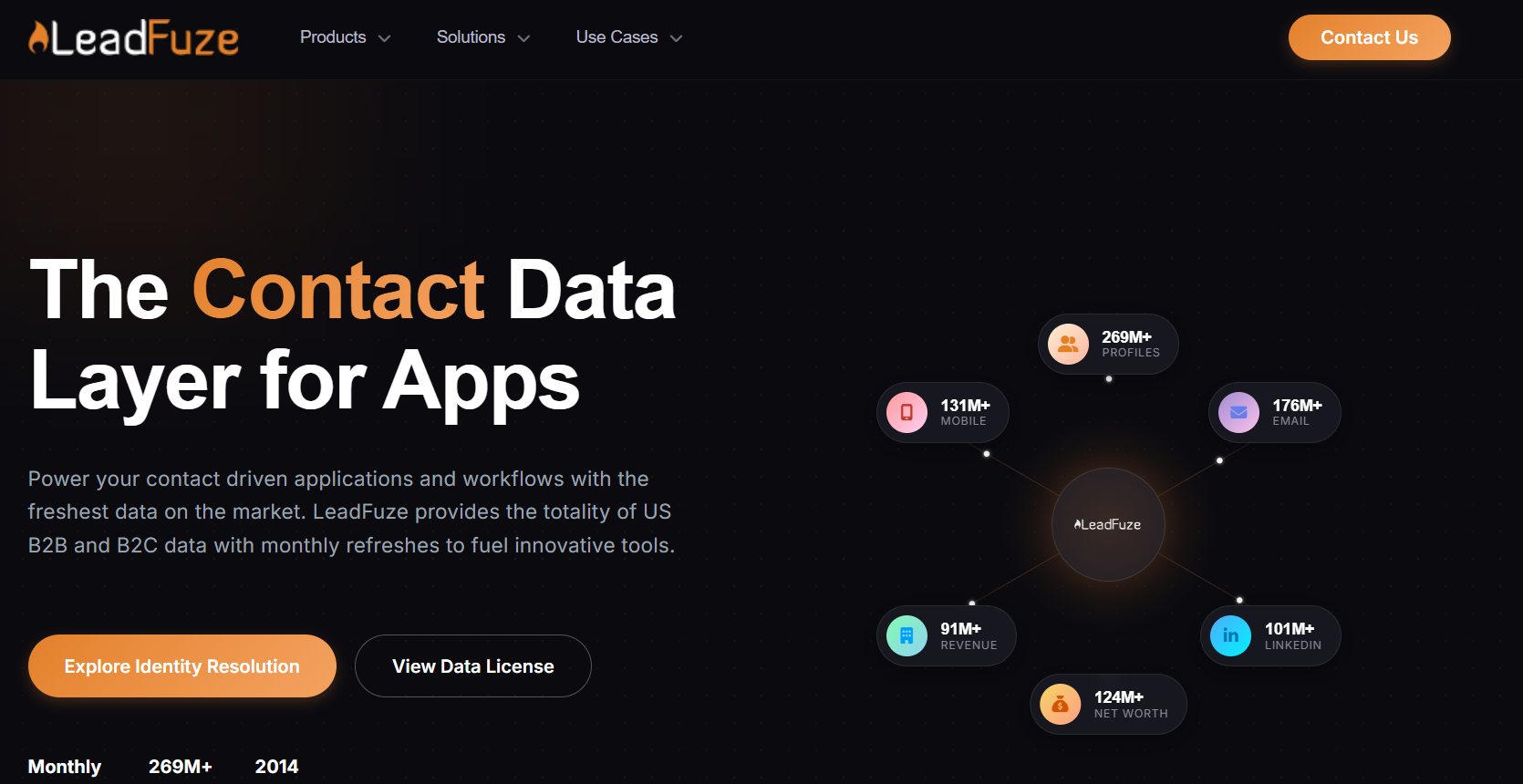
LeadFuze specializes in persona-driven list building and automatically refreshes contacts as data changes. It’s especially good when you want precise ICP targeting — particularly for niche industries, hiring triggers, and purchasing signals. This makes it valuable for ABM teams.
What it does
Builds segmented prospect lists using persona and firmographic filters, updated automatically.
Pros
✔ Great for recurring list refreshes
✔ Strong targeting options
✔ ABM-friendly functionality
Cons
✘ Not as robust as Apollo
✘ Needs sequencing add-on
Best for Marketers running always-on outbound.
14. UpLead
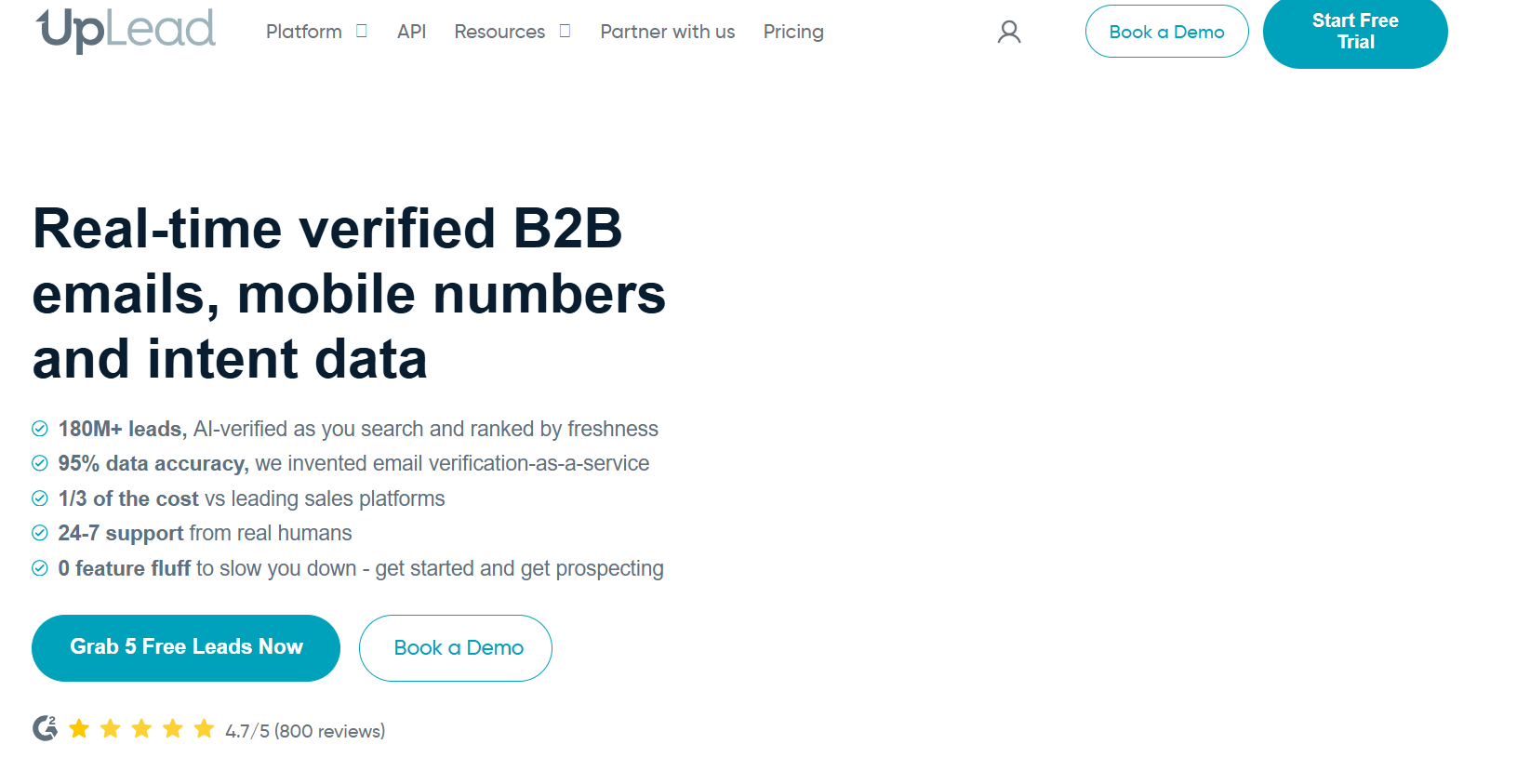
UpLead differentiates itself by guaranteeing data accuracy, making it one of the best platforms for teams who care about clean lists. Its real-time verification and technology filters ensure that your LinkedIn-sourced prospects match your targeting and deliverable emails.
What it does
Delivers firmographic and technographic filters with verified contact data.
Pros
✔ 95%+ verified accuracy
✔ Tech-use filters
✔ Clean exports
Cons
✘ Limited non-US coverage
✘ Sales intelligence lighter than Nav
Best for Sales teams optimizing deliverability and relevance.
15. Octopus CRM
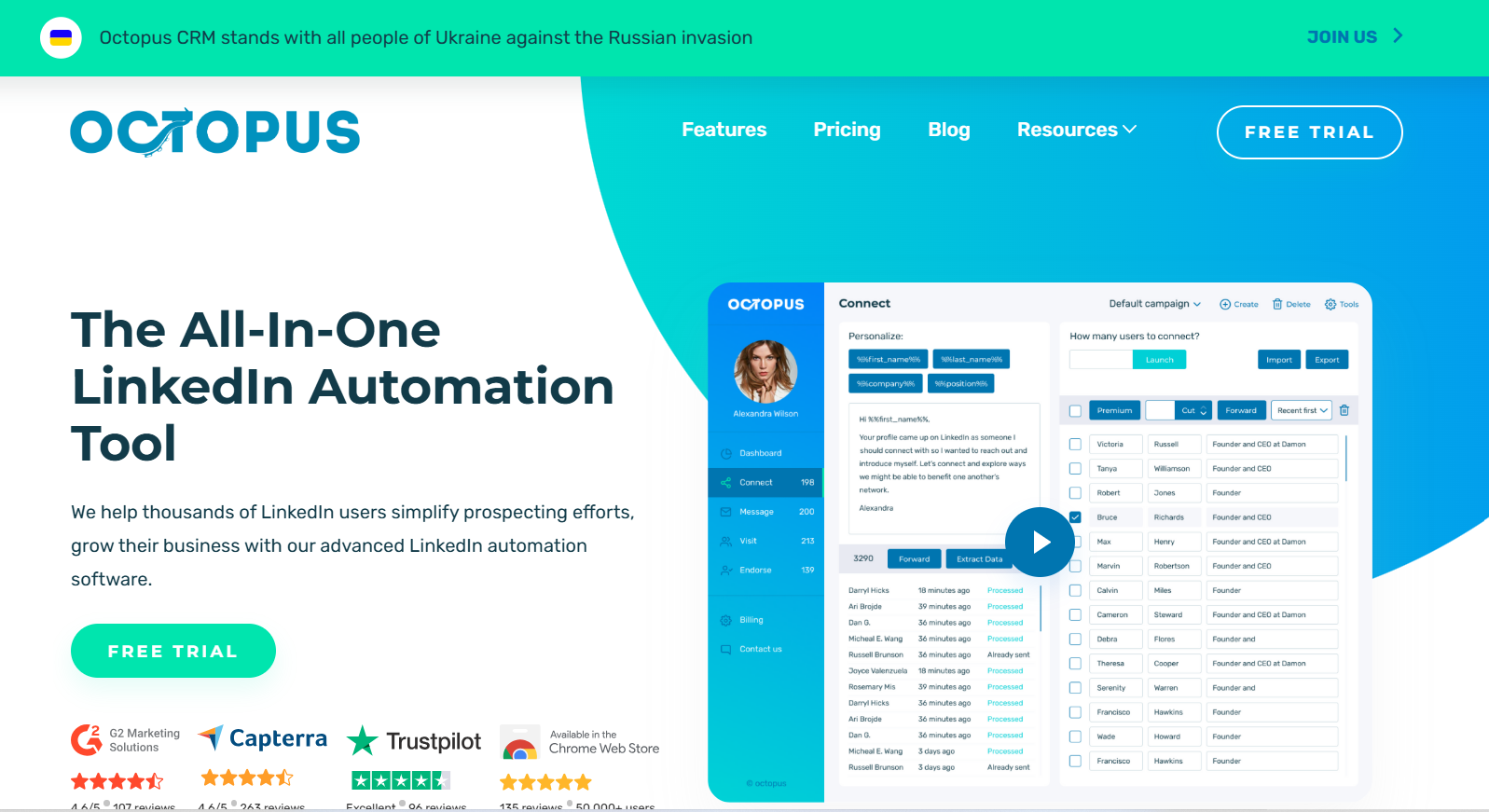
Octopus CRM provides an intuitive way to automate simple LinkedIn workflows without complicated configuration. Users can run personalized invitation messages, multi-touch follow-ups, and pipeline tracking from an easy-to-use dashboard. It delivers the basics without overwhelming newer outbound practitioners.
What it does
Automates connection requests, messages, and follow-ups on LinkedIn with basic reporting.
Pros
✔ Ideal starting tool
✔ Visual pipeline
✔ Affordable pricing
Cons
✘ Lacks enrichment or email
✘ Fewer features than Expandi/Dripify
Best for Individuals or early-stage businesses testing LinkedIn outbound
Read More: Linkedin Free vs Premium: What do You Actually Get
Choosing the Right LinkedIn Prospecting Tool
LinkedIn prospecting has evolved from manual profile scraping to highly automated workflows powered by data, enrichment, and outbound platforms. With so many options available, there’s no universal “best” tool — the ideal fit depends on what your sales or growth team needs most.
Some platforms focus on advanced search and targeting (like Sales Navigator), others specialize in data enrichment and verification (like Oppora.ai), and a newer category combines prospecting, list building, and outreach into a single workflow to save teams from switching between multiple tools.
The most effective approach is to map your prospecting workflow — from identifying the right companies, to pulling contacts, to validating details, and finally to outreach — and select tools that eliminate the bottlenecks slowing you down today.
Whether you use one platform end-to-end or a combination of tools, the goal remains the same: find the right people faster, engage them thoughtfully, and move prospects into conversations more efficiently.
With the right LinkedIn prospecting stack, sales teams can reduce manual work, scale personalization, and create more opportunities — without spending hours scrolling through profiles.
Frequently Asked Questions
What are the biggest benefits of using LinkedIn Prospecting Tools?
The main advantage is time saved. Teams reduce hours of manual browsing and copy-pasting, get cleaner and more accurate contact data, and can build repeatable prospecting systems. This leads to more conversations, better targeting, and fewer missed opportunities.
Are LinkedIn prospecting tools safe and compliant?
Reputable tools follow public data policies and avoid activity that risks account restriction. Safety depends on user behavior — slow, personalized outreach is encouraged; large-volume automation or scraping is not.
Can I do effective prospecting without software?
Yes, but it takes significantly longer. Without tools, users must search manually, track leads in spreadsheets, validate emails themselves, and handle messaging one-by-one. Tools simply remove repetitive steps and allow more focus on relationship-building.
What’s the typical pricing range of LinkedIn Prospecting Tools?
Entry-level tools start with free trials or affordable monthly plans. Platforms offering data enrichment and outreach usually sit in the mid-range, while enterprise tools cost more due to broader coverage and support. Most users start small and upgrade as outreach volume grows.
What’s the most common mistake people make with these tools?
Treating automation like a shortcut for spray-and-pray messaging. Even with accurate targeting, generic templates fall flat. The best outcomes come from smaller lists with relevant, tailored messages based on real needs or triggers.