Top 9 AI Outreach Tools to Supercharge Your Sales and Marketing

Reaching the right prospects at the right time is what drives consistent sales growth, but doing it manually can quickly slow your team down.
That’s where AI outreach tools come in.
From finding verified leads and personalizing emails to automating follow-ups and booking meetings, these platforms help you scale outreach without losing the human touch.
In this guide, you’ll explore the top 9 AI outreach tools that can supercharge your sales and marketing efforts, whether you’re a startup founder, agency, or enterprise team looking to improve pipeline and conversions.
Key Features to Look for in an AI Tool for Outreach
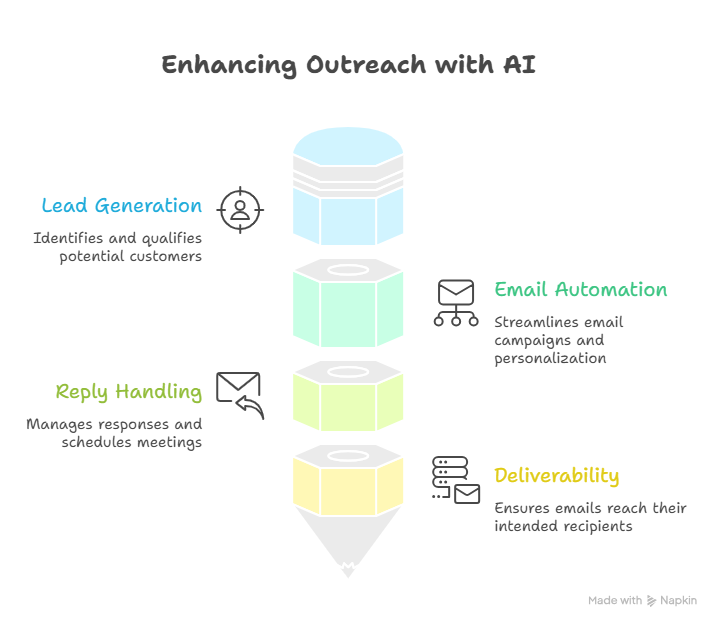
Once you start exploring AI tools for outreach, it’s easy to get distracted by flashy promises like “more leads” or “instant replies.”
But what actually drives results is not the label AI.
It’s the set of features working behind the scenes to help you find the right people, reach them with relevant messaging, and turn conversations into meetings.
A great outreach tool should do more than just send emails.
It should help you build a reliable system that improves targeting, protects deliverability, and reduces the manual work that usually slows outbound efforts down.
Before choosing any platform, it helps to evaluate whether it supports the complete outreach workflow from lead discovery to inbox management.
Here are the core features you should always look for.
1.Lead Generation and Enrichment
The first thing any strong AI outreach tool should do well is help you find the right leads.
Reaching out to random contacts rarely works.
What matters is targeting people who are actually relevant to what you sell.
This is where AI-powered lead generation becomes valuable.
Instead of manually building lists, the tool should be able to identify companies, decision-makers, and prospects based on filters like industry, company size, location, job title, and intent signals.
The next layer is lead enrichment.
This means automatically adding useful information to every contact, such as:
- full name
- verified email address
- company details
- LinkedIn profile
- role and seniority
- technology stack
- recent company activity
The more accurate this data is, the better your campaigns perform.
Bad data leads to bounces, poor targeting, and wasted outreach.
A strong tool should also verify contact information in real time so you are not sending emails to invalid addresses.
This improves both response rates and sender reputation.
2.Email Automation and Personalization
Once the right leads are in place, the next important feature is automation.
But automation alone is not enough.
The real value comes from intelligent personalization at scale.
A good AI outreach tool should help you create personalized email sequences without making every message feel templated or robotic.
Instead of sending the same generic copy to hundreds of people, AI should dynamically adjust messaging based on lead context.
For example, it should be able to personalize emails using details like:
- company name
- role
- recent funding news
- industry pain points
- relevant use cases
This makes the message feel more relevant and increases the chances of getting a reply.
At the same time, the tool should avoid spam-like patterns.
Overused templates, repetitive phrases, and aggressive sending behavior often trigger spam filters.
The best tools use AI to generate natural, human-sounding copy that feels like a one-to-one conversation. If you want to go deeper into campaign strategy, explore our guide on ai cold email outreach
3.AI Reply Handling and Meeting Booking
Sending emails is only one part of the process.
The real challenge begins when replies start coming in.
This is where advanced AI outreach tools stand out.
Instead of requiring someone to manually check every inbox, the platform should be able to read replies, understand intent, and take the next best action.
For example, it should be able to identify whether the lead is:
- interested
- asking a question
- requesting pricing
- not the right contact
- asking to reconnect later
Based on the reply, AI can continue the conversation naturally.
This may include answering common objections, sharing documents, or asking qualification questions.
A more advanced feature is automatic meeting booking.
Once a lead shows interest, the tool should be able to share calendar links, suggest time slots, and schedule meetings directly into your CRM or calendar.
This removes friction and helps you move leads faster into the sales pipeline.
4.Deliverability and Inbox Management
Even the best messaging fails if your emails never reach the inbox.
That’s why deliverability is one of the most important features to evaluate.
A good outreach AI tool should actively protect your sender reputation.
This includes features like inbox rotation, domain warmup, bounce protection, and sending limits.
Inbox rotation helps distribute volume across multiple mailboxes so one inbox does not get overloaded.
Warmup gradually builds trust with email providers by increasing sending activity in a safe way.
Spam protection features also matter.
The tool should monitor bounce rates, spam signals, and reply health so your campaigns continue performing over time.
Strong inbox management directly impacts open rates, reply rates, and overall campaign success.
Without it, even strong targeting and copy can fail.
That’s why this feature should never be overlooked.
Explore our guide on
How to Set up AI Cold Email Outreach in Simple StepsTop 9 AI Outreach Tools in 2026
Now that you know what features actually matter, the next step is choosing the right tool.
But here’s the thing — not every AI outreach tool is built the same.
Some focus on sending emails at scale, others specialize in lead data, and a few try to automate the entire outbound workflow from start to finish.
In this list, you’ll find a mix of all-in-one platforms and specialized tools so you can pick what fits your outreach style, team size, and goals.
1. Oppora — AI-Powered Outreach Tool for Full Automation
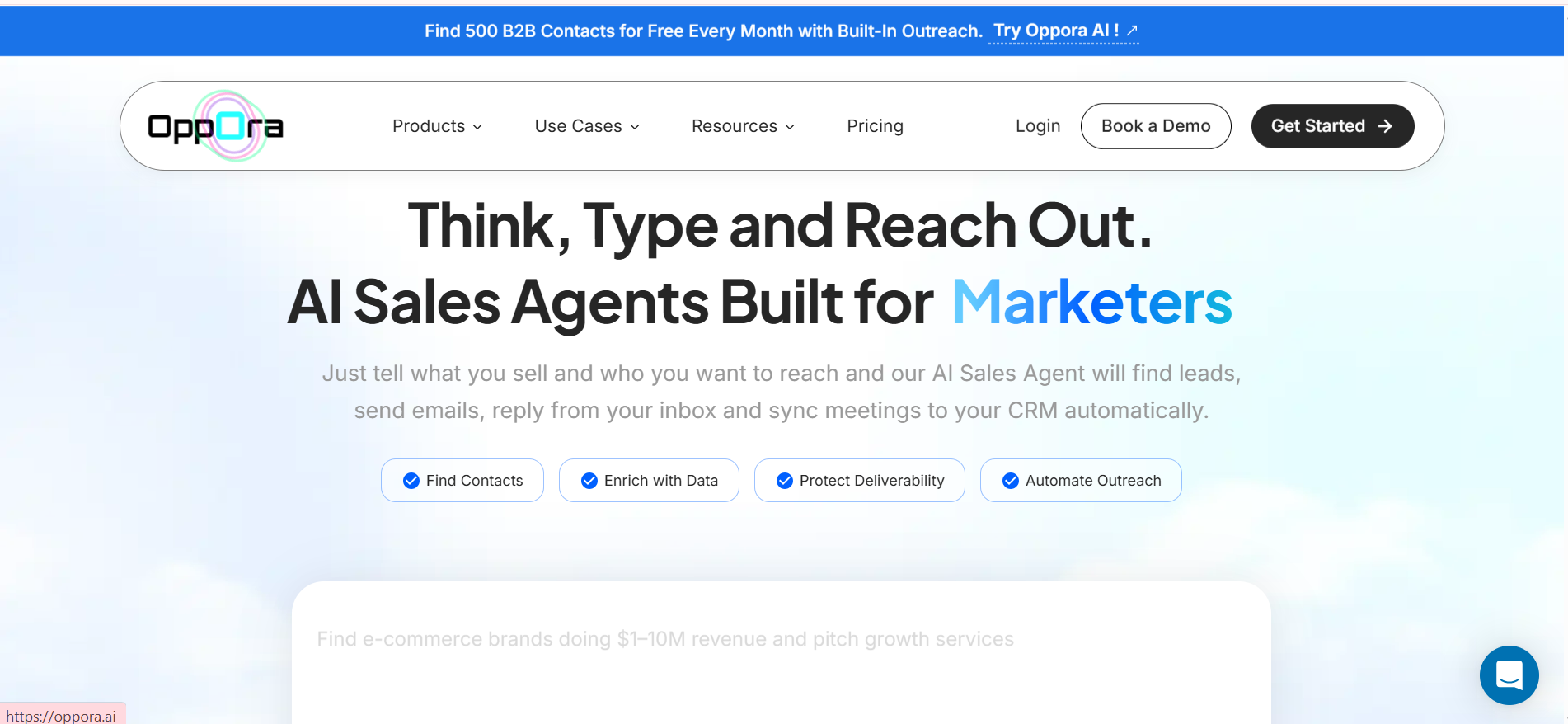
If you’re looking for a tool that handles everything, not just parts of outreach, Oppora stands out.
Most tools still require you to switch between lead generation, email writing, sending, and reply management.
Oppora.ai takes a different approach by using agentic AI to automate the entire workflow.
Instead of doing each step manually, you simply define:
- what you sell
- who you want to target
From there, Oppora’s AI agents handle the rest.
It can:
- find and enrich leads using its 700M+ B2B contact data
- verify contact details
- Warm up mailboxes
- write personalized emails for every user based on user data
- send campaigns using multi mailbox connectivity
- reply to leads automatically
- book meetings directly
- sync everything to your CRM
What makes it different is that these actions are not isolated.
All AI agents work together as a system, so your outreach runs continuously without constant input.
This makes it especially useful if you want a true “set it up once and let it run” outbound engine.Pricing is where it stands out even more.
While many tools charge heavily for limited credits, Oppora keeps it scalable:
pricing:
- 5,000 emails for $34/month
- 1,000 emails for $7 (data-only option)
- Paid plans ($34–$79/month) include unlimited leads, up to 10,000 emails/month, and scalable inbox infrastructure
👉 View pricing: https://www.opporа.ai/pricing
2. Instantly.ai — AI Tool for Outreach at Scale
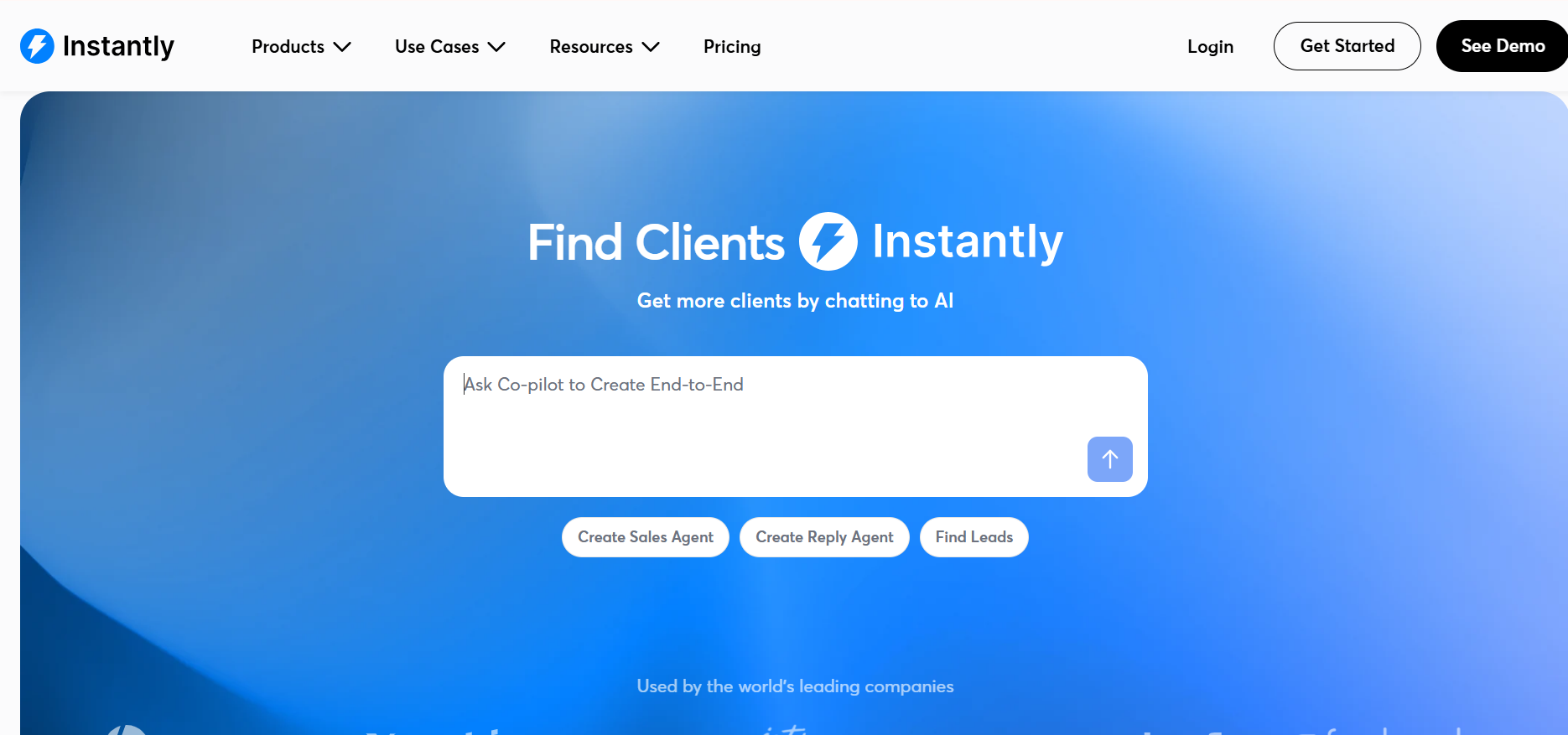
If your primary goal is sending large volumes of emails, Instantly is built for that.
It focuses heavily on scaling outreach while maintaining deliverability.
Its key strengths include:
- unlimited inbox rotation
- unlimited warmup
- sending up to 100,000+ emails/month (higher tiers)
- built-in campaign automation
- AI-generated sequences
Instantly allows you to manage high-volume outreach without worrying about inbox burnout.
Pricing:
Starts at around $37/month, with mid-tier plans like $97/month (Hypergrowth) supporting up to 100K emails/month. Higher tiers can go up to $300–$400/month depending on scale.
👉 View pricing: https://instantly.ai/pricing
3. Apollo.io — Data + Outreach AI Tool
Apollo.ai is a strong choice if your biggest challenge is finding the right contacts.
Its biggest advantage is access to a 275M+ contact database.
You can:
- filter leads using 50+ targeting filters
- access verified emails and phone numbers
- build lists and launch campaigns
- manage outreach inside the same platform
Pricing:
Starts with a free plan, then $49/user/month (Basic),$79/user/month (Professional), and $119/user/month (Organization).
The per-user pricing means costs scale quickly as your team grows.
👉 View pricing: https://www.apollo.io/pricing
4. Lemlist — Personalization-Focused AI Outreach Tool
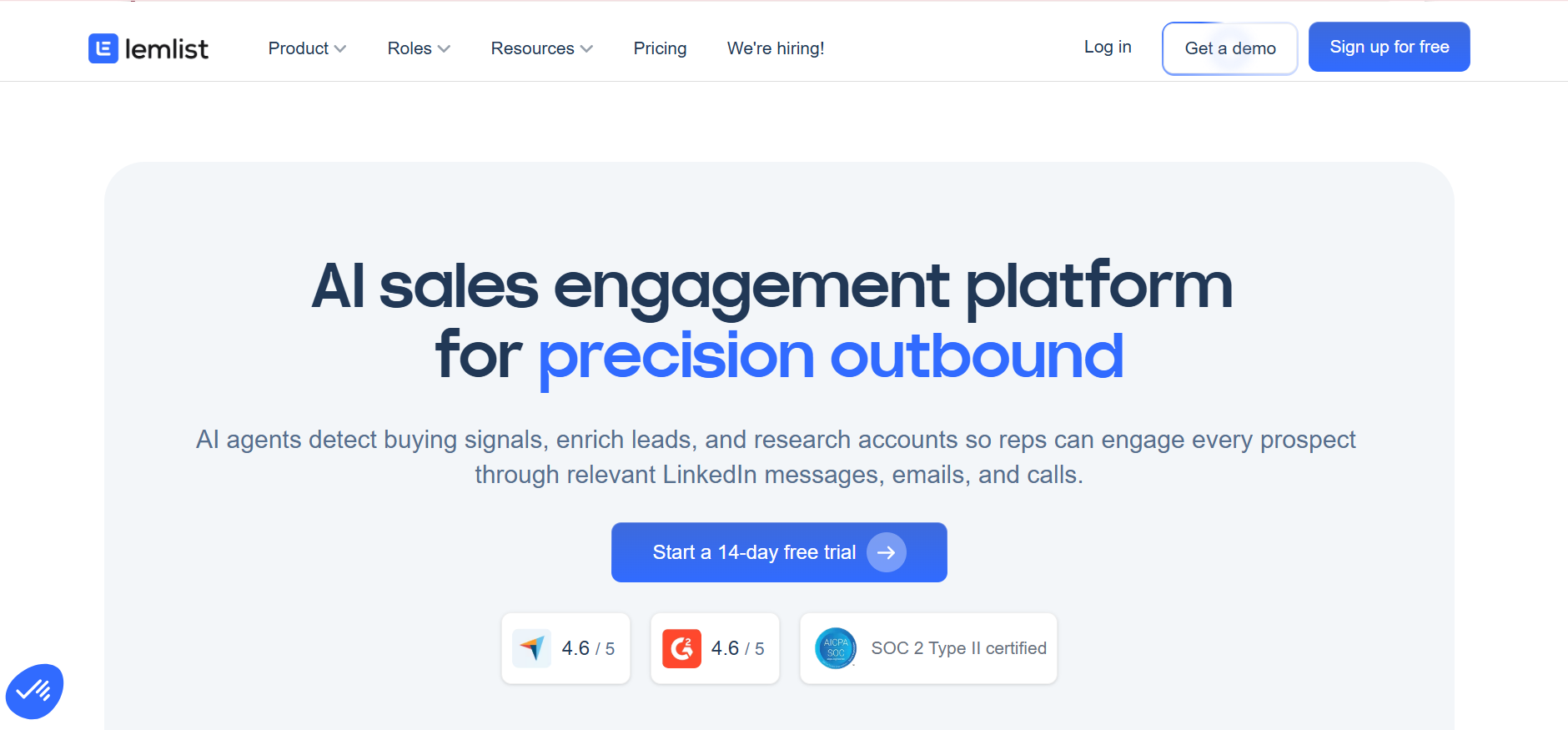
If your outreach strategy depends on standing out, Lemlist is built for personalization.
It allows you to create:
- dynamic images and videos
- personalized landing pages
- multichannel flows (email + LinkedIn)
- AI-generated sequences
You can connect 5+ sending inboxes per user and run multi-touch campaigns.
Pricing:
Starts at around $39–$69 per user/month, with multichannel plans at $99/user/month.
For a 5-person team, costs can easily reach $500+/month, making it expensive at scale.
👉 View pricing: https://www.lemlist.com/pricing
5. Smartlead — Deliverability-First Outreach AI Tool
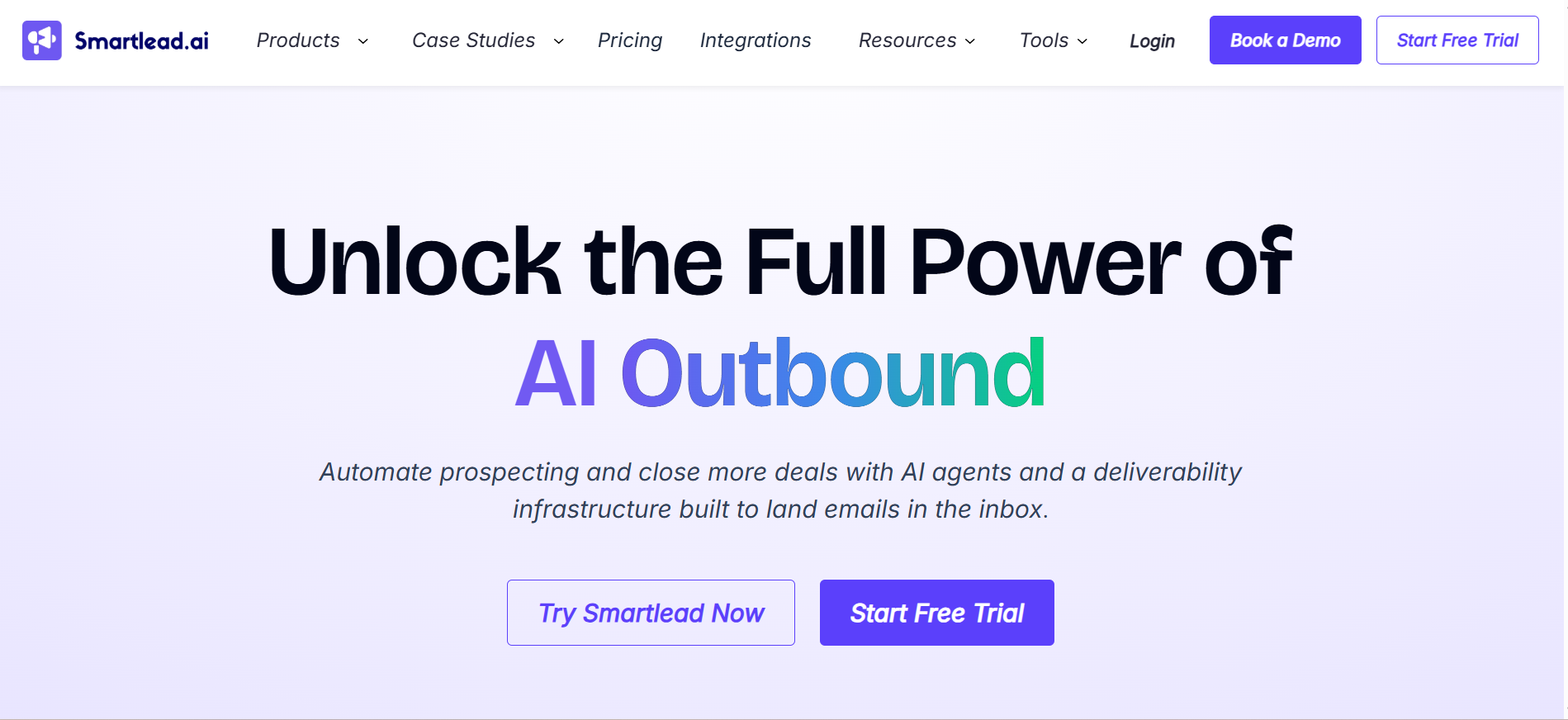
If your biggest concern is landing in the inbox, Smartlead is built for deliverability.
It offers:
- unlimited inbox rotation
- unlimited warmup
- sending up to 150,000 emails/month (mid-tier)
- master inbox for reply management
- API and white-label support
This makes it ideal for agencies and high-volume senders.
Pricing:
Starts at around $32–$39/month, with scaling plans up to $174+/month depending on volume.
It’s one of the most cost-efficient tools for large-scale sending.
👉 View pricing: https://www.smartlead.ai/pricing
6. Snov.io — Budget-Friendly AI Outreach Tool
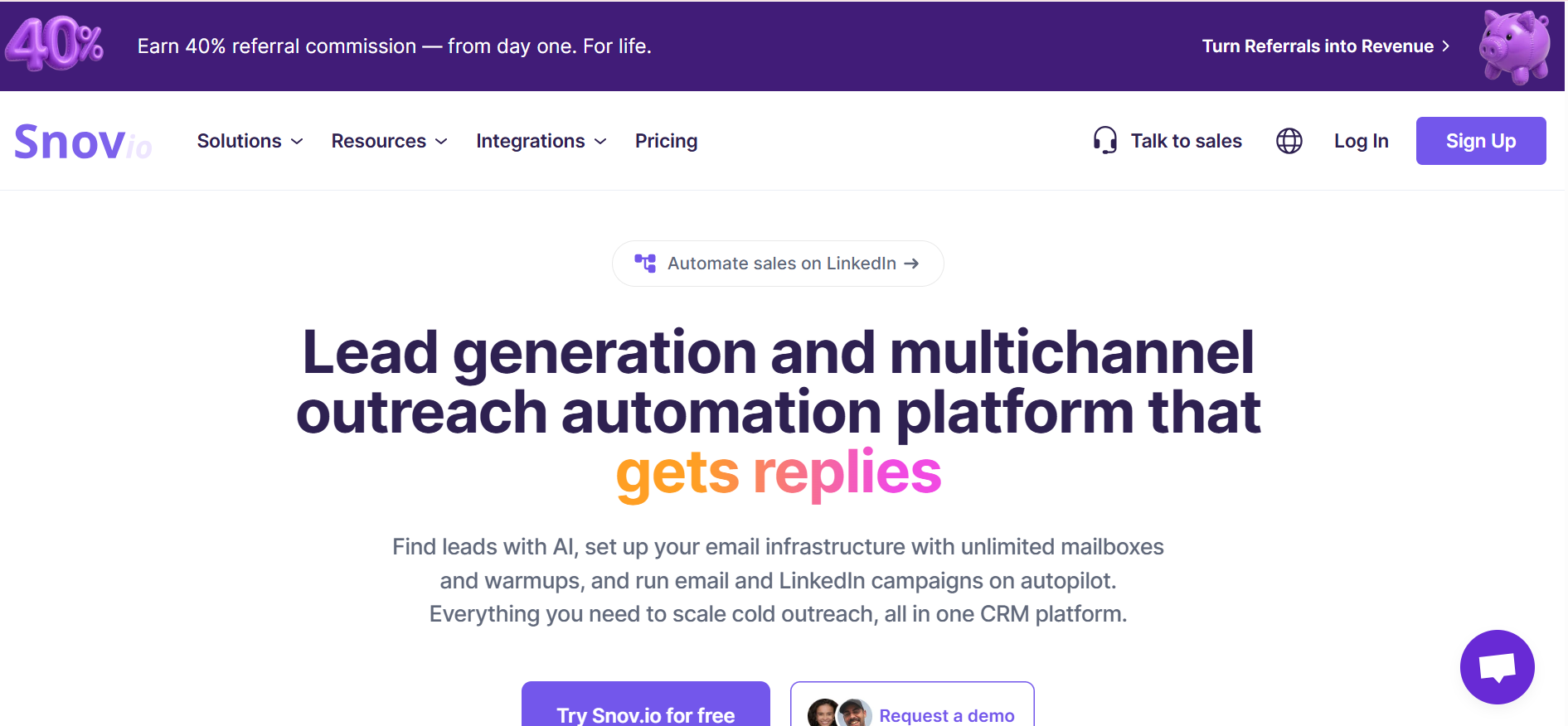
If you’re just getting started, Snov.io is a practical and affordable option.
It offers:
- email finder + verifier
- basic drip campaigns
- lead database access
- tracking and analytics
Pricing:
Starts with a free plan, then $39/month for paid tiers with credit-based limits for email searches and campaigns.
Credits can limit scaling, but it’s ideal for small teams.
👉 View pricing: https://snov.io/pricing
7. Jeeva.AI — Agentic AI Outreach Tool
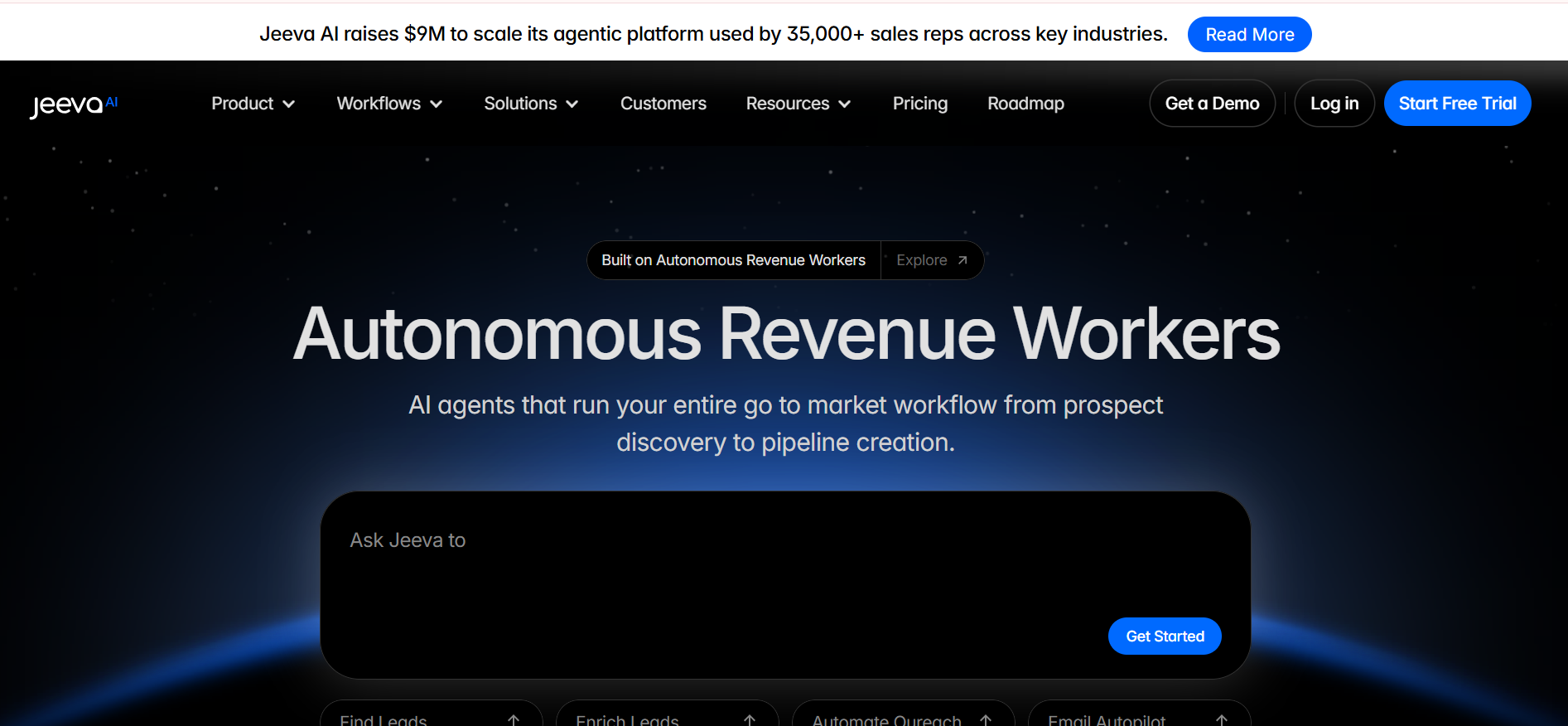
Jeeva is part of the new wave of agentic AI outreach tools.
It focuses on automating:
- lead research
- enrichment
- outreach execution
- follow-ups
It behaves like a continuous AI assistant managing outbound.
Pricing:
Typically positioned in the $100–$300/month range, depending on automation depth and usage.
Since it focuses on automation over volume, pricing reflects AI execution rather than email limits.
👉 View pricing: https://www.jeeva.ai/pricing
8. Clay — Data Enrichment Outreach AI Tool
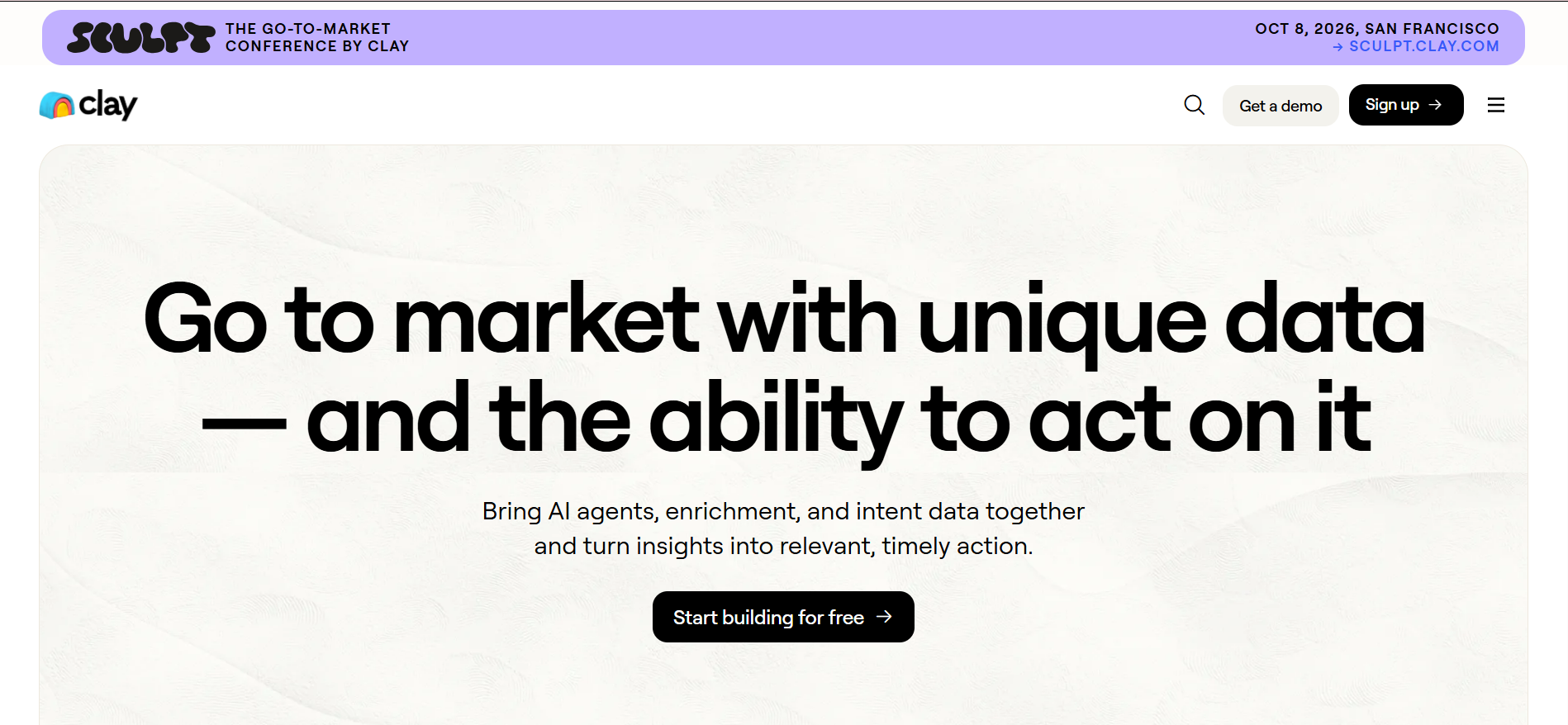
Clay is not a sending tool, but a powerful enrichment engine.
It helps you:
- enrich leads from multiple data providers
- build custom workflows
- automate research pipelines
- trigger outreach based on signals
Pricing:
Starts around $149/month, but can scale to $500–$2000/month depending on usage and credits.
It’s best used alongside tools like Instantly or Smartlead.
👉 View pricing: https://www.clay.com/pricing
9. Outreach.io — Enterprise Outreach AI Tool
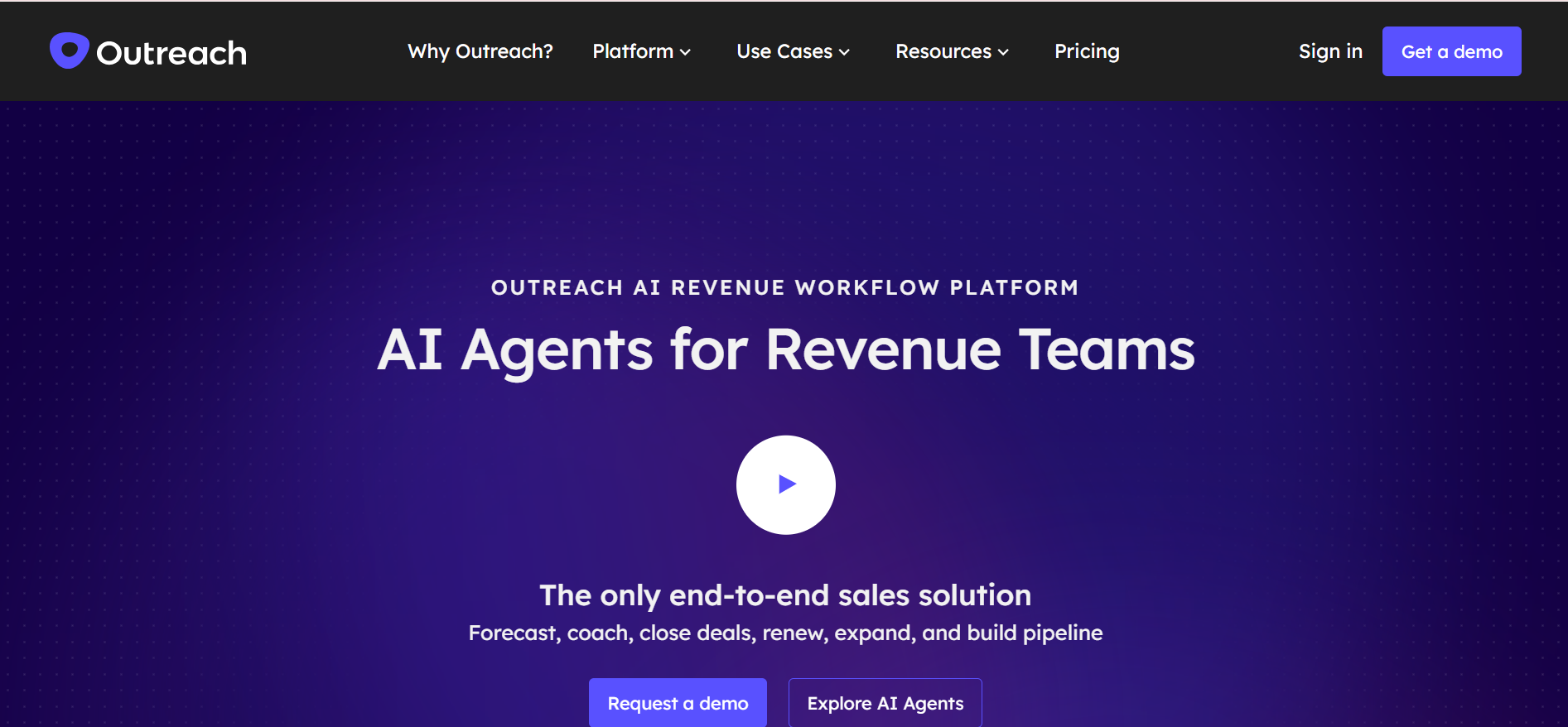
Outreach.io is built for large sales teams managing complex pipelines.
It includes:
- multi-channel workflows (email, calls, tasks)
- advanced analytics and forecasting
- deep CRM integrations
- team collaboration tools
Pricing:
Enterprise pricing typically starts around $100–$150/user/month, and can scale significantly based on features and team size.
It’s designed for structured sales organizations rather than small teams.
👉 View pricing: https://www.outreach.io/pricing
How to Choose the Right AI Outreach Tool
With so many AI outreach tools available, choosing the right one can quickly feel overwhelming.
The best tool is not necessarily the one with the most features.
It’s the one that fits the way your team works and supports your specific outreach goals.
Before making a decision, think about three things first:
- your budget
- your team size
- how much outreach volume you plan to run
A founder sending 200 emails a week needs something very different from an agency managing 20 client campaigns or an enterprise sales team with multiple SDRs.
That’s why it helps to choose based on your stage and workflow rather than just popularity.
Let’s break it down by use case.
1) Budget and Overall Cost Efficiency
Pricing is usually the first filter, but the monthly number alone never tells the full story.
A tool may look affordable upfront, then become expensive once you start paying separately for lead credits, verification, mailbox add-ons, warmup, or AI usage.
That’s why you should look at total workflow cost, not just base pricing.
Check things like:
- monthly subscription cost
- separate charges for lead search or email verification
- mailbox limits
- warmup costs
- extra charges for AI writing or replies
- add-on pricing for scaling
This is where Oppora becomes easier to justify for many teams.
Instead of paying for separate prospecting, enrichment, outreach, and reply tools, it keeps everything under one pricing structure with task-specific credits.
That usually makes budgeting far more predictable as you scale.
2) Lead and Personalization Quality
A high sending volume means nothing if the lead quality is weak or the personalization feels robotic.
The real question is not how many emails the tool can send.
It’s how relevant and human those emails feel when they land in inboxes.
When comparing tools, pay close attention to:
- lead database accuracy
- email verification quality
- enrichment depth
- buying signal filters
- AI personalization quality
- reply relevance
This matters because poor data quality increases bounce rates, while generic copy reduces reply rates.
Oppora’s workflow stands out here because it combines waterfall lead sourcing, verification, enrichment, and AI-written personalized sequences in the same system, reducing the quality drop that often happens when multiple tools are stitched together.
3) Feature Depth vs Workflow Simplicity
More features do not always mean better results.
Sometimes too many disconnected features create complexity instead of speed.
The better way to evaluate a tool is to ask whether it reduces the number of manual steps between finding a lead and booking a meeting.
Look for workflow-critical features like:
- lead search
- enrichment
- email verification
- sequence automation
- inbox rotation
- AI replies
- CRM sync
- reporting dashboards
The fewer tools you need between these steps, the faster your team can move.
This is why many teams now prefer platforms that automate the full outbound flow instead of using separate point solutions.
4) Credits, Usage Limits, and Scalability
One of the most overlooked buying factors is how the platform handles credits.
Some tools use a shared credit pool, which means lead search, enrichment, and verification all consume the same balance.
That usually creates hidden scaling costs.
A better setup gives you separate task-based credits, rollover flexibility, and optional add-ons.
Evaluate:
- shared vs separate credits
- unused credit rollover
- monthly recipient caps
- email sending limits
- lead export limits
- upgrade flexibility
- low-cost add-on packs
This is one of Oppora’s strongest advantages because it offers separate credits for email search, phone search & AI, plus rollover and mini add-on packs starting at low entry points, which helps avoid unnecessary plan upgrades.
That gives you better cost control when one part of your workflow needs more volume than the rest.
5) Deliverability and Outreach Safety
Even the best AI outreach tool fails if your emails land in spam.
So before choosing any platform, check how seriously it handles deliverability protection.
Key features to prioritize:
- inbox warmup
- domain health monitoring
- spam word checks
- sender rotation
- provider matching
- bounce monitoring
- mailbox scaling
This layer becomes even more important as your volume increases.
Oppora adds strong safety controls here with auto warmup, sender-provider matching, multi-mailbox rotation, and AI-generated unique copy instead of spintext, which helps reduce spam patterns at scale.
6) Integrations and Workflow Compatibility
The final factor is how well the tool fits into your existing stack.
Your outreach workflow should not create more manual work after the campaign starts generating replies.
That’s why CRM sync, webhooks, exports, and integrations matter so much.
Review:
- HubSpot integration
- Salesforce sync
- Pipedrive support
- webhook automation
- CSV import/export
- API flexibility
- Chrome extension workflows
The right tool should feel like an extension of your current sales process, not another disconnected dashboard.
Conclusion
Choosing the right AI outreach tool can directly impact how fast and effectively you scale outbound sales.
The best platforms do more than just send emails — they help you automate lead generation, personalize outreach, manage replies, and protect deliverability as you grow.
As AI continues to transform outbound sales, the focus should be on tools that improve results while reducing manual effort.
Whether you’re a startup, agency, or enterprise team, evaluate each tool based on automation depth, campaign performance, and long-term scalability so your outreach system can grow with your business.
Frequently Asked Questions (FAQs)
1.What is the best AI outreach tool for startups?
For startups, the best tool is one that balances affordability, ease of use, and core features like lead generation, email automation, and personalization. Tools like Oppora or Snov.io work well because they help you launch outreach quickly without needing a large sales team.
2.Which AI outreach tool is best for high-volume campaigns?
If your focus is sending at scale, tools like Smartlead and Instantly are strong choices. They offer inbox rotation, warmup, and deliverability controls that help you safely send large email volumes.
3.Can AI outreach tools handle replies automatically?
Yes, advanced platforms can automatically read replies, qualify leads, answer common questions, and even book meetings directly into your calendar or CRM.
4.Are AI outreach tools good for enterprise teams?
Yes, enterprise teams benefit from tools that offer deep CRM integrations, advanced analytics, workflow customization, and team-wide reporting. Outreach.io is a popular choice for this use case