10 AI Tools for Automating LinkedIn Outreach Ranked by Features
ai tools for automating linkedin outreach
Most sales teams are still sending LinkedIn connection requests one by one, copying and pasting the same message, and hoping someone replies.
That's not outreach. That's busywork.
AI tools for automating LinkedIn outreach have changed how modern teams prospect — letting you scale personalized conversations without scaling your headcount.
But with dozens of tools claiming to do the same thing, picking the right one is harder than it sounds.
In this guide, we cover:
- How we evaluated each tool
- 10 best AI tools for LinkedIn outreach automation
- Best practices to get real results from these tools
How We Evaluated AI Tools for Automating LinkedIn Outreach
Not every tool that claims to "automate LinkedIn outreach" actually does it well.
Some are great at sending connection requests but fall flat on personalization. Others have powerful AI but are too complex to set up without a dedicated ops team.
So before ranking these tools, we built a clear evaluation framework — one that reflects what actually matters when you're trying to book more meetings.
Here's what we looked at.
AI Capabilities and Personalization Quality
The whole point of using AI is to make outreach feel personal at scale — not robotic.
We evaluated how well each tool uses AI to write or personalize messages, whether it can pull context from a prospect's profile, and how natural the output actually sounds.
Tools that just do variable substitution like {First Name} didn't score well here.
Outreach Automation and Workflow Flexibility
LinkedIn outreach rarely works in isolation — it's part of a sequence.
We looked at how much of the outreach workflow each tool can automate end-to-end, including connection requests, follow-ups, and multichannel steps.
We also checked whether you can build custom sequences or if you're stuck with rigid templates.
Suggested Reading:
How to Automate Outreach Using Oppora AI Sales AgentsContact Data, Integrations, and Scalability
A tool is only as good as the data feeding it.
We assessed whether each platform offers built-in lead sourcing or enrichment, how cleanly it integrates with CRMs like HubSpot, Salesforce, or Pipedrive, and whether it can scale with your team — not just work for a solo user running 50 connections a week.
Suggested Reading:
5 Best CRM With LinkedIn Integration + How To UsePricing, Ease of Use, and Overall Value
Features mean nothing if the tool costs a fortune or takes weeks to figure out.
We weighed pricing against what you actually get — looking at:
- Whether there's a meaningful free plan or trial
- How quickly a new user can get their first campaign live
- Whether the pricing scales fairly as your team or outreach volume grows
Every tool on this list was evaluated against all four of these criteria — not just one or two.
10 AI Tools for Automating LinkedIn Outreach for Modern Sales Teams
There's no shortage of tools promising to make LinkedIn outreach easier — but most of them solve only one piece of the puzzle.
The tools below were picked because they each bring something distinct to the table.
Whether you're a solo founder or running a full sales team, there's something here for every use case and budget.
1. Oppora
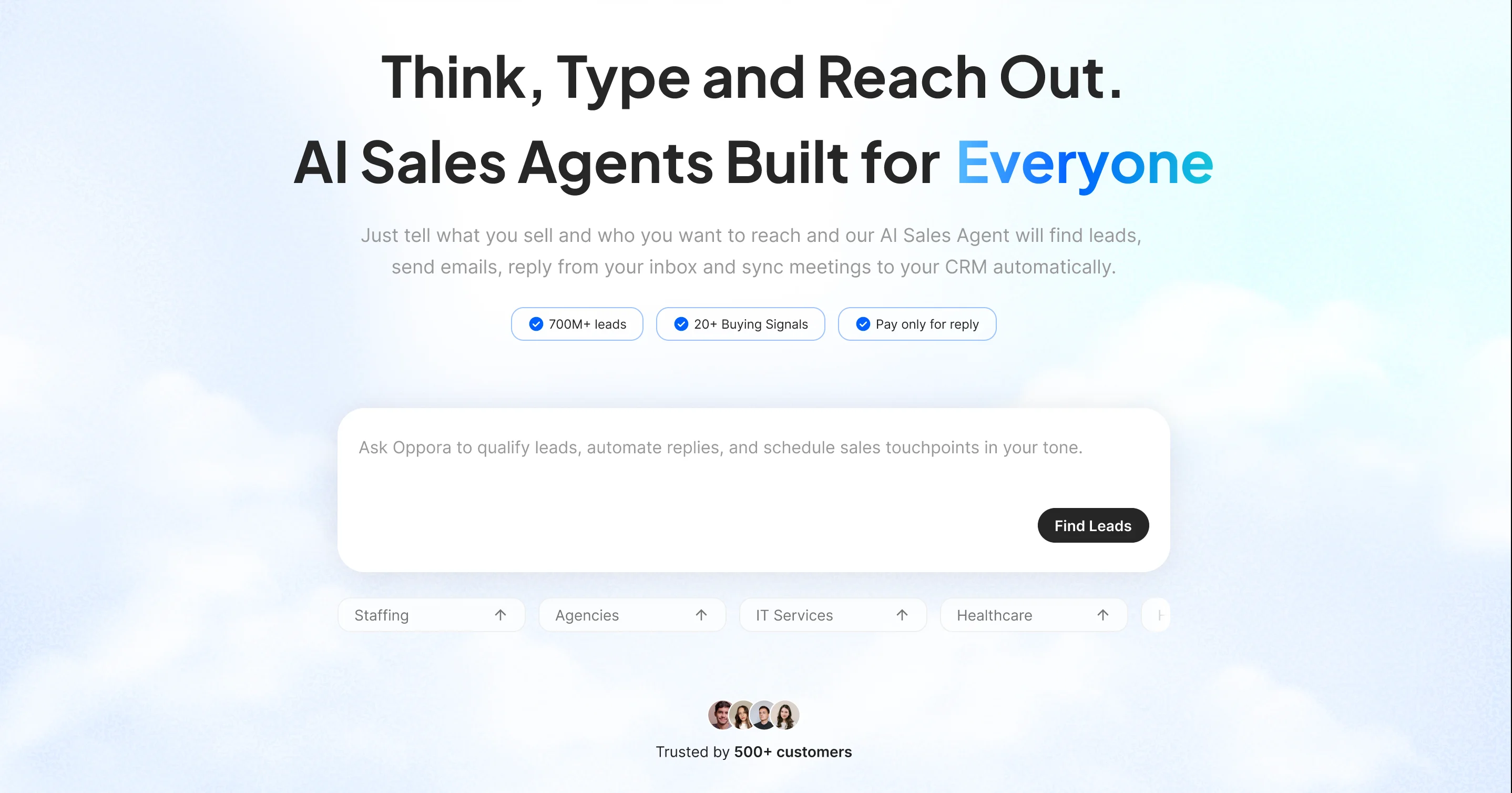
Oppora is an AI sales system built to run your entire outbound workflow — from finding leads to booking meetings — without you managing every step manually.
It combines LinkedIn outreach, email automation, lead enrichment, and AI reply handling into one self-running system.
It's not just a LinkedIn automation tool. It's a full-cycle sales engine.
Key Features
- Chrome Extension to capture leads directly from LinkedIn profiles in one click
- LinkedIn automation built into email sequences as one unified multichannel flow
- Automated LinkedIn connection requests with AI-personalized message variants
- AI-powered lead prospecting from a 1B+ database with LinkedIn-specific filters
- Waterfall enrichment that verifies and enriches LinkedIn leads with accurate contact data
- 8 AI Sales Agents handling the full outreach cycle — from LinkedIn prospecting to replies and meeting booking
- AI Reply Agent that qualifies email responses and books meetings automatically
- CRM sync with HubSpot, Salesforce, Pipedrive, and built-in Oppora CRM — so no LinkedIn lead ever falls through
How It Helps Automate LinkedIn Outreach
What makes Oppora different is its workflow that can keep on running daily without any further intervention required.
For example:
You can schedule a workflow to run every day at 10 AM that finds companies in your target industries, identifies Sales Leaders at those companies, finds their verified emails, and automatically sends them a LinkedIn connection request along with a follow-up email — without you touching it once it's set up.
You build the sequence once, and the AI agents keep running it.
No manual follow-ups. No switching between tools. No copy-pasting messages.
Pricing
- Free — $0/month (50 data credits, 10 AI credits, 1 phone credit)
- Pro — $34/month (10,000 data credits, 500 AI credits, 200 phone credits)
- Max — $79/month (25,000 data credits, 1,000 AI credits, 600 phone credits)
- Enterprise — Custom pricing for larger teams with flexible credit allocations
- Add-on Credit Packs — Buy extra credits for email discovery, verification, enrichment, phone numbers, or recipient volume without upgrading your entire plan
2. Expandi
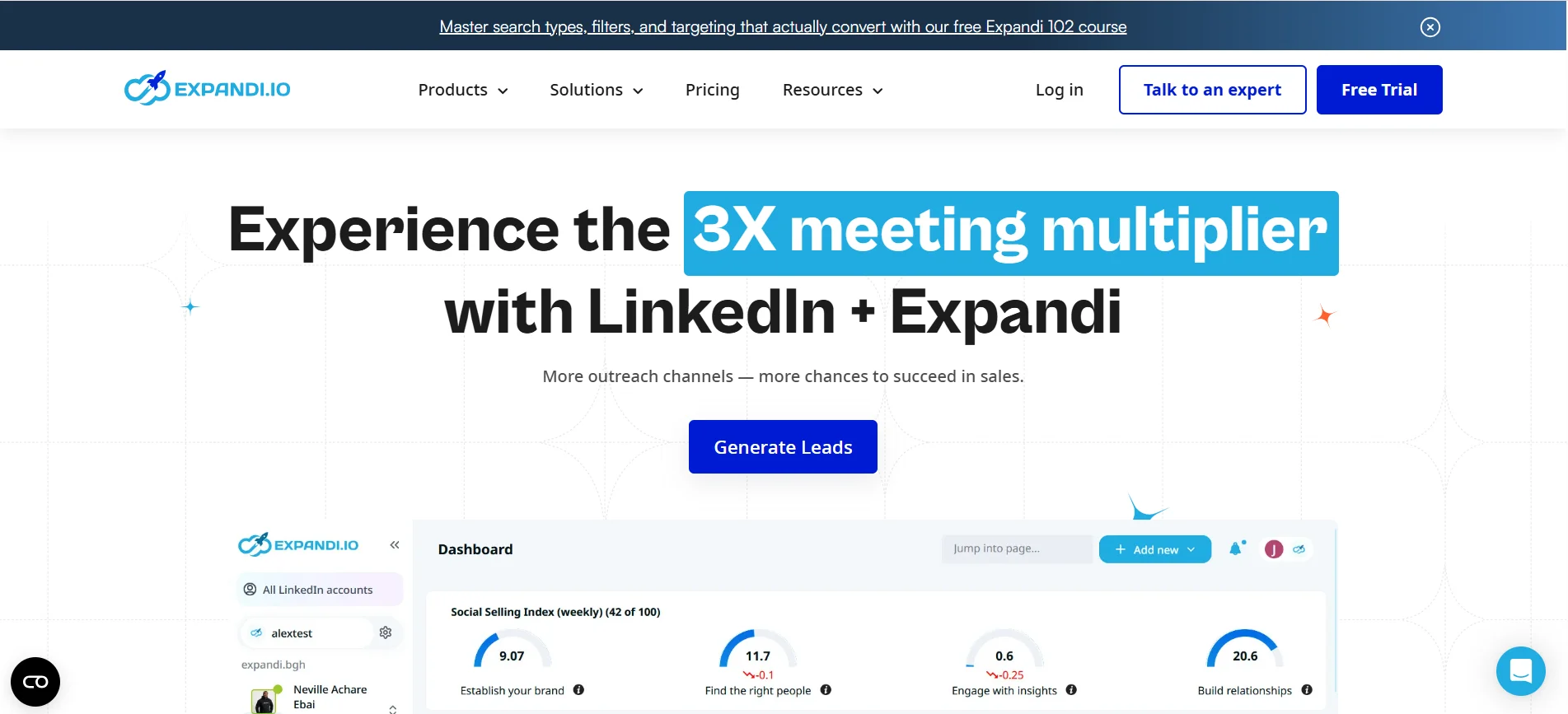
Expandi is a cloud-based LinkedIn automation platform built for sales teams, recruiters, and agencies who want to scale outreach without relying on browser extensions.
Campaigns run in the cloud around the clock — even when your laptop is off.
Key Features
- Dedicated IP address per user, so your LinkedIn account isn't sharing infrastructure with other users
- 10+ campaign types and 7+ lead scraping methods including Sales Navigator, group members, event attendees, and post engagement
- Smart sequences with conditional logic that adapt based on prospect behavior
- Dynamic image and GIF personalization with custom variables for higher reply rates
- CRM integrations with HubSpot, Pipedrive, Zapier, and Salesforce
How It Helps Automate LinkedIn Outreach
Expandi lets you build sequences that combine LinkedIn profile views, connection requests, messages, and email follow-ups into one automated workflow — all managed from a single dashboard.
Pricing
- Business — $99/seat/month (or $79/month billed annually) Puzzle Inbox
- Agency — Custom pricing for teams managing 10+ seats
- 7-day free trial available
3. Dripify
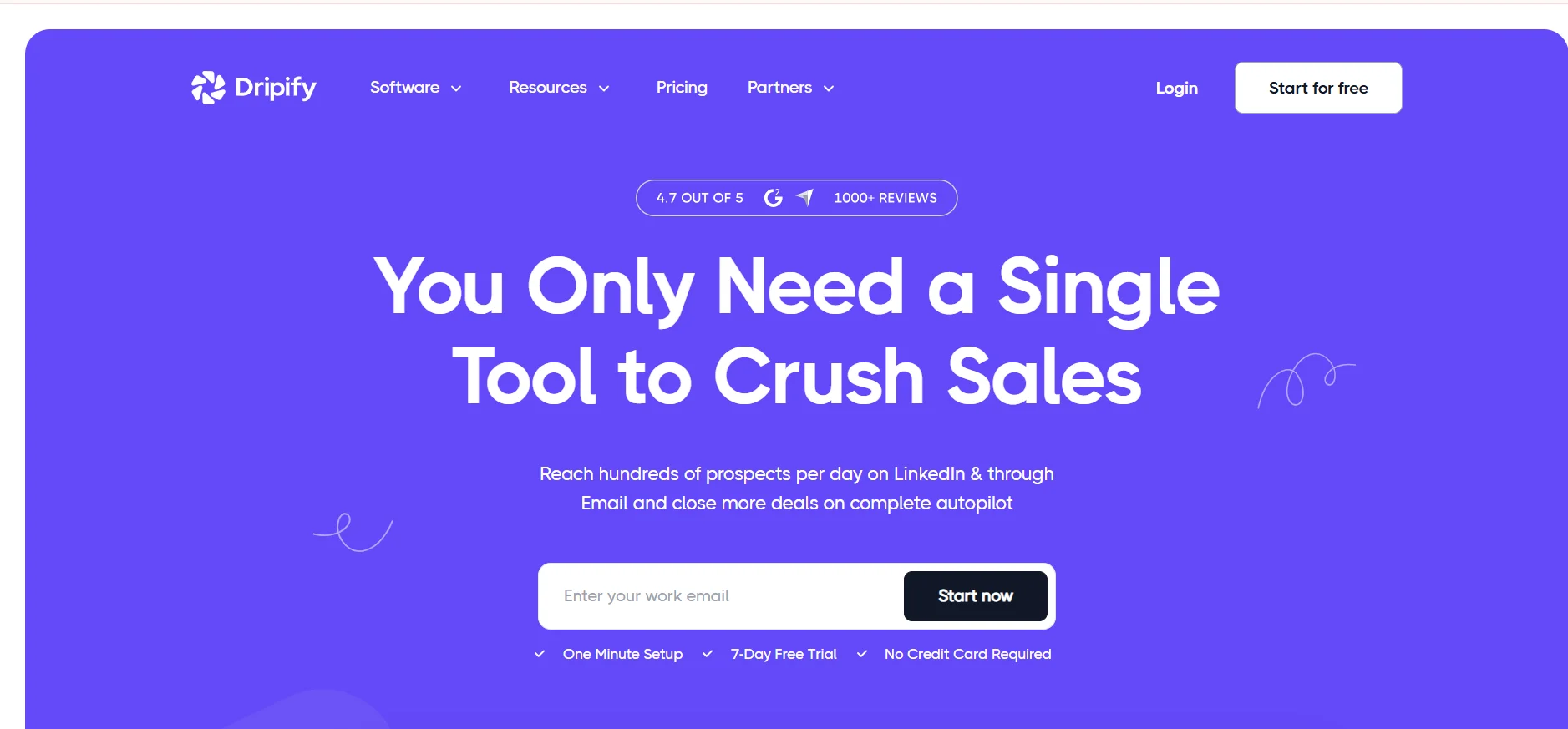
Dripify is a cloud-based LinkedIn automation platform built for sales professionals, recruiters, and business owners who want to scale their outreach without spending hours manually reaching out to prospects.
It runs 24/7 in the cloud, so your campaigns keep going even when your laptop is closed.
Key Features
- Multi-step drip campaigns with conditional logic — connect, wait, message, follow up, all on autopilot
- Works with LinkedIn Free, Premium, Sales Navigator, Recruiter, and Recruiter Lite accounts
- Built-in email finder and verifier to move conversations beyond LinkedIn
- Smart inbox to manage all LinkedIn replies without leaving the platform
- CRM integrations with HubSpot, Salesforce, Zoho, Pipedrive, and Google Sheets via Zapier or webhooks
How It Helps Automate LinkedIn Outreach
Dripify automates profile visits, connection requests, messaging, and follow-ups while offering analytics and team management features — all from one clean dashboard.
Pricing
- Basic — $39/month (1 active campaign)
- Pro — $59/month (unlimited campaigns, A/B testing)
- Advanced — $79/month (team management, advanced safety controls)
- 7-day free trial, no credit card required
4. Waalaxy
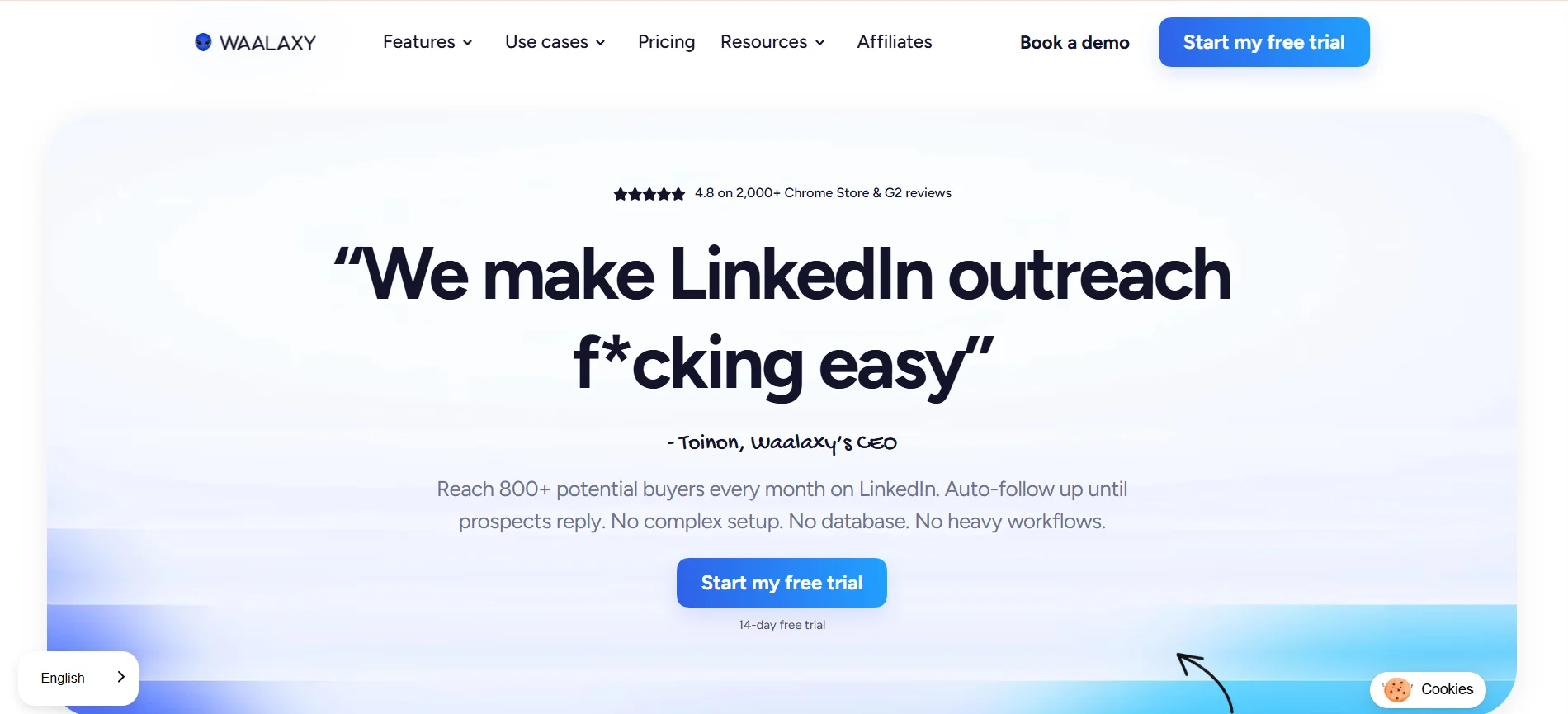
Waalaxy is a LinkedIn automation and prospecting tool built for sales professionals, recruiters, and growth teams who want an accessible way to generate leads on LinkedIn without technical expertise.
It's especially popular among solopreneurs and small teams getting started with outreach automation.
Key Features
- 99+ pre-built campaign sequences covering connection requests, profile visits, messages, and follow-ups
- AI-powered message writing with GPT-powered suggestions to personalize outreach at scale
- Built-in email finder to enrich LinkedIn leads with verified email addresses
- Inbox Waalaxy for managing replies with tagging, filtering, and smart views
- CRM integrations with HubSpot and Pipedrive, plus 2,000+ apps via Zapier and Make
How It Helps Automate LinkedIn Outreach
Waalaxy's sequence templates cover the standard LinkedIn outreach flow — connection request, message after acceptance, follow-up, and optional email step — all set up in minutes with no coding required.
Pricing
- Free — €0/month (80 LinkedIn invitations/month)
- Pro — €49/month (LinkedIn automation only)
- Advanced — €69/month (CRM sync, better import options)
- Business — €99/month (first plan with full LinkedIn and email multichannel outreach)
- 7-day free trial, no credit card required
5. Closely
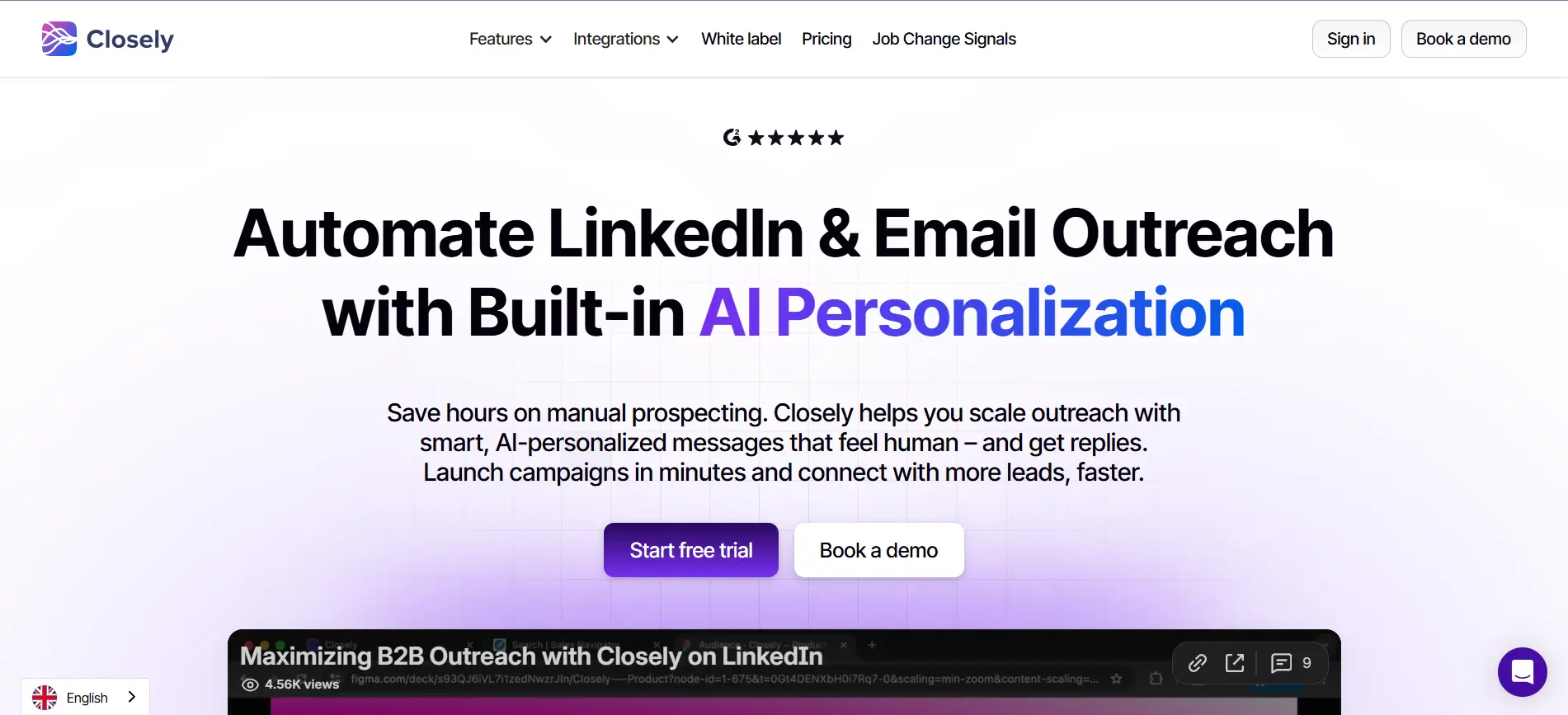
Closely is a platform that blends AI-driven personalization with multichannel outreach, making it easier for sales teams, marketers, and agencies to manage their prospecting efforts by automating both LinkedIn and email campaigns.
It's a strong pick for teams that want prospecting and outreach in one place.
Key Features
- AI personalization that adjusts messaging based on each prospect's behavior, keeping outreach targeted rather than generic
- Built-in verified email and phone number finder to enrich LinkedIn leads automatically
- Unified inbox that centralizes LinkedIn DMs, InMails, and email replies in one view
- Dedicated residential proxies with smart limits and randomized delays to reduce account restriction risk
- CRM integrations with HubSpot, Salesforce, Pipedrive, and Zoho
How It Helps Automate LinkedIn Outreach
Closely lets you build complex workflows that adapt based on how prospects engage — making campaign strategy dynamic and responsive rather than one-size-fits-all.
Pricing
- Starter — $49/month (1 LinkedIn account, 1,000 credits)
- Growth — $127/month (3 LinkedIn accounts, 3,000 credits)
- Essential — $205/month (5 LinkedIn accounts, 5,000 credits)
- Custom — from $350/month for larger teams
- Annual billing saves up to 40%
6. HeyReach
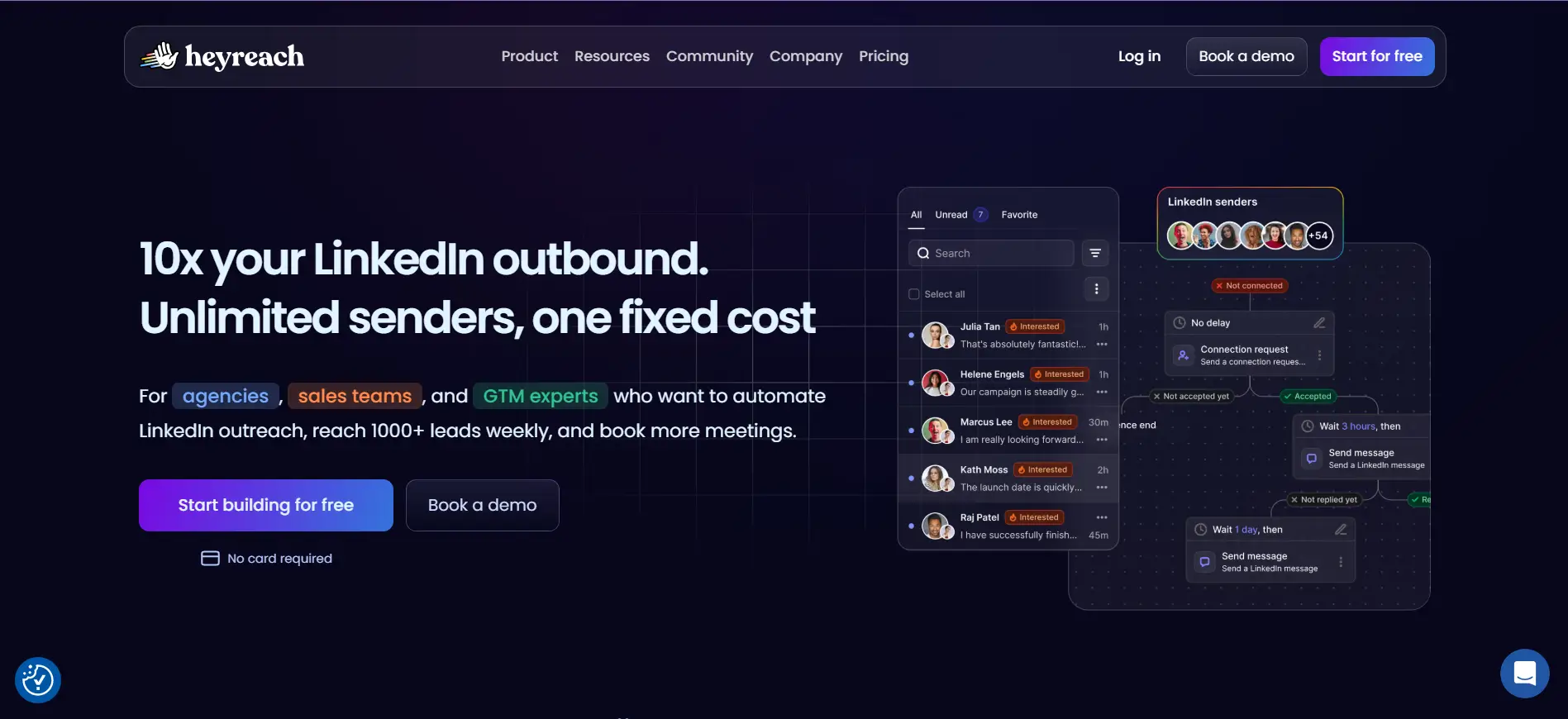
HeyReach is a cloud-based LinkedIn automation platform built specifically for agencies and sales teams managing multiple LinkedIn accounts under one dashboard.
It's the tool that makes the most sense when you're running outreach across many clients or senders — not just one profile.
Key Features
- Unlimited sender rotation — automatically distributes outreach across multiple LinkedIn accounts within the same campaign
- Centralized unified inbox to handle all LinkedIn conversations across every account without logging in and out
- Inbound-led campaign triggers — when someone visits your site or engages with your posts, they're pushed into HeyReach as a warm lead automatically
- White-label capabilities for agencies managing client accounts
- Native integrations with HubSpot, Clay, Make, Zapier, and n8n for full workflow automation
How It Helps Automate LinkedIn Outreach
Sender rotation distributes outreach automatically across the account pool, with organic-mimicking activity timing — producing one of the lowest LinkedIn restriction rates in the category.
Pricing
- Starter — $79/month per LinkedIn sender
- Agency — $999/month for up to 50 LinkedIn accounts
- Unlimited — $1,999/month for unlimited accounts
- 14-day free trial available
7. LaGrowthMachine
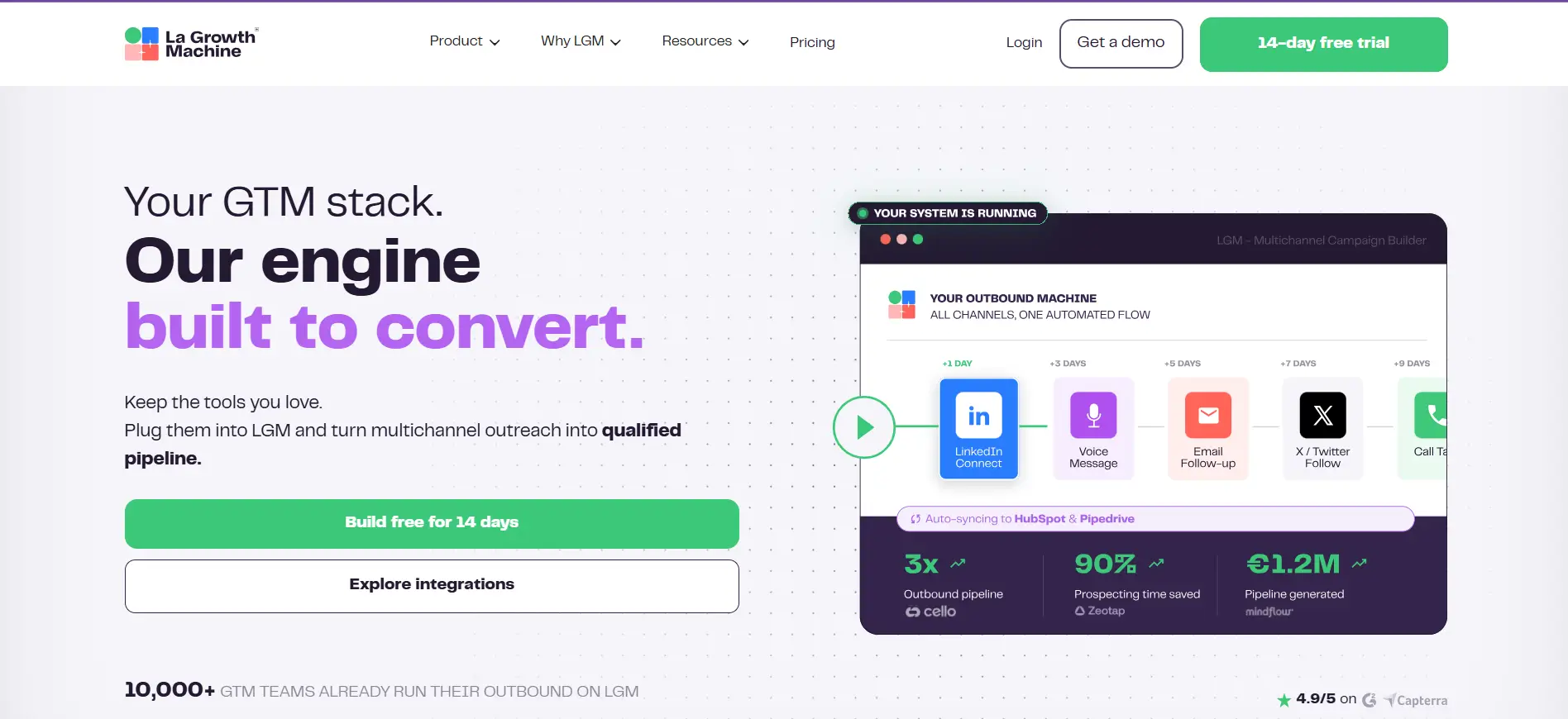
LaGrowthMachine is a prospecting tool that automates sales outreach on email, LinkedIn, and X (Twitter), with its key appeal being its powerful sequence builder, data enrichment capabilities, and unified communication for team collaboration.
It's built for sales teams that want everything coordinated in one workflow — not spread across multiple tools.
Key Features
- Visual drag-and-drop sequence builder that coordinates LinkedIn, email, and Twitter touchpoints in one condition-based flow
- AI-driven Magic Messages for automated voice notes and personalized content generation
- Built-in waterfall enrichment to find verified emails and enrich prospect data automatically
- Multichannel unified inbox that brings LinkedIn and email conversations together in one place
- Native CRM sync with HubSpot and Pipedrive, plus Zapier for other tools
How It Helps Automate LinkedIn Outreach
LaGrowthMachine runs sequences from its cloud infrastructure with a dedicated IP per identity — keeping your LinkedIn account away from the activity patterns that typically trigger restrictions.
Pricing
- Basic — $60/month per identity (LinkedIn automation, limited sequences)
- Pro — $110/month per identity (multichannel LinkedIn + email)
- Ultimate — $165/month per identity (API access, unlimited campaigns, full CRM sync)
- 14-day free trial, no credit card required
8. MeetAlfred
MeetAlfred is a cloud-based LinkedIn automation and multichannel outreach platform designed for sales teams, marketers, and recruiters — and one of the first tools to combine LinkedIn, email, and X outreach in a single campaign.
It's been in the market since 2016, which gives it a stability most newer tools can't match.
Key Features
- Multi-channel sequence builder spanning LinkedIn, email, and Twitter — all with configurable delays between each touchpoint
- AI-powered Lead Finder with a built-in LinkedIn-focused CRM and smart unified inbox
- LinkedIn Groups and Events automation, post retargeting, and social media post scheduling
- Team management dashboard for sales managers to monitor rep-level campaign performance
- Integrations via Zapier, webhooks, and API
How It Helps Automate LinkedIn Outreach
MeetAlfred automates connection requests, messages, profile visits, and follow-up sequences — letting SDRs run ongoing outreach campaigns without manual effort at each step.
Pricing
- Individual — $59/month (LinkedIn-only sequences, basic analytics)
- Business — $99/month (multichannel LinkedIn + email + Twitter, team management, CRM integrations)
- Agency — Custom pricing for managing multiple client accounts
- 7-day free trial available
9. Skylead
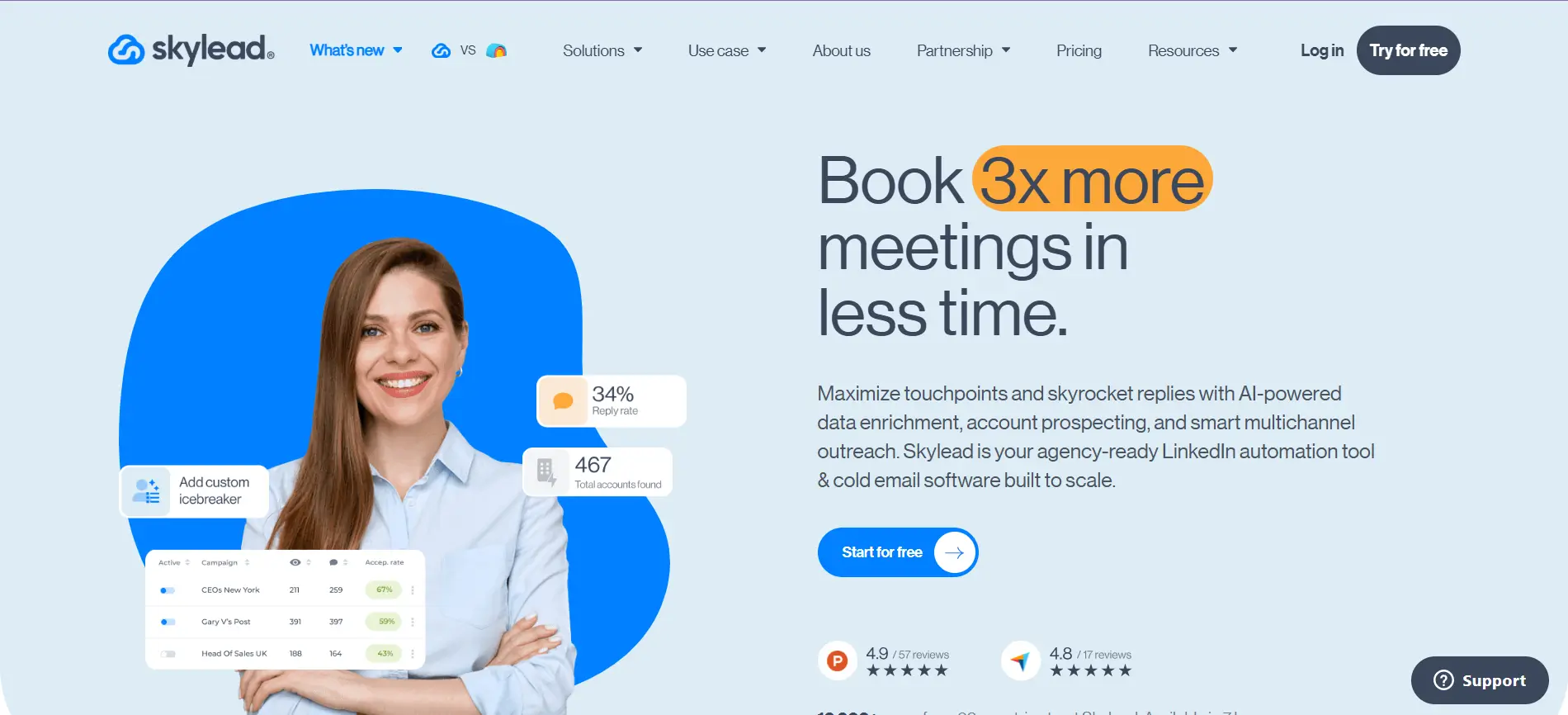
Skylead is a cloud-based LinkedIn automation and email outreach platform that targets B2B sales teams and agencies wanting a single tool for LinkedIn and email outreach without juggling separate tools for automation, email finding, and personalization.
The flat pricing is one of its biggest selling points.
Key Features
- Smart Sequences with if/else logic that react to what prospects actually do — routing each lead down the path most likely to get a response
- Unlimited email accounts with up to 100,000 emails per month and infinite email warm-up included at no extra cost
- Built-in email finder and verifier so you can reach contacts beyond LinkedIn without bounce issues
- Image and GIF personalization that embeds the prospect's name or company visually into messages
- Unified smart inbox consolidating LinkedIn and email replies in one place
How It Helps Automate LinkedIn Outreach
Skylead assigns a dedicated IP per account and builds conditional outreach flows that switch between LinkedIn and email depending on prospect responses — keeping every touchpoint relevant rather than repetitive.
Pricing
- All-in-One Plan — $100/month per LinkedIn account, with every feature included
- Whitelabel Plan — Custom pricing for agencies
- 7-day free trial available
10. SalesRobot
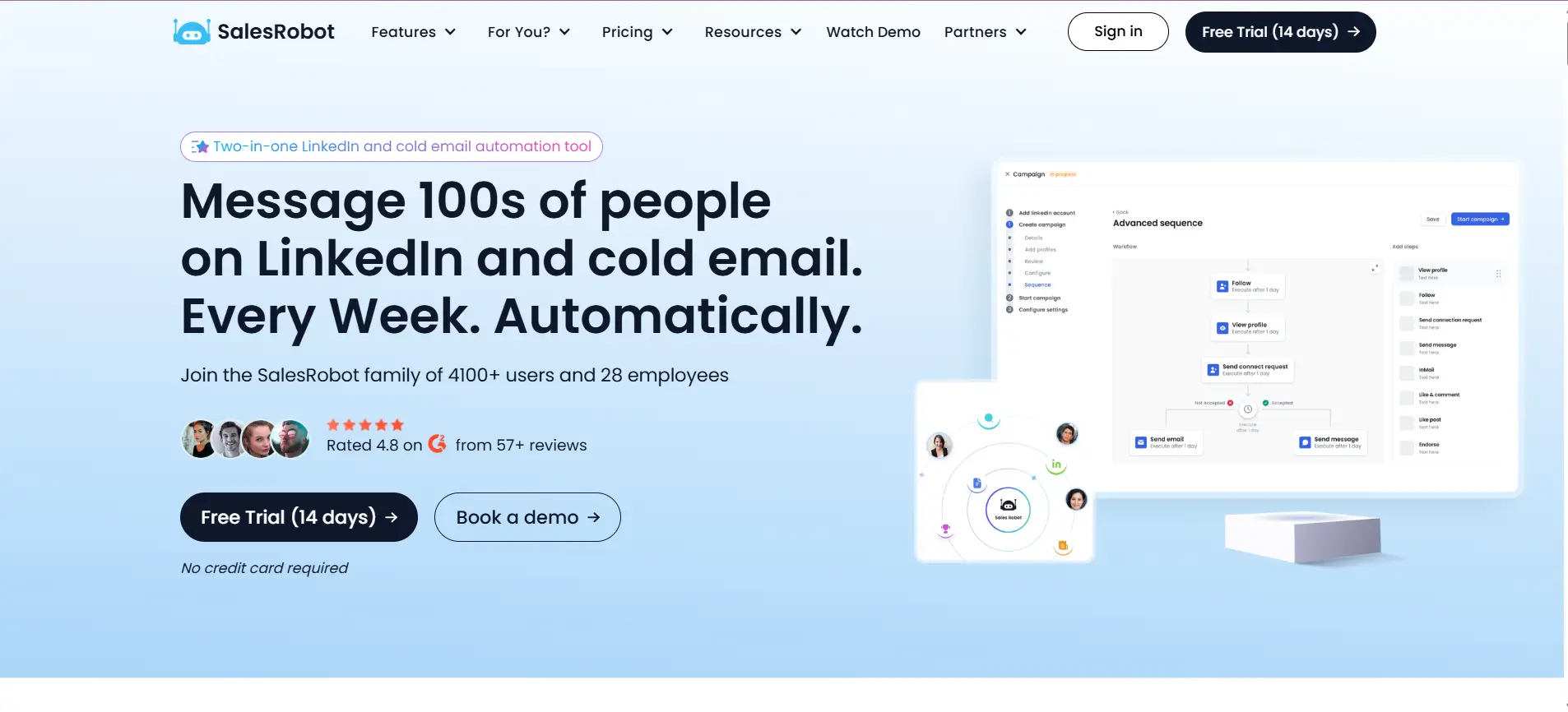
SalesRobot is a cloud-based LinkedIn and email outreach tool that emphasizes safe automation and AI-powered message personalization, operating from dedicated residential IPs while mimicking human browsing patterns to minimize detection risk.
It's built specifically around LinkedIn — not treating it as a secondary channel.
Key Features
- AI-generated message personalization that reads each prospect's recent LinkedIn posts, career changes, and company news to write a unique opening line — not just variable substitution
- 15+ LinkedIn actions including voice messages, InMails, post reactions, and connection requests — all in one drip campaign
- Smart campaign throttling that adjusts daily activity based on account health signals
- Built-in mini-CRM for managing prospect conversations and reply tracking
- CRM integrations with HubSpot and Salesforce via Zapier
How It Helps Automate LinkedIn Outreach
SalesRobot runs multichannel sequences combining LinkedIn and email — with the same AI engine personalizing both channels using each prospect's LinkedIn activity, keeping outreach consistent across touchpoints.
Pricing
- Basic — $59/month (or $39/month annually)
- Advanced — $79/month (or $59/month annually)
- Professional — $99/month (or $79/month annually) -
- 14-day free trial, no credit card required
Best Practices for Using AI Tools for Automating LinkedIn Outreach
Having the right tool is only half the equation. How you use it determines whether your outreach generates real conversations or gets ignored — and potentially gets your account restricted in the process.
These five practices will help you get the most out of whichever tool you choose.
Personalize Every Connection Request
Automation should handle the volume. Your messaging should still feel human.
A generic "I'd love to connect" gets ignored. A message that references something specific — a recent post, a shared challenge, a relevant role change — gets noticed.
Most tools on this list support dynamic variables or AI-generated icebreakers. Use them.
The goal isn't to fake a personal touch. It's to make every prospect feel like they were researched, not just imported from a list.
Suggested Reading:
11 Best Practices for Converting LinkedIn Connections Into Sales MeetingsBuild Multichannel Outreach Instead of Relying Only on LinkedIn
LinkedIn alone has limits — both in terms of platform restrictions and prospect attention.
If someone doesn't respond to your connection request, that doesn't mean they're not interested.
They may just not be active on LinkedIn that week.
Adding email as a follow-up channel significantly increases your chances of getting a reply without sending more LinkedIn messages.
The best tools on this list — Oppora, Skylead, LaGrowthMachine, and others — let you build LinkedIn and email into one unified sequence so no prospect falls through the cracks.
Use Buying Signals Before Starting Conversations
Sending outreach to everyone in a job title filter is not targeting — it's spraying.
Before you launch a sequence, look for prospects who are already showing intent. This includes people who:
- Recently changed jobs or got promoted
- Are actively hiring in relevant departments
- Have engaged with content related to your solution
- Work at companies that just raised funding or expanded
Starting a conversation with someone who already has a reason to be interested will always outperform cold volume outreach.
Track Outreach Metrics That Matter
Open rates tell you if your subject lines work. Reply rates tell you if your message works. Meeting booked rates tell you if everything is working together.
Most teams track the first metric and ignore the rest. Focus on reply rate and positive reply rate as your primary signals — these tell you whether your targeting and personalization are actually landing.
Follow LinkedIn Safety Best Practices
No automation tool makes you immune to LinkedIn restrictions. What reduces your risk is how you use the tool.
Keep daily connection requests conservative, warm up new accounts gradually, avoid copy-pasting the same message to everyone, and always stay within LinkedIn's recommended weekly limits. Your account is worth more than any single campaign.
Conclusion
Automating LinkedIn outreach isn't about sending more messages — it's about sending the right ones to the right people without burning hours doing it manually.
Every tool on this list solves a piece of that problem. Some are better for agencies, some for solo founders, and some for teams that want everything in one place.
If you're looking for a platform that handles LinkedIn outreach as part of a fully automated sales workflow — from finding leads to booking meetings — Oppora is worth exploring. It's built to run the entire outbound process, not just one step of it.
Frequently Asked Questions (FAQs)
Is it safe to use AI tools for automating LinkedIn outreach without getting banned?
Yes, if you use cloud-based tools with smart throttling, randomized delays, and gradual account warm-up. Staying within LinkedIn's weekly connection limits and avoiding identical messages to every prospect significantly reduces your restriction risk. No tool eliminates risk entirely, but responsible usage keeps accounts safe.
Do I need LinkedIn Sales Navigator to use most of these tools?
Not necessarily. Most tools on this list work with a free or premium LinkedIn account. Sales Navigator is optional but improves targeting quality with advanced filters. Tools like SalesRobot, Dripify, and Closely explicitly support outreach without requiring a Sales Navigator subscription.
How many LinkedIn connection requests can I safely send per week?
LinkedIn currently limits connection requests to around 100 per week. AI automation tools enforce this through daily caps and smart throttling. Newer or less-active accounts should start lower — around 20 to 30 per day — and ramp up gradually to avoid triggering LinkedIn's detection algorithms.
Can I use multiple AI outreach tools together in the same workflow?
Yes, and many teams do. A common setup is using one tool for lead sourcing and enrichment and another for outreach sequencing. However, platforms like Oppora are designed to replace this multi-tool approach by handling prospecting, enrichment, outreach, and replies inside one system.
What is the biggest mistake people make when automating LinkedIn outreach?
Prioritizing volume over relevance. Importing a large list and blasting everyone with the same message rarely works. The most effective automated outreach starts with a well-defined ICP, uses buying signals to prioritize prospects, and personalizes messaging — even when automation is handling the delivery at scale.