10 AI Tools for LinkedIn Lead Generation to Get More Clients
ai tools for linkedin lead generation

You already know LinkedIn is where your best clients hang out. The hard part is turning all those profiles into actual conversations without burning your whole week doing it manually.
That's exactly where AI tools step in to do the heavy lifting for you.
The right AI tools for LinkedIn lead generation can find prospects, verify contacts, and start real conversations while you focus on closing.
In this guide, you'll walk away knowing:
- The key types of AI tools built for LinkedIn lead generation
- A quick comparison of the top 10 tools
- How to pick the one that fits your workflow
Key Types of AI Tools for LinkedIn Lead Generation
Before you pick a single tool, it helps to understand the different jobs these tools actually do.
Most AI tools for LinkedIn lead generation don't try to do everything. Each one usually owns one part of your prospecting workflow.
Once you know these four categories, choosing the right fit becomes a lot easier.
AI Prospecting and Lead Discovery Tools
These tools help you find the right people before you ever send a message.
Instead of scrolling LinkedIn manually, you set your filters and let the tool surface matching prospects for you.
Most lead discovery tools let you search by:
- Job title, seniority, and department
- Company size, industry, and location
- Buying signals like recent funding or job changes
The goal here is simple: build a targeted list of leads worth reaching out to.
LinkedIn Automation and Outreach Tools
Once you have your list, you need a way to actually start conversations at scale.
This is where LinkedIn automation tools come in and handle the repetitive outreach for you.
They automate connection requests, follow-up messages, and profile visits so you stay active without manual effort.
The best ones mimic human behavior to keep your account safe while still reaching more prospects every day.
Contact Enrichment and Email Verification Tools
LinkedIn gives you the person, but not always a reliable way to reach them off-platform.
That gap is exactly what enrichment and verification tools are built to close.
These tools pull verified emails and phone numbers, then confirm each contact is real before you send anything.
Clean, verified data means fewer bounces, better deliverability, and outreach that actually lands in the inbox.
Suggested Reading:
Company Data Enrich by Oppora.ai - Smarter B2B Targeting with Accurate Company InsightsAI Personalization and Sales Engagement Tools
Finding leads is only half the battle, getting replies is where deals really start.
This final category focuses on turning cold contacts into genuine conversations.
These tools use AI to write personalized messages, run multi-channel sequences, and manage replies from one place.
Some even qualify interest and book meetings for you, so warm leads never slip through the cracks.
Together, these four categories cover your entire LinkedIn lead generation workflow from first search to booked meeting.
Suggested Reading:
9 Best AI Sales Enablement Platforms That Improve WinQuick Comparison of the Best AI Tools for LinkedIn Lead Generation
Now that you know the four categories, let's put the top tools side by side.
This quick comparison gives you a fast snapshot before we break down each tool in detail below.
Use it to spot which tools match your workflow, then dig into the full reviews that follow.
A few things stand out when you scan this table.
Most tools focus on just one slice of the workflow, like automation or enrichment alone.
Oppora is the outlier here, since it combines lead discovery, enrichment, personalization, and outreach into one system.
That difference matters when you're deciding between stitching several tools together or running everything from a single platform.
Let's break down each tool now, starting with the one built to handle your entire workflow.
10 AI Tools for LinkedIn Lead Generation Compared
Now let's get into the details you actually came for.
Below, you'll find the 10 AI tools for LinkedIn lead generation compared side by side.
For each one, we'll cover the key features, how it helps with your LinkedIn lead generation, and pricing.
We'll start with Oppora, since it handles the entire workflow, then move through the rest tool by tool.
1. Oppora
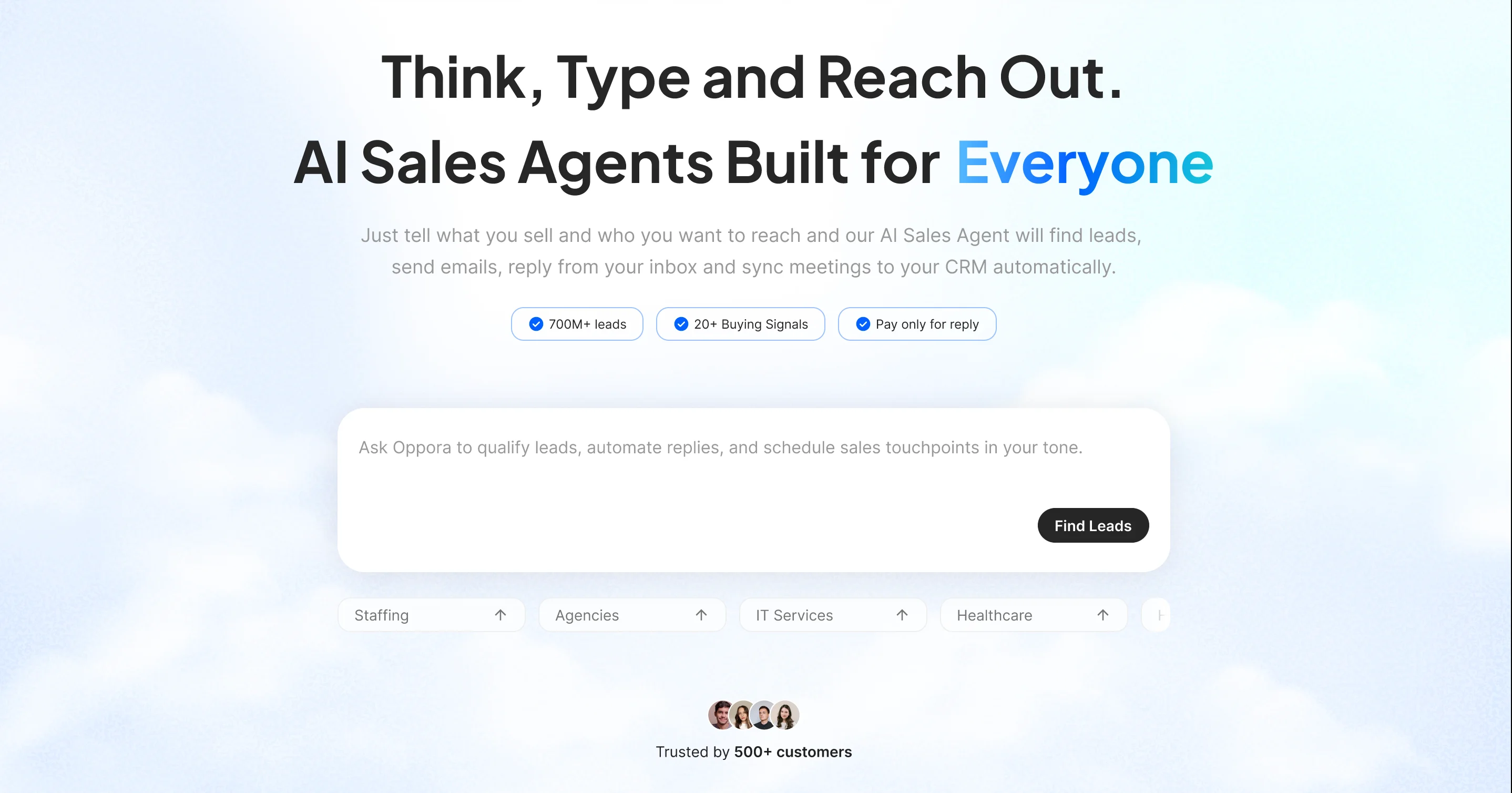
Let's start with the tool built to run your entire outreach, not just one piece of it.
Oppora is one of the few AI tools for LinkedIn lead generation that handles the full process, from finding leads to booking meetings.
It's an AI sales system that replaces manual outbound with self-running workflows.
Instead of prompting a tool for every step, you set up your workflow once and let 8 AI agents find, enrich, message, and follow up with prospects for you.
That means your LinkedIn lead generation keeps running in the background while you focus on closing.
Key Features
- Access to 1B+ verified B2B contacts and 42M+ companies that pulls LinkedIn leads with full contact info straight into your list, no scrolling required
- Advanced LinkedIn search filters like job title, seniority, company size, industry, location, revenue, and hiring activity
- One-click enrichment and real-time verification that fills in emails and phone numbers while cutting bounce rates
- Buying signals and intent data that surface LinkedIn prospects actively researching solutions
- Chrome extension that captures leads straight from LinkedIn profiles and company pages without switching tabs
- Bulk LinkedIn lead generation that collects, verifies, and enriches thousands of prospects while avoiding duplicates
- AI-generated messages and multi-channel outreach that combine LinkedIn requests, messages, and email in one flow
- Daily connection invite caps per account with auto-withdraw for requests left unaccepted, keeping your account safe
- AI reply handling that qualifies interested prospects and books meetings straight from your inbox
- Built-in CRM sync and campaign analytics that push data to HubSpot, Salesforce, or Pipedrive and track your winning sequences
How It Helps With LinkedIn Lead Generation
Most tools stop at LinkedIn automation, but Oppora blends LinkedIn into your full outreach flow.
You have two simple ways to run your LinkedIn lead generation here.
You can build a lead list using Oppora's finder, then run a LinkedIn connection campaign and email outreach side by side.
Or you can create a self-running workflow instead.
For instance, you could tell Oppora: "Every day at 10 am, find founders of US marketing agencies and send them a LinkedIn invite, then auto-withdraw it if they don't accept within 7 days."
That workflow runs every morning on its own, so your leads get found and worked without daily logins.
Pricing
Oppora keeps pricing simple by covering lead generation, enrichment, and outreach in one plan.
Here's how the tiers break down:
- Free: $0 with 50 data credits, 1 phone credit, and 10 AI credits to test the platform
- Pro: $34/month with 10,000 data credits, 200 phone credits, 500 AI credits, 50 workflows, plus unlimited LinkedIn accounts and unlimited connection invites based on your own LinkedIn limits, not Oppora's
- Max: $79/month with 25,000 data credits, 600 phone credits, 1,000 AI credits, unlimited workflows, plus unlimited LinkedIn accounts and unlimited connection invites based on your own LinkedIn limits, not Oppora's
- Enterprise: starts at $499/month for larger teams with custom credits
2. Expandi
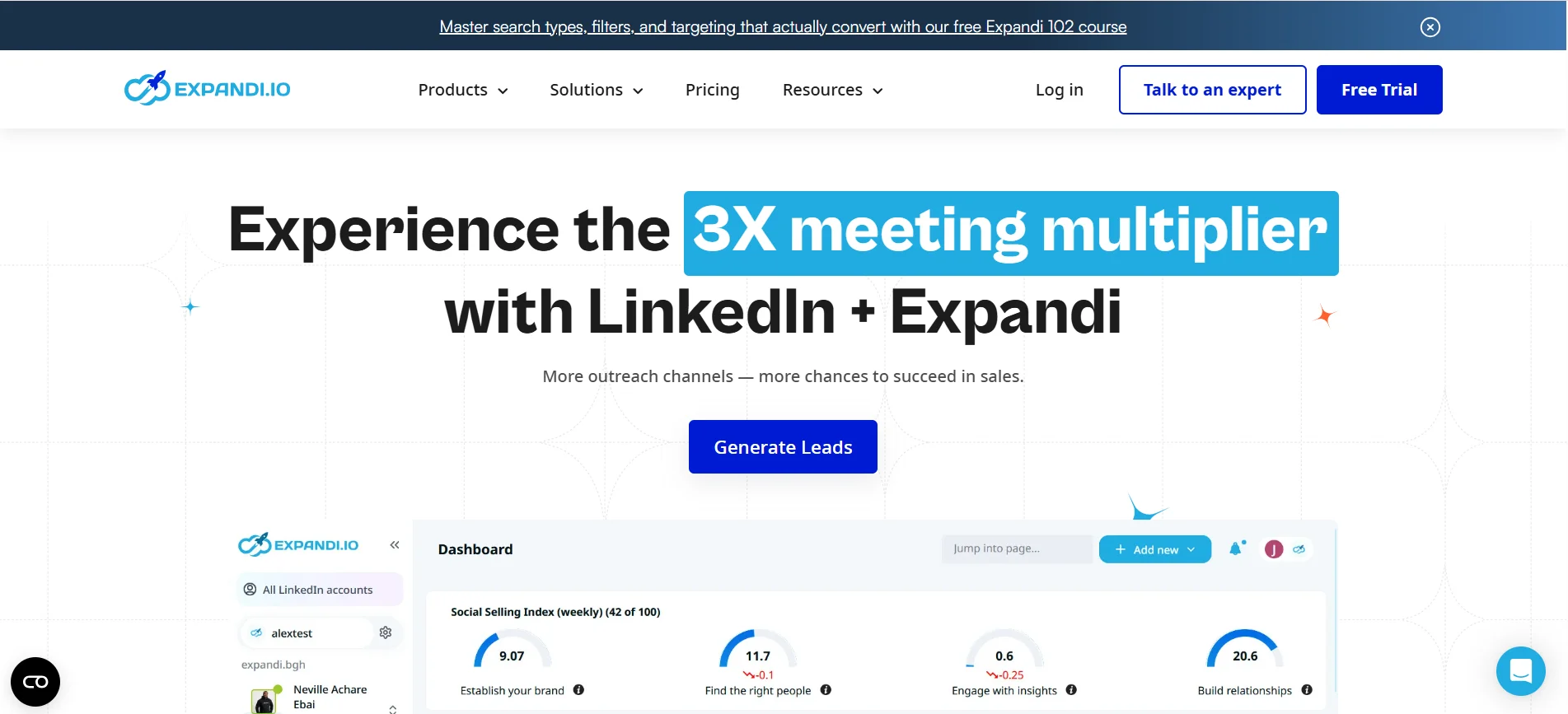
Next up is a tool built specifically for LinkedIn outreach at scale.
Expandi is a cloud-based LinkedIn automation platform known for safe, smart outreach sequences.
If LinkedIn is your main channel, this one focuses squarely on that.
Key Features
- Cloud-based automation that runs even when your computer is off
- Smart sequences that blend connection requests, messages, and follow-ups
- Dynamic personalization using images and GIFs to boost reply rates
- Built-in safety limits that mimic human behavior to protect your account
How It Helps With LinkedIn Lead Generation
Expandi helps you run outreach campaigns without babysitting them every day.
You set up a sequence once, and it works your prospect list automatically.
The personalization features help your messages stand out in a crowded inbox.
That combination usually means higher connection and reply rates over time.
Pricing
- Business plan at around $99/month per seat
- Free trial available to test before you commit
3. HeyReach
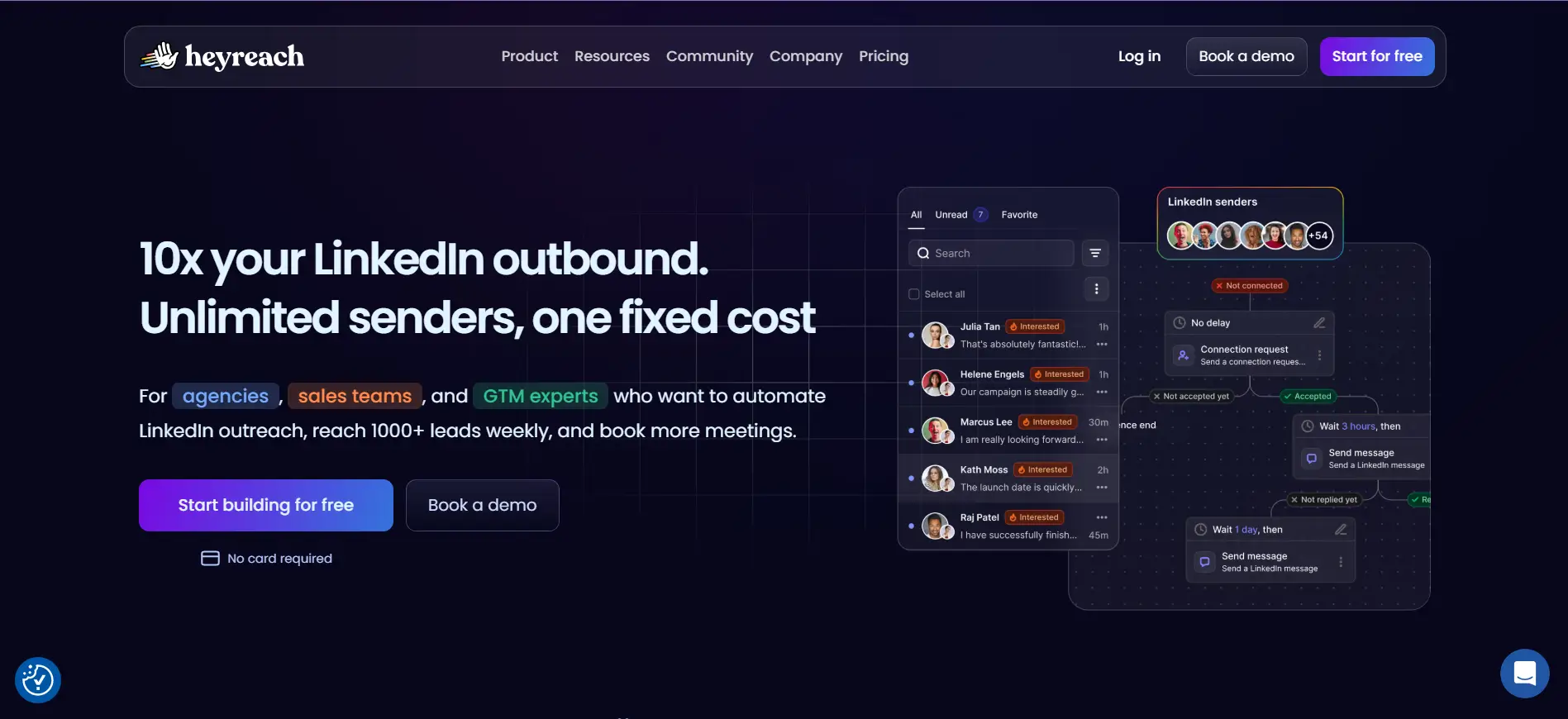
If you're running outreach across several LinkedIn accounts, this next tool was built for you.
HeyReach is a LinkedIn automation platform designed for agencies and teams managing multiple accounts at once.
It focuses on scaling outreach safely without juggling separate tools for each profile.
Key Features
- Multi-account LinkedIn sending managed from one dashboard
- Unified inbox that pulls replies from every account into one place
- Campaign sequences that rotate across accounts to stay within safe limits
- Integrations that push leads and replies into your CRM or other tools
How It Helps With LinkedIn Lead Generation
HeyReach helps you scale LinkedIn lead generation without hitting account limits.
By spreading outreach across multiple accounts, you reach far more prospects each day.
The unified inbox keeps every conversation in one view, so no reply slips through.
That makes it a strong fit for agencies handling outreach for several clients at once.
Pricing
- Starter plan at around $79/month per sending account
- Agency and unlimited tiers available for larger teams
4. Dripify
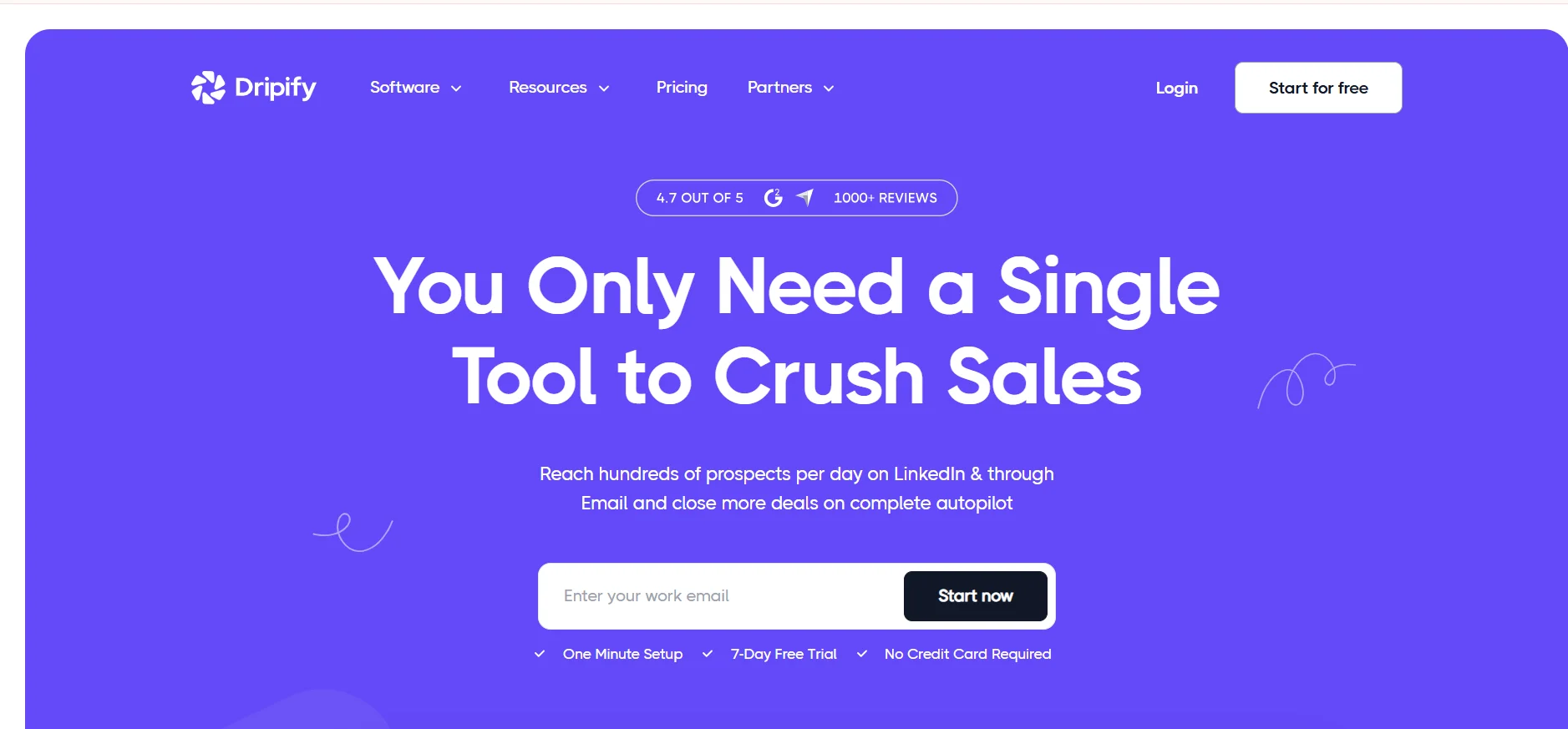
If you want LinkedIn automation that's easy to set up, Dripify is worth a close look.
Dripify is a cloud-based LinkedIn automation tool built around simple drip campaigns.
It's a popular pick for people who want results without a steep learning curve.
Key Features
- Visual drip campaign builder for connection requests, messages, and follow-ups
- Cloud-based sending that runs safely without keeping your browser open
- Built-in analytics that track connection, response, and conversion rates
- Team management tools to onboard and monitor multiple users
How It Helps With LinkedIn Lead Generation
Dripify helps you turn LinkedIn outreach into a hands-off, repeatable process.
You build a sequence once, add your leads, and let the campaign do the follow-up.
The clean analytics make it easy to see which sequences actually drive replies.
That simplicity makes it a solid choice for beginners and small teams starting out.
Pricing
- Basic plan at around $59/month per user
- Pro and Advanced tiers available for more features and volume
5. Waalaxy
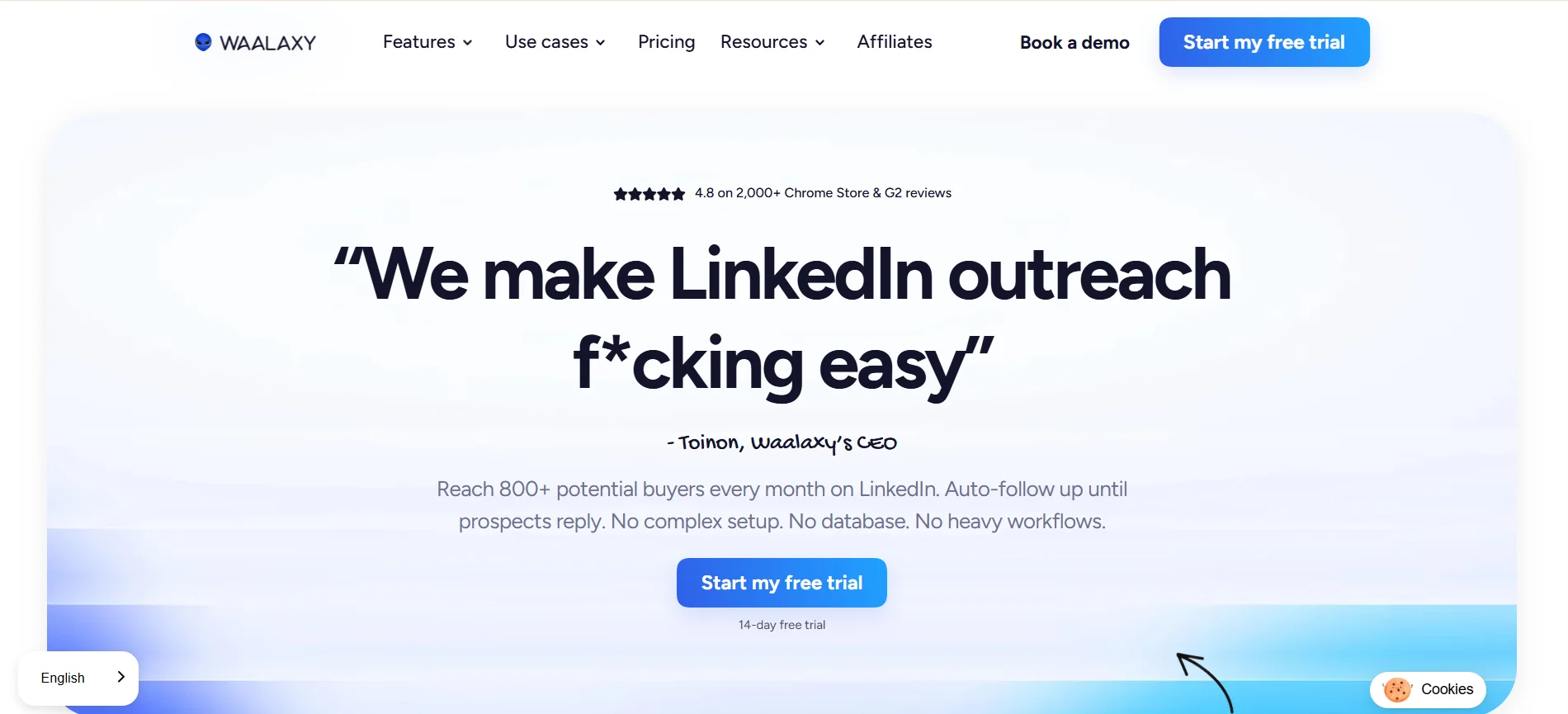
If you're just getting started with outreach, Waalaxy makes the first step easy.
Waalaxy is a LinkedIn automation tool built for beginners who want quick, simple setup.
It runs as a Chrome extension, so you can launch campaigns without any heavy onboarding.
Key Features
- Prospecting sequences that combine LinkedIn connection requests and messages
- Email finder that adds cold email as a second outreach channel
- Pre-built campaign templates to launch outreach in minutes
- Safety controls that cap daily actions to protect your account
How It Helps With LinkedIn Lead Generation
Waalaxy helps you start LinkedIn lead generation without a steep learning curve.
You pick a template, import your prospects, and let the sequence run automatically.
Adding email alongside LinkedIn gives you a second way to reach quiet prospects.
That makes it a friendly entry point for solopreneurs and small teams testing outreach.
Pricing
- Free plan with limited monthly invites to get started
- Paid plans starting around $56/month for more volume and features
6. SalesRobot
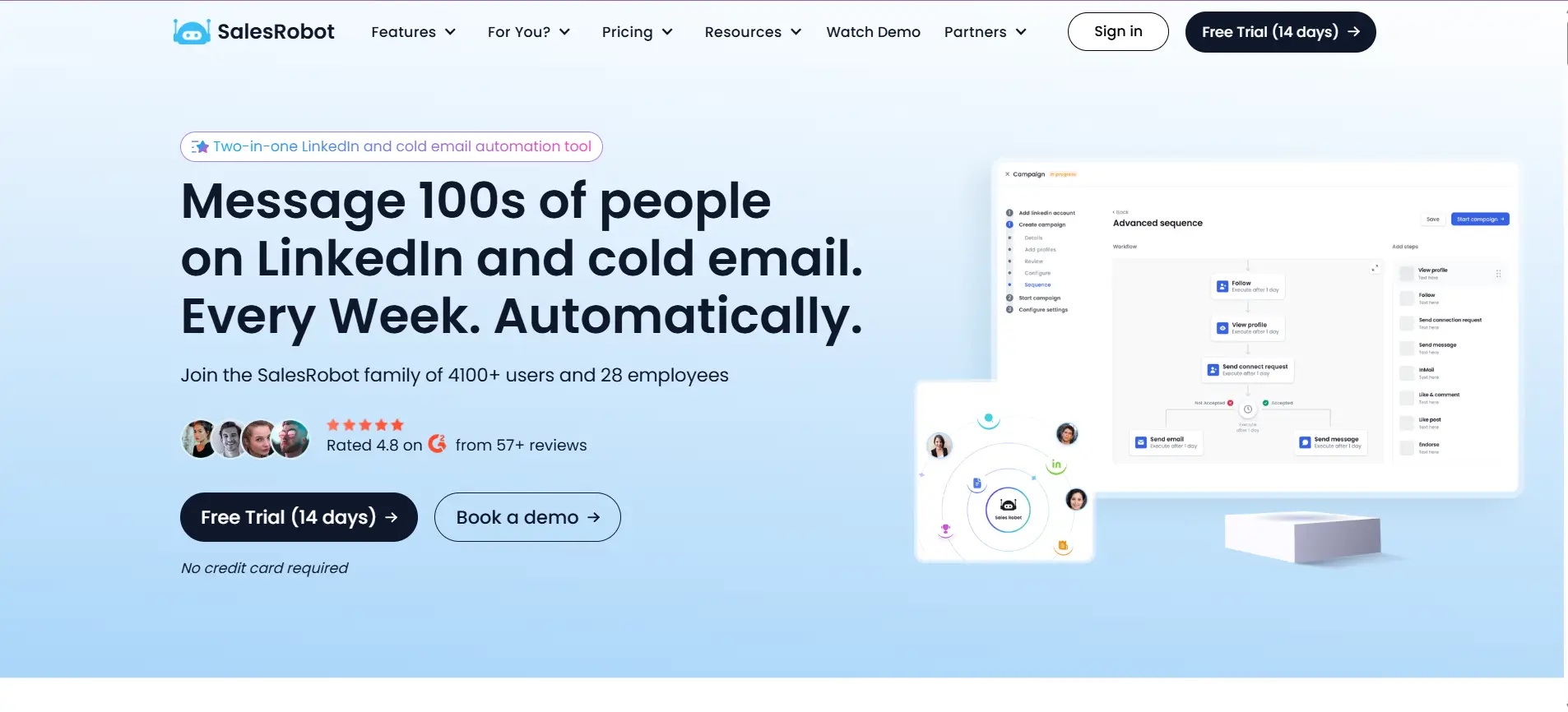
Next is a tool that leans into conversations rather than just automation.
SalesRobot is a LinkedIn and email outreach tool built to feel more human at scale.
It focuses on personalized, back-and-forth messaging instead of stiff, templated sequences.
Key Features
- Automated LinkedIn connection requests, messages, and follow-ups
- AI-assisted personalization that tailors each message to the prospect
- Combined LinkedIn and email outreach in a single campaign
- Smart safety limits that keep your account within safe daily activity
How It Helps With LinkedIn Lead Generation
SalesRobot helps you run LinkedIn lead generation that feels like a real conversation.
The AI personalization makes your outreach less robotic, which often lifts reply rates.
Running LinkedIn and email together gives you more chances to reach each prospect.
That combination works well if you value quality conversations over pure volume.
Pricing
- Plans starting around $99/month per user
- Free trial available to test the platform first
7. Clay
If clean, accurate data is your priority, Clay takes lead enrichment to another level.
Clay is a data enrichment platform that pulls contact details from dozens of sources at once.
Rather than automating LinkedIn outreach directly, it focuses on building rich, reliable lead lists.
Key Features
- Waterfall enrichment that checks multiple data providers for the best contact info
- 100+ integrations to pull data from LinkedIn, databases, and other tools
- AI research agents that gather custom details about each prospect
- Flexible tables that let you build and clean lead lists your own way
How It Helps With LinkedIn Lead Generation
Clay helps you turn raw LinkedIn prospects into fully enriched, ready-to-use leads.
You import your list, and it fills in verified emails and company details automatically.
The waterfall approach means higher match rates than any single data source alone.
That makes it a strong fit for teams that want data quality before outreach begins.
Pricing
- Free plan available with limited monthly credits
- Paid plans starting around $149/month for more credits and features
Suggested Reading:
10 Best Clay Alternative & Competitors for AI Outreach & Lead Enrichment8. Apollo.io
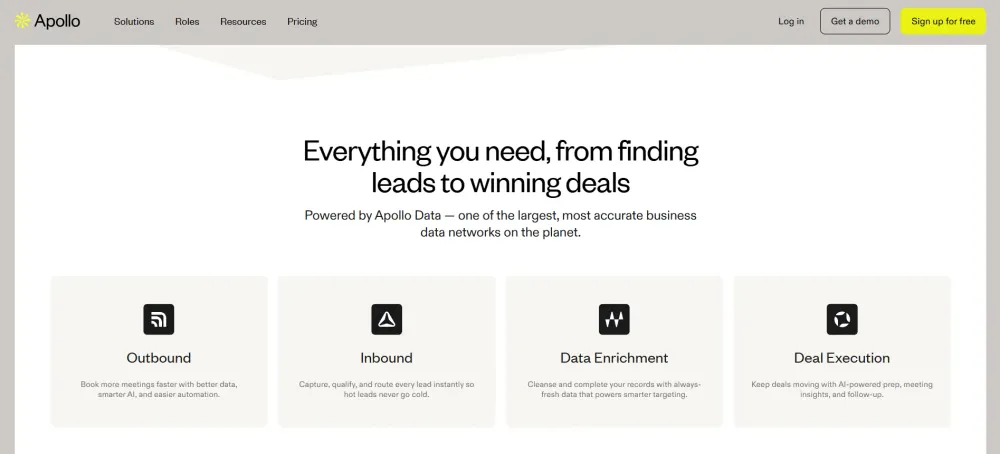
If you want prospecting and outreach in one place, Apollo.io is a popular all-rounder.
Apollo.io is a sales intelligence platform built around a massive contact database and built-in outreach.
It's less about LinkedIn automation and more about finding and reaching leads at scale.
Key Features
- Access to a 275M+ contact database with detailed search filters
- Chrome extension that pulls verified emails from LinkedIn profiles
- Built-in email sequences to run outreach without a separate tool
- Buying signals and CRM sync to prioritize and organize leads
How It Helps With LinkedIn Lead Generation
Apollo.io helps you turn LinkedIn profiles into verified, contactable leads fast.
You browse a prospect on LinkedIn, then pull their email straight from the extension.
From there, you can drop them into a sequence and start outreach right away.
That makes it a solid fit for teams that want data and email in one platform.
Pricing
- Free plan with limited monthly credits to get started
- Paid plans starting around $59/month per user
Suggested Reading:
5 Best Apollo.io Alternatives for B2B Lead Generation9. PhantomBuster
If you like building your own custom workflows, PhantomBuster gives you the flexibility to do it.
PhantomBuster is an automation tool that extracts data and runs actions across LinkedIn and other platforms.
Instead of a fixed sequence builder, it offers modular "phantoms" you connect however you want.
Key Features
- Ready-made phantoms that scrape leads from LinkedIn profiles, groups, and searches
- Automated actions like connection requests, follow-ups, and profile visits
- Workflow chaining that links multiple phantoms into one automated flow
- Integrations that push extracted data into your CRM or other tools
How It Helps With LinkedIn Lead Generation
PhantomBuster helps you build LinkedIn lead generation workflows tailored to your exact process.
You can scrape a targeted list of prospects, then feed it straight into outreach actions.
The chaining feature lets you automate steps that most simpler tools can't handle.
That flexibility makes it a favorite for growth teams and technical marketers who like control.
Pricing
- Plans starting around $69/month based on execution time
- Free trial available to test the phantoms first
10. Trigify
Rounding out the list is a tool built around timing rather than raw volume.
Trigify is a social signal platform that finds leads based on buying intent and activity.
Instead of blasting cold lists, it helps you reach prospects when they're most likely to respond.
Key Features
- Signal tracking that monitors LinkedIn activity, posts, and engagement
- Intent-based lead lists built from prospects showing buying behavior
- Keyword and topic monitoring to catch relevant conversations early
- Integrations that push warm leads into your outreach tools or CRM
How It Helps With LinkedIn Lead Generation
Trigify helps you focus your LinkedIn lead generation on prospects already showing interest.
Rather than guessing who's ready, you reach out based on real activity signals.
That timing often means warmer conversations and noticeably higher reply rates.
It's a smart fit for teams that value relevance and precision over sheer numbers.
Pricing
- Plans starting around $60/month for signal tracking
- Higher tiers available for more signals and team access
How to Choose the Best AI Tool for LinkedIn Lead Generation
By now you've seen ten strong tools, and they don't all solve the same problem.
So the real question isn't which tool is best overall, it's which one fits how you actually work.
Let's walk through a few simple factors to help you decide with confidence.
Choose Based on Your Prospecting Workflow
Start by looking at how you already find and reach prospects today.
Some tools only handle one step, while others run your whole outreach process end to end.
Ask yourself where the biggest bottleneck sits:
- Finding the right leads in the first place
- Sending outreach without doing it manually
- Following up and managing replies at scale
The best AI tool for LinkedIn lead generation is the one that removes your biggest bottleneck.
Look Beyond LinkedIn Automation
It's tempting to pick a tool that only automates LinkedIn messages.
But LinkedIn alone rarely gives you enough touchpoints to consistently book meetings.
The strongest results usually come from blending LinkedIn with email in one connected flow.
Tools that combine both channels help you reach quiet prospects who never reply on LinkedIn.
That wider reach often makes the difference between a stalled list and a full pipeline.
Prioritize Verified Contact Data and Buying Signals
A tool is only as good as the data behind it.
Bad emails mean bounces, wasted credits, and a damaged sender reputation over time.
Look for tools that offer:
- Real-time email and phone verification
- Access to a large, accurate contact database
- Buying signals that flag prospects ready to talk
Clean data and strong intent signals help you reach the right people at the right moment.
Compare Pricing, Scalability, and Integrations
Finally, think about where you'll be six months from now, not just today.
A cheap tool that can't scale will slow you down as your outreach grows.
Check that pricing stays reasonable as your volume increases, and that it syncs with your CRM.
That way your tool grows with you instead of forcing a painful switch later.
Conclusion
Choosing the right AI tools for LinkedIn lead generation comes down to your workflow, not hype.
Some tools nail automation, others focus on data, and a few try to do everything.
The best pick is the one that removes your biggest bottleneck and scales as you grow.
If you'd rather skip stitching several tools together, Oppora runs your entire outreach in one place.
From finding leads to booking meetings, its AI agents handle the busywork while you focus on closing.
You can start free and even get your first campaign set up for you, so results come fast.
Frequently Asked Questions (FAQs)
Is it safe to use AI tools for LinkedIn lead generation?
Yes, when the tool respects LinkedIn's daily limits and mimics human behavior. Cloud-based tools with built-in safety caps lower your risk of restrictions. Avoid tools that send aggressive, high-volume actions, since those are far more likely to get your account flagged or banned.
Can I use these AI tools with a free LinkedIn account?
Most tools work with a basic LinkedIn account, but a Sales Navigator subscription unlocks better search filters and higher limits. If you're serious about targeted prospecting, pairing your tool with Sales Navigator usually gives you cleaner lead lists and stronger results.
How many LinkedIn connection requests can I send per day safely?
LinkedIn generally recommends staying under 100 connection requests per week, or roughly 15 to 20 per day. Most AI tools automatically cap your daily activity to stay within safe limits, protecting your account while still keeping your outreach consistent and active.
Do I need technical skills to use AI LinkedIn lead generation tools?
Not usually. Most tools are built for non-technical users, with templates and simple setup. Some, like PhantomBuster, reward technical know-how with deeper customization. But for standard outreach, you can launch campaigns without writing code or learning complex workflows.
How long does it take to see results from LinkedIn lead generation?
It depends on your targeting and message quality, but many users see connection acceptances within days. Booked meetings often follow within the first few weeks. Consistent follow-up and verified data usually speed up results more than the tool you choose alone.