10 Best AI Tools for LinkedIn Marketing to Boost B2B Growth
best ai tools for linkedin marketing

LinkedIn is no longer just a place to post updates and wait for leads.
The real challenge is staying visible, finding the right buyers, starting meaningful conversations, and doing all of it without spending your whole week inside the platform.
That’s where AI tools for LinkedIn can help.
They can support content creation, prospecting, outreach, personalization, and performance tracking so your LinkedIn marketing feels more focused.
In this guide, we’ll cover:
- the main types of AI LinkedIn marketing tools
- the 10 best tools to consider in 2026
- how to choose the right tool for your B2B growth goals
The Different Types of AI Tools Every LinkedIn Marketer Should Know
Before choosing any tool, you need to know what part of LinkedIn marketing you want to improve.
Because not every AI tool does the same job.
Some tools help you find leads on LinkedIn. Some help you write content. Others help you automate LinkedIn outreach, personalize messages, or track what is working.
Here are the main types of AI tools every LinkedIn marketer should know.
AI Tools for LinkedIn Lead Generation
These tools help you find the right people and companies faster.
They are useful when you want to:
- Search for prospects by job title, industry, or location
- Find decision-makers inside target companies
- Build lead lists without manual profile searching
- Identify companies that match your ideal customer profile
- Save time on prospect research
This type of tool is especially helpful for B2B teams that use LinkedIn for prospecting and pipeline building.
Suggested Reading:
10 Best LinkedIn Lead Generation Tools for 5X More Qualified LeadsAI Tools for Content Creation & Personal Branding
These tools help you create better LinkedIn content more consistently.
They can help you:
- generate post ideas
- write hooks and captions
- improve existing drafts
- repurpose long-form content into LinkedIn posts
- maintain a consistent personal brand voice
This is useful when you want to stay visible on LinkedIn but do not always know what to post.
AI Tools for Outreach Automation & Sales Engagement
These tools help you manage LinkedIn outreach without doing every step manually.
They can support tasks like:
- Sending connection requests
- Creating personalized messages
- Scheduling follow-ups
- Managing sales conversations
- Combining LinkedIn with email outreach
The goal is not just to automate more.
The goal is to start better conversations with the right people.
AI Tools for Analytics & Performance Optimization
These tools help you understand what is actually working.
They can track:
- post engagement
- profile growth
- audience behavior
- outreach reply rates
- campaign performance
This helps you improve your LinkedIn marketing based on real data instead of guessing.
Best AI Tools for LinkedIn Marketing Compared
Once you know the type of tool you need, comparison becomes much easier.
Some AI tools are built for content. Some are built for prospecting. Some focus on automation, while others help you understand performance after your posts or campaigns go live.
Here is a quick comparison to help you see where each tool fits.
Quick Comparison Table
10 Best AI Tools for LinkedIn Marketing in 2026
Now that you know the main tool categories, let’s look at the best AI tools for LinkedIn marketing in 2026.
Some tools are better for content.
Some are better for prospecting.
And some are built for full B2B growth workflows where LinkedIn, email, lead data, replies, and CRM activity need to work together.
1. Oppora.ai – Best Overall AI Tool for LinkedIn Marketing & B2B Growth
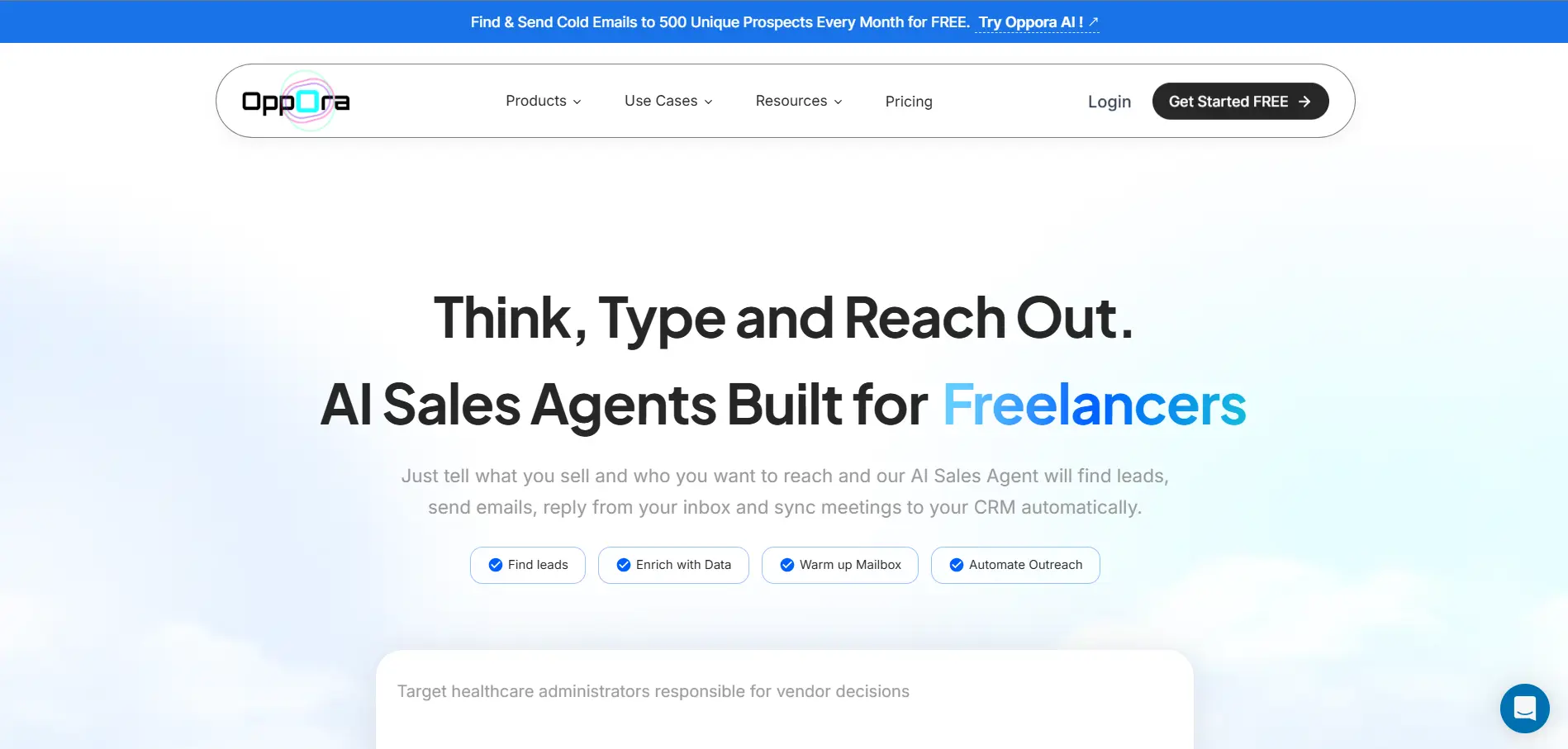
Oppora.ai is a strong choice if you want LinkedIn marketing to work with your complete B2B outreach system.
Most tools help with one part of the process.
Oppora connects lead generation, LinkedIn outreach, email outreach, reply handling, and CRM sync inside one AI-powered workflow.
You can use Oppora to:
- Find the right companies and decision-makers
- Access its own 1B+ contact database
- Enrich and verify lead data before outreach
- Capture leads from LinkedIn using its LinkedIn Chrome extension
- Send LinkedIn connection requests automatically
- Add short personalized messages with each request
- Monitor who accepted your connection request and who did not
- Withdraw pending requests when needed
- Run email and LinkedIn outreach together
- Personalize every message with AI reply agent
- Reply to leads from your inbox
- Qualify interest and book meetings
- Sync contacts, replies, meetings, and deals to your CRM
This makes Oppora more than just a LinkedIn outreach tool.
It connects prospecting, LinkedIn automation, email follow-ups, replies, and CRM updates in one workflow.
Its AI agents help automate lead finding, personalized outreach, and sales follow-ups, reducing the need to manage multiple tools.
Oppora also includes email verification, inbox warmup, mailbox rotation, sender matching, and AI personalization to improve outreach quality.
- Free: $0/month with 50 data credits, 3 AI workflows, 50 recipients/month, and 3 mailboxes
- Pro: $34/month with 10,000 data credits, 50 AI workflows, 5,000 recipients/month, and 25 mailboxes
- Max: $79/month with 25,000 data credits, unlimited AI workflows, unlimited recipients, and 50 mailboxes
- Enterprise: Starts at $499/month with custom credits, unlimited workflows, unlimited recipients, and custom mailboxes
2. Taplio – Best for AI-Powered LinkedIn Content Creation
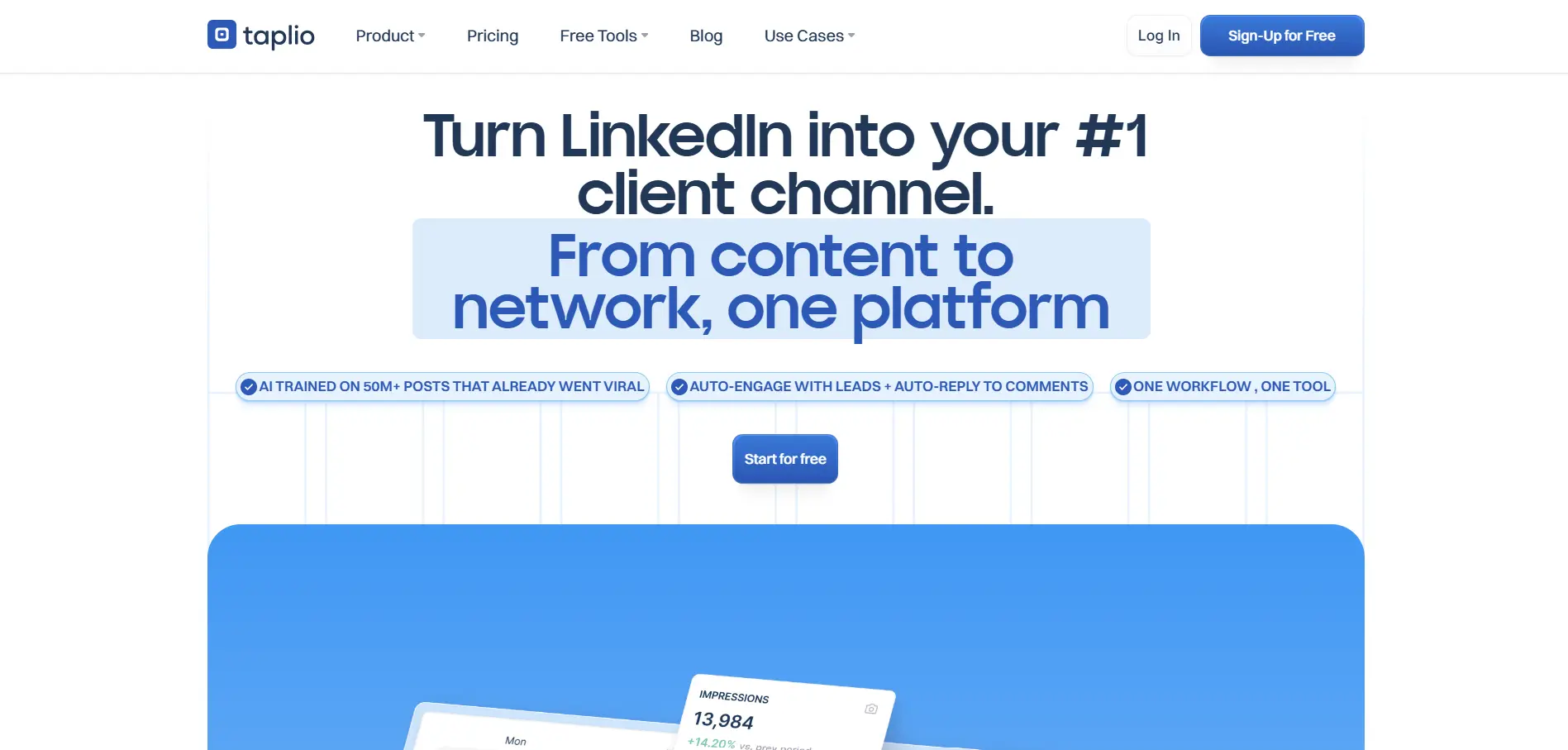
Taplio is useful when your main LinkedIn goal is content consistency.
It helps you create posts, schedule them, engage with your audience, and track how your content performs from one place.
Taplio also helps you find content inspiration by showing successful LinkedIn posts around topics you choose.
You can use Taplio to:
- Generate LinkedIn post ideas
- Write AI-assisted LinkedIn posts
- Improve hooks and content structure
- Schedule posts in advance
- Find inspiration from high-performing posts
- Manage comments and engagement faster
- Track LinkedIn content performance
Taplio works well for founders, creators, consultants, and marketers who want to build a stronger personal brand on LinkedIn.
It is more focused on content and audience growth, not full sales workflow automation.
So, if your main challenge is posting regularly and improving visibility, Taplio can be a helpful tool.
Price:
- Starter: $39/month
- Standard: $69/month
- Pro: $199/month
Taplio also offers a 7-day free trial with Pro access.
3. LinkedIn Sales Navigator – Best for B2B Prospecting
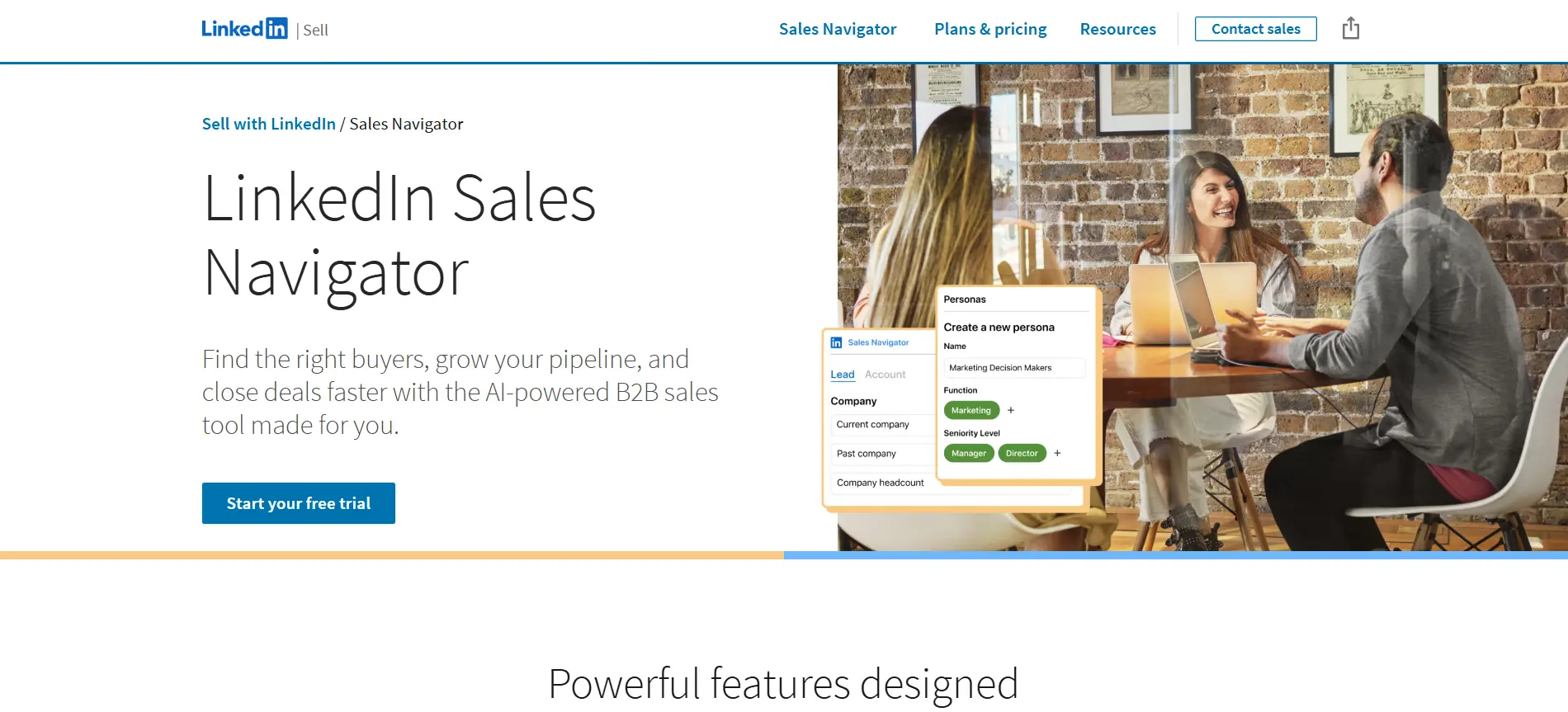
LinkedIn Sales Navigator is useful when your main goal is finding the right B2B buyers on LinkedIn.
It gives you deeper prospecting features than standard LinkedIn search, especially when you want to find decision-makers, save leads, track accounts, and spot buyer signals. LinkedIn says Sales Navigator supports advanced filters, saved searches, alerts, and lead/account management for prospecting workflows.
You can use LinkedIn Sales Navigator to:
- Search leads using advanced filters
- Find decision-makers inside target accounts
- Save leads and accounts for follow-up
- Track job changes, company updates, and buyer signals
- Create custom lead and account lists
- Use InMail to reach prospects outside your network
- Get account and lead recommendations
- Connect CRM workflows on higher plans
Sales Navigator is strong for prospecting and account research.
But you may still need another tool for email finding, LinkedIn automation, follow-up sequences, reply handling, and CRM-connected outreach workflows.
Price:
- Core: Commonly listed from $119.99/month per license
- Advanced: Starts at $159.99/month per license
- Advanced Plus: Custom pricing for enterprise teams with CRM integration and advanced admin support
Suggested Reading:
How to Use LinkedIn Sales Navigator for Lead Generation (Proven Tips)4. Dripify – Best for LinkedIn Outreach Automation
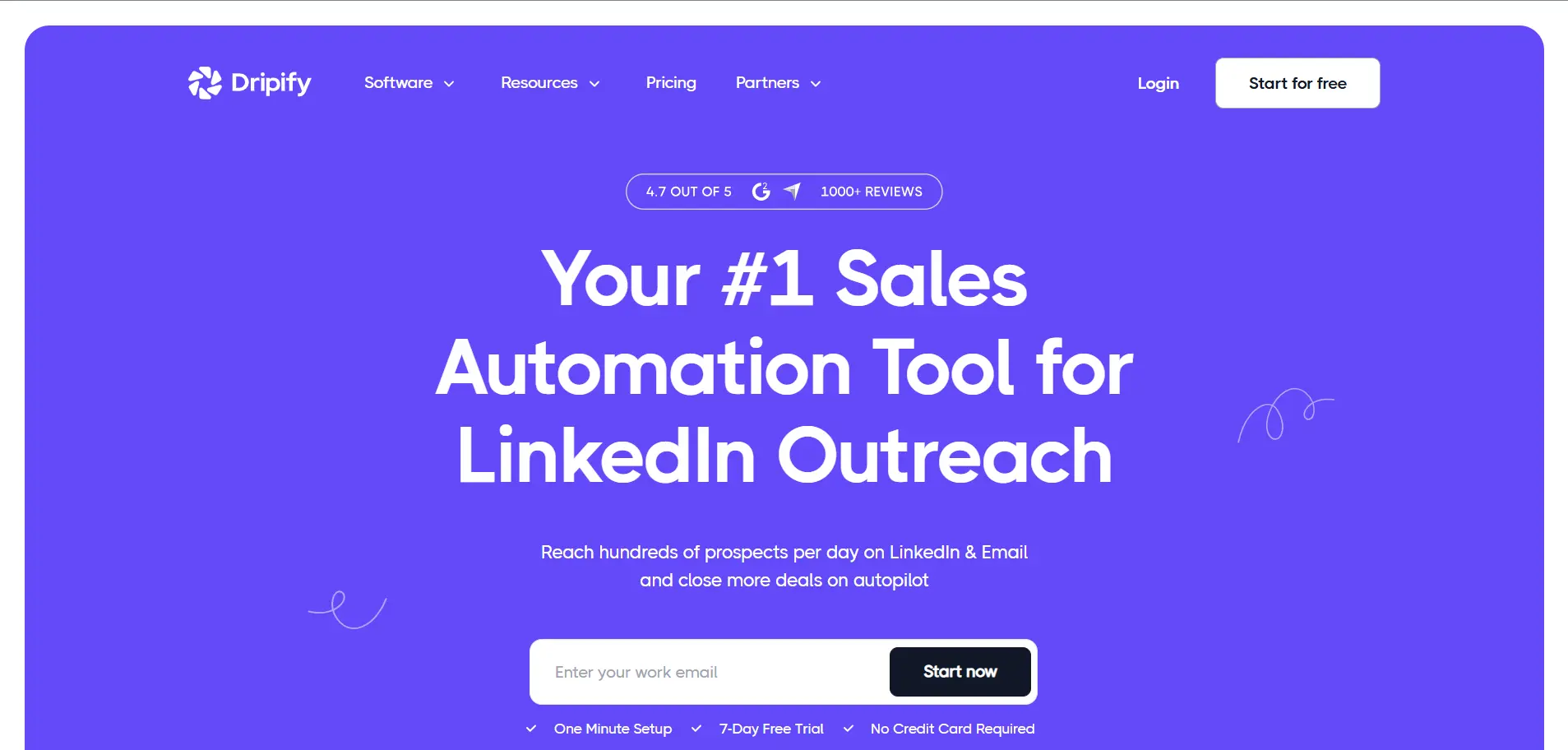
Dripify is useful when you want to automate LinkedIn outreach without manually sending every request, message, and follow-up.
It helps you build LinkedIn and email outreach sequences using a drag-and-drop campaign builder.
You can use Dripify to:
- Create automated LinkedIn outreach sequences
- Send personalized connection requests
- Automate follow-up messages
- Add email outreach into your campaigns
- Find verified business emails for LinkedIn prospects
- Manage replies from a dedicated inbox
- Track LinkedIn and email campaign performance
- Manage team outreach from one workspace
Dripify is simple to set up, which makes it helpful for sales teams that want to start LinkedIn automation quickly.
But it is mainly an outreach automation tool, so you may still need other tools for deeper lead data, enrichment, CRM workflows, or AI-powered sales planning.
Price:
- Basic: $59/month, or $39/month when billed annually
- Pro: $79/month, or $59/month when billed annually
- Advanced: $99/month, or $79/month when billed annually
5. Expandi – Best for Personalized LinkedIn Campaigns
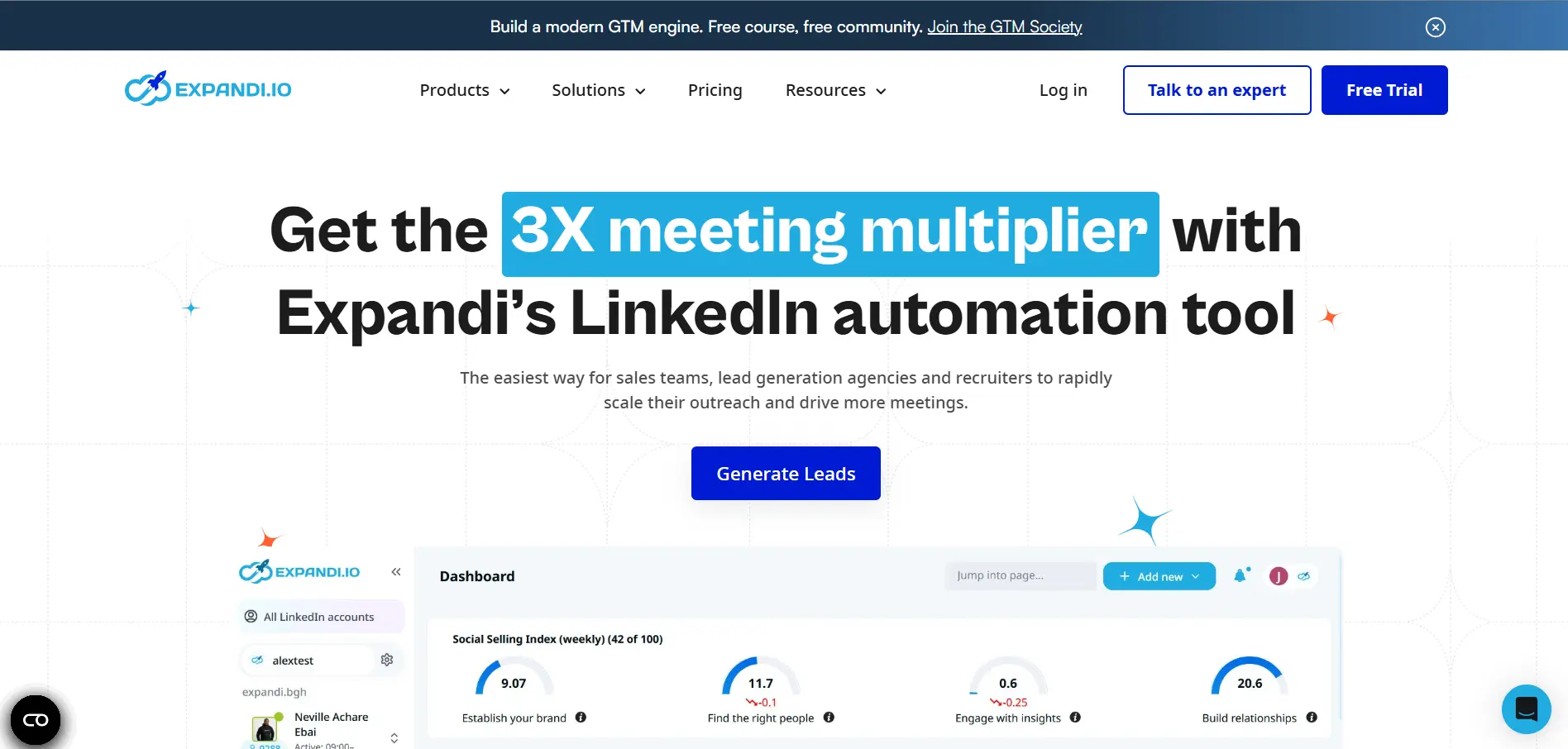
Expandi is useful when you want more control over LinkedIn outreach personalization.
It is a cloud-based LinkedIn automation tool that helps you build campaign sequences, personalize messages, and combine LinkedIn with email outreach from one place.
You can use Expandi to:
- Send automated LinkedIn connection requests
- Create personalized LinkedIn messages
- Build smart outreach sequences
- Use if/else logic in campaigns
- Add email steps into LinkedIn campaigns
- Run A/B tests on outreach messages
- Track campaign performance and replies
- Manage outreach with account safety limits
Expandi is helpful when your LinkedIn campaigns need more than basic automation.
You can create different paths based on what a prospect does, such as accepting a connection request, not replying, or engaging with a message.
That makes it a good option for teams that want personalized campaign flows instead of simple one-step outreach.
Price:
- Business: $99/month
- Annual plan: 20% discount when paid yearly
- Agency or 10+ seats: Custom pricing
6. Jasper AI – Best for Writing LinkedIn Posts
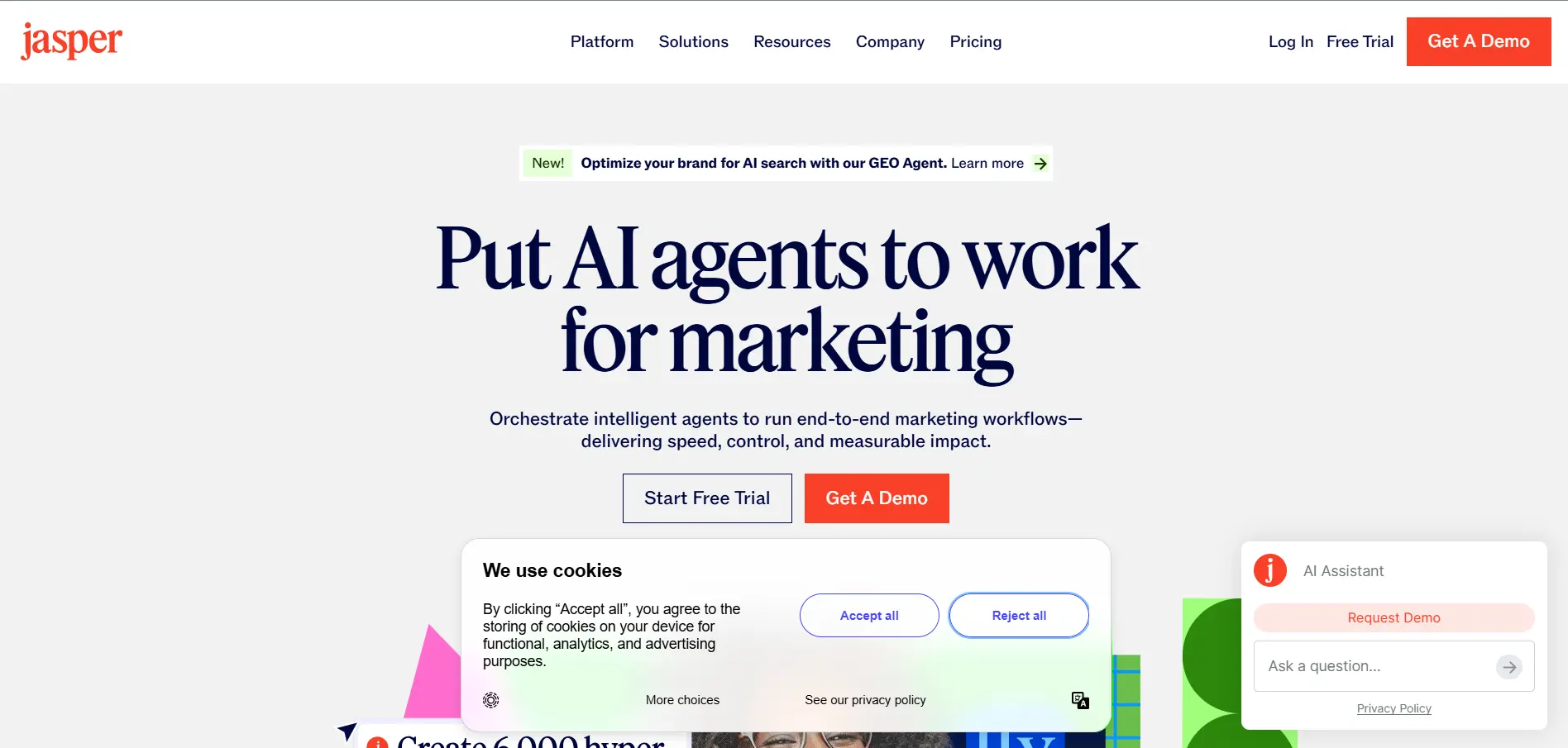
Jasper AI is useful when LinkedIn content is only one part of your wider marketing workflow.
It is an AI writing and marketing platform that helps you create content for social media, email, blogs, ads, campaigns, and more. Jasper also supports brand voice, so your LinkedIn posts can sound closer to your actual business tone instead of generic AI text.
You can use Jasper AI to:
- Write LinkedIn post drafts
- Generate social media captions
- Repurpose blogs into LinkedIn posts
- Create campaign ideas
- Rewrite content in your brand voice
- Build content for multiple marketing channels
- Collaborate with your team on content
- Create repeatable marketing workflows
Jasper is helpful for marketing teams that need more than a simple LinkedIn post generator.
You can use it to turn one idea into different content formats, which is useful when you want LinkedIn to support your larger content strategy.
But if you only need LinkedIn scheduling, comments, or platform-specific LinkedIn analytics, you may still need a dedicated LinkedIn content tool.
Price:
- Pro: $69/month, or $59/month when billed yearly
- Business: Custom pricing for companies that need advanced control, support, and team features
Jasper’s pricing page lists Pro and Business as its main plans.
7. Crystal – Best for AI-Powered Sales Personalization
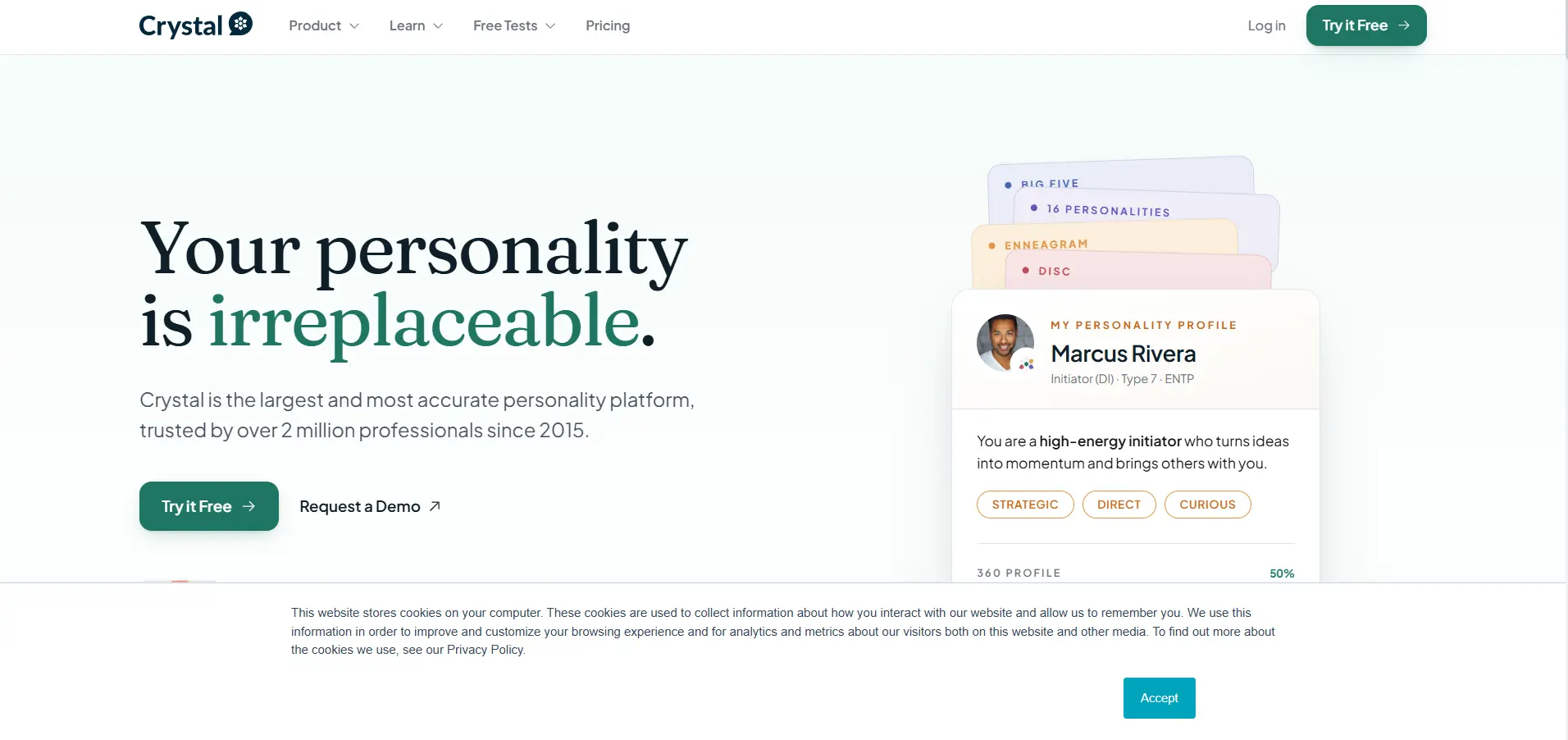
Crystal is useful when you want your LinkedIn outreach to feel more personal.
Instead of only helping you find leads or automate messages, Crystal helps you understand how a prospect may prefer to communicate.
It uses personality intelligence to give sales teams guidance on tone, messaging style, meeting prep, and follow-up communication.
You can use Crystal to:
- Review prospect personality profiles
- Understand buyer communication styles
- Prepare better for sales meetings
- Adjust your LinkedIn outreach tone
- Write more personalized follow-up messages
- Use Chrome previews for quick profile insights
- Sync meeting prep with Google Calendar
- Connect HubSpot deal sync on selected plans
Crystal is helpful when your outreach is technically personalized, but still feels generic.
It gives you more context before you message someone, so your communication feels more relevant to the person reading it.
Price:
- Free Profile: $0 forever with basic personality profile access
- Premium: $99/year with full guide library and relationship profiles
- Sales Basic: $59/month with 20 prospect profiles and 20 meeting reports/month
- Sales Pro: $99/month with 50 prospect profiles and 50 meeting reports/month
- Sales Max: $199/month with 100 prospect profiles and 100 meeting reports/month
8. AuthoredUp – Best for Optimizing LinkedIn Content
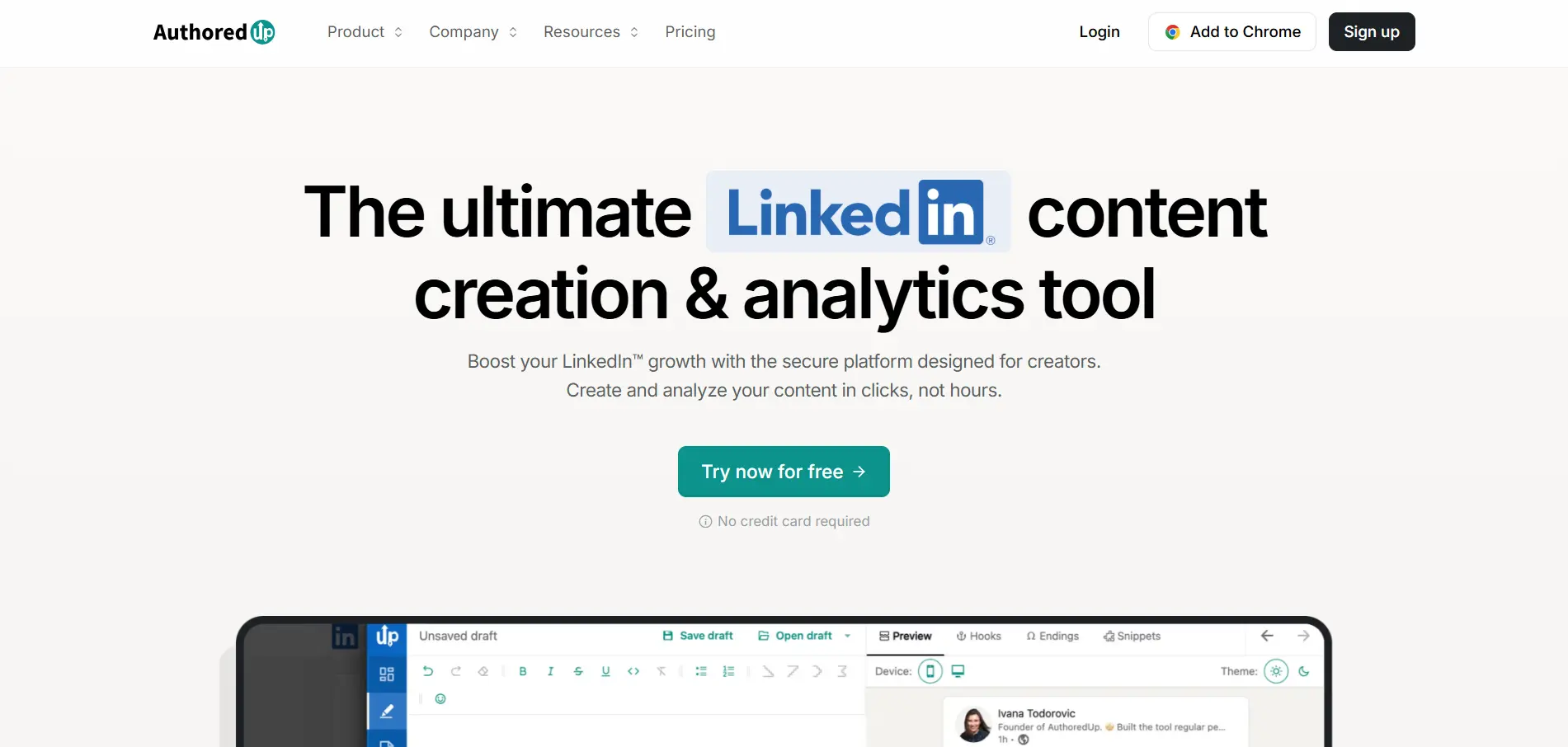
AuthoredUp is useful when you already know what you want to say, but need a better workspace to shape your LinkedIn posts.
It helps you write, format, preview, schedule, and analyze LinkedIn content without depending only on LinkedIn’s native editor.
You can use AuthoredUp to:
- Write and format LinkedIn posts
- Preview posts before publishing
- Save unlimited drafts and snippets
- Use hooks and post endings
- Reuse old posts in one click
- Schedule LinkedIn content
- Track content analytics
- Manage multiple profiles on team plans
AuthoredUp works well for creators, founders, ghostwriters, and teams that want cleaner LinkedIn content management.
It is more of a content optimization and analytics tool, not a full AI writing or outreach automation platform. AuthoredUp positions itself around LinkedIn content creation, drafts, scheduling, and analytics.
Price:
- Individual: $19.95/month for 1 profile
- Business: $14.95 per profile/month, with a minimum of 3 profiles
- Custom Growth Plan: Custom pricing for teams and agencies
9. Shield Analytics – Best for Measuring LinkedIn Performance
Shield Analytics was built for tracking LinkedIn content performance.
It helped creators and teams see which posts were getting more impressions, engagement, and profile growth.
You could use Shield Analytics to:
- Track LinkedIn post performance
- Find top-performing posts
- Measure impressions and engagement
- Review profile growth
- Analyze content trends
- Improve future LinkedIn posts using data
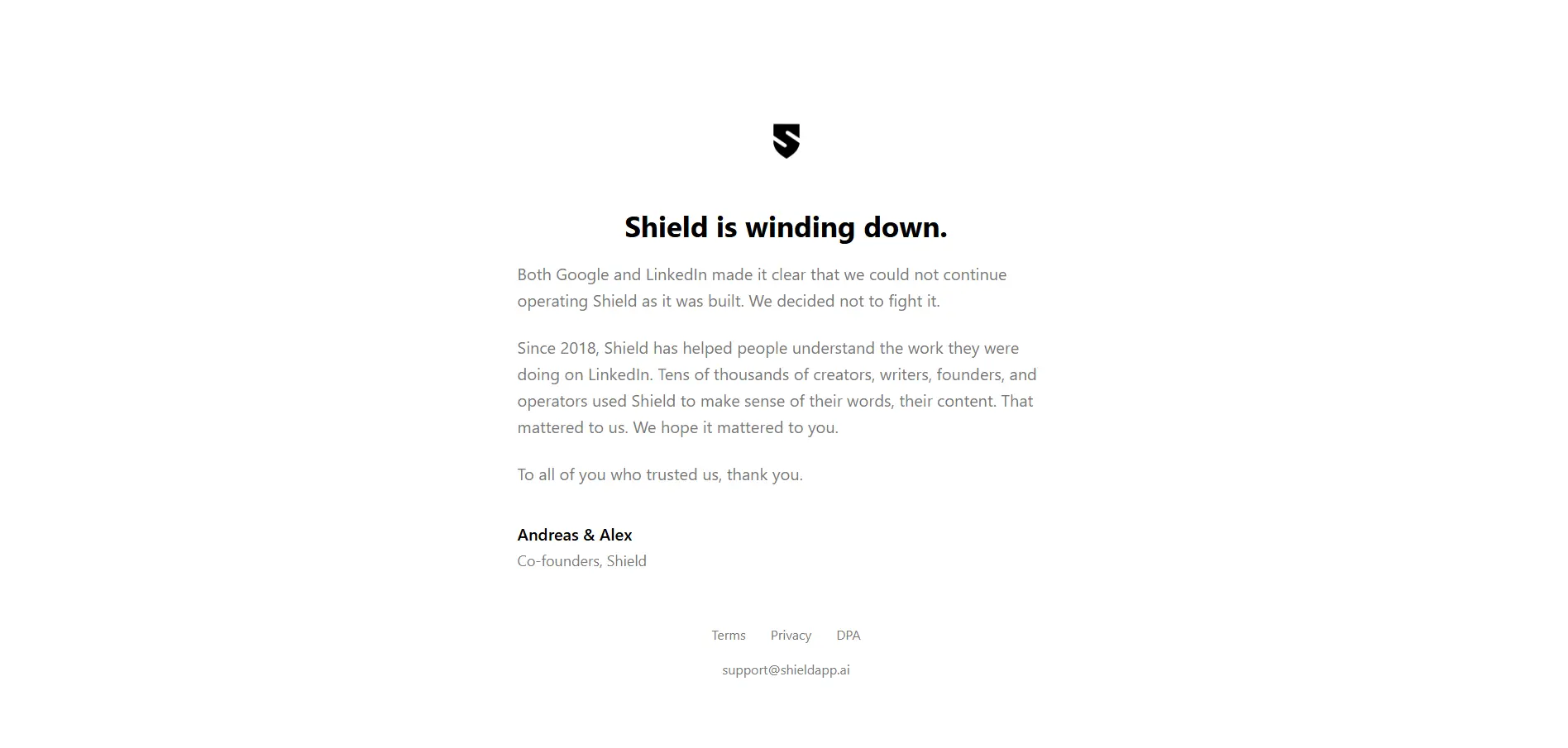
However, Shield has announced that it is winding down, so you should check availability before considering it for your LinkedIn marketing stack.
Price:
- Current pricing: Not available
- New signups: Availability may be limited or closed
- Existing users: Should check account access and export data if needed
10. PhantomBuster – Best for LinkedIn Workflow Automation
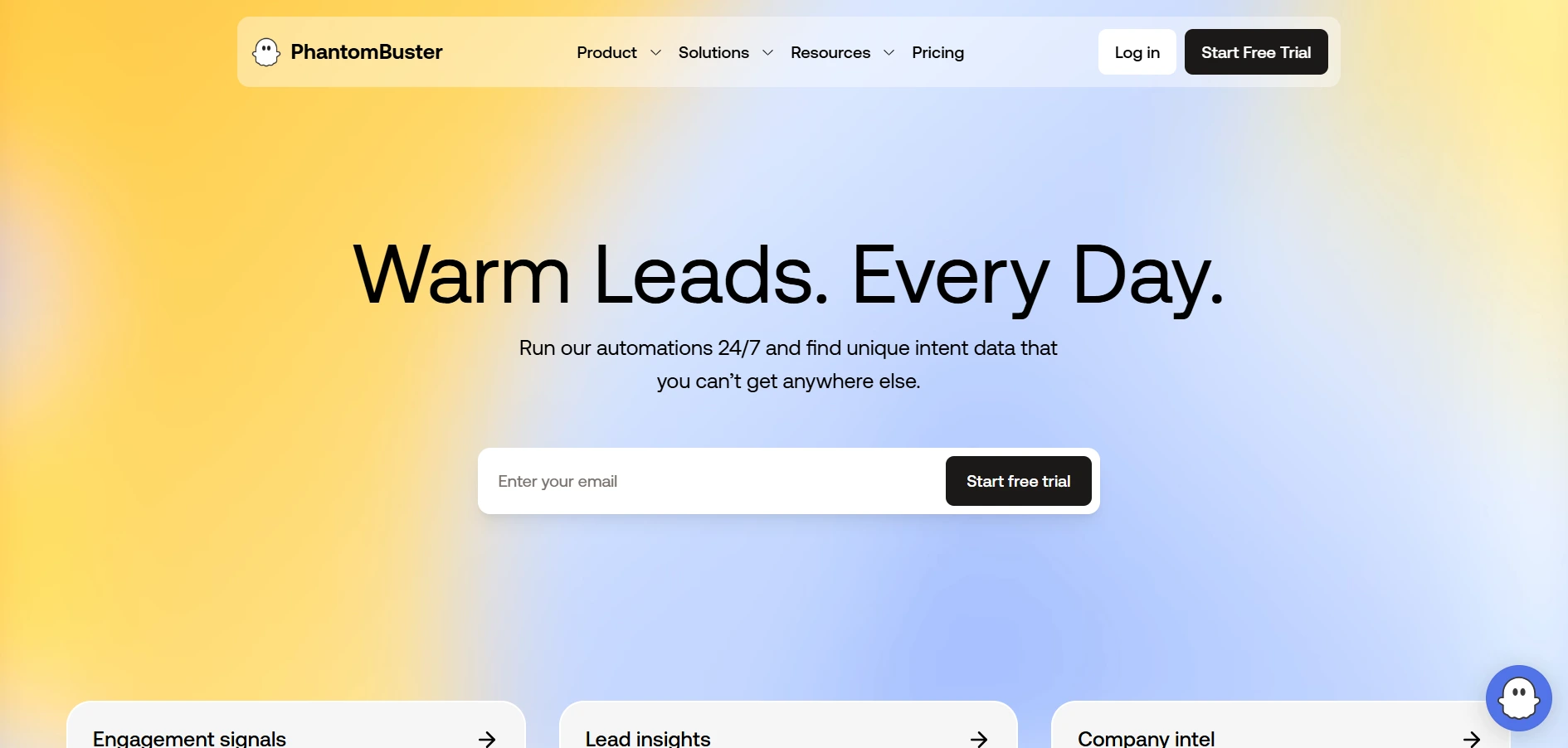
PhantomBuster is useful when you want to automate LinkedIn workflows and extract prospect data at scale.
It works with pre-built automations, called Phantoms, that can help you collect data, enrich leads, and run repeatable LinkedIn prospecting tasks.
You can use PhantomBuster to:
- Extract LinkedIn profile data
- Collect leads from LinkedIn searches
- Automate profile visits
- Send LinkedIn messages
- Build prospecting workflows
- Enrich lead lists
- Connect workflows with other sales tools
- Export data for outreach campaigns
PhantomBuster is powerful, but it works best when you already know the workflow you want to build.
It can feel more technical than simple LinkedIn outreach tools, so it is better for growth teams, sales ops teams, and marketers who are comfortable building automation flows.
Price:
- Trial: Free 14-day trial
- Start: $69/month, or $56/month when billed annually
- Grow: $159/month, or $128/month when billed annually
- Scale: $439/month, or $352/month when billed annually
How to Choose the Best AI Tool for Your LinkedIn Marketing Goals
After comparing the tools, the next step is not choosing the tool with the most features.
The better question is: what part of your LinkedIn marketing needs the most help right now?
A founder trying to post consistently does not need the same tool as a sales team running outbound campaigns every day.
So before choosing, connect the tool to your actual LinkedIn sales strategy and growth goal.
Match the Tool to Your LinkedIn Marketing Strategy
Start with your main LinkedIn goal.
Choose a tool based on what you want to improve first:
- For lead generation: Choose a tool that helps you find decision-makers, filter prospects, and build clean lead lists
- For content growth: Choose a tool that helps with post ideas, hooks, scheduling, and content analytics
- For outreach automation: Choose a tool that can send connection requests, follow-ups, and personalized messages
- For sales engagement: Choose a tool that connects LinkedIn outreach with email, replies, meetings, and CRM updates
- For analytics: Choose a tool that shows which posts, messages, or campaigns are actually working
This keeps you from buying a tool that looks powerful but does not solve your real bottleneck.
Key Features to Look for Before You Buy
Before choosing any AI tool for LinkedIn marketing, check the basics carefully.
Look for features like:
- LinkedIn-safe automation controls
- AI personalization
- Lead search and enrichment
- Message sequencing
- Content scheduling
- Performance analytics
- CRM or email integration
- Clear pricing and usage limits
Also check whether the tool supports your workflow as it grows.
The right AI tool should save time, improve consistency, and help you create better conversations, not just automate more activity.
Best Practices for Getting Better Results with AI on LinkedIn
AI can save a lot of time on LinkedIn, but it should not make your marketing feel automatic in a bad way.
The goal is to use AI to move faster while still sounding thoughtful, relevant, and human. This matters most when you are creating content, sending LinkedIn messages, or trying to turn new connections into real sales conversations.
Balance AI Automation with Authentic Human Engagement
Use AI to handle repetitive work, but do not remove the human part completely.
You can automate tasks like:
- Finding prospects
- Drafting post ideas
- Sending follow-ups
- Tracking campaign activity
- Organizing lead data
But when someone replies, engages with your post, or shows real interest, step in with a thoughtful response.
That is where trust is built. The best results come when you automate LinkedIn prospecting without making every interaction feel robotic.
Personalize Every AI-Generated Message
Generic AI messages are easy to ignore.
Before sending any LinkedIn message, make sure it connects with the person you are reaching out to.
You can personalize by mentioning:
- Their role
- Their company
- A recent post
- A shared interest
- A business challenge they likely care about
The more relevant your message feels, the better your chances of starting a real conversation. This is why strong LinkedIn cold messages should feel specific, not copied and pasted.
Monitor Performance and Optimize Regularly
Do not set your AI campaigns once and forget them.
Track what is working across your LinkedIn posts, connection requests, replies, and follow-ups.
Look at:
- Acceptance rates
- Reply rates
- Post engagement
- Profile views
- Booked meetings
Then adjust your targeting, messaging, timing, and content based on the data.
Conclusion
LinkedIn marketing works best when your content, prospecting, outreach, and follow-ups are connected.
AI tools can help you save time, stay consistent, and make better decisions across each part of that process.
But the right tool depends on your goal.
If you mainly want to grow your personal brand, a content-focused tool may be enough. If you want better prospecting, Sales Navigator or lead generation tools can help.
But if your goal is B2B growth, you need more than content or simple automation.
You need a system that can find leads, run LinkedIn and email outreach, personalize messages, handle replies, and keep your CRM updated.
That is where Oppora.ai can be worth exploring.
It gives you one AI-powered workflow for prospecting, LinkedIn outreach, email follow-ups, and sales execution, so you can spend less time managing tools and more time starting real conversations.
Frequently Asked Questions
What are the best AI tools for LinkedIn marketing?
Some of the best AI tools for LinkedIn marketing are Oppora.ai, Taplio, LinkedIn Sales Navigator, Dripify, Expandi, Jasper AI, Crystal, AuthoredUp, Shield Analytics, and PhantomBuster.
Which AI tool is best for LinkedIn lead generation?
Oppora.ai is a strong choice for LinkedIn lead generation because it connects lead discovery, LinkedIn outreach, email follow-ups, and CRM sync in one workflow.
Can AI write LinkedIn posts and outreach messages?
Yes, AI can write LinkedIn posts and outreach messages, but you should review them before publishing or sending.
Are AI-powered LinkedIn marketing tools safe to use?
Yes, they can be safe when you use them responsibly, avoid spammy automation, and follow LinkedIn’s limits.
Is an all-in-one AI platform better than using multiple AI tools?
Yes, if you want fewer tools and a smoother workflow across lead generation, outreach, replies, and CRM updates.