9 Best Sales Email Signatures for Cold Email That Increase Replies
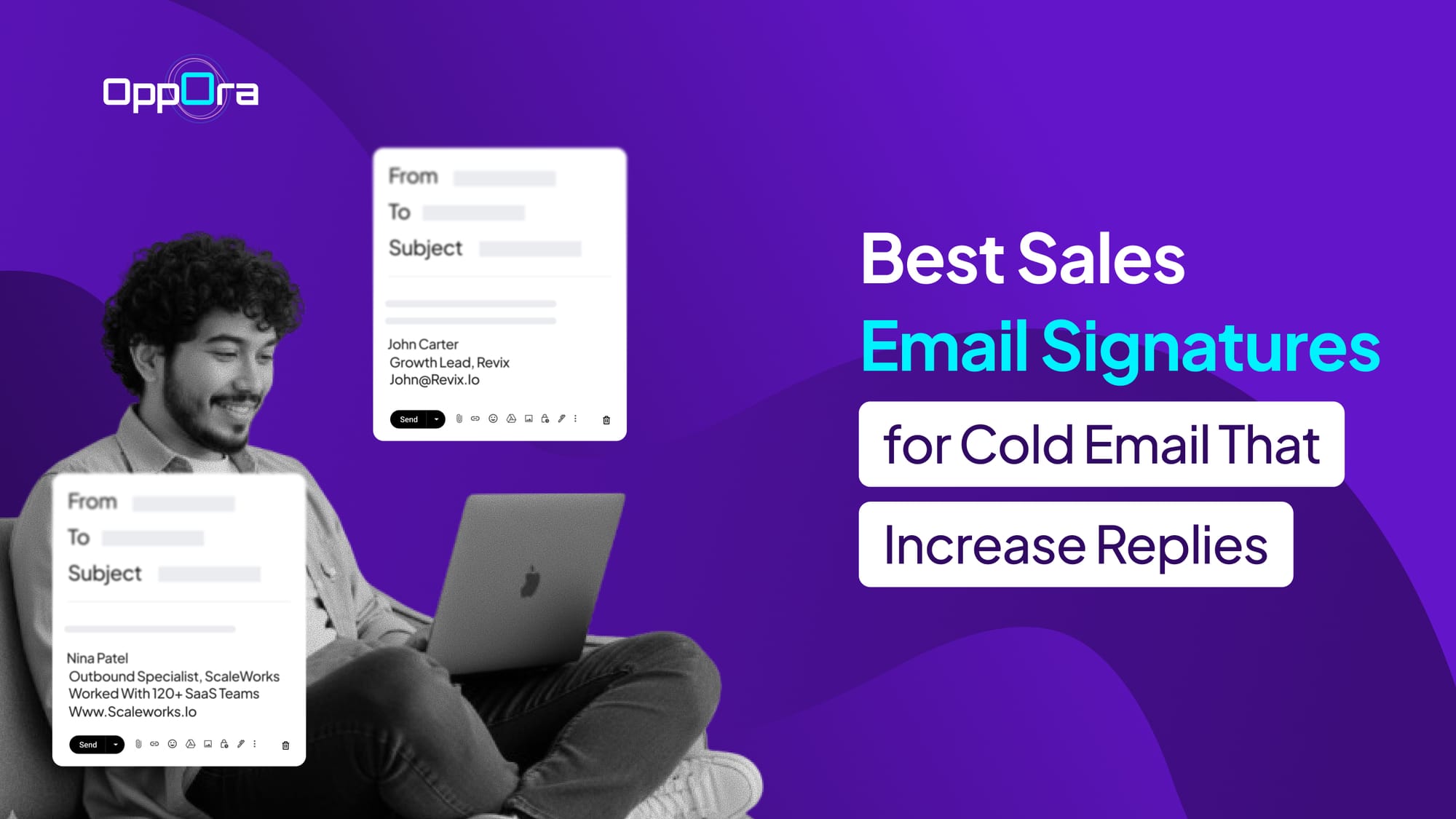
You’ve probably spent hours improving your cold emails.
Tweaking subject lines, rewriting hooks, and personalizing every line.
But there’s one part you almost ignore.
Your sales email signature.
It sits quietly at the bottom, yet it often decides whether someone trusts you enough to reply.
In this guide, you’ll learn:
- What makes a high-converting email signature for sales
- X real best sales email signature examples
- Mistakes that reduce replies
- How to optimize your signature for better results
Real Role of a Sales Email Signature in Cold Outreach
Most people treat their signature like a formality.
Just a name, company, maybe a link.
But in cold email, it plays a much bigger role.
It answers the silent questions in your prospect’s mind.
“Is this person real?” “Can I trust this?” “Should I reply?”
A strong sales email signature reduces friction instantly.
It adds credibility without you having to say it in the email body.
And more importantly, it makes your message feel human.
What Makes the Best Sales Email Signature?
Now that you know why it matters, let’s break down what actually works.
The best sales email signature is not about stuffing information.
It’s about clarity, trust, and subtle persuasion.
1. Keep It Minimal but Meaningful
Too much information creates friction.
Focus on:
- Name
- Role
- Company
- One credibility element
2. Add a Human Touch
Cold emails feel robotic by default.
Your signature should make you feel real.
This could be:
- A simple headshot
- A LinkedIn profile link
- A casual sign-off
Suggested Reading:
Email Signature Examples for Professionals: Do’s & Don’ts3. Include One Clear CTA
Don’t overwhelm the reader with multiple links.
Guide them toward one action:
- Book a call
- Reply to the email
- Check a resource
4. Make It Mobile-Friendly
Most emails are opened on phones.
Your email signature for sales should be clean and easy to scan.
9 Best Sales Email Signatures That Increase Replies (With Examples)
Now let’s get into what actually moves the needle.
You don’t need a fancy or overdesigned sales email signature to get replies.
What you need is the right structure that builds trust, feels human, and gently nudges action.
Below are proven formats you can use depending on your outreach style, audience, and goal.
1. The Minimalist Signature
This is the simplest version of an email signature for sales, and it works especially well for cold outreach.
It removes anything that could distract the reader and keeps the focus entirely on your message.
Example:
John Carter Growth Lead, Revix [email protected]
Why it works
It feels personal and low-friction.
There’s no overload of links or branding, so it doesn’t trigger “sales email” resistance.
And because it looks like a normal person’s email, it builds quiet trust.
2. The Credibility Signature
This format adds a small layer of context so the reader instantly understands what you do.
It doesn’t pitch.
It simply positions you.
Example:
Sarah Kim Account Executive, FlowSync
Helping SaaS teams improve outbound results www.flowsync.com
Why it works
It answers “who are you and why should I care?” in seconds.
That clarity reduces hesitation and builds confidence in your message.
It’s especially useful when your brand isn’t widely known.
3. The Founder Signature
If you’re a founder or early-stage operator, this format gives you a natural edge.
It signals authority without needing extra explanation.
Example:
Arjun Mehta Founder @ LeadStack Built for teams scaling outbound
Why it works
People respond faster to decision-makers.
It feels like a direct, intentional outreach instead of a mass email.
And that perception alone increases reply chances.
4. The Conversational Signature
This format removes the stiff, corporate feel and makes your email sound like a real person wrote it.
Instead of sounding like a formal sales rep, you come across as someone starting a simple conversation.
Example:
Alex Helping B2B teams fix cold email Happy to share ideas if useful
Why it works
It lowers pressure and makes replying feel natural.
The tone feels human, which helps your email stand out in a crowded inbox.
And it invites a response instead of pushing for one.
Suggested Reading:
Different Ways to Sign Off an Email5. The CTA-Focused Signature
This format is built to guide the reader toward a clear next step.
Instead of leaving things open-ended, it gives them a simple action to take right away.
Example:
Daniel Ross Sales @ PipelinePro Book a quick chat → calendly.com/danielross
Why it works
It removes decision friction.
The reader doesn’t have to think about what to do next.
And when the action is clear and easy, replies (or clicks) naturally increase.
6. The Social Proof Signature
This version focuses on building trust through results, numbers, or past work.
It shows that you’ve already helped others.
Example:
Nina Patel Outbound Specialist, ScaleWorks Worked with 120+ SaaS teams www.scaleworks.io
Why it works
It answers the credibility question instantly.
Instead of just telling, you’re showing proof.
That small signal can reduce doubt and make your outreach feel more reliable.
7. The Multi-Channel Signature
This format gives your prospect another way to connect beyond email.
It works well when someone prefers to check you out before replying.
Example:
Chris Evans BDR, GrowthLoop Let’s connect → linkedin.com/in/chrisevans
Why it works
It lowers the commitment required to engage.
Not everyone wants to reply to a cold email immediately.
But clicking a profile link feels easier and more natural.
And once trust builds there, replies often follow.
8. The Soft Value Signature
This format subtly offers value without pushing for anything.
It positions you as helpful rather than transactional.
Example:
Emma Collins Helping startups improve outbound systems Can share a few ideas if helpful
Why it works
It shifts the dynamic from selling to helping.
That makes your outreach feel less intrusive.
And when people don’t feel sold to, they’re more open to replying.
9. The Personal Brand Signature
This works well if you’re active on content platforms or building a personal brand.
It adds familiarity and authority at the same time.
Example:
Ryan Lee Sharing outbound strategies for B2B teams linkedin.com/in/ryanlee
Why it works
It creates recognition and curiosity.
If the prospect checks your profile and sees useful content, trust builds faster.
And that makes replying feel safer.
How Oppora Helps You Scale High-Converting Sales Emails
Here’s the reality.
Creating one good signature is easy.
Maintaining consistency across hundreds of emails is not.
With Oppora, your entire outreach system works together.
Instead of manually adjusting every sales email signature, you can:
- Personalize emails at scale without sounding repetitive
- Configure email signature for each mailbox
- Keep messaging consistent across campaigns
- Automatically optimize for replies
- Handle responses and book meetings without manual effort
It’s not just about writing better emails.
It’s about building a system that improves every part of your outreach.
Final Thoughts
Your cold email doesn’t end at your last sentence.
It ends with your signature.
And that small detail can quietly influence whether someone replies or ignores you.
Start simple.
Keep it human.
And treat your best sales email signature as a conversion tool — not just a sign-off.
Frequently Asked Questions
1. Should you use the same sales email signature for every prospect?
No. Adjust slightly based on audience and tone to improve relevance.
2. Does adding a phone number increase reply rates?
Not always. It can help credibility but may add unnecessary friction in cold emails.
3. Should your email signature match your company branding?
Yes, but keep it light. Too much branding makes it feel like marketing.
4. Can changing your signature alone improve reply rates?
Sometimes. It won’t fix a bad email, but it can boost trust.
5. Should you personalize your email signature for each campaign?
Slightly. Small tweaks in CTA or tone can make a difference.