11 Cold Email AI Tools Compared for Faster Outreach
Writing cold emails at scale sounds easy until you realize most AI tools only help with one step — writing, prospecting, sending, or follow-ups. You still end up stitching together multiple tools and workflows.
That is exactly why choosing the right cold email ai tools matters.
In this guide, you’ll compare 11 leading tools based on automation depth, personalization, deliverability, and workflow control so you can pick the one that actually helps you book more meetings faster.
Key Features to Look for in Cold Email AI Tools
The best cold email AI tools do more than write copy. They help you find verified leads, personalize every message, automate follow-ups, protect sender reputation, and manage replies — so your outreach runs as one connected workflow instead of scattered manual steps.
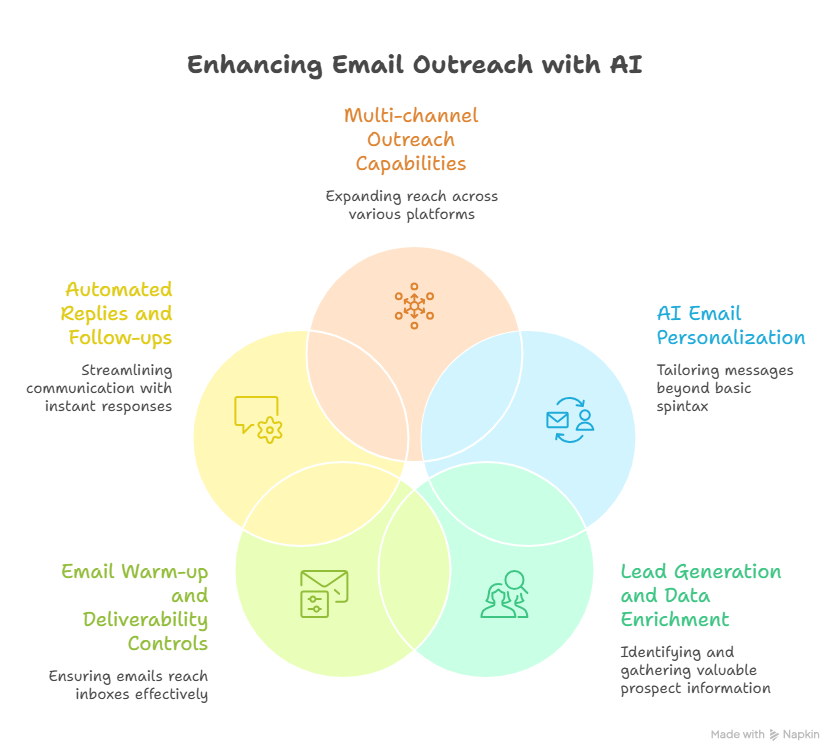
1. AI email personalization (beyond spintax)
The biggest shift in cold email AI tools is personalization quality.
Modern platforms should create unique first lines, tailored value propositions, and contextual follow-ups based on the lead’s role, company, or recent signals.
This goes far beyond spintext and merge tags. Instead of swapping a few words, true AI rewrites the message logic itself, helping your emails feel genuinely one-to-one.
That reduces repetitive copy patterns and often leads to stronger reply rates.
2. Lead generation and data enrichment
Personalization only works when the data behind it is strong.
That is why built-in lead search, company filters, contact discovery, enrichment, and email verification matter so much.
When your tool already includes native databases and enrichment workflows, you eliminate spreadsheet exports, reduce context switching, and improve targeting accuracy.
Instead of juggling separate tools for prospecting, verification, and enrichment, your workflow stays faster and cleaner in one place.
3. Email warm-up and deliverability controls
Even the best-written cold email fails if it lands in spam.
A strong platform should protect inbox health through domain warm-up, sender rotation, throttling controls, spam-risk alerts, and provider matching like Gmail-to-Gmail or Outlook-to-Outlook.
These deliverability safeguards directly affect opens, replies, and sender reputation, which makes them one of the most important buying criteria when comparing tools.
4. Automated replies and follow-ups
The best tools no longer stop at sending.
They should classify replies, respond to simple objections, trigger smart follow-up and move interested leads toward meetings automatically.
Faster response handling means fewer warm leads slipping away and more conversations progressing automatically.
You can also improve your results further by refining your follow-up strategy with proven frameworks.
5. Multi-channel outreach capabilities
Outbound works better when your touchpoints feel connected.
Combining email with LinkedIn, calls, and CRM actions inside one workflow improves consistency across every follow-up.
For agencies, SDR teams, and high-volume outbound motions, this removes the need for extra tools while making campaigns easier to scale and optimize.
11 Cold Email AI Tools Compared for Faster Outreach
Now that you know what features actually matter, the next step is comparing how the leading platforms stack up. Here are 11 cold email AI tools that help you automate outreach faster, scale safely, and convert more conversations into meetings.
1.Oppora.ai
If you want a platform that replaces your full outbound stack instead of solving one isolated step, Oppora.ai is the most autonomous option in this comparison. It combines lead discovery, verification, warm-up, AI writing, reply handling, and CRM sync inside one connected workflow powered by multiple AI agents.
Key strengths
- AI workflow planning with 8 connected sales agents
- Native lead search, enrichment, and verification
- 700 M+ B2B contact database
- Inbox warm-up and sender rotation
- Real AI personalization beyond spintext
- Automated replies and meeting booking
- CRM sync across major systems
- Built for full-cycle outbound automation
Pricing
- Free plan available
- Pro: $34/month
- Max: $79/month
- Enterprise: custom pricing
- Separate task-specific credits instead of shared limits
- Credit rollover supported
- Predictable all-in pricing for lead search + outreach + verification
2.Instantly.ai
Instantly is built for teams that mainly care about sending volume, inbox scaling, and deliverability workflows. It is especially strong when your prospecting data already comes from another source.
Key strengths
- High-volume sending workflows
- Large inbox rotation support
- Deliverability monitoring
- Sequence analytics
- Campaign throttling controls
- Easy workflow setup
Pricing
- Growth: $37/month
- Hypergrowth: $97/month
- Higher tiers increase inbox and sending limits
- Separate prospecting tools may increase total stack cost
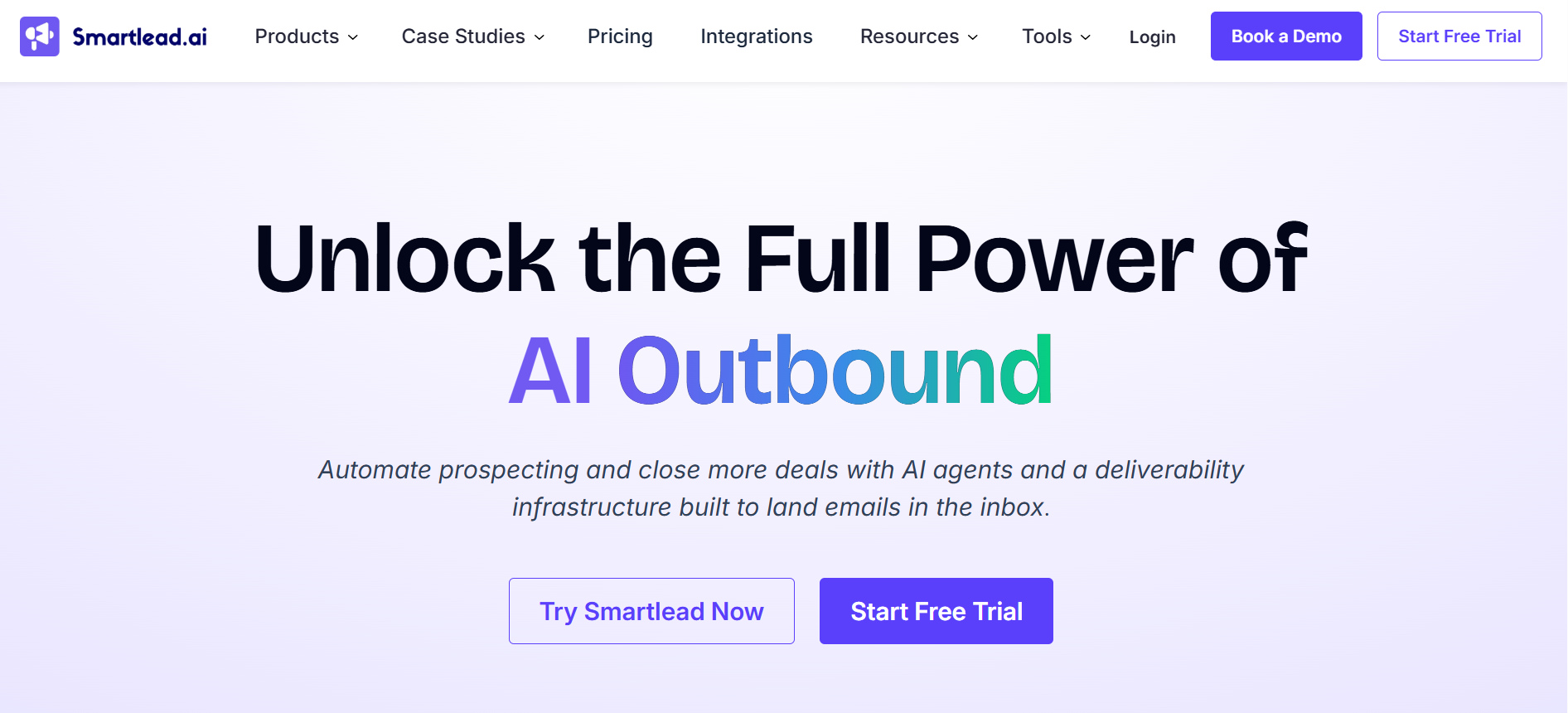
3.Smartlead.ai
Smartlead is a deliverability-first platform that works especially well for agencies and teams managing multiple client domains at scale.
Key strengths
- Unlimited warm-up
- Dynamic IP and inbox rotation
- White-label workflows
- Client-level workspace management
- Excellent spam protection systems
- Strong inbox placement optimization
Pricing
- Basic: $39/month
- Pro: $94/month
- Custom agency plans available
- Strong value for multi-client operations
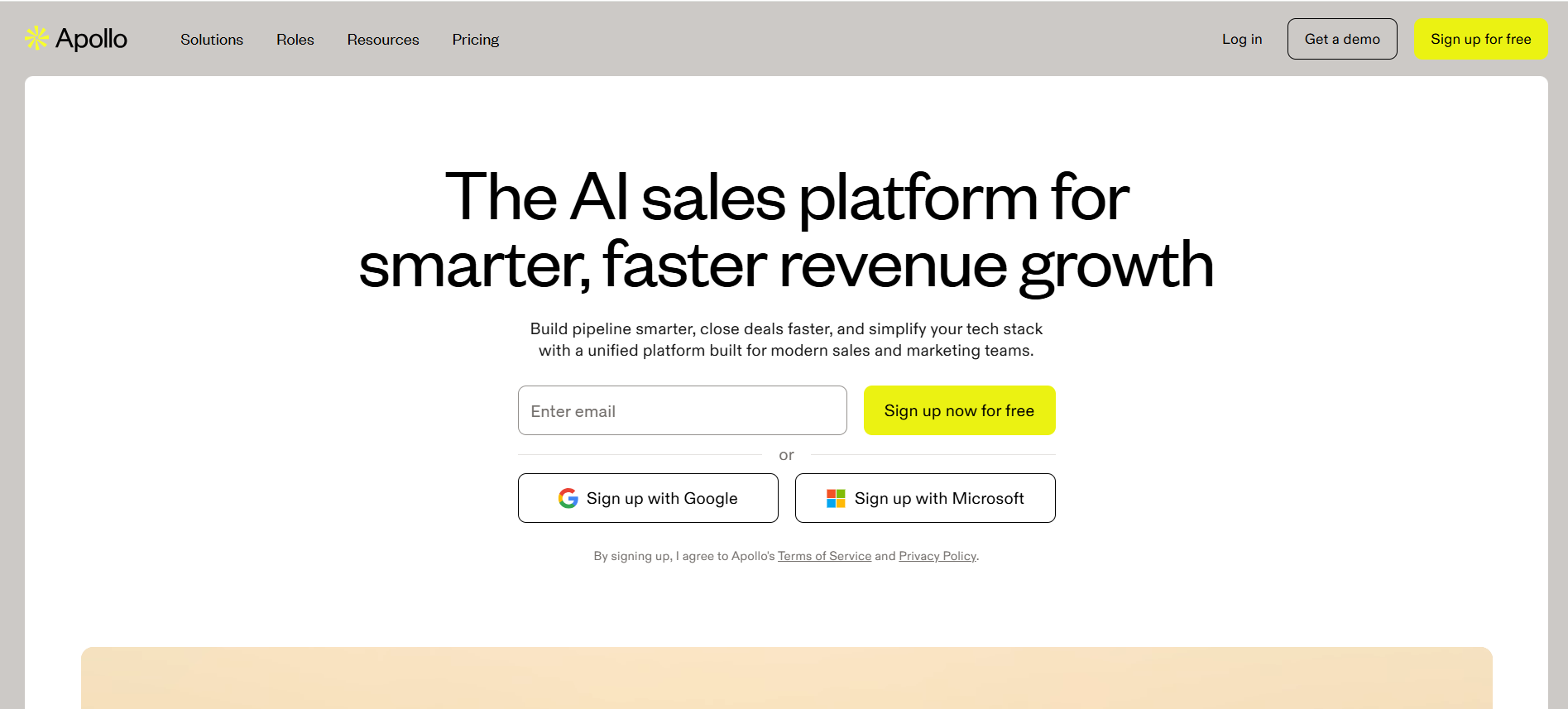
4.Apollo.io
Apollo.io is one of the strongest choices when contact data quality and advanced B2B prospecting matter more than sending infrastructure.
Key strengths
- Large B2B contact database
- Advanced filters by role, company, and intent
- Strong enrichment signals
- Native sequencing
- Reliable account targeting workflows
Pricing
- Basic: $49/user/month
- Professional: $79/user/month
- Pricing scales per seat
- Additional usage costs can grow with credits and enrichment
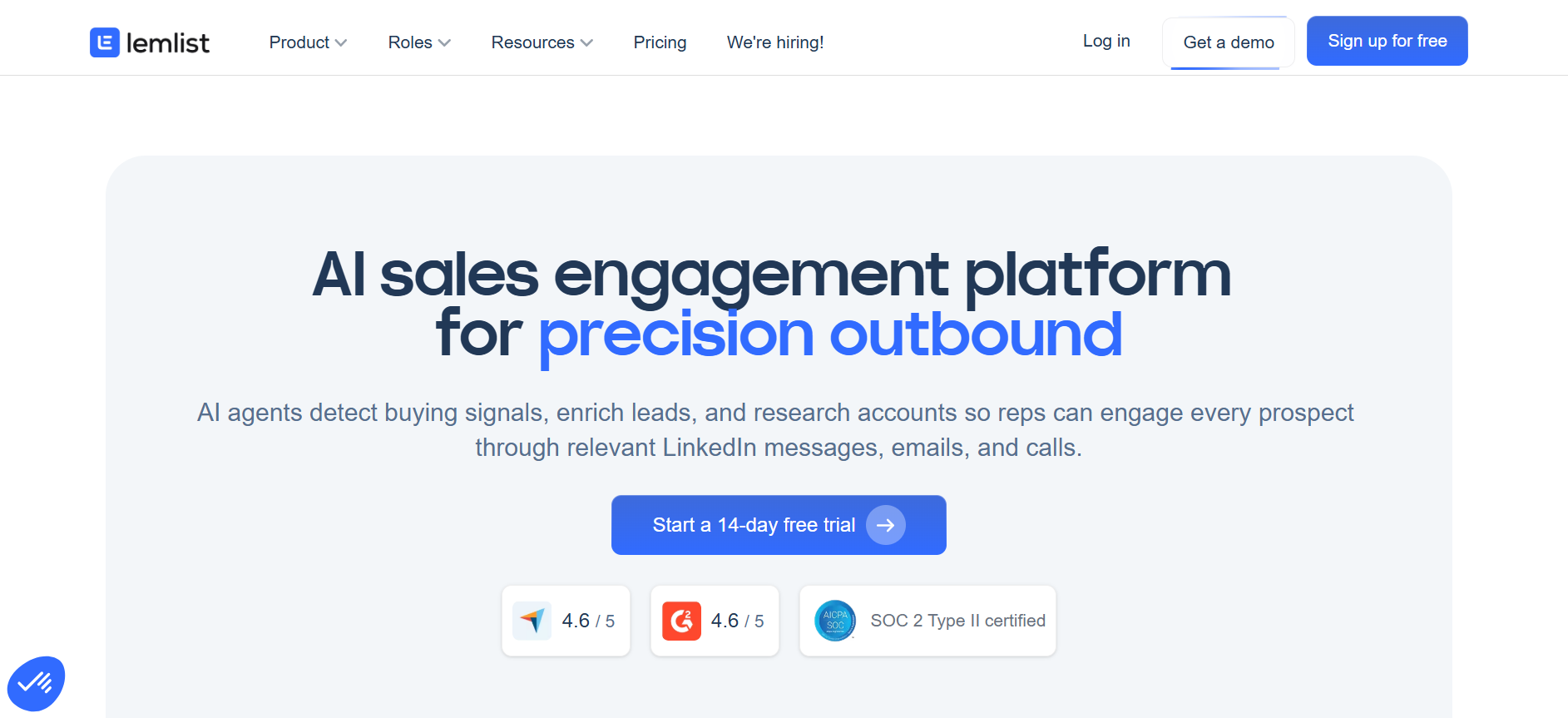
5.Lemlist
Lemlist is ideal when personalization quality matters more than pure sending volume. It works especially well for creative outbound sequences.
Key strengths
- Advanced first-line personalization
- Dynamic image personalization
- LinkedIn and email steps
- Strong multichannel sequencing
- Great for handcrafted campaigns
Pricing
- Starts around $59–$69/month
- Pricing varies by seats
- Multichannel workflows may increase costs
- Better for precision campaigns than large-scale sending
6.Mailshake
Mailshake keeps things simple, which makes it a strong option for smaller outbound teams that need fast execution without complexity.
Key strengths
- Very easy setup
- Automated follow-up workflows
- Email + phone + SMS support
- Lightweight reporting
- Low learning curve
Pricing
- Starter: $29/month
- Sales Engagement: $99/month
- Affordable entry pricing
- Good fit for small teams scaling gradually
7.Woodpecker
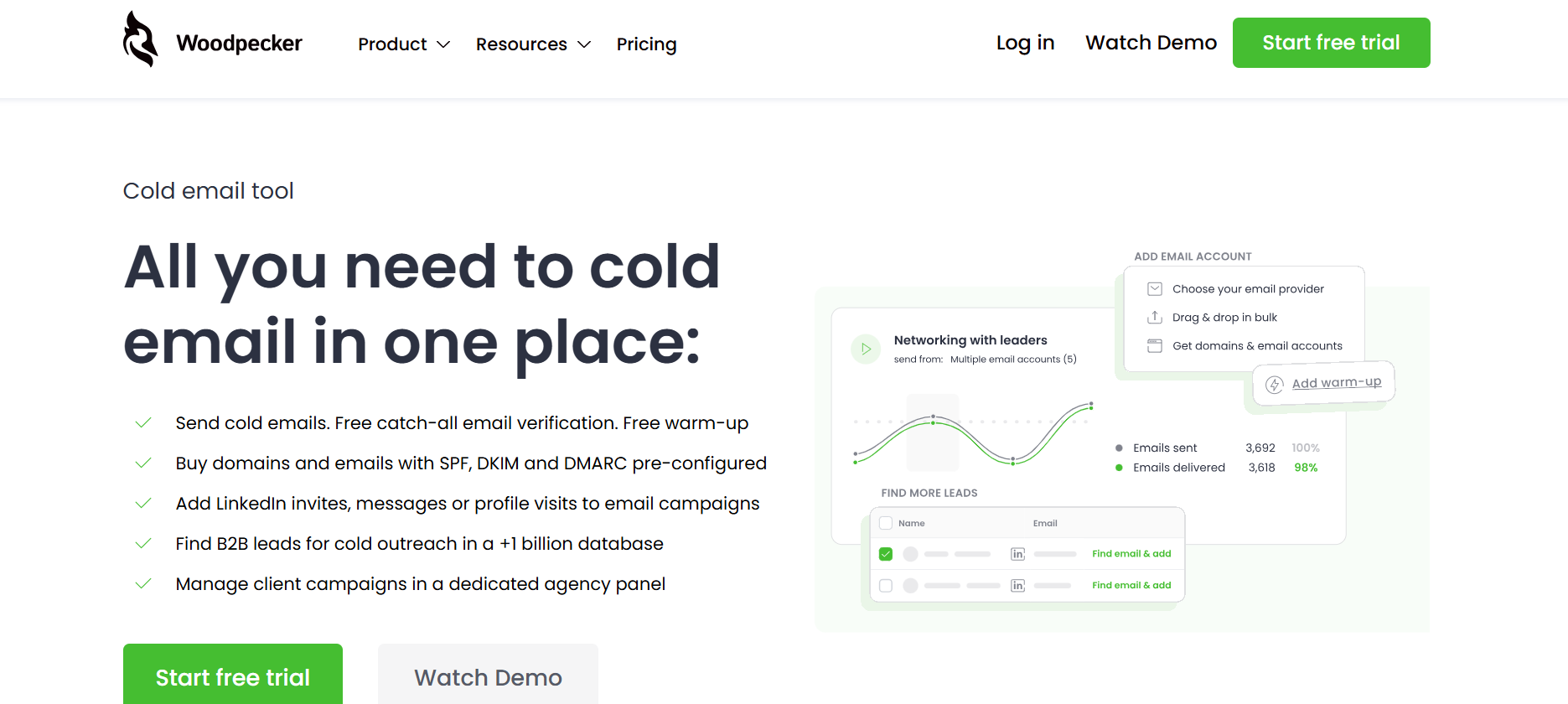
Woodpecker is a dependable choice when stable sequencing and deliverability matter more than flashy automation. It is especially useful for recruiters, consultants, and agencies managing multiple client conversations where inbox reputation and reply continuity are critical.
Key strengths
- Strong deliverability safeguards
- Adaptive sending logic
- Agency-friendly workspace controls
- Client-level campaign separation
- Reliable automated follow-ups
- Good reply detection and pause logic
- Stable sequencing for long nurture flows
Pricing
- Starts at $24/month
- Growth: $126/month
- Pricing scales with prospects and sending capacity
- Higher tiers unlock agency and client workspace features
- Strong value for service teams managing multiple brands
8.Reply.io
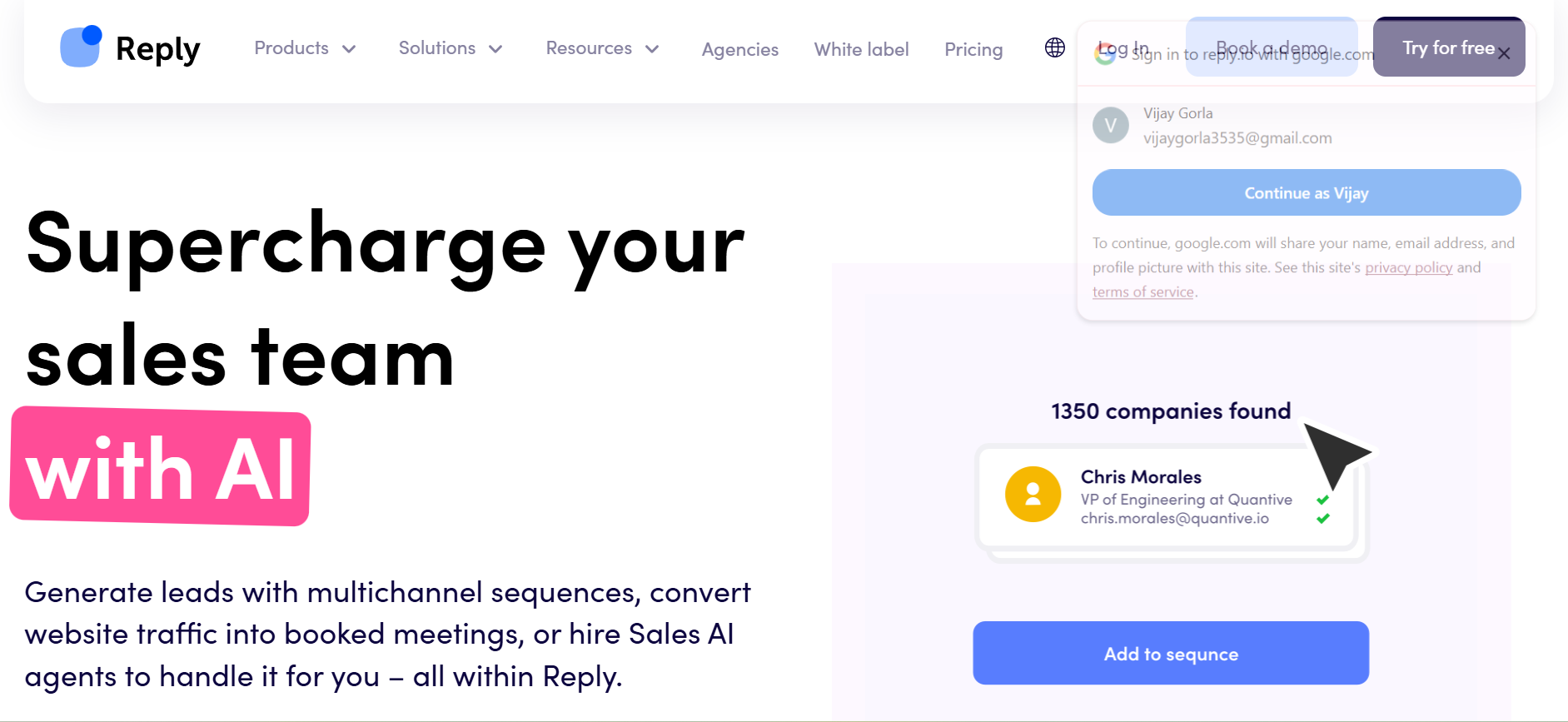
Reply.io is built for SDR teams that need structured multi-channel cadences and repeatable sales engagement workflows. It combines email, LinkedIn, calls, and task automation into one process-driven system, making it strong for teams that care about consistency.
Key strengths
- Multi-channel sequences across email, LinkedIn, and calls
- Automated task creation for SDR workflows
- Strong sequence branching logic
- AI-assisted email writing
- Calendar booking and meeting routing
- Great process consistency for growing teams
Pricing
- Usually starts around $60–$90/user/month
- Pricing varies by seat count
- Sequence depth and data usage may affect total cost
- Higher plans improve automation and team controls
- Better suited for structured SDR motions than solo sending
9.Snov.io
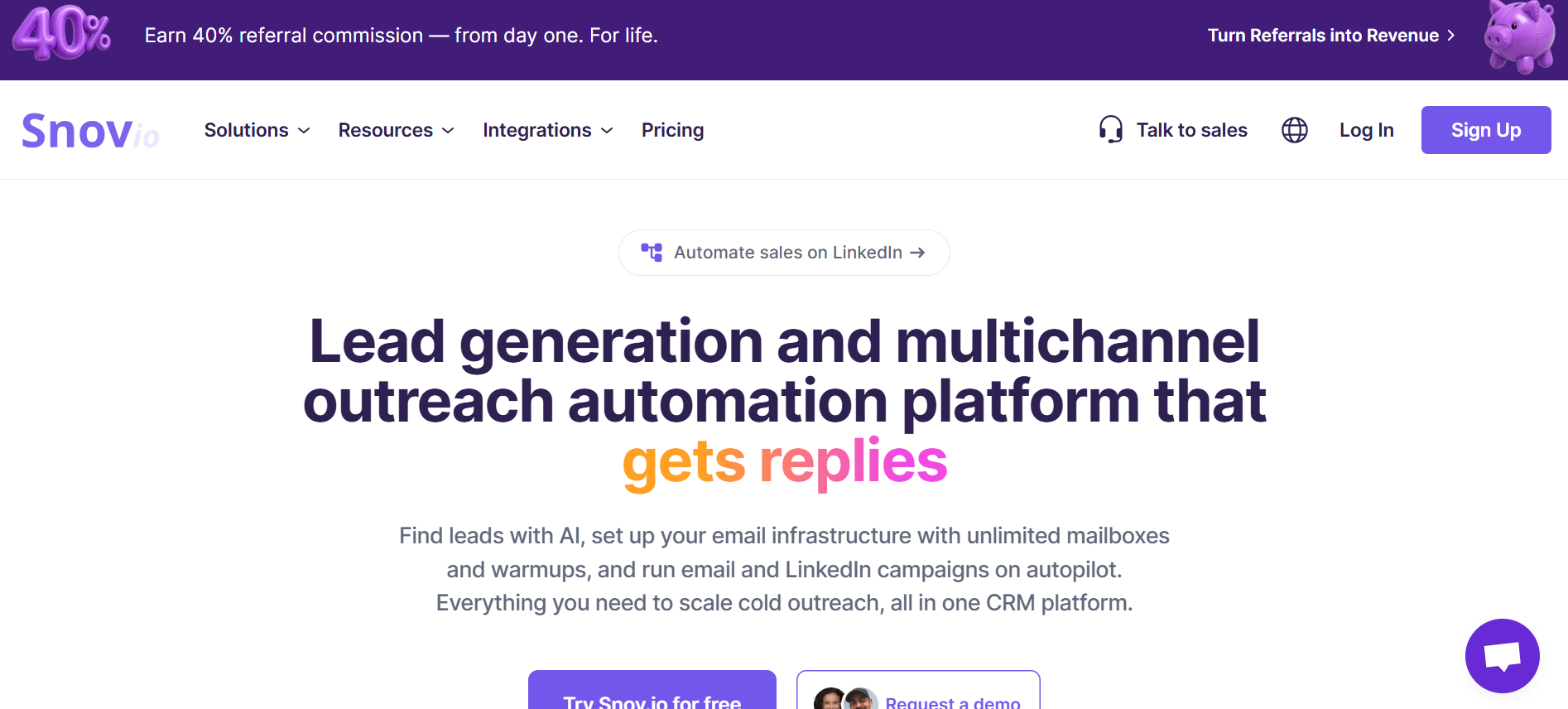
Snov.io is a budget-friendly all-in-one platform that blends prospecting, verification, and outreach in one simple workflow. It is popular with SMBs, recruiters, and freelancers who want practical outbound capabilities without enterprise-level pricing.
Key strengths
- Built-in email finder
- Native email verifier
- Prospecting and outreach in one place
- Chrome extension support
- Good for SMB lead generation
- Easy campaign setup
- Useful for recruiters and consultants
Pricing
- Starter: $39/month
- Pro: $99/month
- Pricing stays accessible for smaller teams
- Good balance of data + outreach in one tool
- Lower complexity than enterprise sales platforms
10.QuickMail
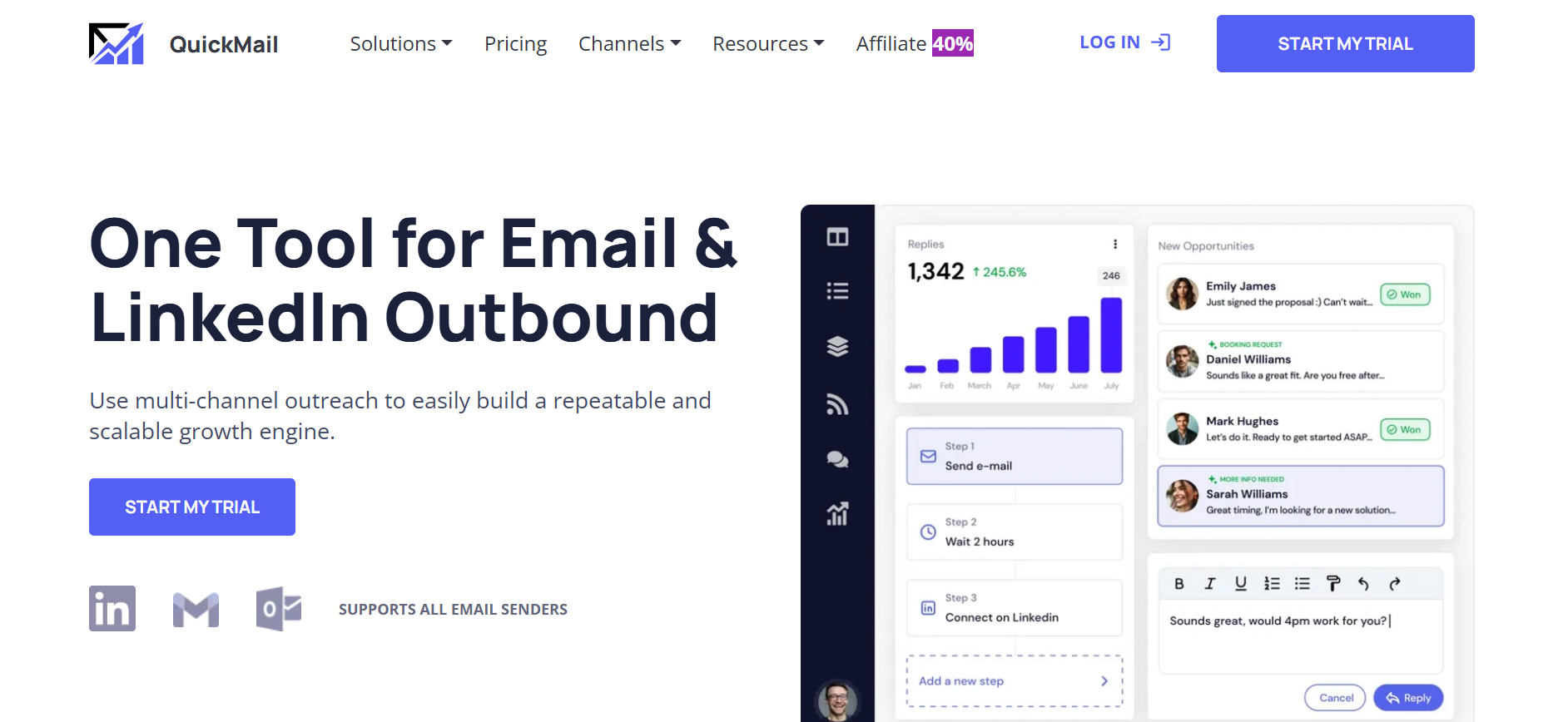
QuickMail is best when you already have lead data and mainly need safe, reliable sending infrastructure. It focuses heavily on inbox rotation, reply workflows, and sender reputation, making it ideal for operators who prioritize execution quality.
Key strengths
- Safe sending infrastructure
- Inbox rotation controls
- Strong reply detection workflows
- Deliverability-first sending
- Team inbox coordination
- Good webhook and workflow integrations
- Reliable operational stability
Pricing
- Starts around $49–$59/month
- Pricing depends on inbox volume
- Higher sending infrastructure increases cost
- Better as a sending layer than a full prospecting stack
11.Klenty
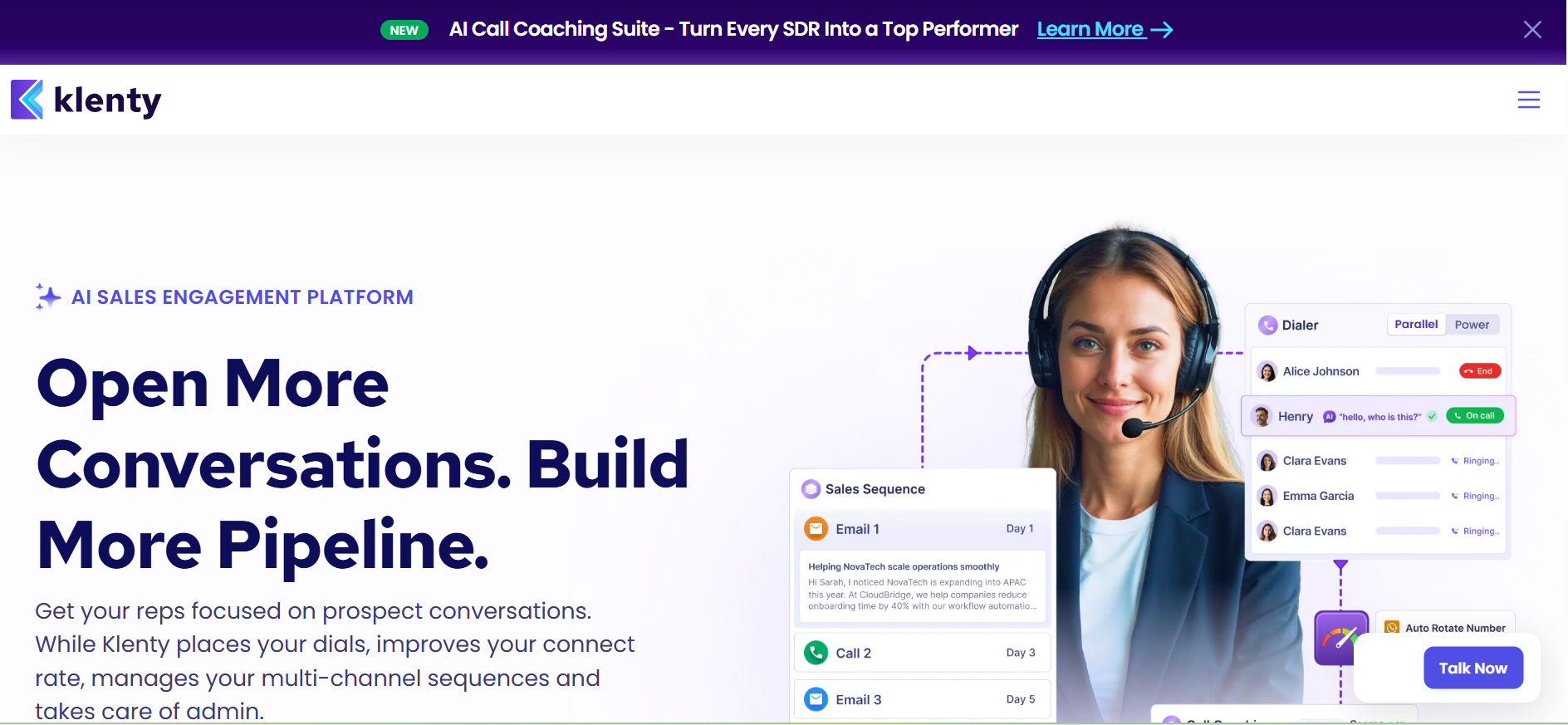
Klenty is designed for sales teams that run structured SDR workflows and CRM-based cadences. It fits process-heavy revenue teams that care about repeatability, task discipline, and predictable sequence execution.
Key strengths
- Structured SDR task workflows
- CRM-native cadence execution
- Strong follow-up automation
- Sales activity tracking
- Team-level workflow controls
- Great for process-driven outbound teams
- Reliable repeatability across reps
Pricing
- Usually starts around $50–$70/user/month
- Pricing scales with seats
- CRM integrations may affect plan choice
- Better fit for teams than freelancers
- Add exact live pricing during final refresh
How to Choose the Right Cold Email AI Tool for Your Needs
The right cold email AI tool depends on where your workflow breaks today. If you struggle with data, prioritize lead search. If replies slow you down, focus on automation. And if scaling safely is the issue, deliverability and mailbox controls should lead your decision.
1. Based on your budget
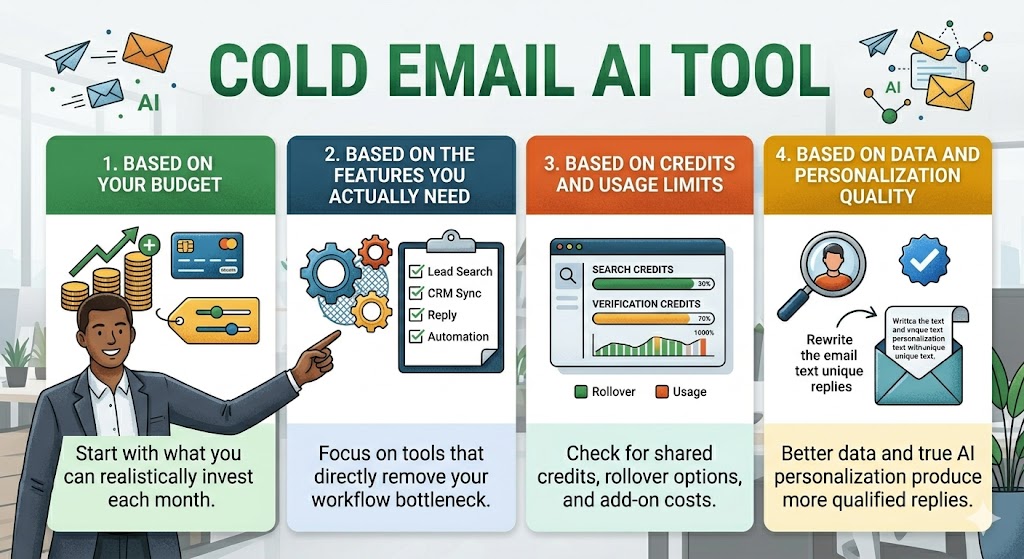
Start with what you can realistically invest each month. Some tools look affordable upfront but become expensive once you add users, inboxes, credits, or prospecting data.
If predictable pricing matters, prioritize platforms with all-in-one plans and fewer hidden upgrade triggers.
2. Based on the features you actually need
Do not pay for workflow depth you may never use. Some teams only need safe sending and follow-ups, while others need lead search, CRM sync, reply automation, and multi-channel sequences.
The right choice depends on which features directly remove your current workflow bottleneck.
3. Based on credits and usage limits
Credits often decide long-term cost efficiency. Check whether the platform uses shared credits across search, verification, and enrichment or gives separate usage pools.
Also look for rollover credits, add-on packs, and recipient-based limits before scaling campaigns.
4. Based on data and personalization quality
Quality should always outweigh volume. Better lead databases, cleaner verification, stronger enrichment, and true AI personalization usually produce more qualified replies than sending larger campaigns with weaker data.
Focus on tools that improve targeting precision and message relevance.
Suggested Reading:
How to Set up AI Cold Email Outreach in Simple StepsCommon Mistakes When Using Cold Email AI Tools
Cold email AI tools can accelerate pipeline fast, but the wrong setup creates the opposite effect.
Most teams struggle not because the tool is weak, but because they ignore deliverability, over-automate personalization, use poor data, or scale workflows before proving what actually converts.
1.Relying on AI without clear targeting
AI can improve messaging, but it cannot fix a weak ICP. Poor targeting wastes good domains and lowers reply rates.
Many teams struggle here because they haven’t clearly defined their target audience before starting outreach.
2.Over-automating without personalization
Automation should increase relevance, not remove human context. Robotic sequences sent at scale often underperform, while smarter personalization usually drives better replies than simply increasing volume.
3.Ignoring deliverability and warm-up
Inbox health is non-negotiable. Skipping warm-up, using unverified lists, or ramping volume too fast can damage sender reputation quickly, and recovery is always harder than prevention.
4.Using too many disconnected tools
Too many separate tools create handoff delays, errors, and context loss. Unified workflows usually convert better because every step stays connected.
5.Not tracking performance and optimizing
The best teams continuously improve targeting, copy, timing, and follow-up logic using reply rates, spam trends, and meeting outcomes. AI works best when treated as an optimization system, not set-and-forget automation.
Conclusion
The right cold email AI tool is the one that removes the biggest bottleneck in your outbound workflow.
For some teams, that means safer sending and better deliverability. For others, it means built-in data, stronger personalization, or full workflow automation.
The smartest choice is not the tool with the most features, but the one that reduces tool sprawl, protects inbox health, and helps you turn more qualified conversations into booked meetings with less manual effort.
Frequently Asked Questions (FAQs)
1. What is the best cold email AI tool for full automation?
If you want AI to handle lead discovery, writing, follow-ups, replies, and CRM updates, choose a platform built for full workflow automation.
These tools reduce manual work and are ideal for founders, lean SDR teams, and agencies scaling fast.
2. Which cold email AI tool is best for deliverability?
The best choice is a tool with strong inbox warm-up, mailbox rotation, throttling, and domain health controls.
Deliverability matters more than advanced copy features if your emails are landing in spam.
3. Do I need built-in lead generation in my cold email tool?
If you are a lean team, yes. Tools with native lead databases, enrichment, and verification reduce stack complexity and remove the need for separate prospecting tools.
4. Are cold email AI tools better than manual outreach?
They are better for scale, speed, and process consistency. Manual outreach can still work for highly strategic accounts, but AI tools help you maintain personalization while reaching far more qualified prospects.
5. How do I choose the right cold email AI platform?
Start by identifying your biggest bottleneck: data quality, sending scale, deliverability, personalization, or reply management. The right tool should solve that specific workflow problem first.