12 Email Preheader Best Practices Every Marketer Should Know
Email marketers spend hours perfecting subject lines.
But many still ignore the tiny line sitting right below it — the preheader.
That’s a problem because your preheader can decide whether someone opens your email or scrolls past it.
Think about your inbox for a second.You usually see:
- The sender name
- The subject line
- A short preview text
That preview text is your preheader.
When used correctly, it gives context, builds curiosity, and increases opens.
When ignored, inboxes pull random text like “View this email in browser,” wasting valuable attention.
In this guide, you’ll learn:
- What email preheaders actually do
- Why they matter for open rates
- 12 email preheader best practices marketers should follow
- Common mistakes hurting email engagement
- How AI can help personalize preheaders at scale
What Is an Email Preheader?
An email preheader is the short preview text displayed next to or below your subject line in the inbox.
Most email clients show between 35–140 characters depending on the device and platform.
It acts like a second subject line.
Instead of repeating your headline, a strong preheader adds context and gives subscribers another reason to open your email.
For example:
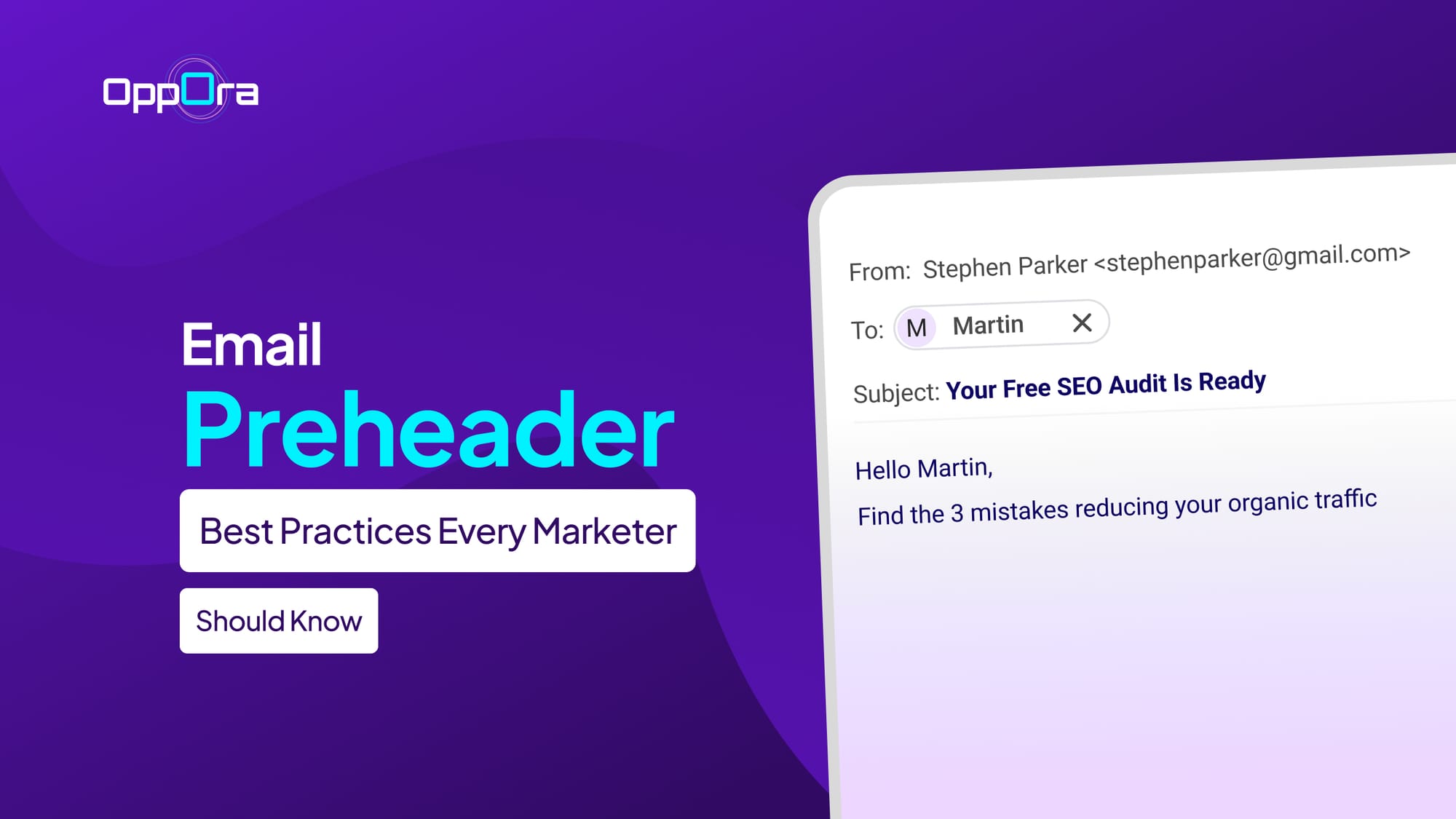
Subject Line: Your free SEO audit is ready
Preheader: Find the 3 mistakes reducing your organic traffic
Together, they create more curiosity and clarity.
Why Email Preheaders Matter More Than Ever
Inbox competition keeps increasing every year.
Your audience receives dozens of promotional emails daily, and most decisions happen within seconds.
That means small elements now influence performance in a big way.
A well-written preheader can:
- Increase open rates
- Improve message clarity
- Reduce confusion
- Create urgency naturally
- Support personalization efforts
- Strengthen mobile inbox visibility
And since mobile users often see preheaders more prominently than desktop users, optimizing them has become essential.
12 Email Preheader Best Practices
1. Never Repeat the Subject Line
One of the most common mistakes marketers make is duplicating the exact subject line inside the preheader.
That wastes valuable inbox space.
Your preheader should complement the subject line, not mirror it.
Instead of this:
Subject: New summer collection is live
Preheader: New summer collection is live
Try this:
Preheader: Explore lightweight styles before they sell out
This creates momentum and gives subscribers an extra reason to click.
2. Keep It Short and Mobile Friendly
Most email opens now happen on mobile devices.
That means long preheaders often get cut off before readers see the important part.
A good rule is keeping preheaders between 40–90 characters.
Put the most important words first because inboxes truncate differently across devices.
Shorter preheaders also feel cleaner and easier to scan quickly.
3. Create Curiosity Without Sounding Clickbait
Curiosity works well in email marketing.
But vague or overly dramatic preheaders usually hurt trust.
Your goal is to make readers interested while still sounding relevant and believable.
Instead of:
“You won’t BELIEVE this secret!!!”
Try:
“The strategy top SaaS teams use to reduce churn”
The second version feels more credible and valuable.
Suggested Reading:
Lead Prospecting Methods & Frameworks to Reach Ideal Customers4. Add Context to the Subject Line
Strong preheaders fill information gaps left by the subject line.
This works especially well when your subject line is short or curiosity-driven.
For example:
Subject: Something exciting is coming
Preheader: Early access starts tomorrow for premium subscribers
Now the reader understands what the email is about.
This combination improves clarity without sacrificing intrigue.
5. Use Personalization Carefully
Personalized preheaders can improve engagement when used naturally.
You can include:
- First names
- Company names
- Industry references
- Recent activity
- Location-based details
But over-personalization can feel robotic or invasive.
Instead of stuffing variables everywhere, focus on relevance.
Good personalization feels conversational, not automated.
6. Include Urgency When It Makes Sense
Urgency can increase opens, especially for:
- Limited-time offers
- Webinar reminders
- Product launches
- Cart abandonment emails
- Seasonal campaigns
But fake urgency damages credibility quickly.
Avoid phrases that sound exaggerated or manipulative.
A better approach is using genuine timing cues like:
- Ends tonight
- Final seats available
- Registration closes in 3 hours
Simple wording often performs better than aggressive tactics.
7. Avoid Spam Trigger Language
Spam-heavy wording can reduce deliverability and lower trust.
Preheaders packed with promotional phrases may look suspicious to both users and filters.
Avoid excessive use of:
- FREE!!!
- Buy now
- Guaranteed income
- Limited offer
- Risk-free
Instead, focus on clarity and usefulness.
Natural language almost always performs better long term.
8. Optimize Preheaders for Different Campaign Types
Not every email needs the same preheader style.
Your messaging should match campaign intent.
Promotional Emails
Focus on urgency, value, or exclusivity.
Example: Extra 20% discount ends at midnight
Newsletter Emails
Highlight the main takeaway.
Example: This week’s growth insights for SaaS marketers
Product Update Emails
Focus on benefits.
Example: Faster reporting and new workflow automation features
Event Emails
Emphasize timing and attendance value.
Example: Join 500+ marketers this Thursday live
Context always improves performance.
9. Test Subject Line and Preheader Together
Many marketers A/B test subject lines alone.
But subject lines and preheaders work as a pair.
A great subject line with a weak preheader still underperforms.
When testing, experiment with combinations like:
- Curiosity + clarity
- Question + urgency
- Benefit + exclusivity
- Short subject + detailed preheader
Sometimes a small preheader tweak creates major lift in open rates.
10. Remove Default Preview Text
Nothing hurts email presentation faster than inboxes showing random text like:
- “View in browser”
- “Unsubscribe here”
- Image alt text
- Footer copy
This happens when marketers don’t intentionally set preheaders.
Always control your preview text manually.
Even a simple sentence performs better than accidental filler content.
Suggested Reading:
Best Cold Email Subject Lines That Increase Open Rates11. Match the Tone of Your Brand
Your preheader should sound like your company.
A playful ecommerce brand and a B2B cybersecurity company shouldn’t sound identical.
Consistency builds familiarity.
If your emails are conversational, keep preheaders conversational too.
If your audience expects professionalism, avoid overly casual wording.
Tone alignment improves trust over time.
12. Use AI to Personalize and Scale Preheaders
As email campaigns grow, writing unique preheaders manually becomes difficult.
That’s where AI workflows can help.
Instead of using repetitive templates, AI can generate contextual preheaders based on:
- Audience segments
- Campaign goals
- User behavior
- Funnel stage
- Industry data
This helps teams maintain personalization without slowing down execution.
How Oppora Helps Teams Personalize Outreach at Scale
As marketers scale outbound campaigns, maintaining personalized messaging across emails becomes challenging.
That’s where tools like Oppora become useful.
Instead of manually writing every variation, Oppora’s AI agents can help generate personalized outreach flows, automate follow-ups, and manage email sequences across multiple inboxes.
What makes the workflow different is that the AI agents handle multiple stages together instead of acting like isolated tools.
That includes:
- Lead enrichment
- Email personalization
- Automated replies
- Inbox management
- Campaign workflows
- CRM syncing
For teams running large outbound campaigns, this reduces repetitive manual work while keeping messaging relevant and contextual.
Common Email Preheader Mistakes to Avoid
Even experienced marketers make avoidable preheader mistakes.
Here are some of the biggest ones:
- Repeating the subject line
- Writing overly long preheaders
- Using spammy wording
- Forgetting mobile optimization
- Leaving default preview text
- Using misleading curiosity tactics
- Ignoring testing opportunities
Small improvements here can create noticeable gains in engagement.
Final Thoughts
Subject lines may grab attention first, but preheaders often decide whether readers actually open your email.
The best email preheader best practices focus on one thing: helping subscribers quickly understand why the email matters to them.
That means:
- Adding context
- Creating curiosity naturally
- Staying concise
- Matching audience intent
- Supporting personalization
Start treating preheaders like strategic copy instead of an afterthought.
You’ll likely see stronger open rates, better engagement, and more effective email campaigns overall.
Frequently Asked Questions
1. What is the ideal length for an email preheader?
The ideal email preheader length is usually between 40–90 characters.
This range works well across most desktop and mobile inboxes without getting heavily truncated.
2. Should email preheaders repeat the subject line?
No, your preheader should support the subject line, not duplicate it.
A strong preheader adds context, urgency, or curiosity that encourages readers to open the email.
3. Do email preheaders impact open rates?
Yes, preheaders can significantly influence open rates because they act as a secondary preview message inside the inbox.
A compelling preheader gives subscribers another reason to click.
4. Are email preheaders important for mobile users?
Absolutely.
Mobile inboxes often display preheaders more prominently than desktop inboxes, making them critical for improving visibility and engagement.
5. Can AI tools help generate email preheaders?
Yes, AI tools can help marketers create personalized preheaders faster at scale.
This is especially useful for teams managing large outbound or segmented email campaigns.
6. Can AI tools help generate email preheaders?
Yes, AI tools can help marketers create personalized preheaders faster at scale.
This is especially useful for teams managing large outbound or segmented email campaigns.