11 Best Google Maps Email Scraper That Provide Verified Emails
google maps email scraper free, email scraper from google maps

Finding local businesses on Google Maps is easy.
Finding the right contact person with a verified email is where the real work starts.
You may scrape hundreds of business listings, but if the emails are missing, outdated, or unverified, your outreach still slows down. That is why choosing the right Google Maps email scraper matters.
The best tools do more than pull names, phone numbers, and websites. They help you build clean lead lists you can actually use.
In this guide, you will see:
- What to check before choosing a scraper
- The 11 best Google Maps email scraper tools
- Which tool fits your use case best
What Makes a Good Google Maps Email Scraper?
Before you compare tools, it helps to know what actually matters.
A good Google Maps email scraper should not only collect business listings. It should help you move from raw local data to usable leads without spending hours cleaning spreadsheets.
Finds verified business emails
The main goal is to find email addresses you can trust.
Some tools only extract emails shown on websites or public profiles. Better tools go further by enriching business records with verified contacts, so you are not stuck with generic or outdated emails.
Extracts phone numbers and websites
Email is important, but it is not the only useful contact detail.
A strong scraper should also collect phone numbers, websites, business names, addresses, categories, ratings, and other local business data. This gives you more context before outreach.
Suggested Reading:
9 LinkedIn Phone Number Extensions That Reveal Verified ContactsSupports bulk scraping
If you are targeting one city, manual collection may work.
But if you need hundreds or thousands of leads across multiple locations, bulk scraping becomes essential. The tool should let you search by keyword, industry, location, and radius.
Removes duplicate leads
Duplicate records waste credits, clutter your CRM, and make outreach messy.
A good tool should automatically detect and remove duplicate companies or contacts before you export or launch campaigns.
Exports to CSV or CRM
Your lead list should be easy to use after scraping.
Look for tools that support CSV export, CRM export, or direct integration with outreach platforms.
Includes email verification
Built-in email verification saves time and protects deliverability.
It helps you avoid bounced emails before you start sending.
Suggested Reading:
13 Cheapest Email Verification Tools That Don't Sacrifice AccuracyOffers easy filtering by industry and location
Finally, filtering should feel simple.
You should be able to narrow leads by business type, city, country, rating, website availability, or niche without complex setup.
11 Best Google Maps Email Scraper Tools Compared
Once you know what makes a scraper useful, comparing tools becomes much easier.
Some tools are built only to extract business listings and emails. Others help you find emails, verify contacts, export leads, or automate outreach after your list is ready.
Here are the best Google Maps email scraper tools to consider.
Oppora.ai — Best Overall Google Maps Email Scraper This should clearly be the strongest review.
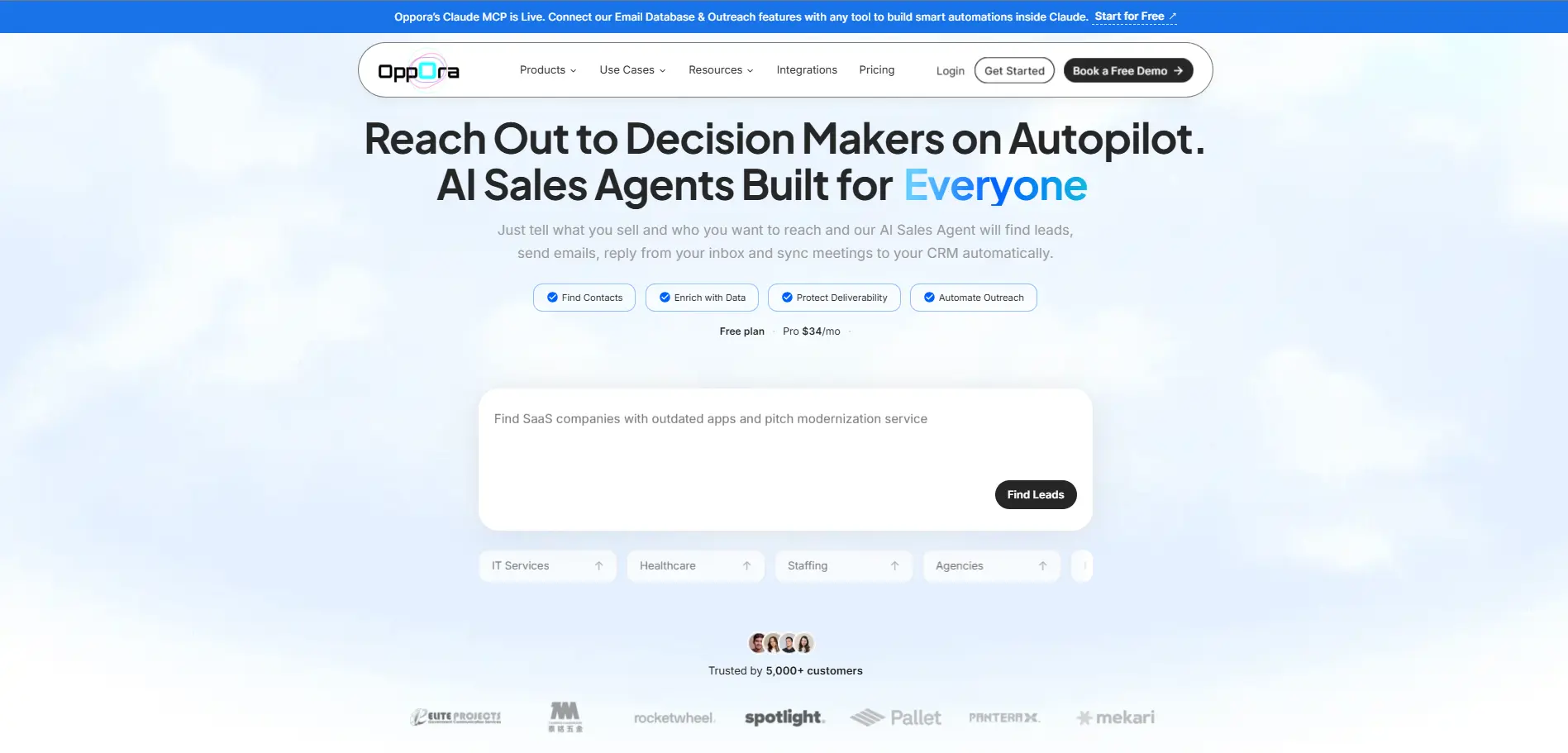
Unlike traditional Google Maps email scrapers that only extract business listings, Oppora.ai helps you turn local businesses into verified sales opportunities. It combines Google Maps business discovery, a 1B+ contact database, email verification, and AI-powered outreach in one platform.
With Local Business Finder, enter a business type, industry, or keyword, then choose your target region and search radius. Oppora.ai finds businesses listed on Google Maps, including companies without a LinkedIn page.
Each result includes key business details like company name, address, website, and phone number. This gives you a clean, targeted list for local B2B prospecting.
Next, enrich those companies with verified decision-makers from Oppora.ai's 1B+ contact database. You can enrich business profiles, verify email addresses, and build qualified prospect lists in minutes.
Once your list is ready, launch AI-personalized cold email campaigns, automate follow-ups, and manage conversations from a shared inbox. Everything from prospect discovery to outreach happens in a single workflow.
Key Features
- Discover local businesses from Google Maps using business type, industry, or keyword searches
- Access a 1B+ global contact database to find verified decision-makers
- Find companies that don't have LinkedIn company pages but have an active Google Maps presence
- Enrich business profiles with company and contact information
- Verify business email addresses before outreach
- Build highly targeted lead lists in minutes
- Launch AI-personalized cold email campaigns directly from the platform
- Automate follow-up emails and AI-powered replies with its ai reply agent
- Manage conversations from a shared inbox with campaign analytics
- Export leads or continue the entire prospecting and outreach workflow without switching tools
Outscraper — Best for Bulk Google Maps Data Extraction
Outscraper is a strong option if your main goal is to collect large amounts of Google Maps business data.
It helps you extract company names, phone numbers, websites, addresses, ratings, reviews, categories, and other local business details from Google Maps.
Where Outscraper works well is volume.
If you are building large local lead lists across many cities, industries, or search terms, it gives you a more scalable way to collect business records instead of copying them manually.
You can also use Outscraper with additional enrichment workflows when you need emails or contacts connected to those businesses.
Key Features
- Extract Google Maps business listings in bulk
- Collect names, websites, phone numbers, ratings, reviews, and addresses
- Search by keyword, category, city, or location
- Export scraped data for further cleaning or outreach
- Useful for agencies and teams building large local business databases
IGLeads — Best for Google Maps Lead Generation
IGLeads is built for users who want a simple way to generate leads from Google Maps and other online sources.
You can search by keyword, niche, city, or country, then collect business contact details that can be used for local prospecting.
It is especially useful if you want a beginner-friendly Google Maps email scraper and do not want to deal with technical scraping setups.
IGLeads can also support multi-source lead generation, which makes it useful if your prospects are spread across Google Maps, websites, and social platforms.
Key Features
- Search Google Maps businesses by niche and location
- Extract business emails and contact details when available
- Build local lead lists for sales or marketing campaigns
- Supports lead generation from multiple online sources
- Suitable for small teams, agencies, and marketers
SpyLead — Best for Extracting Google Maps Business Emails
SpyLead is useful when you want to extract business emails and contact data from Google Maps with a simple workflow.
You can use it to collect local business information such as names, phone numbers, addresses, websites, categories, and available emails.
This makes it helpful for local outreach campaigns where you already know the type of businesses you want to target.
For example, you can search for dentists, restaurants, gyms, real estate agencies, or other local businesses in a specific area and turn those results into a prospecting list.
Key Features
- Extract business data from Google Maps listings
- Find available business emails, phone numbers, and websites
- Search by location, keyword, or business category
- Build lead lists for local sales outreach
- Useful for small businesses and local marketing agencies
BillionVerify Google Maps Extractor — Best for Email Verification
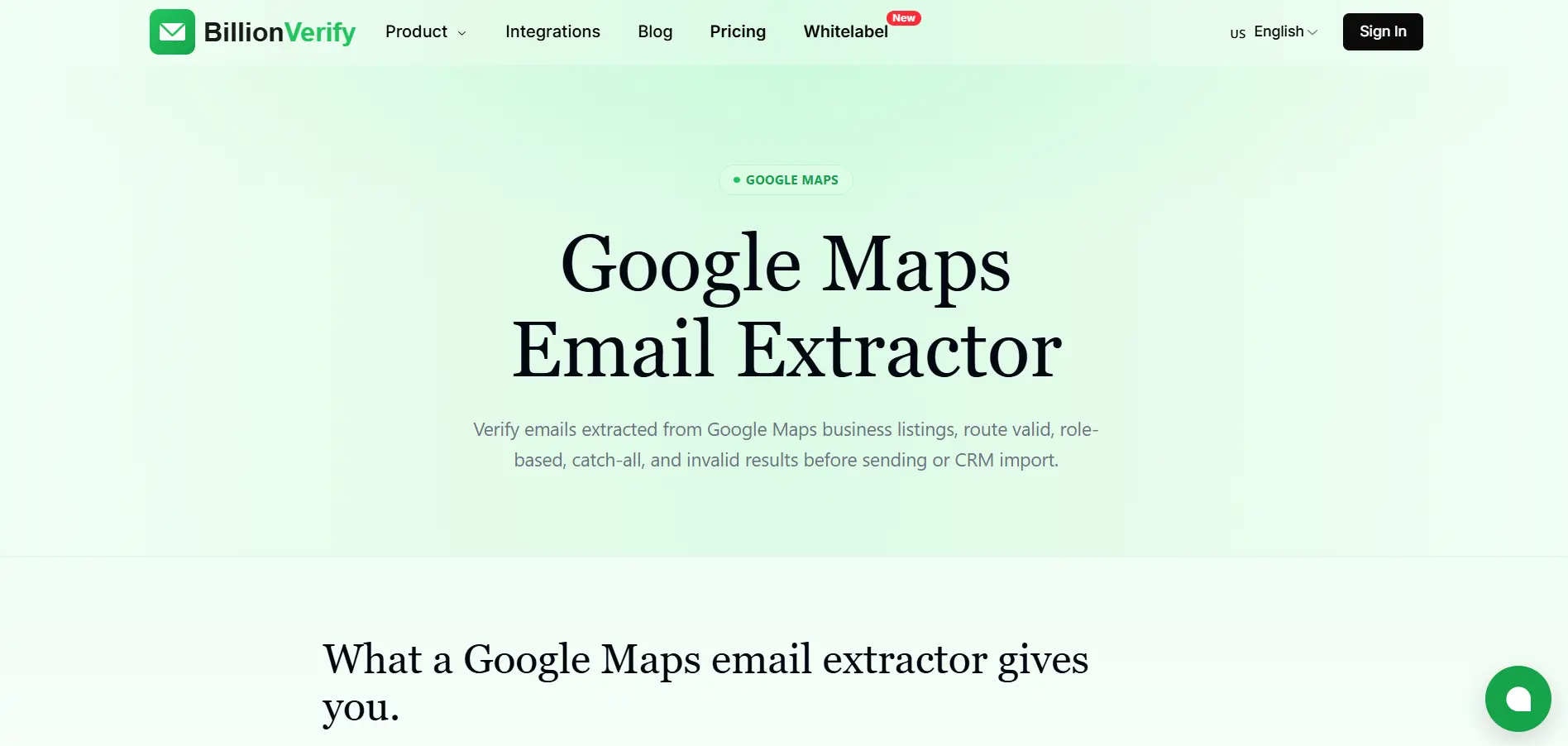
BillionVerify is best for teams that care about email quality before sending campaigns.
It is not only about collecting emails. Its real value is helping you verify whether those emails are safe to use.
That matters because scraped emails can often be outdated, invalid, or risky for deliverability.
If you already have a list of leads from Google Maps or local business websites, BillionVerify can help clean that list before you upload it into your outreach tool.
So instead of sending emails blindly, you can reduce bounce rates and protect your sender reputation.
Key Features
- Verify emails collected from Google Maps and local websites
- Clean bulk email lists before outreach
- Detect invalid, risky, disposable, or low-quality email addresses
- Improve deliverability for cold email campaigns
- Useful as a verification layer after scraping
LocalScraper — Best Desktop Google Maps Scraper
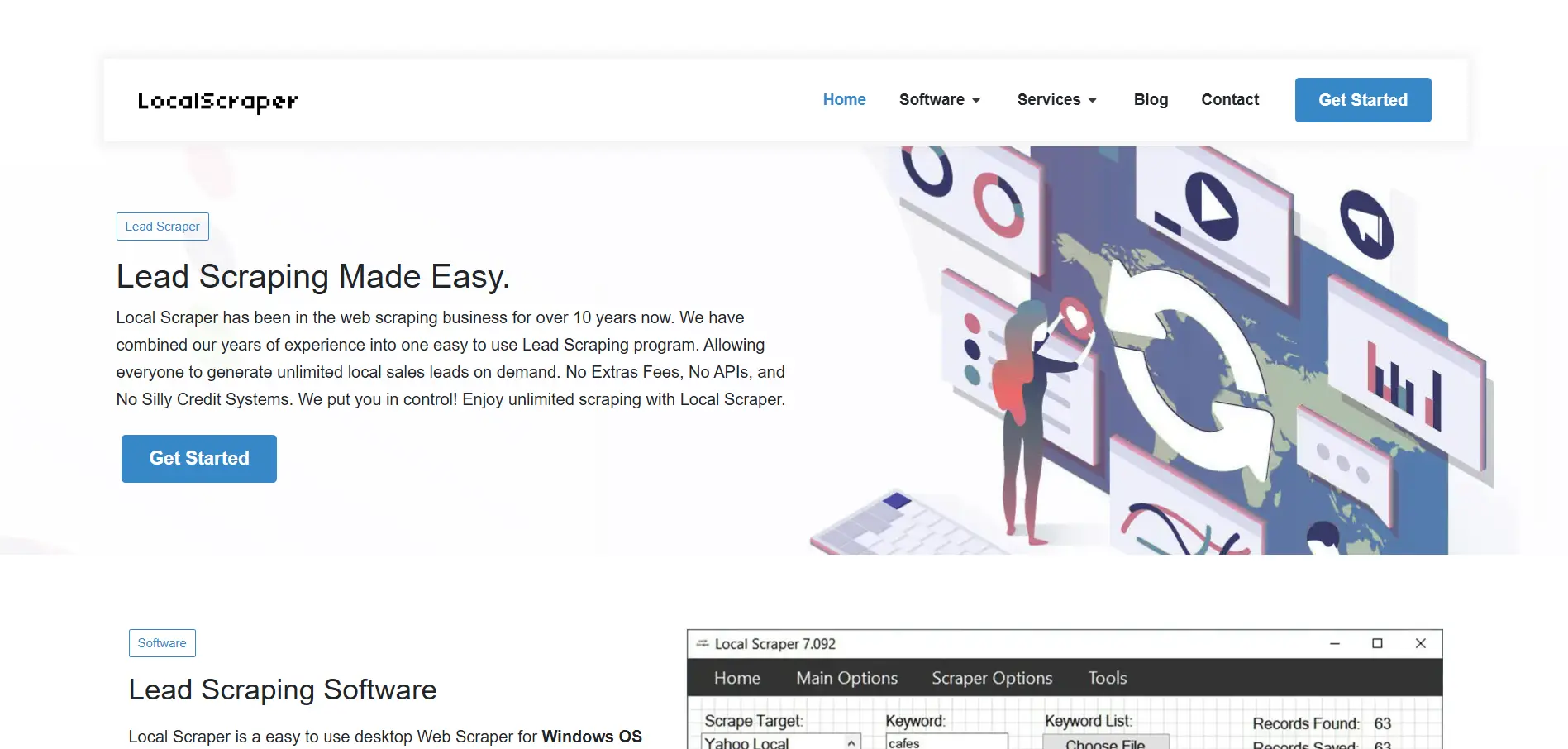
LocalScraper is a desktop-based Google Maps scraper for users who prefer software they can run from their own computer.
It helps you collect local business data from Google Maps and organize it for prospecting, SEO, or market research.
This can be useful if you do not want a fully cloud-based scraper and prefer more control over how your scraping process runs.
LocalScraper is especially practical for users who need repeated local searches and want to scrape business details without building a custom system.
Key Features
- Desktop-based Google Maps scraping software
- Extract local business names, websites, addresses, and phone numbers
- Useful for local SEO, lead generation, and market research
- Supports location and keyword-based searches
- Good for users who prefer a local software setup
G Maps Extractor — Best Windows-Based Google Maps Extractor
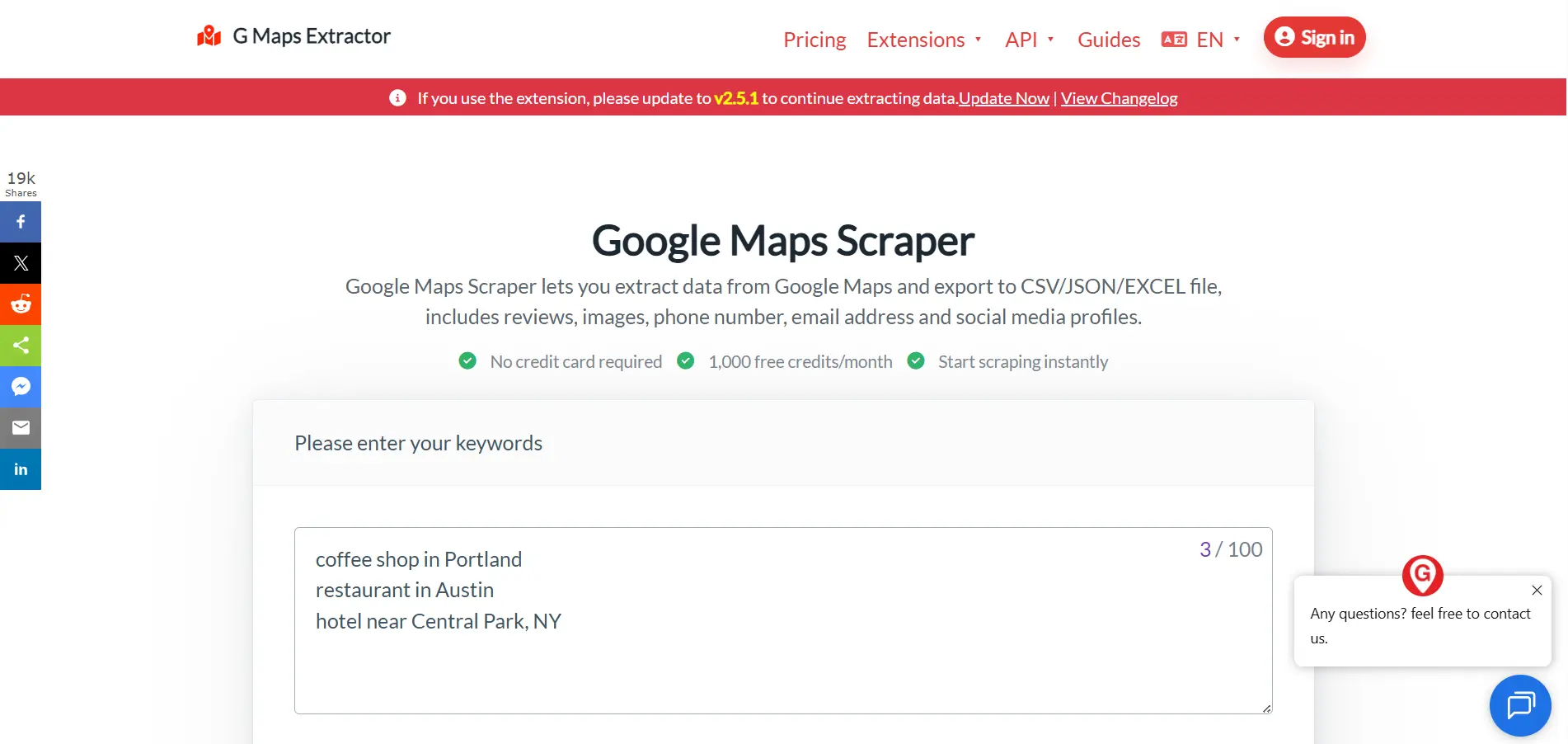
G Maps Extractor is another practical option for users who want to collect business data from Google Maps without a complex setup.
It focuses on extracting local business records and turning them into exportable lead lists.
You can use it to collect details like company names, addresses, phone numbers, websites, social links, and available emails.
It is a good fit if you want a straightforward Google Maps extractor for Windows-based prospecting workflows.
Key Features
- Extract Google Maps business listings
- Collect phone numbers, websites, addresses, and available emails
- Export data into common file formats
- Useful for local lead generation and business research
- Good for users who prefer a simple extractor-style tool
MapsScraper.ai — Best Chrome Extension for Google Maps Scraping
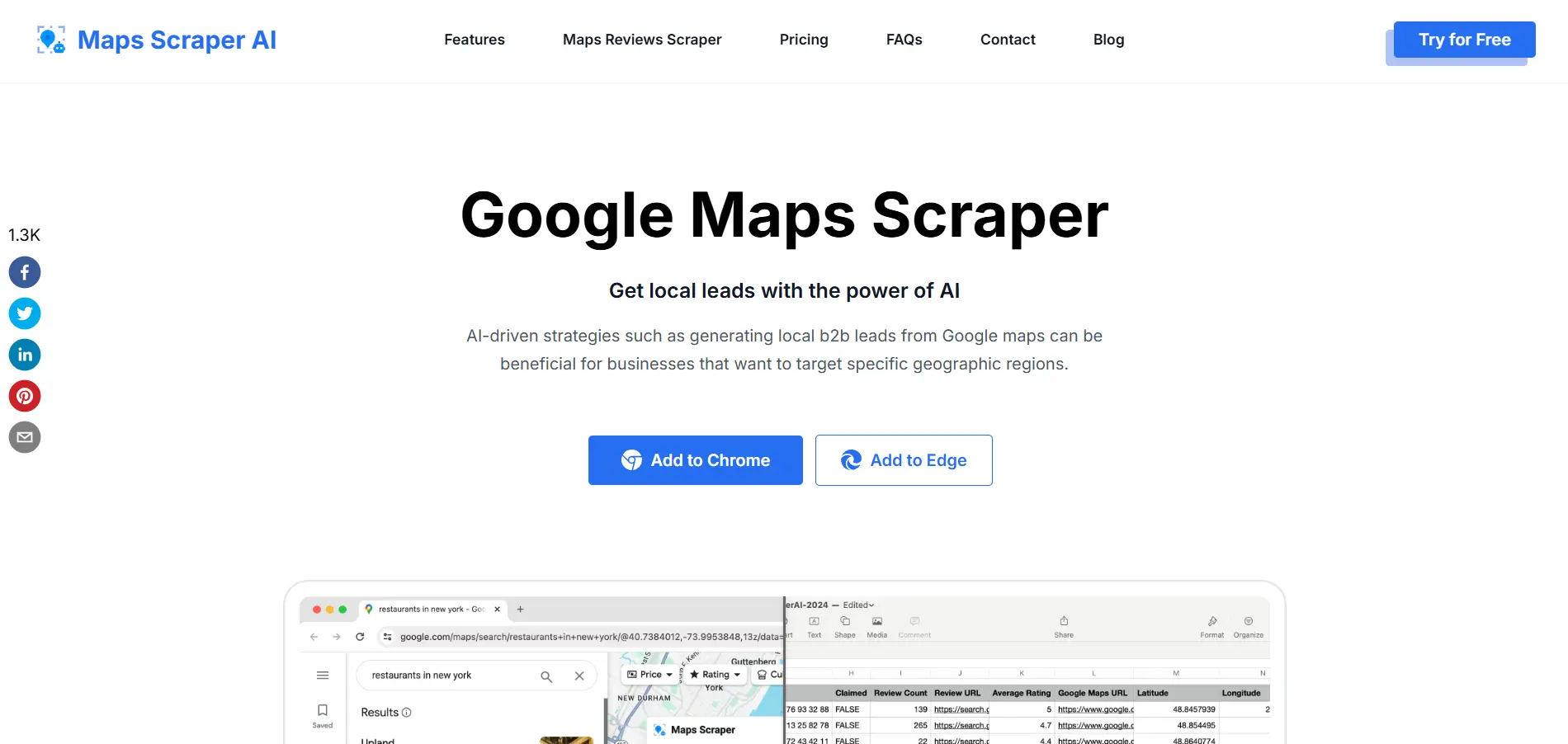
MapsScraper.ai is useful if you want a lightweight browser-based Google Maps scraping workflow.
Instead of installing heavy software or setting up technical automations, you can use it as a Chrome extension to collect business details while browsing Google Maps.
This makes it convenient for smaller campaigns, quick local research, or one-off lead generation projects.
It can help you extract business names, websites, phone numbers, addresses, categories, ratings, and available contact details from Google Maps results.
Key Features
- Chrome extension for Google Maps scraping
- Extract business names, websites, phones, addresses, and categories
- Collect available emails and social links
- Export data for outreach or CRM upload
- Best for lightweight and quick local scraping workflows
LeadStal Google Maps Scraper — Best for Local Business Prospecting
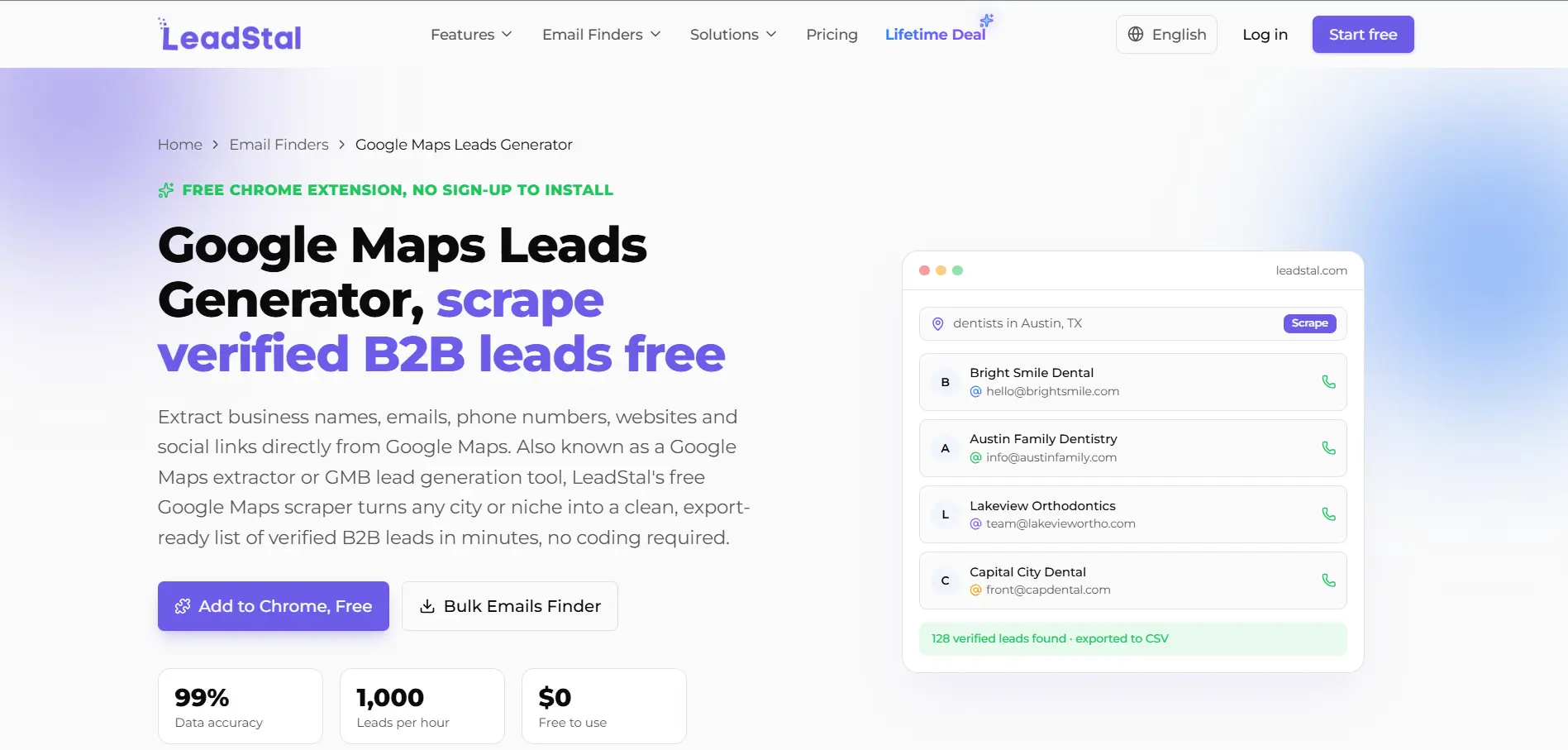
LeadStal Google Maps Scraper is designed for people who want to find local business leads and move them into outreach.
You can use it to search for businesses by location and category, then extract contact information from Google Maps listings.
It is helpful for agencies, freelancers, and small business owners who need fresh local leads without manually checking each business profile.
LeadStal also fits well when your focus is simple prospecting rather than advanced data engineering.
Key Features
- Scrape local business leads from Google Maps
- Search by business category and location
- Collect business names, websites, phone numbers, and available emails
- Export leads for follow-up campaigns
- Useful for freelancers, local agencies, and small sales teams
PhantomBuster — Best for Automated Google Maps Workflows
PhantomBuster is different from basic Google Maps email scrapers because it focuses on automation.
You can use it to build repeatable workflows that collect data from Google Maps and connect that data with other prospecting steps.
This is useful when you do not want to run the same manual search again and again.
PhantomBuster can also support workflows across other platforms, which makes it helpful if your prospecting process includes Google Maps, LinkedIn, websites, or enrichment tools.
Key Features
- Automate Google Maps data extraction workflows
- Run repeatable prospecting tasks in the cloud
- Export results for lead generation and outreach
- Combine Google Maps scraping with other automation steps
- Useful for teams that want more workflow flexibility
Octoparse — Best No-Code Web Scraper for Google Maps
Octoparse is a no-code web scraping tool that can be used for Google Maps and many other websites.
It is a good fit if you want more flexibility than a dedicated Google Maps scraper but do not want to write code.
With Octoparse, you can use scraping templates or create custom workflows to collect business data from Google Maps search results.
It is especially useful for teams that need data from multiple websites, not only Google Maps.
Key Features
- No-code web scraping interface
- Google Maps scraping templates
- Extract business names, addresses, websites, ratings, and reviews
- Export data into common formats
- Useful for teams that scrape data from multiple online sources
Apify Google Maps Scraper — Best for Developers and Large-Scale Scraping
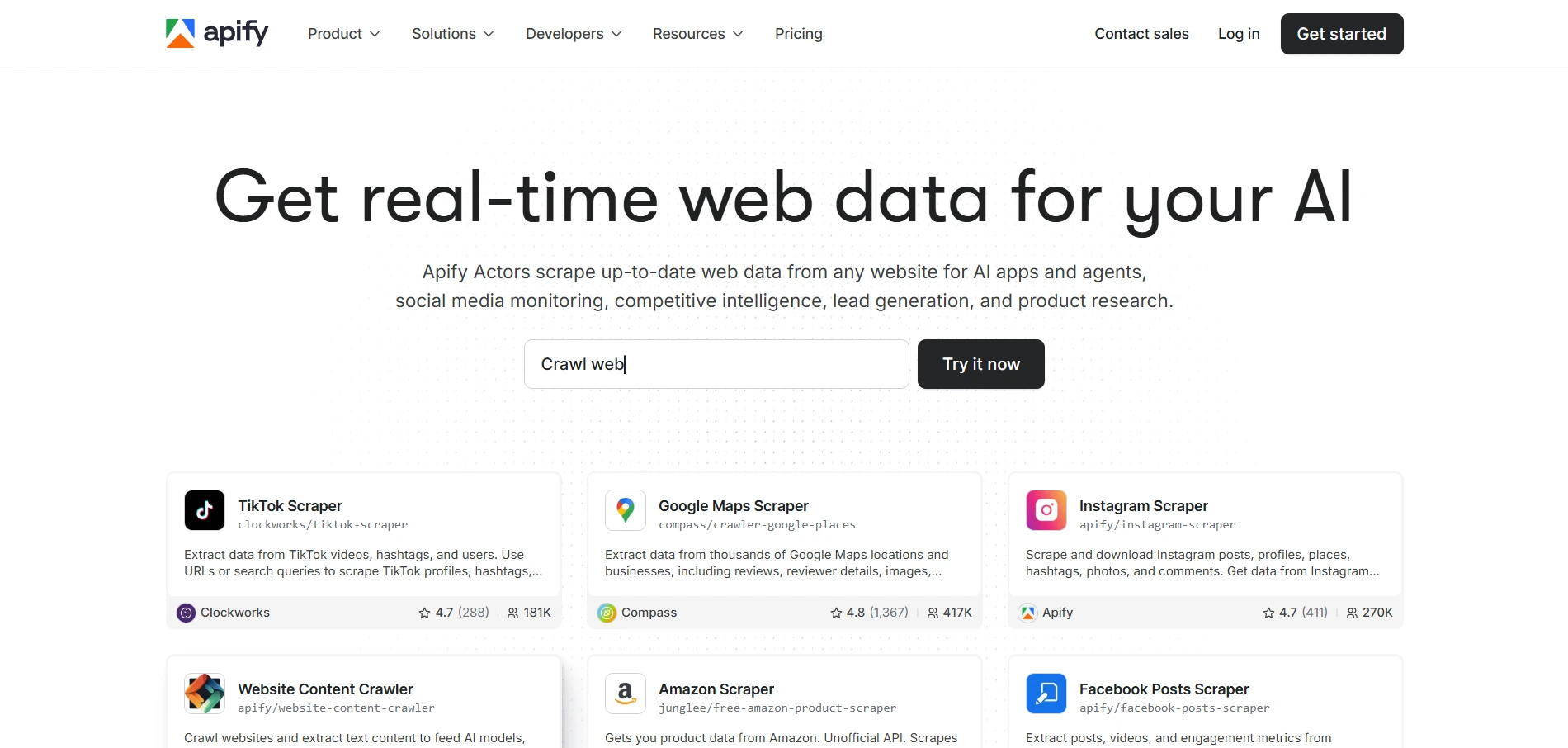
Apify Google Maps Scraper is a strong choice for developers, technical teams, and companies that need scalable scraping infrastructure.
Instead of using a simple browser extension, you can run Google Maps scraping tasks through cloud-based actors and connect the results with APIs, databases, or internal tools.
This makes Apify useful for larger scraping projects where automation, scheduling, and integrations matter.
It may feel too technical for beginners, but it gives advanced teams much more control over how Google Maps data is collected and processed.
Key Features
- Cloud-based Google Maps scraping actors
- Extract business details, reviews, contact data, and location information
- Schedule scraping jobs and automate recurring data collection
- Connect results with APIs or internal systems
- Best for developers, data teams, and large-scale scraping projects
Suggested Reading:
11 Best LinkedIn Email Scrapers With Bulk Export & EnrichmentSide-by-Side Comparison of the Best Google Maps Email Scrapers
A good Google Maps email scraper should help you compare tools quickly, not force you to open ten tabs before making a decision.
Use this table to see which tools are better for verified emails, email verification, bulk exports, CRM-ready workflows, and free access.
Oppora.ai is the best fit if you want one workflow for finding local businesses, enriching contacts, verifying emails, and running outreach.
Tools like Outscraper, Apify, and Octoparse work better when scraping volume or technical flexibility matters more than outreach automation.
Which Google Maps Email Scraper Is Best for Different Use Cases?
The best Google Maps email scraper depends on what you want to do after collecting the data.
If you only need raw business listings, a simple scraper may be enough. But if your goal is sales outreach, verified emails, follow-ups, and CRM tracking become much more important.
Here is a quick way to match the right tool with your use case.
If you are an agency or sales team, Oppora.ai gives you the strongest workflow because it connects discovery, verified contacts, outreach, replies, and CRM sync in one place.
If you are only collecting a large amount of Google Maps data, Outscraper or Apify may make more sense.
For marketers who want a simple lead generation tool, IGLeads can be useful. And if your main problem is email quality, BillionVerify works well as a verification layer after scraping.
So the right choice depends on whether you want a scraper, a verifier, or a complete sales workflow.
How to Choose the Right Google Maps Email Scraper
By now, you may already have a few tools in mind.
But the right choice is not always the tool with the longest feature list. It is the tool that helps you build cleaner lists, reach better prospects, and reduce manual work.
Accuracy matters more than database size
A large database sounds impressive, but accuracy is what affects your actual outreach results.
Before choosing a tool, check whether it can:
- Find real businesses from your target location
- Pull correct websites, phone numbers, and business details
- Identify relevant decision-makers, not just generic company data
- Reduce outdated, duplicate, or low-quality leads
If the data is poor, your team will spend more time cleaning leads than contacting them.
Built-in verification saves money
Email verification should not be something you think about after scraping.
When verification is built into the workflow, you can:
- Avoid paying for a separate email verification tool
- Reduce bounce rates before sending campaigns
- Protect your sender reputation
- Remove invalid or risky emails early
This is especially important if you plan to use a Google Maps email scraper for cold email outreach.
Automation beats manual exports
A CSV export is useful, but it should not be the final step.
A better tool should help you move faster by allowing you to:
- Scrape businesses from Google Maps
- Enrich contacts with verified emails
- Send leads into outreach campaigns
- Automate follow-ups and replies
- Track conversations and campaign results
If every step requires manual upload, download, and cleanup, the tool may slow you down later.
Scalability for outreach campaigns
Think beyond your first lead list.
Today, you may need 200 local businesses in one city. Next month, you may need thousands of prospects across multiple regions.
So choose a scraper that can support:
- Bulk searches across industries and locations
- Clean lead management
- Email verification at scale
- Outreach campaign automation
- CRM or export workflows
The right tool should work for your current needs and still support you when your outreach volume grows.
Conclusion
A Google Maps email scraper can help you find local businesses faster, but the real value comes from what happens after scraping.
You do not just need a list of company names, phone numbers, and websites. You need verified emails, clean lead data, useful filters, and a simple way to turn those leads into real conversations.
That is why the best tool depends on your workflow.
If you only need raw Google Maps data, tools like Outscraper, Octoparse, or Apify can work well. But if you want to discover local businesses, find verified decision-makers, verify emails, and launch outreach from one place, Oppora.ai gives you a more complete path.
Instead of stopping at lead extraction, Oppora.ai helps you move from Google Maps prospecting to AI-powered sales engagement without switching between multiple tools.
Frequently Asked Questions
What is the best Google Maps email scraper?
Oppora.ai is the best Google Maps email scraper if you want more than raw business listings, because it helps you discover Google Maps businesses, find verified decision-makers, verify emails, and launch outreach from one workflow.
Can I scrape emails from Google Maps for free?
Yes, you can scrape emails from Google Maps for free with some tools, but free plans usually limit exports, search volume, or verification, so they are better for testing than serious outreach.
How accurate are Google Maps email scrapers?
Accuracy depends on how the tool collects and verifies data, because basic scrapers may only pull public listing details, while better tools enrich businesses with verified contacts and remove low-quality emails.
Do Google Maps email scrapers verify emails?
Some Google Maps email scrapers include email verification, but many only extract available data, which means you may need a separate verifier before sending cold emails.
Can I export Google Maps leads to CSV?
Yes, most Google Maps email scraper tools let you export leads to CSV, and some also support Excel, JSON, API export, CRM sync, or direct outreach workflows.