GTM Tech Stack: 9 Tools Every Startup Needs to Scale Fast
gtm tech stack

Startups don’t struggle because they lack tools.
They struggle because those tools don’t work together in a clear, connected system.
A messy setup leads to missed leads, broken workflows, and inconsistent growth.
That’s where a well-structured GTM tech stack makes a real difference. It helps you connect prospecting, outreach, and sales into one smooth flow so you can scale without adding chaos.
In this guide, you’ll learn about the best GTM tech you can have in your stack.
What Is a GTM Tech Stack
A GTM tech stack is a connected set of tools that help you generate leads, run outreach, manage your pipeline, and track revenue.
Instead of working in silos, everything flows together in one system.
This reduces manual work, improves visibility, and helps you scale faster without adding complexity or breaking your process.
Why a GTM Tech Stack Matters
Once you understand what a GTM tech stack is, the next question becomes simple.
Why does it actually matter for your growth?
The answer comes down to how efficiently and consistently your team can execute. A well-structured GTM tech stack removes friction, connects your workflows, and turns scattered efforts into a predictable system that drives pipeline and revenue.
Better Targeting and Higher Conversion
When your tools are connected, your data stops living in separate places.
Instead, it flows smoothly across your system.
This helps you identify the right companies and decision-makers with better accuracy. Your outreach becomes more relevant, which naturally improves reply rates and conversions without increasing volume or effort.
Consistent and Scalable Outreach
Growth depends on consistency, not random bursts of activity.
A structured GTM tech stack ensures your outreach runs every day without gaps.
Sequences, follow-ups, and workflows handle repetitive actions automatically, so you can scale communication while keeping messages personalized and controlled. This allows your team to do more without burning out or losing quality.
Clear Visibility into Pipeline and Revenue
Without visibility, it’s hard to improve anything.
A connected system gives you a clear view of your entire pipeline.
You can track what’s working, where deals are stuck, and how your revenue is progressing. This makes decision-making easier and helps you optimize your strategy based on real data instead of assumptions.
Types of GTM Tools in a Simple GTM Tech Stack
Now that you understand why a GTM tech stack matters, the next step is knowing how to structure it.
Instead of thinking in terms of dozens of tools, it’s easier to break your stack into clear categories.
Each category plays a specific role in your growth process, and when these roles are well-defined, your system stays simple, connected, and scalable as you grow.
Sales CRM & Pipeline Tools
This is the foundation of your GTM tech stack.
Your CRM acts as the central system where all your data lives.
It helps you organize leads, track conversations, and move deals through your pipeline. With everything in one place, you always know where each opportunity stands and what actions are needed to move it forward.
Lead Generation & Prospecting Tools
Before outreach starts, you need the right people to contact.
This is where prospecting tools come in.
They help you find companies and decision-makers using filters like industry, company size, and intent signals. Starting with high-quality, relevant leads increases your chances of getting replies and building meaningful conversations.
Outreach & Sales Engagement Tools
Once you have your leads, communication becomes the focus.
Outreach tools help you run campaigns across email and LinkedIn.
They allow you to send sequences, manage replies, and maintain a consistent outreach rhythm without losing personalization. This ensures your messaging stays relevant even as you scale.
Sales Automation & Workflow Tools
As your process grows, manual work becomes a bottleneck.
Automation tools help remove that friction.
They handle repetitive tasks like lead routing, task creation, and data syncing between tools. This keeps your operations running smoothly and allows your team to focus on higher-value activities.
Meeting Booking & Scheduling Tools
Turning interest into conversations should be easy.
Scheduling tools remove unnecessary back-and-forth.
They let prospects book meetings based on your availability, helping you convert interest into calls faster and without delays.
Analytics & Performance Tracking Tools
Execution without measurement leads to guesswork.
Analytics tools give you clarity on performance.
You can track campaign results, understand which channels are working, and identify areas for improvement. This helps you make smarter decisions and continuously optimize your GTM strategy.
Customer Engagement & Retention Tools
Closing a deal is not the end of the journey.
It’s the start of a long-term relationship.
Customer engagement tools help you stay connected with users through chat, messaging, and support. This improves customer experience, increases retention, and drives more value over time.
9 GTM Tech Stack Tools Every Startup Needs
Now that you understand the categories, the next step is choosing the right tools.
You don’t need dozens of platforms to build an effective GTM tech stack.
A small set of well-chosen tools across key functions can support your entire workflow—from finding leads to closing deals and retaining customers—while keeping your system simple, connected, and easy to scale as your startup grows.
Oppora AI

Category: Lead Database
Oppora AI is built to handle the starting point of your GTM process, finding the right companies and decision-makers.
Instead of manually searching across multiple tools, it gives you access to a large, structured database with built-in intelligence to help you identify high-quality prospects quickly.
This makes your prospecting faster, cleaner, and more aligned with your ideal customer profile.
Key Features:
- Massive B2B Lead Database – Access 700M+ verified contacts with advanced targeting filters.
- AI Lead Discovery – Find high-quality companies and decision-makers using filters like role, industry, company size, funding stage, and location.
- AI Contact Enrichment – Automatically enrich leads with detailed firmographic and professional data.
- List Import & Enrichment – Upload your own lists and fill in missing company and contact data.
- Waterfall Data Sourcing – Improve accuracy and coverage by pulling data from multiple sources.
- Email Discovery & Verification – Find and verify business emails to reduce bounce rates and improve deliverability.
- AI Workflow Builder – Automate the full outbound workflow from prospecting to campaign launch.
- Multi-Inbox Infrastructure – Connect and rotate multiple inboxes to scale outreach safely.
- AI Reply Handling – AI reads replies, qualifies leads, and helps book meetings automatically.
- CRM Integrations – Sync contacts, conversations, and pipeline data with HubSpot, Salesforce, and Pipedrive.
Example (How it helps):
Instead of spending hours searching for leads and verifying data manually, you can quickly build a high-quality prospect list.
Once your targeting is set, the system continues working by enriching data, preparing outreach, and helping you move faster from prospecting to actual conversations without breaking your workflow.
Starting Price:
- Paid Plan – Starts at approximately $34/month for scaling teams, with a free plan available to test enrichment and outreach features before committing.
HubSpot

Category: CRM
When your GTM tech stack starts growing, you need one place where everything comes together.
That’s exactly where HubSpot fits in.
It acts as your central system, helping you manage leads, track conversations, and move deals forward without losing context across tools.
Instead of juggling spreadsheets or disconnected platforms, you get a structured pipeline that keeps your entire sales process organized and visible.
Key Feature:
- Unified dashboard to manage contacts, deals, and activities
- Tracks every interaction across email, calls, and meetings
- Visual pipeline to monitor deal progress
- Integration with multiple tools for seamless data flow
Example (How it helps):
Instead of juggling spreadsheets or scattered tools, you can track every lead from the first touchpoint to the final deal.
This gives you a clear view of your pipeline and helps you follow up at the right time, improving your chances of closing deals consistently.
Starting Price:
- Free plan available, with paid plans starting around $20–$50 per month depending on features.
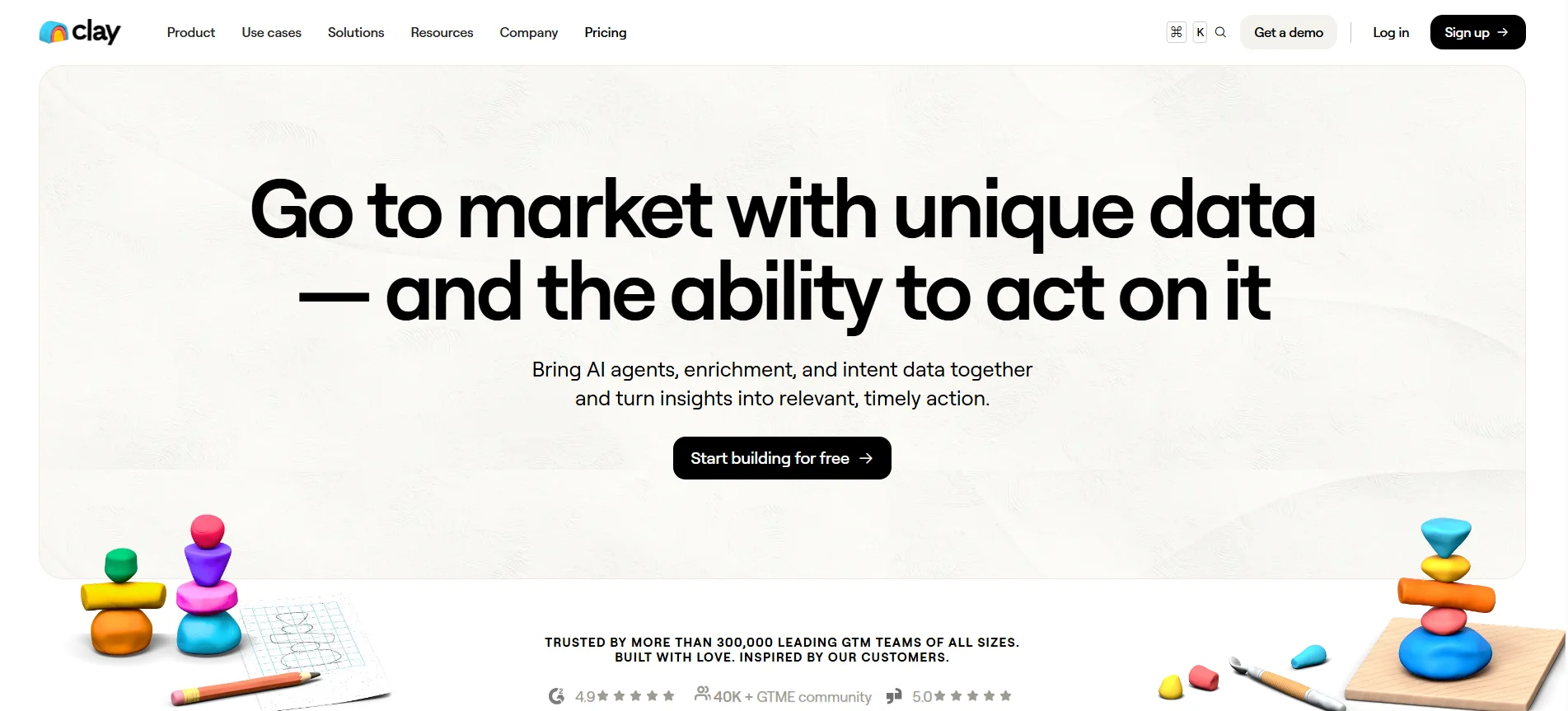
Clay
Category: Data Enrichment
Clay focuses on one specific problem in your GTM tech stack incomplete or scattered data.
Instead of working with partial lead information, it helps you build fully enriched profiles that are ready for outreach without manual research.
This makes your prospecting process faster and much more precise from the start.
Key Feature:
- Connects multiple data sources for enrichment
- Automatically fills missing contact and company details
- Custom workflows to structure and organize data
- Flexible integrations with other tools in your stack
Example (How it helps):
Instead of working with basic or incomplete lead lists, you can turn them into fully enriched profiles with verified details.
This allows you to personalize your outreach better, target the right people, and improve response rates without spending hours researching each contact manually.
Starting Price:
- Starts around $149/month, depending on usage and features.
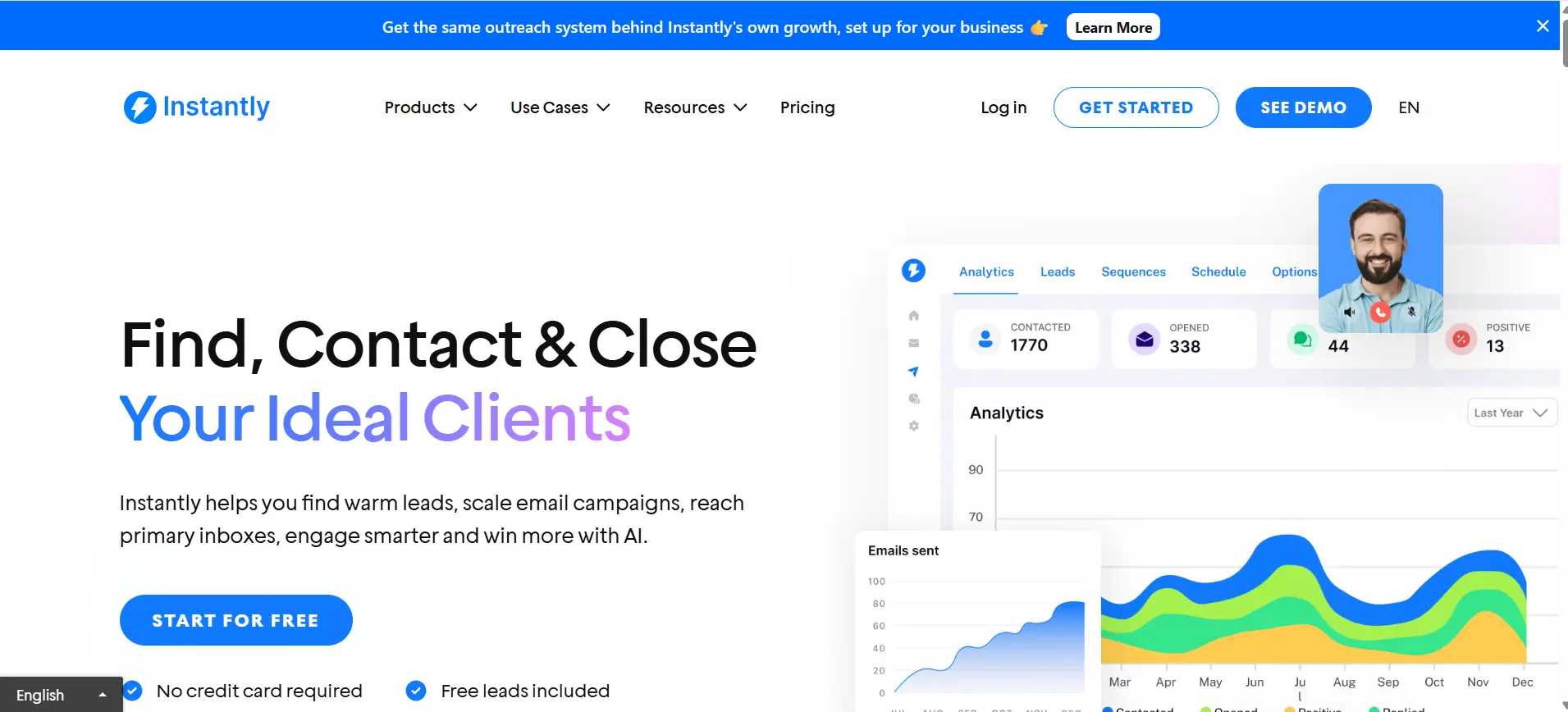
Instantly
Category: Sales Outreach
Instantly is built for one core purpose scaling cold email outreach without increasing manual effort.
It helps you run high-volume campaigns while maintaining deliverability and control, which is critical when you’re trying to generate a consistent pipeline.
Instead of sending emails one by one, you can automate sequences and manage multiple inboxes from a single platform.
Key Feature:
- Unlimited email accounts for scaling campaigns
- Automated sequences with follow-ups
- Built-in deliverability and inbox rotation features
- Centralized dashboard to manage campaigns and responses
Example (How it helps):
Instead of sending emails one by one, you can set up campaigns that run automatically.
This ensures every lead receives timely follow-ups, helping you increase response rates while saving hours of manual work and keeping your outreach consistent.
Starting Price:
- Starts around $37/month, depending on features and usage.
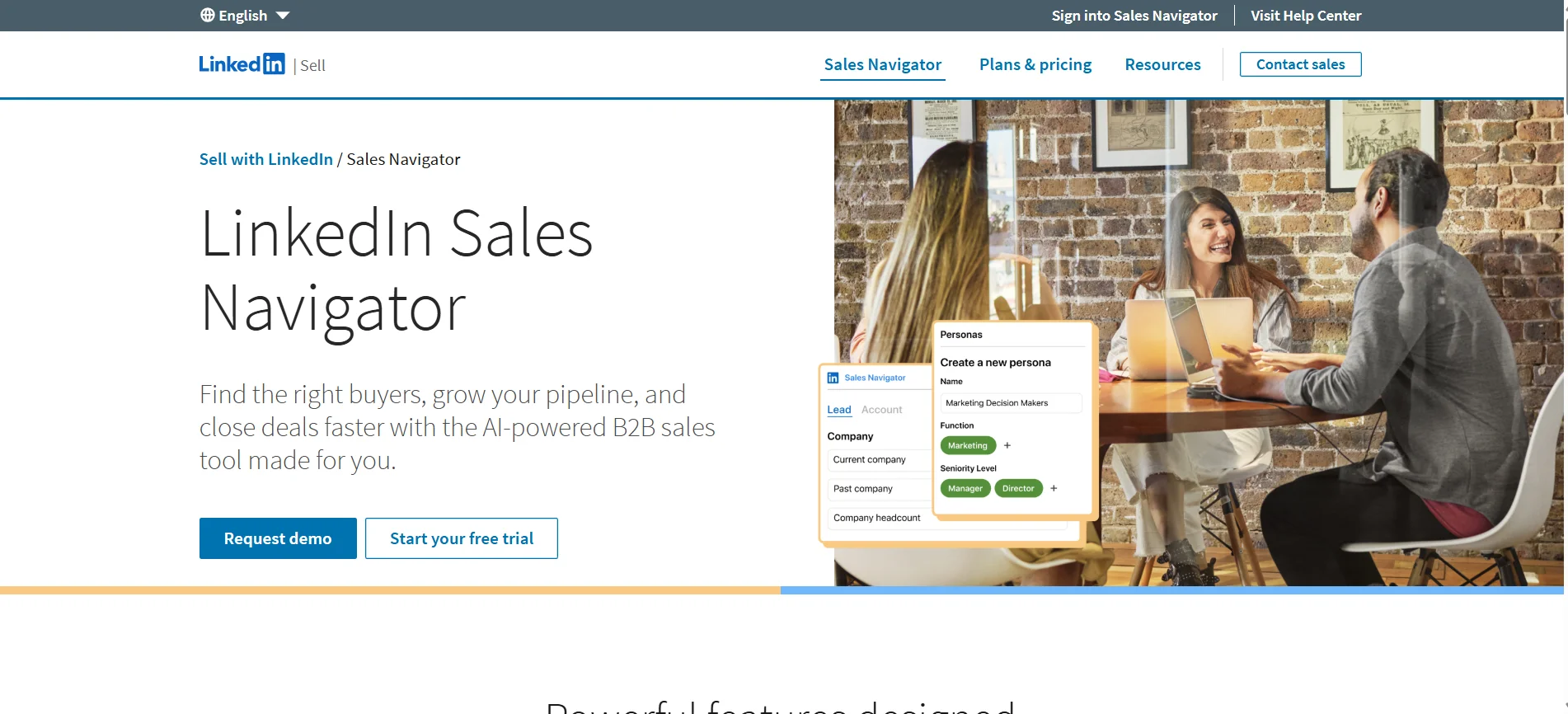
LinkedIn Sales Navigator
Category: LinkedIn Outreach
LinkedIn Sales Navigator is designed to help you find and connect with the right decision-makers directly on LinkedIn.
Instead of relying on basic search, it gives you advanced filters and insights that make your prospecting more targeted and efficient.
This is especially useful when your GTM strategy depends on reaching specific roles within specific companies.
Key Feature:
- Advanced search filters for precise targeting
- Real-time updates on leads and accounts
- Lead and account tracking for ongoing engagement
- InMail messaging to reach prospects directly
Example (How it helps):
Instead of relying only on email, you can identify decision-makers and engage with them directly on LinkedIn.
This multi-channel approach increases visibility and improves your chances of getting a response, especially when combined with email outreach.
Starting Price:
- Starts around $99/month, depending on the plan and features.
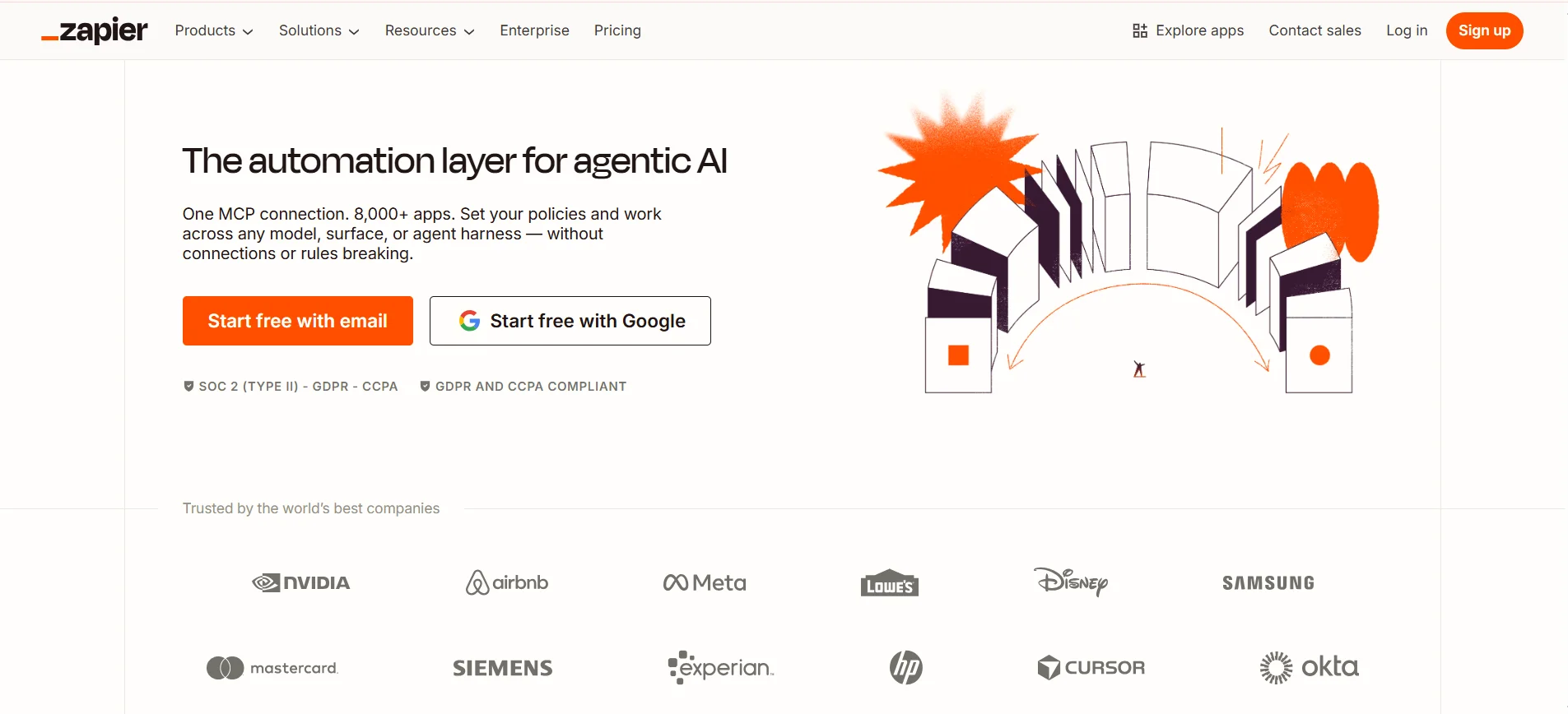
Zapier
Category: Workflow Automation
Zapier is designed to connect your tools and automate repetitive tasks without requiring technical setup.
Instead of manually moving data between platforms, it creates automated workflows that keep your GTM process running smoothly in the background.
This is especially useful when you’re using multiple tools that need to stay in sync.
Key Feature:
- No-code automation across thousands of apps
- Trigger-based workflows (Zaps) for task automation
- Easy integration between CRM, outreach, and other tools
- Custom workflows to match your GTM process
Example (How it helps):
Instead of manually transferring data between tools, you can automate the entire flow.
For example, when a new lead fills out a form, Zapier can instantly send that data to your CRM, trigger an outreach sequence, and assign tasks—without any manual effort.
Starting Price:
- Free plan available, with paid plans starting around $20/month depending on usage and automation needs.
Google Analytics
Category: Analytics
Google Analytics helps you understand what’s actually happening on your website.
Instead of guessing which channels or campaigns are working, it gives you clear data on how users find you, what they do, and where they drop off.
This makes it an essential part of any GTM tech stack focused on improving performance over time.
Key Feature:
- Tracks website traffic and user behavior
- Monitors conversions and goal completions
- Provides insights into traffic sources and channels
- Detailed reporting for performance analysis
Example (How it helps):
Instead of guessing which campaigns bring results, you can see exactly where your leads are coming from.
This allows you to focus on high-performing channels, optimize underperforming ones, and make smarter decisions that improve your overall growth strategy.
Starting Price:
- Free to use for the standard version, with advanced enterprise options available under Google Analytics 360.
Calendly
Category: Scheduling
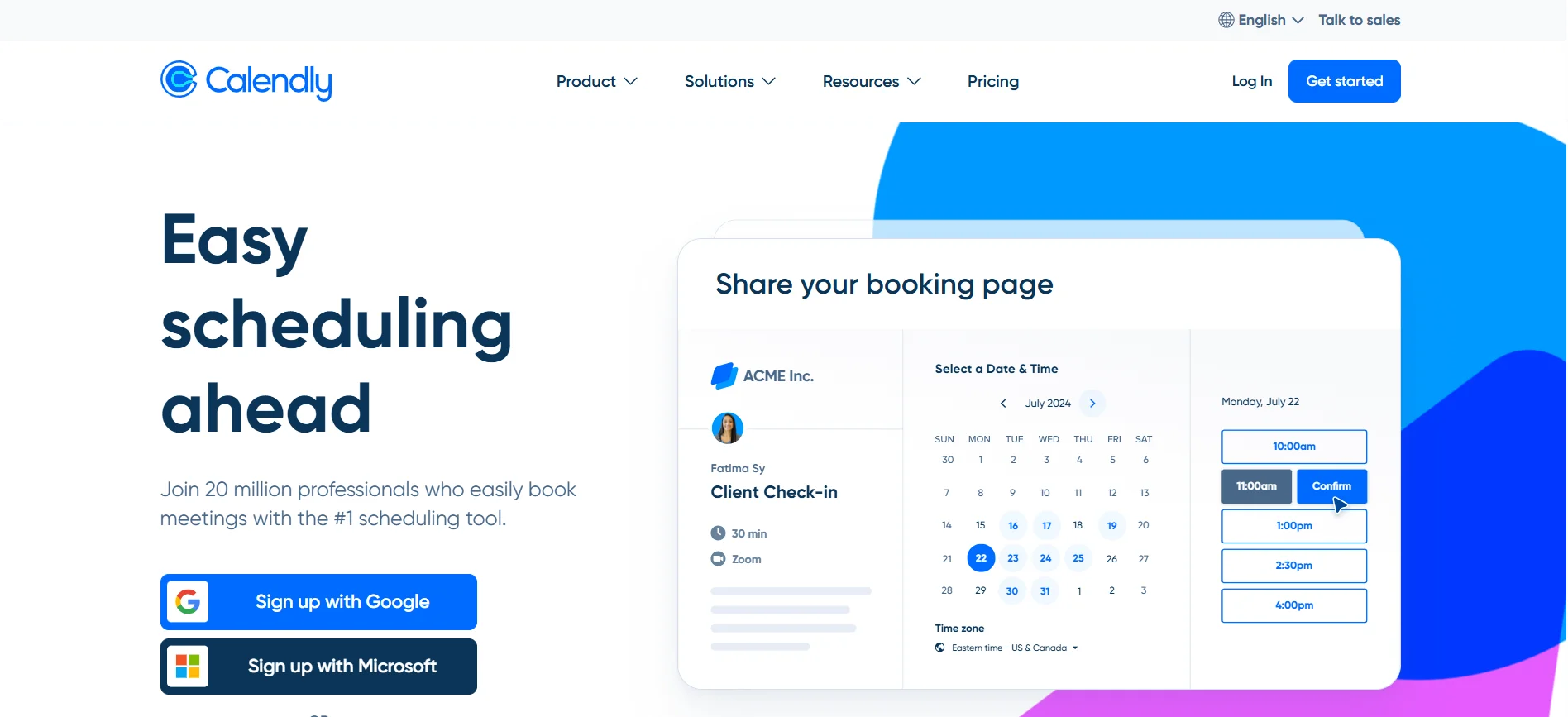
Calendly solves one simple but important problem in your GTM process — scheduling meetings without delays.
Instead of going back and forth over email to find a suitable time, it lets prospects book directly into your calendar based on your availability.
This removes friction from the process and helps you convert interest into actual conversations faster.
Key Feature:
- Automated scheduling with calendar integration
- Real-time availability sharing
- Custom meeting links for different use cases
- Time zone detection for global scheduling
Example (How it helps):
Instead of coordinating schedules manually, you can simply share your booking link with prospects.
They choose a time that works for them, and the meeting gets scheduled instantly, saving time and making the process seamless for both sides.
Starting Price:
- Free plan available, with paid plans starting around $10/month depending on features and team size.
Intercom
Category: Customer Engagement
Intercom helps you stay connected with your users after they land on your website or become customers.
Instead of waiting for users to reach out, it allows you to engage them in real time through chat, automated messages, and targeted communication.
This makes it easier to guide prospects, support customers, and improve overall experience without adding manual workload.
Key Feature:
- Live chat with real-time customer interaction
- Automated messaging and onboarding flows
- Customer segmentation for targeted communication
- Unified inbox to manage all conversations
Example (How it helps):
Instead of waiting for customers to reach out, you can proactively engage them on your website or app.
This helps you answer questions instantly, guide users through onboarding, and improve overall experience, which leads to higher retention and customer satisfaction.
Starting Price:
- Starts around $39/month, with pricing varying based on features, usage, and scale.
Common Mistakes to Avoid When Building a GTM Tech Stack
Now that you know which tools to use, it’s just as important to understand what can go wrong.
Most GTM problems don’t come from missing tools but from how they are set up and used.
Avoiding a few common mistakes can help you build a cleaner, more effective system that actually supports growth instead of slowing you down.
Adding Too Many Tools Too Early
It’s tempting to adopt multiple tools right from the start.
But more tools often create more confusion than value.
Instead of improving your process, it leads to scattered workflows and harder execution. Start with a few essential tools, make them work well together, and only expand when your system truly needs it.
Ignoring Data Quality
Your entire GTM system depends on the quality of your data.
If your data is inaccurate or outdated, everything else suffers.
Poor data leads to low response rates, wasted outreach, and deliverability issues. Focusing on clean, verified data ensures better targeting and stronger results from your efforts.
No Clear Workflow Between Tools
Having good tools is not enough if they don’t connect properly.
Disconnected systems create gaps in execution.
Without a clear workflow, leads get lost, follow-ups are missed, and tracking becomes unreliable. A structured flow between tools ensures smooth transitions from prospecting to outreach to closing.
Focusing on Tools Instead of Execution
Tools are only there to support your process.
They don’t replace strategy or consistent effort.
Many teams spend too much time optimizing tools instead of actually executing. Clear messaging, consistent outreach, and disciplined follow-ups are what truly drive results.
Conclusion
A GTM tech stack should make your growth simpler, not more complicated.
When your tools are connected and your workflow is clear, your team can focus on what actually drives results consistent execution.
Start with a few essential tools, build a structured system, and scale gradually as your needs grow. If you want to go a step further and remove manual effort completely, platforms like Oppora can help you turn your entire GTM process into an automated, connected workflow that keeps running while you focus on closing deals.
Frequently Asked Questions (FAQs)
How do I choose the right GTM tools for my startup stage?
Focus on your immediate needs, not future complexity. Early-stage startups should prioritize lead generation, CRM, and outreach. As you grow, you can add automation and analytics tools. The goal is to build a system that supports execution without overwhelming your team.
How long does it take to set up a GTM tech stack properly?
A basic GTM tech stack can be set up within a few days. However, optimizing workflows and integrations may take a few weeks. The key is to start simple, test your process, and improve gradually instead of trying to perfect everything upfront.
Can a GTM tech stack work without automation tools?
Yes, but it will limit your ability to scale. Manual processes can work in the early stage, but they quickly become inefficient. Automation helps maintain consistency, reduce workload, and ensure your outreach and follow-ups happen without delays.
How often should I update or change my GTM tech stack?
You don’t need frequent changes. Review your stack every few months based on performance and growth needs. Only replace or add tools when there is a clear gap in your workflow or when your current setup starts slowing down execution.
What is the biggest sign that my GTM tech stack is not working?
If your team spends more time managing tools than executing outreach, your stack is likely inefficient. Other signs include poor data flow, missed follow-ups, and unclear pipeline visibility. A good GTM tech stack should feel smooth, connected, and easy to operate.