10 Best LinkedIn Connection Automation Tool [Free + Paid Options]
free linkedin connection automation tool linkedin auto connect tool
Struggling to send enough connection requests on LinkedIn without spending hours every day?
Manual outreach slows you down, and inconsistent follow-ups often lead to missed opportunities.
That’s where a linkedin connection automation tool starts to make a real difference by helping you scale outreach without losing consistency or control.
Instead of doing everything manually, you can automate connections, personalize messages, and stay active daily without constant effort.
In this guide, you’ll discover:
- What a linkedin connection automation tool actually does
- Key features you should look for
- The best free and paid tools available
- How to choose the right one for your workflow
What Is a LinkedIn Connection Automation Tool
A linkedin connection automation tool is software that helps you automate sending connection requests, messages, and follow-ups on LinkedIn without doing everything manually.
Instead of logging in daily and repeating the same tasks, the tool handles outreach in the background while following set rules and workflows.
It allows you to scale prospecting by reaching more people consistently while still keeping communication relevant and personalized.
In simple terms, it turns LinkedIn outreach from a time-consuming manual task into a structured, repeatable system that runs with minimal effort.
Key Features to Look for in a LinkedIn Connection Automation Tool
Now that you understand what these tools do, the next step is knowing what actually makes one effective.
Not every linkedin connection automation tool delivers results, and the difference usually comes down to a few critical features.
Safety Controls and LinkedIn Compliance
Safety should always be your first priority when choosing a tool.
Without proper controls, automation can quickly lead to account restrictions or reduced visibility.
Look for tools that offer:
- Daily activity limits that mimic human behavior
- Smart delays between actions to avoid patterns
- Gradual scaling of connection requests over time
These features help you grow consistently while keeping your LinkedIn account safe.
Personalization and Smart Messaging
Automation only works if your outreach still feels human.
Sending generic messages at scale will hurt your acceptance and reply rates more than help them.
The right tool allows you to:
- Add custom variables like name, company, or role
- Create tailored message sequences
- Adjust messaging based on user behavior
This makes every interaction feel relevant instead of automated.
Suggested Reading:
20 LinkedIn Cold Message Templates for Better OutreachAdvanced Targeting and Filtering Options
Reaching more people is useless if they are not the right people.
Strong targeting ensures your efforts stay focused and efficient.
You should be able to filter prospects based on:
- Industry, job title, and company size
- Location and experience level
- Engagement signals or activity
This improves both connection quality and overall campaign performance.
Workflow Automation and Integrations
Basic automation is helpful, but real scale comes from structured workflows.
A good tool should go beyond connection requests and support:
- Multi-step outreach sequences
- CRM integrations for lead management
- Syncing data across tools and channels
This turns your LinkedIn outreach into a repeatable system instead of isolated actions.
Suggested Reading:
5 Best CRM With LinkedIn Integration + How To Use10 Best LinkedIn Connection Automation Tool [Free + Paid Options]
Now that you know what features matter, it’s time to explore the tools that actually deliver results.
The right linkedin connection automation tool can help you scale outreach, improve response rates, and save hours every week.
Below, you’ll find a mix of free and paid options designed for different needs, whether you’re a beginner, solo operator, or growing team.
1. Oppora – AI-Driven Outreach Beyond LinkedIn Automation
Most tools help you automate LinkedIn actions.
But you’re still the one managing lists, writing messages, tracking replies, and figuring out what to do next.
That’s where the difference starts to show.
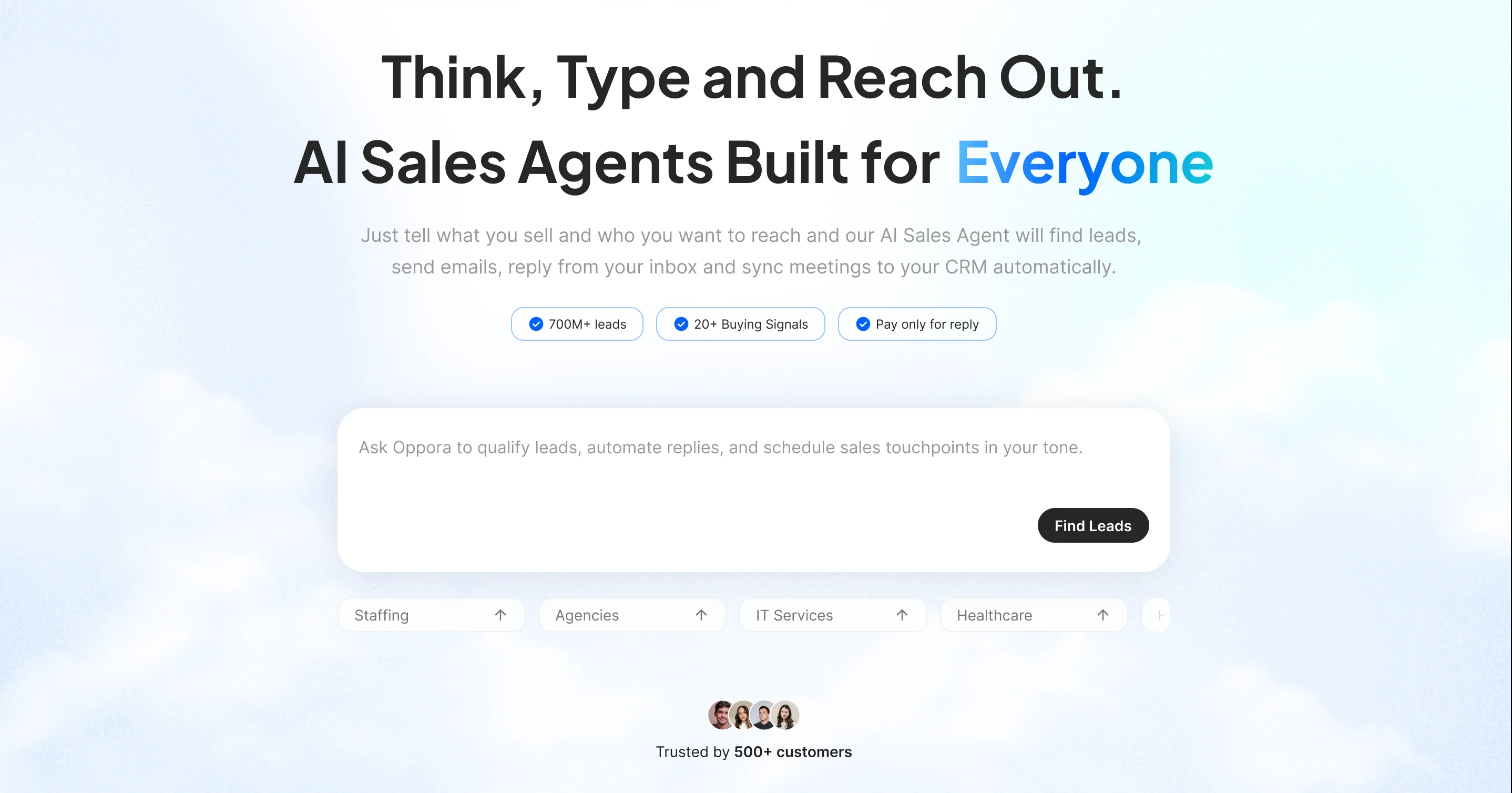
Oppora is not just a linkedin connection automation tool.
It is a system where LinkedIn outreach becomes one part of a larger, self-running workflow that finds leads, connects with them, follows up, and converts conversations into meetings automatically.
Instead of thinking in terms of “sending more connection requests,” you start thinking in terms of building a pipeline that runs on its own.
Once you define who you want to reach and what you want to say, the system keeps your LinkedIn activity consistent, personalized, and scalable without daily involvement.
Key Features
- AI-Powered LinkedIn Lead Discovery from 1B+ Verified Contact data
You don’t need to manually search profiles every day.
The system continuously finds the right prospects based on your ICP, and intent signals so your connection campaigns always have fresh, relevant leads. - Automated LinkedIn Connection Requests
Send connection requests at scale without looking automated.
Each invite is personalized based on profile data, helping you improve acceptance rates while maintaining consistency. - LinkedIn + Email in One Flow
If a prospect doesn’t respond on LinkedIn, the outreach doesn’t break. You can continue the conversation through email as part of the same workflow, creating multiple touchpoints without extra effort. - Always-On Outreach Workflows
Instead of launching campaigns again and again, you build one system.
Your LinkedIn connection automation keeps running in the background, consistently sending requests, messages, and follow-ups. - Safe Scaling with Built-In Controls
Automation without safety can hurt your account.
Oppora includes daily limits and works on your browser without switching servers. - Auto Connection Withdraw
With Oppora you can auto withdraw connection request if user does not accept after set number of days
How It Supports Scalable LinkedIn Outreach
What makes this different is how LinkedIn connection automation fits into a bigger system.
You are not just automating connection requests.
You are building a continuous outreach engine where:
- New leads are discovered automatically
- Connection requests are sent consistently
- Conversations are started and followed up
- Replies are handled without manual effort
- Meetings are booked directly from outreach
Everything works together instead of as separate tasks.
You set it up once, and the system keeps your LinkedIn outreach active, structured, and scalable without needing constant attention.
Pricing
Oppora keeps pricing aligned with how outreach actually works.
You don’t pay separately for LinkedIn automation, email outreach, or lead generation.
- Both Free & Paid plans are available with Unlimited LinkedIn connection automation at $34
- One unified plan covers finding leads, sending connection requests, and running follow-ups
- Separate credits for different tasks so one activity doesn’t limit another
- Optional mini plans if you only need specific functions like lead data
This makes it easier to scale LinkedIn connection automation without constantly upgrading plans or managing multiple tools.
2. Expandi
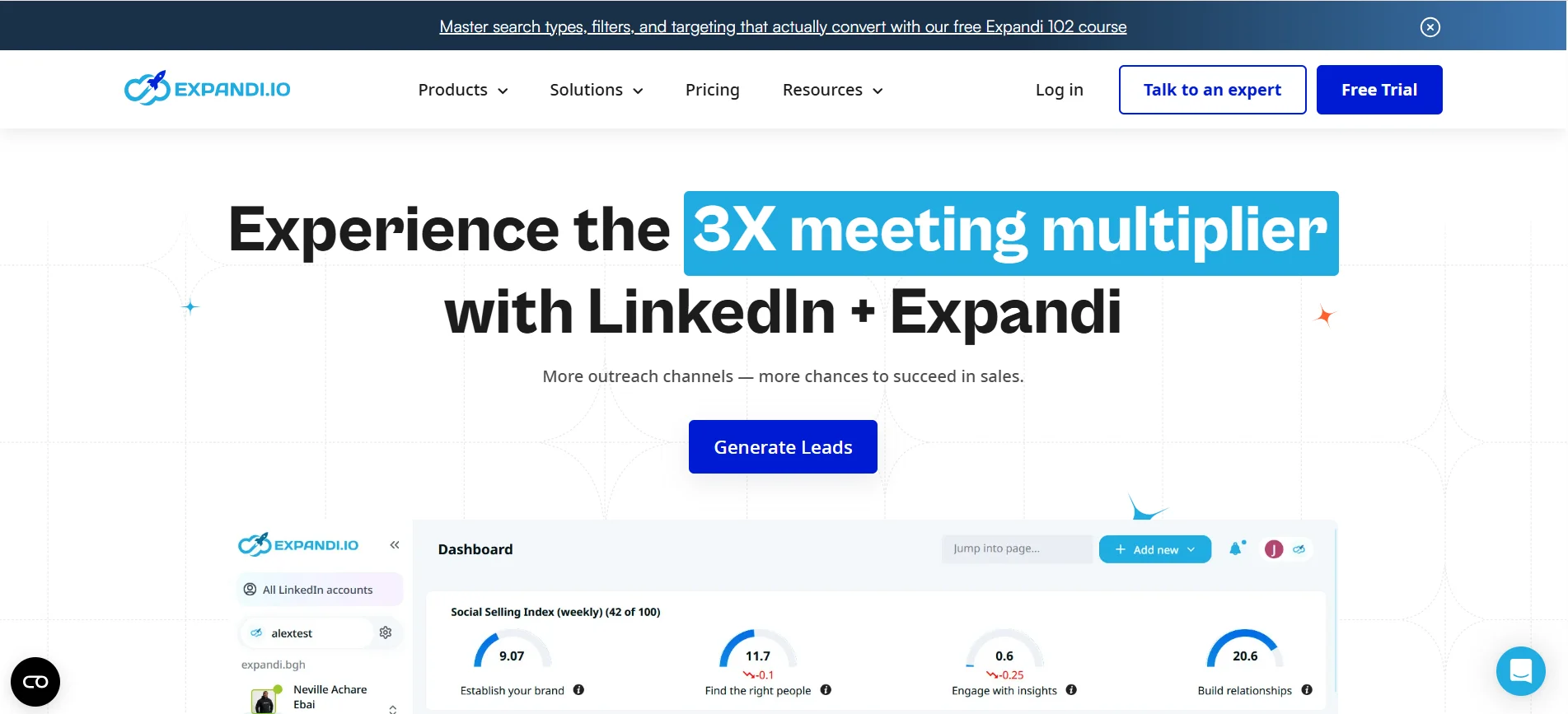
Expandi is often considered when you want more control over how your LinkedIn automation behaves without risking your account.
It focuses heavily on safety, personalization, and cloud-based execution, making it a reliable choice for consistent outreach.
Key Features
Expandi gives you tools that help automate without looking automated:
- Smart inbox and campaign management
- Dynamic personalization using custom variables
- Automated follow-ups based on user behavior
- Cloud-based activity with dedicated IP support
How It Supports Scalable Outreach
What makes Expandi effective is how it balances automation with human-like behavior.
It allows you to run multiple campaigns with delays, limits, and conditions that mimic real activity, helping you scale outreach while maintaining account safety and improving acceptance rates.
Pricing
Expandi offers a single premium pricing plan, typically around $99/month, focused on delivering full access to features without multiple tiers.
3. Phantombuster
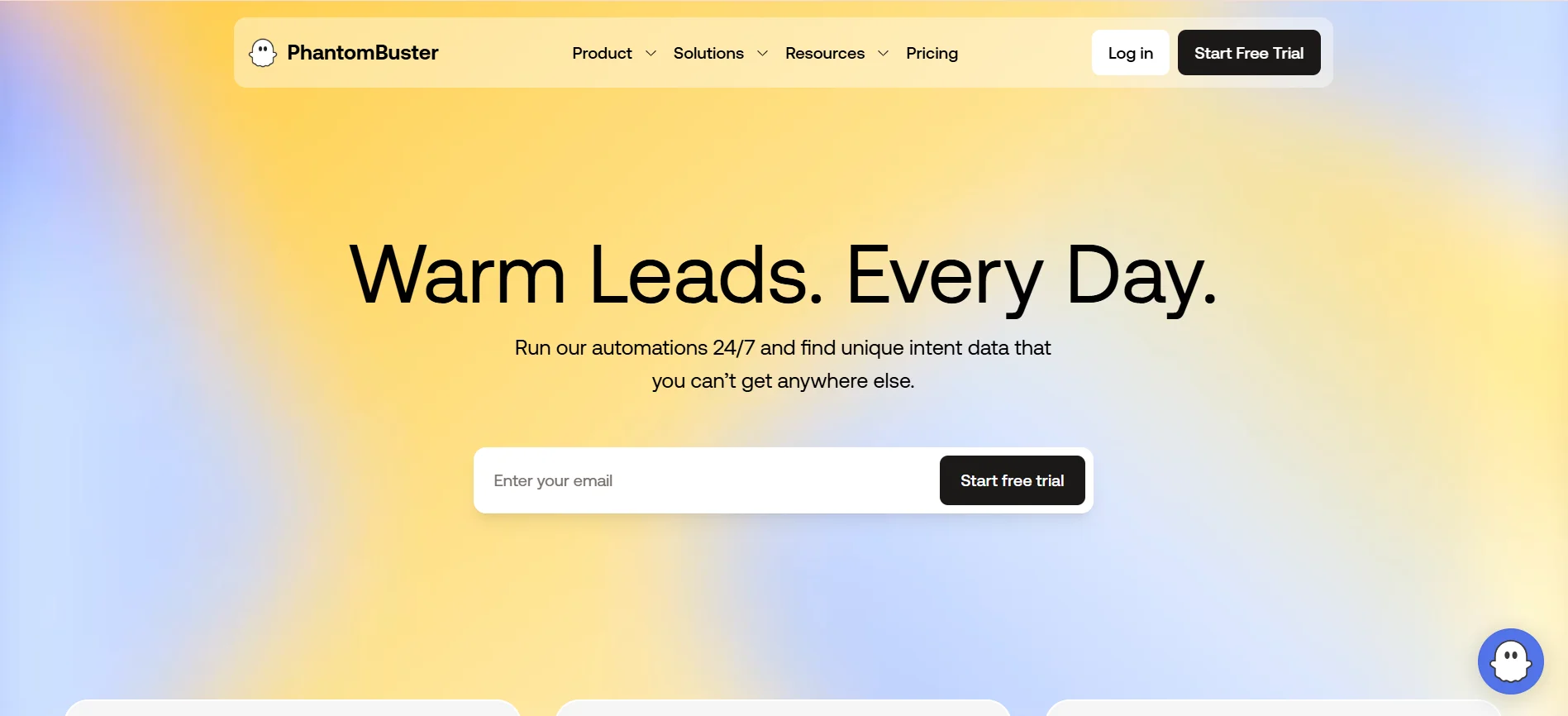
Phantombuster is built for users who want flexibility and deeper control over how their LinkedIn automation works.
Instead of limiting you to fixed workflows, it allows you to create custom automations using scripts, making it ideal for more technical users.
Key Features
Phantombuster focuses on customization and data-driven automation:
- Pre-built “Phantoms” for LinkedIn actions
- Data extraction from profiles, searches, and groups
- API access for custom workflow creation
- Scheduled automation runs in the cloud
How It Supports Scalable Outreach
Phantombuster helps you scale by combining automation with data extraction.
You can build workflows that collect leads, enrich data, and trigger outreach actions, giving you a flexible system that adapts to your exact prospecting process.
Pricing
Phantombuster offers multiple plans starting around $69/month, based on execution time and automation limits.
4. Waalaxy
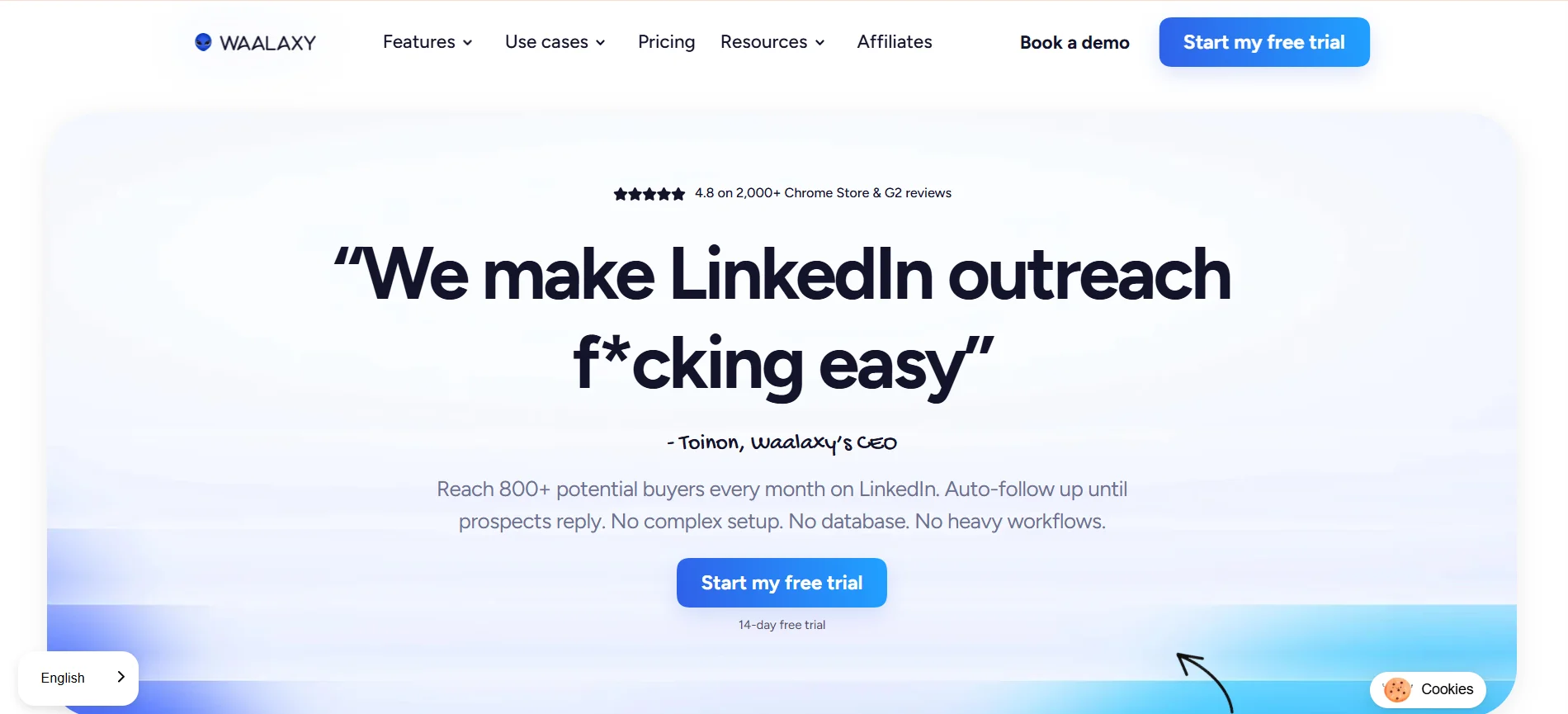
Waalaxy is designed for simplicity, making it a strong choice if you want to start LinkedIn automation without a steep learning curve.
It focuses on ease of use, helping you launch campaigns quickly without technical setup.
Key Features
Waalaxy keeps things simple and accessible:
- Ready-made outreach templates
- Chrome extension for direct LinkedIn use
- Basic message personalization
- Visual campaign builder
How It Supports Scalable Outreach
Waalaxy enables consistent outreach by simplifying campaign setup.
You can run connection and follow-up sequences without complex configurations, making it easier to maintain steady activity as your outreach volume grows.
Pricing
Waalaxy offers a free plan, with paid plans starting around $19–$43/month depending on features.
5. Zopto
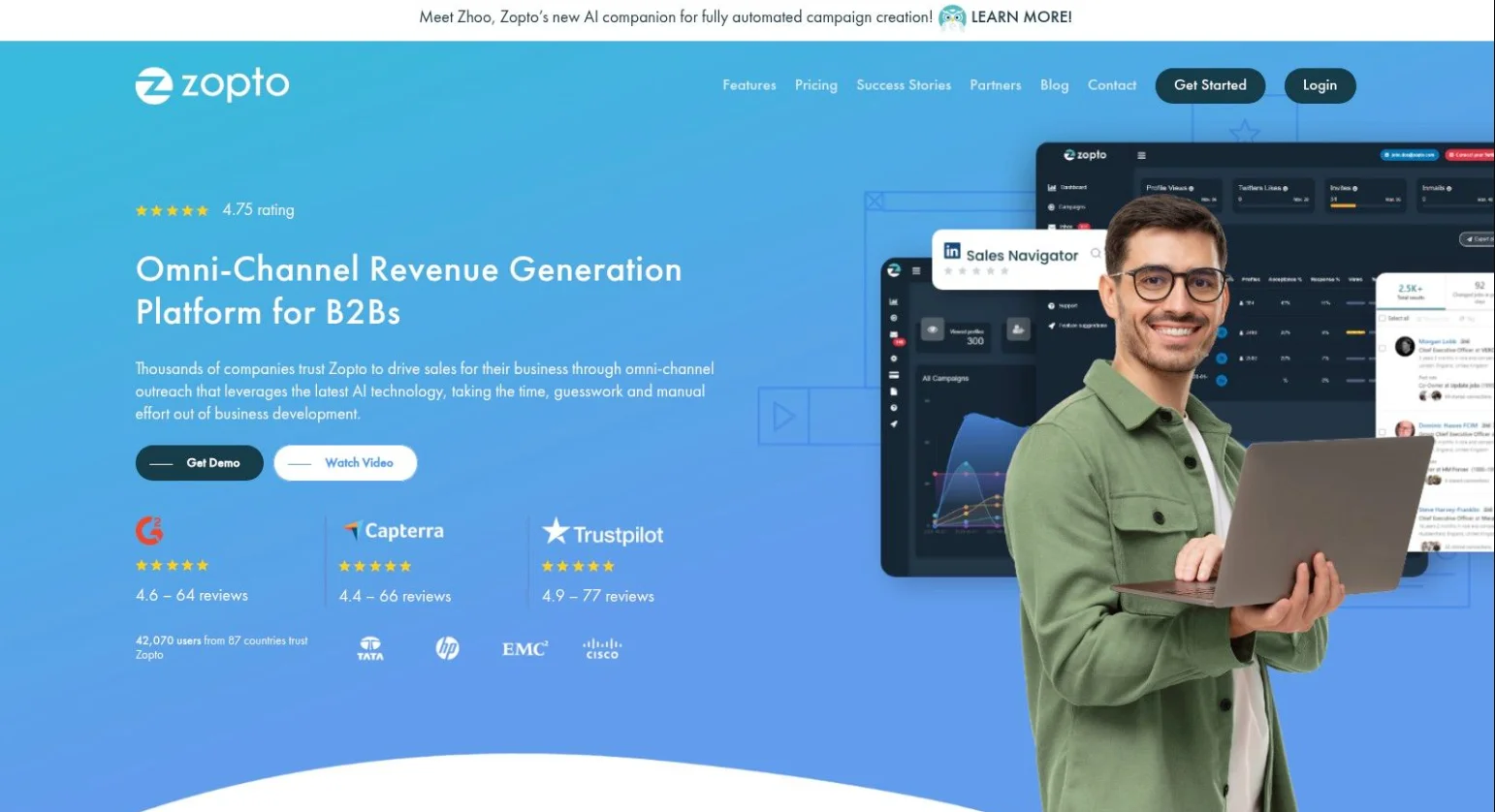
Zopto is built for teams and agencies that need to manage LinkedIn outreach at scale.
It focuses on high-volume prospecting with advanced targeting and performance tracking.
Key Features
Zopto is designed for large-scale operations:
- Advanced targeting filters for precise audience selection
- Campaign analytics and reporting
- Multi-user access for teams
- Cloud-based automation infrastructure
How It Supports Scalable Outreach
Zopto supports scaling by allowing you to run multiple campaigns across accounts.
Its analytics help you track performance and optimize campaigns, making it suitable for managing large outreach volumes efficiently.
Pricing
Zopto is a premium tool, with pricing starting around $197/month.
6. Meet Alfred
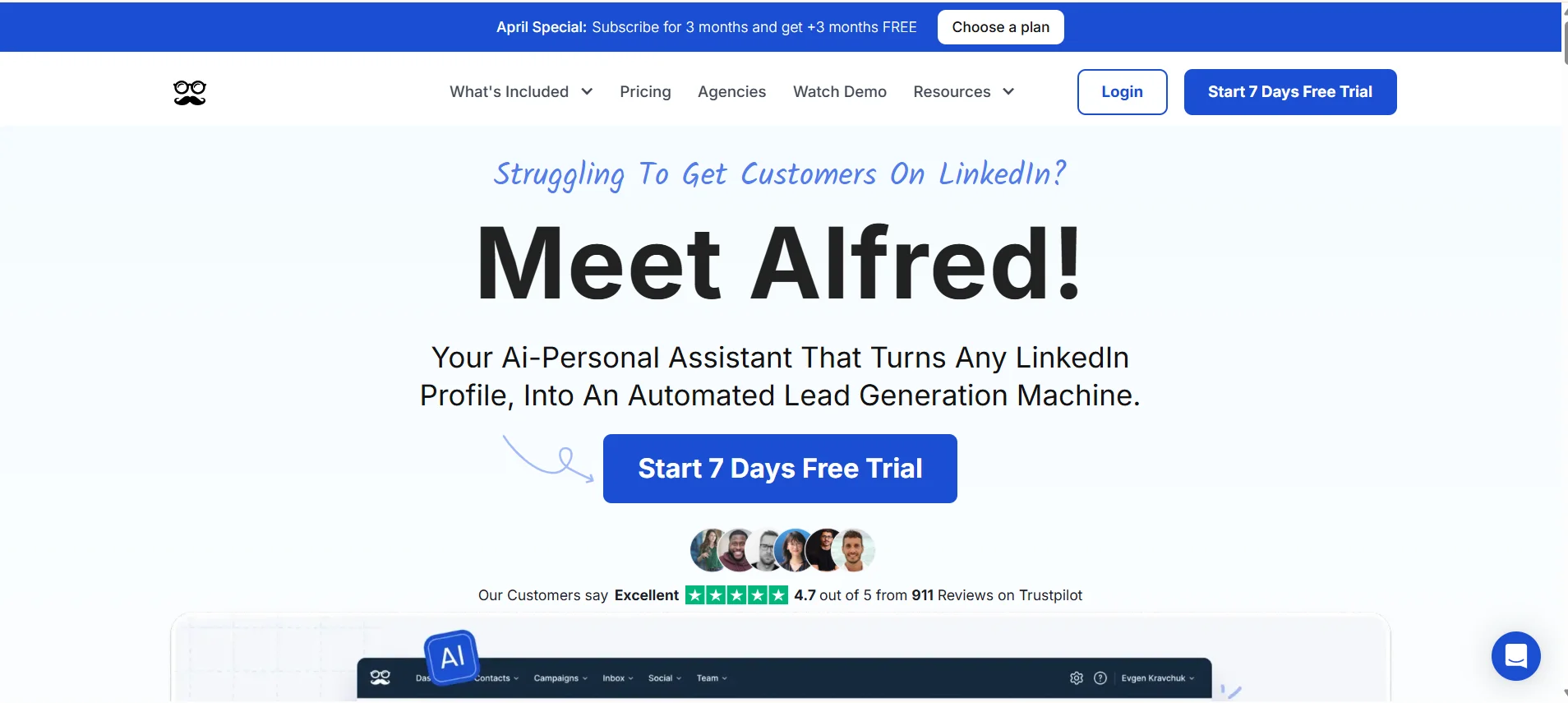
Meet Alfred focuses on combining LinkedIn automation with email outreach in one platform.
It is designed for users who want to engage prospects across multiple channels instead of relying only on LinkedIn.
Key Features
Meet Alfred supports multi-channel campaigns:
- LinkedIn and email automation in one tool
- Visual campaign builder
- Personalization with dynamic variables
- Team collaboration features
How It Supports Scalable Outreach
Meet Alfred improves scalability by adding multiple touchpoints to your outreach.
You can create sequences that move from LinkedIn to email, increasing response rates while keeping your messaging consistent across channels.
Pricing
Meet Alfred offers plans starting around $39/month, with higher tiers for advanced features and team usage.
7. Linked Helper
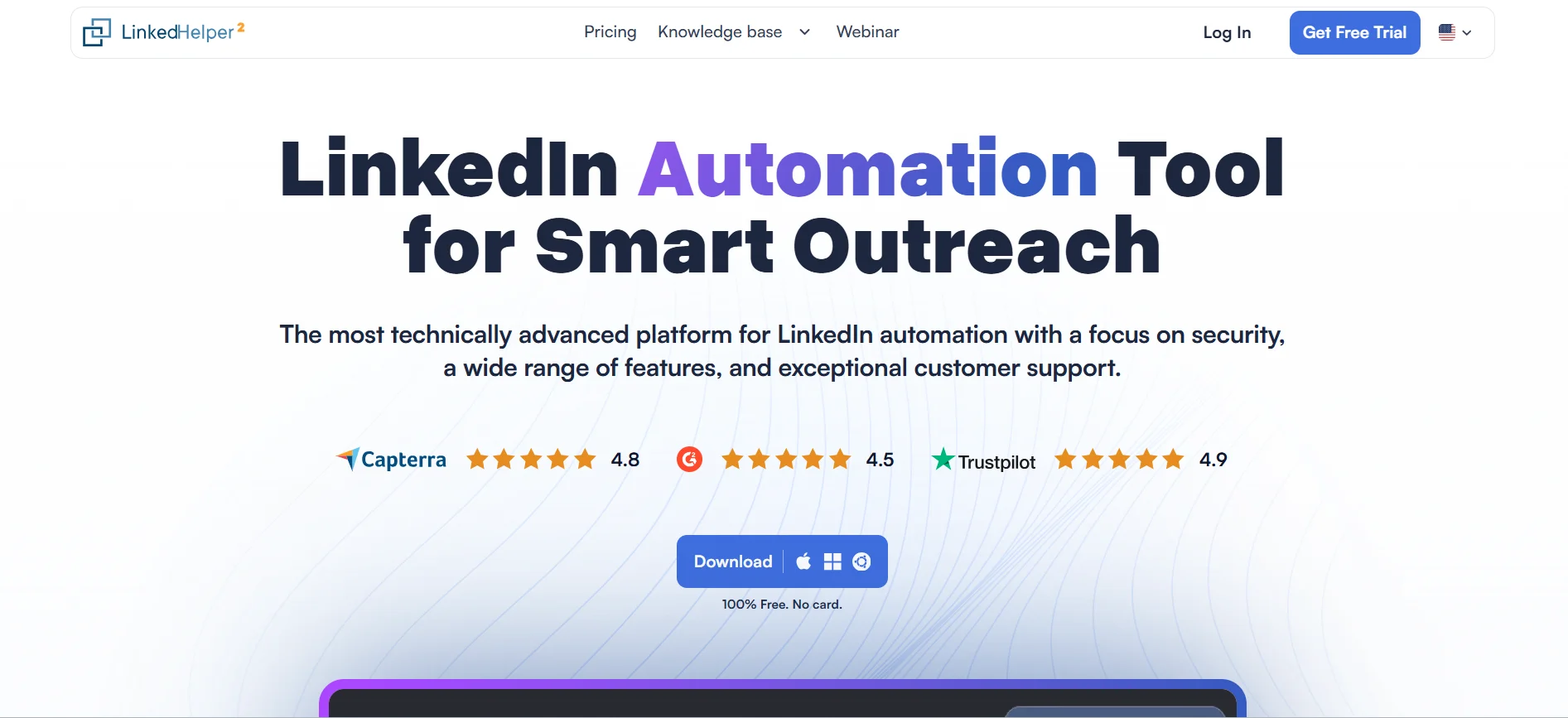
Linked Helper is a desktop-based LinkedIn automation tool built for users who want strong functionality at a lower cost.
It runs locally on your computer, giving you more control over your automation activities.
Key Features
Linked Helper focuses on affordability and core automation features:
- Bulk connection requests and messaging
- Profile data scraping
- Drip campaigns with follow-ups
- CRM integrations and data export
How It Supports Scalable Outreach
Linked Helper supports scaling by automating repetitive outreach tasks at a lower cost.
Since it runs on your system, you can control activity levels while still managing large volumes of connections and messages efficiently.
Pricing
Linked Helper starts at around $15/month, making it one of the most budget-friendly options available.
8. Dux-Soup
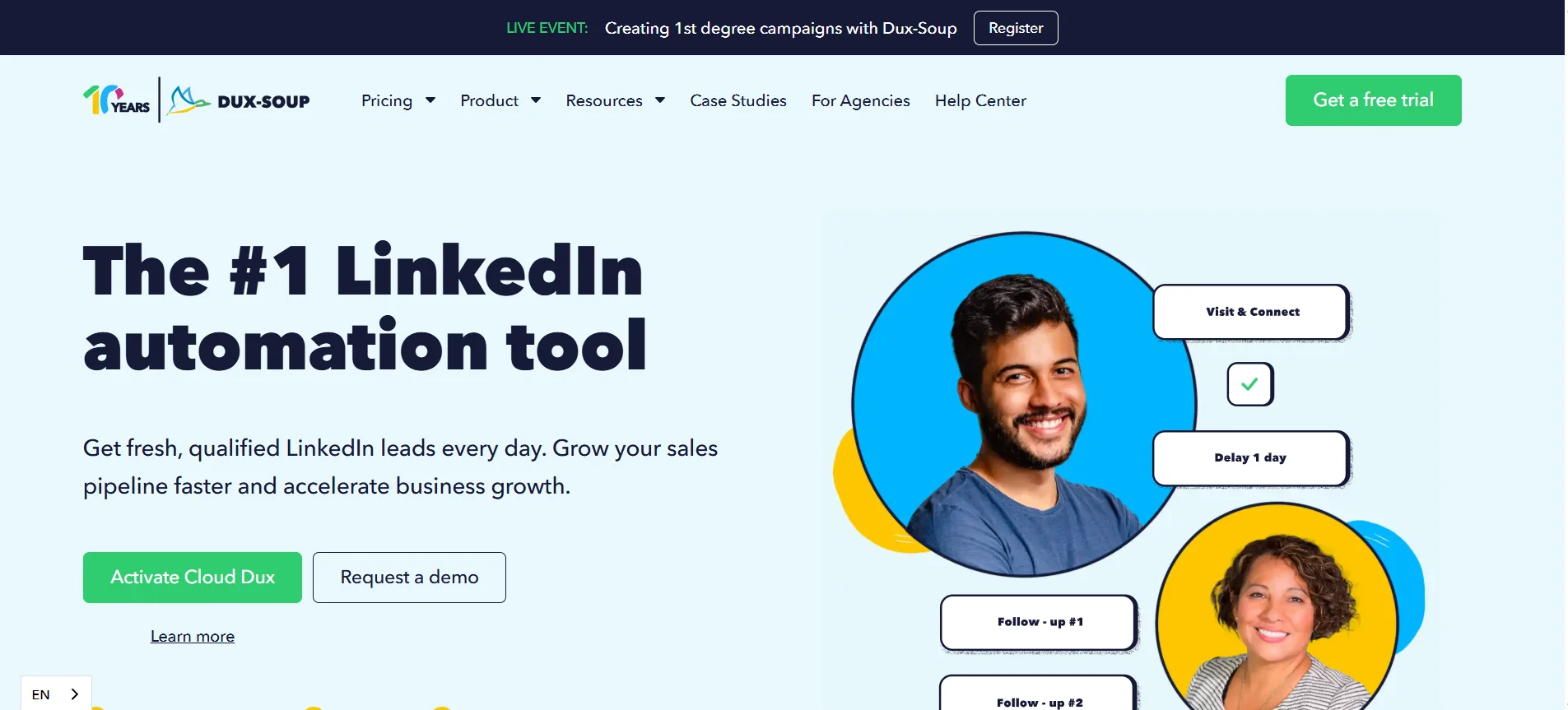
Dux-Soup is built for you if you want a lightweight tool that gets your LinkedIn outreach running quickly without complex setup.
It works as a Chrome extension, making it easy to automate actions directly from your browser while you browse LinkedIn.
Key Features
Dux-Soup focuses on simplicity and speed:
- Automated profile visits and connection requests
- Tagging and note-taking for lead management
- Basic drip campaigns with follow-ups
- CRM integrations for syncing prospect data
How It Supports Scalable Outreach
Dux-Soup helps you scale by automating repetitive actions that normally take hours each day.
You can consistently engage with profiles, send connection requests, and follow up without manual effort, which makes it useful for maintaining steady outreach activity over time.
Pricing
Dux-Soup offers a free plan with limited functionality, while paid plans typically start around $14–$55/month depending on automation features and integrations.
9. We-Connect
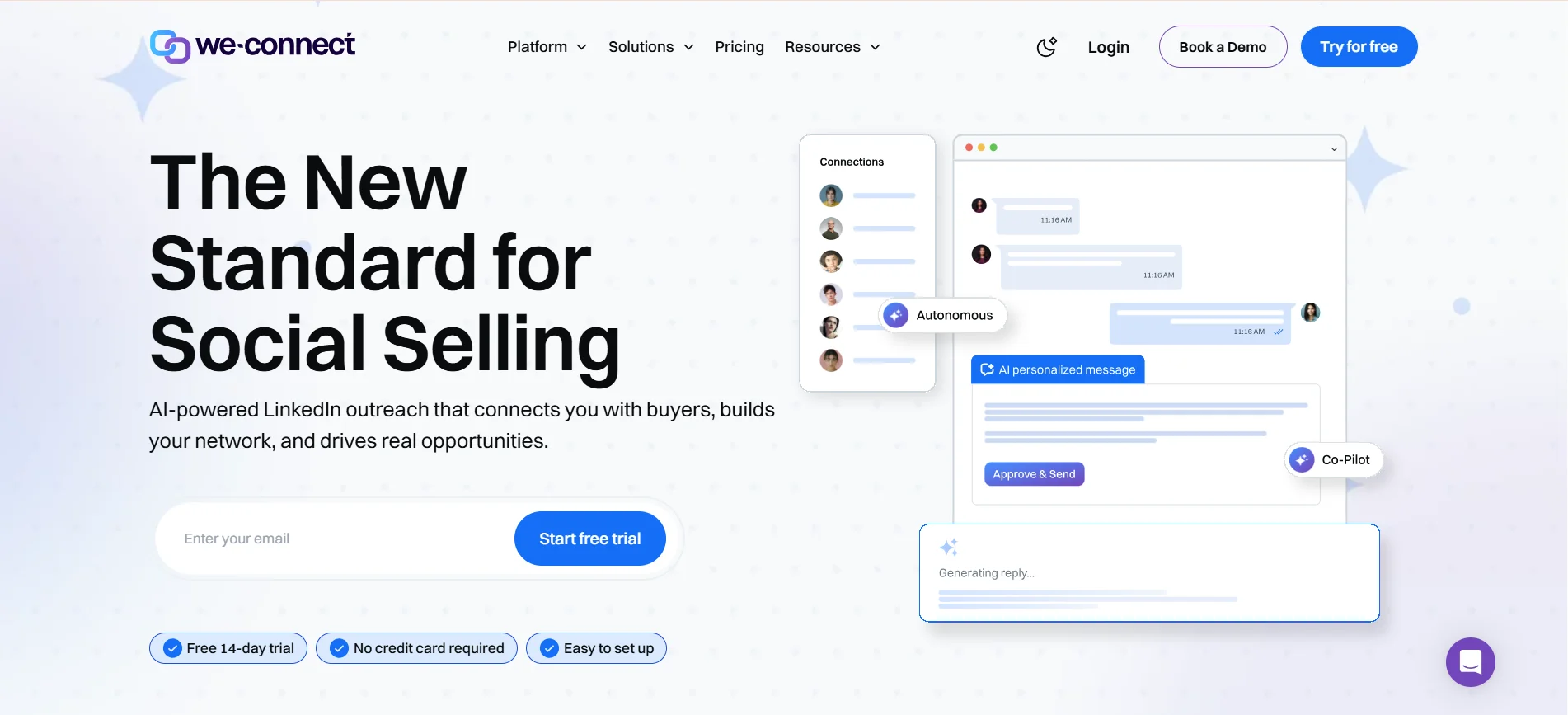
We-Connect is built for you if safety and compliance are your top priorities when running LinkedIn automation.
It is a cloud-based tool designed to keep your outreach within LinkedIn limits while maintaining consistent campaign performance.
Key Features
We-Connect emphasizes safe and controlled automation:
- Cloud-based automation with dedicated IP setup
- Smart limits and delays to mimic human behavior
- Campaign tracking and reporting dashboard
- Team collaboration and multi-account support
How It Supports Scalable Outreach
We-Connect allows you to scale outreach without increasing risk.
By controlling activity levels and ensuring compliance with LinkedIn guidelines, it helps you run campaigns consistently over time without worrying about account restrictions or sudden disruptions.
Pricing
We-Connect offers pricing plans starting around $49/month, with higher tiers providing additional features for teams and advanced campaign management.
10. Skylead
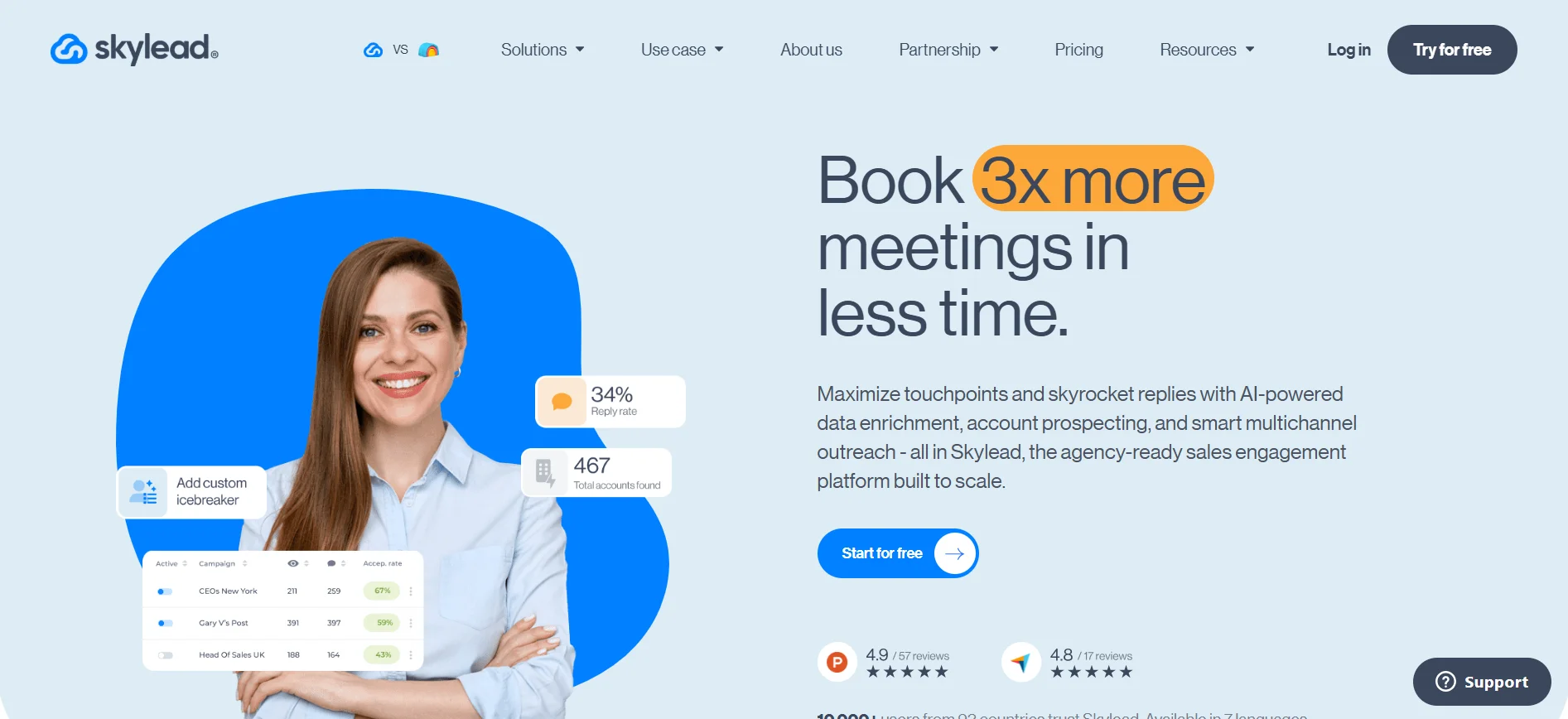
Skylead is built for you if you want a more advanced system that combines LinkedIn and email outreach into one unified workflow.
It focuses on giving you control over how your campaigns are structured while maintaining strong personalization.
Key Features
Skylead is designed for multi-channel automation:
- LinkedIn and email outreach in a single campaign
- Smart sequences with conditions and branching logic
- Advanced personalization using dynamic variables
- Built-in inbox and campaign management tools
How It Supports Scalable Outreach
Skylead helps you scale by allowing you to build structured outreach systems instead of isolated campaigns.
You can create sequences that adapt based on prospect behavior, which improves engagement while keeping your outreach organized and efficient as it grows.
Pricing
Skylead typically offers a single pricing plan around $100/month, providing access to its full feature set without multiple tiers.
How to Choose the Right LinkedIn Connection Automation Tool
Choosing the right LinkedIn connection automation tool isn’t just about features. It’s about matching the tool with your outreach goals, risk tolerance, and budget. A wrong choice can either limit your growth or put your account at risk.
Free vs Paid Automation Tools
Free tools are useful if you are just starting out or testing LinkedIn outreach. They usually offer limited connection requests, basic automation, and fewer personalization options. Paid tools, on the other hand, unlock advanced features like smart targeting, workflow automation, and CRM integrations.
- Free tools → Good for learning and small-scale testing
- Paid tools → Better for scaling outreach and consistent lead generation
- Advanced plans → Offer sequencing, analytics, and team collaboration
If you are serious about generating leads, paid tools are usually more reliable and scalable in the long run.
Safety and LinkedIn Limits You Should Know
LinkedIn has strict usage limits, and ignoring them can lead to restrictions. Most safe tools mimic human behavior with delays and capped actions.
Key safety considerations include:
- Daily connection request limits
- Randomized time delays between actions
- Gradual activity scaling instead of bulk automation
Staying within these limits ensures your account remains healthy while you scale outreach effectively.
Conclusion
Choosing the right linkedin connection automation tool is not just about saving time, it is about building a system that helps you scale outreach without losing control or quality.
You now know what features matter, which tools to consider, and how to evaluate them based on your goals.
But here is the real shift.
Simple automation can send requests, but modern outreach needs more than that.
It needs a system that finds the right people, starts conversations, follows up, and turns replies into meetings without constant manual effort.
That is where tools like Oppora come in.
Instead of managing multiple steps yourself, you can set up a complete outbound workflow once and let it run.
If you are serious about scaling LinkedIn outreach without the daily grind, it is worth exploring how Oppora fits into your process.
Frequently Asked Questions (FAQs)
Can LinkedIn automation tools work without LinkedIn Sales Navigator?
Yes, many tools work without Sales Navigator, but your targeting will be limited. Sales Navigator gives access to advanced filters and better lead quality. Without it, you may rely on basic search results, which can impact the precision of your outreach campaigns.
How long does it take to see results from LinkedIn automation?
Results usually depend on your targeting, messaging, and consistency. Some users start seeing connection acceptances within a few days, while meaningful replies and meetings may take one to two weeks of optimized outreach and follow-ups.
Do LinkedIn automation tools affect profile visibility or reach?
If used aggressively or without safety controls, they can reduce your profile visibility. However, tools that mimic human behavior and follow safe limits help maintain account health while still allowing you to scale your outreach effectively.
Can you combine LinkedIn automation with email outreach?
Yes, combining LinkedIn with email often improves response rates. Multi-channel outreach allows you to reach prospects across different touchpoints, making your communication more visible and increasing the chances of engagement.
Is it better to automate everything or keep some steps manual?
A hybrid approach works best in most cases. Automate repetitive tasks like connection requests and follow-ups, but keep high-value conversations and closing interactions personal to maintain authenticity and build stronger relationships.