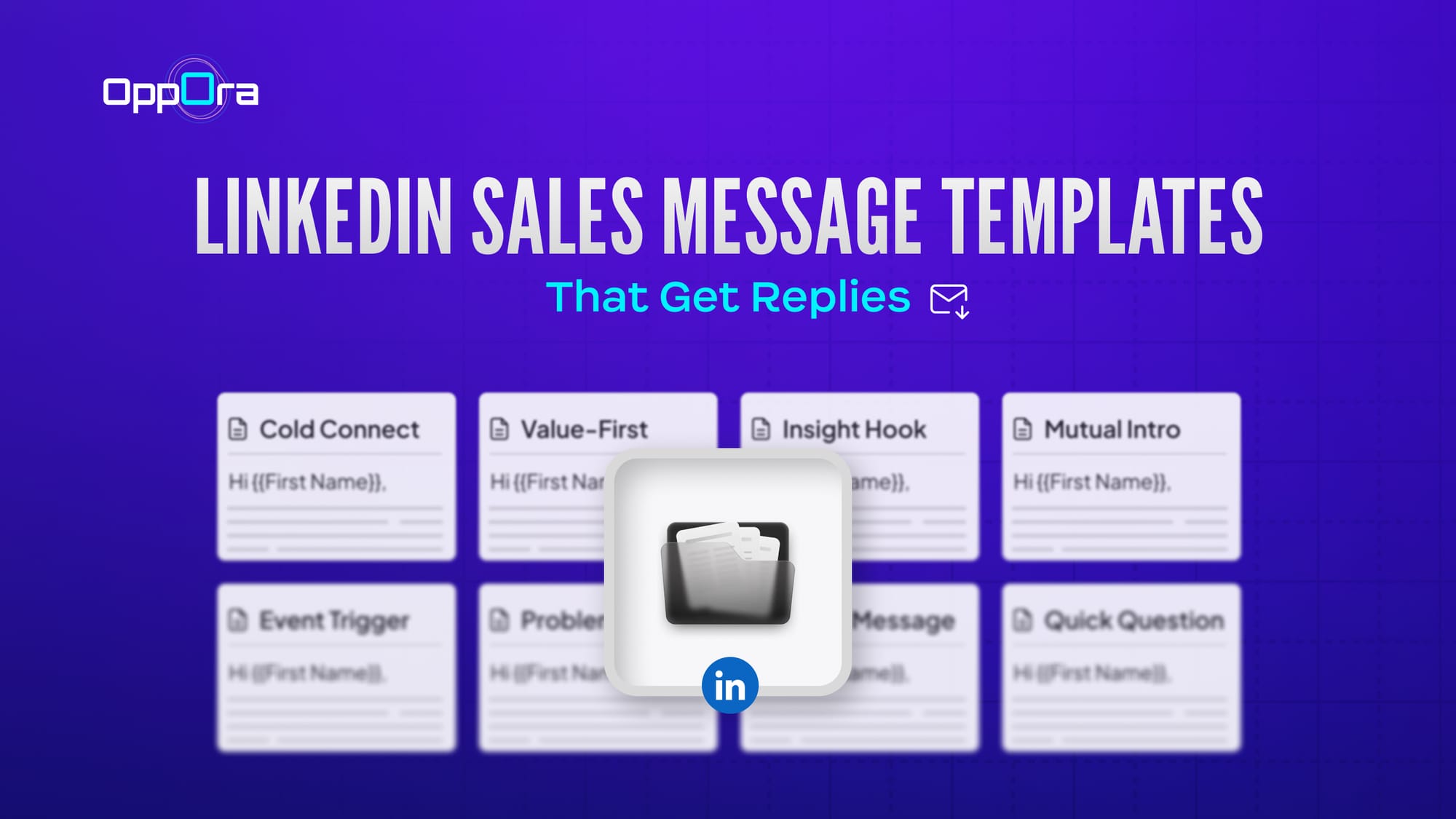
8 LinkedIn Sales Message Templates That Get Replies
LinkedIn has become one of the most powerful platforms for B2B sales outreach. With millions of professionals actively networking, decision-makers are easier to reach than ever before. But there’s a catch.
Most LinkedIn sales messages get ignored.
The reason isn’t LinkedIn itself — it’s the way messages are written. Generic copy-paste outreach, aggressive sales pitches, and long messages often end up buried in inboxes.
In fact, typical cold outreach messages see response rates as low as 2–5%, while well-structured and personalized messages can achieve 20–40% reply rates.
The difference usually comes down to relevance, personalization, and timing.
In this guide, we’ll walk through proven LinkedIn sales message templates that actually get replies, along with practical examples and tips you can adapt for your outreach strategy.
Why Most LinkedIn Sales Messages Fail
Before jumping into templates, it’s important to understand why many outreach messages don’t work.
Here are the most common mistakes:
1. Starting with a sales pitch
Most messages jump straight into selling.
Decision-makers receive dozens of pitches every week, so they tend to ignore messages that immediately ask for meetings or demos.
2. Lack of personalization
Generic messages like:
“Hi, I help companies grow revenue. Want to connect?”
don’t show that you’ve done any research.
Successful outreach usually references their role, company, content, or industry challenges.
3. Messages that are too long
Busy professionals rarely read long messages.
High-performing LinkedIn messages are typically under 150 words and focus on one clear objective.
4. Asking for too much too soon
Jumping straight to “Let’s book a 30-minute call” can feel pushy.
The goal of the first message is starting a conversation, not closing a deal.
What are Impressions on Linkedin
What Makes a LinkedIn Sales Message Works?
A successful LinkedIn sales message is not just about what you say — it’s about how relevant, natural, and timely your message feels to the person receiving it. Professionals on LinkedIn receive dozens of outreach messages every week, so messages that feel generic or overly promotional are usually ignored.
The messages that get replies usually follow a few key principles.
1. A Strong Personal Hook
The first line determines whether the recipient continues reading or ignores the message. Instead of starting with a sales pitch, effective messages begin with a personalized hook that shows you have done some research.
This could include:
- mentioning their role
- referencing their company’s recent growth
- commenting on a post they shared
- acknowledging a recent achievement or milestone
For example:
“I noticed your recent post about scaling SaaS sales teams — the point you made about pipeline visibility was really interesting.”
This type of opening immediately signals that the message is thoughtful and relevant, rather than automated outreach.
2. Relevance to the Prospect’s Role or Industry
After the opening line, the next step is to show that your message is relevant to the challenges the prospect may face in their role.
For example:
- A Sales Leader might care about pipeline growth or lead quality
- A Marketing Manager might care about campaign performance or lead generation
- A Founder might care about growth and scalability
When your message highlights a challenge that feels familiar to them, it creates curiosity and makes them more likely to respond.
For example:
“Many sales teams I speak with are struggling to keep outreach personalized while scaling prospecting.”
This approach shifts the message from selling a product to discussing a problem they may already be thinking about.
3. Clear Value or Insight
Once you’ve established relevance, it’s important to provide a clear reason for the conversation.
Instead of saying:
“We offer a solution that can help you.”
It is more effective to show how others in similar situations benefited.
For example:
“We recently helped a B2B sales team improve their response rates by organizing and personalizing their LinkedIn outreach campaigns.”
Adding context or results makes your message more credible and easier for the prospect to understand.
4. A Simple and Low-Pressure Call to Action
One of the biggest mistakes in LinkedIn outreach is asking for too much too quickly.
Messages that immediately request a 30-minute meeting or demo often feel too pushy.
Instead, high-performing messages use soft calls-to-action, such as:
- “Would it be helpful if I shared how they approached it?”
- “Curious if this is something your team is exploring.”
- “Happy to send a quick example if you're interested.”
These calls-to-action invite conversation rather than forcing commitment, which significantly increases reply rates.
5. Short and Easy to Read Messages
Busy professionals usually scan messages quickly. Long paragraphs or overly detailed explanations often cause readers to lose interest.
Effective LinkedIn messages usually:
- stay under 120–150 words
- use short sentences
- focus on one idea or topic
Think of LinkedIn outreach as the start of a conversation, not a full product explanation.
8 LinkedIn Sales Message Templates That Get Replies
Below are some of the most effective templates used by sales teams for different outreach scenarios.
1. The Cold Connection Request Template
This message works best when you are reaching out to someone you are not connected with yet.
Template
Hi {{First Name}},
I came across your profile while researching leaders in {{industry}}.
Your work at {{company}} caught my attention, especially around {{specific initiative or topic}}.
It would be great to connect and exchange insights.
Example
Hi Sarah,
I came across your profile while researching SaaS growth leaders.
Your work at CloudSync caught my attention, especially around product-led growth.
I would love to connect and learn from your experience.
Why this works
Shows research
No sales pitch
Simple and respectful
2. The Value-First Cold Message
This is ideal for the first message after someone accepts your connection request.
Template
Hi {{First Name}},
Thanks for connecting.
I’ve been researching {{industry trend}} and noticed many {{job role}} teams struggle with {{specific challenge}}.
Recently we helped {{similar company}} improve {{result}}.
Would it be helpful if I shared what worked?
3. The Insight-Based Message
Instead of selling, this message shares an industry observation.
Template
Hi {{First Name}},
While researching {{industry}}, I noticed a common trend: Many teams are struggling with {{problem}} as they scale.
Curious — is this something your team is seeing as well?
4. The Mutual Connection Message
Warm introductions tend to get significantly higher reply rates.
Template
Hi {{First Name}},
I noticed we’re both connected with {{mutual connection}}.
They mentioned your work around {{topic}}, which caught my interest.
I would love to connect and exchange ideas.
5. The Trigger Event Message
This message uses recent events like funding, product launches, or promotions.
These messages often perform better because they’re highly relevant.
Template
Hi {{First Name}},
Congrats on {{recent milestone}} at {{company}}.
Companies at this stage often start focusing on {{challenge}}.
We recently worked with {{similar company}} to improve {{result}}.
Happy to share what we learned if it’s useful.
6. The Problem-Focused Message
This template works well when targeting specific roles.
Template
Hi {{First Name}},
Quick question —
How is your team currently handling {{specific process or problem}} at {{company}}?
Many {{role}} teams we work with are trying to improve this area as they scale.
Curious what approach you're using today.
7. The Case Study Message
Using results makes your outreach more credible.
Template
Hi {{First Name}},
Recently we helped {{similar company}} reduce {{problem}} by {{result}}.
When I saw your role at {{company}}, I thought this might be relevant.
Would you be open to seeing how they approached it?
8. The Short Question Message
Sometimes the simplest message works best.
Template
Hi {{First Name}},
Quick question —
Are you currently exploring ways to improve {{specific goal}} at {{company}}?
Best Practices for Writing LinkedIn Sales Messages
Using templates can help structure outreach, but applying a few simple best practices can significantly improve response rates.
1. Focus on Personalization, Not Just Volume
Many outreach campaigns fail because they prioritize sending large numbers of messages instead of making them relevant.
Even small personalization details can make a difference, such as referencing the prospect’s company, role, recent activity, or industry challenges. When people feel a message was written specifically for them, they are much more likely to respond.
2. Keep the Tone Conversational
LinkedIn is a professional platform, but messages work best when they feel natural. Avoid overly formal or promotional language and write the way you would start a normal professional conversation.
For example, instead of sounding like a marketing pitch, you can simply mention a common challenge many teams face and ask for their perspective.
3. Avoid Pitching in the First Message
The goal of the first message is to start a conversation, not sell your product. Explaining your entire solution right away can overwhelm the reader.
Instead, focus on creating curiosity, highlighting a relevant problem, and inviting a discussion.
4. Use Context and Social Proof
Mentioning similar companies, results, or industry examples helps build credibility and shows why your message may be relevant to them.
For example:
“We recently worked with a SaaS sales team that improved reply rates by focusing on personalized LinkedIn outreach.”
This helps prospects quickly understand the potential value.
5. Follow Up Thoughtfully
It’s normal for prospects not to reply to the first message. A short follow-up after a few days can increase response rates.
Keep follow-ups brief, add a little value, and avoid sounding pushy.
For example:
“Just follow up in case this gets buried in your inbox. Happy to share a quick example if it’s helpful.”
Thoughtful follow-ups keep the conversation open without creating pressure.
Managing LinkedIn Outreach Efficiently as Your Prospect List Grows
As outreach efforts grow, managing LinkedIn conversations manually can quickly become challenging. Sales teams often need to research prospects, personalize messages, track responses, and send follow-ups across hundreds of potential leads.
Without a structured approach, it becomes difficult to maintain both consistency and personalization at scale.
This is where modern outbound platforms can help streamline the process.
Platforms like Oppora are designed to support sales teams in managing LinkedIn outreach more effectively. Oppora.ai is an AI-powered outbound sales platform that helps teams organize prospecting workflows and run structured outreach campaigns.
Instead of handling outreach manually, teams can use Oppora to:
- identify and organize target prospects
- create structured outbound campaigns
- generate personalized messages using AI
- manage conversations and follow-ups in one place
- track engagement and responses
By combining automation with personalization, sales teams can scale their LinkedIn outreach while still maintaining the human touch that makes conversations meaningful.
Conclusion
Getting replies on LinkedIn is not about sending hundreds of messages—it’s about sending the right message to the right person. When your outreach focuses on personalization, relevance, and genuine conversation, prospects are far more likely to engage.
The templates and strategies shared in this guide can help you structure messages that feel natural and meaningful rather than pushy or automated. By starting conversations around real challenges, adding context or insights, and keeping messages short, sales teams can significantly improve their LinkedIn response rates.
As outreach grows, managing prospect research, personalization, and follow-ups manually can become time-consuming. Platforms like Oppora help streamline this process by organizing prospect lists, supporting personalized outreach, and managing campaigns in a more structured way.
With the right messaging approach and tools in place, LinkedIn can become a powerful channel for building relationships, starting conversations, and generating quality sales opportunities.
Frequently Asked Questions
1. How long should a LinkedIn sales message be?
A LinkedIn sales message should ideally be between 50 and 150 words. Short messages are easier to read and increase the chances that busy professionals will respond. The goal of the first message is to start a conversation, not explain your entire product.
2. Is it better to send a LinkedIn connection request with a message?
Yes, adding a short personalized message with your connection request can improve acceptance rates. A brief note explaining why you want to connect makes the request feel more genuine and relevant.
3. How many follow-ups should you send on LinkedIn?
Most sales professionals send 1–3 follow-up messages if they don’t receive a reply. Follow-ups should be spaced a few days apart and should add value rather than simply repeating the original message.
4. What is the best time to send LinkedIn sales messages?
LinkedIn messages often perform best during weekday working hours, particularly in the morning or early afternoon when professionals are actively checking their inbox.
5. Should LinkedIn outreach be automated?
Automation can help manage outreach at scale, but messages should still feel personalized and relevant. Many sales teams use outbound platforms to organize campaigns, personalize messages, and track responses while maintaining a human tone.
6. How do you avoid LinkedIn messages sounding like spam?
To avoid sounding like spam, focus on personalization, avoid aggressive sales language, keep messages short, and start conversations around relevant industry challenges rather than pitching immediately.
Read More: Linkedin Free vs Premium