11 Best Local Lead Finders to Get More Local Customers Fast

Finding local customers sounds simple until you actually start searching.
You need the right businesses, the right decision-makers, and contact details that are accurate enough to use.
But checking Google Maps, business directories, websites, and social profiles one by one can drain hours from your day.
That is where a local lead finder helps.
The right tool can help you discover nearby businesses, collect contact details, and start outreach faster.
In this guide, we’ll cover:
- What makes a great local lead finder
- The 11 best tools to compare
- How to choose the right one for your business
What Makes a Great Local Lead Finder?
Before you compare tools, it helps to know what you are really looking for.
A local lead finder should not just give you a long list of businesses. It should help you find the right local prospects, identify useful contact details, and move faster from research to outreach.
Here are the key things to check before choosing one.
Suggested Reading:
10 Best AI Lead Finders that Gives Most Qualified LeadsAccurate business and contact information
Good local prospecting starts with clean and updated data.
A strong local lead finder should help you collect details like:
- Business name
- Website URL
- Address
- Phone number
- Business category
- Social media links
- Opening hours
- Location details
This matters because outdated data can waste your time quickly.
You may end up contacting businesses that have closed, moved, changed numbers, or no longer match your target customer profile.
Smart local filters by city, industry, company size, and location
A basic list of local businesses is not enough.
You need filters that help you narrow your search based on the exact market you want to target.
Useful filters usually include:
- City
- State or region
- Industry
- Business category
- Company size
- Keywords
- Zip code
- Radius or nearby location
This helps you avoid irrelevant leads and build a focused prospect list
So instead of searching through thousands of random businesses, you can quickly find the local companies that match your sales goal.
Verified emails, phone numbers, and decision-makers
Finding a business is useful, but finding the right person is better.
A good local lead finder should help you discover contact details for people who can actually respond or make buying decisions.
Look for data such as:
- Verified email addresses
- Direct phone numbers
- Owner or founder details
- Manager or department head details
- Job titles
- LinkedIn profiles
This is especially important if you sell B2B services, local marketing, SaaS, staffing, IT services, or agency solutions.
The more accurate your contact data is, the fewer bounced emails and dead-end calls you will deal with.
Outreach and automation that help convert leads
Lead finding is only the first step.
After you build a list, you still need to contact those leads, personalize your message, follow up, and track replies.
That is why stronger local lead finder tools often include:
- Cold email campaigns
- AI email personalization
- Automated follow-ups
- Lead scoring
- Shared inbox
- CRM sync
- Reply tracking
- Workflow automation
These features help you move from “I found local businesses” to “I am actually starting conversations.”
Because the best local lead finder is not just the tool that gives you more leads.
It is the tool that helps you turn those leads into real customers.
11 Best Local Lead Finders Compared
Now that you know what to look for, let’s compare the tools.
Some local lead finder tools are simple lead scrapers. Others help you find, enrich, contact, and follow up with local prospects from one place.
So the best choice depends on whether you only need data or a full lead generation tool for your sales workflow.
1. Oppora AI ⭐ Best Overall Local Lead Finder
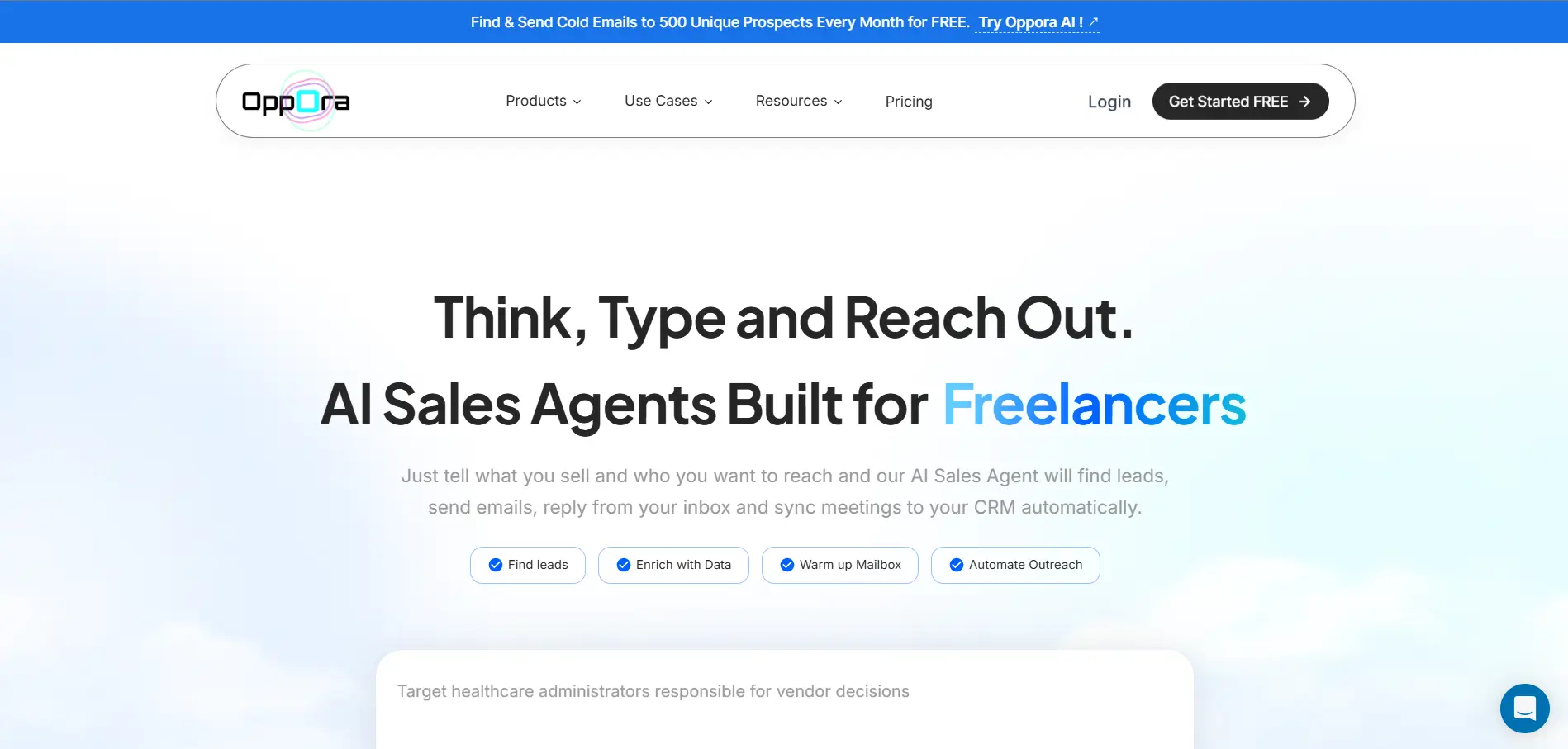
Oppora.ai is the best overall local lead finder if you want more than a list of local businesses.
Most tools stop after giving you business names, websites, or phone numbers. Oppora helps you build the full workflow from prospect search to outreach, follow-ups, reply handling, and CRM sync.
And for finding local leads, Oppora specifically provides a local business finder that pulls data from Google Maps based on your selected region, radius and business type.
And once found, you can find contacts of key decision makers in that business.
You can use Oppora to:
- Find local prospects from a 1B+ lead database
- Search companies from a 60M+ company database
- Find local businesses using Google Maps-based lead search
- Collect Google Maps details like business name, address, website, phone number, ratings, reviews, and location data
- Filter businesses by location, industry, and target customer type
- Find emails, phone numbers, and verified contact details
- Use AI workflows to automate prospecting and outreach
- Run unlimited campaigns and unlimited emails
- Automate LinkedIn outreach and follow-ups
- Manage replies from a shared inbox
- Track intent signals and buying opportunities
This makes Oppora useful when your goal is not just finding local leads, but turning them into real conversations.
Best for: Agencies, local service companies, SaaS teams, B2B sales teams, founders, and solopreneurs.
- Free: $0/month with 50 data credits, 3 AI workflows, 50 recipients/month, and 3 mailboxes
- Pro: $34/month with 10,000 data credits, 50 AI workflows, 5,000 recipients/month, and 25 mailboxes
- Max: $79/month with 25,000 data credits, unlimited AI workflows, unlimited recipients, and 50 mailboxes
- Enterprise: Starts at $499/month with custom credits, unlimited workflows, unlimited recipients, and custom mailboxes
2. LeadGorilla
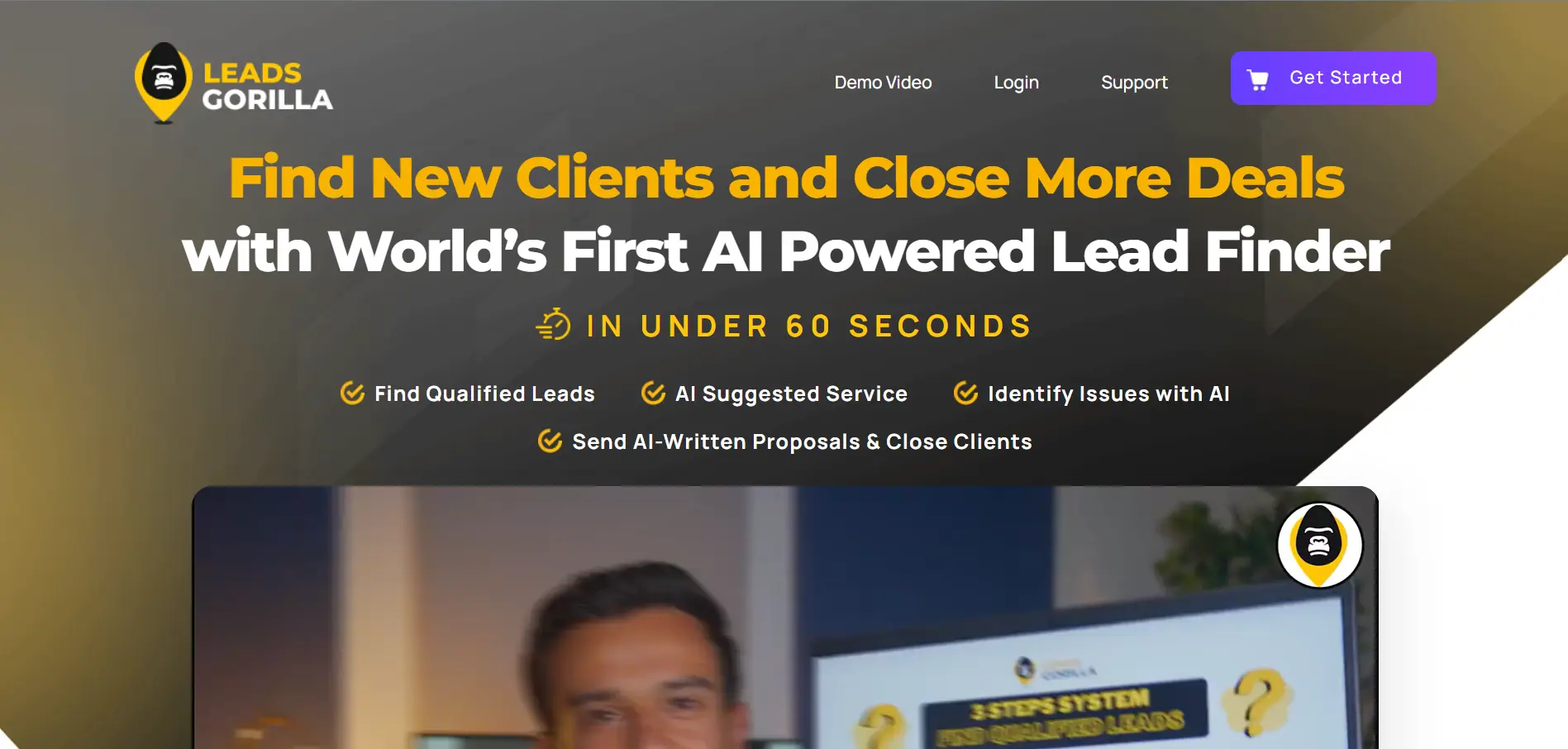
LeadGorilla is a useful local lead finder for agencies and marketers who sell services to small businesses.
It helps you find local companies and understand which ones may need support with marketing, SEO, ads, websites, or online visibility.
You can use LeadGorilla to:
- Find local business leads by niche and location
- Access verified emails, phone numbers, and addresses
- Check website responsiveness and business details
- Review Google 3-pack and advertising insights
- Use AI lead scoring to identify better prospects
- Generate AI-written cold emails and client reports
This makes it helpful when you want to find businesses that may already show signs of needing your service. LeadGorilla positions its newer version around AI-powered local lead generation, verified contact data, website checks, and ad insights.
Best for: Local marketing agencies, SEO consultants, freelancers, and service sellers.
Price: Free trial available. Paid pricing may vary by plan or offer.
3. Clay
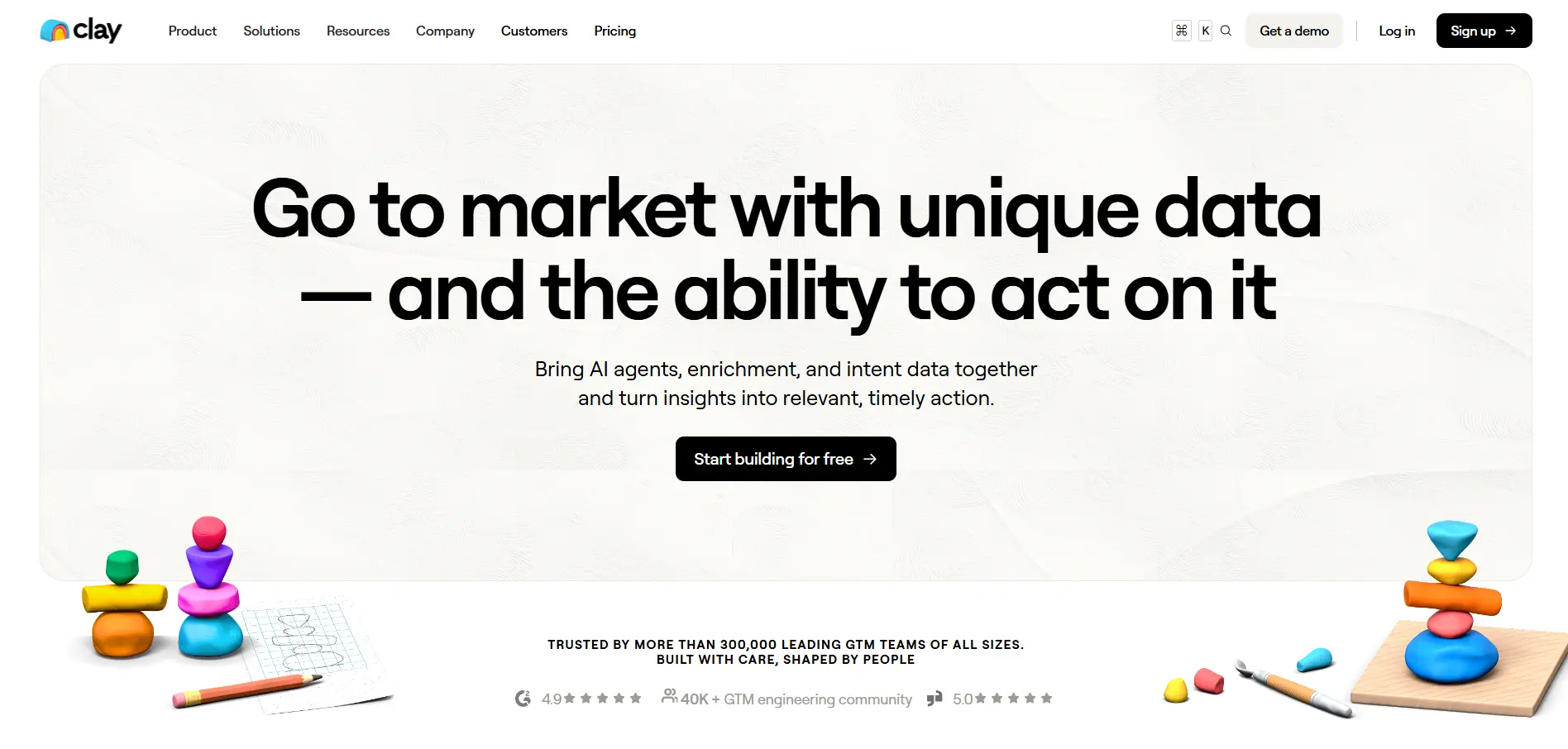
Clay is a strong local lead finder for teams that want flexible data enrichment and custom prospecting workflows.
It is not built only for local lead generation, but you can use it to build targeted lists, enrich company data, find contacts, and create AI-powered research workflows.
You can use Clay to:
- Build local prospect lists using search and enrichment
- Enrich leads with data from multiple providers
- Find emails, phone numbers, and company details
- Use Claygent AI for custom research
- Track signals like job changes, new hires, and company news
- Send leads into email tools, CRMs, or other GTM workflows
Clay works best when you have a clear prospecting process and want control over how data is collected, enriched, and routed.
Best for: Growth teams, RevOps teams, agencies, and B2B teams with technical prospecting needs.
Price: Free plan available. Paid plans start at $185/month, with usage based on Actions and Data Credits.
Suggested Reading:
10 Best Clay Alternative & Competitors for AI Outreach & Lead Enrichment4. Outscraper
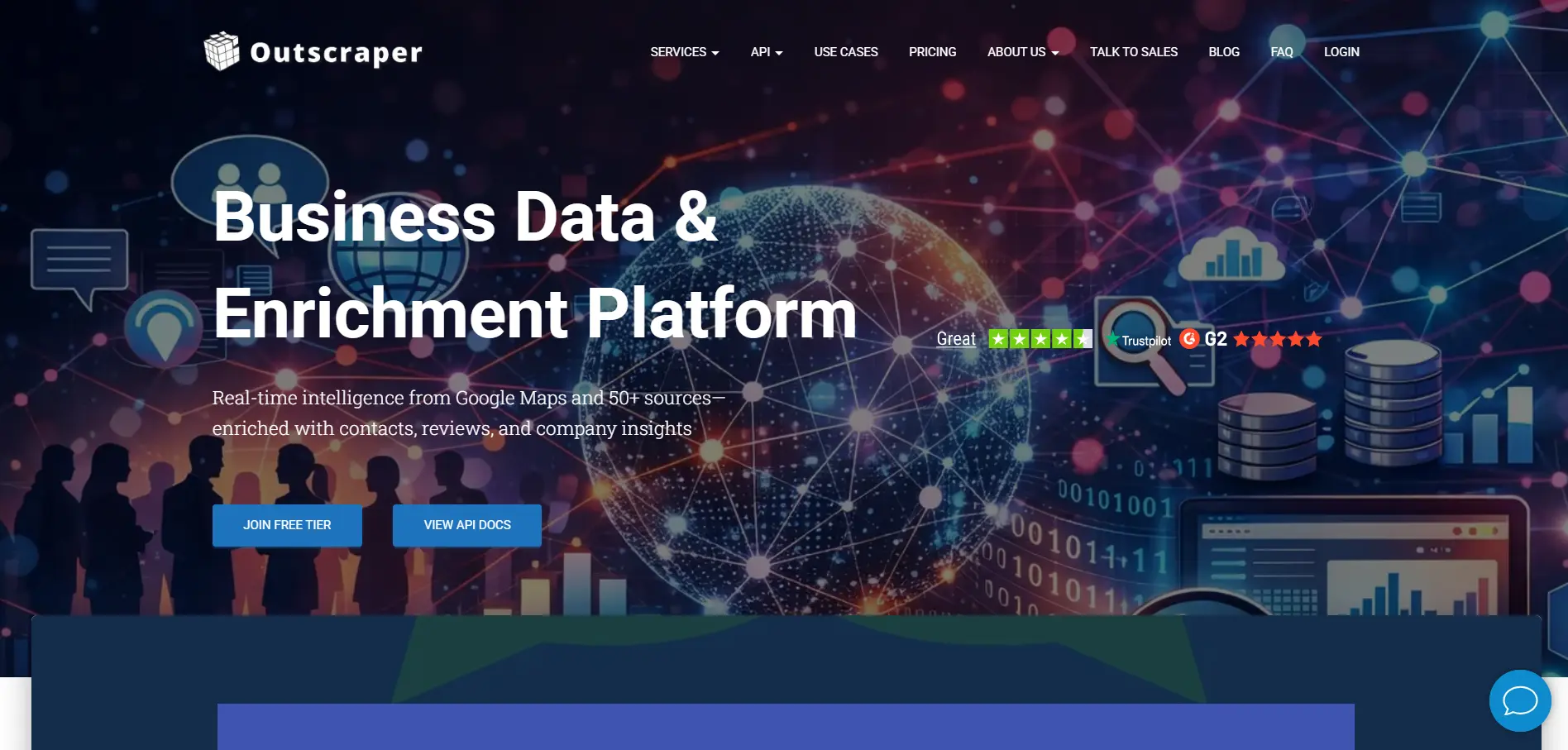
Outscraper is a strong local lead finder if your main source of leads is Google Maps.
It helps you extract local business data in bulk, then enrich that data with contact details for outreach.
You can use Outscraper to:
- Scrape business names from Google Maps
- Collect addresses, websites, phone numbers, reviews, and ratings
- Search by category, keyword, and location
- Export results for sales or marketing campaigns
- Enrich business websites with emails and contact details
- Use API access for larger or automated workflows
This makes Outscraper useful when you want structured local business data instead of manually copying details from maps listings.
It is more of a data extraction tool than a complete outreach platform, so you may still need another tool for campaigns, follow-ups, inbox management, and CRM sync.
Best for: Agencies, researchers, local SEO teams, and businesses that need Google Maps data at scale.
Price: Pay-as-you-go pricing. Google Maps scraping has a free tier, then starts around $3 per 1,000 records.
5. Apify Local Leads Scraper
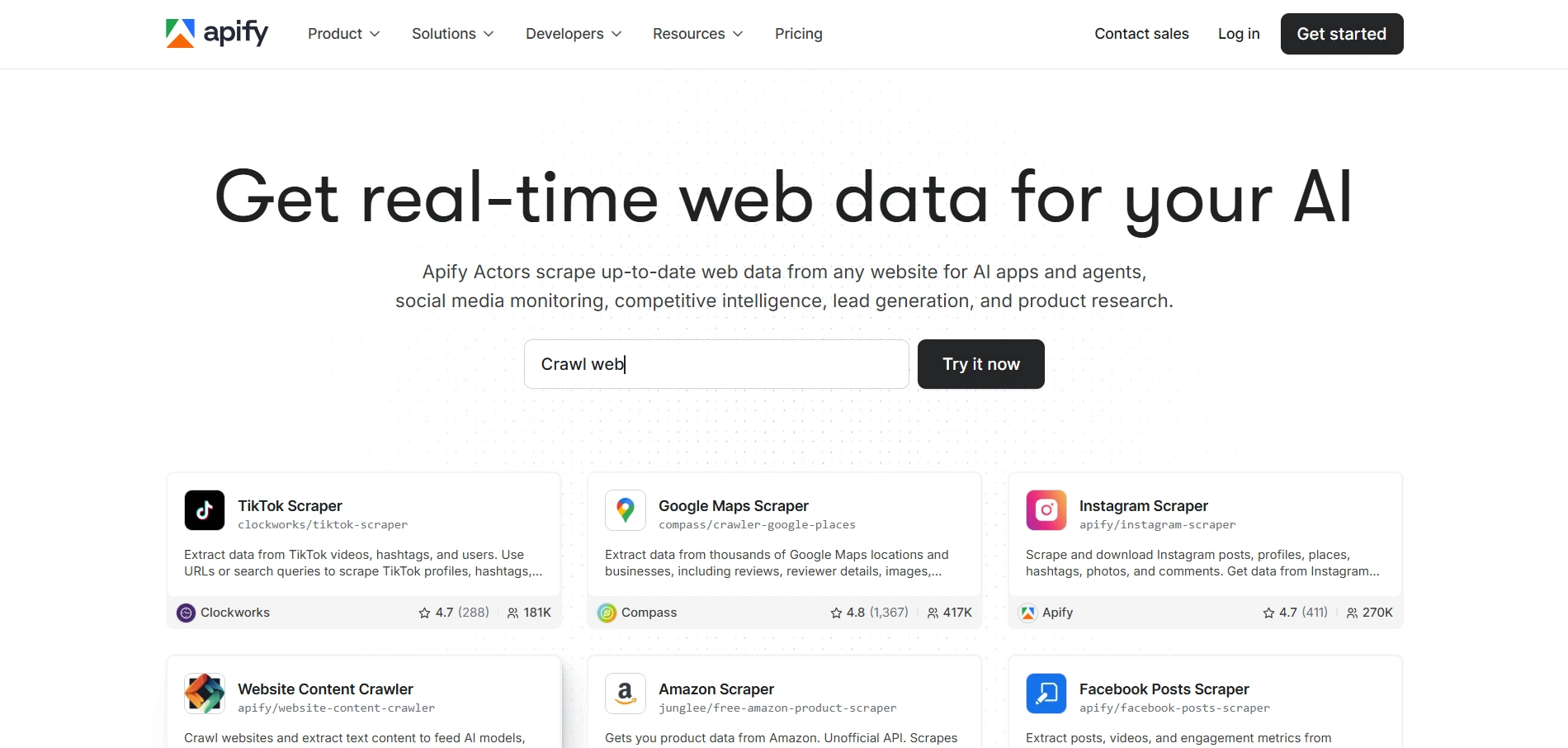
Apify Local Leads Scraper is a good option if you want flexible local data extraction instead of a fixed lead finder.
Apify works through “Actors,” which are ready-made scraping tools you can run for specific tasks. For local leads, you can use Google Maps-based Actors to collect business listings and enrich them with extra details.
You can use Apify Local Leads Scraper to:
- Extract local businesses from Google Maps
- Search by keyword, category, and location
- Collect names, addresses, websites, and phone numbers
- Filter leads by rating and review count
- Extract emails and social links from business websites
- Export data into CSV, Excel, JSON, or API workflows
This makes Apify useful when you need more control over how local business data is collected.
Best for: Technical teams, data teams, agencies, and businesses that need custom scraping workflows.
Why it stands out: Apify gives you flexible scraping options and API-friendly workflows for local lead generation.
Price: Pricing depends on the Actor you use. Some local lead scraper Actors estimate around $1–$2 per 1,000 results, with free tiers available.
6. D7 Lead Finder
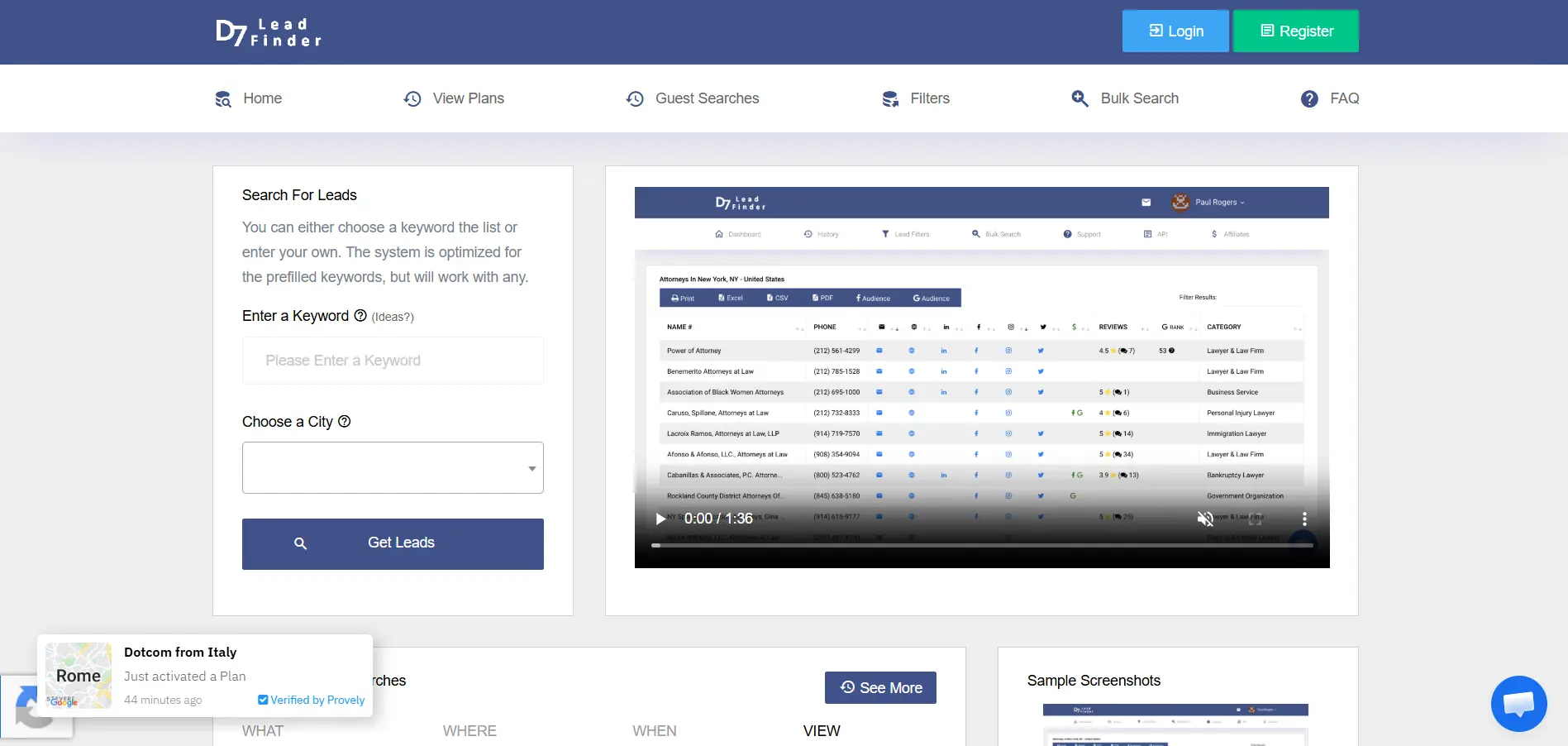
D7 Lead Finder is a simple local lead finder for people who want to search by keyword and location.
You enter what you are looking for, like “plumbers” or “realtors,” then add the city or country you want to target. D7 then returns business leads that you can review and export.
You can use D7 Lead Finder to:
- Find B2B leads by industry and location
- Search local businesses across different countries
- Collect business names, websites, and contact details
- Export leads in multiple formats
- Build simple local prospecting lists quickly
- Start with keyword-based local searches
D7 says it helps users find B2B leads in any category across any country, and its site mentions 65M+ business records.
This makes it a good option when you want a direct lead search tool without a complex setup.
Best for: Freelancers, small agencies, local service sellers, and beginners doing local prospecting.
Why it stands out: D7 keeps local lead search simple. You enter a niche and location, then get a list of businesses to work with.
Price: Paid plans are available, but check the current pricing page before choosing a plan.
Suggested Reading:
10 D7 Lead Finder Alternative Tools With Built-In Automation7. MapsScraper.ai
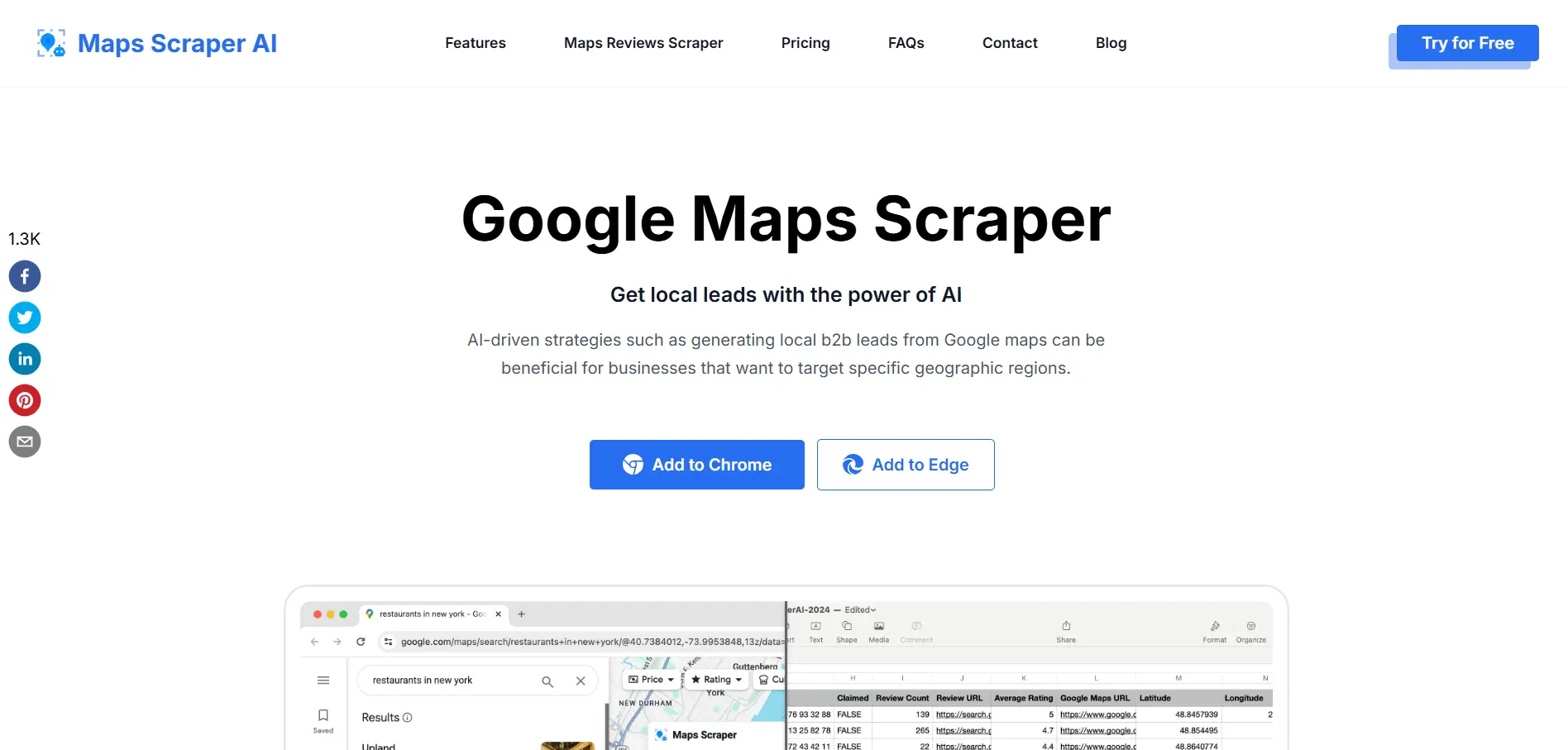
MapsScraper.ai is a simple local lead finder for teams that want to collect leads directly from Google Maps.
It works as a Chrome or Edge extension, so you can search on Google Maps and extract local business data without coding or technical setup.
You can use MapsScraper.ai to:
- Extract business names from Google Maps
- Collect addresses, phone numbers, websites, and reviews
- Find emails and social media links linked to listed businesses
- Run batch searches for multiple keywords
- Export local lead data for sales or marketing campaigns
- Build local prospect lists without manual copy-pasting
This makes it useful when your prospecting starts with map-based searches like “dentists in Dallas” or “roofers in Miami.”
Best for: Small businesses, local agencies, freelancers, and sales teams that need quick Google Maps leads.
Why it stands out: MapsScraper.ai is easy to use and focuses on fast Google Maps lead extraction. Its site highlights no-code extraction, batch lookup, email and social media extraction, and Chrome or Edge support.
Price: Free plan available. Its blog mentions a free plan with up to 1,000 monthly lead exports and a Pro plan for larger exports.
8. LeadsSniper
LeadsSniper is a practical local lead finder if you want to extract leads from Google Maps and other local web sources.
It is built more like a scraping toolkit than a full sales platform. So it works well when you want to collect local business data first, then export it into your CRM, spreadsheet, or outreach tool.
You can use LeadsSniper to:
- Scrape local business leads from Google Maps
- Collect business names, phone numbers, emails, and social profiles
- Search by keyword, niche, and location
- Export lead data into CSV or Excel
- Use data across different sales or marketing tools
- Find leads from sources like Google, Yelp, Yellow Pages, Clutch, and Trustpilot
This makes LeadsSniper useful when you already have your own outreach process and mainly need a local data collection tool. Its Google Maps scraper page highlights no-code scraping, business contact extraction, and one-click CSV export.
Best for: Local agencies, freelancers, small business marketers, and teams that need map-based lead exports.
Why it stands out: LeadsSniper gives you a simple way to collect local leads without manually copying details from business listings.
Price: LeadsSniper promotes free trial and one-time payment options, but pricing can vary by offer. Check the latest plan before buying.
9. Local Scraper
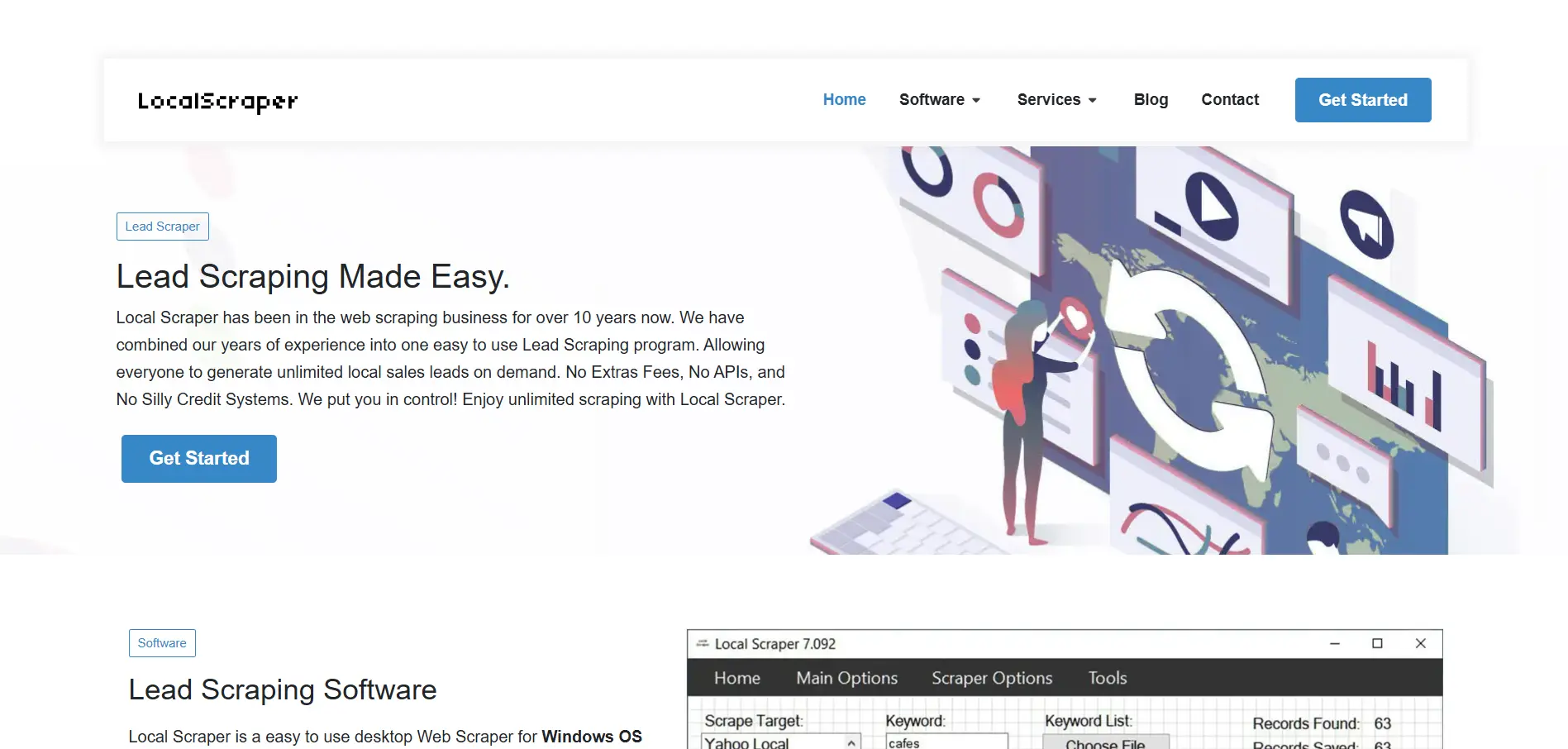
Local Scraper is a desktop-based local lead finder for teams that want to collect leads from multiple local directories.
Instead of only pulling data from Google Maps, it supports several sources, which gives you more coverage when building local prospect lists.
You can use Local Scraper to:
- Scrape leads from Google Maps and Google Places
- Collect data from Yahoo Local and Bing Maps
- Pull leads from HomeAdvisor and Yellow Pages directories
- Find business names, addresses, websites, and phone numbers
- Use proxy and VPN support for longer scraping sessions
- Export lead data for outreach, CRM uploads, or manual review
This makes Local Scraper useful when you want more control over your lead collection process and do not want to depend on only one source.
Best for: Agencies, local marketers, researchers, and teams that prefer desktop scraping software.
Why it stands out: Local Scraper supports Windows and Mac and lets you scrape from Google Maps, Google Places, Yahoo Local, Bing Maps, HomeAdvisor, and Yellow Pages sources.
Price: Pricing is not clearly listed on the public website, but some third-party listings mention a free trial and paid subscription model.
10. Google Maps Extractor
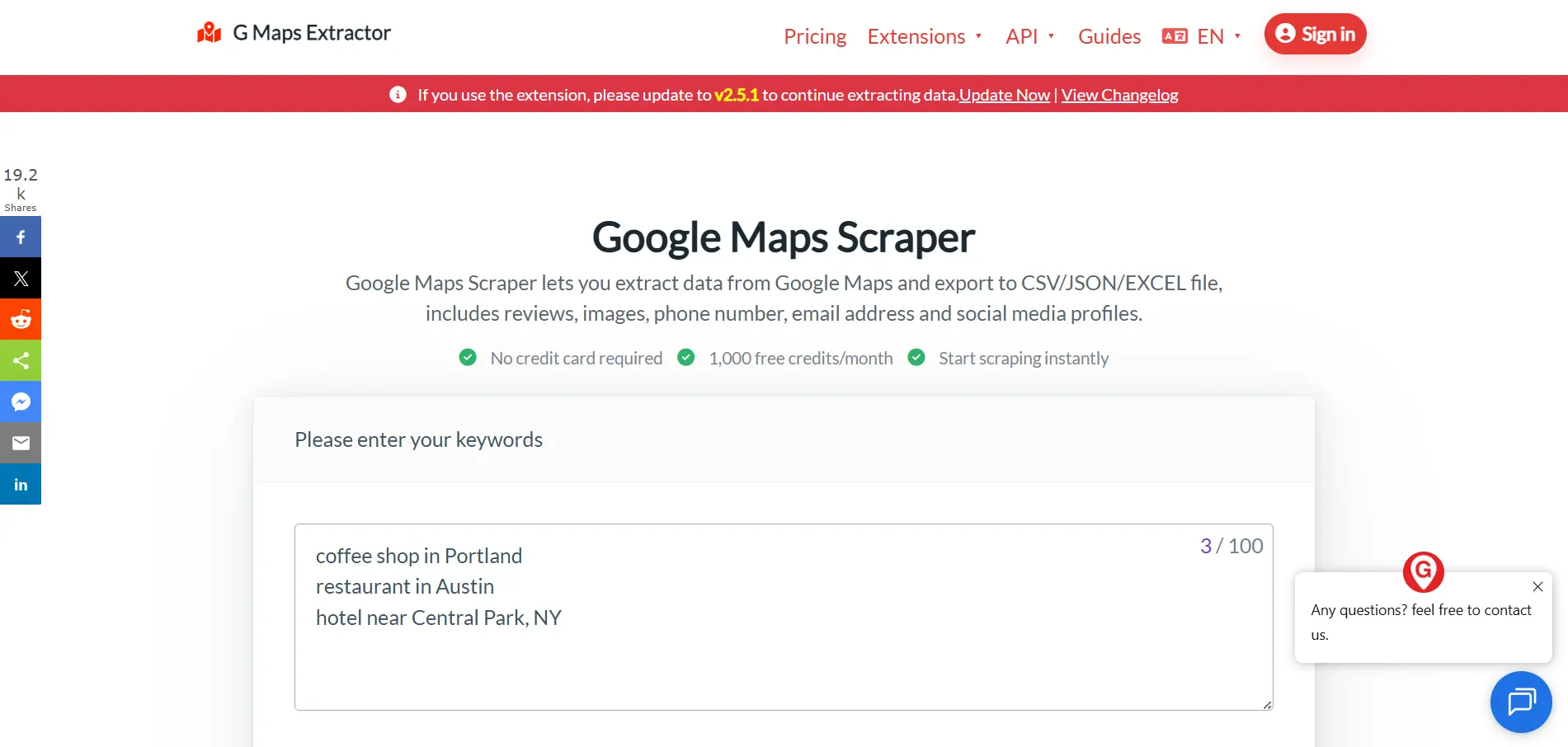
Google Maps Extractor is a good local lead finder when you want a simple way to pull leads directly from Google Maps.
It is usually used as a Chrome extension or lightweight scraping tool, so you can search for a niche and location, then export the business data for outreach.
You can use Google Maps Extractor to:
- Extract business names from Google Maps search results
- Collect phone numbers, websites, addresses, and social profiles
- Find publicly available emails linked to business websites
- Search by keyword, category, and location
- Export lead lists into CSV or Excel
- Build local prospect lists without manual copy-pasting
This makes it useful for quick local searches like “salons in Phoenix” or “law firms in Dallas.”
Best for: Beginners, freelancers, local marketers, and small teams that need fast map-based lead exports.
Why it stands out: Google Maps Extractor is simple to use and focuses on quick business data extraction from Google Maps. Some versions also support email, phone, website, and social profile extraction with CSV or Excel export.
Price: Free Google Maps extractor options are available, though export limits and features can vary by tool.
11. Scrap.io
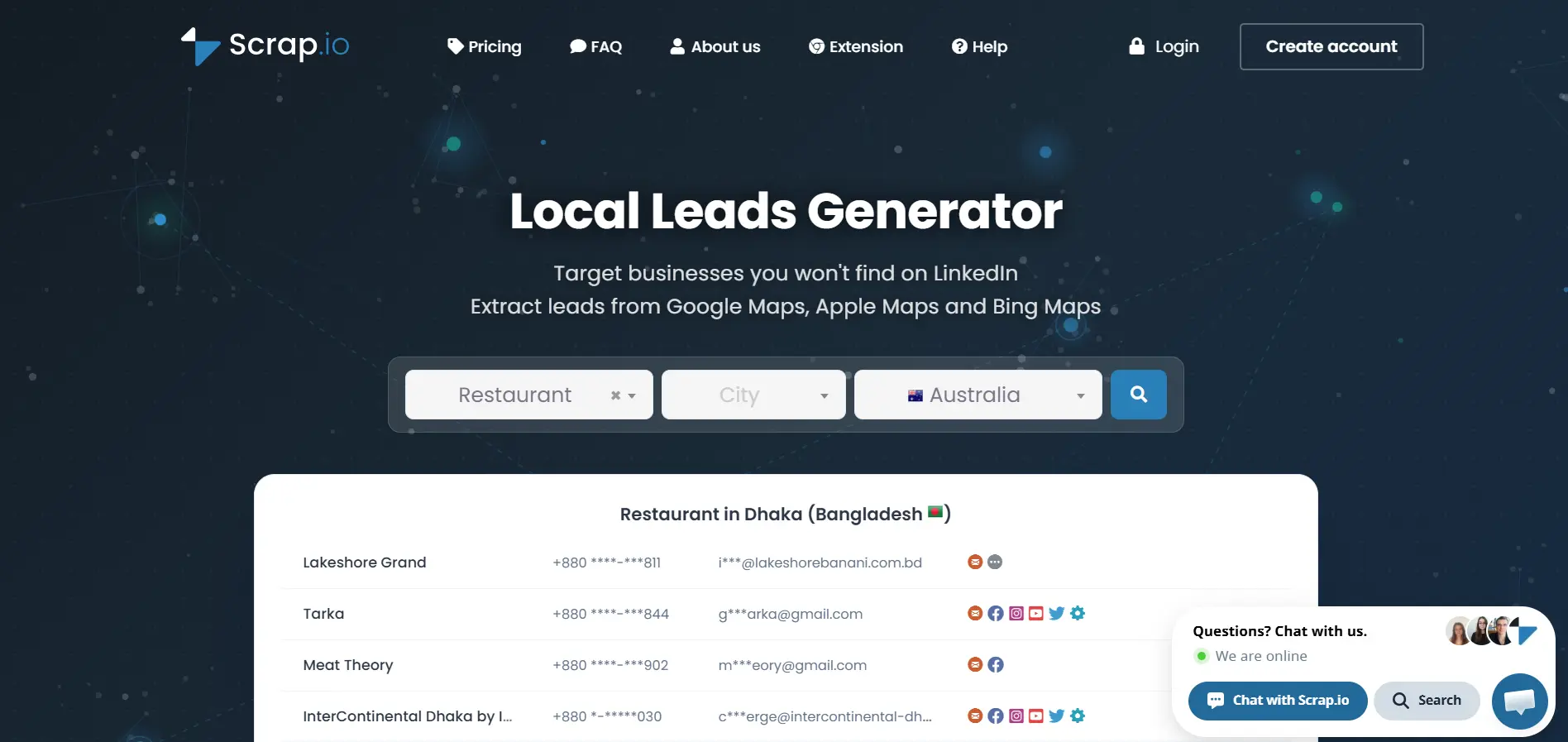
Scrap.io is a local lead finder built for pulling business data from major map platforms at scale.
It works well when you want to search local businesses by geography, category, or market and export clean lead lists for sales, marketing, or research.
You can use Scrap.io to:
- Extract leads from Google Maps, Apple Maps, and Bing Maps
- Search businesses across 195 countries
- Target leads by country, state, county, city, or category
- Collect names, addresses, phone numbers, websites, emails, and social links
- Review business ratings, reviews, and location details
- Export local lead data for outreach or CRM workflows
This makes Scrap.io useful when your local lead generation depends heavily on map-based business data.
Best for: Agencies, local sales teams, B2B prospecting teams, and businesses that need large local lead datasets.
Why it stands out: Scrap.io covers multiple map platforms and supports detailed geographic targeting, which gives you more flexibility than basic Google Maps-only scrapers.
Price: Scrap.io offers a 7-day free trial. Paid pricing depends on the plan and export volume, so check its pricing page before choosing a package.
Local Lead Finder Comparison Table
After looking at each tool, the main difference becomes clear.
Some tools only help you scrape local business data. Others help you find leads, enrich them, contact them, and manage replies from one workflow.
Here is a quick comparison to help you choose faster.
If you only need raw local business data, a scraper can work.
But if you want to find leads, verify contacts, personalize emails, follow up, and manage replies without jumping between tools, a workflow-based local lead finder like Oppora AI is usually the better fit.
How to Choose the Right Local Lead Finder
By now, you have seen that every local lead finder works a little differently.
Some tools are better for scraping business listings. Some are better for lead enrichment. Some are built for complete outbound lead generation workflows.
So before you pick one, use these points to narrow down the right fit.
Define Your Budget and Team Size
Start with what your team actually needs right now.
If you are a solo founder or freelancer, you may not need a complex enterprise tool. A simple local lead finder with search, export, and contact data may be enough.
But if you have a sales team or agency, you may need more features like:
- Multiple mailboxes
- Team access
- CRM sync
- Outreach campaigns
- Follow-up automation
- Shared inbox management
- Higher monthly lead limits
Also check how the tool charges you.
Some tools charge by credits. Some charge by records exported. Some charge by users, workflows, or outreach volume.
Choose a tool that fits your budget without forcing you to upgrade too early.
Match the Tool to Your Use Case
The right tool depends on how you plan to use the leads.
If you only need local business data, a Google Maps scraper may be enough. You can collect names, addresses, websites, and phone numbers, then clean the list yourself.
But if you want to run local outbound campaigns, you need more than raw data.
Think about your main goal:
- Local prospecting
- B2B sales outreach
- Agency lead generation
- Local SEO prospecting
- SaaS sales
- Staffing outreach
- Enterprise-scale prospecting
For simple research, a scraper can work well.
For lead generation and sales outreach, choose a local lead finder that helps you find contacts, enrich data, send messages, follow up, and track replies.
Check Data Accuracy and Contact Coverage
More leads do not always mean better leads.
A tool may give you thousands of local businesses, but that list is not useful if the phone numbers are wrong, emails bounce, or decision-maker details are missing.
Look for a local lead finder that gives you:
- Verified email addresses
- Phone numbers
- Business websites
- Social profiles
- Owner or founder details
- Job titles
- Company information
- Location and industry data
This matters because bad data slows down your outreach.
You spend more time cleaning lists, replacing bounced emails, and trying to figure out who to contact.
A cleaner database helps you reach the right people faster.
Evaluate AI Features and Workflow Automation
Once you find local leads, the next challenge is converting them.
That is where AI and automation can make a big difference.
A stronger local lead finder should help you:
- Build lead lists faster
- Personalize outreach messages
- Automate cold email campaigns
- Send follow-ups automatically
- Track opens, replies, and interest
- Manage conversations in one inbox
- Push activity into your CRM
This is especially useful if you do repeated outreach every week.
Instead of manually searching, copying data, writing emails, and checking replies, you can create a workflow that keeps moving leads forward.
So when you compare tools, do not only ask, “Can this find leads?”
Ask, “Can this help me turn those leads into customers?”
Conclusion
A good local lead finder should help you do more than collect business names from a map.
You need accurate local data, useful filters, verified contact details, and a simple way to reach the right people without wasting hours on manual research.
If you only need basic local business lists, tools like Outscraper, MapsScraper.ai, or Scrap.io can help you extract data quickly.
But if your goal is to find local leads, personalize outreach, follow up, manage replies, and move prospects into your sales workflow, you need a tool that connects the whole process.
That is where Oppora.ai fits well.
It helps you find local prospects, verify contacts, build AI workflows, run campaigns, and manage replies from one place.
So instead of stopping at “I found leads,” you can move faster toward “I started real conversations.”
Frequently Asked Questions
What is a local lead finder?
A local lead finder is a tool that helps you find businesses in a specific city, area, industry, or service category so you can build a targeted prospect list faster.
How do local lead finders work?
Local lead finders search public sources like maps, directories, websites, and business databases, then return details such as business names, websites, phone numbers, addresses, and emails.
Are local lead finders legal to use?
Local lead finders can be legal when you use data responsibly, follow privacy rules, and make sure your outreach includes honest sender details and a clear opt-out option.
Which local lead finder is best for small businesses?
Oppora AI is a strong choice for small businesses because it helps you find local leads, verify contacts, personalize outreach, send follow-ups, and manage replies from one workflow.
What's the difference between a lead database and a local lead finder?
A lead database stores contact records, while a local lead finder helps you search for prospects by location, category, industry, and other filters.