10 Best Mail Merge Alternatives for Personalised Email Automation
alternatives to mail merge mail merge alternatives
If you’ve ever used a traditional mail merge tool, you already know how limiting it can feel.
What starts as a simple solution often turns into a slow, manual process that struggles to keep up with modern outreach needs.
That’s why many teams are now searching for a better mail merge alternative.
In this guide, you’ll explore:
- Why traditional tools fall short
- What modern email automation tools offer
- The best mail merge alternatives available today
- How to improve personalization and scale outreach efficiently
By the end, you’ll have a clear direction to choose the right solution for smarter, more effective email automation.
Why Teams Look for Mail Merge Alternatives
Mail merge tools were built for basic use cases.
But today’s outreach needs flexibility, automation, and reliability.
That’s why many teams are actively switching to smarter mail merge alternatives that reduce manual work and improve campaign performance.
The Process Feels Overly Complicated
Mail merge is supposed to save time.
But in reality, it often feels harder than it should be.
- Too many steps to set up campaigns
- Confusing interface for beginners
- Manual work for simple actions
Example discussion: Mail merge — why so terrible? — Users share how the setup process feels unnecessarily complex and frustrating.
Errors and Data Issues Break Campaigns
Small mistakes can completely break your campaign.
And fixing them is often not straightforward.
- Data fields fail to sync correctly
- Formatting issues ruin email output
- Hard to debug errors quickly
Example discussion: Issue with mail merge — highlights how minor data issues can disrupt entire workflows.
No Support for Automation or Follow-Ups
Modern outreach depends on multiple touchpoints.
Mail merge simply doesn’t support that level of automation.
- No automated follow-up sequences
- No smart scheduling or triggers
- Limited campaign control
Example discussion: Does sending email by mail merge make sense? Users question its effectiveness for real outreach workflows.
Sending Issues and Lack of Reliability
Reliability is a major concern when emails don’t send properly.
And often, there’s no clear explanation why.
- Emails fail without clear error messages
- Missing or unsent emails
- No proper tracking or logs
Example discussion: Mail merge not working — users report inconsistent sending behavior and lack of clarity.
These limitations make it clear why teams are moving toward more reliable and scalable alternatives.
Feels Impersonal
Mail merge relies heavily on placeholders, which often makes emails feel generic.
You end up sending the same message to everyone with just a name swapped in.
There’s no real context or personalization, which makes your outreach feel robotic.
And when emails don’t feel human, replies naturally drop.
Poor Deliverability (Spam Issues)
Another major concern is whether your emails even reach the inbox.
Mail merge tools don’t offer built-in features like domain warm-up or deliverability monitoring.
This increases the chances of your emails landing in spam without you realizing it.
Over time, this can damage your sender reputation and hurt all future campaigns.
Time-Consuming Management
All of this leads to one bigger problem time.
You have to manage lists manually, switch between tools, and handle multiple steps yourself.
There’s no centralized workflow, which makes scaling outreach difficult as your team grows.
What should be a streamlined process turns into a time-consuming system that slows everything down.
Key Features to Look for in Mail Merge Alternatives
Before choosing a tool, it’s important to understand what actually improves your outreach.
The right mail merge alternatives don’t just send emails.
They help you scale personalization, automate workflows, and improve results without extra effort.
Personalization That Feels Real
Basic placeholders like {{FirstName}} are no longer enough.
Modern tools help you create emails that actually feel human and relevant.
- Uses context like company, role, or recent activity
- Generates AI-based personalized lines
- Adapts messaging for each recipient
This makes your emails stand out and improves reply rates naturally.
Automated Email Sequences
Sending one email rarely gets results.
You need consistent follow-ups without doing everything manually.
- Multi-step email sequences
- Time-based and trigger-based follow-ups
- Consistent outreach without manual effort
Automation ensures no opportunity is missed while saving time.
Deliverability Features
Even great emails fail if they don’t reach the inbox.
Deliverability is what makes your campaigns actually work.
- Email warm-up to build sender reputation
- Spam detection and prevention
- Domain health monitoring
These features help your emails land where they should.
Tracking and Analytics
You can’t improve what you don’t measure.
Tracking helps you understand what’s working and what’s not.
- Open and click tracking
- Reply rate insights
- Campaign performance dashboards
This allows you to refine your strategy over time.
CRM & Integrations
Your tool should fit into your existing workflow.
Otherwise, it just creates more manual work.
- Syncs with CRM systems
- Connects with calendars and tools
- Integrates lead databases
This keeps everything organized and saves time across your workflow.
Scheduling & Time-Zone Sending
Timing can significantly impact whether your email gets opened or ignored.
Sending emails at the wrong time reduces your chances of engagement.
Smart scheduling ensures your messages arrive when recipients are most likely to see them.
- Sends emails based on recipient time zones
- Optimizes delivery timing automatically
- Allows advanced campaign scheduling
This small feature can make a noticeable difference in performance.
AI Reply Handling
Managing replies manually becomes difficult as your outreach scales.
You can easily miss opportunities or respond too late.
AI-powered reply handling helps you stay on top of every conversation.
- Automatically categorizes incoming replies
- Detects intent like interested or not now
- Triggers appropriate next steps
This ensures faster responses and better lead management.
Team Collaboration Features
If you’re working with a team, coordination becomes critical.
Without proper collaboration tools, conversations can get messy and disorganized.
The right platform keeps everyone aligned and informed.
- Shared inbox for complete visibility
- Assigns conversations to team members
- Tracks team activity and performance
This helps teams manage outreach without confusion or overlap.
Scalability & Sending Limits
As your outreach grows, your tool should support that growth without breaking.
Not all mail merge alternatives are built to handle scale effectively.
You need a system that can manage higher volumes safely.
- Supports high-volume email sending
- Allows multiple inbox connections
- Prevents sending overload issues
Choosing a scalable solution ensures you won’t outgrow your tool as your campaigns expand.
10 Best Mail Merge Alternative Tools for Personalised Email Automation
Now that you know what to look for, the next step is choosing the right tool.
Not all mail merge alternatives are built the same.
Some focus on simplicity, while others offer advanced automation and personalization.
Below, you’ll find the best tools that help you streamline outreach, improve efficiency, and scale your email campaigns with ease.
1. Oppora.ai (Best for AI-Driven Workflow Automation)
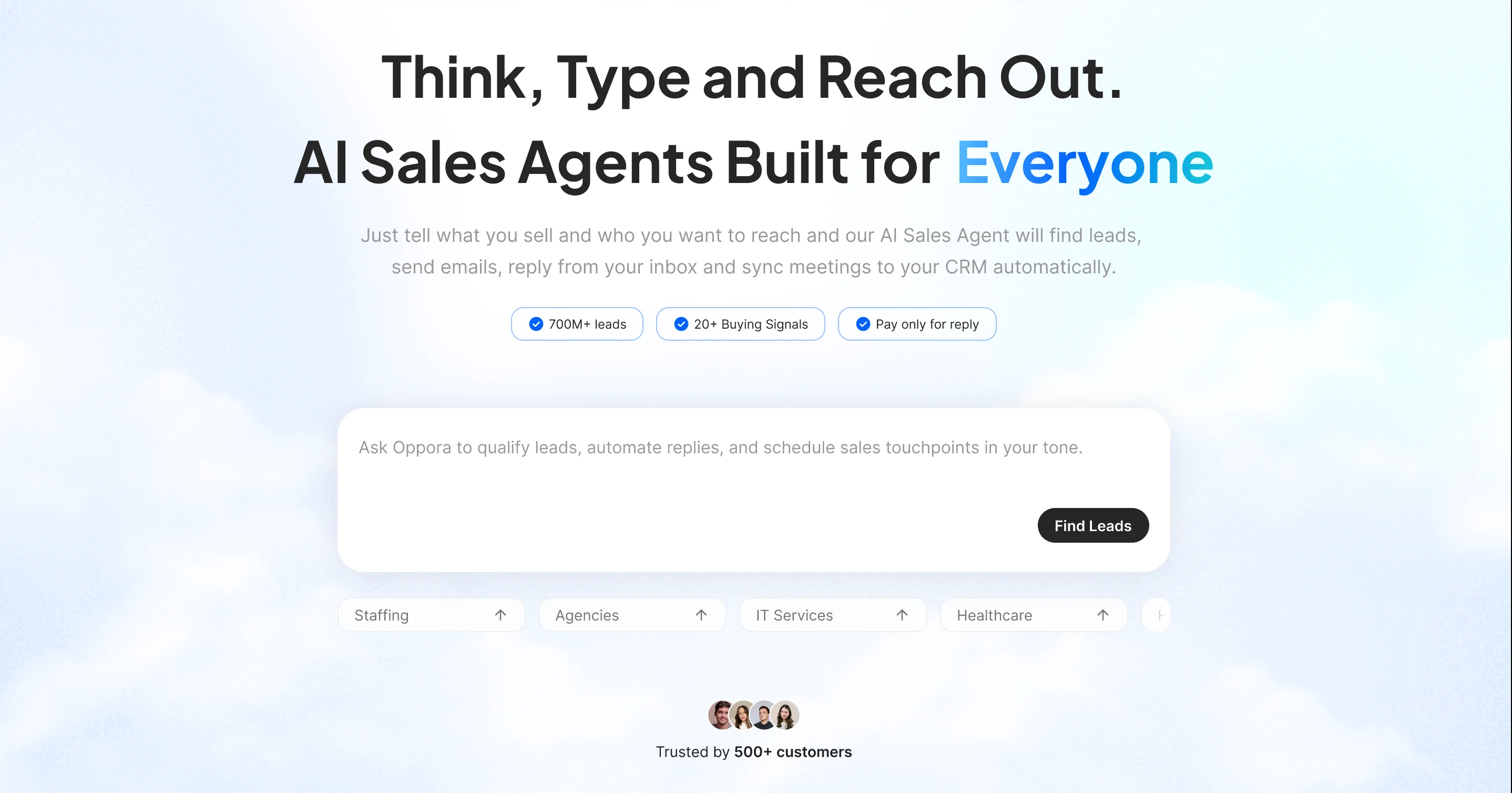
If traditional mail merge feels manual and limited, Oppora flips the model completely.
Instead of just sending emails, it builds and runs your entire outreach system automatically.
At its core, Oppora replaces mail merge with AI-driven workflows that handle personalization and follow-ups without constant input.
- AI generates unique, human-like personalized emails (no templates or spintext)
- Multi-step sequences with automated follow-ups and smart triggers
- Inbox-level AI replies that qualify leads and book meetings for you
- Built-in deliverability features like domain warm-up and mailbox rotation
But it goes beyond email.
- Access 120M+ verified contacts with built-in database and finder
- Enrich, verify, and manage leads in one workflow
- Drag-and-drop workflow builder to automate end-to-end outreach
- CRM sync and unified inbox for tracking conversations
Pricing is flexible:
- You can start free or choose paid plans starting from $34 covering unlimited emails and follow up to 5000 recipients, along with finding companies and email data.
- But if you only need email sending, mini plans start at $5 (1,000 contacts) or $12 (3,000 contacts) with unlimited emails, follow-ups, and AI reply handling.
2. GMass
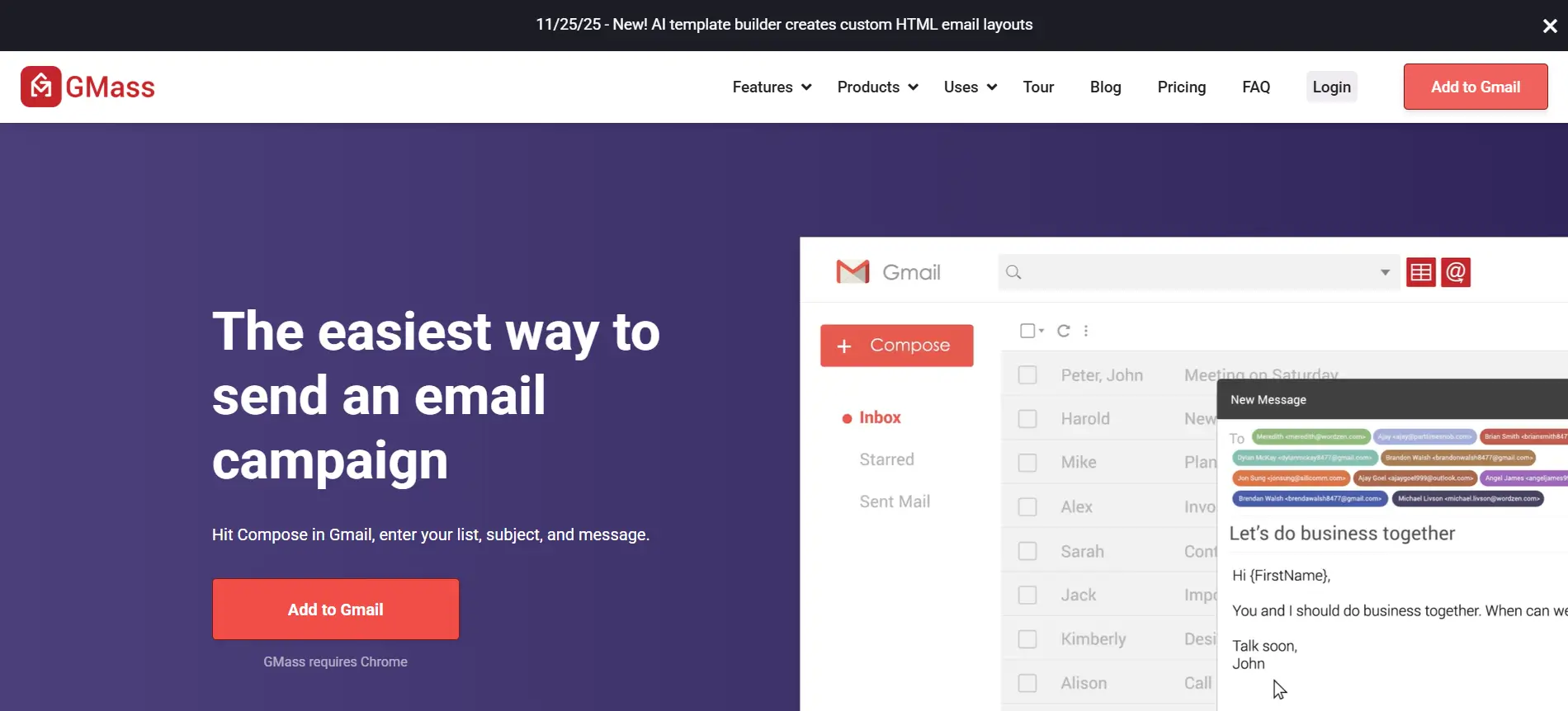
GMass is a Gmail-based tool designed for sending personalized emails at scale without leaving your inbox.
It works well as a simple mail merge alternative for users who want basic automation without adopting complex systems.
Key Features
GMass keeps things straightforward and easy to use.
- Native integration with Gmail
- Personalization using Google Sheets data
- Basic email sequencing and follow-ups
- Open, click, and reply tracking
It allows you to launch campaigns quickly without much setup.
Pricing
GMass offers flexible pricing depending on usage.
- Free plan with limited sending
- Paid plans with higher sending limits and features
It’s a good fit for individuals or small teams looking for a simple outreach solution without advanced automation needs.
3. Mailmeteor
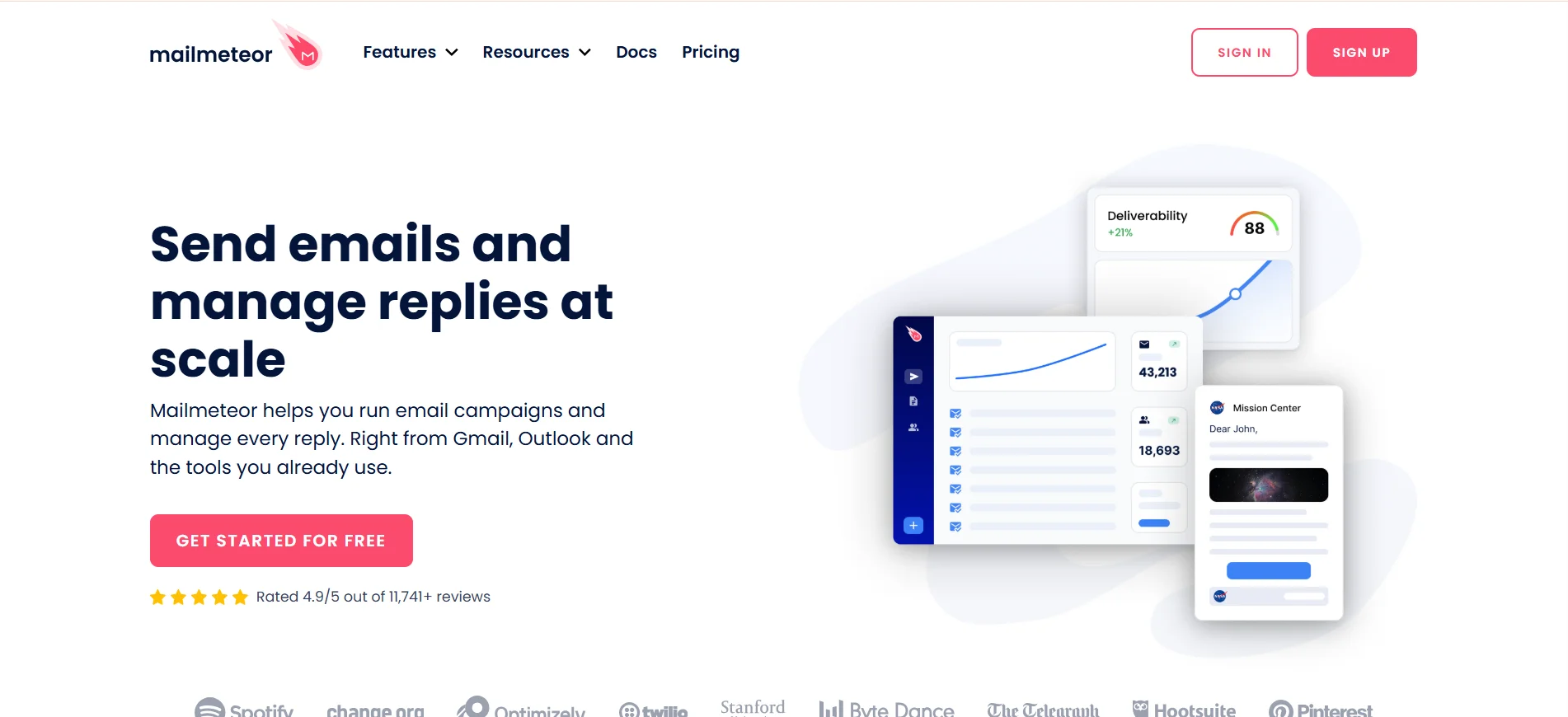
If you want to send personalized emails without learning a complex tool, Mailmeteor keeps things simple from the start.
It helps you run email campaigns directly from Gmail, making it a practical choice when you prefer working inside familiar tools instead of switching platforms or managing complicated workflows.
Key Features
- Easy setupYou can start sending emails quickly without needing technical knowledge or long onboarding steps.
- Google Workspace integrationIt connects with Gmail and Google Sheets, allowing you to manage contacts and campaigns in one place.
- Privacy-focused sendingMailmeteor avoids storing unnecessary data, which helps maintain better control over user privacy.
- Basic personalizationYou can customize emails using simple variables to make each message feel relevant.
Pricing
- Free tier available for basic usage
- Paid plans available for higher sending limits
4. Mailchimp (Better for Email Campaign Automation)
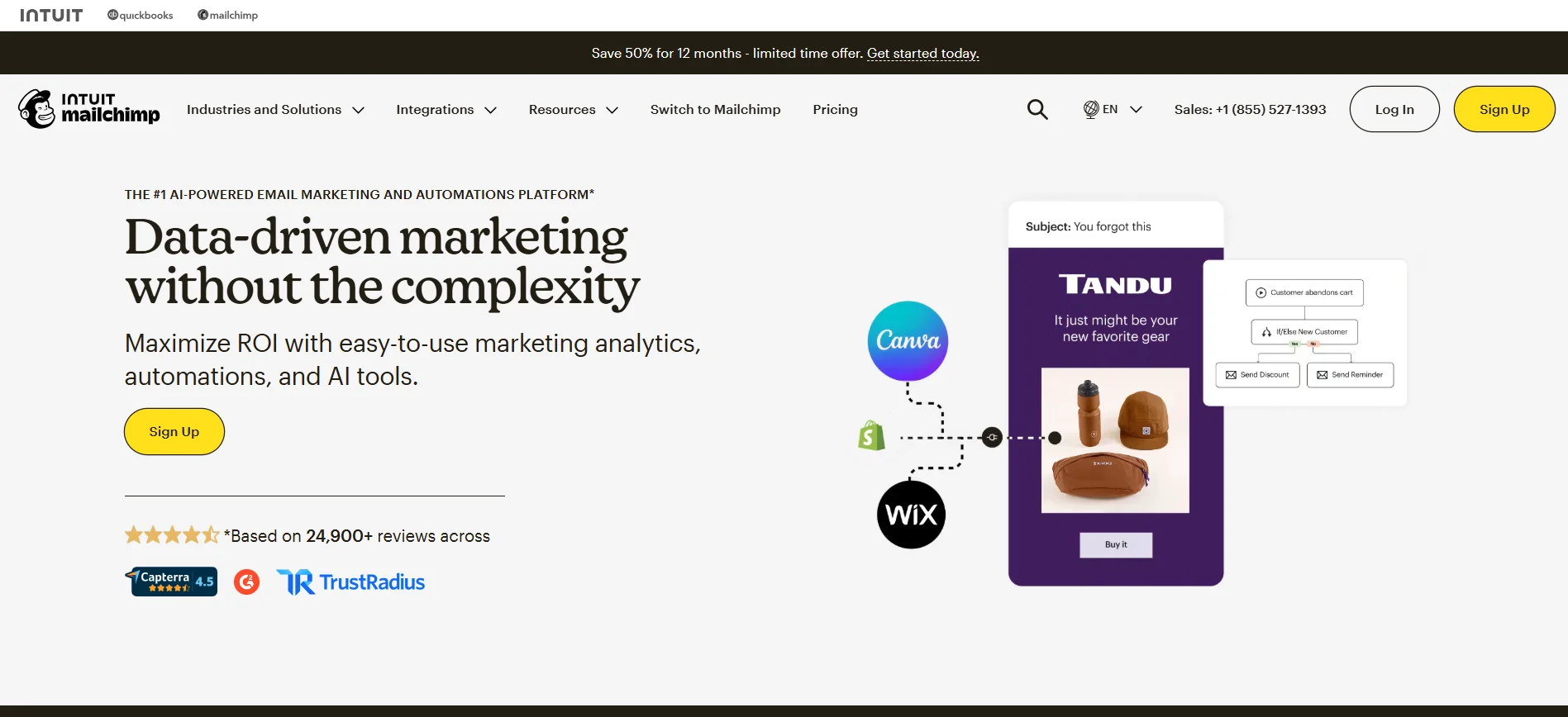
When your campaigns become more structured and performance-driven, you need more than just sending capability.
Mailchimp helps you build, automate, and optimize email campaigns, making it a strong choice for teams that want better control over targeting, messaging, and results.
Key Features
- Advanced email automation workflowsYou can create multi-step journeys triggered by user actions or timelines.
- Audience segmentation and targetingIt allows you to group contacts based on behavior, interests, or engagement.
- Pre-built email templatesYou can design emails quickly using ready-made templates without design experience.
- Campaign performance tracking Mailchimp provides insights into opens, clicks, and engagement metrics.
Pricing
- Free plan available with limited features
- Paid plans scale based on contacts and usage
5. Mailshake
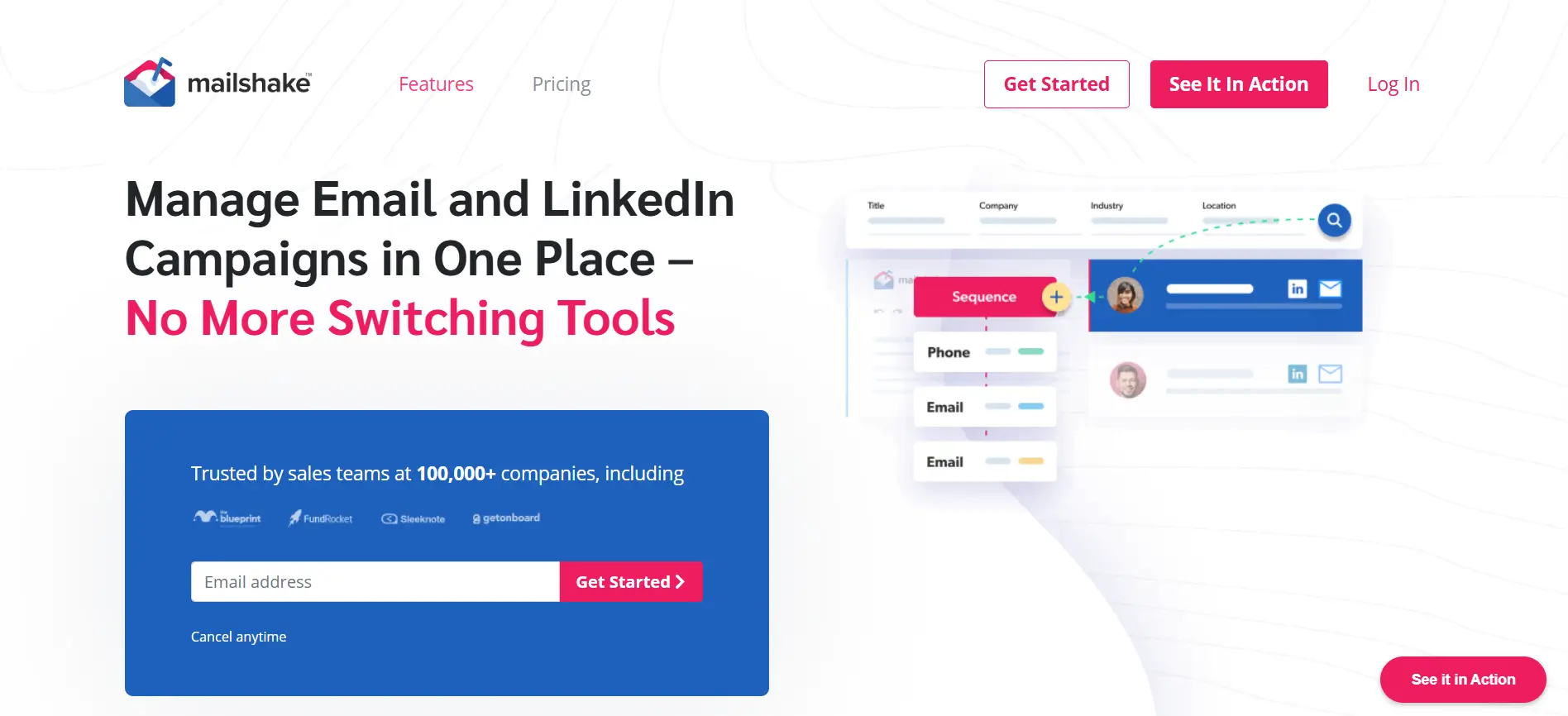
If your focus is consistent cold outreach and follow-ups, you need a tool designed specifically for that workflow.
Mailshake helps you run structured outreach campaigns, making it easier to manage conversations and improve response rates without relying on manual effort.
Key Features
- Automated sequences You can set up follow-ups that trigger automatically based on timing or user actions.
- Analytics dashboard It gives you visibility into campaign performance so you can optimize your approach.
- Sales-focused workflows Mailshake is built for outbound sales, helping you stay consistent across leads.
- Simple campaign setup You can launch campaigns quickly without dealing with complex configurations.
Pricing
- Paid plans only
- Starts at mid-range pricing
6. Lemlist
If your emails are getting ignored, improving how they look and feel can make a real difference.
Lemlist helps you create highly personalized and visually engaging emails, making it easier to stand out in crowded inboxes and increase reply rates.
Key Features
- Visual personalization You can add dynamic images and videos that make emails feel unique.
- Deliverability tools It includes features that help improve inbox placement and reduce spam risk.
- Campaign automation You can automate outreach while maintaining a strong level of personalization.
- Creative flexibility Lemlist allows you to experiment with formats to improve engagement.
Pricing
- Paid plans only
- Pricing based on features and usage
7. Woodpecker
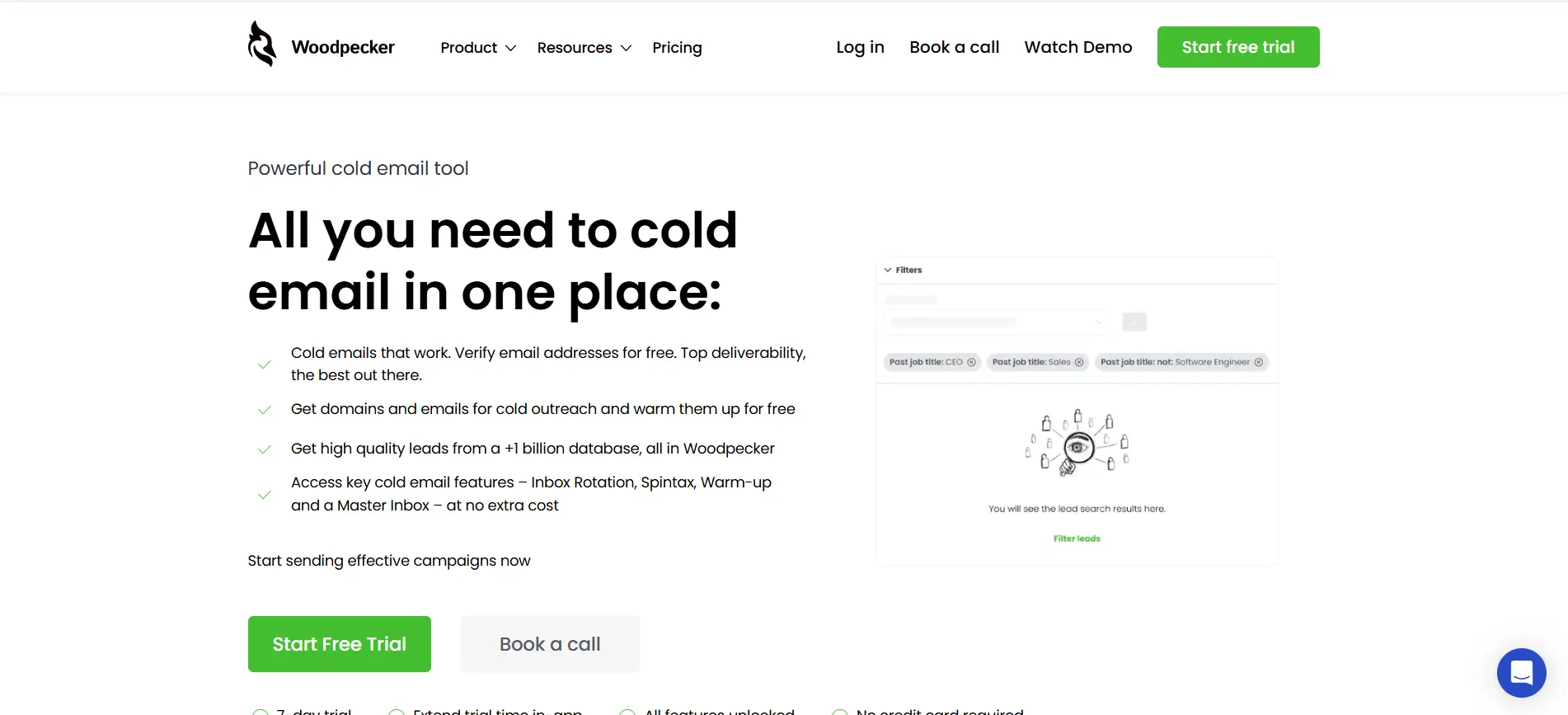
If you prefer a straightforward approach to cold emailing, Woodpecker keeps things focused and easy to manage.
It helps you run consistent outreach campaigns without adding unnecessary complexity, making it suitable for small teams and simple workflows.
Key Features
- Follow-up automation You can automatically send follow-ups based on recipient behavior.
- Simple interface The platform is easy to navigate, reducing the learning curve.
- Team collaboration Multiple users can manage campaigns without confusion or overlap.
- Reliable campaign management It helps you maintain consistency without needing constant manual work.
Pricing
- Subscription-based pricing
- Scales with usage and team size
8. Reply.io
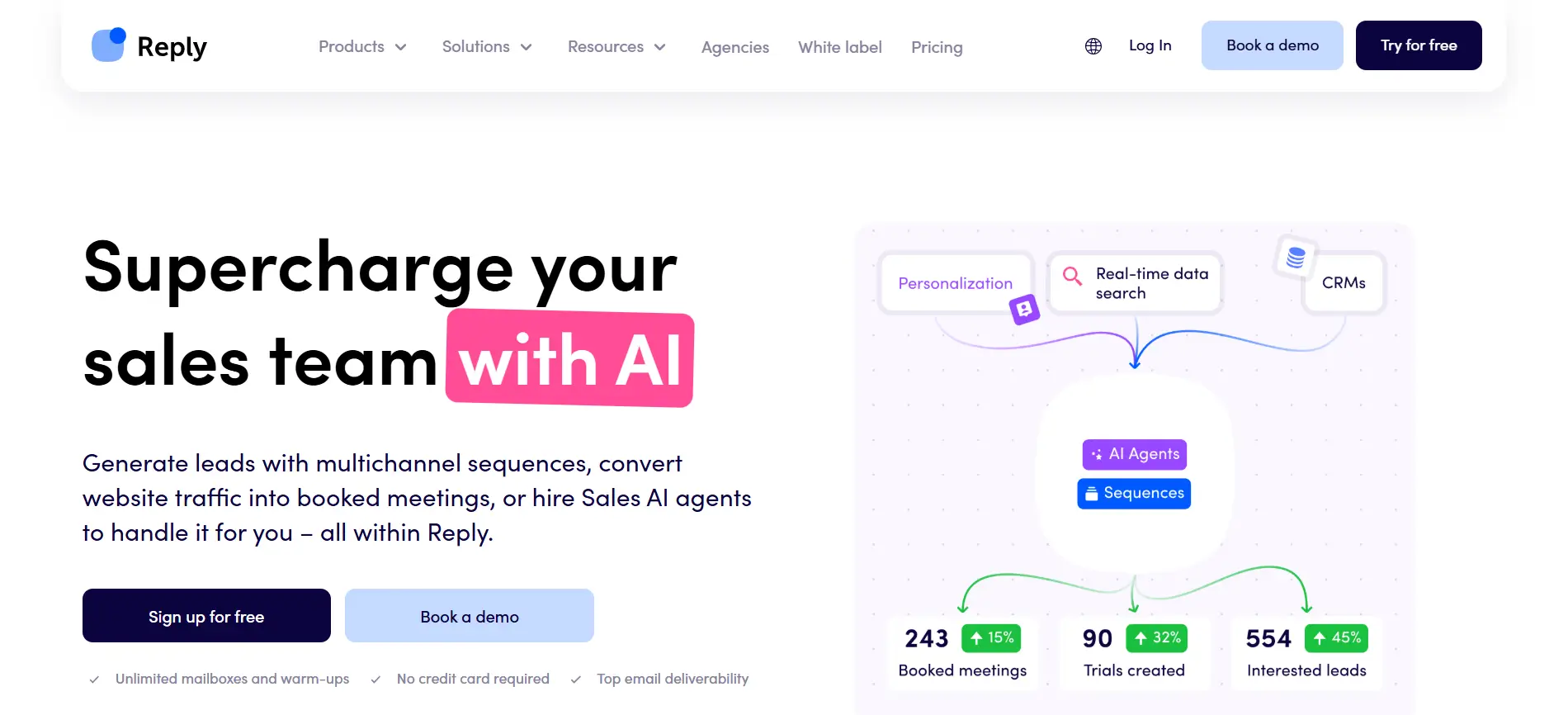
If you want to go beyond email and reach prospects across multiple channels, you need a more flexible system.
Reply.io allows you to combine email with platforms like LinkedIn, helping you manage outreach in one place instead of switching between tools.
Key Features
- Multi-channel outreach You can create sequences that include email, LinkedIn, and other touchpoints.
- Automation sequences It helps you automate communication while maintaining consistent timing.
- CRM integration Reply.io connects with CRM systems to keep your data organized.
- Centralized workflow management You can control all outreach activities from a single dashboard.
Pricing
- Paid plans only
- Tier-based pricing depending on features
8. Saleshandy
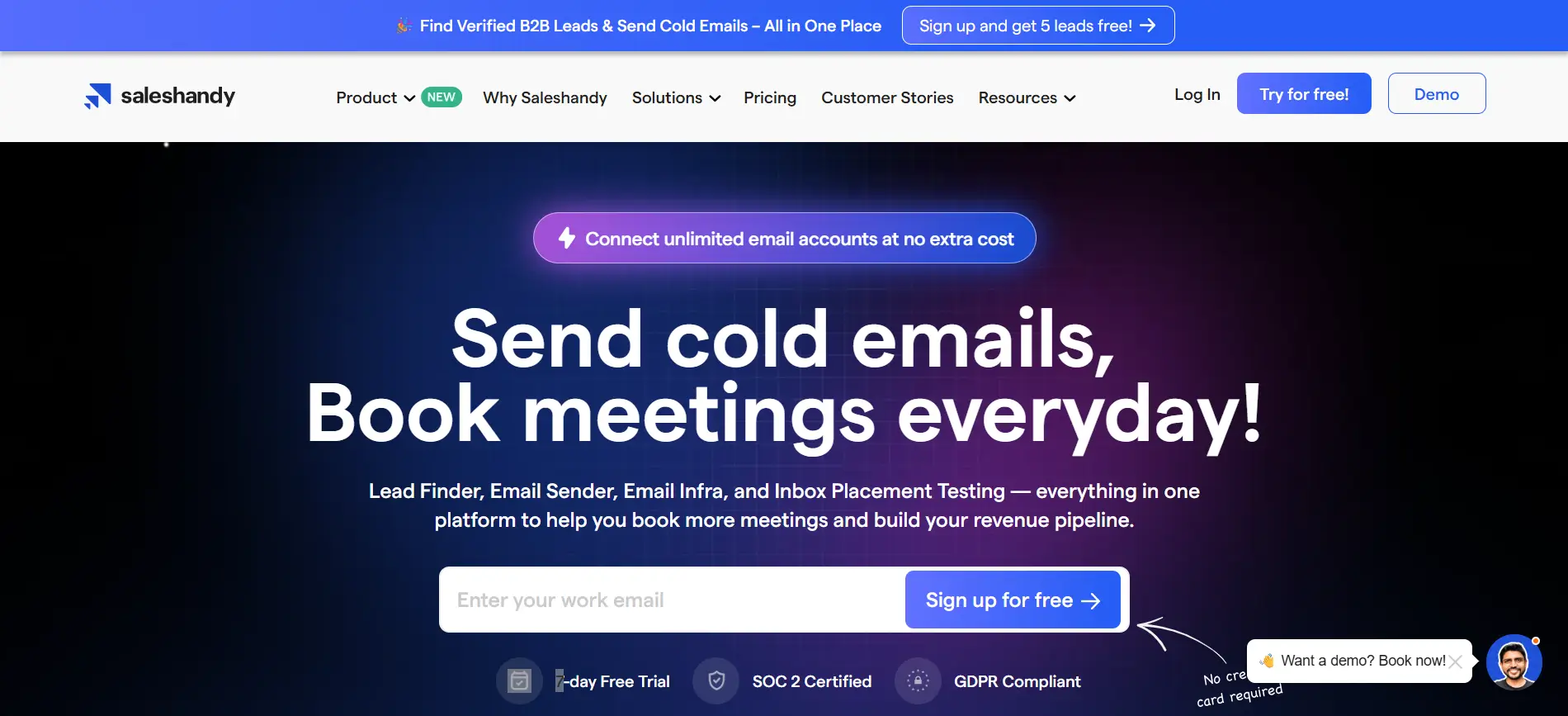
If you want better visibility into how your emails perform, tracking and analytics become essential.
Saleshandy helps you understand engagement and optimize your outreach strategy using real data instead of guesswork.
Key Features
- Email tracking You can monitor opens and engagement to see how recipients interact.
- Automation tools It allows you to automate follow-ups and streamline outreach workflows.
- Analytics dashboard You get clear insights into campaign performance and trends.
- Engagement insights It helps you identify what works and refine your messaging.
Pricing
- Free trial available
- Paid plans for scaling and advanced features
9. Snov.io
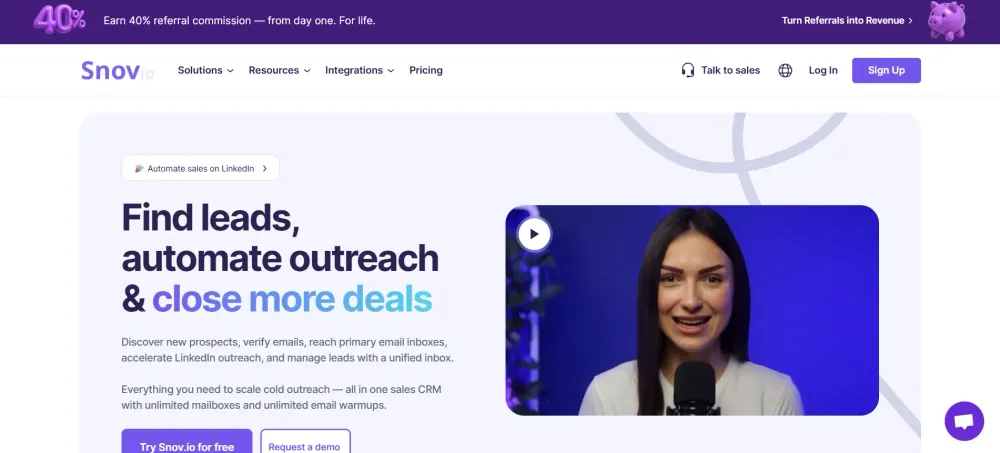
If you want to handle both lead generation and outreach without using multiple tools, an all-in-one platform becomes more useful.
Snov.io combines contact discovery with email automation, helping you manage the entire outreach process from one place.
Key Features
- Lead database You can find potential contacts using built-in search and filtering tools.
- Email automation It allows you to create and run outreach campaigns within the platform.
- Verification tools You can verify emails to improve deliverability and reduce bounce rates.
- Integrated workflow It brings lead generation and outreach into a single system.
Pricing
- Free plan available
- Paid plans based on credits and usage
How to Choose the Right Mail Merge Alternative for Your Workflow
Not every tool fits every workflow.
Choosing the right mail merge alternative depends on how you plan to use it and what outcomes you expect.
Making the right choice early can save you time, cost, and unnecessary tool switching later.
Define Your Goal
Start by identifying what you actually need.
Your use case will guide your decision.
- Sales outreach needs automation and sequences
- Marketing campaigns need personalization at scale
- Lead generation needs data and enrichment features
Clarity here helps narrow down your options quickly.
Consider Your Team Size
The size of your team impacts how complex your tool should be.
- Solo users benefit from simple and easy tools
- Small teams need basic automation and tracking
- Larger teams require collaboration and advanced workflows
Choosing the wrong level can slow adoption.
Budget Matters
Pricing varies widely across tools.
It’s important to balance cost with value.
- Free tools work for small-scale outreach
- Paid tools offer better automation and scalability
- Consider ROI instead of just monthly pricing
A cheaper tool isn’t always the better choice.
Ease of Use
A powerful tool is useless if it’s too hard to use.
Adoption depends on simplicity.
- Clean interface improves usability
- Faster setup reduces onboarding time
- Less complexity means consistent usage
Simple tools often perform better in the long run.
Scalability
Your needs will grow over time.
Your tool should grow with you.
- Supports higher email volumes
- Handles more contacts and campaigns
- Adapts to advanced workflows
Switching tools frequently can disrupt your outreach, so it’s better to choose one that scales with your goals.
Why Oppora AI is a Better Mail Merge Alternative
Most tools require you to manage multiple steps across different platforms.
This creates friction and slows down your outreach.
Oppora simplifies this by bringing everything into one structured system.
Building a Structured Outreach Workflow from Start to Finish
Instead of handling tasks separately, everything follows a clear flow.
You start by defining your ideal customer profile and target segments.
From there, the system finds relevant leads, enriches and verifies data, and launches personalized campaigns.
Each step is connected, so you can track engagement without switching tools.
Reducing Manual Work with Automation Across Campaigns
Manual work is one of the biggest bottlenecks in outreach.
Oppora removes this by automating repetitive tasks across campaigns.
- Automates follow-up sequences
- Eliminates manual list management
- Reduces switching between tools
- Handles repetitive actions automatically
This allows campaigns to run faster with minimal effort.
Improving Engagement and Conversions Through Better Execution
Better execution leads to better results.
Oppora helps you reach the right prospects and engage them consistently.
- Targets more relevant leads
- Sends timely follow-ups automatically
- Improves reply rates
- Reduces missed opportunities
This makes it easier to turn conversations into real meetings and outcomes.
Conclusion
Traditional mail merge tools can’t keep up with modern outreach needs.
With better mail merge alternatives, you get automation, personalization, and scalability without the usual limitations.
The right tool helps you save time, improve response rates, and run campaigns more efficiently.
If you want to go beyond just sending emails and actually automate your entire outreach workflow, platforms like Oppora can help you bring everything, lead generation, personalization, and follow-ups into one seamless system.
Frequently Asked Questions (FAQs)
What is the main difference between mail merge and modern email automation tools?
Mail merge focuses on sending bulk emails with basic personalization. Modern tools go further by adding automation, behavior-based triggers, analytics, and multi-step sequences, making outreach more dynamic, scalable, and results-driven.
Can mail merge alternatives improve email deliverability?
Yes, most modern tools include features like email warm-up, domain monitoring, and spam checks. These help improve inbox placement and reduce the chances of emails landing in spam folders.
Are mail merge alternatives suitable for small businesses or freelancers?
Absolutely. Many tools offer simple interfaces and free plans, making them accessible for solo users. As your needs grow, you can upgrade to advanced features without switching platforms.
Do I need technical skills to use mail merge alternatives?
Most modern tools are designed for ease of use. While advanced features may require some learning, basic email campaigns and automation can usually be set up without technical expertise.
How do I measure the success of my email outreach campaigns?
You can track metrics like open rates, reply rates, click rates, and conversions. These insights help you understand what’s working and optimize your campaigns for better performance over time.