What Is an Email Suppression List?
You keep sending emails.
Your list is growing.
But somehow, your open rates are dropping and bounce rates keep increasing.
At first, it feels like a copy problem or bad timing.
But often, the real issue is hidden in your list — not everyone on it should be receiving your emails.
In this guide, you’ll understand:
- What is an email suppression list
- What a suppressed email actually means
- Different types of suppression list in email marketing
- How to manage suppression emails effectively
- Best practices to improve deliverability
Suggested Reading:
Email Bounce Back Message: Types, Meanings & ExamplesWhat Is an Email Suppression List?
Let’s keep this simple.
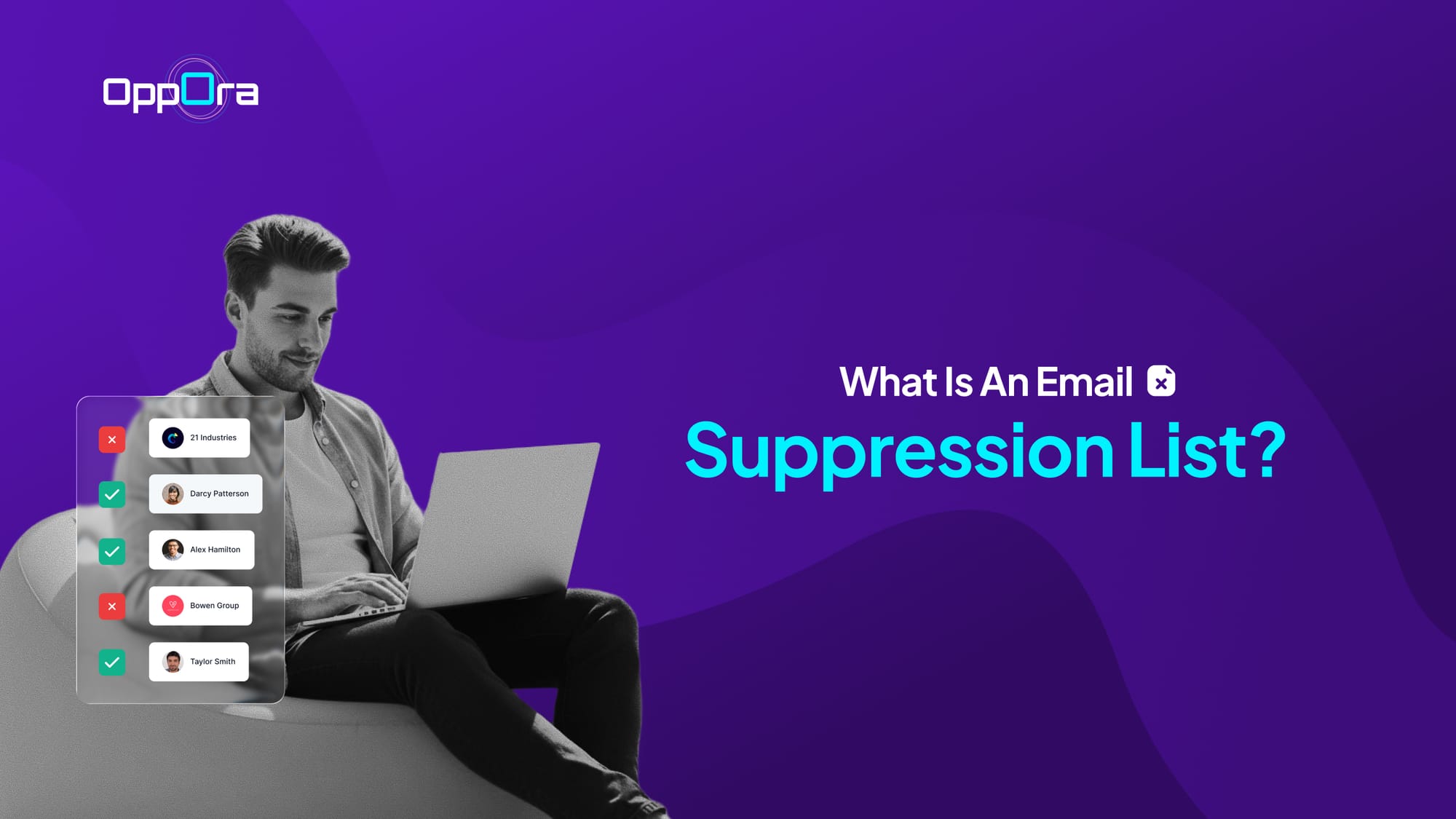
An email suppression list is a list of email addresses you intentionally exclude from your campaigns.
These are contacts you choose not to send emails to, even if they exist in your database.
In email suppression, you’re not deleting contacts.
You’re just making sure they never receive your emails again.
This is why a suppression list in email marketing is not optional — it’s essential.
Why does it exist?
Think of it as a safety filter for your outreach.
It helps you:
- Avoid sending emails to people who don’t want them
- Reduce bounce rates and spam complaints
- Protect your sender reputation
- Improve overall campaign performance
Without proper email suppression, even a great campaign can fail.
What Does “Suppressed Email” Mean?
Now that you understand suppression lists, let’s zoom into one term you’ll hear often.
A suppressed email is any email address that has been blocked from receiving your campaigns.
This happens either automatically or manually.
In simple terms, suppression emails are contacts your system says:
“Do not send to this person again.”
Common reasons an email gets suppressed
- The user unsubscribed from your emails
- The email address resulted in a hard bounce
- The recipient marked your email as spam
- The email is invalid or inactive
- You manually added it to your suppression list
Every suppressed email protects your future campaigns.
Ignoring them does the opposite.
Types of Email Suppression Lists You Should Know
Not all suppression lists work the same way.
Understanding the different types helps you manage them better and avoid costly mistakes.
1. Unsubscribe List
This includes people who opted out of your emails.
Once someone unsubscribes, sending them emails again can damage trust and even violate regulations.
This is the most critical type of email suppression list.
2. Bounce Suppression List
These are emails that failed to deliver.
There are two types:
- Hard bounce → Permanent issue (invalid email)
- Soft bounce → Temporary issue (full inbox, server issue)
Repeated soft bounces often turn into suppression emails over time.
3. Spam Complaint List
These are users who marked your emails as spam.
Even a small number of complaints can hurt your sender reputation.
That’s why these emails must always stay suppressed.
4. Internal Suppression List
This is controlled by you.
You manually exclude certain emails like:
- Your own team
- Competitors
- Irrelevant or unqualified leads
It gives you more control over who should never receive your campaigns.
Why Email Suppression Lists Matter More Than You Think
At first glance, email suppression feels like a small technical detail.
But it has a direct impact on your results.
1. Protects Your Sender Reputation
Sending emails to bad contacts increases spam signals.
Over time, your domain can lose credibility.
2. Improves Deliverability
When your list is clean, email providers trust you more.
That means your emails land in inboxes instead of spam folders.
3. Saves Costs
Most email tools charge based on volume.
Sending emails to suppressed email contacts wastes money.
4. Increases Engagement Rates
When you remove uninterested users, your metrics improve naturally.
Higher opens.
Better replies.
More conversions.
What Happens If You Don’t Use an Email Suppression List?
This is where things start breaking.
Without a proper suppression list in email marketing, you’ll face:
- High bounce rates
- Increased spam complaints
- Lower inbox placement
- Damaged domain reputation
- Poor campaign performance
In extreme cases, your domain can even get blacklisted.
And recovering from that takes time.
How to Manage Your Email Suppression List Effectively
Knowing about email suppression is one thing.
Managing it properly is what actually protects your campaigns and keeps your results consistent.
1. Automatically Suppress Unsubscribes and Bounces
This should always happen without manual effort.
When someone unsubscribes or an email bounces, your system should instantly add it to your suppression list.
If you ignore or override this, you risk sending emails to people who don’t want them or to invalid addresses, which quickly damages your sender reputation.
2. Regularly Clean Your Email List
Not every bad email shows immediate signs.
Some contacts slowly become inactive over time.
They stop opening, stop replying, and eventually hurt your engagement rates.
By cleaning your list regularly, you remove these low-quality contacts before they turn into suppression emails.
3. Sync Suppression Lists Across Tools
If you’re using multiple tools or inboxes, this becomes critical.
A contact suppressed in one tool should be suppressed everywhere.
If not, you might accidentally email the same person again from another platform, which creates a poor experience and increases spam risk.
4. Avoid Re-adding Suppressed Emails
This is a very common mistake.
When you upload old contact lists without checking, you might bring back emails that were already suppressed.
That means you start emailing people who unsubscribed or bounced earlier, undoing all your cleanup efforts.
Always filter and validate your data before importing.
Why this matters
When you manage your email suppression list well, your system stays clean by default.
You avoid unnecessary risks, maintain better deliverability, and build a more reliable outreach engine over time.
Best Practices for Email Suppression in Email Marketing
If you want your campaigns to stay healthy, these practices go a long way.
- Always include a clear unsubscribe option
- Never email users who opted out
- Monitor bounce rates regularly
- Use email verification before sending
- Segment active and inactive users
Strong email suppression habits keep your system clean and reliable.
How Smart Outreach Systems Handle Email Suppression Automatically
Managing suppression manually works when your list is small.
But as your outreach scales, things become harder to control.
You start dealing with:
- Multiple inboxes
- Large contact databases
- Higher risk of deliverability issues
This is where smarter systems come in.
Instead of manually tracking suppression emails, platforms like Oppora handle it in the background.
They automatically:
- Filter out invalid and risky emails
- Prevent sending to suppressed email lists
- Verify contacts before outreach
- Protect your domain reputation with built-in safeguards
So you’re not constantly worrying about who not to email.
The system handles it while you focus on results.
Final Thoughts
Email marketing is not just about sending more emails.
It’s about sending smarter.
And sometimes, the biggest improvement comes from knowing who to exclude.
A well-managed email suppression list quietly protects your campaigns.
It keeps your deliverability strong, your reputation safe, and your results consistent.
If you take one thing from this guide, let it be this:
Your success depends just as much on who you don’t email as who you do.
Frequently Asked Questions
Is an email suppression list the same as an unsubscribe list?
Not exactly. An unsubscribe list is one part of your email suppression list.
Suppression lists also include bounced emails, spam complaints, and manually excluded contacts.
Should you delete or suppress inactive emails?
In most cases, suppression is better. It allows you to keep the data for records while preventing future emails, instead of permanently losing the contact.
Can sending to suppressed emails hurt your domain?
Absolutely. Repeatedly emailing suppressed contacts can lead to spam flags, lower sender trust, and even domain blacklisting over time.