10 Prospecting Tools with Best Coverage for Local Businesses
what prospecting tool has the best coverage for local businesses

Finding local businesses to sell to sounds easy until you actually try it.
You pull up Google Maps, start copying names and numbers, and an hour later you have a messy list with no emails and no idea who actually owns the place.
The right prospecting tool fixes that.
It gives you verified contacts, owner details, and location filters that turn scattered listings into a clean, ready-to-use pipeline.
In this guide, you will learn:
- How we evaluated each tool for local coverage
- A quick side-by-side comparison
- The 10 best prospecting tools for reaching local businesses
How We Evaluated Prospecting Tools for Best Local Business Coverage
Not every prospecting tool is built for local businesses.
Some are great for enterprise data but fall apart when you need the corner bakery or the plumber two towns over.
So we judged each tool on the things that actually matter when your prospects are local.
Total Local Business Coverage
The first thing we looked at was how many local businesses each tool could actually surface.
A tool might have millions of contacts, but if most of them are corporate offices, it does not help you reach small shops and service providers.
We checked how deep each database went into local markets, across different industries and regions.
The wider the reach, the more prospects you have to work with before the well runs dry.
Google Maps and Directory Coverage
Most local businesses live on Google Maps and local directories long before they show up anywhere else.
So we tested how well each tool pulled from these sources.
A strong tool should scrape listings by category and location, then return the details that matter: business name, address, website, phone, hours, and reviews.
The more complete the pull, the less manual cleanup you deal with later.
Suggested Reading:
Google Maps Lead Generation: Find 100 Leads in Under 10 MinutesVerified Emails and Phone Numbers
A list of business names means nothing if you cannot reach anyone.
That is why verified contact data carried serious weight in our evaluation.
We looked at whether each tool provided emails and phone numbers, and more importantly, whether those contacts were checked for accuracy.
Tools that ran verification or used waterfall enrichment scored higher, since bad data burns your time and hurts your sender reputation.
Suggested Reading:
13 Cheapest Email Verification Tools That Don't Sacrifice AccuracyOwner and Decision-Maker Discovery
Reaching a generic info@ inbox rarely gets you a reply.
With local businesses, the owner usually makes the buying decision, so getting to that person changes everything.
We evaluated how well each tool surfaced owner and decision-maker details instead of front-desk contacts.
The best ones connected you directly to the person who signs the checks, which cuts your path to a real conversation dramatically.
Contact Verification Accuracy
Finding a contact is one thing, but trusting it is another.
We paid close attention to how each tool kept its data clean and current.
Local businesses change numbers, swap owners, and shut down more often than big companies, so stale data is a real risk here.
Tools that ran regular checks and flagged outdated contacts scored higher, because every bounced email chips away at your deliverability.
Local Search Filters and Geographic Targeting
The whole point of local prospecting is precision.
You do not want every restaurant in the country. You want the ones within a specific city, zip code, or radius.
So we looked at how tightly each tool let you target by location. Beyond geography, the strongest filters also let you narrow by:
- Business category or industry type
- Company size or number of employees
- Ratings, review count, or online presence
The more control you have, the shorter and sharper your final list becomes.
Outreach and CRM Integration
A great list still needs somewhere to go.
We checked whether each tool could push your prospects straight into outreach or your CRM, instead of leaving you stuck exporting spreadsheets.
Tools that connected to email sequences, LinkedIn, or popular CRMs saved you a full step. The smoother that handoff, the faster you move from finding a prospect to actually talking to one.
Pricing and Value
Finally, we weighed what you get against what you pay.
Some tools charge per lead, others by monthly subscription, and the right fit depends on your volume.
We looked past the sticker price to judge real value: data quality, included credits, and how far each plan stretches before you hit a wall.
Quick Comparison of the Best Prospecting Tools for Local Businesses Coverage
Here's a quick side-by-side look before we dig into each tool in detail.
Use this to spot which tools match your priorities, whether that's raw coverage, verified contacts, or built-in outreach. We'll break down each one right after.
Numbers and features shift often, so treat this as a snapshot. The sections below explain what each tool actually does well, and where it falls short.
10 Prospecting Tools with Best Coverage for Local Businesses
Now let's get into the tools themselves.
Each one below is broken down the same way: what it does well, how it helps you reach local businesses, and what it costs.
We've ordered them starting with the most complete option for local prospecting, then worked through specialized scrapers and niche finders.
Find the one that fits how you actually work.
1. Oppora AI
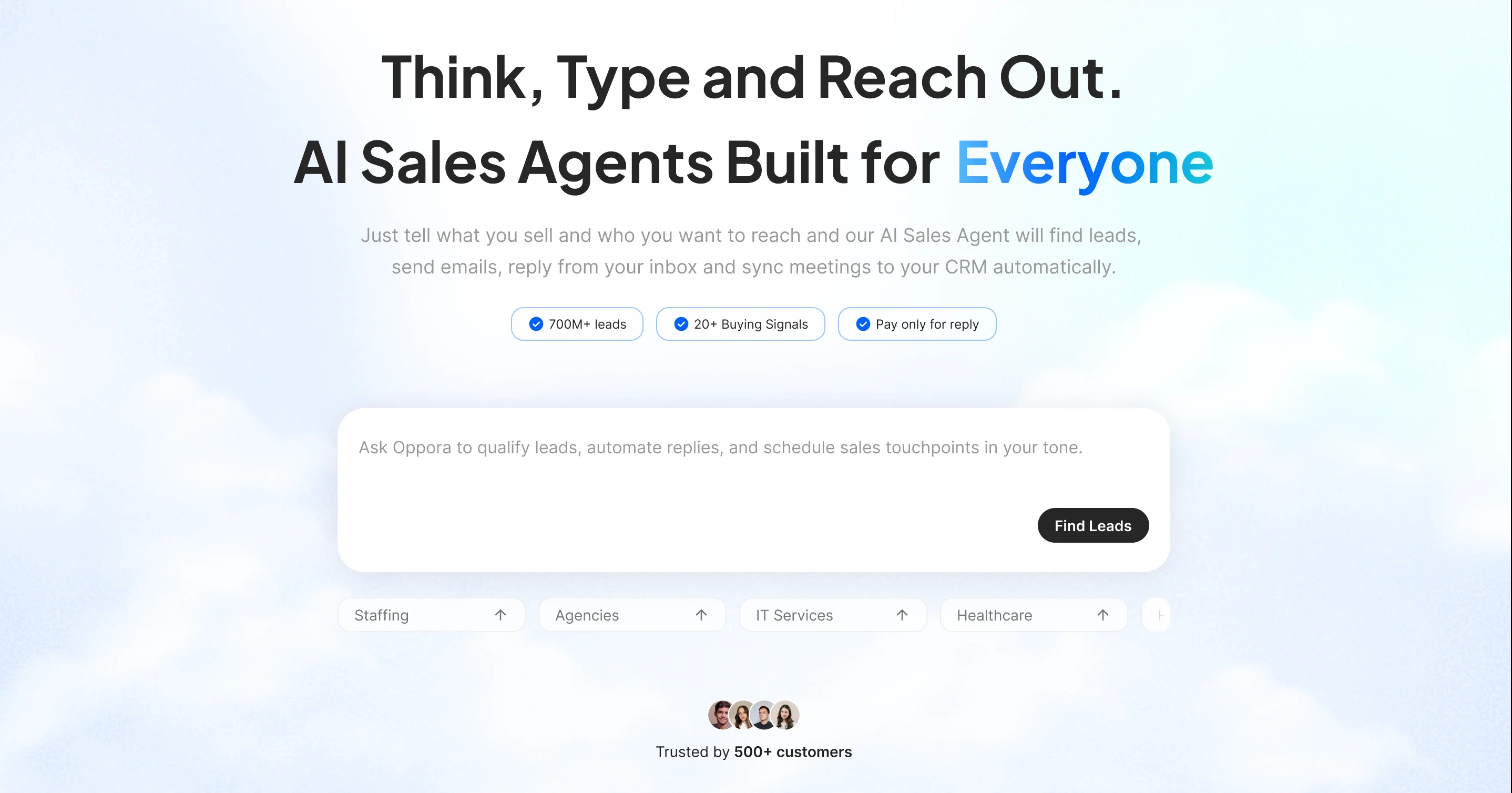
Oppora AI is an all-in-one prospecting and outreach platform built to find local businesses and connect you with the people who run them.
It scrapes and enriches local business data, surfaces verified owner contacts, then runs your outreach from the same place.
If you have ever wondered what prospecting tool has the best coverage for local businesses, Oppora is a strong answer, since it pairs a massive verified database with the reach to actually work that data.
It sits at the top of this list because it does something most local prospecting tools do not.
Instead of just scraping listings, it pulls verified local business data and then hands you the tools to reach owners directly, all in one place.
You get depth and reach without stitching together five different apps.
- 350M+ Verified Business & Contact Database – Access one of the largest databases of local businesses and verified contacts.
- Advanced Prospect Search – Find ideal companies using filters like location, industry, revenue, employee size, technologies, and keywords.
- Decision-Maker Discovery – Identify verified owners, founders, executives, and other key buyers.
- Waterfall Data Enrichment – Maximize coverage and accuracy by enriching data from multiple trusted providers.
- Email Search & Verification – Find verified business email addresses with built-in real-time verification.
- Buying Signals & Lead Scoring – Prioritize prospects using buying intent and enrichment signals.
- List Management – Automatically clean, deduplicate, organize, and manage prospect lists.
- Built-in Email & LinkedIn Outreach – Launch personalized multichannel outreach with automated email campaigns, LinkedIn connection requests, and follow-ups from one platform.
- AI-Powered Personalized Outreach – Generate unique, human-like emails for every prospect without spintext.
- AI Reply & Meeting Booking – Respond to leads, answer questions, qualify prospects, and book meetings automatically.
- CRM & Workflow Integrations – Sync contacts, activities, and meetings with HubSpot, Salesforce, Pipedrive, or your preferred CRM.
- Bulk Export & API Support – Export outreach-ready lists or connect your own data provider APIs for expanded coverage.
How It Helps Local Business Prospecting
Local prospecting falls apart when your data is thin or outdated, and Oppora is built to solve exactly that.
You filter by city, category, and company size, then pull a clean list without endless scrolling.
The real difference shows up in workflows you can set once and forget.
You could tell Oppora: every day at 9 am, pull dental clinics in Texas listed on Google Maps, find the decision-maker and their contact details, and add them to my existing outreach campaign.
From there it just runs, feeding fresh, verified prospects into your outreach daily without you ever logging in.
Pricing
- Free — $0/month (50 data credits, 10 AI credits, 1 phone credit)
- Pro — $34/month (10,000 data credits, 500 AI credits, 200 phone credits)
- Max — $79/month (25,000 data credits, 1,000 AI credits, 600 phone credits)
- Enterprise — Custom pricing for larger teams with flexible credit allocations
- Add-on Credit Packs — Buy extra credits for email discovery, verification, enrichment, phone numbers, or recipient volume without upgrading your entire plan
2. Openmart
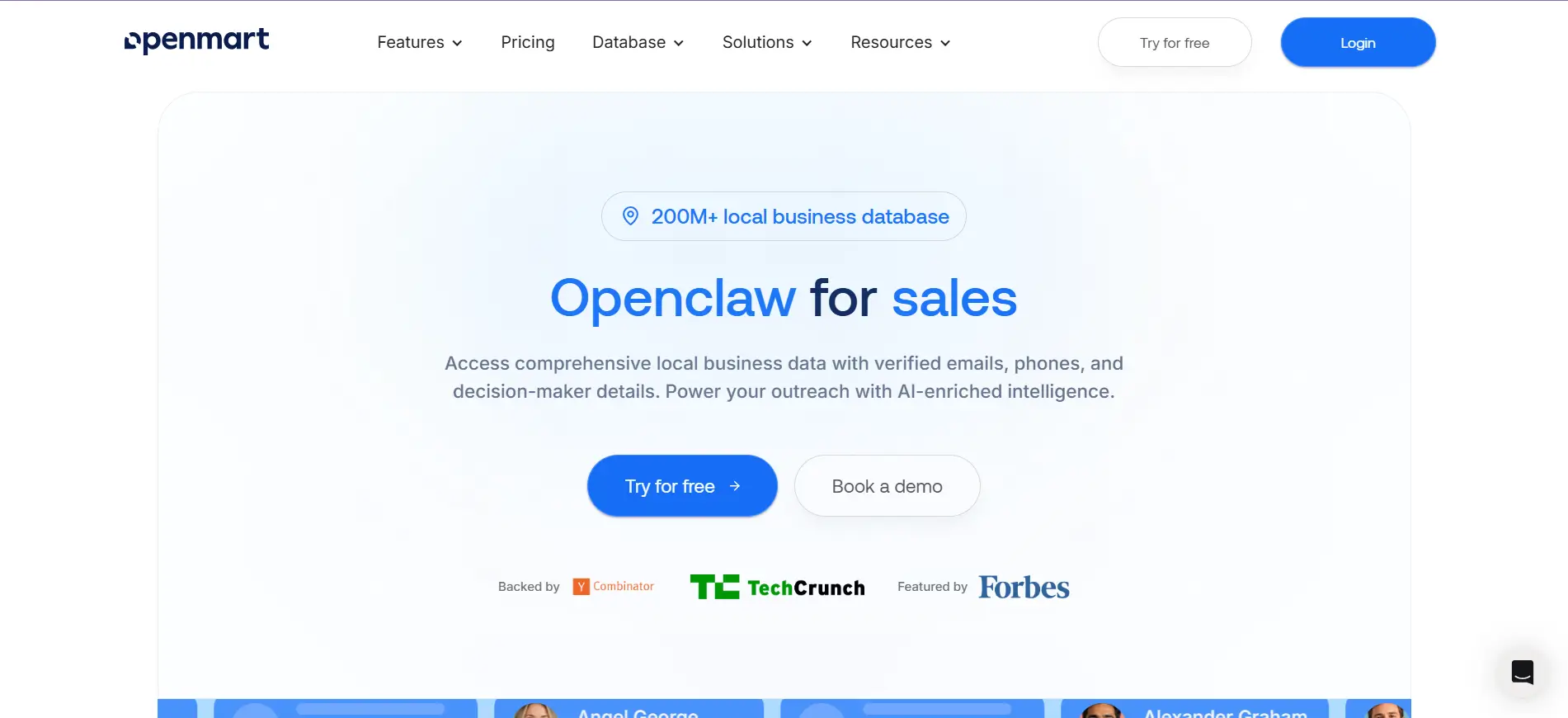
Right after an all-in-one platform, it helps to look at a tool built purely for local business data.
Openmart focuses on one thing: finding verified owner contacts for local businesses like restaurants, contractors, salons, and auto shops.
It pulls listings from Google Maps and enriches them with the details you actually need to reach a decision-maker.
Key Features
- A local business database with 200M+ records sourced from business registrations and Google Maps
- Verified owner and decision-maker emails instead of generic front-desk contacts
- A map-based search engine with filters for industry, revenue, and location
- Lead qualification, deduplication, and CRM sync with Salesforce and HubSpot
How It Helps Local Business Prospecting
Openmart shines when your entire ICP has a storefront or a service area.
You search by category and city, then pull owner-level contacts that corporate databases usually miss.
Because it verifies contacts on regular update cycles, your lists stay fresh even as local businesses change hands or close.
That focus makes it a solid pick when owner outreach is your whole game.
Pricing
Openmart offers a free plan to test the platform.
Paid tiers scale up from there based on credits and search volume, with custom Enterprise pricing for high-volume teams.
Since Openmart's published pricing shifts often, check their site for current numbers before committing.
3. Clay
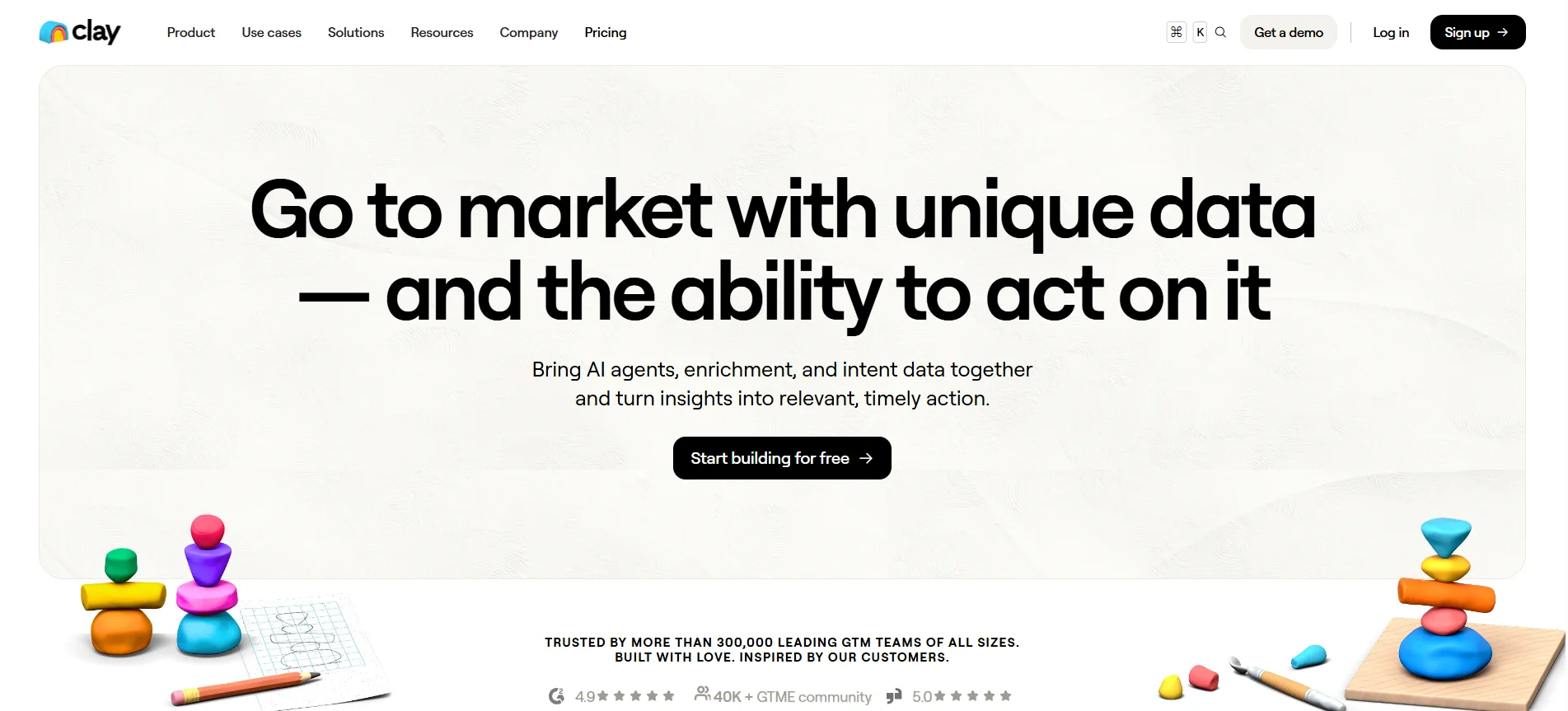
Openmart gives you data out of the box, but some teams want to build their own enrichment logic instead.
That is where Clay comes in.
Clay is not a single database.
It is an orchestration layer that pulls from 150+ data providers and lets you build custom workflows to find and enrich prospects exactly how you want.
Key Features
- Waterfall enrichment across 150+ data providers to maximize coverage on any list
- A spreadsheet-style workspace where you build multi-step prospecting and enrichment workflows
- Claygent, an AI research agent that browses the web to gather details on contacts and companies
- Integrations with CRMs, email tools, and HTTP APIs to route data wherever you need it
How It Helps Local Business Prospecting
Clay works best when you already have a list of local businesses and want to enrich it deeply.
You can pull owner names, verify emails, and add phone numbers by waterfalling across multiple sources, which lifts your match rate on tricky local contacts.
The catch is that Clay does not own a local business database, so you feed it the raw list first.
It also has a real learning curve, so it rewards teams with the time to build and maintain workflows.
Pricing
Clay offers a free plan with 100 data credits to test the platform.
Paid plans start at $185/month for Launch and $495/month for Growth, with custom Enterprise pricing above that.
Keep in mind that data credits get consumed per enrichment, so your real cost depends on volume
Suggested Reading:
10 Best Clay Alternative & Competitors for AI Outreach & Lead Enrichment4. Outscraper
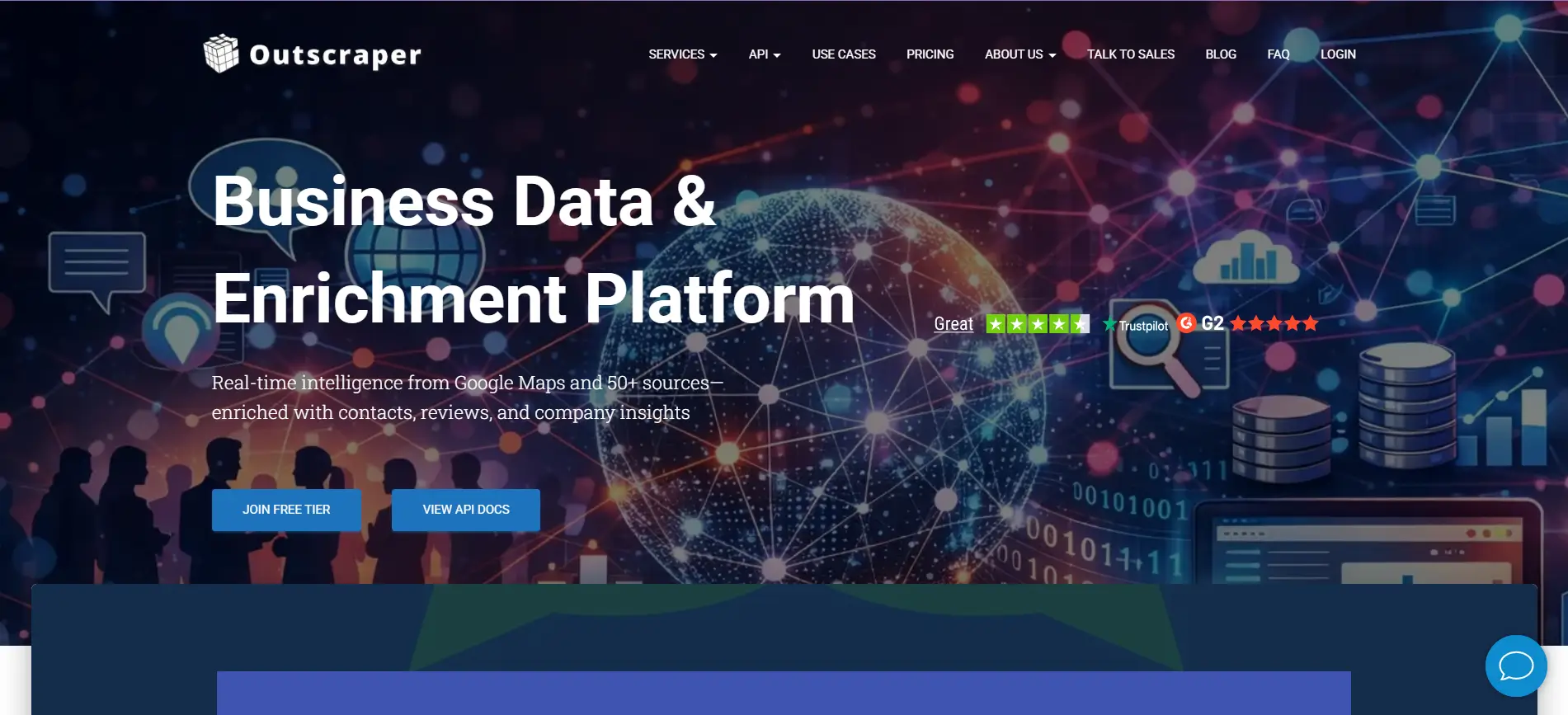
Clay is built for enrichment, but if you just want raw local business data straight from Google Maps, Outscraper is the more direct route.
It is a cloud-based scraper that pulls listings at scale without you writing or maintaining any code.
You query by category and location, and it returns clean business records ready to work.
Key Features
- A Google Maps scraper covering 100M+ business listings across 249 countries and thousands of categories
- Complete listing data including name, address, website, phone, hours, ratings, and reviews
- Optional email and contact enrichment as add-on services
- A no-code dashboard plus a documented REST API for building custom data pipelines
How It Helps Local Business Prospecting
Outscraper is a strong fit when you want volume and control over exactly what you pull.
You filter by business category and region, then export thousands of local listings in one run.
Keep in mind that the base scrape gives you listings, not verified contacts, so emails and phone numbers come as separate paid enrichments.
It also stops at raw data, with no buying signals, CRM sync, or outreach built in, so it works best as the first step in your pipeline rather than the whole thing.
Pricing
Outscraper runs on pay-as-you-go pricing with no monthly fees.
Google Maps scraping is free for your first 500 records, then $3 per 1,000, with email and contact enrichment billed separately on top.
Volume discounts kick in at higher record counts, so your real cost depends on how many add-ons you stack.
5. D7 Lead Finder
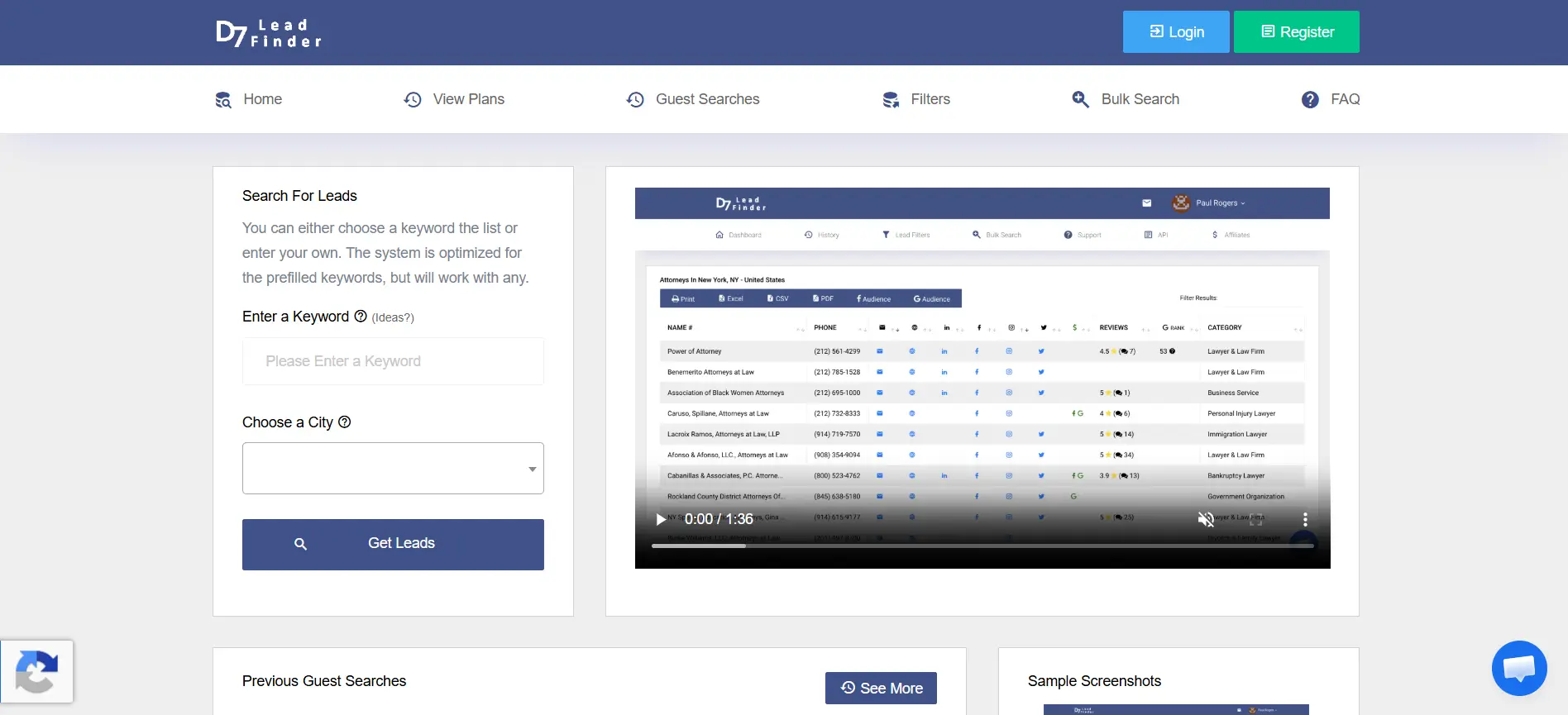
Where Outscraper hands you raw scraped data, D7 Lead Finder wraps that same idea in a dead-simple search box.
You type a keyword and a city, and it returns a ready list of local businesses in minutes.
There is no setup and no learning curve, which is exactly the point.
Key Features
- Keyword-plus-location search that returns 300 to 1,200 leads per query from a 65M+ business database
- Full listing details including business name, email, website, phone, address, and social profiles
- Extra signals like review scores, ad activity, and website tech such as WordPress or Google Analytics
- Filtering by emails or websites, with exports to CSV, Excel, or PDF
How It Helps Local Business Prospecting
D7 is built for speed when you just need a quick list of local businesses.
You search one keyword across many cities, or many keywords in one city, and get results in under three minutes.
The catch is that D7 only checks email syntax, not whether the mailbox actually exists, so you will want a separate verification step before sending.
It also skips CRM integrations and intent tracking, so it stays a list-builder rather than a full prospecting platform.
Pricing
D7 Lead Finder runs on three monthly plans with no free tier.
Starter is $44.99/month, Agency is $54.99/month, and Professional is $119.99/month, with higher tiers adding more daily searches, bulk search, and API access.
Since exact pricing varies by region, check their site before you commit.
Suggested Reading:
10 D7 Lead Finder Alternative Tools With Built-In Automation6. WebLeads
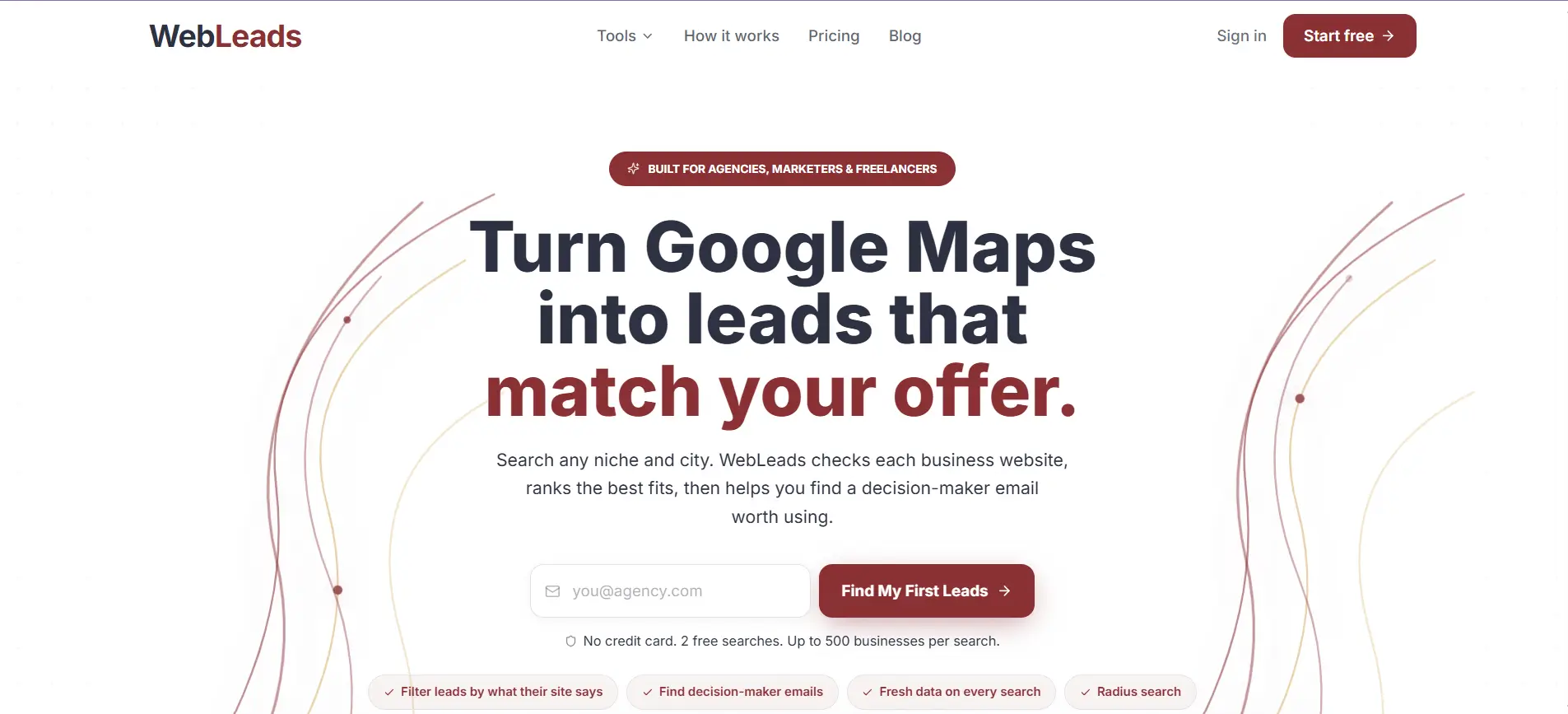
D7 pulls from a stored database, but WebLeads flips that model by collecting data live on every search.
It is built specifically for local business prospecting, pairing fresh Google Maps listings with verified decision-maker emails.
The pitch is simple: type a business type and a city, and get contact-ready leads in minutes.
Key Features
- Real-time Google Maps and directory search that returns fresh listings on every query, not cached data
- Decision-maker discovery that finds owner and manager names, roles, and SMTP-verified emails
- A map radius search that lets you draw your target area by city, neighborhood, or custom zone
- Built-in email verification plus one-click CSV or Excel export into your outreach tools
How It Helps Local Business Prospecting
WebLeads earns its spot by solving the freshness problem that trips up database tools.
Because it scrapes at search time, a query for roofers in Dallas gives you current businesses, not a list assembled a year ago.
It then finds the owner's domain, tests likely email patterns, and confirms one with SMTP verification, so you reach a real person instead of a generic info@ inbox.
The main limit is scale, since businesses without a website only return basic info, and daily search caps keep volume modest.
Pricing
WebLeads offers a free Discover tier with two lifetime searches to test the data.
Paid plans start at $24/month for Starter, scaling up with more daily searches, enrichments, and verifications. You only pay for verified emails, since failed lookups and bounces cost nothing.
7. Apify
WebLeads keeps things simple, but some teams want full control over exactly how they scrape.
That is where Apify comes in.
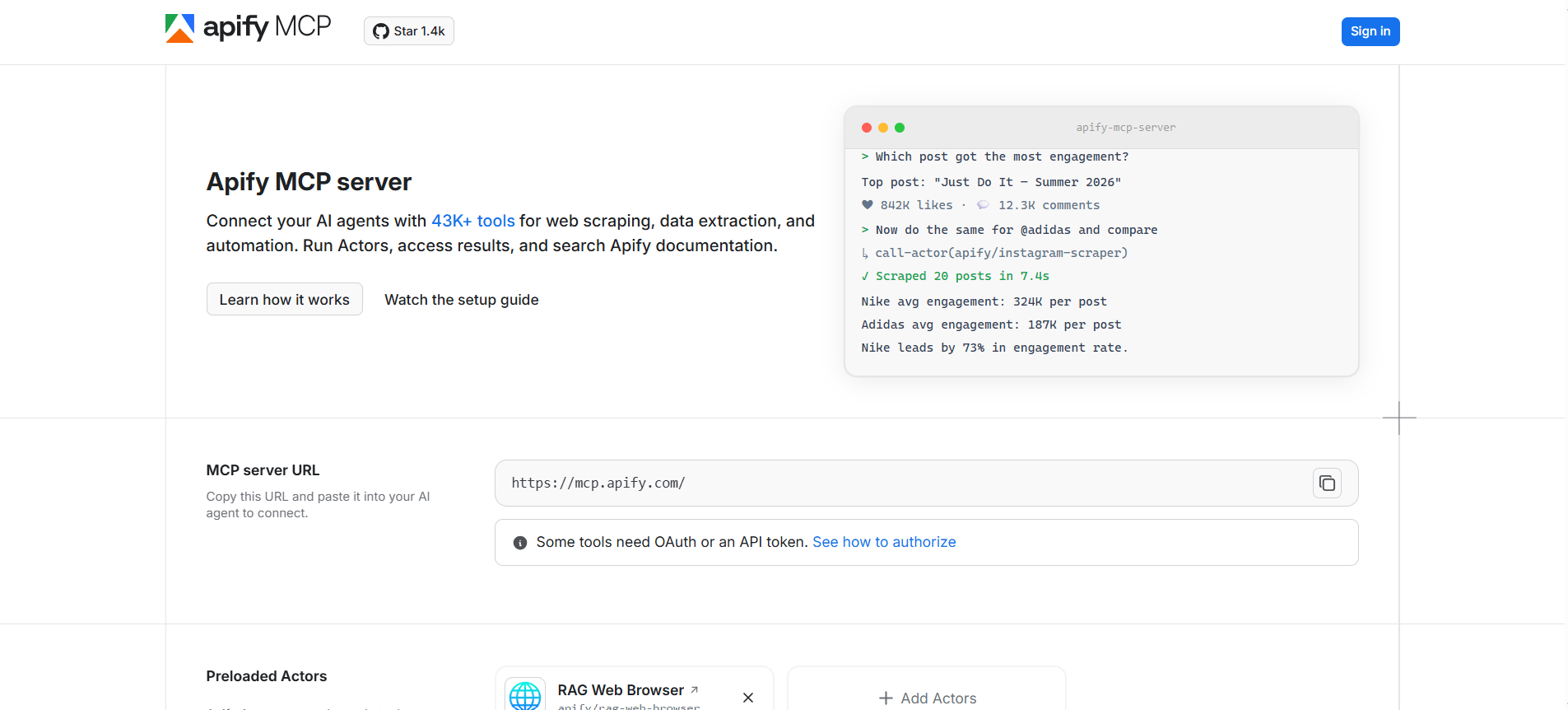
Apify is a cloud scraping platform built around "Actors," which are pre-built or custom scrapers you run on demand.
Its Google Maps Actor pulls local business data, but the platform can scrape almost any site you point it at.
Key Features
- A marketplace of 7,000+ pre-built Actors, including a popular Google Maps scraper for local listings
- The ability to build and run custom scrapers for any site, not just Google Maps
- API access, scheduling, and integrations for wiring data into your own pipelines
- Multiple data sources beyond Maps, so you can combine directories, social, and web data
How It Helps Local Business Prospecting
Apify is the most flexible option here when you have some technical capacity.
You run the Maps Actor to pull thousands of local listings, then chain other Actors to enrich them however you like.
The tradeoff is complexity, since it is built for developers rather than sales reps clicking through a dashboard.
Costs are also hard to predict, because you pay for compute rather than finished leads, and enrichment or verified contacts require extra steps on top.
Pricing
Apify runs on a usage-based model with a free tier that includes $5 in monthly credits.
Paid plans start at $29/month for Starter and $199/month for Scale, but the real cost depends on compute units, proxy traffic, and any per-result fees the Actor charges.
Model your usage before committing, since heavy scraping can outpace the sticker price fast.
8. Scrap.io
Apify asks you to build your own scrapers, but Scrap.io does the opposite by focusing on one job and making it effortless.
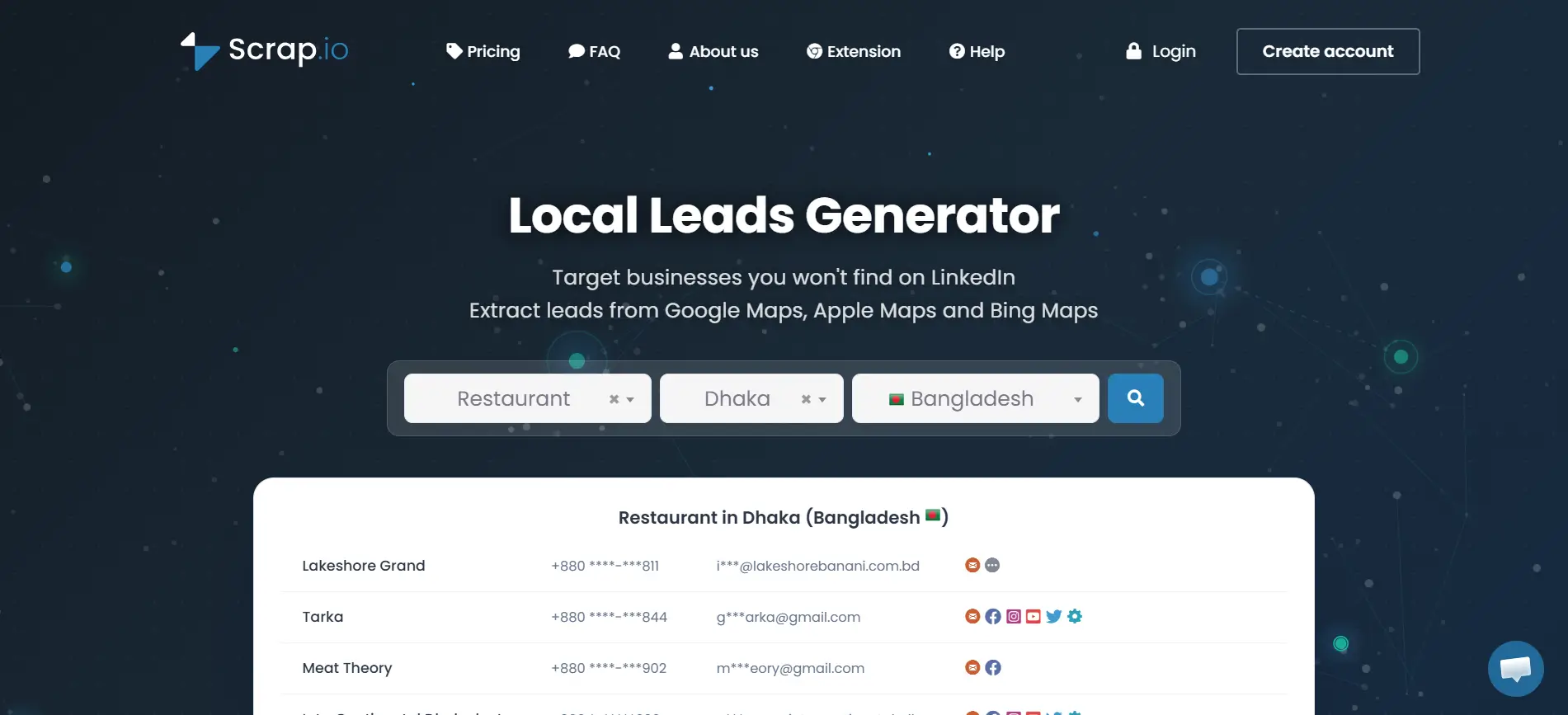
It is a Google Maps extraction tool built for non-coders who just want clean local business data at scale.
You pick a category and a region, and it pulls indexed listings in minutes.
Key Features
- A pre-indexed database of 225M+ establishments across 195 countries and thousands of categories
- Extraction at city, state, or country level, with polygon and radius search on higher tiers
- 17+ filters applied before you spend credits, including email present, phone type, and rating
- Email and phone extraction pulled from both the listing and the business website, plus API access
How It Helps Local Business Prospecting
Scrap.io shines when you want to cover a whole territory without scraping category by category.
You filter for exactly the businesses you want, see the exact result count for free, then export only what you need.
Because it serves indexed data, results appear almost instantly, which makes it fast for building large lists.
The tradeoff is freshness, since cached data can lag behind live listings, and there is no ongoing free tier to test with beyond a short trial.
Pricing
Scrap.io runs on tiered monthly subscriptions with export credit caps and a 7-day trial.
Plans start at $49/month for 10,000 credits and scale to $499/month for 100,000, with re-exports of the same lead free within 30 days.
Higher tiers unlock wider search areas like state and country level.
9. Local Lead Finder
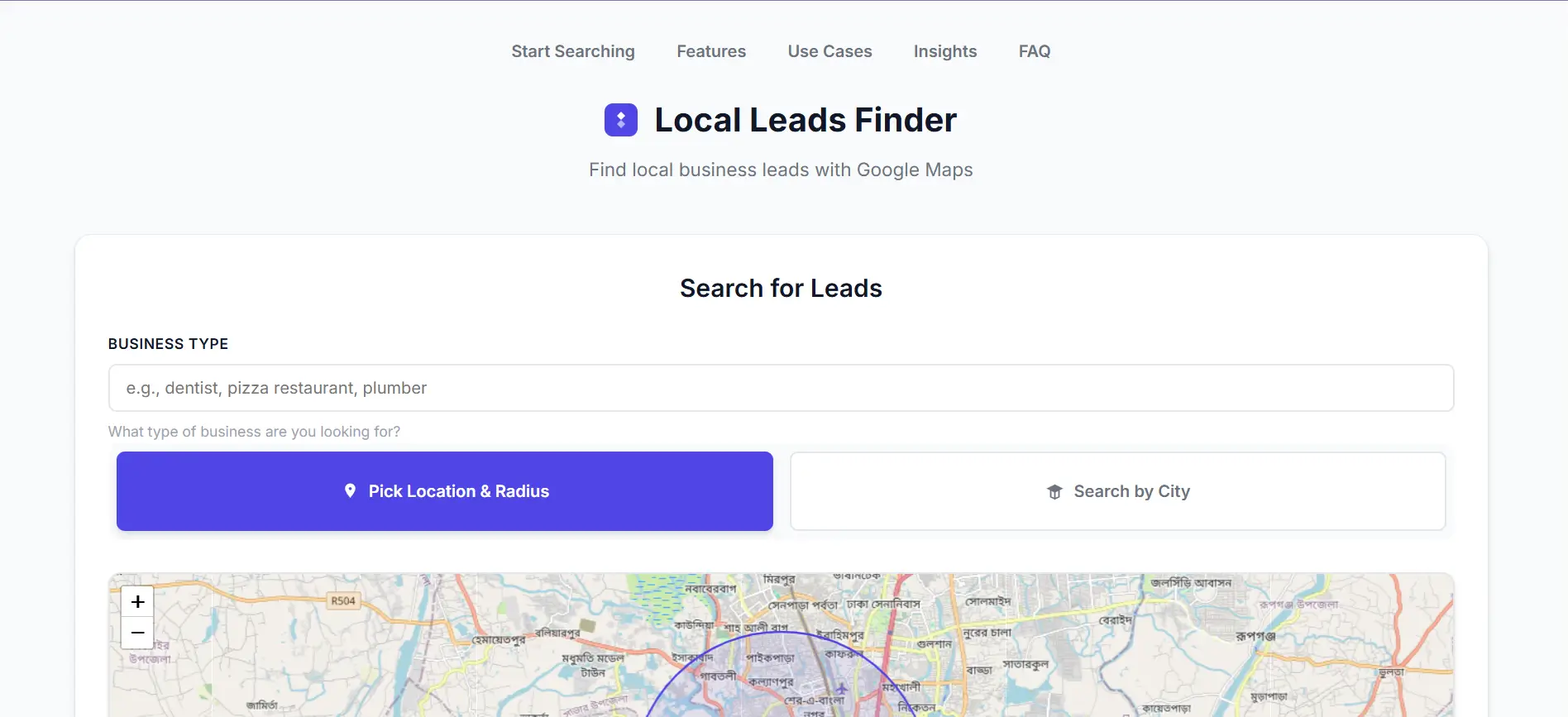
Scrap.io lives on the web, but sometimes you want to pull leads without ever leaving the map you are already browsing.
Local Lead Finder is a browser extension that turns Bing and Google Maps into a one-click lead source.
You search the map like normal, then extract everything on the page in seconds.
Key Features
- One-click extraction of business listings straight from the map you are viewing, with no copy-pasting
- Complete contact data including business name, address, phone, website, and social profiles
- Smart email enrichment that pulls contact addresses directly from business websites
- Ratings and reviews alongside each listing, with local export ready for outreach
How It Helps Local Business Prospecting
Local Lead Finder is a fit when you want speed and simplicity over a full platform.
You browse the map for something like dentists in Dallas, hit extract, and get a clean list without any technical setup.
Because it runs in your browser and saves data locally, it keeps your prospecting lightweight and private.
The tradeoff is scale and verification, since it pulls whatever the map and website show rather than running deeper checks, so you will want to validate emails before a big send.
Pricing
Local Lead Finder is a browser extension, so it typically offers a free version with basic extraction and a paid upgrade for higher volume.
Since published pricing for these extensions changes often and varies by developer, check the Chrome Web Store listing for the current plan details before committing.
10. LeadSwift
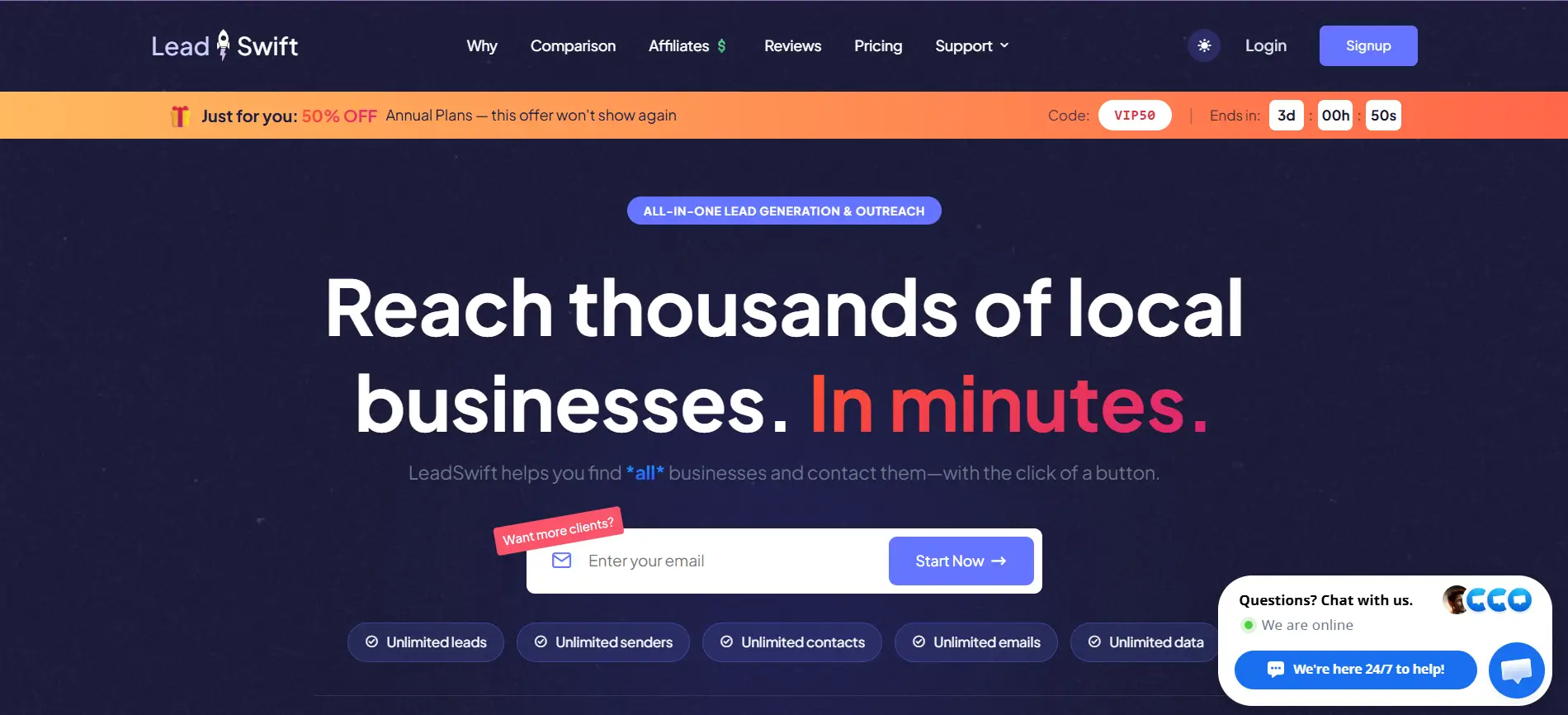
Local Lead Finder keeps things in your browser, but LeadSwift rounds out this list by bundling discovery and outreach into one platform.
It scrapes local business data live from Google Maps, Yelp, Facebook, and other directories, then lets you email those prospects without leaving the tool.
That all-in-one setup is what makes it popular with agencies selling to local SMBs.
Key Features
- Real-time lead capture from Google Maps, Yelp, Facebook, YellowPages, and Bing on every search
- Deep enrichment including ratings, SEO audits, website tech stack, ad status, and social profiles
- An HTML search filter that scans site source code for specific keywords or competitor software
- A built-in cold email module with sequences, personalization, and email verification
How It Helps Local Business Prospecting
LeadSwift is a strong fit when qualification signals matter as much as the contact.
You pull every roofer in a city with fresh data, then filter by weak SEO or an unclaimed listing to find businesses that actually need your service.
Because outreach lives in the same platform, you go from list to campaign without exporting anything.
The main limits are that plans are throttled by searches per day, and returned emails often skew generic like info@ rather than verified direct contacts.
Pricing
LeadSwift keeps pricing simple, with all features included on every tier and only searches-per-day changing between plans.
It starts around $24.99/month for the entry plan, scaling to roughly $79.99–$99.99/month for agency-level daily search volume, with a 7-day free trial.
Since published figures vary a bit by source, confirm the current numbers on their site.
Conclusion
Finding local businesses does not have to mean hours lost copying names off a map.
The right tool turns that grind into a clean, contact-ready list in minutes.
Some tools here focus purely on scraping, others on verified emails or built-in outreach, so the best fit depends on how much of the workflow you want in one place.
If you would rather not stitch three tools together, Oppora AI covers the whole path, from finding local businesses to reaching their owners with verified contacts and outreach in a single platform.
Start with what matches your workflow, and build from there.
Frequently Asked Questions (FAQs)
Is it legal to scrape local business data from Google Maps for outreach?
Scraping publicly listed business data is generally legal in most regions, and cold emailing businesses is allowed under laws like CAN-SPAM. You still need to include an opt-out, honor unsubscribes, and follow local rules like GDPR for EU contacts.
How often should I refresh my local business lead lists?
Local businesses change owners, numbers, and close more often than large companies, so refresh lists every few weeks. Tools that scrape in real time or verify contacts on regular cycles reduce bounces and keep your outreach landing on active businesses.
Do I need a separate email verification tool for these prospecting tools?
It depends. Some tools verify emails in-platform, while scrapers that only check syntax leave you exposed to bounces. If your chosen tool skips mailbox-level verification, run a separate verification step before sending to protect your sender reputation.
Can these tools find the owner instead of a generic business email?
Some can. Tools with decision-maker discovery find the owner's domain, test likely email patterns, and verify a direct address. Others only return the generic info@ listed on Maps, so check for owner-level contact discovery if reaching the decision-maker matters.